If you’re searching for a Rork alternative in 2026, you’re likely evaluating how AI tools can help you build mobile apps faster and with less overhead.
Rork has generated buzz for its promise to turn text prompts into native mobile apps with React Native.
Users also report buggy behavior, unstable previews, limited support, and deployment friction when projects move beyond simple prototypes.
This article compares the best Rork alternatives for building mobile apps, ranging from AI-powered app generators to developer-assist tools. We’ll explain when each alternative makes sense and how they differ in pricing, workflow, output quality, preview experience, and overall friction.
TL;DR: best Rork alternatives in 2026
- Bilt.me — Best for full mobile app creation (idea to native apps)
- Lovable — Solid AI-assisted workspace for bootstrapping web projects
- Replit — Cloud dev environment with integrated web preview + collaboration
- Cursor — AI-first IDE that supports developers' workflows, no preview
- Windsurf — Lightweight coding environment with AI assistance, no preview
- Bolt.new — Fast prototype generator, good for MVPs, less for mobile apps
- V0 by Vercel — Excellent UI generator for web frontend components
- FlutterFlow — Low-code mobile app builder with visual layout, more manual
- Adalo — No-code mobile app builder with drag-and-drop
- Glide — Spreadsheet-powered simple app creator
If your goal is to ship a mobile app with minimal friction, no local toolchain, and quick previews, Rork alone is rarely the best choice. That’s why teams look for alternatives.
What to Look for in a Rork Alternative
Rather than choosing on brand or hype, evaluate tools based on real buyer pain points that frequently appear in reviews and user feedback.
Pricing and predictability
Rork's subscription docs list a Free plan, Rork Pro from $20/month, and Rork Max from $200/month.
Credits are roughly one AI build or edit request and reset monthly.
Current allowances:
- Free: 5 credits/day, up to 35 credits/month in major markets
- Rork Pro: 100 or 500 credits/month
- Rork Max: 1,000, 2,500, 5,000, or 10,000 credits/month
Usage can still be hard to predict during refinement because each prompt, fix, and retry can consume another credit.
Many users find this frustrating because:
- Usage can spike unintentionally during refinement loops
- Unused credits don't roll over
- Monthly credits can reset before the app is production-ready
Look for alternatives with clear pricing tied to outcomes:
- app deployments
- seats
- exports
- token allowances with prompt estimates
Level of Output
Many tools generate code snippets or partial scaffolding but leave core app work to you:
- architecture
- navigation
- native features like GPS, notifications, and device data
A real alternative should reduce the manual app assembly you need to do.
Preview & Iteration Experience
The Rork workflow relies on QR scanning with Expo or local builds. Some users reported previews failing to load, crashes, and instability in early builds.
A failed QR preview can block a simple check: the app opens in Expo, the preview stalls, and the builder restarts before testing the same change.
A better alternative minimizes dependency on external tools by providing instant and native previews accessible directly in the browser.
Support and documentation
Rork's subscription table lists support by plan:
- Free: no support
- Rork Pro $20: email support
- Rork Pro $100: chat support
- Rork Max: priority chat
The buyer question is the level of help available before a launch deadline.
Before choosing an AI app builder, evaluate:
- response expectations
- debugging help
- documentation depth
- community activity
Pick tools with clear docs, support channels, and active communities like Featurebase or Discord.
Production Readiness
Some tools are great for prototypes but falter when you try to:
- Deploy to the App Store or Play Store
- Implement backend integrations
- Scale beyond MVP scope with APIs
A true alternative should help you get to deployment faster, not just generate demo code.
Use this comparison before reading the detailed rankings.
| Tool | Native Mobile Output | Preview Method | Pricing Model | Backend & Integrations Depth | Code Export & Ownership | Ideal User |
|---|---|---|---|---|---|---|
| Bilt.me | Full native iOS/Android | Browser iOS and Android preview | Free, paid from $25/mo | Backend handled in flow | Exportable React Native code | Non-technical mobile builders |
| Lovable | Web React output | Browser web preview | Free and paid plans | Web integrations | Varies by project | Web MVP builders |
| Replit | No built-in native output | Browser IDE preview | Free and paid plans | Database and deploy controls | Code in workspace | Developers wanting browser IDE |
| Cursor | No built-in native output | External preview required | Subscription IDE | Developer-managed | Local repo ownership | Developers editing code |
| FlutterFlow | Flutter iOS/Android apps | Visual builder preview | Free and paid plans | Firebase and API setup | Code export on paid tiers | Visual Flutter builders |
| Adalo | iOS/Android publishing | In-app preview | Free and paid plans | Built-in database | No full source export | No-code MVP teams |
For store launches, native output, preview stability, and deployment support matter more than a polished first demo.
1) Bilt.me ✨ — Best for Full Mobile App Creation
Bilt.me (👋 that's us) takes a plain text description and turns it into a working native mobile app for iOS and Android, with real screens, navigation, and true React Native code.
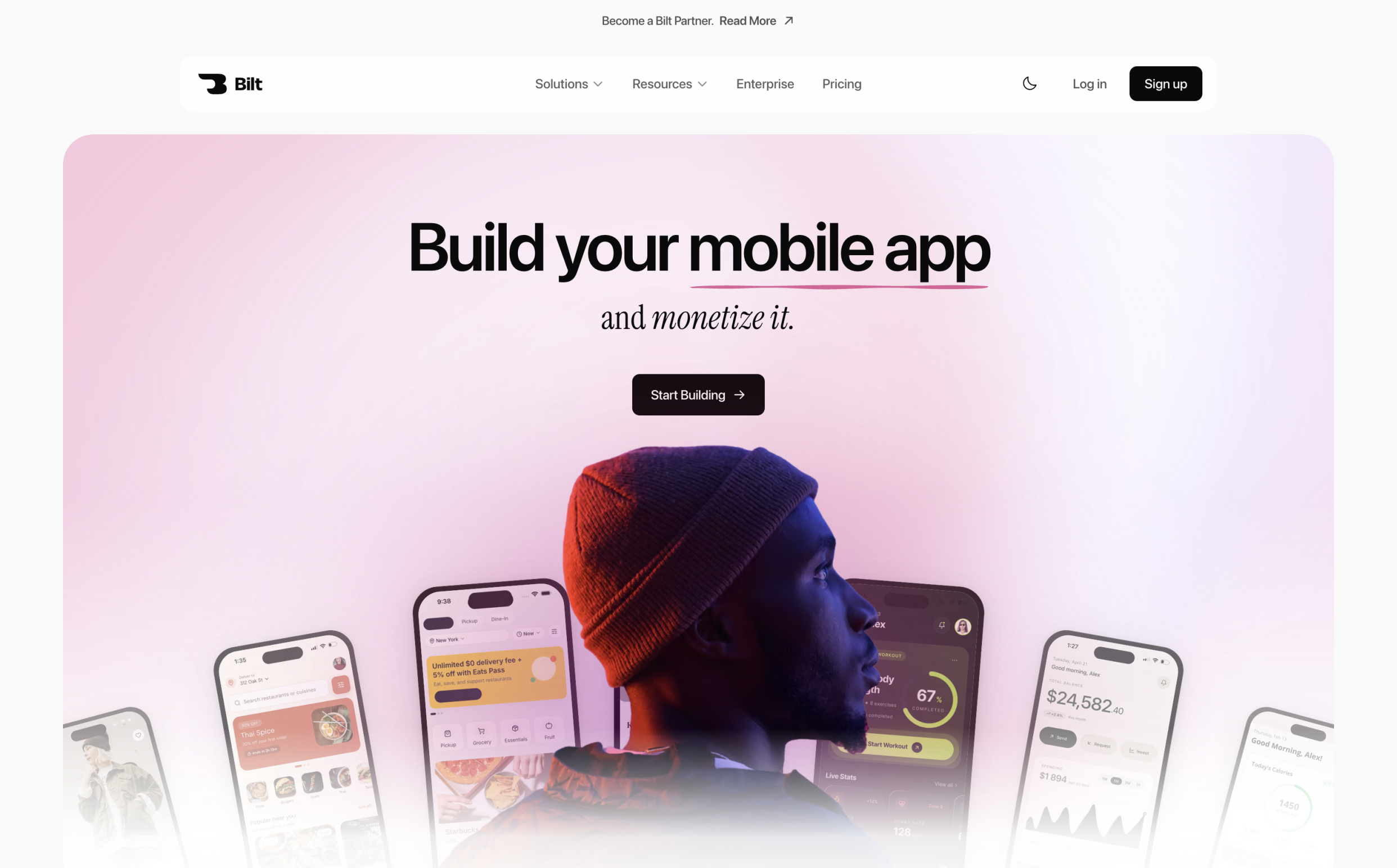
Bilt generates native mobile components and full React Native app structure from your description. That's different from a web wrapper dressed up to look like an app.
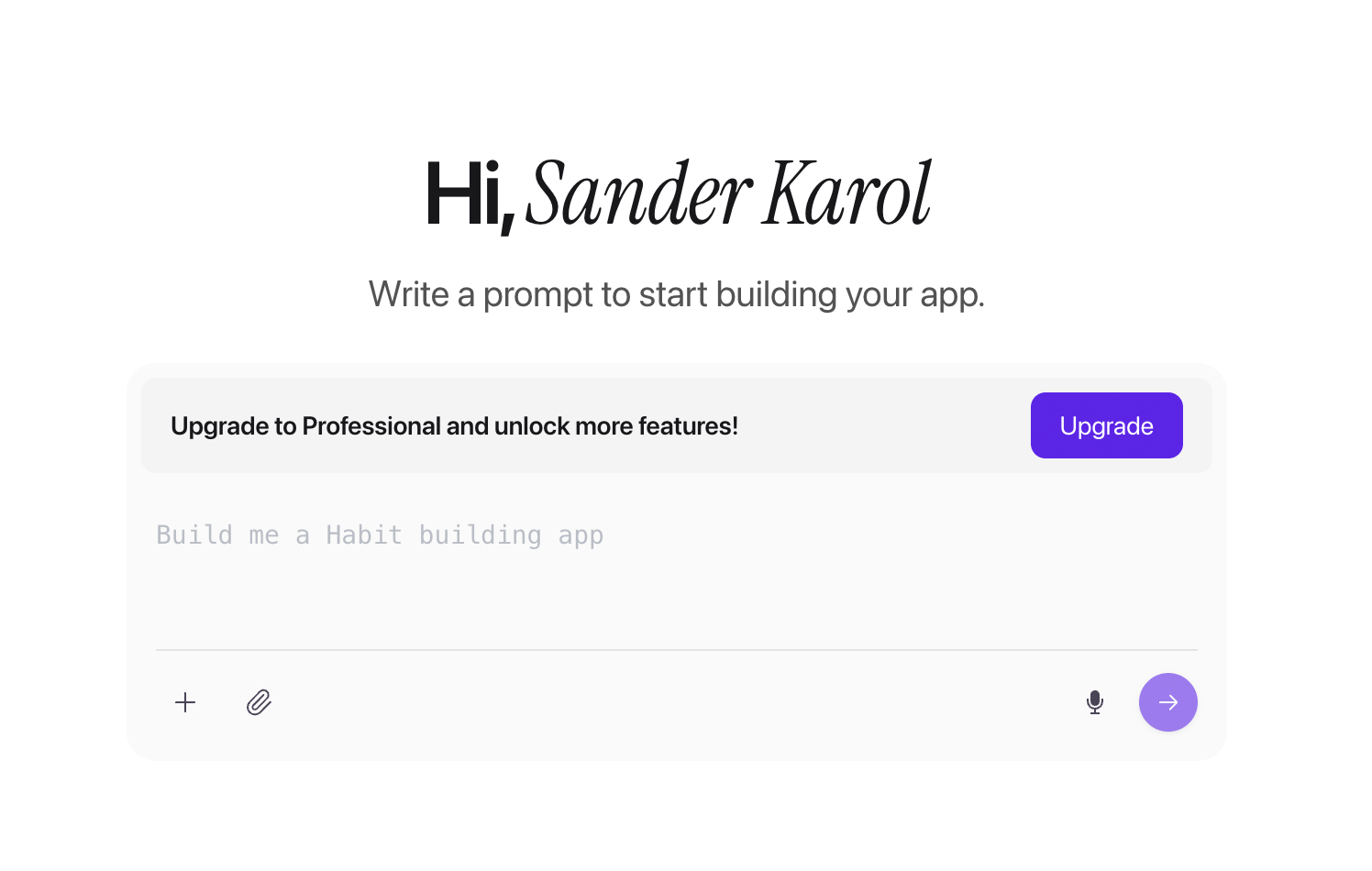
You can preview the result through cloud-streamed iOS and Android environments right in your browser, without any local setup.
From there, the workflow continues toward owning your source code and getting help publishing to the App Store.
Top Features
- Generates complete iOS and Android apps from text
- True React Native code, exportable and maintainable
- Instant preview with cloud streaming
- Iterative conversational refinement
- Shareable prototype links
- Automated App Store and Google Play deployment
- Real UI structure, navigation, and data scaffolding
Why it’s better than Rork
Rork helps with coding tasks. Bilt takes you from a text prompt to a shippable app, with these pieces already in place:
- Coherent app structure
- Configured navigation
- Built screens and flows
- Exportable source code you can use beyond the platform
Ideal for
- Founders and entrepreneurs
- Product managers and designers
- Developers who want rapid outputs but still control the code
- People who want to publish apps independently without hiring developers
Pricing
Start for free, no credit card needed.
Paid plans start at $25/month for the Professional tier, with a higher tier available if you need more app-building capacity and support.
Pricing is tied to outcomes like building and shipping a real app, not unpredictable usage credits.
Plans come with clear, predictable token counts, so you can upgrade as you need.
2) Lovable — AI App Prototype Assistant
Lovable is an AI-powered prototyping tool that helps generate project scaffolding, UI layouts, and frontend logic using natural language.
Strengths
- Fast for bootstrapping projects
- Integrates with code environments
- Good for early-stage idea validation
Limitations
Reviewers frequently mention:
- More complex projects drain tokens quickly
- Bugs and unexpected errors can occur
- Support and documentation are sometimes limited
- Not designed to produce fully functional mobile apps with end-to-end workflows
Good for: Developers who want an assistant to get started quickly.
Not ideal for: People focused on shipping production mobile apps.
3) Replit — Cloud Dev + AI Assistance
Replit provides a cloud IDE with AI features, real-time collaboration, and the ability to test code in browsers. It now includes a mobile app for development on the go.
Strengths
- Cloud-based environment means no local toolchain
- Real-time collaboration and sharing
- Supports multiple languages and stacks
Limitations
Users note that:
- Not primarily mobile-app focused
- Preview reliability varies
- Not built for automated full app generation
Good for: Learning, sharing code, rapid prototyping.
Not ideal for: End-to-end native app building.
4) Cursor — AI-First IDE for Coders
Cursor is an AI-augmented code editor designed for developers who want deeper control over their code.
Strengths
- Excellent code generation support
- Contextual awareness in large codebases
- Strong completion and refactoring tools
Limitations
- Not a product-level app builder
- Still requires deep coding knowledge to ship apps
- No dedicated mobile preview or automation
Good for: Developers with existing codebases.
Not ideal for: Non-coders or rapid app creation.
5) Windsurf — Lightweight AI Coding Environment
Windsurf is a collaborative AI environment with simple previews, good for small projects.
Strengths
- Easy setup
- Collaborative features
Limitations
- Still generates fragments of code
- Limited ability to produce full mobile apps without manual assembly
Good for: Small internal projects and team prototyping.
Not ideal for: Complete mobile app development.
6) Bolt.new — Fast Prototype Generator
Bolt.new is an AI project generator that can spin up demos quickly using prompts.
Strengths
- Very fast generation for prototypes
- Good for early validation
Limitations
- Limited scope for complex features
- Not full app building without manual engineering
Good for: Prototypes and MVP outlines.
Not ideal for: Shippable mobile apps.
7) V0 by Vercel — UI Component Generator
V0 specializes in generating UI components (especially in React ecosystems).
Strengths
- Excellent UI generation
- Good for frontend workflows
Limitations
- Does not produce complete apps
- Best for design and layout, not end-to-end app outputs
Good for: Frontend developers.
Not ideal for: Full mobile apps.
For prompt-based options tested against real iOS launch steps, see our iOS app vibe-coding roundup.
8) FlutterFlow — Visual Mobile Builder
FlutterFlow is a low-code platform focused on mobile apps using Flutter.
Strengths
- Real native app capabilities
- Visual editing tools
- Good community and learning resources
Limitations
- Requires some technical setup
- Not AI-driven prompt-to-app. You still build logic through the visual editor rather than plain text
- Becomes more technical as apps grow, since backend schemas, custom dependencies, and exported code often need manual configuration
- You still design navigation, screens, and logic manually
Good for: Teams comfortable with visual workflows.
Not ideal for: Zero-code app generation.
9) Adalo — No-Code Mobile Apps
Adalo is a true drag-and-drop mobile app builder.
Strengths
- Beginner-friendly
- Quick to launch simple apps
Limitations
- Limited customization for advanced features
- Performance and scalability limits show up once user numbers or data volume grow past a simple MVP
Good for: Simple apps and SMBs.
Not ideal for: Complex or highly custom mobile products.
10) Glide — Spreadsheet-Powered App Builder
Glide turns spreadsheets into web and simple mobile apps.
Strengths
- Extremely fast for data-driven apps
- Easy to use for beginners
Limitations
- Not native mobile app publishing
- Row limits and logic complexity caps make Glide harder to use once you need frequent updates or more advanced logic
Good for: Internal tools and simple use cases.
Not ideal for: App store-ready mobile products.
When to choose Bilt.me versus the alternatives
Matching your situation to a tool saves time before you start building.
Need native iOS and Android apps with App Store submission
Bilt.me covers this path end to end: describe your app, get real React Native code, and get help publishing to both stores.
Building web prototypes only
Lovable and Replit both fit here. Lovable gives you a faster first UI draft, and Replit gives you more IDE control if you want to inspect files directly.
Require enterprise security and persistent workflows
Bilt.me's enterprise tier adds encrypted storage, SSO, and compliance on top of native mobile output. For simple internal tools without those needs, Glide or Adalo can be enough.
Why Teams Look for Rork Alternatives
Real user feedback shows common patterns that push teams to explore other options:
- Unreliable preview and stability: Users report bugs, crashes, and preview latencies in Rork builds.
- Weak support: Multiple community reviews note little to no response when issues arise.
- Deployment challenges: Publishing to app stores and integrating real backends is often harder than expected, even when the marketing promises simplicity.
- Pricing unpredictability: Usage-based message pricing can escalate quickly during iterative prototyping and debugging.
- Output quality varies: Some users report apps that feel like tutorial-level projects, not monetizable products ready for users.
This means many people search for alternatives that either:
- Reduce the total effort to ship
- Provide more predictable pricing
- Offer better previews and workflows
- Have active support and documentation
Rork vs Bilt.me: The Category Difference
- Rork workflow: prompt a mobile idea, generate React Native scaffolding, then inspect code snippets and handle the remaining app build steps.
- Bilt workflow: describe the app, then Bilt creates native components, navigation, backend structure, and React Native app files.
- Preview path: Bilt supports cloud-streamed previews, so teams can test iOS and Android flows without local setup.
- Shipping path: Bilt continues toward source-code ownership and App Store publishing support instead of stopping at generated code.
Native output matters. Bilt generates native components and React Native binaries, not web wrappers inside a mobile shell.
That workflow fits builders who want the app lifecycle covered: build, preview, export, and publish.
Conclusion
Developer-first tools like Rork, Cursor, and Replit help teams move faster when someone can review, edit, and ship the code.
For teams that need complete native mobile apps with reliable support, Bilt.me fits the production path better.
Choose based on:
- How far you want to go without manual coding
- Your tolerance for setup friction
- Whether you need native mobile output or just a web wrapper
If the goal is a real iOS or Android app, start with the workflow that matches the launch path.
Ready to build your app? Start building free →
Frequently asked questions
What is the equivalent of Rork?
Bilt.me is the closest equivalent when the goal is prompt-to-native mobile app creation.
Bilt generates native components, React Native output, and supports the app lifecycle through publishing workflows.
Lovable and Bolt.new are closer matches for web prototypes.
Is Lovable better than Rork?
Lovable fits web apps and frontend bootstrapping. Its official pricing page describes Lovable as a tool for websites and web apps.
Rork focuses on mobile app generation. For native mobile shipping, Bilt.me is the stronger fit than web-first tools or IDE assistants.
How to use Rork AI for free?
Rork has a Free plan, but it is limited.
According to Rork's subscription docs, the Free plan includes:
- 5 credits per day
- Up to 35 credits per month in major markets
- Public projects
- Web apps as the always-on platform
- Weekly trial access to Rork Max features
Paid plans are required for ongoing native Android, Expo/React Native, private projects, dev mode, and full native iOS access.
Bilt.me also has a free tier for native mobile app generation.