Creating mobile apps has become more accessible than ever. Whether you're an entrepreneur with a groundbreaking idea or a business owner looking to expand your digital presence, understanding how to make apps is the first step toward bringing your vision to life.
This comprehensive guide explores the three main approaches to app development: traditional coding, no-code platforms, and AI-powered solutions. We'll break down each method, discuss their pros and cons, and help you choose the right path for your project.
Understanding App Development: The Three Main Approaches
When it comes to creating mobile applications, you have three primary options. Each approach has distinct advantages depending on your technical skills, budget, timeline, and project requirements.
Traditional App Development
Traditional app development involves writing code from scratch using programming languages like Swift for iOS or Kotlin for Android. This method gives you complete control over every aspect of your application.
When to choose traditional development:
- You need highly customized features
- You have a dedicated development team
- Your app requires complex integrations
- You have a budget of $50,000+ and 6-12 months
Key requirements:
- Programming expertise in Swift, Kotlin, or React Native
- Development tools (Xcode for iOS, Android Studio for Android)
- Physical devices for testing
- Significant time investment
Traditional development remains the gold standard for enterprise applications with unique requirements. However, it's not practical for most entrepreneurs or small businesses due to high costs and long timelines.
No-Code App Development
No-code platforms allow you to build apps using visual interfaces, drag-and-drop components, and pre-built templates. You create apps without writing a single line of code.
When to choose no-code:
- You want to launch quickly
- You have limited technical skills
- Your app follows common patterns (e-commerce, social media, etc.)
- You need to validate an idea rapidly
Popular no-code platforms include:
- App builders with visual editors
- Template-based solutions
- Platform-specific tools
No-code solutions have democratized app creation, enabling non-technical users to build functional applications. However, they often come with limitations in customization and may produce web-based hybrid apps rather than true native applications.
AI-Powered App Development
The newest approach combines artificial intelligence with app development, allowing you to describe your app idea in plain English and have an AI build it for you.
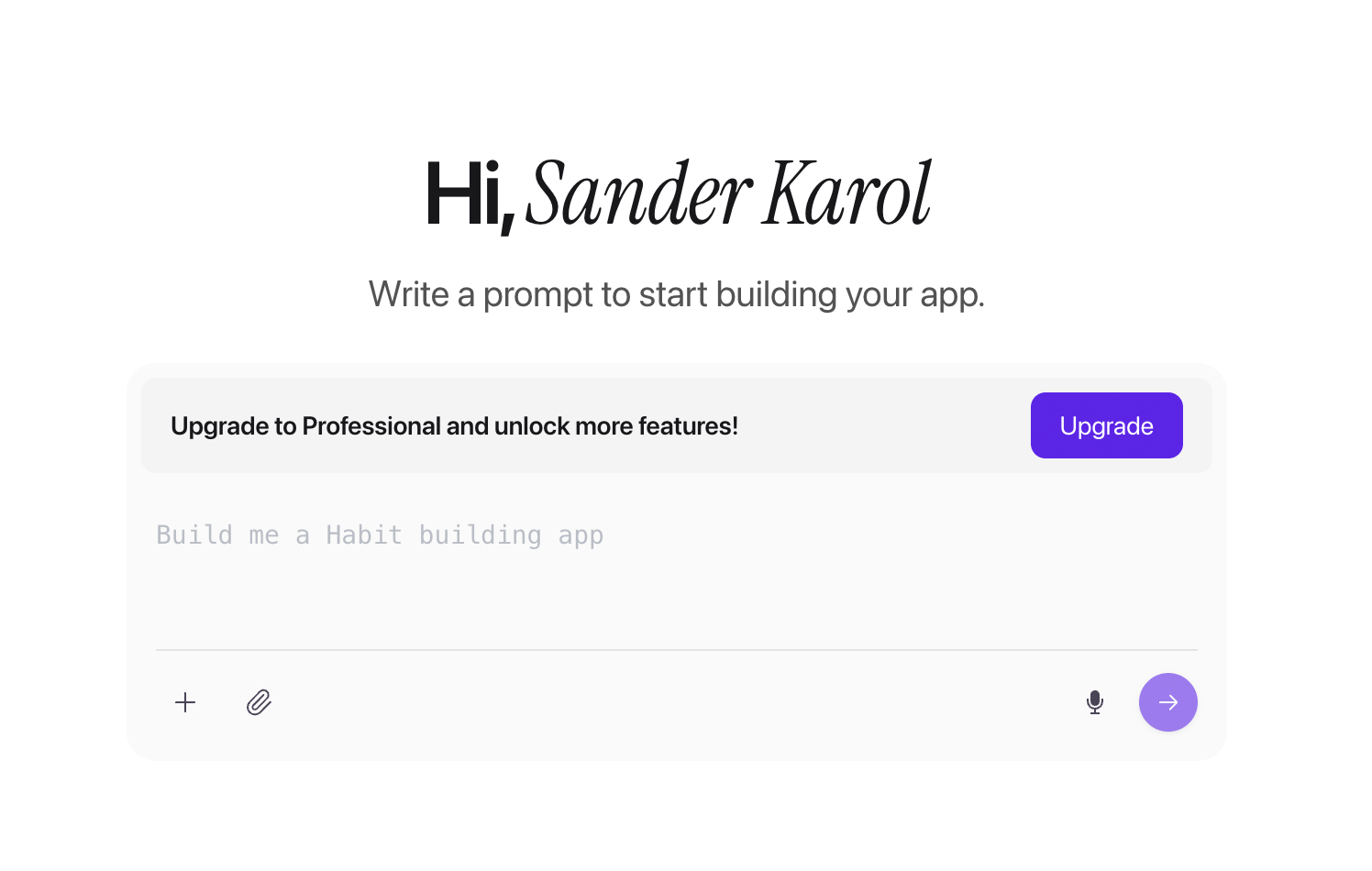
When to choose AI-powered development:
- You want the fastest path from idea to app
- You need native iOS and Android apps
- You want to iterate quickly based on feedback
- You prefer conversational development over coding or dragging components
AI-powered platforms like Bilt can generate production-ready React Native code from simple text descriptions.
How to Make Apps: Step-by-Step Process
Regardless of which approach you choose, the app development process follows a similar structure.
Step 1: Define Your App Idea
Key questions to answer:
- What problem does your app solve?
- Who is your target user?
- What are the essential features?
- What makes your app unique?
Step 2: Choose Your Development Method
Quick decision guide:
- Need it fast and have no coding skills? → AI-powered or no-code
- Have a development team and complex requirements? → Traditional
- Want native apps with flexibility? → AI-powered
- Need simple apps with templates? → No-code
Step 3: Design Your App
Design considerations:
- User flow and navigation
- Screen layouts and components
- Color scheme and branding
- Accessibility features
Step 4: Build Your App
Building with AI-powered tools:
- Describe your app idea in plain English
- Review the generated app
- Refine features through chat
- Preview on iOS and Android simulators
- Iterate until perfect
Step 5: Test Thoroughly
Testing checklist:
- Functionality on iOS and Android
- Performance and speed
- User interface responsiveness
- Error handling
- Data security
Step 6: Deploy to App Stores
Deployment requirements:
- App Store: Apple Developer account ($99/year)
- Play Store: Google Play Developer account ($25 one-time)
- App icons and screenshots
- Privacy policies and terms of service
- Store listing descriptions
Developing Apps for iOS and Android
Native iOS Development
iOS apps are built using Swift or Objective-C and require Xcode on a Mac.
Considerations:
- Requires Mac hardware for development
- Higher user spending potential
- Smaller market share globally
- More consistent device ecosystem
Native Android Development
Android apps use Java or Kotlin and can be developed on Windows, Mac, or Linux.
Considerations:
- More device fragmentation
- Larger global market share
- More flexible development environment
- Lower average user spending
Cross-Platform Development
Cross-platform frameworks like React Native allow you to build once and deploy to both iOS and Android.
Benefits of cross-platform:
- Single codebase for both platforms
- Faster development timeline
- Lower maintenance costs
- Consistent user experience
AI-powered platforms like Bilt generate React Native code automatically, giving you cross-platform apps without the complexity of managing the framework yourself.
Building Mobile Apps from Websites
Web-to-app conversion can be accomplished through several methods.
WebView Wrappers
Wrap your website in a native app shell. Quick but limited in performance and native features.
Progressive Web Apps (PWAs)
Provide app-like web experiences but lack full native capabilities and App Store distribution.
Native App Conversion
Rebuild your website functionality as a true native app for optimal performance and device access.
The Future of App Development
Emerging trends:
- Conversational app development
- Instant preview and iteration
- Automated code generation
- Cloud-based development environments
AI-powered platforms combine accessibility with flexibility, enabling faster and more efficient development workflows.
These workflows become concrete in the AI-first mobile app walkthrough, which follows planning, native generation, testing, and store launch.
Choosing the Right Path for Your App
Choose traditional development if:
- You have complex, unique requirements
- Budget and timeline aren't constraints
- You have an experienced development team
Choose no-code if:
- You need a simple app quickly
- You're comfortable with template limitations
- You want the lowest learning curve
Choose AI-powered development if:
- You want native apps without coding
- You need flexibility and customization
- You want to iterate quickly
- You value speed and quality
Getting Started with App Development
Next steps:
- Refine your app idea and feature list
- Choose your development method
- Start building or hire a team
- Test and iterate
- Launch to app stores
Ready to build your app? Start creating with Bilt today and experience AI-powered app development that turns your ideas into native mobile applications in minutes.
Learn more about AI-powered app development or explore our getting started guide to begin your app creation journey.