Most non-technical founders assume building a real iOS app means hiring a developer or spending $50,000+. It doesn't.
The right no-code builder lets you describe your idea in plain English and get a published native app in days. Not a web-wrapped shell that mimics an app. An actual native app that runs on iPhones and lives in the App Store.
This guide compares 10 no-code iOS app builders by publishing capability, AI workflow, pricing, and the tradeoffs that matter after your first draft.
What kind of iOS app builder do you actually need?
The best builder depends on what needs to happen after the first demo. Start with the job you need the tool to do.
| App type | Recommended tools | Why they fit |
|---|---|---|
| Simple utility | Thunkable, Appy Pie, Glide | Templates and visual workflows. Thunkable also turns a prompt into native iOS and Android apps with live phone testing; a live published app needs the Builder tier. |
| Founder MVP | Bilt, Adalo | Bilt: for non-technical founders building native iOS and Android apps through conversation, with a store-submission workflow. Adalo: AI drafts the first screens, then a drag-and-drop canvas takes over; push notifications need the Professional plan. |
| Web-to-mobile | AppMySite, Bilt | Convert an existing web product |
| More code control | FlutterFlow, Draftbit | FlutterFlow: visual building with exportable Flutter code; its editor takes time to learn. Draftbit: source access and technical flexibility. |
| Content or ecommerce | GoodBarber, AppMySite | Content and commerce workflows |
| Ad-monetized app | Andromo | Built-in ad monetization focus |
How we chose these builders
Each tool was assessed through its documented publishing path, AI workflow, pricing, and available review signals. Claims tied to ratings or customer counts are identified by source.
Can it actually get an iOS app published?
- Paid publishing access mattered because free plans on this list do not include App Store submission.
- We also noted where publishing involved extra rejection risk or weaker submission support.
How useful is the AI?
- Some prompt-led MVP tools generate an app from a plain-English prompt.
- Others use AI for lighter help, like UI suggestions or setup assistance.
Is the pricing clear before you commit?
- We looked at flat-rate, credit-based, and seat-based pricing.
- We flagged cases where costs are harder to predict or key publishing prices are not public.
10 best no-code iOS app builders at a glance
This list covers 10 paths, from AI native app generators to drag-and-drop builders and more technical visual tools.
Use the job-based table above to narrow the field first. Then read the full entries for pricing, publishing support, and tradeoffs before choosing.
1. Bilt
Where it fits: Describe the app in plain English, then refine it through conversation. Bilt builds a native iOS and Android app and handles the publishing steps that often block first-time builders.
Describe an app in Bilt and watch it become a native app in the live preview.
Mo-Haven is a cozy social app built solo with Bilt and live on the App Store. Its builder describes it as "a safe, low-pressure place where communities can share what's really on their mind without feeling judged."
What you can do with Bilt:
- Best for: Non-technical founders, creators, and vibecoders who want to build and publish a mobile app without writing code
- Build a real native app, not a web wrapper
- Start free with 3M tokens included
- Launch with backend basics included: authentication, database, and storage
- Publish through a guided App Store workflow without configuring the native build pipeline yourself
What to know before you start:
- Bilt works by conversation, not a pixel-by-pixel design canvas
Best for
Bilt is built for people who want to ship without learning mobile toolchains. Describe the core flow, answer follow-up prompts, and test the native build before submitting it.
Bilt's internal benchmark puts traditional mobile development at roughly $30,000 to more than $100,000. Instead, you can describe the app you want, test a working version, and publish when it is ready.
A useful first prompt could request a habit tracker for busy parents with daily check-ins, a streak counter, push reminders, and a weekly summary.
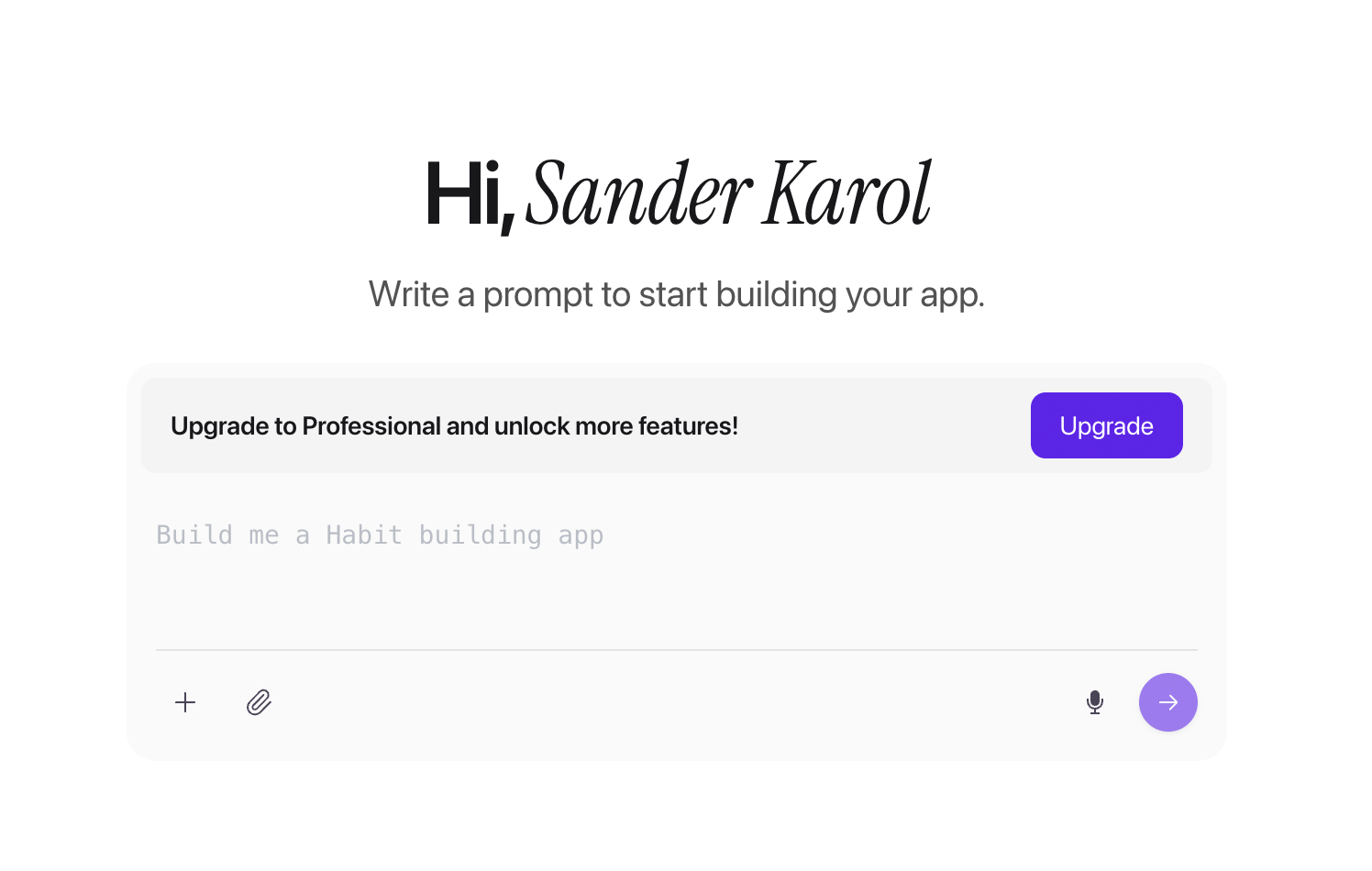
A clean green-and-white design gives the first version a clear visual direction.
Bilt covers three common starting points:
- Business owners: Build a loyalty, booking, support, or subscription app around an existing customer workflow
- Web app owners: Convert a Lovable, Replit, V0, or Next.js product into native iOS and Android apps
- First-time builders: Start with one working loop, preview it on a phone, and refine the app without opening Xcode
Pro tip: Start with one working loop: sign up, complete the main action, and see the result. Publish that first, then add the nice-to-have screens after real users try it.
Key strengths
- Build by conversation: Ask Bilt to add or change a screen, color, feature, or complete user flow. The conversation keeps the product requirements and revisions in one place.
Backend included from day one. Authentication, database, and storage come with every plan, including Free. You do not need to set up Firebase or Supabase before your app can work.
- Native output for two stores: One build process creates React Native apps for iOS and Android, including access to native device features.
- Preview before publishing: Use the streamed iOS and Android previews in a browser, share a preview link, or scan a QR code to test on a real phone.
- Store submission workflow: Bilt handles build generation, code signing, store requirements, and submission to App Store Connect and Google Play Console.
- Source code ownership: Export the React Native code, push it to GitHub, hand it to a developer, or continue outside Bilt.
- Native feature support: Add push notifications, GPS, camera access, payments, and paywalls through the same conversational workflow.
- Web-to-mobile conversion: Bring in an existing web product, keep the web app as the source of truth, and add mobile features such as push notifications.
What to watch out for
- Bilt is native-mobile first. If your main goal is a web app, Lovable is a better fit. Bilt is built for iOS and Android apps that people install on their phones.
- Edits happen through chat. There is no drag-and-drop canvas for pixel-level control. That keeps the workflow simple for most builders, but designers who want exact manual layout control will feel boxed in.
- Complex apps can use more tokens. Very large builds may need token top-ups between sessions. For many MVPs, the free tier gives enough room to build and test the first version.
- Exported code still has dependencies. The React Native source remains yours, but hosted authentication, database, and storage do not automatically move with it. Document those services before a developer handoff.
Pricing: Lower-cost entry point than many Andromo competitors on this list, with tradeoffs in flexibility and scale.
Bilt uses flat monthly pricing. Start free, then upgrade when your app needs more tokens.
Annual billing saves 2 months. One-time token top-ups are available when you need more before your next reset.
- Free: €0 with 3M tokens, roughly 12-30 prompts per month. Includes authentication, database, storage, live preview, and Discord or email support
- Professional: €25/month with 10M tokens, roughly 40-100 prompts. Adds priority agent access, priority native previews, integrations, and exclusive Discord channels
- Professional Plus: €50/month with 20M tokens, roughly 80-200 prompts. Adds priority support and early access to new features
- Enterprise: custom pricing
Need more tokens before the monthly reset? One-time top-ups expire after 30 days:
- 5M tokens: €25, or €15 on any paid plan
- 10M tokens: €50, or €30 on any paid plan
- 20M tokens: €100, or €60 on any paid plan
Start free and build your first version with 3M tokens included.
Builders who want to arrange screens on a visual canvas, rather than make changes through chat, can compare Bilt with Adalo.
2. Adalo
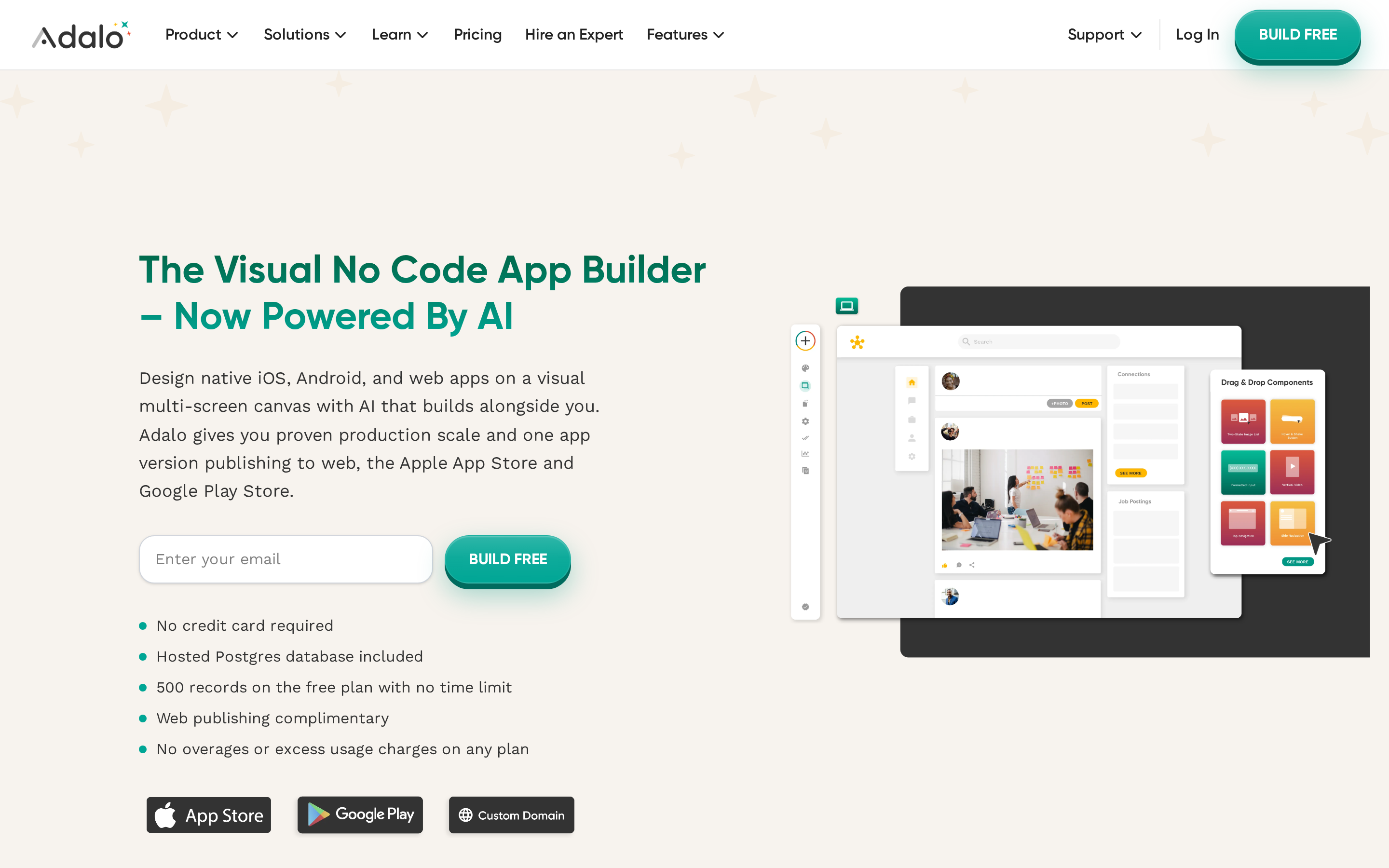
Adalo is a visual builder for non-technical founders who need to see screens and data relationships before publishing. It handles relational data, multi-screen flows, and App Store submission in one platform.
Best for: No-code builders making CRUD-style apps with forms, lists, and user accounts.
- Built around relational data, which suits client portals, directories, booking flows, and internal tools.
- Visual builder keeps simple screens and database actions accessible for non-technical teams.
- Ships to iOS, Android, and web from one platform.
- Customization gets tighter as app logic and UI requirements grow.
- Better fit for structured app patterns than highly custom product experiences.
- Long-term flexibility depends on staying inside Adalo's system.
Best for
Adalo is best for non-technical founders building database-driven multi-screen MVPs: member portals, marketplaces, booking flows, and internal tools. Push notifications and mobile polish come included, and the built-in Postgres database handles structured data relationships cleanly.
Key strengths
- Canva-style drag-and-drop canvas: freeform layout similar to Canva, rated 4.4/5 on G2 and 3.5/5 on Capterra; Ada AI beta lets users generate and edit screens from natural language without touching the canvas.
- Built-in Postgres database with AI auto-creation: connects to Airtable, Xano, and Google Sheets; Zapier, REST API, and 200+ components are available, with Stripe and geolocation templates included.
- Single build publishes to iOS, Android, and web: one project covers all three platforms, with automated App Store submission available on paid publishing plans.
- Component marketplace with React Native SDK: developers can build and publish custom components when the default library hits its limits.
What to watch out for
- Performance on very high-traffic apps may require infrastructure planning. Adalo is positioned as an MVP tool, not a replacement for enterprise infrastructure. If you hit scale limits, expect to migrate off Adalo, not scale on it.
- No source code export and no self-hosting. Users are fully dependent on Adalo's infrastructure with no exit path. If you build something that gains traction, you cannot take your codebase elsewhere without rebuilding from scratch.
- API rate limits and a steep learning curve for advanced features. Apps with heavy external API calls can hit latency issues. If your app depends on frequent third-party API calls, test throughput early before committing to the platform.
Adalo is built around database-driven MVPs such as member portals, marketplaces, and booking flows. The lack of source export matters when a project will later move to a developer-owned codebase.
Pricing
Adalo uses flat-rate monthly pricing from $0 (web-only) to $160/mo for teams, with no per-usage overages and a 20% annual discount.
Adalo Starter at $36/mo undercuts Thunkable Builder ($59/mo) for the same iOS publishing capability. Flat-rate billing also means no surprise overages, unlike Rork's credit model where failed builds still consume spend.
| Plan | Price (monthly) | Key limit | iOS publishing |
|---|---|---|---|
| Free | $0 | 500 records, web-only | No |
| Starter | $36/mo | 1 published app | Yes |
| Professional | $52/mo | More apps, full integrations | Yes |
| Team | $160/mo | Multiple apps and seats, Collections API | Yes |
| Enterprise | Custom | Custom terms | Yes |
Adalo suits a solo builder who needs relational data, multi-screen forms, and App Store submission at a flat monthly rate. If code ownership or post-MVP scaling is in your plan, start somewhere else.
3. Rork
Rork uses a chat-first workflow for React Native app generation. You describe the app in plain English, and the AI handles layout, logic, and state without a visual canvas.
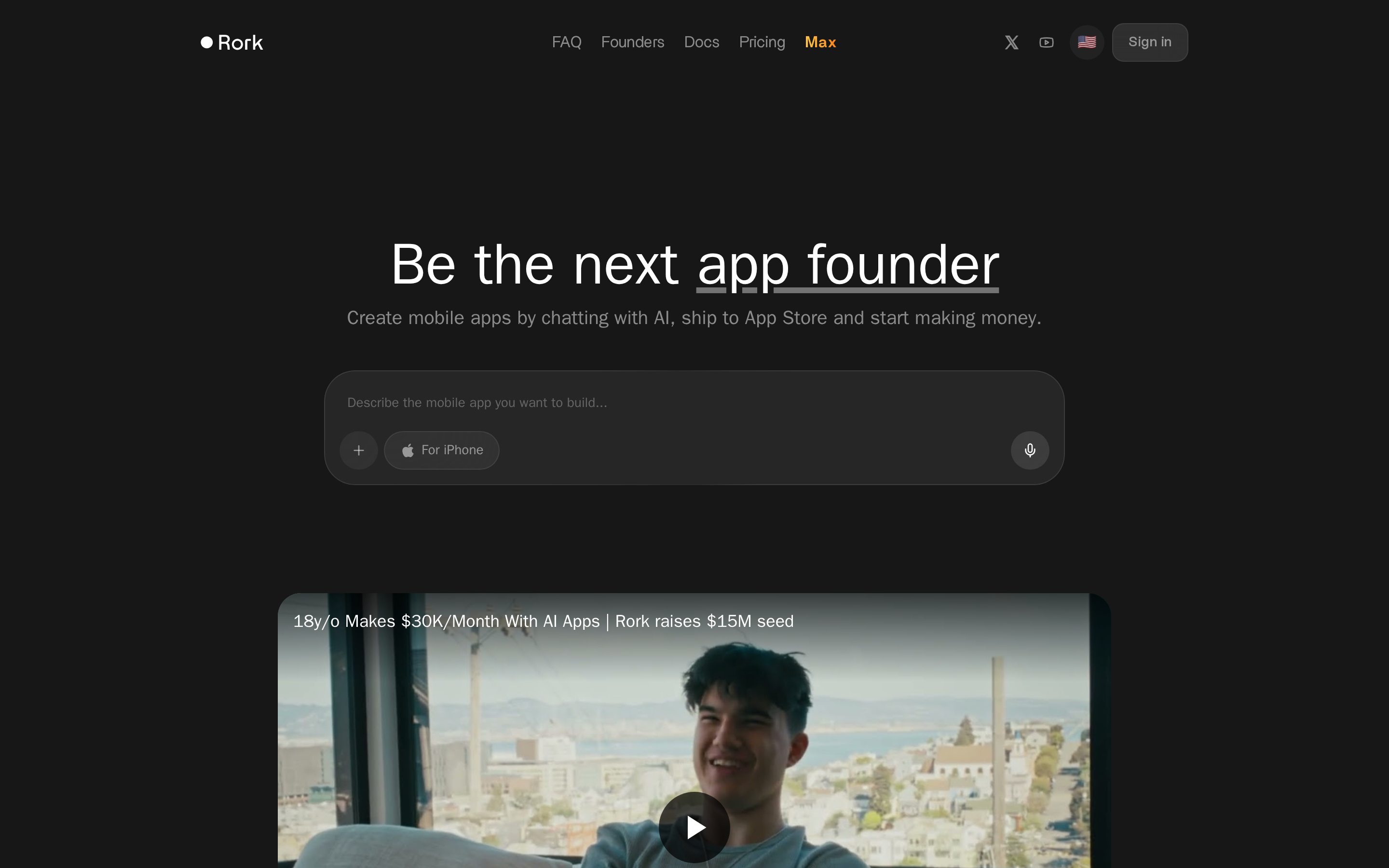
Best for: Developer-adjacent builders who want chat-first React Native generation and a workflow they can extend later.
- Plain-English prompting lowers the barrier to getting a first version live.
- Focuses on app generation and publishing, not just UI mockups.
- Better match than many web-first AI tools for mobile-specific output.
- More code-oriented than classic no-code tools, so the workflow assumes some comfort with generated application structure.
- Prompt quality still affects what gets generated and how much cleanup is needed.
- Teams wanting a purely visual editor may prefer a drag-and-drop workflow.
Best for
Rork is built for solo developers who want prompt-led React Native generation at a $25/month entry point.
Key strengths
- Pure chat-based app generation: GPT-5.5 in agentic mode handles UI/UX, logic, and state management entirely from plain English; no canvas at all. Plans run from Free through Junior ($25/mo), Middle ($50/mo), Senior ($100/mo), and Scale tiers from $200/mo, with all generated React Native code exportable.
- Automated App Store submission with rejection prevention: Rork fills forms, generates screenshots, and applies rejection checks automatically. Max plan includes SwiftUI output and on-device testing, though a Mac and connected iPhone with Developer Mode are still required.
- Built-in integrations out of the box: Supabase, Firebase, OpenAI, and Google Sheets are supported natively, along with push notifications and authentication.
What to watch out for
- Trustpilot rating of 2/5, driven by AI reliability failures. Loops, timeouts, and incomplete builds are frequently reported on complex apps. If your app has more than a few screens or any relational data, budget extra credits for correction prompts and restarts.
- Credits reset monthly with no rollover and no refunds. Failed or looping AI prompts still consume credits, so reliability issues compound directly into wasted spend. If you hit a generation loop near the end of a billing cycle, those credits are simply gone.
- Scalability is rated weak and the platform is not designed for production scale. Apps with complex relational data or high user volume need manual tweaks post-export at minimum. If you expect more than a few hundred active users, plan to export and extend the code rather than rely on Rork's infrastructure long-term.
Rork's exported React Native workflow suits builders who can debug generated output. Bilt is oriented toward non-technical founders who want the native build and store workflow handled through conversation.
Pricing
Rork uses a credit-based model: Free (35 credits/month), Junior $25/month (100 credits), Middle $50/month, Senior $100/month, and Scale plans from $200/month with SwiftUI output and on-device testing support.
Junior at $25/mo for 100 credits is competitively priced against Adalo Starter ($36/mo), but the no-rollover, no-refund policy is a real risk when builds fail. For predictable costs, Adalo's flat-rate structure is a safer choice.
| Plan | Price | Credits/Month | iOS Publishing | Notable Limits |
|---|---|---|---|---|
| Free | $0/mo | 35 | No (TestFlight only via trial) | No rollover, no refunds |
| Junior | $25/mo | 100 | App Store (automated) | No rollover, no refunds |
| Scale 10K | $1,800/mo | 10,000 | App Store (automated) | No rollover, no refunds |
| Max | From $200/mo | Varies | 1-click iPhone install + App Store | SwiftUI output; no rollover |
Rork targets developer-adjacent builders who want fast generation and exported React Native code. Its credit model makes correction loops more expensive when generated output needs debugging.
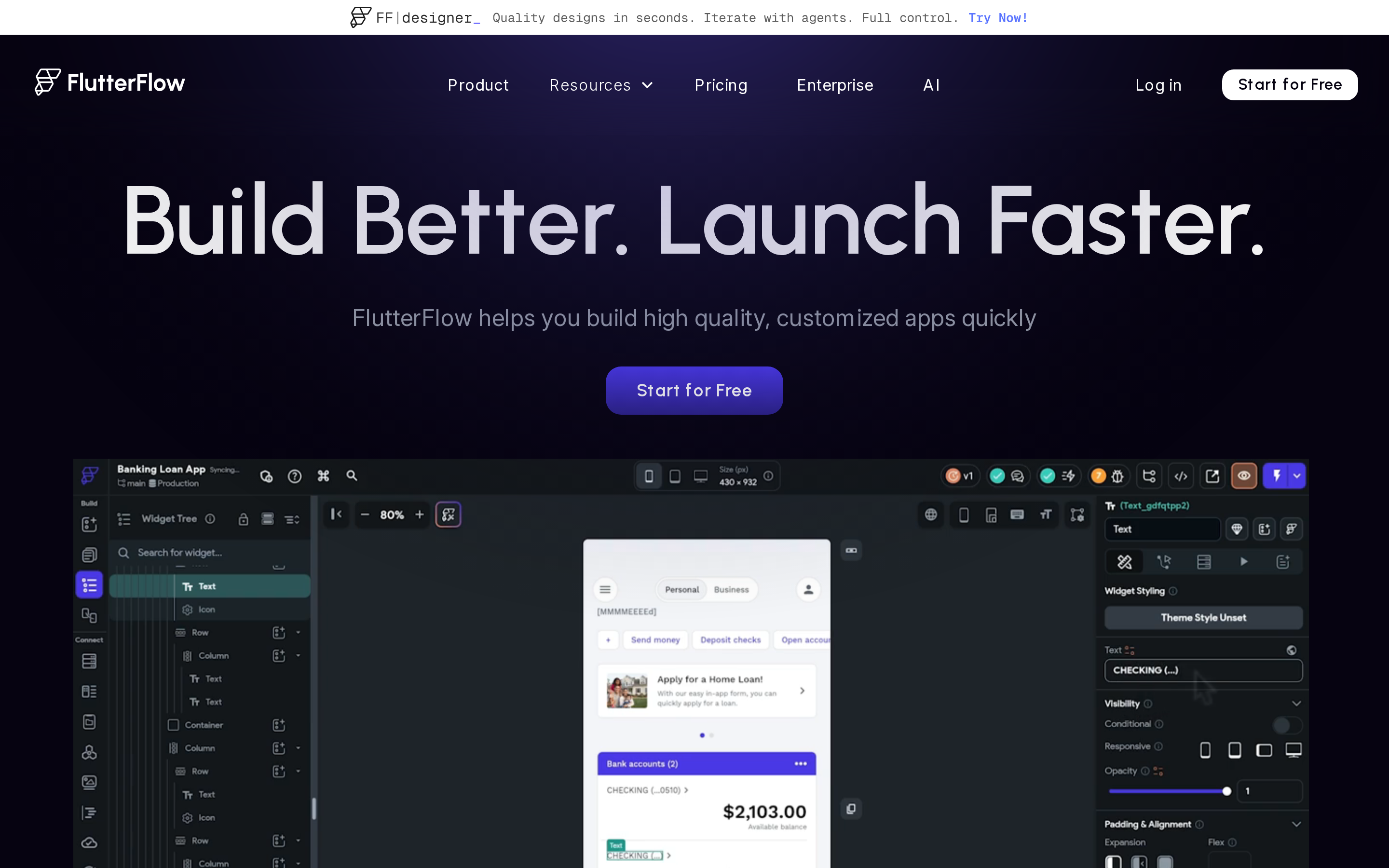
4. FlutterFlow
FlutterFlow is a visual builder for technical teams that need more control than beginner-first no-code tools provide. It combines a canvas, reusable components, custom logic, and GitHub-connected workflows.
Best for: Developers and technical product teams that want visual speed without giving up code access.
- Visual workflow can speed up screen building, component reuse, and team collaboration.
- More flexible than beginner-first no-code tools when a project needs custom logic.
- Less approachable for non-technical users than prompt-first or beginner-first builders.
- Advanced logic often means working with Dart or Flutter concepts.
- The first-session learning curve is steeper than tools built for complete beginners.
Best for
FlutterFlow is best for developers, product managers, and small technical teams building production-grade native apps who want visual speed with code-level control.
FlutterFlow uses one project for iOS, Android, and web deployment. Its visual workflow still assumes familiarity with Flutter concepts once the app needs custom logic.
If FlutterFlow's per-seat pricing or Dart learning curve isn't the right fit, the FlutterFlow cost-and-code-ownership alternatives breakdown walks through 10 tools ranked by price, output, and code export.
Appy Pie and Thunkable use beginner-first workflows with less setup. FlutterFlow expects more technical knowledge in exchange for deeper control over logic and application structure.
Key strengths
| Who it's for | Who should skip it |
|---|---|
| Technical founders who want code ownership and a real exit path | Non-technical solo builders who want zero setup on day one |
| Small teams that need real-time collaboration, branching, and permissions | Anyone building a simple utility app who doesn't need team features |
| Developers comfortable with Dart and Firebase configuration | Anyone expecting zero learning curve from a no-code tool |
- Full Flutter code export, no vendor lock-in. FlutterFlow exports production-ready Dart code, so teams own their codebase and can keep building outside the platform without rebuilding from scratch. GitHub integration on higher tiers enables version control and CI/CD workflows standard in professional dev teams.
- Native Flutter performance at scale. FlutterFlow apps run in production at organizations including Atlassian and Google (per FlutterFlow customer references), with over 2.0 million users on the platform (per FlutterFlow). Unlike AppMySite (webview-based, high App Store rejection risk) or Andromo (template-locked), FlutterFlow generates true native Flutter apps with offline and hardware capabilities.
- AI page generation and team collaboration. AI features include prompt-to-page generation, image-to-UI, and server-side agents connecting to OpenAI, Anthropic, and Google. Tiers include 50 to 200 AI requests per month.
What to watch out for
- Steep learning curve. Complex Supabase data models and advanced logic can require custom Dart code, which raises the setup burden for a non-technical solo founder.
- AI generation needs manual cleanup. FlutterFlow's page and component generation can speed up prototyping, but generated screens still need review before production use.
- 2025 pricing changes drew documented user backlash. FlutterFlow restructured to a per-seat model in 2025, with complaints from existing users across forums. Growth runs $80/month plus $55 per seat; Business runs $150/month plus $85 per seat — costs compound quickly for small teams. A two-person team on Growth hits $190/month before a single line of custom code.
Pricing
FlutterFlow uses a per-seat pricing model: Free ($0, no iOS deploy), Basic $39/seat/mo, Growth $80/mo (+$55/seat), Business $150/mo (+$85/seat), Enterprise custom.
Per-seat pricing is the detail to watch. A two-person team on Growth costs $190/month, and the total rises with each collaborator.
FlutterFlow is designed for developers and small technical teams building production apps with custom logic. The setup burden is higher for a solo builder without Flutter or Dart experience.
| Plan | Price | iOS App Store Deploy | Code Export | Key Limits |
|---|---|---|---|---|
| Free | $0/mo | No | No | Web publish only; no APK/IPA download |
| Basic | $39/seat/mo | Yes (1-click) | Yes | Limited AI requests; no GitHub |
| Growth | $80/mo + $55/seat | Yes | Yes | Real-time collaboration; GitHub integration |
| Business | $150/mo + $85/seat | Yes | Yes | Higher build capacity; advanced permissions |
| Enterprise | Custom | Yes | Yes | Custom limits; dedicated support |
5. Thunkable
Thunkable uses block-based logic, AI prompt-to-app features, and one project for cross-platform publishing. The workflow is designed for beginners building straightforward mobile apps.
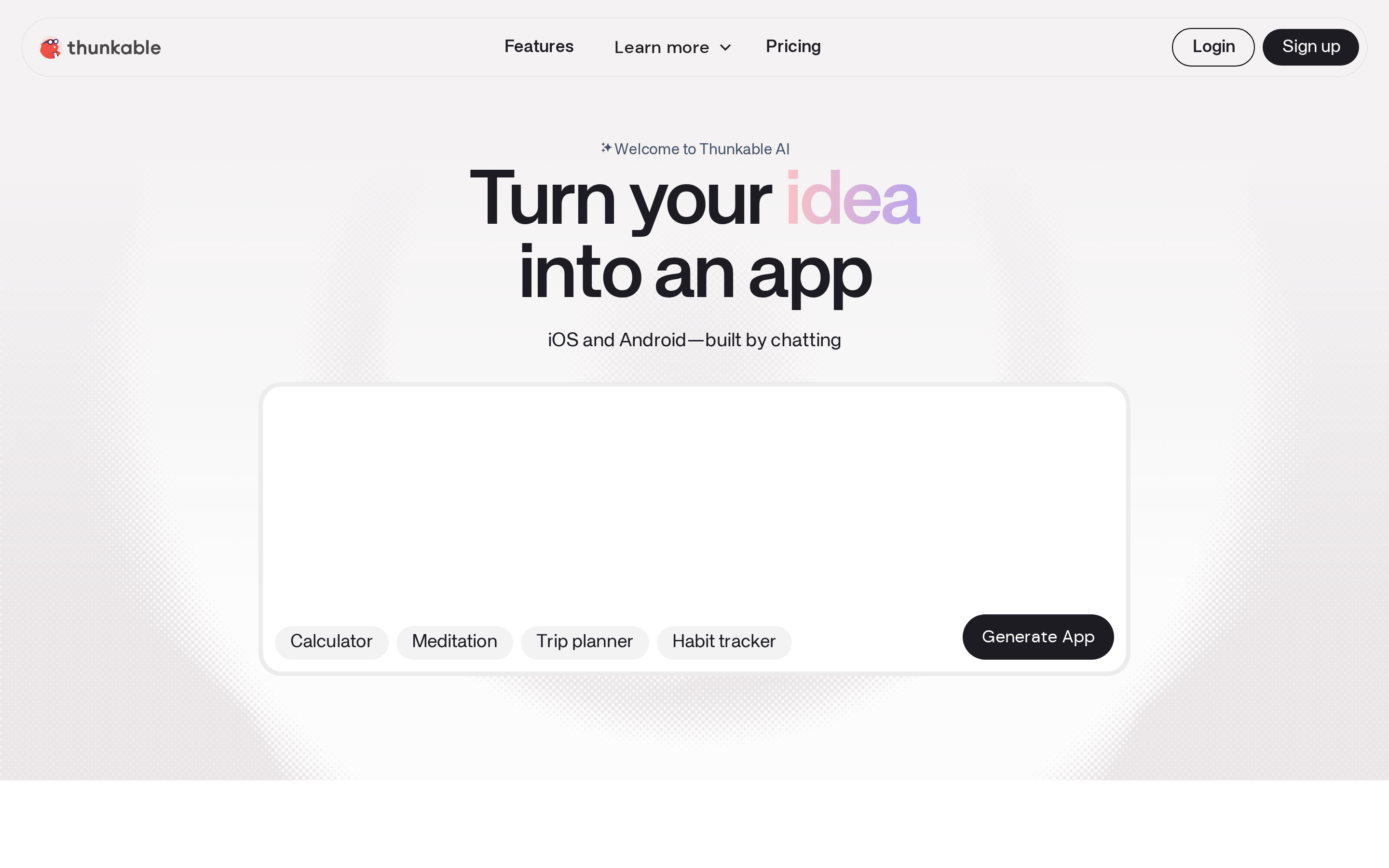
Best for: Complete beginners who want a more guided path to a simple mobile app.
- Block-based logic is easier to grasp than writing code from scratch.
- One project can target both iOS and Android.
- AI prompt-to-app features can help new builders get from idea to first version faster.
- Simplicity is the appeal, but it can also become a ceiling on more custom apps.
- Better for starter projects than deeply tailored product experiences.
- Teams wanting code-level control may outgrow it.
Best for
Thunkable gives first-time builders a block-based path into app logic without requiring a programming language.
Thunkable suits straightforward utilities, forms, educational tools, and simple MVPs. It's not designed for data-heavy apps or complex logic workflows.
Versus FlutterFlow, which targets developers comfortable with a steep learning curve, Thunkable requires zero prior coding knowledge. G2 reviewers rate it 4.4/5 for ease of use (per G2), cited most often by beginners and students.
Key strengths
- Discuss Mode is Thunkable's clearest advantage over other beginner tools. You describe a change in plain language and the AI iterates without rebuilding from scratch. Token limits run from 2,000/month on the free plan to 100,000/month on Advanced.
- One codebase ships native iOS, Android, and web. A single Thunkable project publishes true native iOS and Android apps plus a responsive web app, with no separate codebases needed.
- Fast data connections for rapid prototyping. Thunkable connects to Airtable, Google Sheets, REST APIs, and Firebase out of the box — simple integrations that get a first version running in hours.
- Built-in native mobile features. Push notifications, in-app purchases, AdMob, maps, and location services are included as native components, with a JavaScript Web Bridge for cases where block logic falls short.
What to watch out for
- No source code export means full platform dependency. Thunkable maintains the app through its own infrastructure, so a later developer handoff requires a rebuild. Its subscription-lapse policy needs independent confirmation.
- Block-based logic hits a performance ceiling. Reddit users report perpetual beta bugs and sluggishness on larger projects. If your app needs complex branching logic or expects more than a few hundred concurrent users, you will outgrow Thunkable before you realize it.
- AI token limits can create surprise costs. The free plan includes only 2,000 tokens/month with no App Store publishing. Heavy iterative AI use on the Builder plan exhausts the allowance faster than most beginners expect — budget for the Advanced tier if Discuss Mode is central to your workflow.
Pricing
Thunkable pricing starts at free (no publishing), with paid plans from $19/month; iOS App Store publishing requires the Builder plan at $59/month.
Adalo Starter at $36/month includes native iOS publishing for one app, compared with $59/month for Thunkable Builder.
| Plan | Price | AI Tokens/mo | iOS Publishing | Live Apps |
|---|---|---|---|---|
| Free | $0/mo | 2,000 | No | 0 (public projects only) |
| Accelerator | $19/mo | More than Free | No | Limited |
| Builder | $59/mo | Higher limit | Yes (1 app) | 1 live app |
| Advanced | $189/mo | Up to 100,000 | Yes (unlimited) | Unlimited |
| Enterprise | Custom | Custom | Yes | Unlimited |
Thunkable is designed for first-time builders learning app logic through visual blocks. Source code ownership and developer handoff remain outside that workflow.
6. GoodBarber
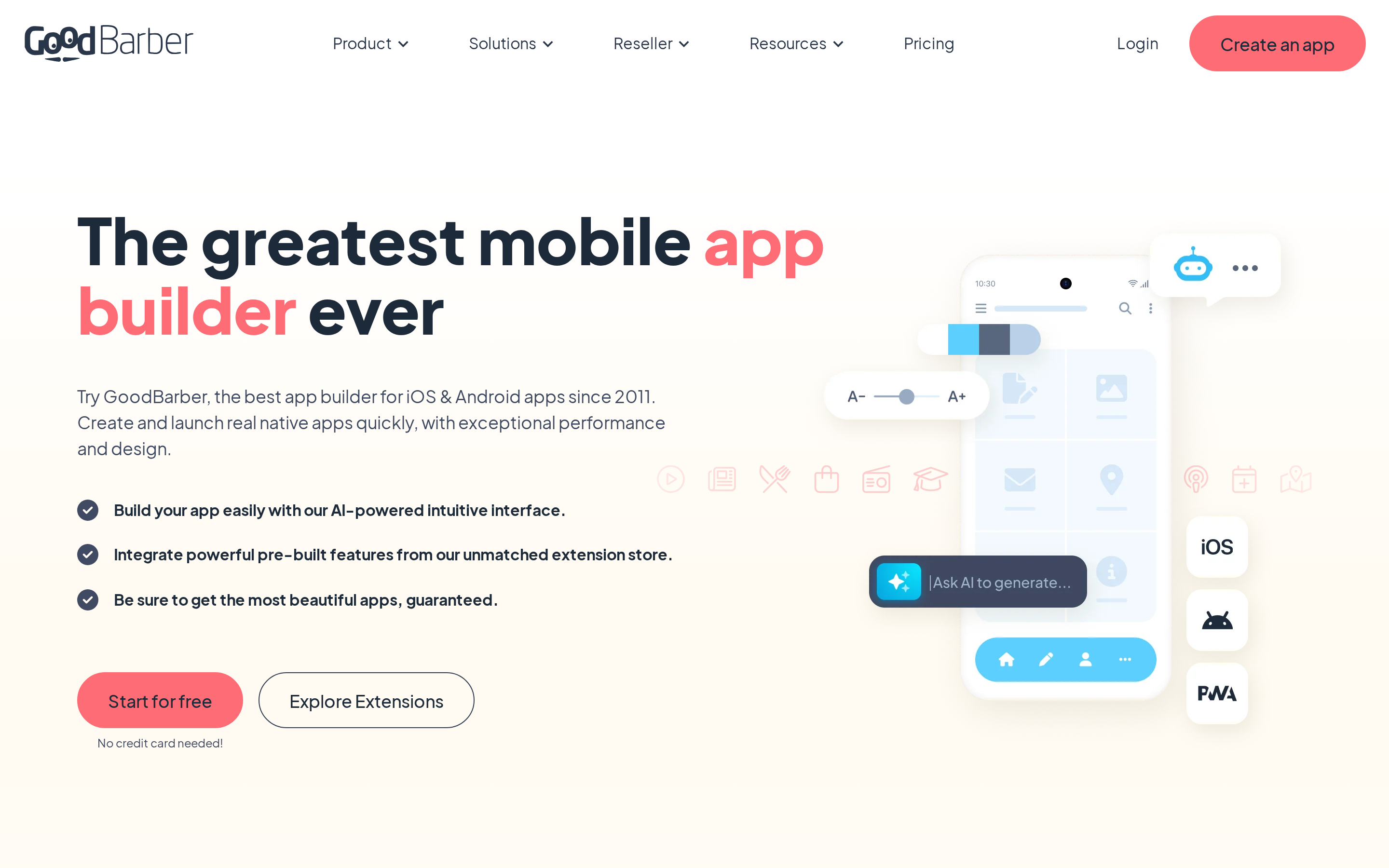
GoodBarber pairs native iOS templates with a CMS for content and ecommerce apps.
Best for: Publishers, local businesses, and stores that want a polished app fast.
- Visual templates cover news, content, and catalog-style apps.
- Native iOS and Android output instead of a simple browser wrapper.
- Built-in modules and integrations help non-technical teams launch without much setup.
- Customization gets tight fast if the app needs unusual flows or custom logic.
- Template structure is rigid, which can make deeper design changes harder.
- Less suited to bespoke products that need developer-level flexibility.
GoodBarber produces native Swift and Objective-C apps through a CMS that content teams can manage without a developer. The module-based workflow is aimed at publishing and commerce rather than custom backend logic.
Best for
GoodBarber is built for content publishers and ecommerce brands that prioritize native iOS output, templates, and CMS control over custom logic.
GoodBarber offers an optional GBTC submission service for builders unfamiliar with App Store Connect. AppMySite starts from an existing website, while GoodBarber starts from native templates and CMS modules.
Add-on modules such as local delivery and loyalty programs cost €12 to €49 each, so the feature list affects the final monthly bill. Andromo takes a template-led approach to content apps, while GoodBarber adds CMS and extension controls.
Key strengths
- True native Swift/Objective-C apps
Offline caching and unlimited pageviews are included; a 4.6/5 Trustpilot rating (per Trustpilot) backs up the production quality.
- 190+ extensions, 0% transaction fees
Stripe, Zapier, YouTube, Spotify, memberships, and AdMob are all available with no revenue cut; Adalo gates comparable integrations to its Professional tier ($52/mo).
- Optional GBTC service handles App Store submission
GBTC is a paid add-on for App Store and Google Play submission. A $50/€50 bundle includes 5 publication credits. GoodBarber supports push notifications and geofencing for location-based campaigns.
What to watch out for
- Minimal AI. GoodBarber provides color palette suggestions and text help rather than conversational app generation, so building still happens through templates and menus.
- Cluttered dashboard. G2 score of 3.4/5 (per G2), with complaints focused on support quality and interface organization. Non-technical teams should budget onboarding time before launch; the interface is harder than the no-code positioning suggests.
- Custom backend logic needs external tools. Heavy automation and custom data workflows can require Zapier or Make, adding integration costs. Adalo keeps relational data inside its built-in Postgres workflow.
Pricing
GoodBarber starts at €36/mo for PWA-only; native iOS publishing unlocks at €70/mo (Premium), with Pro at €135/mo and Agency at €280/mo. A 30-day free trial requires no credit card.
Native iOS starts at €70/mo (approx. $76), higher than Adalo Starter ($36/mo). GoodBarber's scalability and optional GBTC submission service are meaningful tradeoffs for content or eCommerce apps. Add-ons for features like local delivery or loyalty programs cost €12 to €49 each, so real monthly spend can exceed the base plan rate.
| Plan | Price (monthly) | Native iOS | Key inclusions |
|---|---|---|---|
| Standard | €36/mo | No (PWA only) | Visual builder, CMS, PWA publishing, basic extensions |
| Premium | €70/mo | Yes | Native iOS/Android; GBTC sold separately |
| Pro | €135/mo | Yes | Multiple apps, advanced features, priority support |
| Agency | €280/mo | Yes | Unlimited client apps, white-label, agency dashboard |
GoodBarber suits content brands and local commerce operators who want native app quality without a developer. If the module system matches your feature list, it ships fast; if it doesn't, you will hit its ceiling before launch.
7. Appy Pie
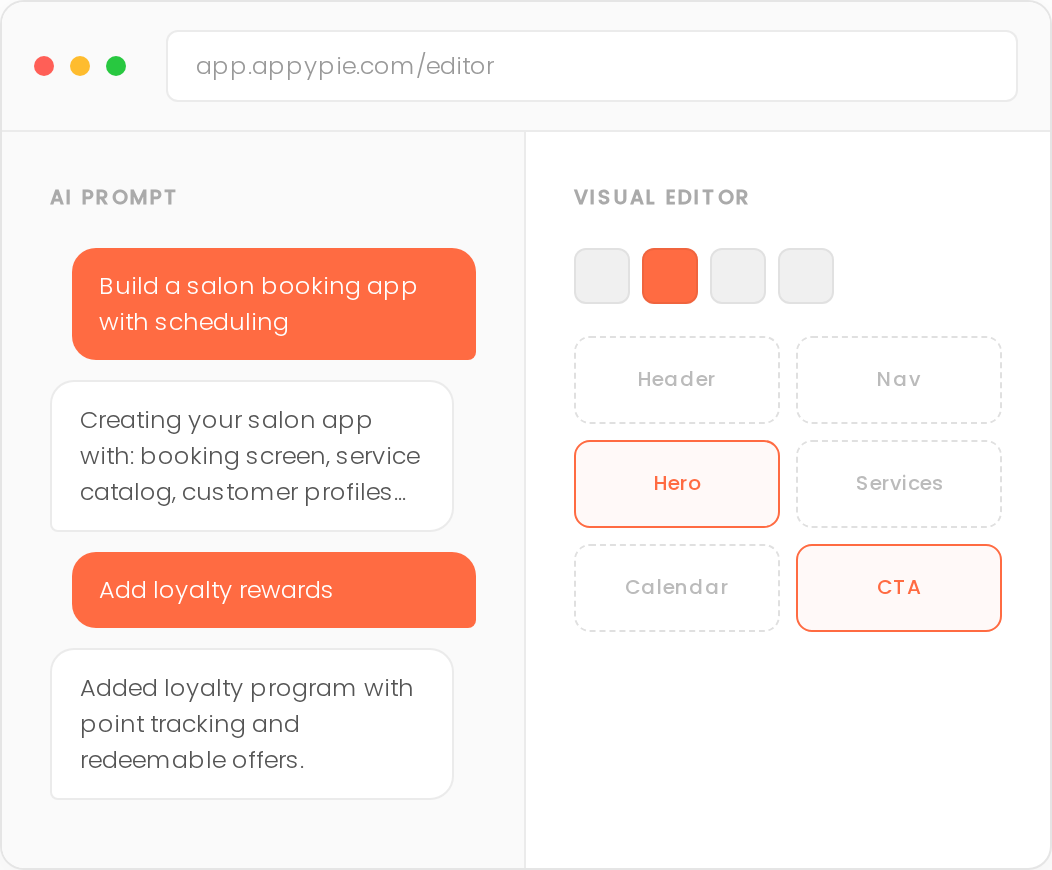
Appy Pie is an AI-assisted no-code builder for small businesses creating an app from a prompt and prebuilt modules.
Best for: SMBs that want a fast first version without learning app development.
- Plain-English setup lowers the barrier for non-technical users.
- Broad template coverage works for common business, service, and utility app ideas.
- Fast initial generation helps teams move from idea to draft quickly.
- Less efficient for rapid iteration once the first draft is done.
- Drag-and-drop editing can feel manual compared with more flexible builders.
- Not ideal for complex app logic or highly customized product workflows.
Appy Pie uses prompt-generated setup to produce a first app draft for non-technical small-business owners. The workflow then shifts into a module-based editor, and iOS access sits on a higher-priced plan.
Best for
Appy Pie is aimed at non-technical small businesses, solopreneurs, and first-time builders making restaurant, booking, ecommerce, or hospitality apps.
Appy Pie's 200+ templates target service-based SMB scenarios: restaurants, booking and scheduling, ecommerce, and hospitality. G2 rates it 4.7/5 for ease of use, the highest ease rating among builders in this list.
Thunkable and Adalo use beginner-oriented visual workflows. Appy Pie differentiates through prompt-generated setup and templates for common small-business categories.
The SMB-focused Appy Pie alternatives guide maps 10 tools that skip the $120/mo iOS paywall while keeping native output for service-industry apps.
Rork is also AI-first but targets developers wanting production-grade React Native code. Appy Pie is aimed at SMB operators who need a live app fast with no code involvement.
Key strengths
- App generation in under 60 seconds: AI builds a functional native iOS app from plain English, with auto-generated backend included. The platform has 10M+ users (per Appy Pie).
- 200+ modules: ecommerce, chat, booking, GPS, Stripe, and Apple Pay all available with no manual database setup required.
- All-in-one dashboard: Appy Pie groups apps, websites, chatbots, and automation workflows in one account.
- Native iOS output with offline mode: Appy Pie states that its iOS builds use native binaries and support offline use.
What to watch out for
- Cluttered dashboard. Features can sit behind unfamiliar labels or higher plans, and incomplete documentation adds setup time for a non-technical founder.
- App Store review still creates launch risk. Appy Pie's guided workflow can reduce setup errors, but it cannot guarantee approval. The stated rejection benchmark needs a primary source before publication.
- Complex logic can require native Swift work. Standard modules cover common workflows, while custom behavior can require developer support. FlutterFlow and Draftbit expose more of the application structure for technical teams.
Pricing
Appy Pie uses per-app pricing starting at $32/mo (Android only), with iOS access from $120/mo on Platinum; annual billing saves approximately 50%.
Annual billing cuts plan costs by roughly 50%, making Platinum closer to $60/mo. At monthly billing, Platinum plus the Apple Developer account comes to roughly $1,539 per year.
Appy Pie is built around service-business apps assembled from standard modules. Custom logic and code ownership sit outside the main no-code workflow.
| Plan | Price (monthly) | iOS Publishing | Key Inclusions |
|---|---|---|---|
| Basic | $32/mo | No (Android only) | 1 app, core modules, auto-backend |
| Gold | $72/mo | No | 1 app, more modules, ecommerce features |
| Platinum | $120/mo | Yes | 1 app, full iOS publishing, all modules |
| Enterprise | Custom | Yes | Custom apps, priority support, SLA |
8. Draftbit
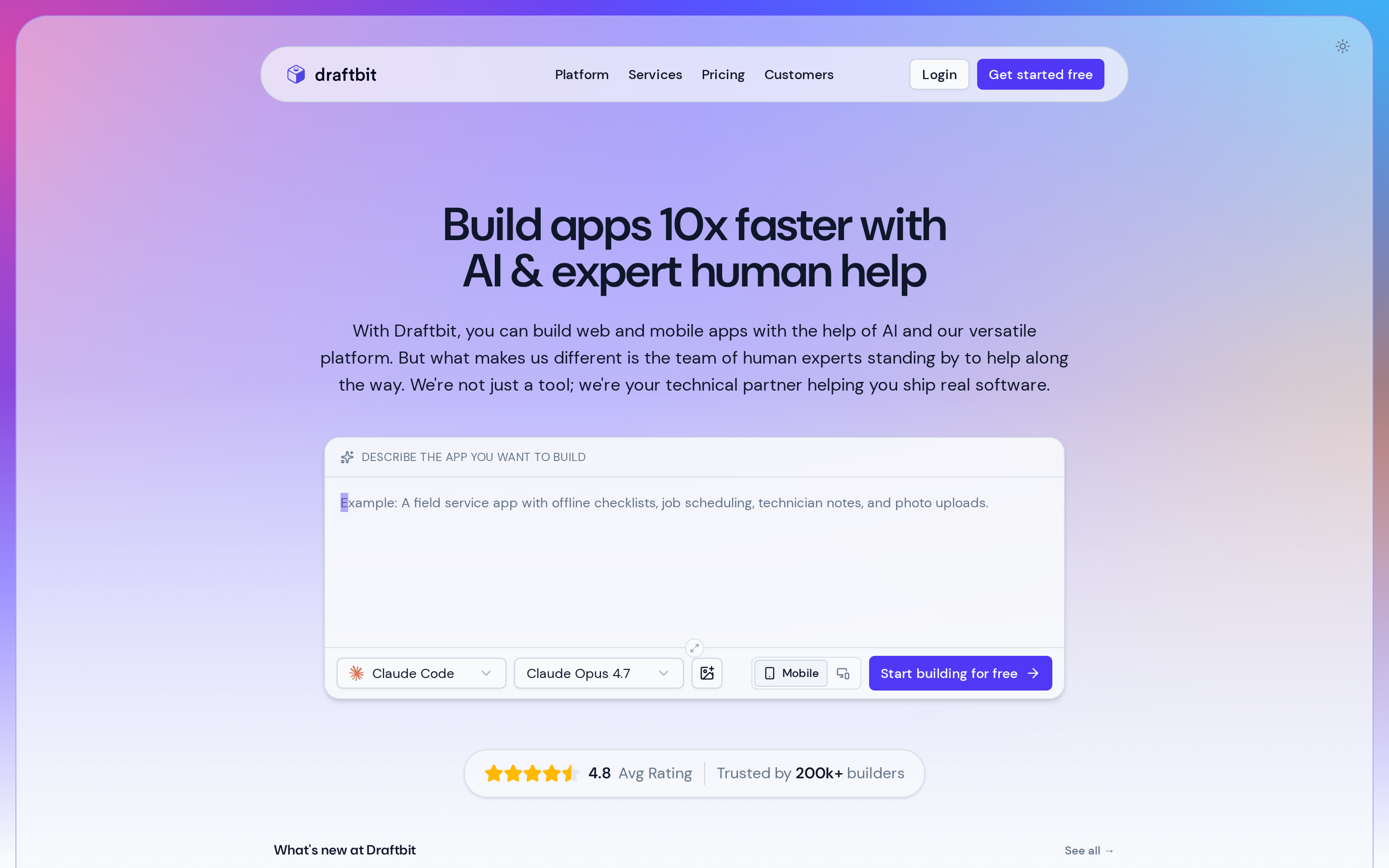
Draftbit is a low-code React Native builder that combines a visual editor with a TypeScript workspace.
Best for: Technical founders and product teams that want speed plus code ownership.
- Better fit for production workflows than template-only app builders.
- Visual building speeds up UI work while developers can still extend the app later.
- Steeper learning curve than beginner-first no-code tools.
- Works best with technical help once the app grows beyond basic screens.
- Less beginner-friendly if the goal is a fully guided, no-code publishing path.
Draftbit combines a visual React Native editor with a TypeScript workspace. The component-based architecture is designed for projects that will involve technical contributors.
Best for
Draftbit is designed for technical founders and product teams familiar with component-based app structure. The React Native architecture adds setup work for a first-time non-technical builder.
A non-technical founder will need a developer ready to work with the React Native project. Without that support, Draftbit's architecture adds complexity before the first release.
Key strengths
- Multi-model AI agents: runs AI agents using multiple leading models in isolated sandboxes, so code changes don't break the broader project.
- Infinite canvas drag-and-drop: pixel-perfect React Native component UI building without writing code, using a visual infinite canvas.
- Full TypeScript editor and Git export: clean exportable React Native code; Git sync on Team+ plans; Firebase, RevenueCat, and Sentry integrations with full code override; 50,000+ apps built (per Draftbit) including enterprise deployments.
What to watch out for
- Steep learning curve. React Native architecture makes Draftbit hard for non-technical users. If you've never worked in component-based frameworks, expect days of orientation before the canvas feels productive. That last point would stop me recommending this to a first-time solo builder.
- AI costs depend on how you connect a model. Standard costs $12/month, Pro costs $24/month, and Team costs $120/month. Paid plans let you use your own AI subscription or API key, while Draftbit credits are an optional add-on.
- Free is limited to preview. Native iOS publishing starts on a paid plan, so a free project cannot reach App Store submission.
Pricing
Draftbit lists Free, Standard, Pro, Team, and Enterprise plans. All paid plans include native iOS publishing.
Standard ($12/month) costs less than FlutterFlow Basic ($39/month) and Adalo Starter ($36/month) while including one-click iOS publishing. Team costs $120/month and includes 10 editor seats for collaborative work.
| Plan | Price (monthly) | Native iOS publishing |
|---|---|---|
| Free | $0 | No |
| Standard | $12 | Yes |
| Pro | $24 | Yes |
| Team | $120 | Yes |
| Enterprise | Custom | Yes |
Draftbit is designed for projects that involve a technical founder or developer handoff. Its visual editor reduces UI setup, while the underlying React Native structure still requires technical ownership.
9. AppMySite
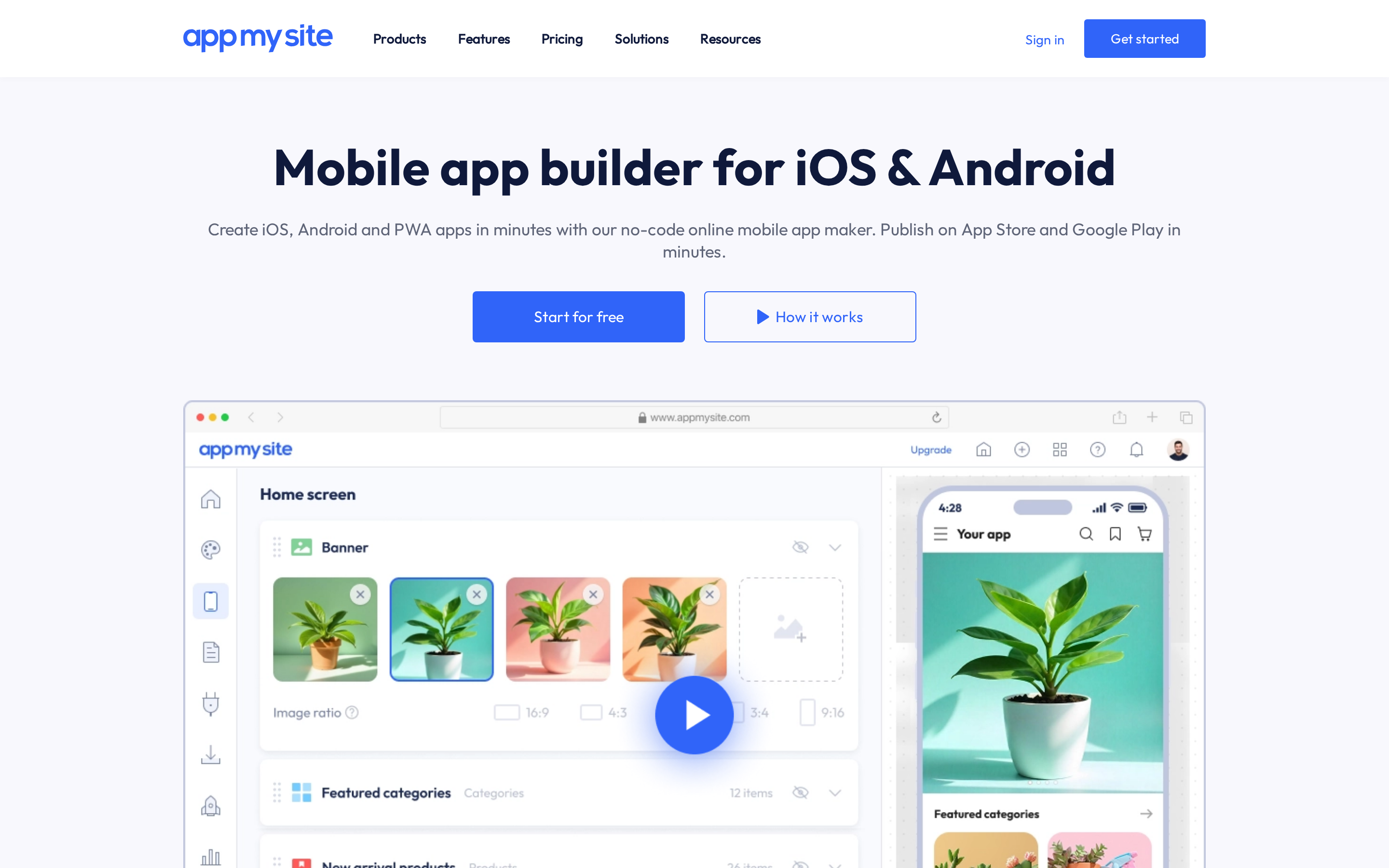
AppMySite converts an existing WordPress, WooCommerce, or Shopify site into a companion mobile app. GoodBarber starts from native templates, while AppMySite starts from an existing web product.
| When to use it | When to avoid it |
|---|---|
| You already have a live WordPress, WooCommerce, or Shopify site and need a companion app fast. | You're building a new app from scratch with no existing website to connect. |
| You need real-time content and product sync without rebuilding any app logic. | You need rich native functionality beyond content display or commerce sync. |
| You want push notifications, AdMob, and in-app purchases with no revenue cut from the platform. | Your source site has performance issues — the app mirrors them exactly, with no native fallback. |
| You're an agency managing multiple client sites and need a repeatable, low-maintenance workflow. | App Store compliance risk is a dealbreaker. Guideline 4.3 rejections are documented for content-only apps. |
Pricing
AppMySite's website-to-app plans start free for Android. The Pro plan costs $129/month and includes both Android and iOS apps.
At $129/month, AppMySite Pro sits close to Appy Pie Platinum at $120/month. AppMySite lists separate one-time license options for projects that need a fixed-cost purchase.
| Plan | Price (approx.) | iOS Publishing | Key Features |
|---|---|---|---|
| Free | $0 | No (Android preview only) | Android preview, basic app setup |
| Starter | ~$49-69/mo | No | Push notifications, basic integrations |
| Pro | $129/mo | Yes (Android and iOS) | WooCommerce/Shopify sync, AdMob, IAP |
| Premium | $249/mo | Yes (IPA generation) | iOS publish, full feature set, geolocation |
| Agency | $999/mo | Yes | Multi-app management, white-label |
AppMySite is the right pick if your content lives in a CMS and you need it on mobile quickly. It's the wrong pick if your app needs to work independently of a website, or if App Store approval on the first submission matters to your timeline.
10. Andromo
Andromo is a template-led builder for simple content, ecommerce, and ad-monetized apps.
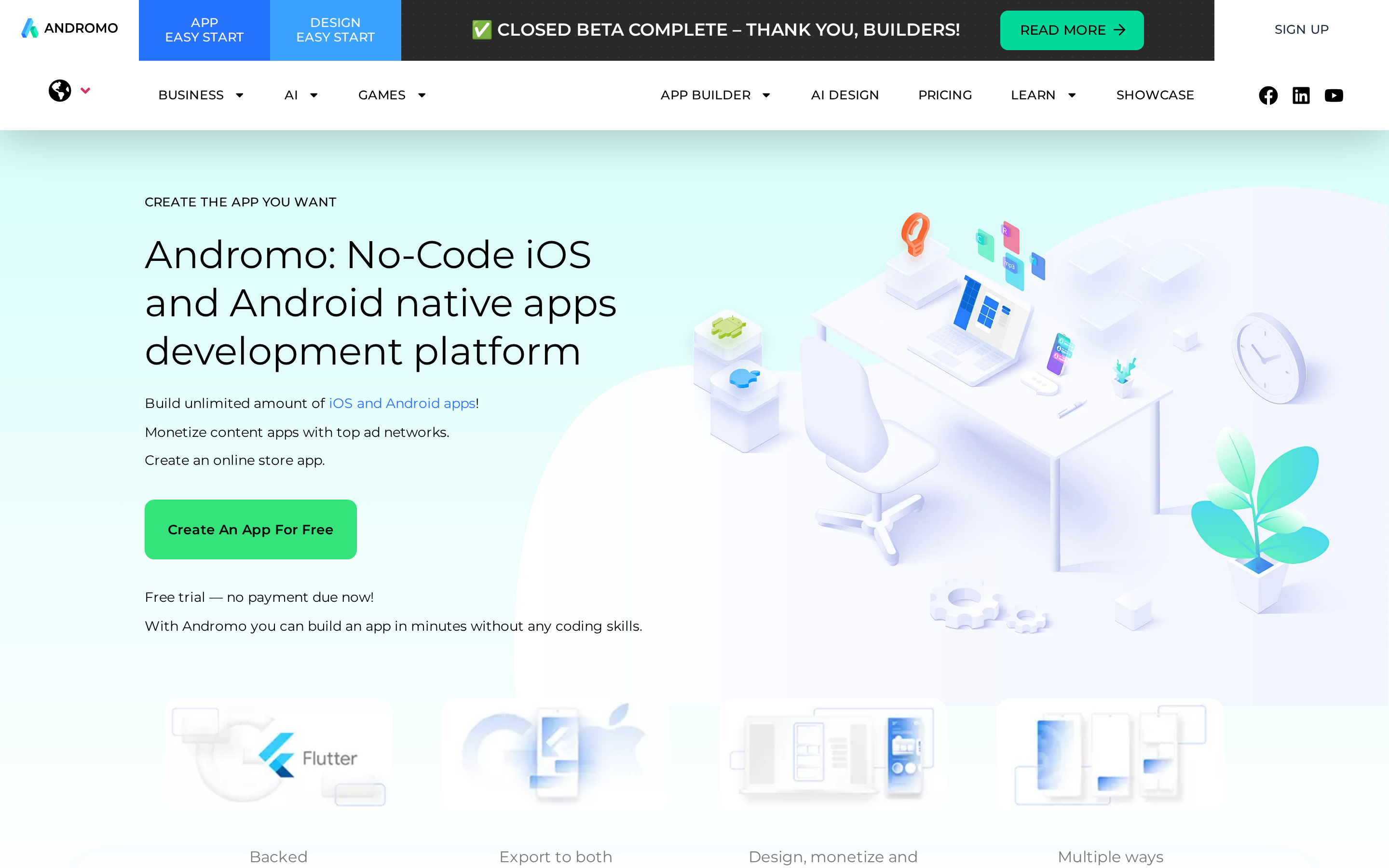
Template-led builder for beginners who want a low-cost way to publish simple content, ad-supported, or small business apps.
Andromo uses templates for ad-supported, news aggregation, ecommerce, and other content-led apps. The workflow favors quick assembly over custom logic.
Key strengths
- Built-in ad monetization: Andromo supports AdMob, Unity Ads, AppLovin, RevenueCat, and in-app purchases for content-led apps.
- Flutter-based output: Andromo states that its apps use Flutter rather than a webview wrapper. Independent performance and App Store approval evidence is still needed.
What to watch out for
- Template-locked. No custom logic, no multi-screen flows, no database-driven apps. If you need custom data logic, Adalo (built-in Postgres) or FlutterFlow are stronger fits. If your app idea requires anything beyond a content feed or simple storefront, you'll hit that ceiling before you finish your first build.
- Manual IPA export required on all plans — iOS builds included from Hobbyist ($24/month) up. Publishing means setting up code signing in Apple's developer portal, exporting the IPA, and uploading through Transporter or App Store Connect. Budget a few extra hours for your first iOS submission if you're new to App Store Connect. Rork and GoodBarber automate form-filling and screenshots; Andromo does not. That gap is manageable, but it's a real time sink on your first build.
- Content-aggregation apps face elevated Apple rejection risk. Apps built purely from RSS feeds or aggregation templates can be flagged under Guideline 4.2. Add at least one interactive feature — a quiz, a booking screen, or user-generated content — to reduce that risk. A rejection at submission undoes days of setup work. Plan your feature set before you build, not after.
Pricing
Hobbyist costs $24/month billed annually or $32 month to month. Ultra costs $42/month billed annually or $56 month to month. Andromo lists Android and iOS builds on both plans.
Andromo works if you want a low-cost way to ship a simple ad-monetized or content app without touching code. If you need automated App Store submission, AI-generated layouts, or any custom logic, every other tool on this list does more.
| Plan | Price (monthly) | iOS Publishing | Key Limit |
|---|---|---|---|
| Hobbyist | $24 annual / $32 monthly | Yes | 300 projects; no ad monetization |
| Ultra | $42 annual / $56 monthly | Yes | Impression fees for advanced ads |
| Annual billing | 25% lower | Same features | Paid annually |
No-code iOS app builders compared: features, pricing, and fit
Use the table to narrow by publishing path, builder style, and starting price. One fixed cost applies across the board: an Apple Developer Program membership is $99/year, and builders can automate submission but not own that account for you.
- Budget: $19-$40/month for first MVPs, simple utilities, and solo experiments.
- Mid-tier: $59-$120/month for better design control, more native capability, or guided publishing help.
- Pro/team: $150+/month or custom pricing for code ownership, collaboration, and apps with bigger user bases.
Build and ship your iOS app today
A polished demo can still stall at publishing. Bilt is built for native output, owned React Native code, and the path from first build to App Store submission.
FAQ
Can no-code iOS apps be published to the App Store?
Yes, but only on paid plans. Every builder in this list requires a paid subscription for iOS publishing, plus a separate $99/year Apple Developer account. Free tiers don't include App Store submission.
Are there free no-code iOS app builders?
No. You cannot publish an iOS app entirely for free.
Free plans and trials can help you design and test an app. Generating an App Store build usually requires a paid builder plan.
Apple also charges $99/year for the Apple Developer Program. Check each builder's current plan comparison for build generation and submission support.
Do you own your app if you cancel your subscription?
It depends on the tool and whether you export the code before cancelling. FlutterFlow, Draftbit, and Bilt let you retain exported source code, but code ownership does not keep platform-hosted services running.
Bilt exports owned React Native source code, so you can continue development outside the conversational builder. Export the repository and document backend dependencies before cancelling.
Thunkable says it unpublishes apps from the App Store when a subscription ends. Andromo says published apps can remain live until critical updates are needed.
Adalo, Appy Pie, GoodBarber, Rork, and AppMySite are SaaS-hosted. Review each platform's current terms for hosting, builds, support, and publishing workflows after subscription expiry.
What's the difference between no-code and low-code?
No-code means you never touch code (Appy Pie, Thunkable, and AppMySite are examples here). Low-code tools like FlutterFlow and Draftbit let you go deeper when needed, but don't require it. No-code is enough for most MVPs. If you plan to hire developers later or want to own the codebase, low-code gives you a cleaner exit path.
What is TestFlight and do I need it?
TestFlight is Apple's optional beta-distribution service. It lets internal or external testers try a build before release, but it is not required for App Store review.
It's a useful step for catching issues before going live, but not required. You can submit directly to the App Store without a TestFlight beta phase.
Can I use Bubble or Glide to build an iOS app?
Bubble now offers a native mobile builder in beta for iOS and Android, including direct App Store and Google Play submission.
Glide's iOS options depend on the distribution path in its current documentation. Review Glide's current distribution guidance before treating a Glide project as a native App Store build.