Choosing an AI iOS app builder means choosing how you’ll build, publish, and keep improving an iPhone app. The first preview gives you something to react to. Testing on a phone and preparing an App Store submission reveal more about the work involved.
The tools also leave you with different kinds of control. Bilt and FlutterFlow let you export the app’s source code, while Adalo and Appy Pie keep it inside their platforms.
We compared 10 options on iOS output, publishing help, editing workflow, code ownership, and price. Use the shortlist to find a builder that supports the steps you want help with and makes the remaining work clear.
The short answer: best AI iOS app builders
Bilt is the clearest fit here if you want conversational React Native creation, source export, and a guided iOS release path.
Rork favors platform-native source, FlutterFlow favors visual Flutter control, and Adalo or Appy Pie favor managed publishing without source-code handoff.
Compare source format and publishing support as separate decisions:
- Platform-native source: Rork Pro generates SwiftUI for iPhone and Kotlin with Compose for Android; Rork Max focuses on SwiftUI for Apple devices.
- Cross-platform source: Bilt uses React Native, FlutterFlow generates Flutter and Dart, and Replit and a0.dev use React Native with Expo.
- Managed IPA: Adalo and Appy Pie compile iOS builds while keeping the project inside their platforms.
If local Xcode is a barrier, three builders document a cloud route to App Store Connect:
- Replit: Expo Launch and EAS handle cloud signing and upload the build to App Store Connect for TestFlight.
- a0.dev: Its managed workflow creates the IPA and automates delivery to App Store Connect.
- OnSpace: Its cloud workflow configures signing and bundle IDs before sending the build to App Store Connect for TestFlight.
OnSpace supports code export through GitHub integration, while a0.dev Pro includes code export.
FlutterFlow Basic includes full Flutter source download for $39/month, while GitHub sync starts on Growth. Adalo does not export raw React Native projects.
Paid entry points vary by publishing model.
Three paid plans show how the publishing model changes the entry price.
- Rork Pro: $20/month for 100 credits; Rork Max is $200/month for 1,000 credits.
- Adalo: App Store publishing starts at $36/month with annual billing; Professional is $52/month annually.
- Appy Pie: iOS requires a separate Platinum subscription for each app, plus Apple's developer fee.
| Tool | iOS output | Project portability |
|---|---|---|
| Bilt | Native React Native app | Full React Native project export |
| Rork | SwiftUI for iPhone; Max focuses on Apple devices | Source export available |
| FlutterFlow AI Gen | Flutter and Dart | Full source on Basic ($39/month) |
| a0.dev | React Native and Expo TypeScript | Code export on Pro ($20/month) |
| Adalo | Managed iOS IPA | No raw React Native source export |
| Appy Pie | Managed iOS IPA on a hosted runtime | No source-code handoff |
What counts as an AI iOS app builder?
An AI iOS app builder creates an iPhone app from a prompt. You get either a source project or a managed app you can compile into an IPA for App Store submission.
SwiftUI is one route among several. Rork generates SwiftUI for iPhone, while FlutterFlow generates Flutter and Dart; both can produce an iOS build.
Rork Max is the Apple-focused option here, extending SwiftUI output to iPad, Apple Watch, and Vision Pro.
To qualify for this roundup, the AI path must reach beyond layout. It should support:
- app logic backed by real data
- native iOS build creation
- testing on an iPhone or through TestFlight
- a route to App Store Connect
The harder test starts when the app needs user accounts or payments backed by real data. The builder should still give you a clear way to correct errors and create another build.
A static mockup or browser-only preview does not meet that bar. The output needs a documented route to an IPA that Apple can review.
A single-platform builder still belongs on this list if it documents the path from a prompt to an iOS build and App Store preparation.
The best AI iOS app builders
The comparison uses three iOS tradeoffs:
- Whether the output is a native project or a locked runtime.
- How far the builder takes App Store submission.
- Whether you keep the project files.
The order reflects editorial judgment across those tradeoffs.
1. Bilt
Bilt is an AI mobile app builder that turns a written description into native React Native apps for iOS and Android.
You refine the product through conversation, then carry the same project toward device testing and store submission.
We built Bilt around a chat thread focused on native mobile creation and store submission. Rork also begins with a description.
Adalo and FlutterFlow use multi-screen canvases, while Bolt.new, Cursor, and Replit cover broader code-led projects
Best fit:
- Non-technical builders who want a downloadable app-store listing.
- Vibecoders moving from web AI tools to native mobile apps.
- Small-business owners building a companion app for customers.
- Web app owners who want an iOS and Android version.
- Non-technical builders who want a downloadable app-store listing.
- Vibecoders moving from web AI tools to native mobile apps.
- Small-business owners building a companion app for customers.
- Web app owners who want an iOS and Android version.
Native iOS and Android output
Bilt generates native React Native apps for iOS and Android from one description.
React Native keeps the shared project close to each platform's native layer. That matters when your app needs phone features or a store build instead of a browser experience.
The shared React Native project keeps changes aligned across iOS and Android. You refine one app instead of managing separate platform projects.
- Push notifications: Send updates that appear on iOS and Android devices.
With Bilt, you can check the current build as you refine the app, then continue toward store submission without managing separate iOS and Android projects.
App Store publishing workflow
Bilt automates iOS build generation, code signing, and submission to App Store Connect. Apple decides whether the app is approved.
Bilt also automates deployment to Google Play Console for Android apps.
You still need to meet Apple and Google’s store requirements. Bilt doesn’t guarantee approval by either store.
Apple and Google bill their developer accounts directly, and those charges stay separate from your Bilt plan.
Mo-Haven is a social app built solo with Bilt and live on the App Store. Its builder calls it “a safe, low-pressure place where communities can share what's really on their mind without feeling judged.”
A non-technical founder rebuilt an app twice and received six App Store rejections with other tools, then shipped with Bilt and called the experience “liberating.”
Bilt keeps the build and submission steps in one workflow, so you have a clear next action when store requirements hold you up.
Refining the app through conversation
You describe the next screen or change in chat, and Bilt updates the app. The live preview lets you check the result as you refine it.
After each request, check the updated app before describing the next change.
Write the change the way you'd explain it to a developer:
- Add a feature or screen.
- Change a screen's colors or layout.
- Adjust what happens after someone taps a button.
Later prompts can build on the requirements and design choices you already described. You can refine one part without restating the whole Bilt app.
A personal trainer used this loop to build a subscription fitness tracker for women over 50. The app was shippable after about 11 prompts over two hours.
Code ownership and export
You own the generated React Native source and can export it to edit or hand to a developer.
The export is a React Native codebase, so a mobile developer can continue in a standard repository without rebuilding your product from screenshots or specifications.
After export, you or a developer can review the React Native files and continue with manual changes.
GitHub is optional
You only need an account when you want to work with the exported source through a repository.
Converting an existing web app
Bilt’s Web-to-App feature converts an existing web app into a native mobile version for iOS and Android.
This route fits a web product already working in Lovable, v0, Replit, or Next.js. Use it when you're ready to add a store-distributed mobile version.
Recorded conversion
Murat built his web app in Lovable, then converted it to native iOS and Android in one click with Bilt. He did it without a mobile developer or a second codebase.
Users install the result through an app store instead of adding a PWA from the browser.
Pricing
A permanent free tier is available. Paid plans start at €15 for the first month, then €25/month for Professional, or €19/month billed annually.
Bilt meters AI use in tokens, not credits. Every plan's allocation resets monthly, including plans billed annually.
New monthly subscribers get 40% off the first month of any paid plan.
- Free: €0 with 3M tokens, roughly 12–30 prompts each month.
- Professional: €25/month or €19/month billed annually, with 10M tokens and roughly 40–100 prompts.
- Professional Plus: €50/month or €39/month billed annually, with 20M tokens and roughly 80–200 prompts.
- Professional Max: €100/month or €79/month billed annually, with 45M tokens.
- Professional Ultra: €250/month or €195/month billed annually, with 115M tokens.
Prompt ranges depend on complexity. One-time top-ups come in 5M, 10M, or 20M tokens; they expire after 30 days and apply only after the monthly allocation runs out.
Describe your idea to Bilt, then refine the native iOS app through conversation. Start building free with no credit card required.
2. Rork
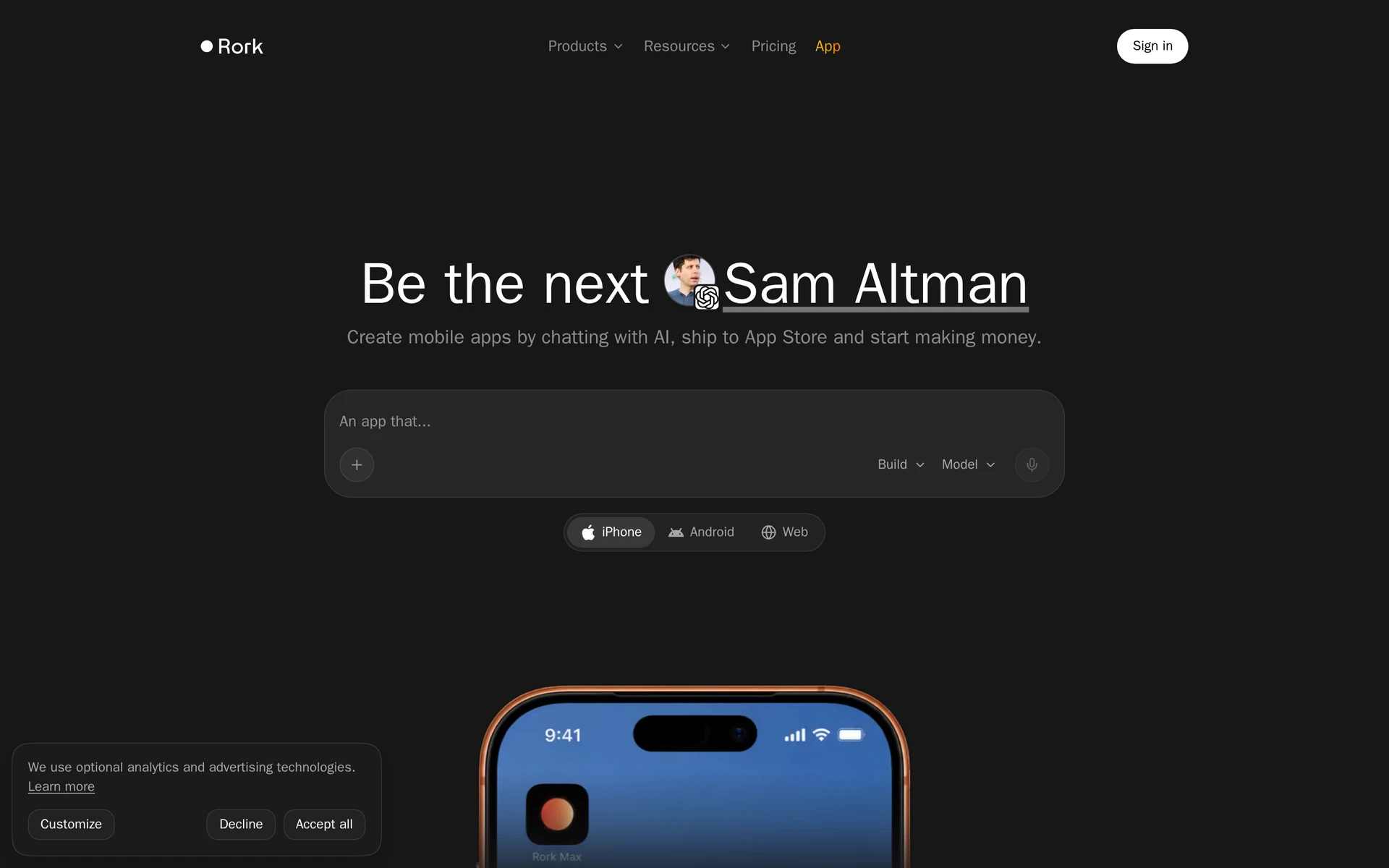
Rork is a prompt-driven builder whose Pro plan outputs SwiftUI for iPhone and Kotlin with Compose for Android. Rork Max focuses on SwiftUI apps for Apple devices.
Rork Pro covers iPhone, Android, and web, while Rork Max trades that cross-platform scope for additional Apple targets such as iPad and Apple Watch.
Best for
Rork fits builders who want platform-native SwiftUI and Kotlin output from a prompt-led workflow.
Text-first mobile prototypes belong here when you want to work through chat rather than arrange every screen on a visual canvas.
The plan changes the devices you can target:
- Rork Pro: SwiftUI for iPhone, Kotlin with Compose for Android, and web output.
- Rork Max: SwiftUI for iPhone, iPad, Apple Watch, and Vision Pro.
iOS output and publishing path
Rork generates platform-native projects. Its public pricing page lists both paid plans for App Store launch without detailing every signing and final-review handoff.
Source export gives you an editable project. You still need to understand the release handoffs for your plan.
It also does not say who completes TestFlight setup or the final App Review submission.
Supabase and Firebase connections also require API keys, authentication setup, and push configuration.
Main tradeoff
Rork can take a prompt to a runnable MVP, but the generated project still needs real-device testing and release checks before production.
If a generation fails, repeated repair prompts can consume credits. Builders who cannot debug SwiftUI or Kotlin may need technical help at that point.
- Production scope: Plan for real-device testing and release checks after the first runnable version.
- Repair costs: Retry loops consume credits, including work on bugs in an existing generated app.
- Ownership: Source export gives builders a path out, although the exported project may still need developer work before release.
Pricing
Rork Pro costs $20 per month for 100 credits.
Rork uses monthly credits for design and generation:
- Free: 35 design credits per month, with up to five per day.
- Rork Pro: $20 per month for 100 credits.
- Rork Max: $200 per month for 1,000 credits.
3. AI App Builder by Replit
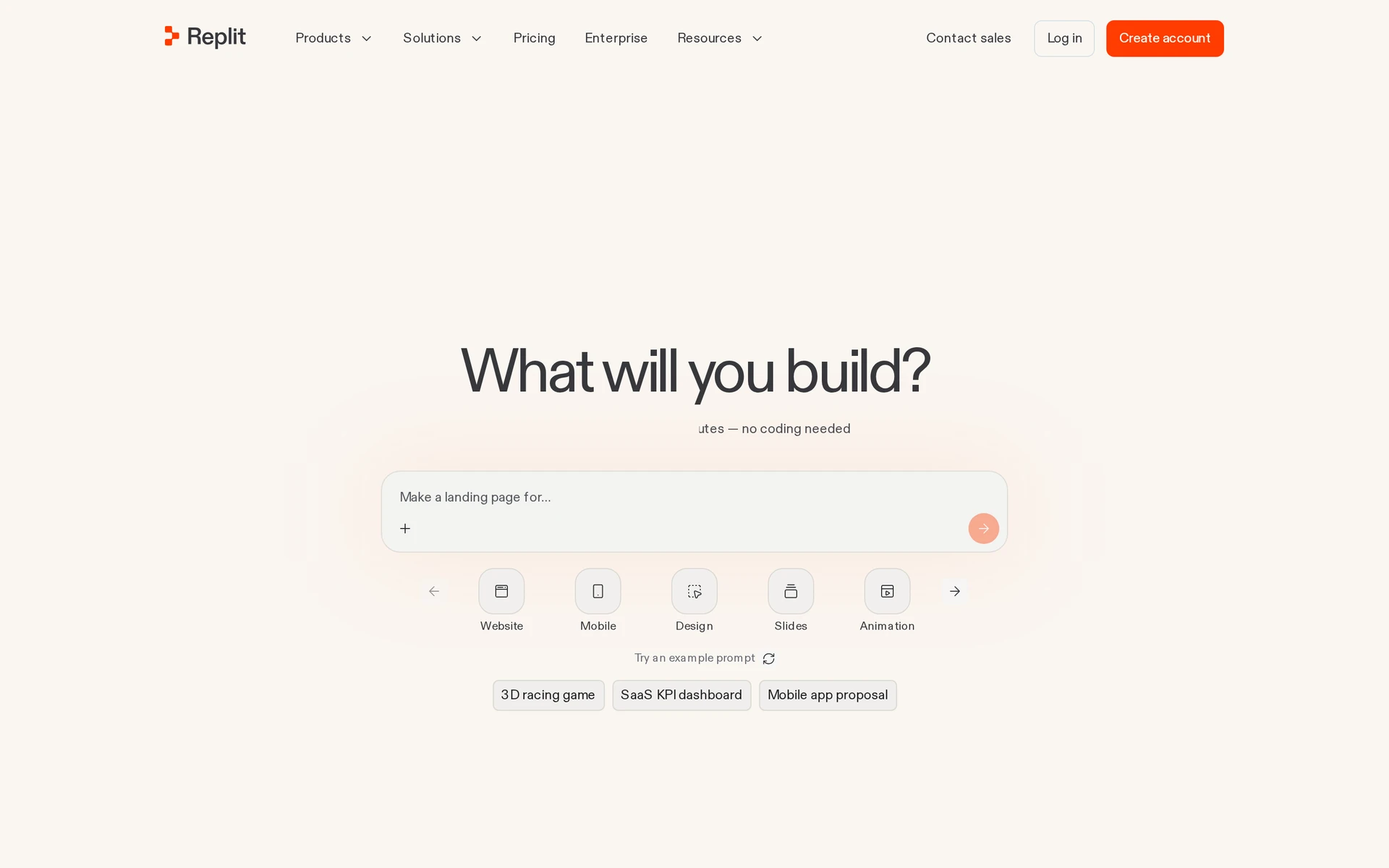
Replit is a browser-based coding workspace that generates editable React Native and Expo apps.
Replit is a code workspace with an AI agent, rather than a closed mobile canvas. Plan Mode can outline implementation milestones before the agent changes project files.
The same browser workspace exposes the source, dependencies, checks, and runtime configuration. Builders can ask the agent to generate code, run it, and repair errors without setting up a local environment first.
Best for
Replit fits teams that want an editable cloud coding workspace, agent-led implementation, and Mac-free Expo submission.
Founders and small teams get AI generation alongside direct access to the code. The mobile workflow generates TypeScript, React Native, and Expo projects from a prompt.
The workspace keeps the implementation visible:
- Edit generated source and installed dependencies directly.
- Configure databases, file storage, and authentication from the same IDE.
- Add secrets and runtime settings without moving to a separate dashboard.
That structure differs from Adalo's component canvas because the app remains a code project.
iOS output and publishing path
Replit Agent outputs Expo React Native TypeScript; EAS cloud-signs the IPA and uploads it to App Store Connect for TestFlight without a Mac.
Replit's mobile workflow generates a React Native and Expo project with native UI components and device bridges. Previewing happens in the editor or on an iPhone through Expo Go and a QR code.
For iOS distribution, the documented workflow routes the Expo project through Expo Launch and EAS. Cloud builds handle signing and IPA compilation, then upload the build to App Store Connect for TestFlight.
The builder still completes the store listing in Apple's tools:
- screenshots and app metadata
- privacy disclosures
- review responses and release controls
Main tradeoff
Replit is a general coding workspace first. iOS shipping uses Expo, not a mobile-native creation loop.
As the project grows, repeated agent attempts draw from the included balance and can create extra usage charges.
Replit delegates mobile builds and App Store Connect upload to Expo. The app owner still completes the listing and submits the app for Apple review.
Because the source remains editable, builders can move larger projects into VS Code or Cursor. That handoff needs someone who understands the generated code and mobile release setup.
Pricing
Replit starts free on Starter; paid Core is $20 per month.
Annual billing brings Core to $18 per month. Pro costs $100 monthly, or $90 per month with annual billing.
AI work, compute, and deployments draw from the included balance. Usage beyond that balance is billed separately, so retry loops can raise the cost of a build.
| Plan | Price | Credits and notes |
|---|---|---|
| Starter | Free | Limited usage; no paid credit pool |
| Core | $20/month or $18/month billed annually | $20 in monthly usage credits |
| Pro | $100/month or $90/month billed annually | $100 in monthly usage credits |
4. Adalo AI App Builder
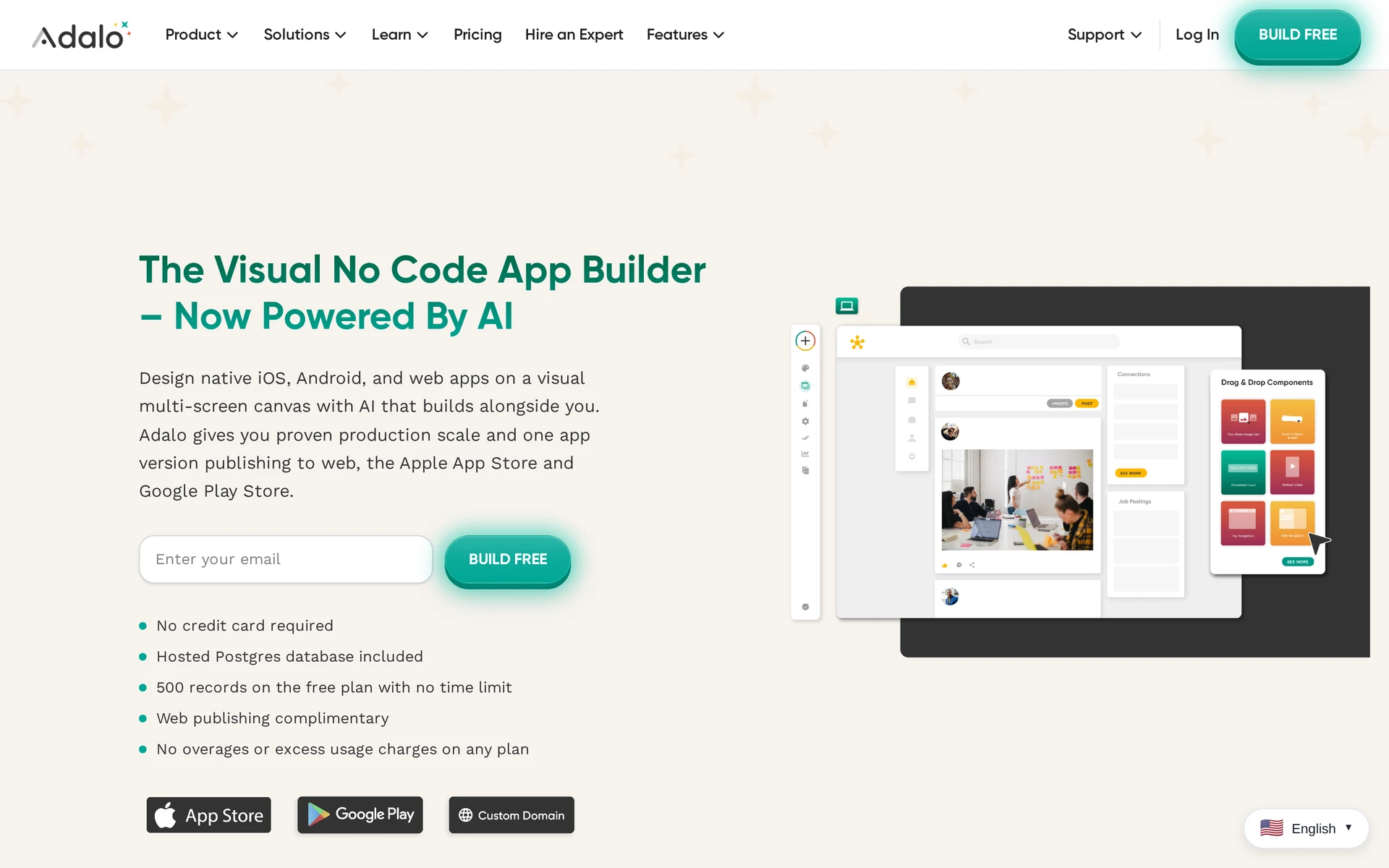
Adalo is a managed visual no-code builder that compiles one canvas project to web, iOS, and Android.
Adalo combines conversational generation with a managed visual builder. Ada edits screens through chat, while MagicStart creates database collections, properties, and relationships inside Adalo's canvas.
Best for
Adalo fits nontechnical teams that want a managed drag-and-drop database app without an exported codebase.
Directories, task apps, and other straightforward database products assemble from predefined components. One visual project can produce a web app plus managed iOS and Android binaries, as described in Capterra reviews.
The managed stack covers the common parts of a database app:
- relational collections and relationships
- authentication and permissions
- custom actions
- external data through the Adalo API
- Xano support on the Team tier
External Collections keep the data outside Adalo while the interface remains on its canvas.
iOS output and publishing path
Adalo compiles the visual project through a managed cloud pipeline to React Native-based iOS IPA files.
Adalo's cloud pipeline creates managed iOS builds without requiring Xcode. Native App Store publishing is available on eligible paid plans listed on Adalo pricing.
The Free tier supports browser testing and preview links. Native verification continues through Adalo's managed iOS build and TestFlight process, while free published web apps display an Adalo watermark.
Main tradeoff
Adalo keeps the React Native source inside its cloud; leaving the platform means rewriting the app.
The lock-in extends beyond hosting. Adalo does not export raw React Native source, clone a project to GitHub, or let the builder run the app on independent infrastructure.
G2 reviews report slower loading and rendering problems around 5,000 users. More complex canvases have also drawn reports of editor freezes, missing horizontal scrolling, and disappearing elements.
Those limits matter most for apps whose data model or interface keeps expanding after the first release.
Pricing
Adalo starts at $36 per month billed annually for iOS store publishing.
Starter costs $36 per month with annual billing and includes one published native app. Monthly billing costs more.
Professional costs $65 monthly, or $52 per month with annual billing, and adds push notifications plus higher published-app limits. Team adds collaboration and Xano support.
| Plan | Price | What it includes |
|---|---|---|
| Free | $0 | Build and web preview; no native store publishing |
| Starter | $36/month billed annually | One published native app; iOS publishing starts here |
| Professional | $65/month or $52/month billed annually | Push notifications and higher published-app limits |
| Team | $200/month or $160/month billed annually | Team collaboration plus Xano support |
5. Onspace AI
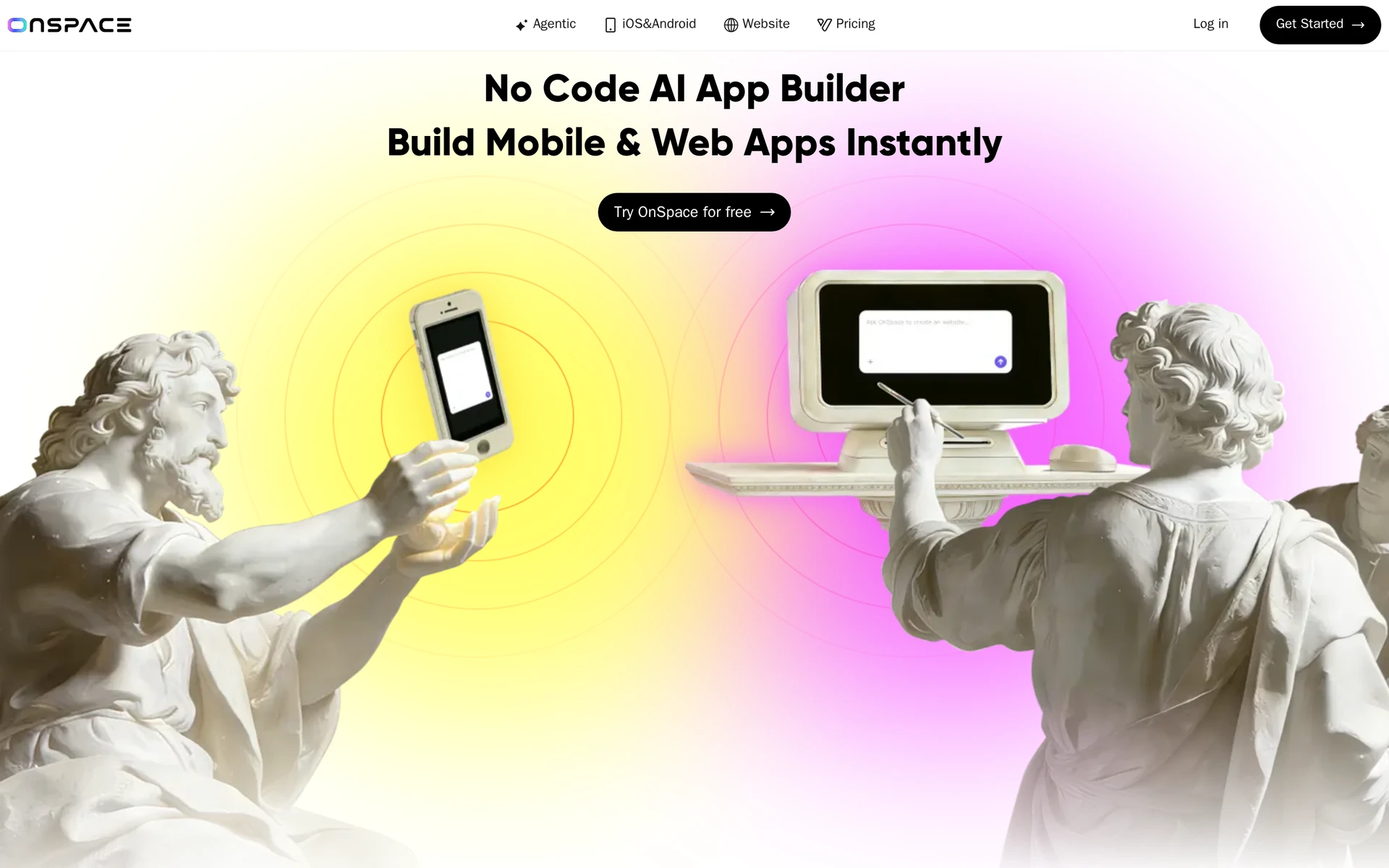
OnSpace AI is a no-code React Native builder for iOS and Android. Its documented workflow includes cloud publishing and source export.
The platform groups the services behind a generated mobile interface:
- Spaces PostgreSQL, storage, real-time sync, and edge functions
- RevenueCat and Stripe for subscriptions and payments
- Embedded access to Claude, OpenAI, Gemini, Grok, and DeepSeek without separate model API keys
Best for
OnSpace fits creators who want a generated mobile frontend, managed backend services, payment integrations, and source export.
iOS output and publishing path
OnSpace generates React Native apps and ships them through cloud store publishing with optional source export.
The exported project can continue outside the hosted editor through OnSpace's GitHub integration.
Main tradeoff
OnSpace ships React Native plus a managed runtime, not a Swift project you assemble yourself.
Teams that require platform-specific Swift work will need a separate development step after export.
Embedded model access removes separate API-key setup, but the model workflow stays inside OnSpace. Connecting custom systems outside its hosted stack may require additional integration work.
Pricing
OnSpace AI starts free with up to 2,000 monthly credits.
Pro is $25 per month and includes up to 7,500 credits per month.
6. x1.new
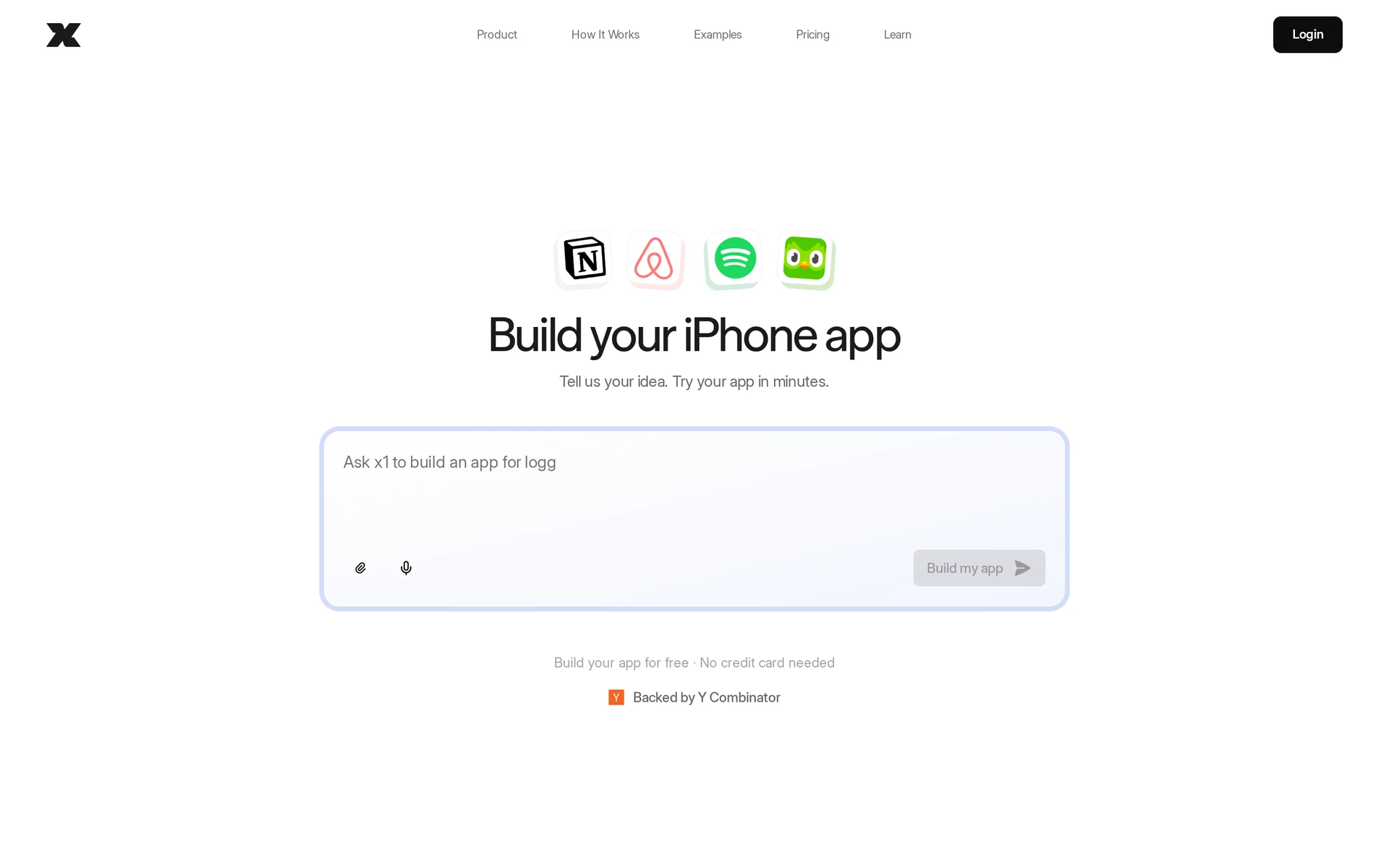
x1.new is an iPhone-focused React Native app studio. Its documented process moves a project through defined milestones:
- Planning and branding
- Implementation checkpoints
- Quality assurance
- App Store assets and submission preparation
Best for
x1.new fits founders shipping iPhone-only apps who want a guided plan, design, milestones, and store-asset prep.
Projects that need iOS and Android from the same generation fall outside that scope. An Android version requires work on the exported code after it leaves x1.new.
iOS output and publishing path
x1.new generates React Native for iPhone and iOS and carries the project through App Store preparation.
Quality assurance and App Store preparation follow implementation in the same milestone sequence. The later stages include work on the assets needed for the store listing.
Main tradeoff
x1.new does not generate an Android target; Android requires manual adaptation of exported code.
Pricing
x1.new starts with a free interactive preview. Paid access costs $59 per week or $299 per year.
x1.new's paid options differ in commitment and included starting credits:
| Option | Price | Billing detail |
|---|---|---|
| Free preview | $0 | Interactive preview with generated screens; no credit card required |
| Weekly | $59/week | 1,500 build credits to start, then 500 credits per week |
| Yearly | $299/year | 2,500 build credits to start, then 500 credits per week |
7. Newly AI
Newly.ai no longer hosts an active app builder; its official domain is listed for sale.
The former product advertised browser, Expo Go, and cloud-hosted simulator testing, but those paths are no longer available through its official domain.
Best for
Newly AI is not a current choice while official product access and support are unavailable.
iOS output and publishing path
The official domain provides no active product or publishing workflow.
Main tradeoff
Availability is the main tradeoff: the official domain is for sale and does not provide ongoing product access.
My initial Newly build came together cleanly, but Expo occasionally stopped working during follow-up tests. The product is no longer available through its official domain, so I cannot check whether that behavior improved.
Pricing
No active public plan is listed on Newly.ai's official domain.
Earlier monthly and annual pricing is no longer available from the official product page.
8. Appy Pie AI App Builder
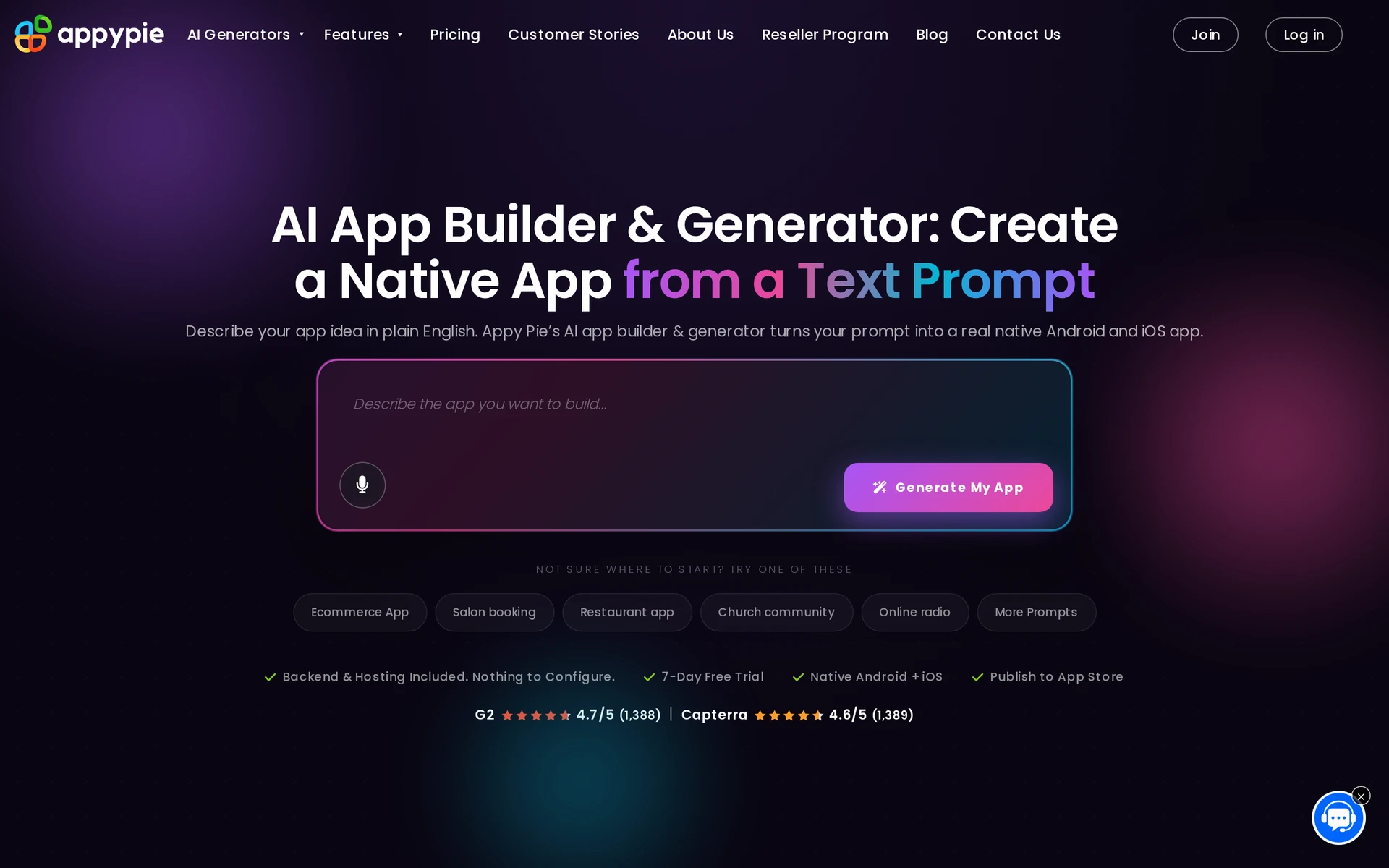
Appy Pie is a managed no-code builder that turns prompts into modular native iOS and Android apps on a hosted runtime.
Appy Pie turns one prompt into a hosted app project, then moves the work into its visual editor. Generated projects can include:
- Screens and data models
- Backend services and payments
- Push notifications
The visual editor handles branding and later screen changes.
Best for
Appy Pie fits teams that want pre-built business modules and managed hosting without owning the app source.
Guided store publishing is part of the product, and the Appy Pie admin panel continues running the app's managed services after submission.
Teams that need a Git repository or source files they can keep after cancellation will find the hosted model restrictive.
iOS output and publishing path
Appy Pie compiles a native iOS IPA and walks users through App Store submission on its hosted stack.
The IPA is a compiled managed build rather than a downloadable source project.
The same generation path produces an Android build for Google Play. After submission, Appy Pie continues running the app's backend and iOS push delivery.
Main tradeoff
Appy Pie does not export source; canceling the subscription stops the live app.
The submitted IPA continues to call Appy Pie's proprietary hosted runtime, so moving the live app elsewhere requires a rebuild.
Billing is also per application, so a second iOS app needs its own plan.
Pricing
Appy Pie requires a separate Platinum subscription for each iOS app.
Monthly and annual Platinum billing are available.
Apple developer fees sit outside the subscription. Usage or support charges may also apply.
9. FlutterFlow AI Gen
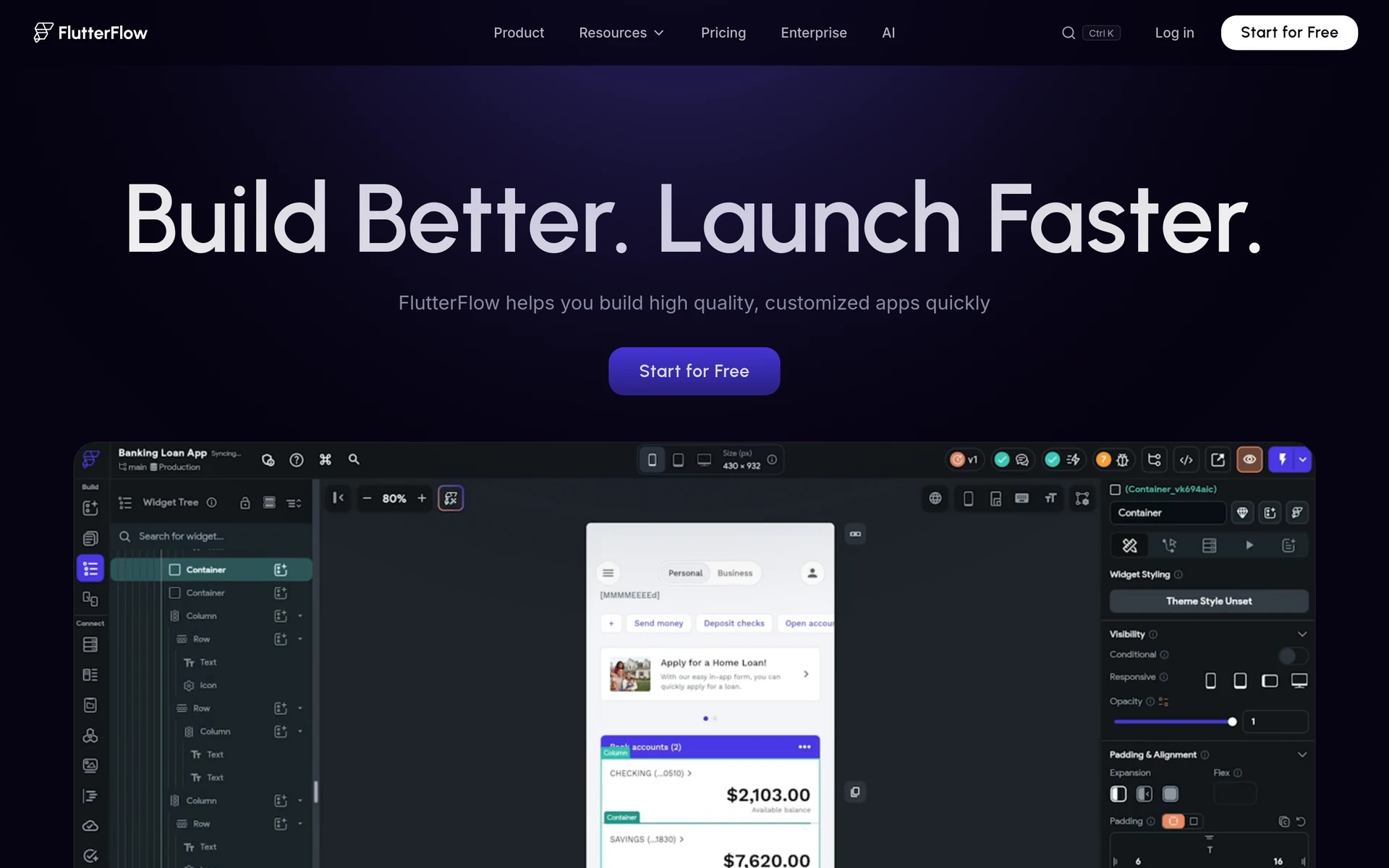
FlutterFlow AI Gen is a visual Flutter suite that generates pages, components, schemas, themes, and custom Dart snippets.
The result remains a Flutter project that can move between FlutterFlow's visual canvas and standard Flutter tooling after export.
Best for
FlutterFlow AI Gen fits teams that will configure visual action flows, state, and backend queries and want exportable Flutter source.
The canvas covers the building blocks:
- Action flows attach interface elements to logic and backend data.
- Firebase and Supabase connectors handle authentication, data, and cloud functions.
- The library has more than 200 pre-built components, with custom Dart widgets available for gaps.
iOS output and publishing path
FlutterFlow AI Gen outputs Flutter and Dart for iOS, Android, web, and desktop from one visual project.
The iOS build compiles from a Flutter project. Basic at $39/month is the first paid tier with Apple App Store deployment and source-code download.
Teams can use FlutterFlow's deployment flow or export the Dart project and continue in standard Flutter tooling.
Main tradeoff
AI Gen creates pages, components, schemas, themes, and Dart snippets; teams still connect state, queries, parameters, and action flows by hand.
As visual projects grow, generated Dart can become harder to refactor outside FlutterFlow. High-load apps and deep external integrations also demand more technical work.
Pricing
FlutterFlow AI Gen starts free, with five lifetime AI requests; paid Basic is $39/month.
FlutterFlow's pricing page caps AI use by subscription. Free includes five lifetime requests; paid plans range from 50 to 500 monthly requests.
| Plan | Monthly price | Notes |
|---|---|---|
| Free | $0 | Five lifetime AI requests; no App Store deployment or source download |
| Basic | $39/month | First tier with iOS deployment and source export |
| Growth | $80/month | Higher usage tier |
| Business | $150/month | Highest listed public tier |
10. a0.dev
a0.dev generates React Native and Expo projects for native mobile delivery.
Best for
a0.dev fits builders who need rapid native test builds, exportable Expo code, and a documented way to reset a long chat without losing the project.
The managed workflow carries the project from prompt generation through native build and store delivery in one workspace.
iOS output and publishing path
a0.dev generates React Native and Expo code, native builds, physical-device previews, and automated delivery to App Store Connect for TestFlight.
a0.dev creates the IPA through its managed build workflow.
Automated delivery sends the build to App Store Connect for TestFlight. The service handles delivery rather than requiring a manual project-file handoff.
Main tradeoff
a0.dev is credit-metered on a limited free tier, so iteration volume is capped unless you buy Pro or top-ups.
Long chat sessions can also exhaust the agent's context. a0.dev documents a reset that clears conversation history while preserving the project, so work can continue without rebuilding.
Pricing
a0.dev Pro starts at $20 per month.
Pro includes 100 credits.
That plan adds:
- A copy of the React Native and Expo project you can keep outside a0.dev
- Unbranded builds without a0.dev's product branding
- Credit top-ups when the included credits run out
AI iOS app builders compared: output, publishing path, and pricing
Bilt, Replit, OnSpace, FlutterFlow, and a0.dev give you both code export and publishing support. Adalo and Appy Pie keep the source inside their platforms.
| Tool | Output and source ownership | iOS publishing path | Paid entry |
|---|---|---|---|
| Bilt | Native React Native app; full project export | Guided workflow for preparing the build and completing App Store submission | Free tier; Professional is €15 for the first month, then €25/month, or €19/month billed annually |
| Rork / Rork Max | Rork Pro generates SwiftUI for iPhone and Kotlin with Compose for Android; Rork Max focuses on Apple devices; source export available | App Store launch is supported, but the public pricing page does not detail every signing and final-review handoff | Rork Pro: $20/month for 100 credits; Rork Max: $200/month for 1,000 credits |
| Replit | Editable React Native and Expo TypeScript project | Expo and EAS build, sign, and upload to App Store Connect for TestFlight; you complete the listing and submit for Apple review | Core: $20/month, or $18/month billed annually |
| Adalo | Managed iOS IPA; no raw source export | Automated App Store publishing is included with Starter | $45/month, or $36/month billed annually |
| OnSpace AI | React Native project with GitHub-based code export | Cloud publishing configures signing and sends the build to App Store Connect for TestFlight | Pro: $25/month for up to 7,500 monthly credits |
| x1.new | iPhone-focused project; paid plans let you keep the code | Paid plans include App Store preparation, launch assets, and review preparation | $59/week or $299/year |
| Newly AI | Formerly advertised exportable React Native and Expo projects; official domain now lists the domain for sale | No active official publishing workflow | No active public plan |
| Appy Pie | Managed iOS IPA on a hosted runtime; no raw source export | First-submission guidance through your developer account | Platinum subscription required for each iOS app; price shown at checkout |
| FlutterFlow AI Gen | Flutter and Dart source export on Basic | One-click store deployment with your Apple developer setup | Basic: $39/month |
| a0.dev | Exportable React Native and Expo project | Managed IPA build and automated App Store Connect delivery for TestFlight | Pro: $20/month for 100 credits |
For an iOS launch, check the publishing path before comparing generators. A lower subscription can still leave you responsible for the release workflow.
Source ownership comes next. Exportable code gives a developer somewhere to continue, while a hosted runtime ties future changes and releases to that platform.
How to choose the right AI iOS app builder
Start with whether the builder can produce a signed iOS binary and make every release handoff clear.
Choose by tracing the full build cycle:
- output format
- store submission
- project ownership
- cost of repeated edits
A polished first preview tells you little about the week-three workflow.
1. Check the output. Name the project format first. A source project in Swift or a cross-platform framework such as React Native or Flutter follows a standard iOS build path.
With a managed runtime, verify whether the published app remains available after cancellation.
2. Trace the store path. The builder should make each handoff clear:
- bundle ID and signing
- IPA generation and on-device testing
- App Store Connect upload and TestFlight testing
- App Review submission by the app owner
A cloud route matters if you do not have a Mac. A browser preview leaves the signing workflow untested.
3. Confirm ownership. Look for a ZIP or GitHub repository containing the full project, rather than screenshots or assets.
Ask whether a developer can build and update it without your original subscription. That answer tells you whether export is a working handoff or a backup.
4. Price a realistic edit loop. Check what the plan charges for:
- prompt corrections
- regeneration after an error
- a native build
- a TestFlight upload
Credit counts only help when you know what each action consumes. Compare the cost of fixing and resubmitting, not the cheapest first month.
| Criterion | Ask before choosing | Warning sign |
|---|---|---|
| Output | What project format or runtime creates the IPA? | Only a browser preview is available |
| Store path | Can it handle signing, builds, and TestFlight uploads in the cloud? | Certificates become your problem after the demo |
| Ownership | Can you export the full project through ZIP or GitHub? | Export includes assets, but not buildable source |
| Iteration cost | Which edits, rebuilds, and uploads consume credits? | Retry costs are unclear |
What AI iOS app builders still can't fully replace
AI iOS app builders shorten development. You still own the decisions and checks behind a safe App Store release.
You still need to cover:
- Product behavior: Define who can do what and how each flow should respond when something goes wrong.
- Real-device testing: Run the happy path and failure cases on supported iPhones, including denied permissions and unexpected inputs.
- Data and access: Set access rules and check how user data moves through the app before inviting customers.
- Apple requirements: Keep your Apple Developer account current and follow the App Store Review Guidelines. You also complete the listing and respond to review feedback or rejection.
- Maintenance: Assign an owner for post-launch monitoring and fixes. That owner should review dependency updates before each release.
Plan for these responsibilities before choosing a builder. The publishing button is only one part of shipping an iOS app.
Start your first iOS build with Bilt
Start with one job your app should do and build the smallest version someone can use. Put that version on a phone, ask for feedback, then decide what earns the next prompt.
Describe your idea to Bilt, then refine the native iOS app through conversation. Start building free with no credit card required.
FAQs
Can I build an iOS app without a Mac or coding skills?
Yes, cloud build services can compile an iOS app remotely, while AI or no-code builders let you create it without writing code.
Public App Store and TestFlight distribution still requires Apple Developer Program membership.
Do I need an Apple Developer account to publish my app?
Yes, publishing on the public App Store requires a paid program membership, which costs $99 per membership year.
The person or organization that owns the app should enroll and submit it under its own account.
Is it possible to build an iOS app for free?
Yes, you can design, code, and test an iOS app for free with Xcode, the Simulator, and a free Apple developer account.
A free Personal Team account signs device builds for seven days and allows three apps per device; public distribution requires paid membership.
How long does it take to build an iOS app with AI?
On Bilt, a working preview can come from one prompt in about 5-10 minutes. Reaching App Store submission can take hours or days.
Apple App Review reports that 90% of submissions are reviewed in under 24 hours, though a review can take longer.