TL;DR
AI app builders are everywhere in 2026, but most of them build web apps — not native mobile apps. If you want a real iOS or Android app that runs natively, deploys to the App Store, and doesn't feel like a website wrapped in a shell, your options narrow fast.
We compared the leading AI mobile app builders on what matters: native output, App Store deployment, code ownership, mobile-specific features, and pricing. Here's how they stack up.
What Makes a "Real" Mobile App Builder?
Before comparing tools, let's define what we're actually looking for. A genuine AI mobile app builder should:
- Generate native code (React Native, Flutter, Swift, or Kotlin), not a web app packaged in a WebView
- Deploy to app stores, the Apple App Store and Google Play, not just a web URL
- Provide mobile-specific UX, navigation stacks, tab bars, gestures, and push notifications
- Give you code ownership, exportable source code you can modify and maintain
- Support real device testing, live previews on real hardware, not just browser mockups
Every tool below gets judged on four things: native output with App Store eligibility, build speed, mobile-feature depth (device previews, push notifications), and clear pricing plus code ownership.
Those criteria play out in real apps like:
- Habit tracker with push reminders and offline sync
- Local marketplace app with real-time chat and location features
- Fitness-coaching app with video upload and subscription payments
- Team check-in app with QR code scanning
Each one needs real native features, like offline sync, location, or push, that a web wrapper can't reliably deliver.
Most AI app builders fail on at least two of these criteria. They build responsive web apps and call them mobile apps. That's a web wrapper, and thin wrappers like that risk rejection from the App Store.
The Best AI Mobile App Builders in 2026
Bilt, Best for Full Mobile App Creation
Emergent, Best for Full-Stack Web + Mobile
FlutterFlow, Best Visual Builder for Flutter
Draftbit, React Native Visual Builder
Rork, AI Mobile App Builder
Natively, React Native + Expo Builder
Thunkable, No-Code Mobile Builder
1. Bilt ✨ (👋 that's us), Best for full mobile app creation
What it does: Bilt turns a plain-language app idea into a real native app for iOS and Android. Describe what you want to build, and Bilt handles the build, testing, and app-store steps.
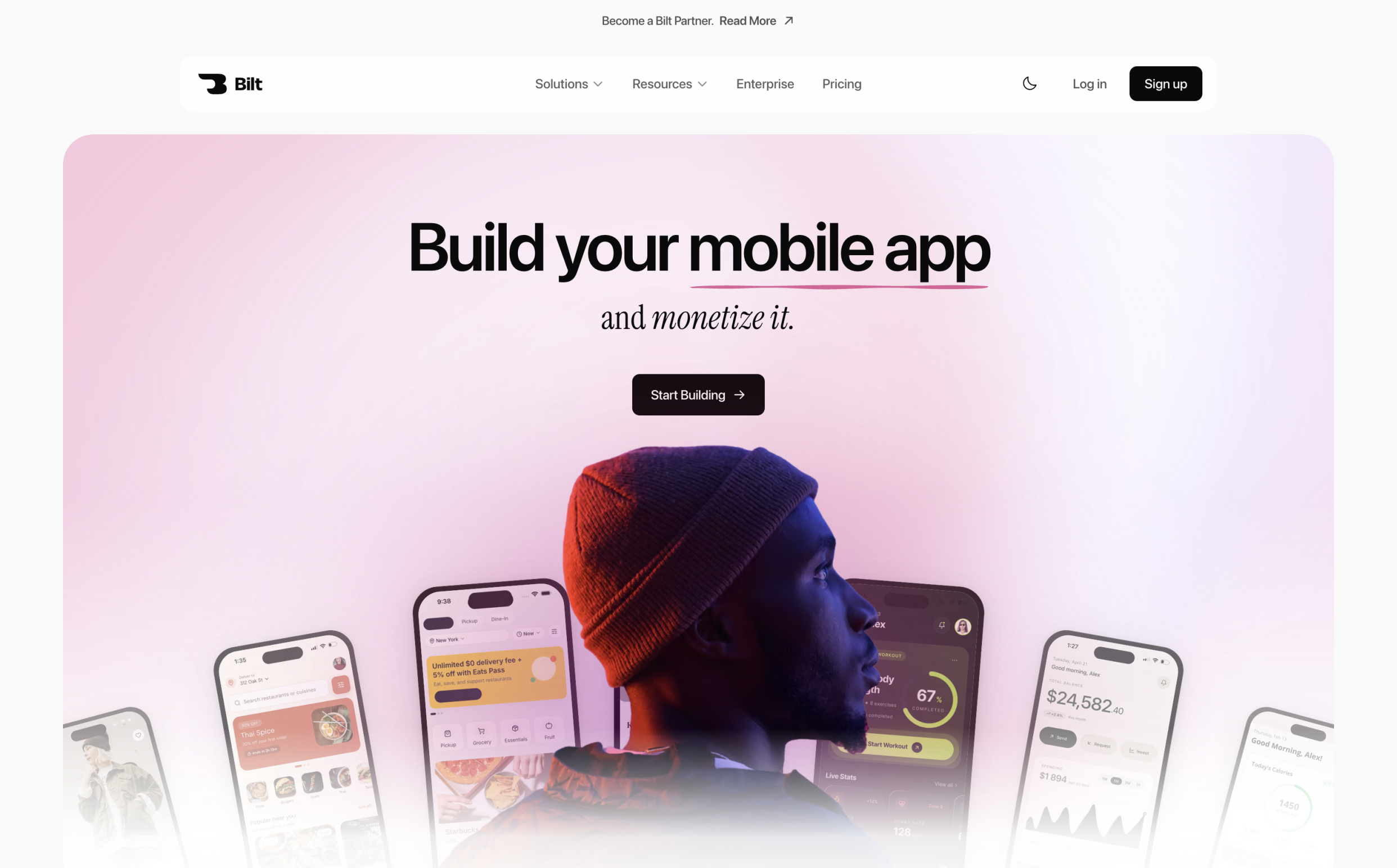
No code needed. You can start free, see your app running quickly, and move toward publishing when the app is ready.
Why it stands out:
- Real native app: Your app works on both iOS and Android instead of feeling like a website inside an app shell
- Describe changes in plain English: Tell Bilt what to add, fix, or change, and the app updates without writing code
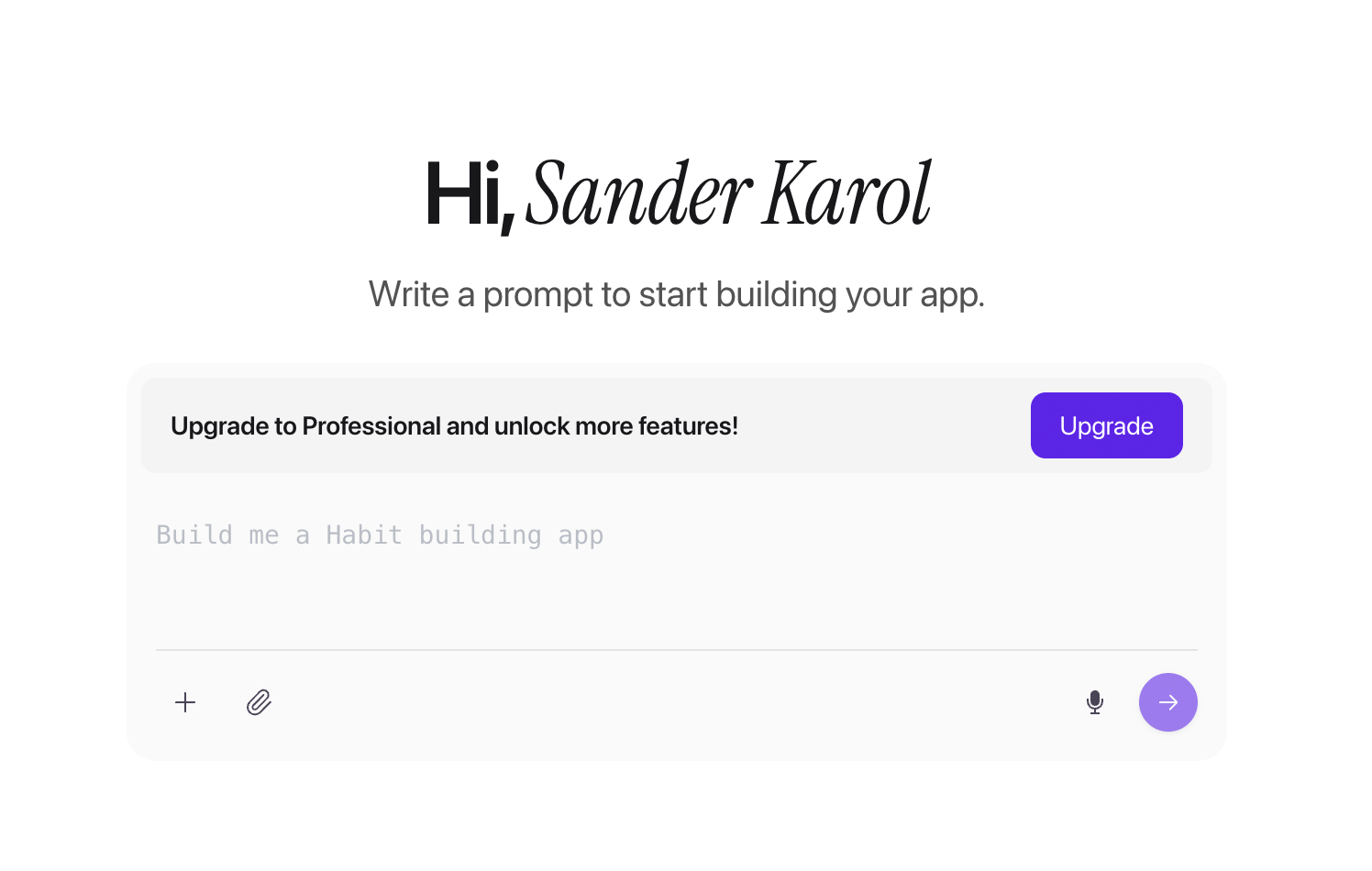
Bilt app-creation screen with a prompt field for describing an app idea - iPhone preview in your browser: See the app on a live iOS simulator without needing a Mac or Xcode
- App-store publishing support: Bilt helps you get from finished app to App Store and Google Play
- You keep the code: Export the full app to GitHub whenever you want developer access
- Built-in backend tools: Add accounts, data, APIs, and login without setting up extra services first
- Test on your phone: Scan a QR code and try the app on a real device in seconds
- Voice input: Talk through app changes when speaking is faster than typing
Best for: Non-technical builders, vibecoders, founders, and PMs who want to describe an idea and ship a real mobile app. Describe a fitness-tracking app, for example, and get a working build with login and push notifications.
Pricing: Start free with 3M AI tokens a month, about 12 to 30 prompts. The Professional plan starts at $25/mo for 10M tokens.
2. Emergent — Best for Full-Stack Web + Mobile
What it does: AI-powered vibe coding platform that builds web apps, mobile apps, and internal tools using multi-agent AI.
Emergent's core strength is deep full-stack generation, covering frontend, backend, and database in one build.
The platform has scaled fast. A Y Combinator profile credits Emergent with 5M+ users across 190+ countries who have built 6M+ applications.
It supports both web and mobile output from a single workflow, and stays well-funded with a rapid pace of new feature releases.
- Supports both web and mobile output
- Well-funded with rapid feature development
Limitations for mobile:
- Primarily web-focused — mobile output is secondary
- No in-browser iOS simulator
- Mobile-specific features are less mature than web
- Web-first architecture means mobile UX patterns can feel bolted on
Best for: Teams that need both web and mobile apps from a single platform.
Pricing: Emergent's Free plan includes 10 credits a month. Standard costs $20/month for 100 credits, web and mobile app builds, private hosting, and GitHub integration, and Pro runs $200/month.
3. FlutterFlow — Best Visual Builder for Flutter
What it does: Visual drag-and-drop app builder that generates Flutter/Dart code. AI features assist with component generation and layout.
Strengths:
- Mature visual builder with a large template library
- Flutter output compiles to true native on iOS and Android
- 200K+ active users
- Good for designers who want pixel-perfect control
Limitations:
- Flutter ecosystem is smaller than React Native/JavaScript
- AI capabilities are add-ons, not core to the workflow
- Steeper learning curve than prompt-based tools
- No GitHub-native code export in the same way as Bilt
Best for: Designers and visual-first builders who prefer drag-and-drop over prompts.
Pricing: FlutterFlow's Free plan is $0 for up to 2 projects. Basic starts at $39/month with code and APK export plus one-click App Store deployment, and Growth adds GitHub integration for $80 per seat.
4. Draftbit — React Native Visual Builder
What it does: No-code/low-code builder that generates React Native code. Focused on mobile-first development with a visual interface.
What it does: No-code/low-code builder that generates React Native code, now with AI Agent Chat built into the workflow. Focused on mobile-first development with a visual interface.
- AI assistance sits on top of the visual and code workflow rather than replacing it, so it's still more editor-driven than prompt-first tools like Bilt
- Visual builder with direct code access
- Mobile-focused since inception
- API integration support
Limitations:
- No AI-driven generation from natural language
- Manual component building (not prompt-based)
- Smaller community and slower update cycle
- Limited backend integration compared to Bilt's BaaS
Best for: Developers comfortable with React Native who want a visual editor rather than AI prompts.
Pricing: Draftbit's Free plan includes 5,000 credits. Standard runs $12/month with full code export and one-click iOS, Android, and web publishing, and Pro is $24/month with GitHub export, simulators, and App Store submission help.
5. Rork, AI Mobile App Builder
What it does: AI-powered mobile app builder generating mobile apps from text descriptions, with the exact output depending on plan.
Strengths:
- Mobile-native focus
- Expo/React Native output on Pro; native iOS SwiftUI on Max
- Prompt-based generation
Limitations:
- Newer platform with a smaller feature set
- Less mature backend integration
- Limited ecosystem tooling (no iOS simulator streaming)
- Smaller community and fewer resources
Pricing:
- Free: web apps only, with limited native-platform trials
- Pro ($20/mo): Android and Expo/React Native apps
- Max ($200/mo): native iOS SwiftUI apps
Best for: Early adopters exploring AI mobile app building.
6. Natively, React Native + Expo Builder
What it does: Builds native mobile apps using React Native and Expo from text prompts, with full code ownership.
Strengths:
- Same tech stack as Bilt (React Native + Expo)
- Full source code export
- Native mobile focus
Limitations:
- No in-browser iOS simulator
- Less mature deployment pipeline
- Smaller feature set compared to established players
Pricing: The Agent plan costs $25/month and includes 50 monthly credits, iOS and Android simulators, and app-store deployment.
Best for: Developers already in the React Native ecosystem.
7. Thunkable, No-Code Mobile Builder
What it does: Drag-and-drop no-code builder for iOS and Android apps, now with generative AI assistance.
Strengths:
- Mature platform with educational resources
- True mobile output (iOS + Android)
- Good for simple apps and prototypes
Limitations:
- Thunkable is still primarily a visual no-code environment, so its AI doesn't offer the same prompt-to-native-code workflow or React Native/Flutter code ownership as Bilt
- Proprietary runtime (not standard React Native or Flutter)
- Limited code export options
- Performance ceiling for complex apps
Pricing: Free plan includes 2,000 AI tokens. Publishing a live app requires a paid plan, with Accelerator starting at $19/month.
Best for: Non-technical creators building simple mobile apps.
Comparison Table
| Feature | Bilt | Emergent | FlutterFlow | Draftbit | Rork | Natively | Thunkable |
|---|---|---|---|---|---|---|---|
| AI prompt-to-app | Yes | Yes | Partial | Partial | Yes | Yes | AI-assisted |
| Native output | React Native | React Native | Flutter | React Native | Expo/React Native on Pro; SwiftUI iOS on Max | React Native | Proprietary |
| iOS simulator | In-browser | No | No | Paid Pro plan | No | No | No |
| App Store deploy | One-click | Manual | Manual | One-click (Standard plan) | Plan-gated (Pro/Max) | Limited | Yes |
| Code ownership | Full (GitHub) | Full | Partial | Full | Partial | Full | Limited |
| Built-in backend | Yes (BaaS) | Yes | Limited | API only | Limited | Limited | Limited |
| Voice input | Yes | No | No | No | No | No | No |
| QR device testing | Yes | No | Yes | Yes | No | No | Yes |
| Code quality | Production React Native | Production React Native | Flutter with limitations | Production React Native | Production React Native (Pro plan) | Production React Native | Prototype-grade |
| Starting price | Free tier ($25/mo Pro) | Free tier ($20/mo Standard) | Free tier ($39/mo Basic) | Free tier ($12/mo Standard) | Free tier ($20/mo Pro) | $25/mo Agent plan | Free tier, 2,000 AI tokens ($19/mo Accelerator) |
How to Choose
Choose Bilt if:
- You need a native iOS/Android app, not a web app
- You want to go from idea to App Store in hours, not months
- You want full React Native code ownership via GitHub
- You value built-in mobile features: iOS simulator, QR testing, voice input
Choose Emergent if:
- You need both a web app and a mobile app
- Full-stack generation is more important than mobile-specific features
Quick decision guide
- Need native iOS and Android with App Store publishing in a day? Bilt covers the whole path.
- Already have a web app and want a matching mobile version? Bilt or Natively can convert it.
- Prefer visual drag-and-drop and you're comfortable with Flutter? FlutterFlow fits better.
Choose FlutterFlow if:
- You prefer a visual drag-and-drop interface over AI prompts
- You're already invested in the Flutter/Dart ecosystem
Choose Draftbit if:
- You're a React Native developer who wants a visual editor
- You prefer manual control over AI generation
The Bottom Line
Most AI app builders in 2026 build web apps. If you need a real native mobile app — one that passes App Store review, feels native, and scales beyond a prototype — the field narrows significantly.
Bilt is the only tool that combines prompt-based native app generation, an in-browser iOS simulator, one-click App Store deployment, and full code ownership. If native mobile is what you're building, Start building free.
Frequently Asked Questions
Can AI really build a mobile app?
Yes. AI mobile app builders like Bilt generate real React Native codebases from natural language descriptions. The output is production-grade code — not a prototype or mockup. You get a real app you can deploy to the App Store.
For the full process from idea to app store submission, see our mobile app build workflow.
What's the difference between a web app and a native mobile app?
A web app runs in a browser (even if packaged to look like an app). A native mobile app is compiled code that runs directly on iOS or Android. Native apps are faster, have access to device features (camera, GPS, push notifications), and pass App Store review.
Do I own the code from an AI app builder?
It depends on the tool. Bilt gives you full ownership — you can export your entire React Native codebase to GitHub and modify it freely. Some other platforms lock your code into their ecosystem.
Can I publish an AI-generated app to the App Store?
Yes, if the app is genuinely native. Apple's App Review Guideline 4.2 says apps need features, content, and UI that go beyond a repackaged website.
Thin WebView wrappers are risky under that rule, since Apple is looking for apps that are useful, unique, or app-like, not a site in a shell.
Bilt generates real React Native code that compiles to native binaries, gets tested on real devices, and comes with App Store submission support built in.
How long does it take to build an app with AI?
An initial AI-generated native app can come together in minutes. Publishing takes longer, since it depends on testing, assets, developer-account setup, and store review.
Bilt targets an initial iOS build in roughly 2-5 minutes and automates much of the App Store submission workflow.
App Store review typically takes about a day, though incomplete apps, missing review information, or crashes can delay that further.
Are there free AI mobile app builders?
Yes, several tools offer a free tier, but 'free' usually means testing or limited generation, not a full native launch.
- Bilt Free: 3M AI tokens for prompting, plus backend services like auth, database, and storage
- FlutterFlow Free: build and test up to 2 projects, but code download and App Store deployment start on the Basic plan (per FlutterFlow's pricing page)
- Emergent Free: 10 monthly credits (per Emergent's pricing page)
- Draftbit Free: 5,000 credits plus AI Agent Chat (per Draftbit's pricing page)
- Rork Free: mostly web-app output, with limited native trials
- Thunkable Free: 2,000 AI tokens (per Thunkable's pricing page)
Publishing to the App Store or Google Play usually needs a paid platform plan, plus separate Apple and Google developer-account fees.
What is the difference between no-code and AI app builders?
No-code builders start from manual visual assembly. AI app builders start from a prompt and generate screens, logic, and backend connections.
The line has blurred. Draftbit now runs AI Agent Chat inside a visual React Native editor, and Thunkable uses AI tokens inside its drag-and-drop builder.
Choose a visual editor if you want hands-on control over layout. Choose an AI-first native builder like Bilt if you want the fastest path from idea to a native app with code ownership and built-in publishing.