Your ASO tool should solve the job blocking launch or growth. Paying for a broad enterprise suite rarely helps when the immediate need is keyword research.
ASO starts after you have a store-ready app. Build and submission tools handle that prerequisite; ASO platforms handle keywords, reviews, listings, market data, and creative tests.
This guide compares options for keyword research, review operations, localization, market intelligence, and creative testing, with clear limits and pricing where available.
Quick picks: the best ASO tool for your bottleneck
Start with the job blocking progress. Bilt.me is the native-app readiness step; the dedicated ASO tools below address work after the app is ready for the stores.
- Before ASO: Bilt.me. For non-technical founders who need to build, test, and prepare a real native app for store release before keyword or listing work can matter.
- Keyword intelligence: AppTweak. It measures keyword opportunity and estimated organic installs; Mobile Action adds organic-versus-paid download analysis.
- Localized listing updates: App Radar. It manages localized metadata from drafting through publishing; ASOdesk is the alternative for authoring across more than 100 localizations.
- Market intelligence: Sensor Tower. It combines modeled download and revenue data with audience metrics; Appfigures is the alternative for category trends, demographics, and SDK filters.
- Review management: AppFollow. It routes store reviews into support systems such as Zendesk and Salesforce, with coverage extending beyond app stores to Trustpilot.
- Creative testing: SplitMetrics Optimize. It tests more than 30 product-page elements; Apple Product Page Optimization is the alternative for eligible live App Store traffic.
What kind of ASO tool do you actually need?
Start with the blocked job. A keyword tracker cannot replace a review desk, and a creative-testing platform will not publish localized metadata for you.
Dedicated ASO tools fall into six practical categories after your app is ready for store submission. Some products cover more than one, but the primary job tells you whether the tool belongs in your workflow.
- Need keywords and ranks? Use a keyword platform.
- Need to reply to reviews? Use a review platform.
- Need to ship copy across locales? Use a metadata tool.
- Need category or competitor estimates? Use market intelligence.
- Need evidence for icons or screenshots? Use a creative-testing tool.
- Need free first-party data? Start with the store consoles.
What we looked for in each ASO tool
We judged each product by its primary job, documented workflow, store coverage, plan limits, and fit. That keeps a keyword ranker from losing points because it lacks review automation.
We then checked whether the analysis leads to an action: publish a listing, route a review, run a creative test, or connect keyword movement to installs.
Product capabilities and plan limits support the comparisons below. General ASO principles are not treated as proof that any tool will improve a specific app’s results.
- Keyword depth: Volume, difficulty, ranks, and install context.
- Listing execution: Drafting, localization, and store publishing.
- Creative evidence: Live-store or simulated product-page tests.
- Operational fit: Review routing, market estimates, limits, and price.
The 12 best app store optimization tools
This 12-entry list starts with Bilt.me for building and preparing the native app for store release. The remaining entries cover keywords, reviews, listings, market data, and creative testing.
1. Bilt.me
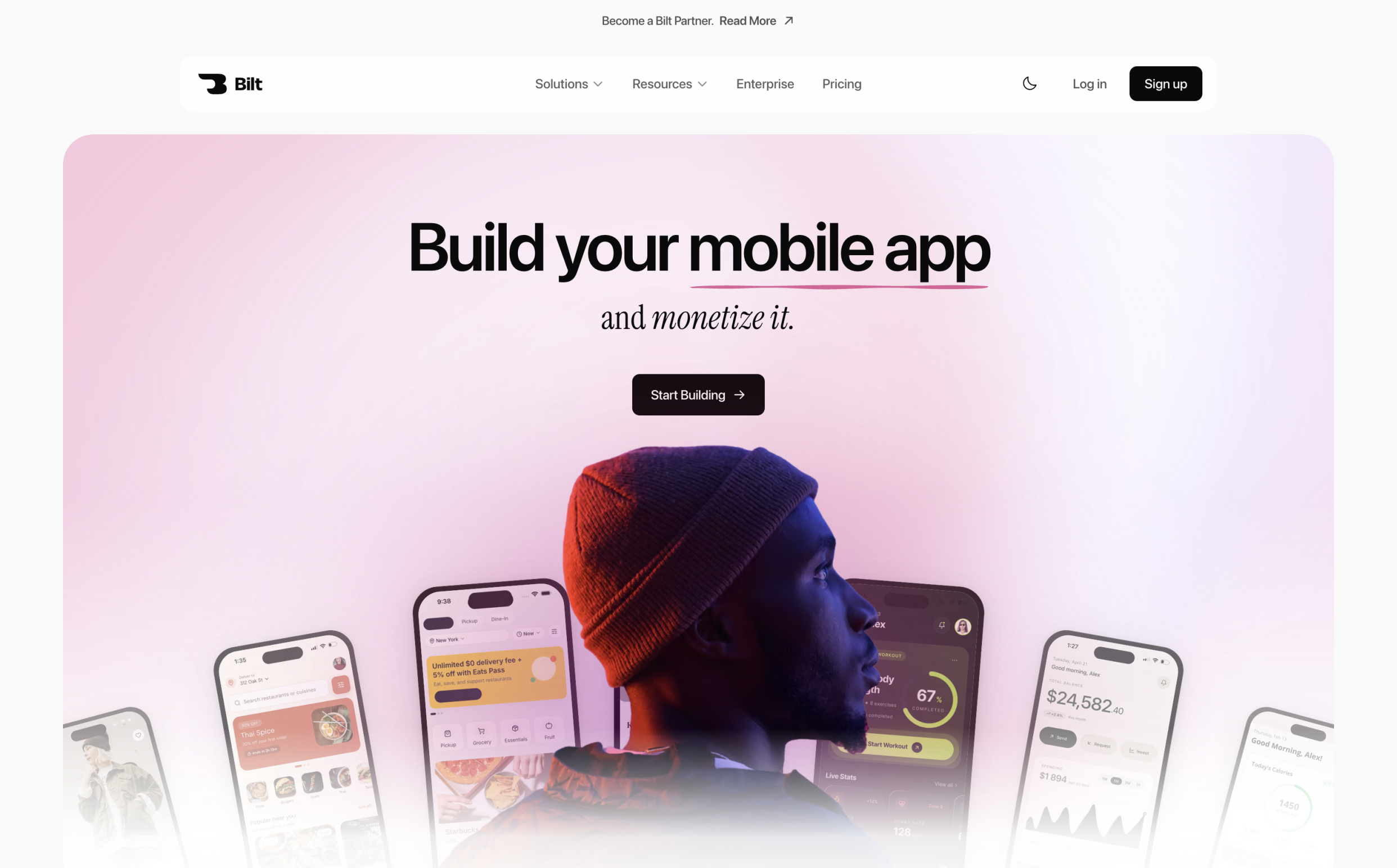
Bilt.me turns a natural-language description into a native React Native app for iOS and Android, covering creation, testing, refinement, and store-release preparation. Dedicated ASO software handles the keyword, review, and market research that follows.
Bilt generates React Native code you can export, keep, or hand to a developer. Dedicated ASO software takes over when you need keyword, review, and market research.
Best for: Non-technical founders, small business owners, vibecoders, and web app owners moving from Lovable, V0, or Next.js to native mobile.
Core workflow:
- Describe the app in plain English, then add Figma screens or reference images when useful.
- Bilt generates the interface, application logic, backend, and React Native project.
- Refine screens, forms, navigation, and features by describing the result you want.
- Test the live preview in a browser, on a physical phone, or through a shared link.
- Generate signed production builds for iOS and Android.
- Bilt uploads the iOS build to App Store Connect, where you submit it for review, and handles the connected Google Play build workflow.
- Respond to any store feedback and resubmit when Apple or Google requests changes.
From an app idea to a testable native build
A founder can start from a written app idea. A web app owner can use existing screens, Figma files, or reference images to guide a native mobile version.
The first version is a starting point. Ask Bilt to add a screen, change navigation, revise a form, or connect a feature without editing React Native code yourself.
A live preview lets you check the experience while you iterate. A signed production build is the separate binary prepared for store submission.
Bilt generates React Native applications that compile into native iOS and Android binaries. The resulting apps can use phone capabilities such as camera access, GPS location services, and push notifications.
Before submission, check the app in four ways:
- iOS browser simulator: Stream an interactive iOS environment on macOS, Windows, or Linux.
- Physical phone: Open the build from a QR code to check touch behavior, layout, and permissions on real hardware.
- Shared preview: Send a preview link to clients, co-founders, or testers before release.
- Production build: Confirm the signed iOS and Android builds match the version you approved in preview.
These checks expose layout, navigation, and permission problems before store review. You still need the developer accounts required by Apple and Google.
App Store and Google Play release workflow
Bilt automates build generation and code signing, including certificates and provisioning profiles. It uploads the iOS build to App Store Connect, where you submit it for review in Apple’s tools. For Google Play, Bilt builds the .aab and can send it to the internal testing track, although the first release may require a manual upload in Play Console. Each store still reviews the app and makes the approval decision.
Build time varies with the project and store requirements. The key distinction is continuity: the app moves from prompt to signed binary without a separate local deployment stack.
Pricing:
- Free: €0 with 3M monthly AI tokens, roughly 12–30 prompts, backend access, live previews, and support.
- Professional: €25 per month with 10M monthly tokens, roughly 40–100 prompts, integrations, and priority preview access.
- Professional Plus: €50 per month with 20M monthly tokens, roughly 80–200 prompts, priority support, and early feature access.
- Professional Max: €100 per month with 45M monthly tokens and higher cloud limits.
- Professional Ultra: €250 per month with 115M monthly tokens.
Annual billing gives two months free. One-time token top-ups are also available and remain usable for 30 days.
Where you'll still need a dedicated ASO tool
Bilt covers app generation, testing, iteration, and deployment. Its documented workflow does not include the research and measurement functions that define a dedicated ASO platform.
Pair Bilt with an ASO tool when you need:
- Keyword discovery and rank tracking
- Competitor and category intelligence
- Review analysis and response workflows
- Metadata testing and store-listing measurement
Compare AppTweak next when you need dedicated keyword research, competitor tracking, and reporting after the app is ready.
2. AppTweak
AppTweak is an ASO and app-marketing intelligence platform for teams managing keyword visibility, competitors, creatives, reviews, and Apple Ads from one workspace.
Best for
App growth teams that need ASO research plus reporting infrastructure across multiple apps or markets.
Why it stands out
AppTweak lets teams send ASO data into internal reporting and analysis workflows.
- REST API: Connect AppTweak data to internal reports and business-intelligence systems.
- Workflow access: Specialized agents and the official MCP server support recurring analysis in compatible tools.
AppTweak combines organic keyword work with its own Apple Ads Campaign Manager. Mobile Action packages campaign execution through MobileAction CMP, so compare the workflow and limits you need.
Pricing and plan limits
AppTweak Essential starts at $79 per month and includes 500 keywords, one seat, and six months of history.
Check how many apps, countries, keywords, seats, and months of history you need. API access and larger portfolios require a higher tier.
Watch-outs
- API access, automation, and higher data allowances can require a higher tier.
- Multi-market accounts use more app, country, and keyword allowances, while product development and store submission remain outside the platform's scope.
3. Mobile Action
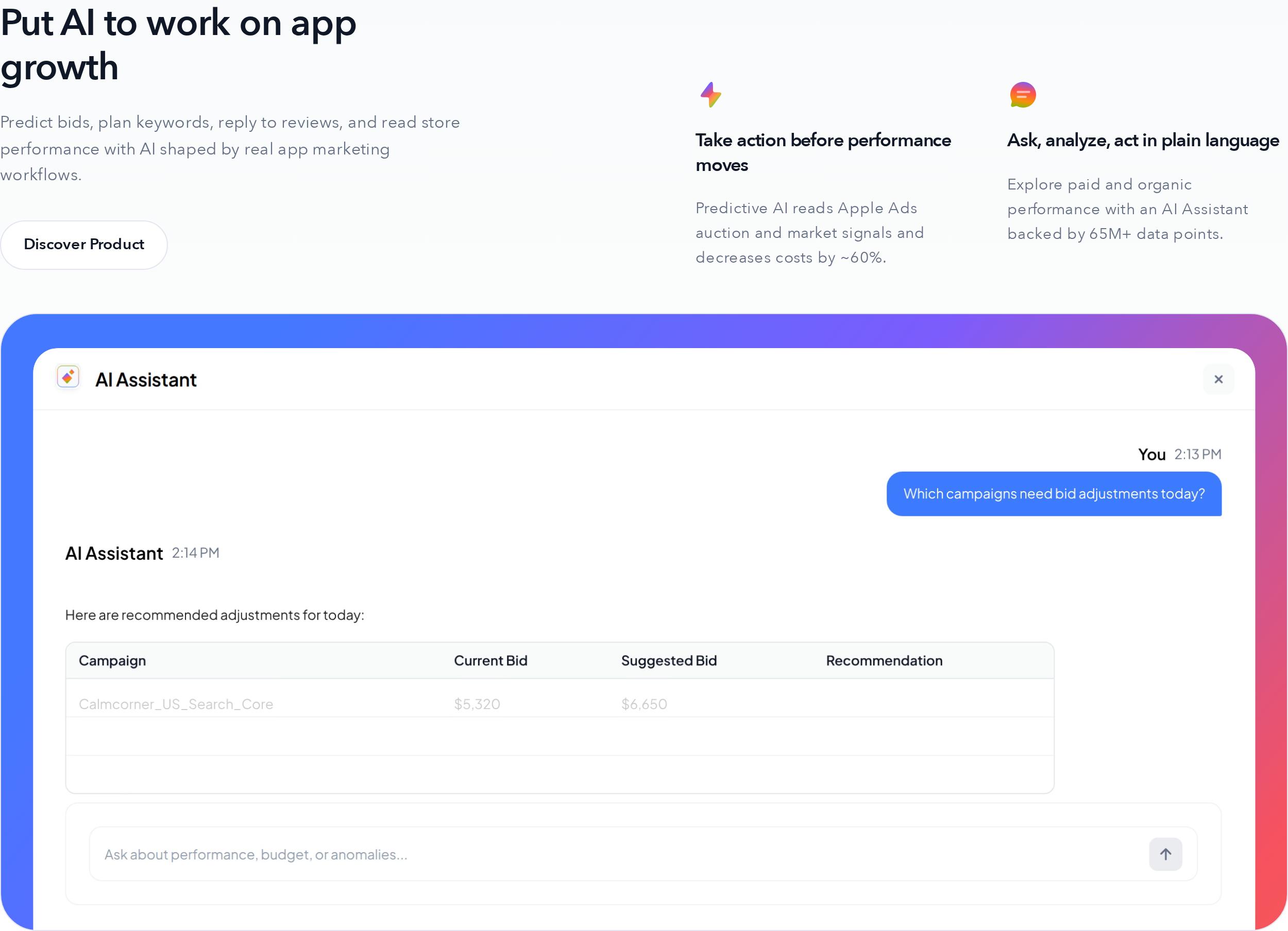
Mobile Action combines ASO intelligence with paid user-acquisition research, making it relevant to teams that manage organic discovery and Apple Ads together.
Best for
Growth teams that want keyword research, creative intelligence, and Apple Ads operations within the same product family.
Why it stands out
The clearest differentiator is the connection between Mobile Action’s ASO data and SearchAds.com, its Apple Ads platform.
- ASO intelligence: Keyword tracking, competitor research, and store visibility.
- Creative research: Competitor ads and acquisition patterns.
- MobileAction CMP: Bulk campaign changes, bid rules, and Apple Ads management.
- MMP postbacks: Revenue data returned to campaign optimization.
Mobile Action keeps paid execution in MobileAction CMP. AppTweak instead pairs ASO research with its own Campaign Manager and reporting tools.
Pricing and plan limits
Mobile Action sells ASO intelligence and SearchAds.com as separate product areas. Quote scope depends on the product area and account requirements.
During evaluation, scope ASO intelligence separately from SearchAds.com, then confirm the included markets and data access for each.
Watch-outs
- A sales conversation is required to establish the full cost and included limits.
- MMP-based optimization depends on correctly configured postbacks and sufficient campaign data.
Start with the free five-keyword account if you only need a small test. Confirm ASO Intelligence and MobileAction CMP pricing separately before comparing the total with another suite.
4. App Radar
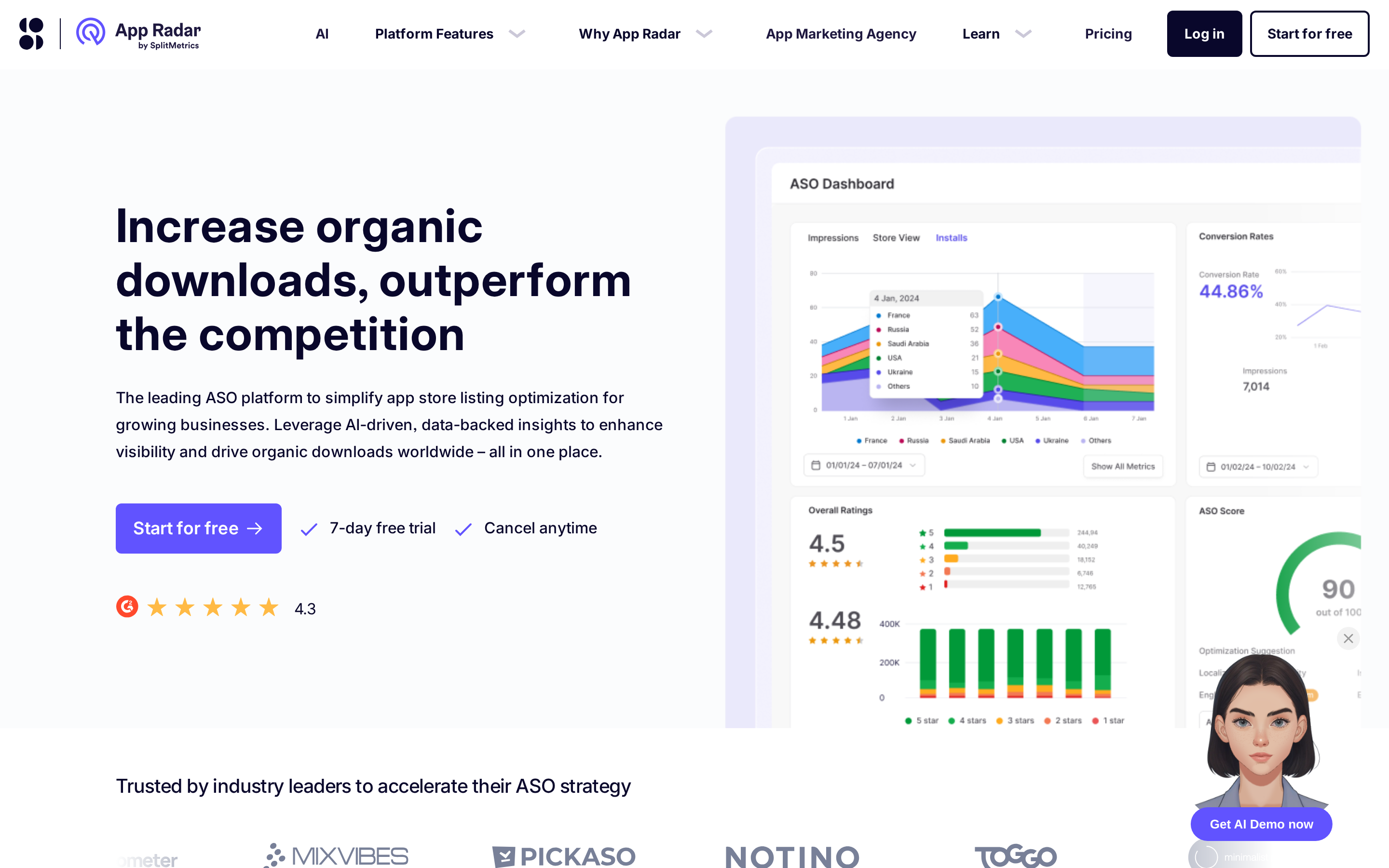
App Radar is an ASO execution platform for researching keywords, localizing store listings, and publishing metadata to Apple and Google.
Best for
App teams that want to move from keyword research into listing updates without managing every locale directly inside the store consoles.
Why it stands out
App Radar moves keyword research into listing execution:
- Draft and localize store metadata.
- Bulk-edit copy across selected locales.
- Manage localized screenshots alongside the listing.
- Publish through App Store Connect and Google Play Console integrations.
The store integrations let teams take a localized metadata change from draft to publication within the same workflow.
Pricing and plan limits
App Radar Essentials starts at €69 per month for two apps, 500 keywords, 25 competitors, one seat, and 50 review replies per month.
Agencies and multi-app teams should price the full portfolio rather than compare plans using a single app.
Watch-outs
- Publishing requires store-account access and correctly configured permissions.
- Bulk localization still needs human review for brand language, regulated claims, and market-specific wording.
- App Radar handles listing execution and ASO analysis; product quality and store compliance remain separate work.
App Radar is the clearer fit when direct store publishing matters. ASOdesk puts more emphasis on building multilingual keyword sets and semantic cores.
5. Sensor Tower
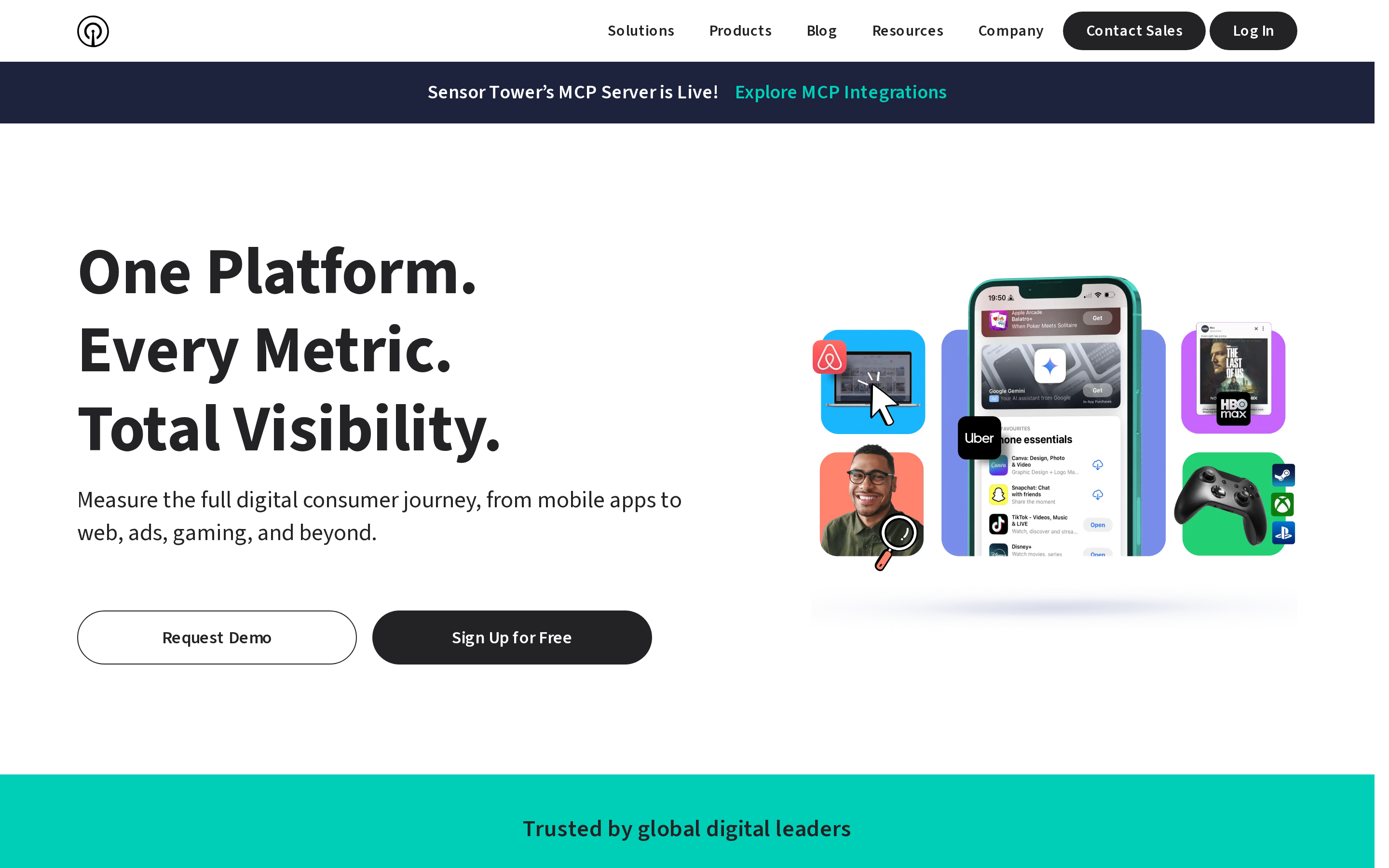
Sensor Tower is an enterprise digital-market intelligence platform for researching app performance, audiences, advertising, and market movement.
Best for
Publishers, investors, and research teams comparing markets or competitors across a large app category.
Why it stands out
Sensor Tower combines modeled app-store estimates with usage and advertising data. Its suite covers:
- Download and revenue estimates
- DAU, MAU, retention, and audience demographics
- Cross-app affinities and advertising spend
- Keyword research and compiled-app SDK analysis
The download, revenue, usage, audience, advertising, and SDK datasets support questions beyond listing optimization, including market growth and competitor retention.
Pricing and plan limits
Sensor Tower uses custom enterprise pricing. Ask which modules, countries, history, seats, and export rights the quote includes.
- Data scope: Product modules, markets, and historical coverage.
- Access scope: Seats and export requirements.
Watch-outs
Competitor download, revenue, and usage figures are modeled estimates, not first-party account data. Buyers should define required countries, stores, historical coverage, exports, and seats before comparing quotes.
Sensor Tower targets enterprise market research. Appfigures offers a lower-cost starting point for connected-account reporting, then adds market intelligence on higher plans.
6. AppFollow
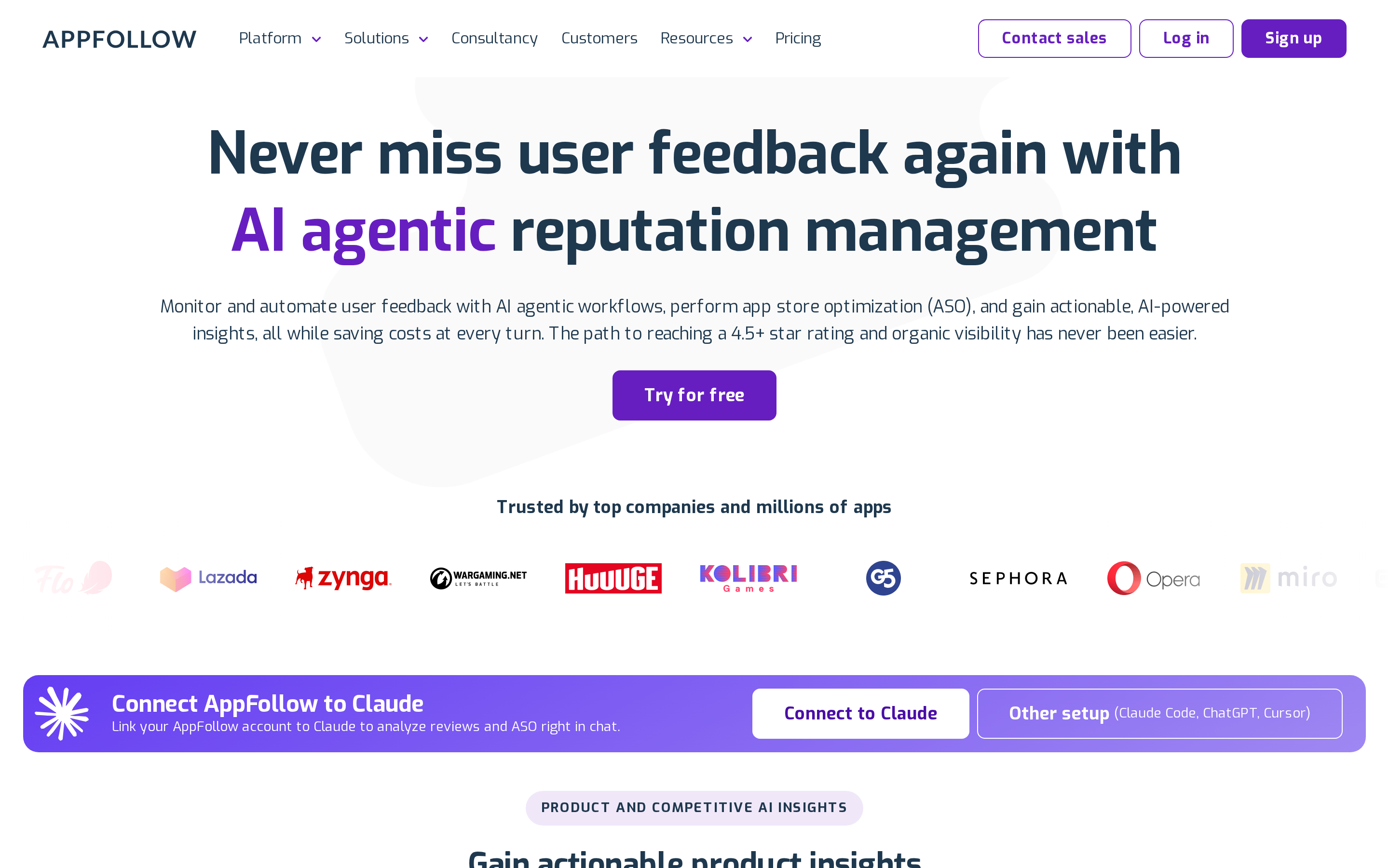
AppFollow is a review-operations and reputation platform for monitoring feedback, routing tickets, analyzing sentiment, and managing store replies.
Best for
Support and product teams that need app-store reviews inside an established customer-service workflow.
Why it stands out
AppFollow can route reviews into Zendesk, Salesforce, Freshdesk, and Helpshift, so agents can handle store feedback beside other support conversations.
Its coverage includes Apple, Google, Xbox, and Trustpilot. Unlike ASOdesk’s direct store-reply workflow, AppFollow can route reviews into established help desks and automate triage.
Pricing and plan limits
AppFollow has a free plan for two apps. Its ASO Personal plan is about $29 per month, while broader review workflows move into higher business tiers.
Watch-outs
Review management is AppFollow's primary focus. Teams that need competitor revenue estimates, advertising intelligence, or market sizing need a separate market-intelligence product.
Automated replies also need governance. Set approval rules, escalation paths, and language ownership before allowing templates or AI-generated responses to reach customers.
7. Appfigures
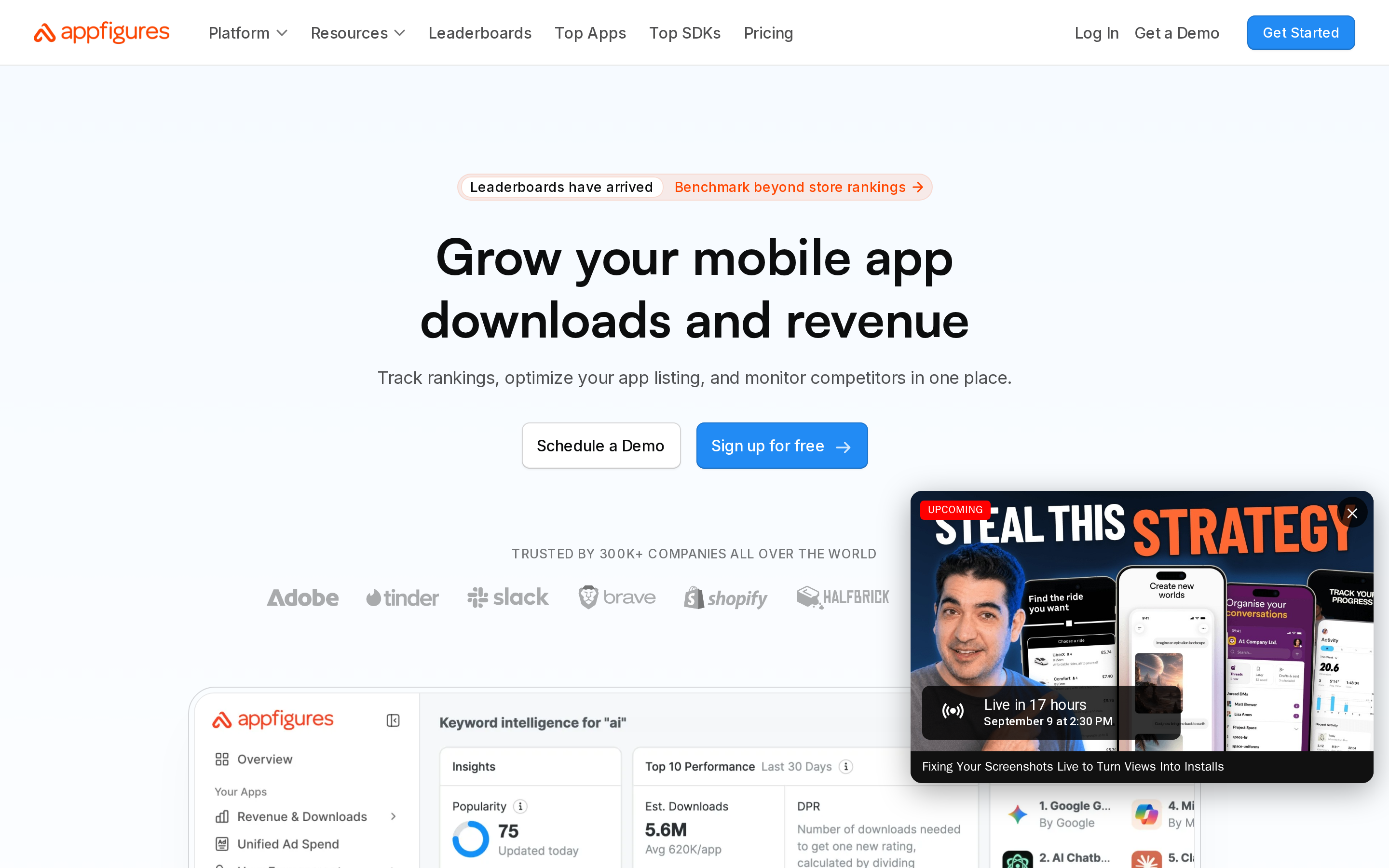
Appfigures combines first-party portfolio reporting with keyword tracking, review monitoring, and market estimates in one workspace.
Best for
Independent developers, publishers, and analysts that need store-performance reporting alongside ASO research.
Why it stands out
Connected store accounts supply actual portfolio revenue and subscription telemetry without an SDK. The index also extends beyond mobile storefronts to desktop and console catalogs.
Connected-account reporting uses first-party owned-app data. Competitor downloads and revenue are market estimates.
Pricing and plan limits
Appfigures Connect starts at $9.99 per month for five apps and 25 keywords. Daily keyword updates begin with Monitor at $44.99 per month.
Appfigures starts with connected-account reporting and adds research as you move up. Sensor Tower is sold around broader enterprise market, audience, and advertising analysis.
Plan around four boundaries:
- It does not publish store metadata back to App Store Connect or Google Play Console.
- It does not run product-page A/B tests.
- Apple Ads intelligence covers research rather than campaign execution.
- Wider portfolios and research scopes can require a different subscription level.
8. ASOdesk
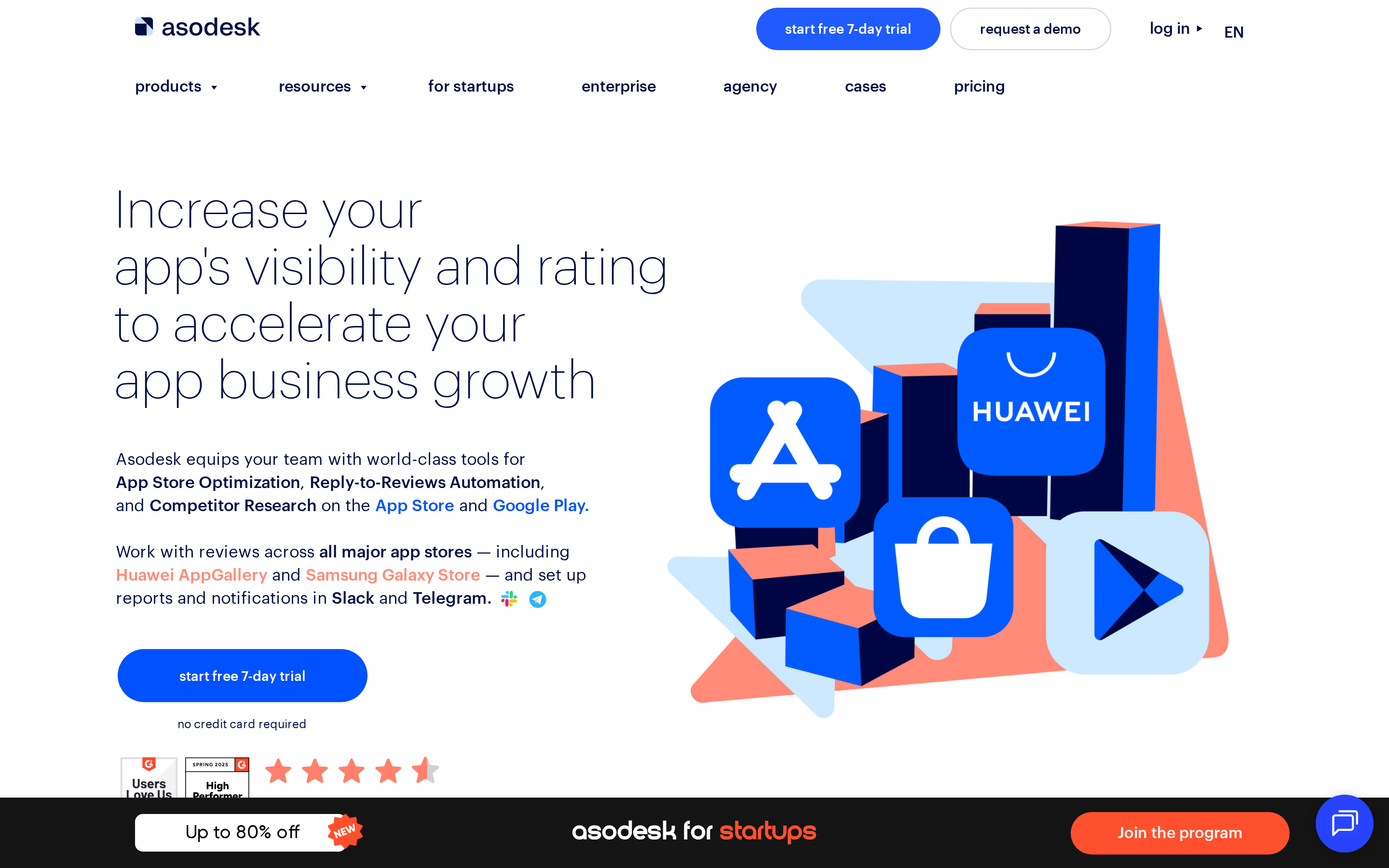
ASOdesk is an ASO platform for teams building multilingual keyword sets and managing listing work across markets. Its workflow centers on turning seed terms into a structured semantic core.
The keyword process includes:
- Categorized semantic-core suggestions for organizing candidates
- A four-root-term shuffler for generating combinations
- Discovery of relevant keywords where the app does not yet rank
- Translation and metadata-density analysis for localized listings
Best for: ASO and localization teams that need one workspace for keyword research, listing work, and review management.
Pricing and limits:
- Confirm the current app, keyword, country, and seat allowances for the ASO product.
- Compare its direct Apple and Google reply workflow with AppFollow if help-desk routing matters.
Watch-outs: Review replies and broader limits may be packaged separately. App Radar is easier to compare when direct metadata publishing is the main requirement.
9. data.ai
data.ai is App Annie's former market-intelligence platform. Its technology and datasets are accessed through Sensor Tower rather than a separate self-serve product.
Best for: Teams maintaining legacy data.ai workflows or datasets during a Sensor Tower evaluation.
The legacy datasets support category comparisons, competitor monitoring, market sizing, and portfolio decisions rather than weekly listing edits.
Pricing: There is no separate data.ai plan to buy. Access is negotiated through Sensor Tower under a custom annual enterprise contract.
Watch-outs: There is no separate data.ai product to shortlist. Review Sensor Tower’s contract scope, data coverage, exports, and migration terms instead.
10. SplitMetrics Optimize
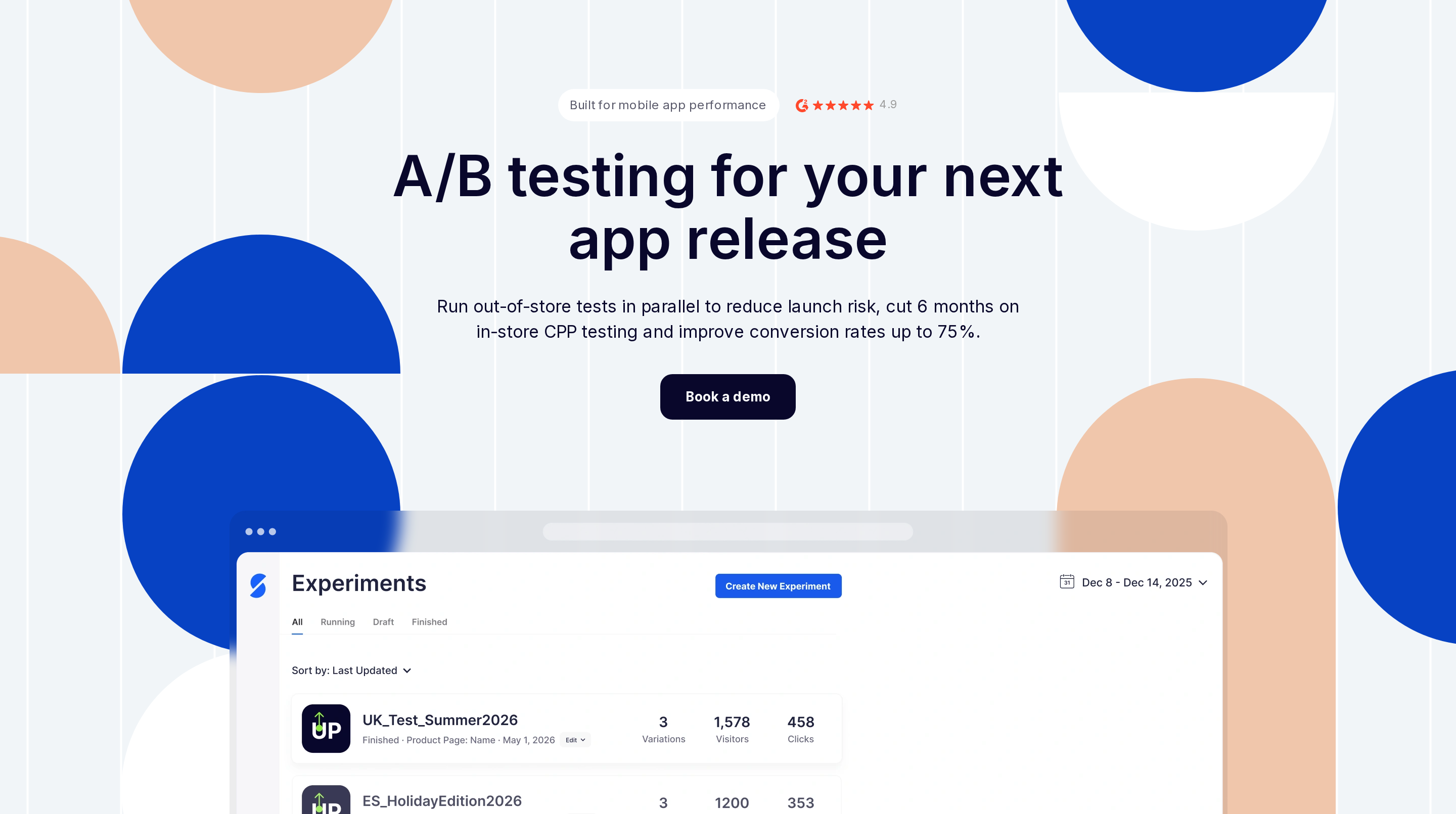
SplitMetrics Optimize is a web-emulated product-page testing platform for pre-launch validation. Growth and creative teams can send paid traffic to controlled test pages before changing a live listing.
Its defining workflow has three stages:
- Build variants of the store page, metadata, or visual assets.
- Route paid traffic to the emulated pages and run A/B/n experiments.
- Use conversion behavior to decide which concept should move toward the live listing.
Best for: Teams with an established acquisition budget that need evidence before changing screenshots, copy, or a pre-launch product concept.
Pricing: SplitMetrics Optimize uses custom pricing rather than a public self-serve price. The quote depends on the testing program and commercial scope.
Watch-outs: SplitMetrics needs paid traffic and an experiment budget. It supports up to eight variants on emulated pages and can test before a live App Store listing has enough traffic.
11. Gummicube
Gummicube combines managed ASO services with its DATACUBE intelligence platform and Splitcube creative-testing technology. Clients work with Gummicube’s team on strategy and execution.
Best for
Gummicube is aimed at companies that want an outside team to run ASO across strategy and production.
The managed model can cover:
- Keyword research and store metadata
- Creative development and testing
- Paid acquisition support
- Ratings and review work
Why it stands out
The service brings strategists, designers, copywriters, and search specialists into one engagement. DATACUBE supplies market and keyword intelligence, while Splitcube supports creative testing.
Gummicube sells a managed engagement supported by DATACUBE and Splitcube. SplitMetrics Optimize is testing software, so your team owns more of the experiment setup and execution.
Pricing and plan limits
Gummicube does not publish standard plan prices. Ask for a proposal that identifies the scope, deliverables, testing work, reporting access, and approval process.
There is no public free tier or self-serve entry plan to compare with dashboard-based ASO tools. Access to DATACUBE and Splitcube is tied to the managed engagement rather than presented as an off-the-shelf subscription.
Watch-outs
Watch-outs: A managed engagement gives the customer less direct control than a self-serve platform. Confirm deliverables, test volume, reporting access, approval steps, and creative-asset ownership before signing.
Gummicube also requires a sales conversation before pricing becomes clear. That makes early budget comparison harder for a small team or a developer managing one app.
12. Apple Product Page Optimization
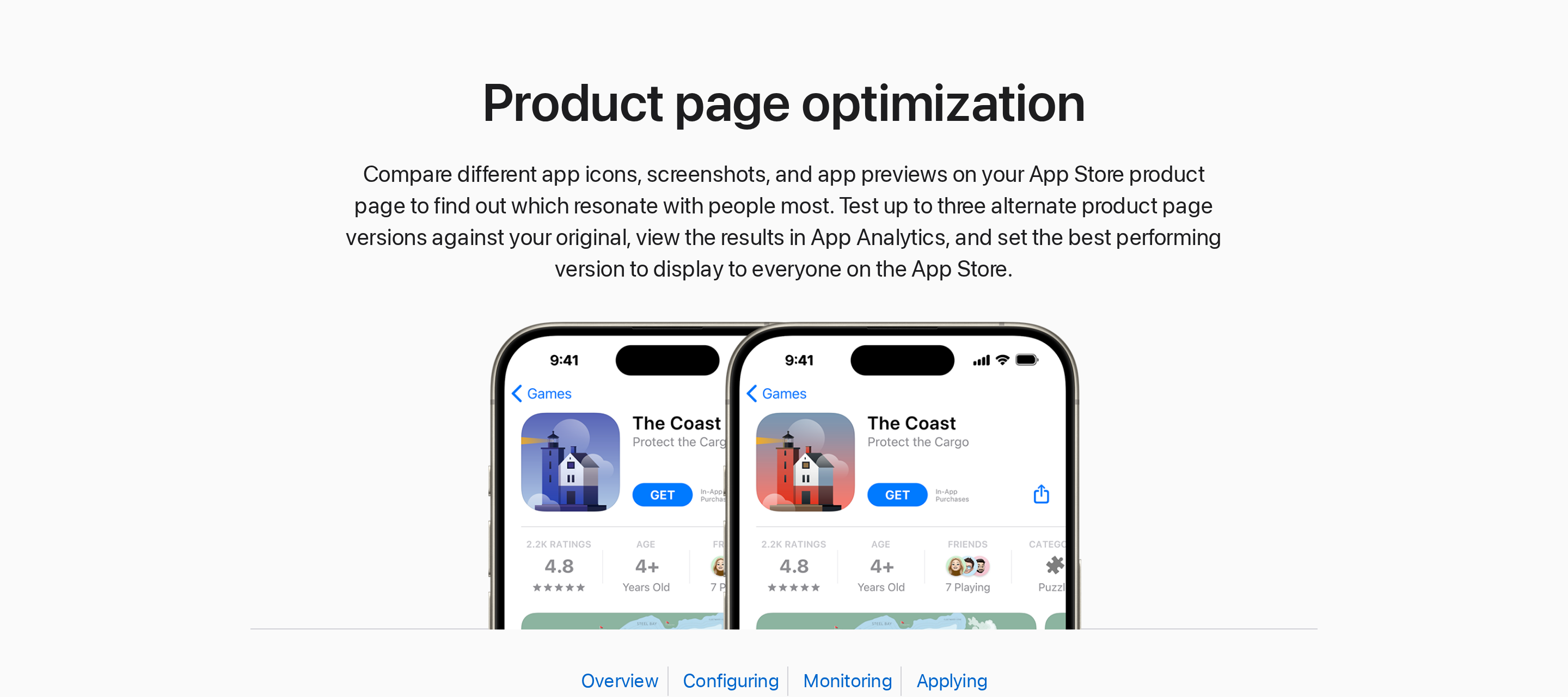
Apple Product Page Optimization, or Apple PPO, is App Store Connect’s native A/B testing feature. Unlike SplitMetrics Optimize, it tests eligible live App Store traffic rather than paid traffic sent to an emulated page.
Best for
Apple PPO suits iOS teams with enough App Store traffic to compare creative treatments. It can validate a change before one version becomes the default product page.
Eligible test assets include:
- App icons
- Screenshots
- App preview videos
Why it stands out
Apple PPO runs inside the App Store and assigns randomly selected eligible visitors to one treatment. Results reflect the native store experience rather than a simulated page.
You can compare the original product page with up to three treatments. Apple lets you set the traffic allocation and monitor conversion performance in App Store Connect.
Apple Product Page Optimization cannot test the app description, so screenshot and preview copy carry more of the conversion work.
Pricing and plan limits
Apple PPO is included in App Store Connect, so there is no separate testing subscription. You still need an app and the required App Store Connect permissions.
Apple PPO’s main test boundaries are:
- One product-page test can run at a time for an app
- Each test can include up to three treatments
- A test can run for up to 90 days
- Apple allocates eligible App Store traffic among the original page and test treatments; it is not limited to organic visitors
Watch-outs
Watch-outs: Apple PPO is a testing feature, not a full ASO suite.
- Keyword research and competitor intelligence need a separate workflow.
- Ratings, review management, and Google Play testing sit outside App Store Connect.
Low traffic can make results slow or inconclusive. App-icon treatments also require the alternate icons to be included in the app binary, and tested assets remain subject to Apple's review requirements.
ASO tools compared: jobs, stores, and pricing
The tools below cover keyword research, listing execution, review operations, market intelligence, and creative testing. Bilt addresses the earlier prerequisite of building and preparing a native app for store release.
Entry points range from free plans to custom enterprise contracts.
Use the table to identify the missing capability in your ASO workflow, rather than comparing subscriptions as interchangeable products.
| Tool | Primary job | Store coverage | Entry pricing |
|---|---|---|---|
| Bilt.me | Native app building and store-release preparation | Apple App Store and Google Play | Free; Professional €25/month or €19/month billed annually |
| AppTweak | Keyword intelligence and Apple Ads workflows | Apple App Store and Google Play | $79/month for Essential |
| Mobile Action | Keyword intelligence and Apple Ads workflows | Apple App Store and Google Play | $15/month for Lite |
| App Radar | Metadata drafting, localization, bulk editing, and publishing | Apple App Store and Google Play | €69/month for Essentials |
| Sensor Tower | Enterprise market, audience, advertising, and SDK intelligence | Apple App Store and Google Play | Custom quote |
| AppFollow | Review operations, sentiment analysis, and ASO workflows | Apple, Google, Xbox, Microsoft, Amazon, Samsung, Huawei, and Trustpilot | Free plan; ASO from $29/month |
| Appfigures | Portfolio analytics, keyword tracking, and market estimates | Apple App Store and Google Play | $9.99/month for Connect |
| ASOdesk | Keyword tracking and review replies | Apple App Store and Google Play | Free one-app plan |
| data.ai | Enterprise app-market intelligence through Sensor Tower | Apple App Store and Google Play | Custom enterprise access |
| SplitMetrics Optimize | Paid-traffic tests on simulated store pages | Apple App Store and Google Play | Custom quote |
| Gummicube | Managed ASO and Splitcube creative testing | Apple App Store and Google Play | Custom quote |
| Apple Product Page Optimization | Native creative testing on live product pages | Apple App Store only | No additional tool fee; Apple Developer Program costs $99/year |
The budget split is as important as the feature split. Store tools and limited plans cover basic work; specialist subscriptions add workflows; enterprise intelligence and managed services use custom contracts.
Creative testing also uses different traffic. Apple PPO tests eligible live iOS traffic, while SplitMetrics Optimize and Gummicube can test emulated pages with paid traffic.
Which ASO tools to combine, based on your situation
Build an ASO stack around the job blocking installs. A focused pair is usually easier to operate than overlapping subscriptions with separate dashboards and usage limits.
| Situation | Core stack | Add only when needed | Main trade-off |
|---|---|---|---|
| One app, early keyword validation | ASOdesk free plan or Mobile Action Lite | App Radar when listing changes become frequent | Low entry cost, but research and publishing remain separate |
| Localized listings across both stores | AppTweak, Mobile Action, Appfigures, or ASOdesk + App Radar | Apple Product Page Optimization after iOS traffic develops | Keyword scores matter only when localized metadata reaches each store |
| Support-heavy app portfolio | Keyword tool + AppFollow | ASOdesk if direct Apple and Google replies cover the workflow | AppFollow adds helpdesk routing and broader storefront coverage |
| Creative testing before a live change | Keyword tool + SplitMetrics Optimize | Gummicube when the team also needs managed creative production | Simulated tests require paid traffic but can run before changing the live page |
| iOS app with organic traffic | Keyword tool + Apple Product Page Optimization | SplitMetrics Optimize for Google Play or pre-live tests | Apple PPO is iOS-only and caps tests at three treatments for 90 days |
| Growth team running Apple Ads | Mobile Action + SearchAds.com, or AppTweak + its Campaign Manager | SplitMetrics Optimize for pre-live creative experiments | AppTweak's campaign manager starts at $399/month as a separate add-on |
| Enterprise category research | Sensor Tower market modules + a separate listing publisher | AppFollow for review operations | Market estimates guide category decisions but do not replace console publishing |
Still building the app? Bilt.me can turn a plain-English description into a native iOS and Android app before you add keyword, review, or testing tools.
For creative work, match the test method to your traffic. SplitMetrics Optimize supports more than 30 elements and up to eight variants; Apple PPO uses live iOS traffic; Gummicube adds managed execution.
Market intelligence belongs later unless category sizing drives the decision. Sensor Tower's modeled downloads, revenue, usage, ad spend, and SDK research answer strategic questions rather than weekly listing edits.
Choosing your ASO stack starts with your app itself
ASO tools compound results only after a native, store-ready app can ship, pass review, and support repeat releases.
A polished prototype has no listing to rank. The first product milestone is simple: users can download the app from the Apple App Store or Google Play.
That makes four release tasks prerequisites for ASO:
- Generate a production iOS or Android binary.
- Sign the build with valid certificates and provisioning profiles.
- Meet each store's technical and compliance requirements.
- Repeat the release process after product or listing changes.
Once those release tasks work reliably, keyword research, metadata experiments, and review intelligence have a real product and listing to improve.
Ship a native app worth optimizing, with Bilt.me
ASO improves how people find and judge an app. Bilt builds the real native iOS and Android product behind that listing, with no code needed.
Describe your idea, test the live preview, and refine the app through conversation. Bilt then prepares the builds and submission workflow; your ASO stack handles discovery and measurement.
Free to start · No credit card. Start building free.
FAQs
Are there any good free ASO tools?
Yes. App Store Connect and Google Play Console cover listing updates, experiments, and first-party performance data without another subscription.
Pay when you need competitor keywords, cross-market research, centralized review operations, or market estimates that the store consoles do not provide.
Do I need an ASO tool with just one app?
One app does not require a paid ASO tool. Start with App Store Connect and Google Play Console for listing management, experiments, search data, and conversion reporting.
A paid tool makes sense when manual rank checks, competitor monitoring, review replies, or localization become recurring work.
How much do ASO tools cost overall?
ASO costs range from free store consoles to specialist subscriptions. Verified entry points in this guide include $19 per month for AppFollow ASO and $79 per month for AppTweak Essential.
Larger portfolios, enterprise intelligence, and managed services can cost much more or require a custom quote. Compare store coverage and limits before comparing headline prices.
Do ASO tools cover both App Store and Google Play?
Many platforms cover both stores, including AppTweak, Mobile Action, App Radar, AppFollow, Appfigures, and ASOdesk. Apple PPO is iOS-only.
Coverage does not mean one shared strategy. Apple does not index the long description for search, while Google Play uses long-description text as a relevance signal.