Your store setup should drive the choice. Shopify and WooCommerce need reliable catalog and checkout connections, while a custom storefront may call for a native build or a web-to-app conversion.
The key question is what you want to maintain: a synced mobile template, your existing website inside an app, or a custom native codebase you own.
We compared 10 builders by backend fit, app architecture, publishing support, pricing, and technical effort so you can narrow the field quickly.
Quick answer: the best ecommerce app builder for your setup
The right ecommerce app builder fits your store backend and the way you want to build the app.
Start with the system that runs your store, then match it to the mobile experience you need:
- Shopify: Tapcart, Shopney, Vajro, Plobal Apps, and Appbrew connect a separate mobile storefront to Shopify catalog and checkout data.
- WordPress or WooCommerce: AppMySite converts an existing site into a mobile app without rebuilding the catalog in another system.
- Existing mobile-friendly website: MobiLoud provides a managed web-to-app service that keeps the website at the center of operations.
- Custom native buying flow: Bilt generates exportable React Native code from plain-English prompts and supports publishing to both app stores.
- Multi-vendor delivery marketplace: Hyperzod centers on customer, merchant, driver, and administrator workflows.
- Standalone mobile store: GoodBarber provides its own commerce environment and visual storefront builder.
How we evaluated these ecommerce app builders
This ranking draws on published product information and documentation rather than hands-on testing.
We gave the most weight to backend fit, app architecture, code ownership, and publishing support. Bilt is listed first for custom native output and ownership, although a Shopify template builder may take less setup for a conventional catalog app.
- Mobile architecture: Whether the builder produces native components, React Native code, a hybrid shell, or a WebView-based interface.
- Store synchronization: How inventory, checkout, customer accounts, and order updates stay aligned with the existing backend.
- Deployment workflow: Whether the platform handles builds, code signing, store assets, submission, and review issues.
- Total recurring cost: The builder plan, setup charges, publishing help, support limits, and required developer accounts.
- Technical effort: How much integration, layout work, testing, and ongoing maintenance remains with the store team.
Types of ecommerce mobile app builders
Ecommerce mobile app builders fall into four main categories: visual drag-and-drop builders, web-to-app converters, prompt-driven code generators, and standalone commerce platforms.
- Visual builders: Prebuilt mobile components connect to a store backend. Setup is quick, but layouts and custom logic stay within the supported component system.
- Web-to-app converters: These tools package a responsive storefront inside a mobile container. They preserve existing site behavior but inherit its speed and layout limits.
- Prompt-driven native generators: You describe the storefront in natural language, and the platform generates a codebase such as React Native. Custom logic is possible, but integrations still need clear requirements.
- Standalone commerce CMS tools: The builder can manage products, inventory, orders, and checkout itself. That centralizes app operations but may duplicate an existing ecommerce stack.
The 10 best ecommerce mobile app builders
Each entry covers backend fit, build model, main limitation, and price. Use those four points to separate a quick template setup from a managed website conversion or a custom native build.
1. Bilt.me
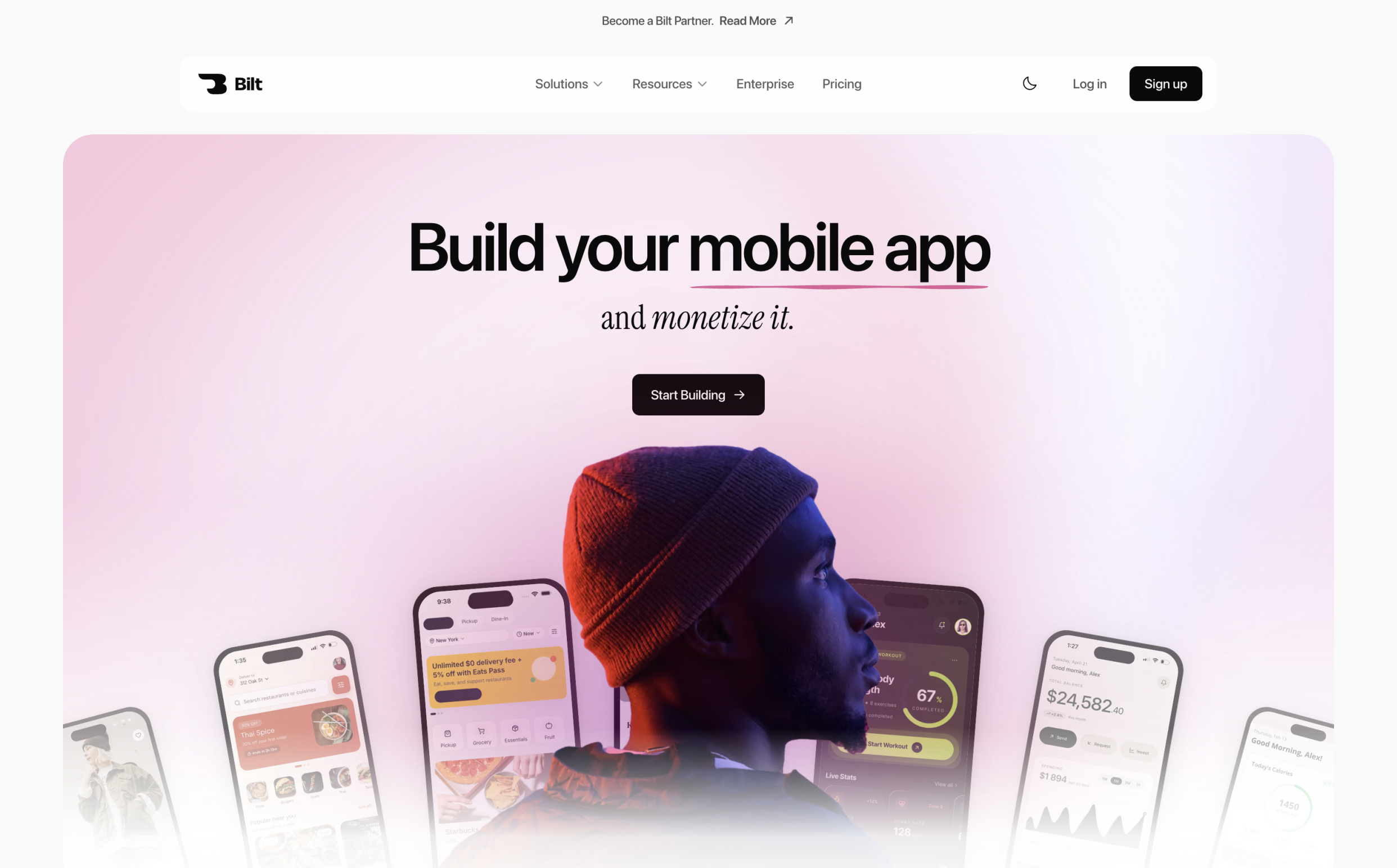
Bilt.me is an AI-driven mobile development platform that builds native iOS and Android applications from natural language prompts, bypassing visual drag-and-drop interfaces.
Bilt is our #1 pick for store owners who need custom buying flows and direct code access. It fits projects that have outgrown a fixed ecommerce template.
Bilt generates a full-stack React Native project from your store requirements. Unlike a preconfigured theme, the storefront is not limited to a fixed set of built-in layouts.
- Build model: Plain-English prompts and reference screens
- App output: Native iOS and Android applications
- Backend: Authentication, database, and storage
- Preview: In-browser simulator and QR-based device testing
- Ownership: Exportable React Native source code
Bilt fits ecommerce brands, web store owners, and non-technical founders who need custom buying flows or branded interfaces. A template builder is simpler when your only requirement is a standard storefront.
The custom route makes sense when your app needs logic such as member pricing, location-aware inventory, or a barcode-scanning flow. You define the behavior, and Bilt generates the app structure around it.
How you build the app: describe it, don't drag it
You build an ecommerce app in Bilt by describing the store experience in plain English. Bilt generates the project, then accepts chat-based revisions while the native preview updates.
The workflow has four steps:
- Describe the catalog, customer journey, visual direction, and required store logic.
- Let Bilt generate the screens, navigation, backend tables, and authentication flow.
- Refine layouts or behavior through follow-up chat instructions.
- Check each change in the native simulator or scan the QR code to test on your phone.
Bilt keeps the conversation context as you refine the project. You can request a new product screen, adjust cart behavior, or change a layout without rebuilding the app from a blank canvas.
Describe an app and watch Bilt build it in a live native preview.
The streamed native preview gives each revision an immediate check inside a device-like environment.
Ecommerce features it can generate
Bilt.me generates custom product catalogs, shopping carts, payment checkouts, push notification triggers, loyalty systems, and native device hardware integrations.
You specify the ecommerce experience, and Bilt generates the matching application structure. Core commerce capabilities include:
- Product listings and category filters
- Persistent carts and checkout flows
- Customer authentication and account screens
- Database tables for products, inventory, and customer records
- Storage for product images and other app assets
React Native output lets the app use phone hardware and mobile retention features. Your requirements can include barcode scanning through the camera, GPS-based store locators, or push notifications for promotions and order updates.
Before building, define where products, inventory, payments, and fulfillment data live. Bilt can connect the app to existing services, but those connections and business rules still need to be specified.
Native output and App Store publishing
Bilt.me compiles React Native into platform-specific iOS and Android binaries, managing code signing, certificates, and store build uploads.
Bilt generates a React Native codebase that compiles into native iOS and Android binaries. The app can use platform-specific components and device APIs instead of presenting the storefront inside a web-view shell.
The same project covers both mobile platforms, so the catalog and buying flow stay aligned while iOS and Android builds remain native.
Bilt handles build generation and the publishing workflow for Apple App Store Connect and Google Play Console. That includes the mobile setup work that commonly blocks a finished project:
- Store-ready build generation
- App asset preparation
- Submission support when publishing issues appear
You publish under your own developer accounts. Apple charges $99/year for its Developer Program, while Google Play Console charges a $25 one-time fee.
Code ownership and where it fits your existing stack
Users retain 100% code ownership with GitHub repository sync and code export, allowing custom modifications, self-hosting, and connection to external ecommerce backends.
Your Bilt project can sync with a GitHub repository owned by you or your organization. Changes move in both directions, so you can keep prompting in Bilt while a developer works in the repository.
The exported React Native project includes its assets and configuration files. You can then:
- Continue in Xcode, VS Code, or Cursor
- Hand the codebase to an engineering team
- Connect the repository to GitHub Actions or another release workflow
Existing stores can connect through REST or GraphQL endpoints, custom databases, and external commerce services. Bilt can inspect a linked web repository as a read-only reference, then adapt its screens and logic for mobile.
Exported code runs independently of Bilt. If the app uses Bilt Payments or a Bilt-managed backend, replace those services before moving to a fully self-hosted setup.
Pricing
Bilt.me operates a freemium model with a €0 free tier, paid plans starting at €25 per month, and annual billing discounts.
Bilt has a permanent free tier, followed by four paid self-service plans and a separately quoted Enterprise option:
- Free, €0: 3M tokens per month, plus backend services, live preview, and Discord or email support.
- Professional, €25/month: 10M tokens, with integrations and priority access to the agent and native preview.
- Professional Plus, €50/month: 20M tokens, with priority support and early access to new features.
- Enterprise, custom billing: Custom quote, onboarding, dedicated support, custom integrations, and group-based access controls.
Annual billing saves two months. One-time top-ups start at €25 for 5M tokens, or €15 on a paid plan, and expire after 30 days, so a busy refinement cycle does not require changing plans.
2. Tapcart
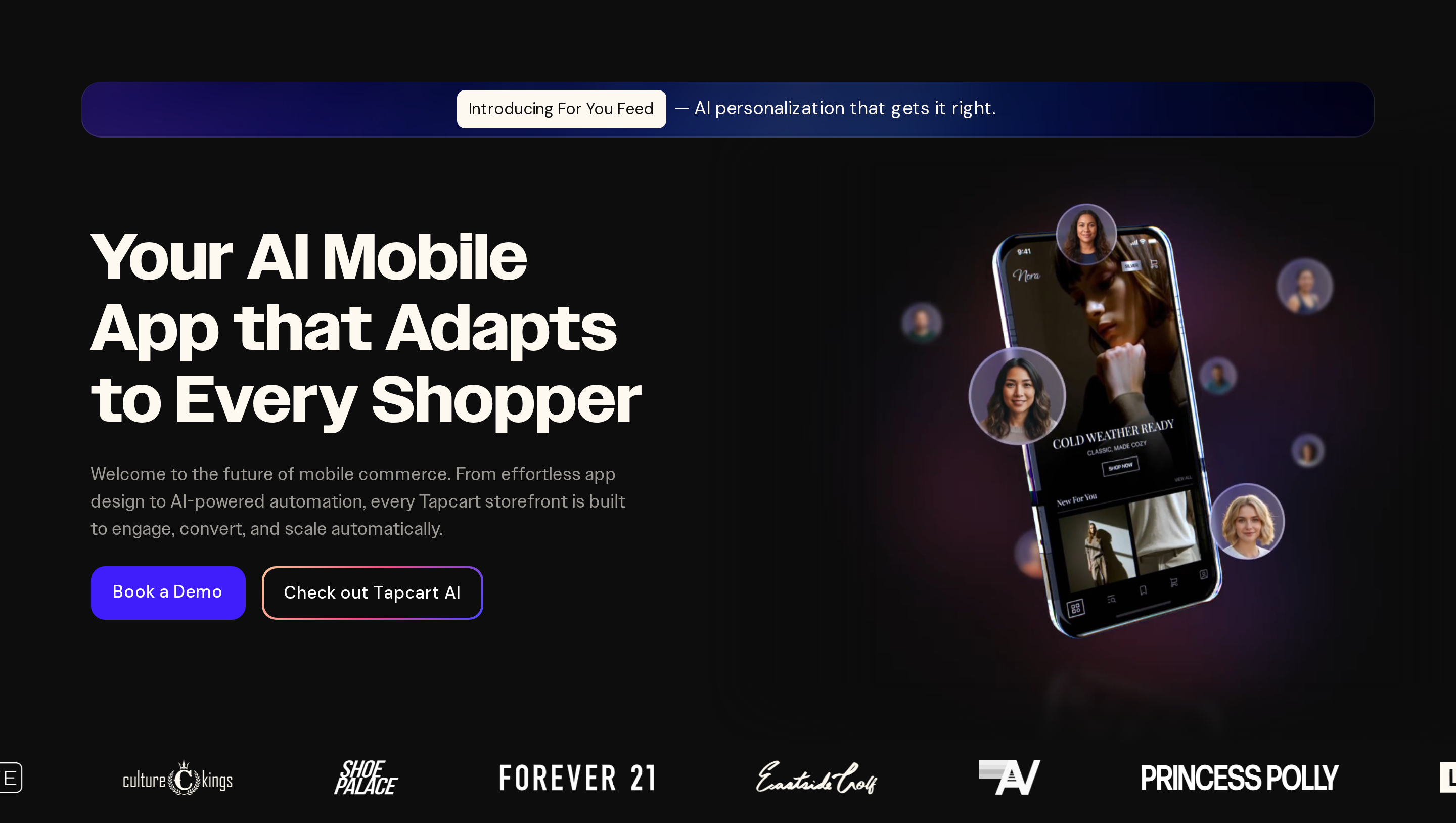
Tapcart is a no-code mobile app builder designed to synchronize product catalogs, checkout flows, and collections directly from Shopify stores.
Shopify remains the catalog and checkout system. Tapcart is where merchants arrange the mobile storefront and keep its layout separate from the Shopify theme.
Best for
Tapcart suits established Shopify merchants with dedicated resources to operate and merchandise a distinct mobile app channel.
The app becomes its own merchandising channel, so a team member still needs to own mobile layouts, content updates, and release planning.
The block editor lets non-technical teams create app-specific homepages and collection layouts without changing the Shopify theme.
How it works with your Shopify store
Tapcart connects directly to Shopify APIs to mirror product collections, discounts, and real-time inventory in a mobile interface.
The synchronized catalog does not make the app a copy of the website. Merchants arrange mobile homepages and collection pages with Tapcart's block editor, then maintain those layouts in the Tapcart dashboard.
Main limitation
Tapcart works only with Shopify and creates a separate mobile storefront to maintain.
Product and inventory data can sync from Shopify, but app layouts and app-specific content still need separate maintenance in Tapcart.
Pricing
Tapcart's Core plan starts at $250/month. Higher-tier plans are priced through Tapcart for larger Shopify merchants.
3. Shopney
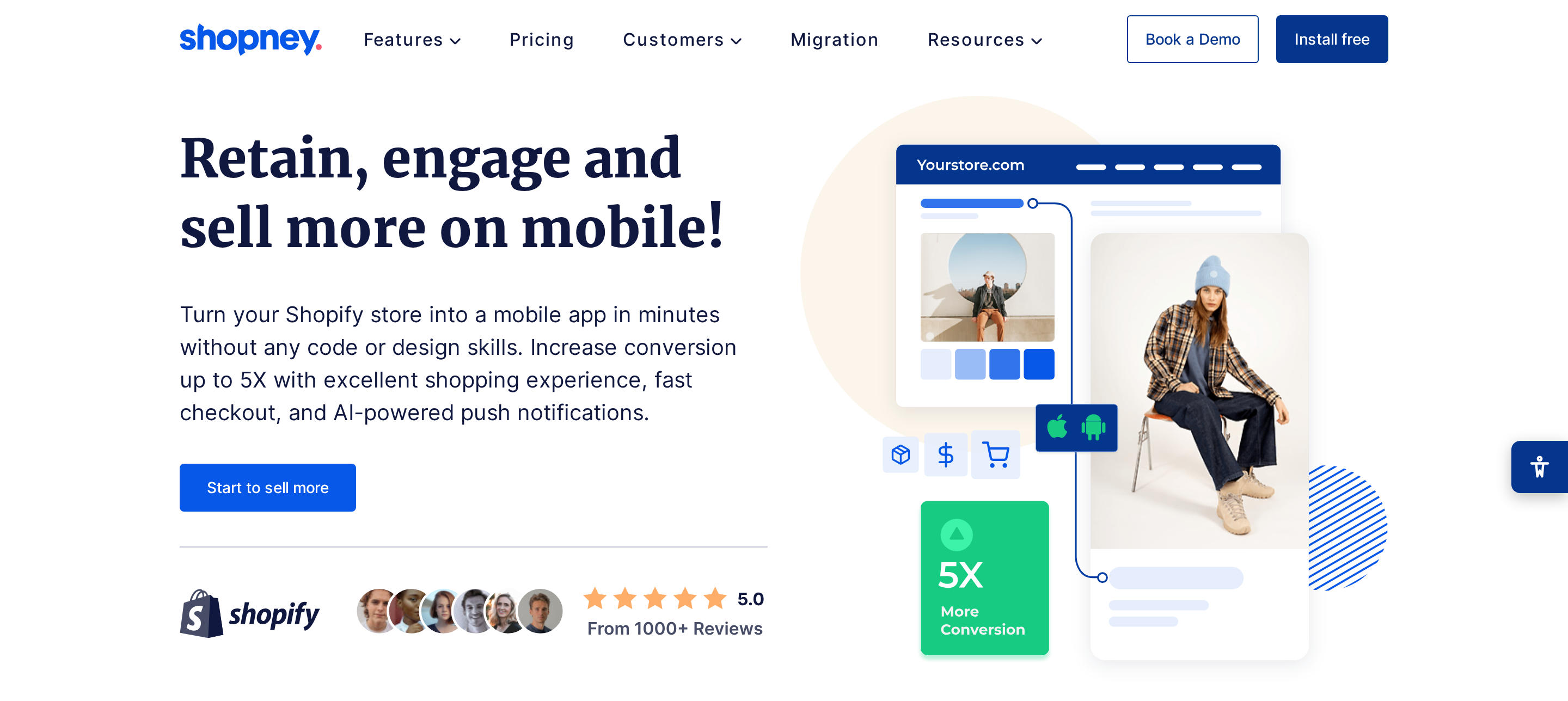
Shopney is a visual no-code app builder that converts Shopify storefronts into native iOS and Android applications with integrated live chat.
Shopney keeps live chat inside its native iOS and Android storefront. A shopper can ask a product question without leaving the app.
Best for
Shopney fits Shopify merchants that want product discovery, customer support, and conversational sales inside the app.
The visual editor suits Shopify merchants who want to arrange a mobile storefront without maintaining a custom React Native repository.
In-app live chat keeps product questions inside the shopping session. Store representatives can answer an inquiry and send a product link without directing the shopper to a separate support channel.
How it works with your Shopify store
Shopney connects directly to the Shopify backend to synchronize product catalogs, inventory levels, customer accounts, and checkout workflows.
Products, variants, prices, stock, discounts, and collections follow Shopify data, while orders remain managed in Shopify.
The build and release workflow has two parts:
- Arrange the mobile storefront with modular drag-and-drop elements, without writing custom code.
- Submit the compiled app through the merchant's own Apple and Google developer accounts, with Shopney assisting during publication.
Main limitation
Shopney works exclusively with Shopify. Its no-code setup does not connect to WooCommerce or custom commerce backends.
That Shopify-only model rules out stores that need one mobile app across more than one commerce platform.
Custom business logic and non-standard third-party integrations are the main functional ceiling. Map any unusual checkout rule, data source, or real-time workflow before committing to Shopney's no-code structure.
Pricing
Shopney plans start at $99 per month on an annual billing cycle for standard native iOS and Android application deployment.
Publishing assistance for the Apple App Store and Google Play is included in Shopney's subscription workflow.
4. Vajro
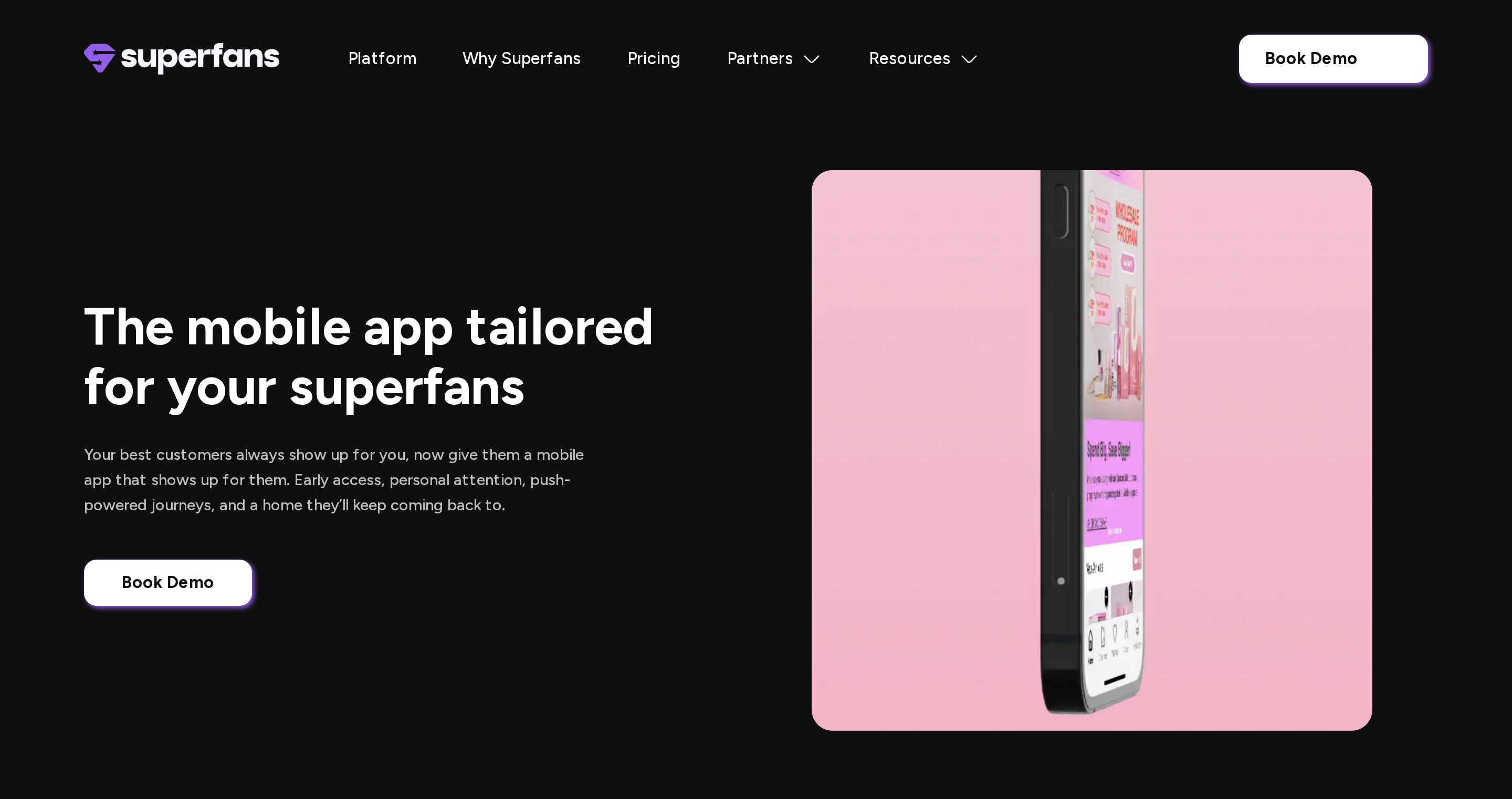
Vajro is an instant mobile app builder for Shopify merchants to create native iOS and Android retail apps using pre-built widgets.
Live video selling runs inside the mobile storefront, so shoppers can watch a broadcast and buy without leaving the app. Store layouts are assembled from widgets rather than custom code.
Best for
Vajro fits Shopify merchants that want widget-based app assembly and live shopping broadcasts inside the mobile storefront.
An apparel launch can combine a scheduled broadcast with product blocks inside the app. That workflow keeps the event, featured products, and checkout within the same mobile session.
The visual editor uses pre-built widgets, so store staff can arrange the home screen and merchandising blocks through a drag-and-drop interface.
Vajro lists technical support through live chat and email. Teams planning live broadcasts should check the escalation path for stream or checkout failures.
How it works with your Shopify store
Vajro connects directly to Shopify through native APIs to synchronize product catalogs, inventory levels, and customer orders in real time.
The mobile storefront reuses four Shopify workflows:
- Product collections and variants
- Inventory and pricing rules
- Customer carts and discount codes
- Shopify checkout workflows
Changes made in Shopify flow into the app, so the mobile catalog does not require a separate product-management process.
Vajro includes iOS and Android release builds within its publishing workflow. The service handles Apple App Store and Google Play submissions without charging a separate fee for each review.
Main limitation
Vajro is a Shopify-only app builder. Stores on WooCommerce, Magento, or a custom platform need a different mobile-app setup.
A store moving away from Shopify would need to rebuild its mobile channel elsewhere. The same risk applies when product data lives in a custom catalog database.
Customization stays within Vajro's modular widget system. Merchants can rearrange supported blocks, but they do not get direct React Native source-code editing for layouts beyond those components.
Pricing
Vajro lists tiered monthly subscription plans, from entry plans to higher-volume enterprise tiers. Confirm the current monthly price and included volume directly with Vajro before purchase.
Each subscription bundles iOS and Android app generation, while publishing maintenance is included rather than billed per download.
5. Plobal Apps
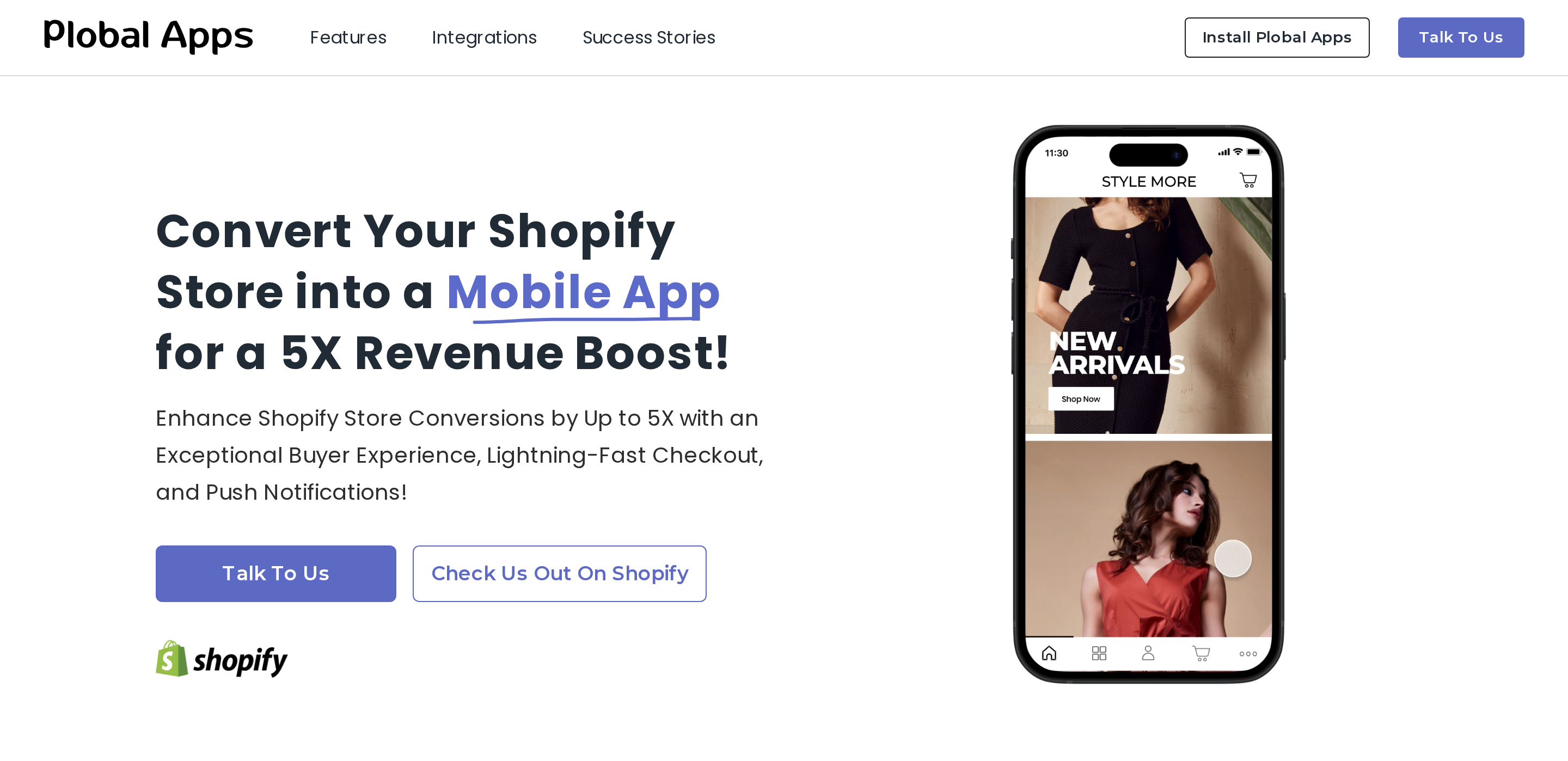
Plobal Apps builds native iOS and Android storefronts for high-volume Shopify and Shopify Plus merchants.
The app stays connected to Shopify for product, inventory, and commerce data while Plobal Apps manages the native mobile storefront.
Best for
Plobal Apps suits high-volume Shopify and Shopify Plus merchants requiring custom analytics integrations and dedicated enterprise account management.
Predictive analytics segments customers by purchasing behavior. Ecommerce teams can use those segments to plan mobile campaigns and retention work around order history.
The enterprise service model includes:
- A dedicated customer success manager
- Technical help during onboarding
- Direct enterprise support channels
That structure suits retailers that want an account team involved in setup and ongoing app operations, rather than relying only on self-service documentation.
How it works with your Shopify store
Plobal Apps connects directly to Shopify store backends to synchronize product catalogs, inventory levels, and automated marketing campaigns.
Storefront teams arrange native mobile layouts with an automated block builder, without writing mobile code. Shopify events can trigger push notification workflows while catalog updates continue through the store connection.
- Automatic product catalog synchronization
- Shopify-triggered push notification workflows
- Block-based native storefront layouts without manual mobile coding
The finished storefront uses native mobile architecture connected to the Shopify backend. Plobal Apps supports publishing to both the Apple App Store and Google Play through the merchant's developer credentials.
Using merchant credentials keeps each store listing under the retailer's own developer account. App review still remains subject to Apple and Google policies.
Main limitation
Plobal Apps is limited to Shopify stores. Retailers using WooCommerce, Magento, or a custom commerce backend need a separate connector or another app builder.
Pricing
Plobal Apps' standard plans start at $499/month, with the Growth plan at $999/month. Enterprise requirements can require custom pricing.
App store deployment workflows are included with regular merchant accounts, with no separate per-submission surcharge stated. The merchant still publishes through its own Apple and Google developer credentials.
6. Appbrew
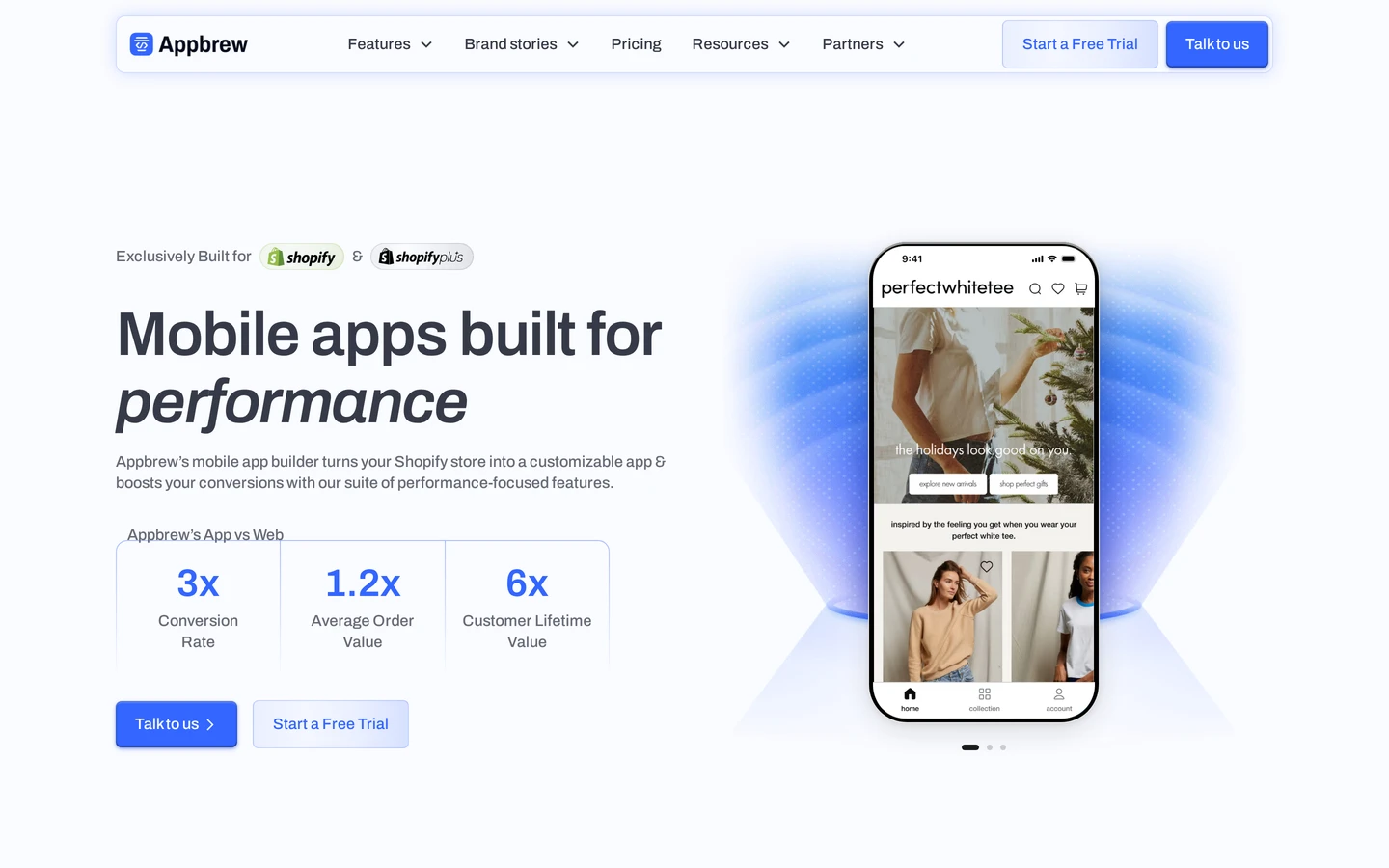
Appbrew turns a Shopify store into a native iOS and Android app that marketers can run without a development team.
Shopify stays the catalog and checkout. Appbrew is the native storefront, push, and personalization layer on top.
Best for
Appbrew fits Shopify DTC brands that want a marketer-owned native app, without exporting a React Native repo.
The tradeoff is straightforward: you get a native storefront on Shopify data, but layouts and campaigns stay inside Appbrew.
Before signing, check three boundaries:
- Store backend: You already run Shopify and want the catalog to stay there.
- Who edits: Marketers will change homepages, banners, and campaigns without filing engineering tickets.
- What you do not get: A React Native repository you can take to another shop.
How it works with your Shopify store
Appbrew connects to Shopify and keeps products, inventory, collections, and customers in sync. The app uses native iOS and Android screens, not a website wrapper.
Store teams arrange screens in a drag-and-drop editor. Publishing uses the merchant's Apple and Google developer accounts. Appbrew handles the storefront build. Store review still follows Apple and Google policy.
- Real-time Shopify catalog and inventory sync
- Native iOS and Android storefronts
- Unlimited push notifications and app-only offers
- Checkout with Apple Pay, Google Pay, and Shopify payment methods
- Integrations such as Klaviyo, Recharge, Yotpo, and AppsFlyer
Main limitation
Appbrew is Shopify-only. WooCommerce, Magento, or a custom commerce backend need a different builder.
You cannot export the app as a React Native repo. A later move off Shopify means rebuilding the mobile channel.
Pricing
Appbrew lists a 30-day trial, then paid plans that start at $199 per month.
- Starter, $199/month: Native iOS and Android launch, unlimited push, search, wishlist, and standard integrations.
- Pro, $599/month: Adds personalization, A/B testing, and bundle flows.
- Enterprise, from $1,099/month: Custom app design, multi-currency, native subscriptions, and white-glove delivery.
Confirm current pricing with Appbrew. Apple charges $99/year and Google Play charges $25 one time, separate from the Appbrew plan.
7. GoodBarber eCommerce App Builder
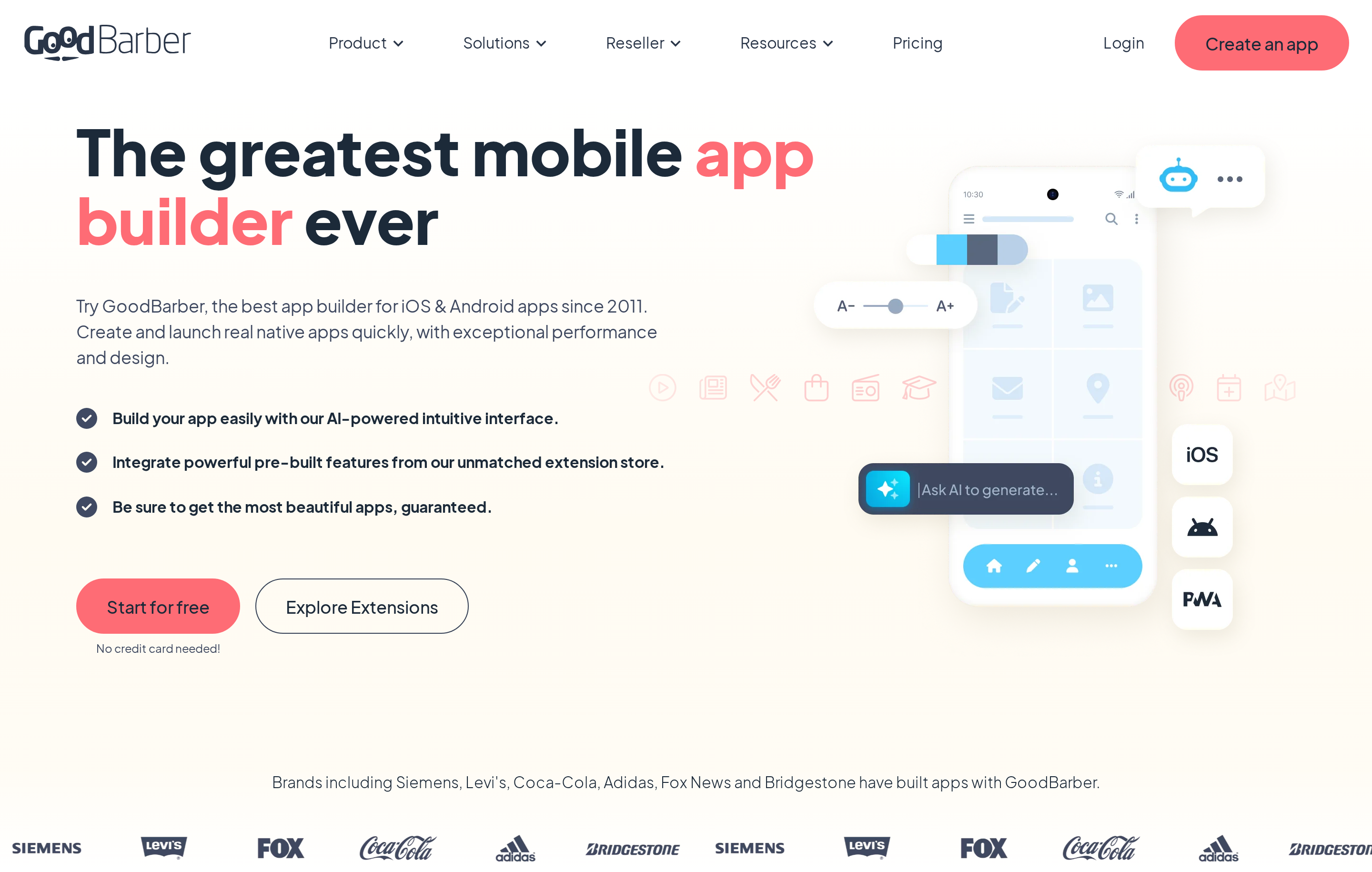
GoodBarber is a visual no-code app builder for standalone mobile storefronts and product inventory management.
GoodBarber keeps store content and app design in one environment. Merchants with an ecommerce stack should map every required connection before shifting catalog operations into another CMS.
Best for
GoodBarber fits early-stage merchants that want to manage a standalone mobile storefront in a visual commerce environment.
- Catalog ownership: The merchant is comfortable treating GoodBarber as the operating environment for mobile store content.
- Design needs: Prebuilt assets cover the intended storefront without requiring unique features or highly specific interactions.
How it works with your store
GoodBarber can run as an independent commerce CMS. Stores with an existing ecommerce backend should check the available connector, sync direction, and checkout path before moving catalog operations.
The central question is data ownership: determine where products, inventory, customers, orders, and payments will live after launch.
GoodBarber provides prebuilt design assets for assembling the storefront. Teams that need unique features or custom interactions should test those requirements against the editor first.
Main limitation
GoodBarber's predefined design system can restrict stores that require unique features or highly specific user interactions.
Separate catalog management can add operational work for a merchant with an existing web store. Confirm these requirements before committing:
- Catalog and inventory synchronization
- Existing checkout compatibility
- Order and fulfillment handoffs
- Required custom storefront logic
Pricing
Publishing costs combine GoodBarber's subscription with any optional submission help and the required developer accounts. Apple charges $99/year, and Google Play charges $25 one time.
GoodBarber's ecommerce and optional submission-service prices should be confirmed directly with GoodBarber. Those charges are separate from Apple and Google developer-account fees.
- GoodBarber subscription: Current ecommerce plan price
- Optional publishing help: Any quoted submission or update-management fee
8. AppMySite Ecommerce App Builder
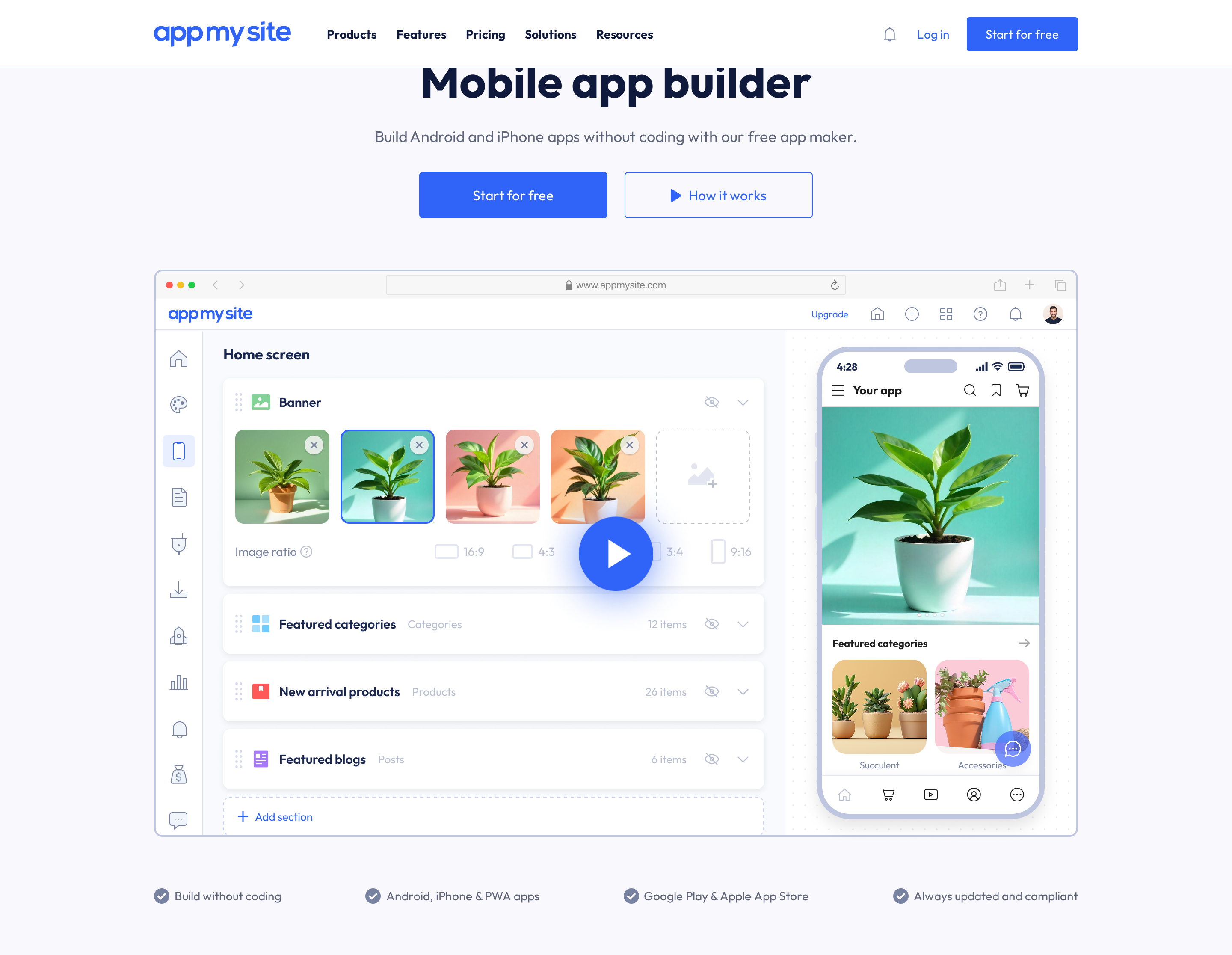
AppMySite turns WordPress, WooCommerce, and other supported website platforms into iOS and Android apps without code.
For a WordPress store, the website stays at the center of the workflow. That makes AppMySite a different fit from Shopify-focused builders such as Tapcart and Shopney.
Best for
AppMySite suits WordPress and WooCommerce store owners who want a self-serve app without rebuilding their product catalog in a second system.
The clearest use cases depend on who will maintain the app after launch:
- Store teams: Website administrators can keep posts, pages, and WooCommerce products in WordPress rather than maintain a separate mobile catalog.
- Digital agencies: The agency plan supports multiple client apps, custom agency branding, and white-label resale from one console.
How it works with your website
The connection method depends on the website platform. On WordPress, AppMySite uses REST APIs to pull existing content, WooCommerce products, and checkout into the app.
After the website connection is active, the remaining workflow has three stages:
- Review how synced posts, pages, and WooCommerce products map into the app.
- Configure navigation, branding, and the available layout settings.
- Generate Android APK or AAB packages and an iOS build for store distribution.
- Run a connection check, then adjust any layout details that need attention before publishing.
Main limitation
AppMySite mainly creates enhanced WebView apps rather than compiled native codebases.
The app experience follows the mobile site, so responsive design and site speed still matter.
Website updates can appear without a full rebuild. Fine layout control, including headline alignment and image sizing, is more limited.
Bilt takes the compiled-code route with React Native. AppMySite instead prioritizes continuity with the existing WordPress or WooCommerce site.
Pricing
The Free Preview tier is $0/month and supports app creation and preview testing without store publishing.
AppMySite's paid plans start at $69/month, with higher tiers changing the publishing support and branding options.
- iOS publishing: Automated Apple App Store publishing is reserved for the Premium tier; lower-priced plans require manual submission.
- Agency use: The white-label agency option costs $999/month and is intended for managing and reselling client apps under agency branding.
| Plan | Price | Billing Cycle | Key Features and Limits |
|---|---|---|---|
| Free Preview | $0 | Monthly | App creation and preview testing without store publishing |
| Starter | $69/mo | Monthly | Standard mobile app build and basic feature set |
| Pro | $129/mo | Monthly | Expanded feature access and increased user limits |
| Premium | $249/mo | Monthly | Full ecommerce feature set with priority support |
| Agency | $999/mo | Monthly | White-label reselling and multi-app client management |
9. MobiLoud Ecommerce Mobile App Builder
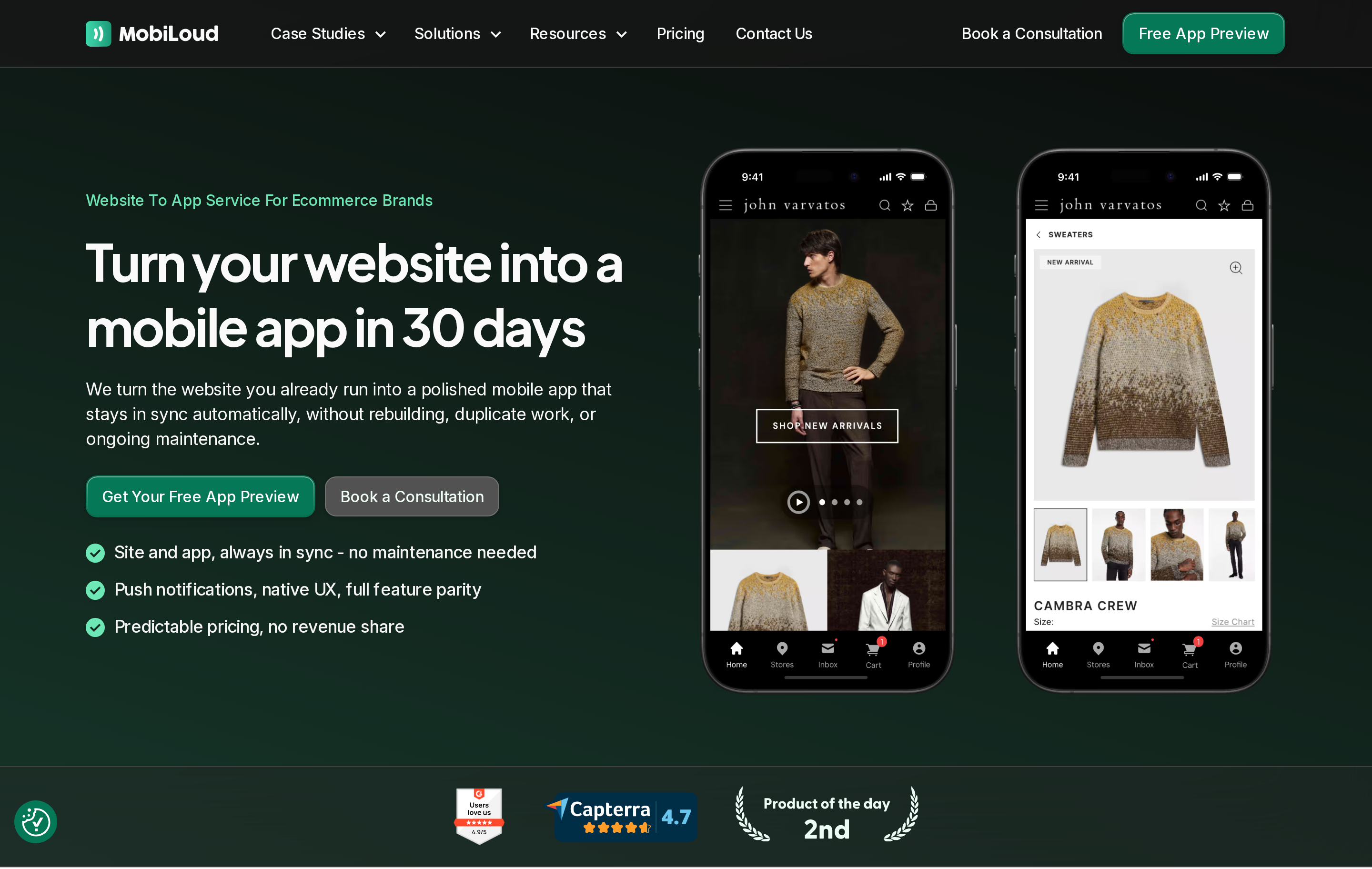
MobiLoud turns a mobile-responsive ecommerce website into synchronized iOS and Android apps through a managed service.
The service works best when the existing mobile website already handles the shopping journey well.
Best for
MobiLoud suits established ecommerce stores with optimized mobile websites seeking a managed conversion without rebuilding existing store features.
The tradeoff is straightforward: website behavior carries over quickly, but the app offers less freedom than a separate native design system.
Before signing, check three boundaries:
- Web behavior: Which checkout, account, loyalty, and third-party features carry into the app?
- App work: Which design changes, fixes, and releases stay with MobiLoud?
- Update flow: Which website changes appear automatically, and which require an app update?
How it works with your existing site
MobiLoud wraps your live responsive website inside native mobile shells, using your web server as the continuous single source of truth.
Deployment is service-led. The project scope should identify who owns developer accounts, testing, store assets, review responses, and post-launch releases.
Main limitation
MobiLoud relies on web-based rendering rather than standalone native code, tying app performance and offline capabilities directly to website speed.
Test cold launches, image-heavy catalog pages, checkout, and interrupted connections on real devices before launch.
Control and turnaround: App-specific changes, production fixes, and resubmissions follow the agreed service process rather than a self-serve code workflow.
Pricing
MobiLoud uses monthly subscription plans combined with one-time setup and configuration fees.
The full quote can include setup, configuration, ongoing service, and work outside the agreed scope.
- Implementation: Configuration, testing, and initial store submission
- Recurring service: Hosting or platform access, support, maintenance, and releases
- Change fees: Work outside the agreed scope, including redesigns or resubmissions
- Sales fees: Any transaction charge or revenue share
- External costs: Apple and Google developer accounts and other third-party services
10. Hyperzod Ecommerce Mobile App Builder
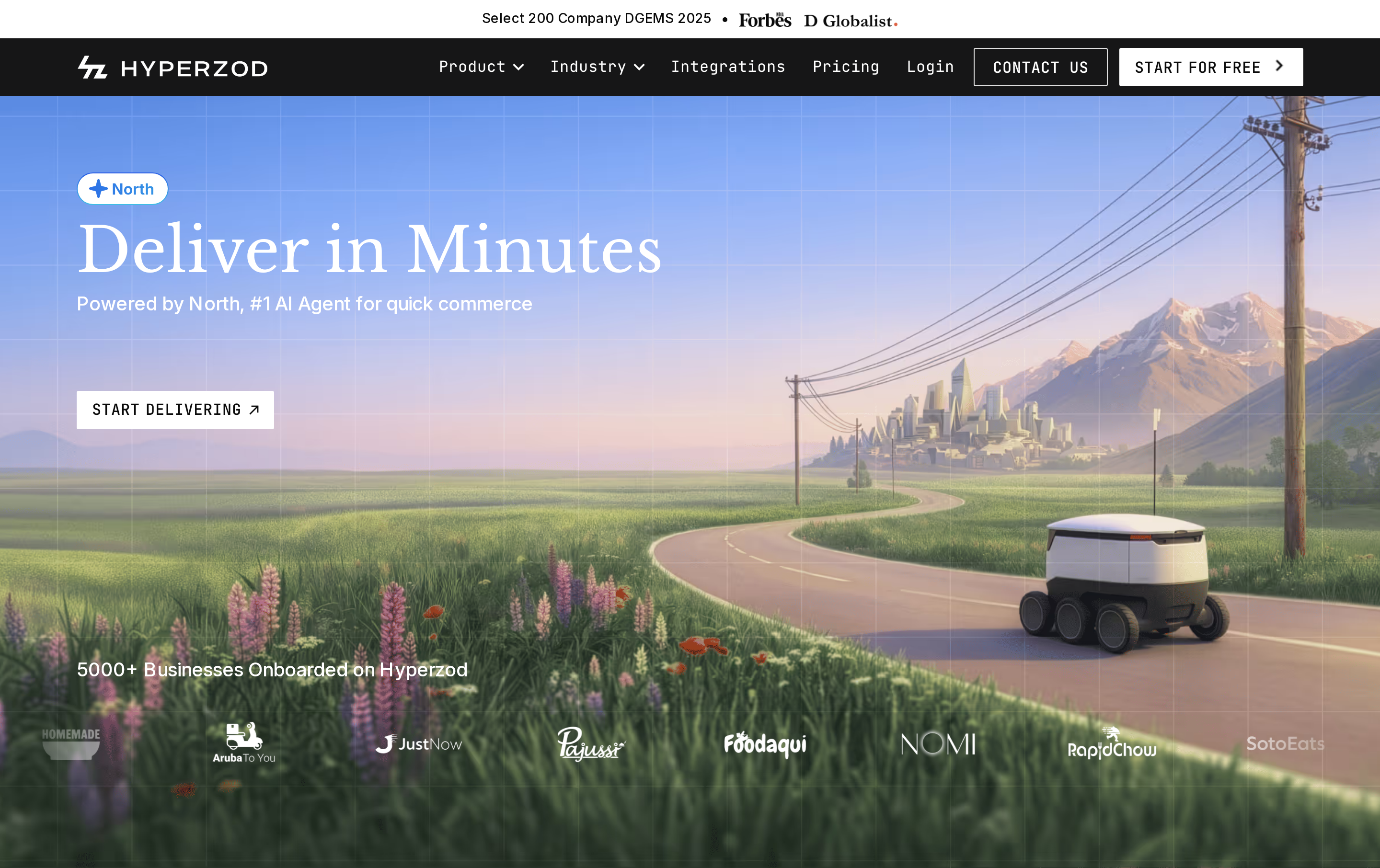
Hyperzod is a multi-vendor marketplace and delivery platform with workflows for customers, merchants, drivers, and administrators.
This is a broader operating model than a single-store catalog app because it coordinates several user roles and delivery workflows.
Best for
Hyperzod suits marketplace and delivery businesses that need separate customer, merchant, driver, and administrator workflows.
Before choosing Hyperzod, map the role-specific workflows your operation needs:
- Customer: ordering, payment, delivery updates, and support
- Merchant: catalog control, inventory updates, order acceptance, and fulfillment
- Driver: job assignment, navigation, status updates, and proof of delivery
- Administrator: merchant onboarding, dispatch rules, service zones, commissions, and reporting
A single-brand Shopify or WooCommerce store may not need that operational model. The relevant fit question is whether Hyperzod can connect to the current store without duplicating catalog and order management.
How it works with your store
Hyperzod's role-based marketplace model may add a delivery and vendor-management layer to an existing store. Confirm how the chosen connector handles product, inventory, customer, and order data.
The key integration question is whether Hyperzod extends the current commerce stack or becomes the system that owns products, inventory, customers, and orders.
Main limitation
Hyperzod requires more operational setup than a single-store app because it coordinates marketplace, delivery, and role-specific workflows.
Teams need clear ownership for connectors, dispatch rules, app-store releases, and support before migration.
Pricing
Hyperzod uses plan or quote-based pricing for its marketplace and delivery platform. Compare the quote against the roles, order volume, integrations, and support your operation needs.
The total can include setup, integrations, customization, migration, mobile builds, mapping, messaging, hosting, and ongoing support.
Marketplace models beyond delivery appear in our builders for multi-seller apps, spanning product, service, rental, and B2B launches.
Ecommerce app builders compared: platform, build model, and pricing
Ecommerce mobile app builders differ primarily in ecommerce platform compatibility, whether they compile native code or wrap webviews, and their pricing structures.
Eliminate any builder that misses your current backend or required app architecture. Compare prices only after both checks pass.
- Architecture changes what you maintain. Bilt builds with structured React Native components; MobiLoud and AppMySite put an existing site inside a WebView shell.
- Backend fit narrows the field quickly. Tapcart, Shopney, Vajro, Plobal Apps, and Appbrew are Shopify-only; AppMySite centers on WordPress and WooCommerce, while GoodBarber can operate as its own commerce CMS.
- Publishing changes the price. When you publish through your own accounts, budget $99/year for Apple and $25 one time for Google Play. Then check whether setup or submission help costs extra.
| App Builder | Supported Ecommerce Platforms | Build Architecture | Entry Pricing | App Store Publishing Fees |
|---|---|---|---|---|
| Bilt.me | Multi-platform database & catalog sync | Native React Native | Subscription tiers | Included in subscription |
| Tapcart | Shopify & Shopify Plus only | Native iOS & Android | Tiered monthly plans | Included in subscription |
| Shopney | Shopify only | Native iOS & Android | Tiered monthly plans | Included in subscription |
| Vajro | Shopify & Shopify Plus only | Native iOS & Android | Tiered monthly plans | Included in subscription |
| Plobal Apps | Shopify & Shopify Plus only | Native iOS & Android | Enterprise GMV tiers | Included in subscription |
| Appbrew | Shopify only | Native iOS & Android | $199/mo (Starter) | Included in subscription |
| GoodBarber | Standalone built-in CMS | Native & PWA | Base monthly tier | Optional service, confirm quote |
| AppMySite | WordPress & WooCommerce | Enhanced webview | $69/mo (Starter) | Plan-dependent |
| MobiLoud | Any web platform (Shopify, Woo, custom) | Managed webview container | Monthly + setup fee | Managed service included |
| Hyperzod | Multi-vendor & delivery backends | Native iOS & Android | Custom monthly licensing | Quote-dependent |
Shopify template builders reduce setup but constrain custom logic. Web-to-app services preserve the existing site, while Bilt focuses on custom native workflows and code ownership; Hyperzod solves the separate problem of marketplace and delivery operations.
How to shortlist the right app builder for your store
Start with backend fit and app architecture. A Shopify store and a WordPress store need different connections, and a WebView app has different maintenance needs from a native build.
- Check backend fit. If a WooCommerce product price changes, confirm where the app gets the update.
- Verify the mobile architecture. Ask whether the published app renders native components or loads the store URL in a WebView.
- Calculate the publishing cost. Add the builder plan, Apple’s $99/year fee, and Google Play’s $25 one-time fee before comparing quotes.
- Check portability. Ask whether you can export customer and order data, the app source code, or both. Bilt provides exportable React Native code, but data portability remains a separate requirement.
- Map the data owner. Identify where products, inventory, customers, orders, and payments will live after launch.
- Test a real buying journey. On a physical phone, test product discovery, discounts, cart behavior, checkout, account login, and push notifications.
Build a custom native store app with Bilt
Bilt fits stores that need a custom buying flow instead of a fixed mobile template or website wrapper. You get exportable React Native code and control over how the app connects to your commerce services.
Describe the storefront and checkout flow in plain English, refine the working preview in conversation, and publish to iOS and Android when it is ready.
Start on Bilt's permanent free tier and decide what to refine after you have tested the app.
Free to start. No credit card.
FAQs
Do ecommerce mobile apps really work?
App performance varies by store and audience. A mobile app does not guarantee higher conversion rates, session times, or customer retention than a mobile website.
The linked benchmark report found longer sessions and more frequent visits in shopping apps than on mobile websites. Treat that as directional evidence, not a guaranteed result for every store.
Will customers actually download the app?
Customers may download a store app for exclusive discounts, faster checkout, or loyalty rewards.
A NewStore survey found broad shopping-app adoption, while Ipsos research identified storage and payment-data concerns. Give customers a repeat-use reason, such as loyalty rewards, order tracking, early access, or faster reordering.
Is a web-to-app builder a real native app?
A store listing and native shell do not necessarily mean the interface uses native components. Web-to-app builders can still render core screens inside a WebView.
React Native’s official documentation explains that components such as View and Text map to native platform UI instead of running inside a browser layer.
Can I keep my existing checkout in the app?
An ecommerce app can use native checkout screens, open checkout inside an in-app WebView, or hand the shopper to an external browser. The available path depends on the builder and payment setup.
Test taxes, shipping, discounts, refunds, and payment handoffs on a real device. WebView-based apps also need enough app-specific value to meet Apple's App Review Guidelines.
Is there a free ecommerce app builder?
Free ecommerce app builders exist as freemium tools and open-source frameworks. Bilt has a permanent free tier, although publishing and higher usage needs may still introduce platform or plan costs.
Budget separately for the Apple Developer Program at $99/year and Google Play Console at $25 one-time, plus payment processing or submission services. A free PWA or APK is not the same as a listing in both stores.