
Ask people who've shipped their first iPhone app what went wrong, and few of them mention the build. On Hacker News and DEV Community, first-time submitters describe rejections over a Forgot password button wired to nothing, a paywall they didn't know was broken, or a privacy policy they had to write and host themselves.
AI has made the app easier to make. Getting it through signing, TestFlight and Apple's review is where projects stall, sometimes after hundreds spent on credits.
So the useful question about any iOS builder is how much of that last stretch it takes on and how much it leaves with you. That's what separates the ten tools compared here. Bilt, our own tool, is one of the ten, and you can start building free with no Mac and no credit card.
What to check in an iOS app development software tool
I’d judge a builder by how far it takes you after the first preview. Getting screens to look right is one stage. Testing the app on a phone and preparing it for submission are separate jobs.
Before choosing, check these four things:
- Real-phone testing. Can you test on your own iPhone? A Bilt builder caught a camera animation issue on a phone that the browser preview hadn’t shown.
- Publishing support. Does the tool handle signing and App Store submission, or only generate an app file?
- Android output. Can the same project produce an Android app? You avoid starting a separate project, though Android still needs its own testing and setup.
- Code export. Can a developer continue outside the builder? Ask whether the database, logins and other services move with the code or need setting up again.
Publishing costs sit alongside the builder’s subscription: a yearly Apple Developer Program membership, plus a one-time Google Play Developer registration if you also publish for Android.
Your choice also determines whether you need a Mac. Running Xcode locally requires one. Tools that build the app in the cloud don’t require you to own a Mac.
Manual code signing can take a few hours to set up. A tool that handles signing and sends the build to Apple for you removes that setup work.
10 iOS app development software tools compared on creation, testing and publishing
For a booking app, you could type “add a step where customers pick a time slot” and ask an AI to build it. In a visual builder, you’d place a time picker on the screen and connect it to the next step.
Here's where each of the ten picks sits, so you can go straight to the entries that match how you want to work:
| How you want to build | Examples from the shortlist | What you do |
|---|---|---|
| Describe the app | Bilt.me, Rork, Vibecode, RapidNative, a0.dev | Describe it, then ask for changes. |
| Arrange screens yourself | Adalo, FlutterFlow, Thunkable, Draftbit (visual plus code) | Place screens on a canvas and link them. |
| Start from an existing project | Bilt.me's Web-to-App (web apps), Dreamflow (Flutter projects) | Bring in your project and keep building. |
The last row only matters if you already have a working product to bring in. For most readers, the choice is between describing the app and arranging its screens yourself.
1. Bilt.me
✨ Best for full mobile app creation (👋 that's us)
Bilt.me is an AI mobile app builder that turns your description into a native iOS and Android app, then handles the build, code signing and submission through your own Apple and Google developer accounts. Apple and Google still review the app before it goes live.
You describe what the app should do, Bilt generates the screens and backend, and you keep chatting to change it.
One personal trainer described a subscription fitness tracker for women over 50. It was shippable after about 11 prompts over two hours.
Bilt writes React Native code, so one project covers iPhone and Android and you never touch Swift. The apps can use the camera, GPS and push notifications.
Best for: Bilt.me is for non-technical founders, business owners and vibecoders who want to describe a native iOS and Android app and publish it to both stores themselves.
Key features
- An interactive iOS simulator runs in your browser, so you can preview without your own Mac or Xcode.
- A QR code opens the app on your own phone for testing on a real device.
- You can export the React Native source and hand it to a developer, who can pick up the project and keep building it.
- Web-to-App gives owners of an existing web product a route to a native iOS and Android app. Murat converted his Lovable app in one click, with no mobile developer or second codebase.
The Bilt agent knows what Apple's guidelines require for a review submission, so it answers the questions Apple asks and often fixes issues automatically. One builder arrived unsure how to set up digital products and in-app payments in App Store Connect, and the agent set it all up for them.
One non-technical founder had scrapped and rebuilt their app twice and been rejected by the App Store six times with other tools. They then shipped with Bilt, the first time they had actually shipped, and called the experience "liberating".
Mo-Haven is a cozy social app one builder made solo with Bilt and published on the App Store. Its paid tier unlocks new features and exclusive offers for members, and its builder calls it "a safe, low-pressure place where communities can share what's really on their mind without feeling judged."
Pricing
Every plan includes AI tokens that reset monthly, and prompt counts vary with prompt complexity.
- Free: €0, with 3M tokens a month, roughly 12–30 prompts.
- Professional: €25/mo, or €19/mo billed annually, with 10M tokens, roughly 40–100 prompts.
- Professional Plus: €50/mo, or €39/mo billed annually, with 20M tokens, roughly 80–200 prompts.
- Professional Max: €100/mo, or €79/mo billed annually, with 45M tokens, roughly 180–450 prompts.
- Professional Ultra: €250/mo, or €195/mo billed annually, with 115M tokens, roughly 460–1,150 prompts.
New subscribers get 40% off their first month on a monthly plan, once per account, so Professional costs €15, then €25/mo from month two.
If a month runs over, a 5M-token top-up costs €25, or €15 on any paid plan, and expires after 30 days. Unused plan tokens roll over once on Professional Max and Professional Ultra.
The Free tier already includes the backend, sign-in, database and live previews on your phone, so you can start building free and see the app on your own iPhone before you pay.
2. Adalo visual app builder
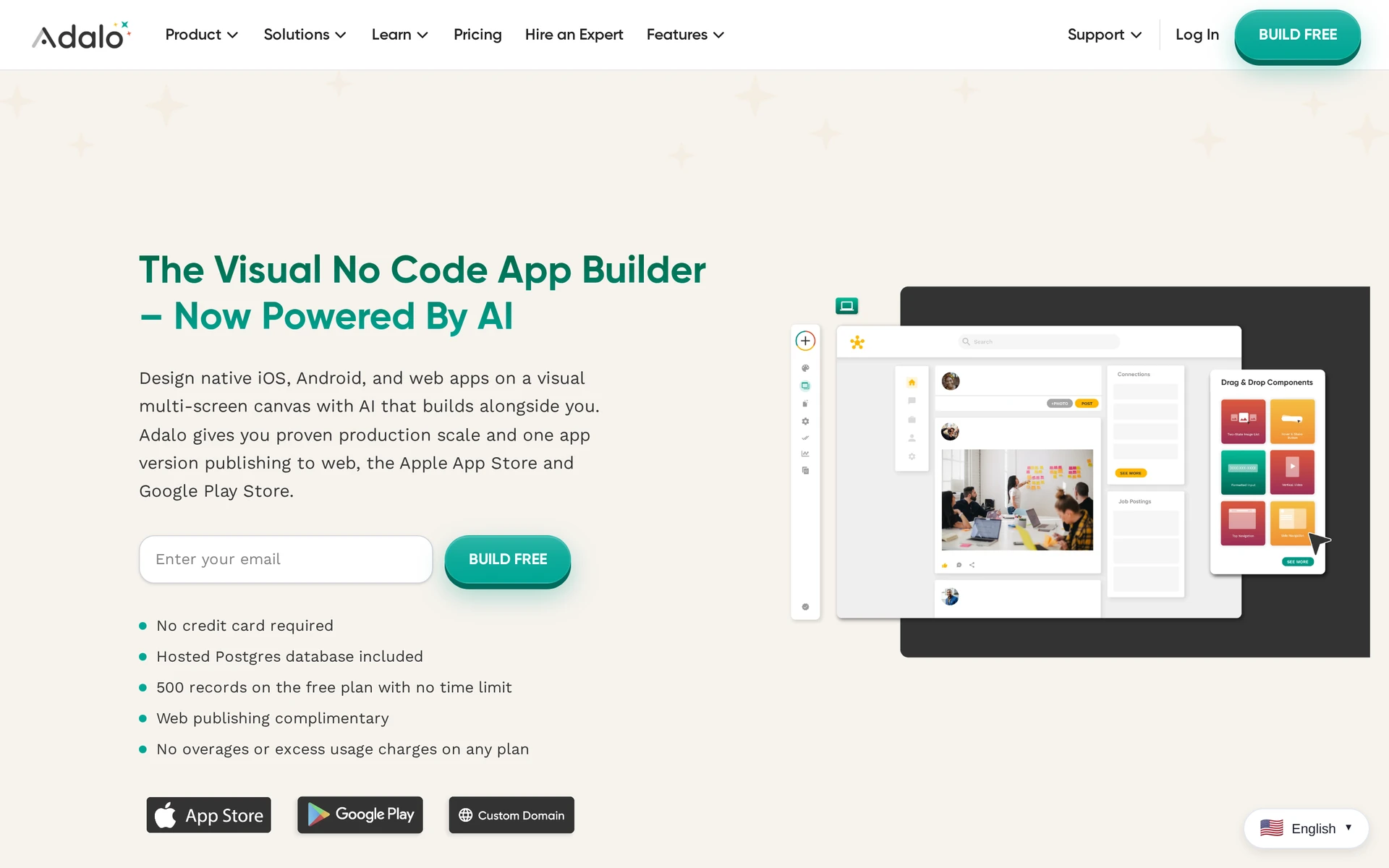
In Adalo, you drag elements onto a screen and connect screens to build your app’s flow. The visual canvas includes AI assistance and connects your screens to stored data, such as bookings or member profiles. One project produces web apps and native iOS and Android apps.
Adalo fits builders who want direct control over screen arrangement and expect to keep running the app on its platform. Adalo doesn’t export application source code, so a developer can’t take the generated code and continue elsewhere.
Key features
- A drag-and-drop canvas lets you arrange screens visually and connect them to your app’s database.
- Adalo can publish the app to the App Store and Google Play.
- Data export lets you take your stored information out of Adalo.
- You retain ownership of your app’s intellectual property.
If you unpublish, interactive features stop working in copies people have already installed. Leaving Adalo needs a plan for the app your users already have on their phones.
Pricing
Adalo’s free plan includes 500 database records. If each member profile uses one record, that allows 500 profiles, with less room if you also store bookings or other information.
Builder, the plan that publishes to the App Store and Google Play, costs $65/month, or $624 billed yearly, and allows two published apps. Business costs $200/month. There are no per-action charges, so you aren’t billed separately each time someone uses a feature in your app.
3. Thunkable
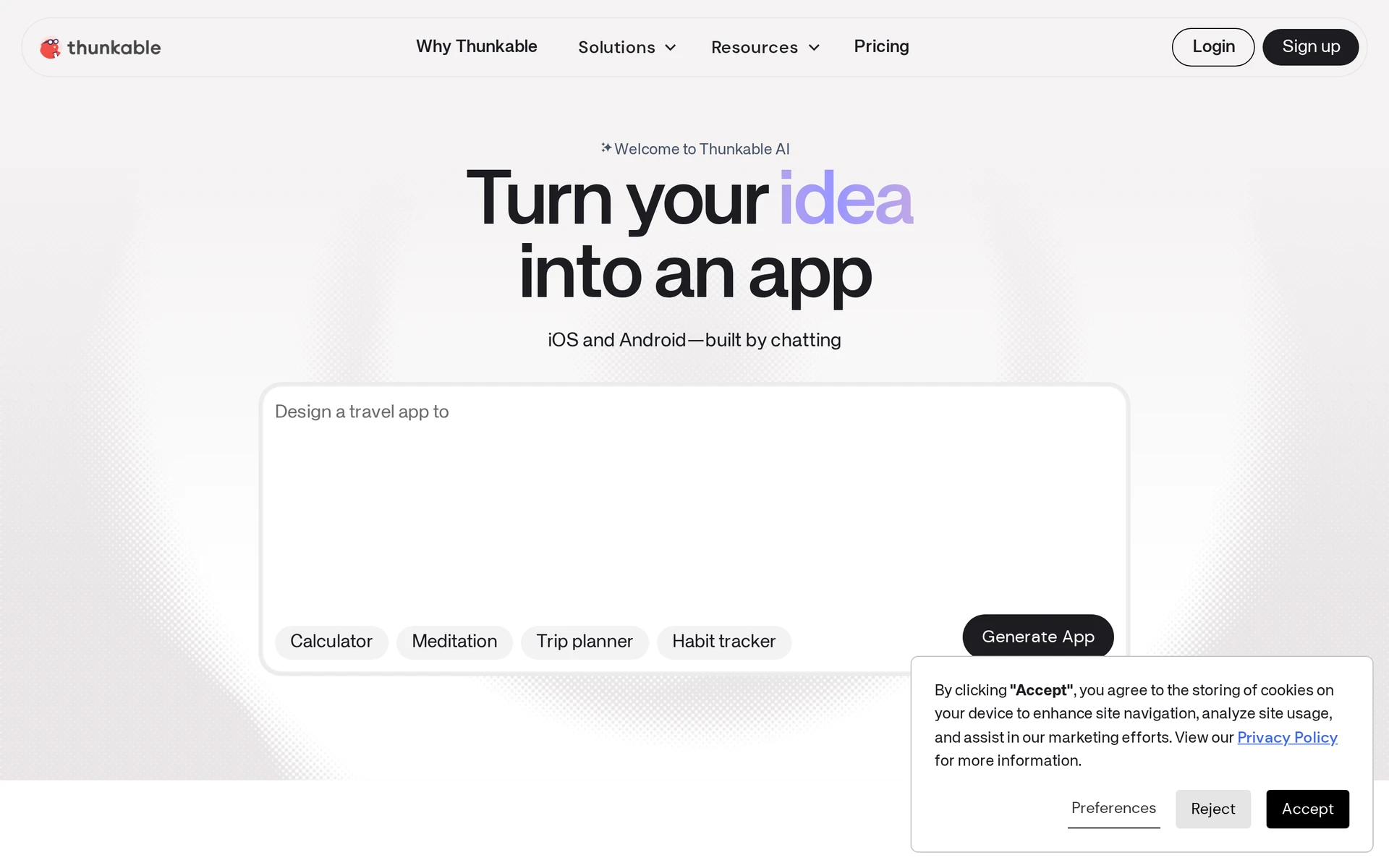
Thunkable makes app logic something you arrange with visual blocks. You connect instructions that tell the app what to do when someone taps a button or enters information, without writing code syntax. The result can run on iOS, Android and in a web browser.
I think it’s a good fit for educators and learners who want to understand app logic as they build. Complex features still mean working through decisions in blocks. For example, if a member’s subscription has expired, you might hide the booking screen and show a renewal message instead.
Key features
- Visual blocks let you configure how the app responds to user actions.
- AI generation creates initial screens and basic logic from a description, giving you a starting point to edit.
- Thunkable Live lets you open your project on your iPhone and try it there.
Pricing
- Free: $0, with three public projects and up to five screens per project, with no private projects.
- Accelerator: about $19/month.
- Builder: $59/month, the entry plan for App Store and Google Play publishing, with one live published app at a time.
- Advanced: about $189/month.
The free plan’s screen limit leaves room for a small app. A login screen, home screen, list, detail page and booking screen would use all five, leaving no room for a separate profile or settings screen.
Budget at least $59 a month for publishing through Thunkable, before Apple’s own developer account fee. Builder's one-live-app limit matters if you intend to publish several separate apps.
4. Rork
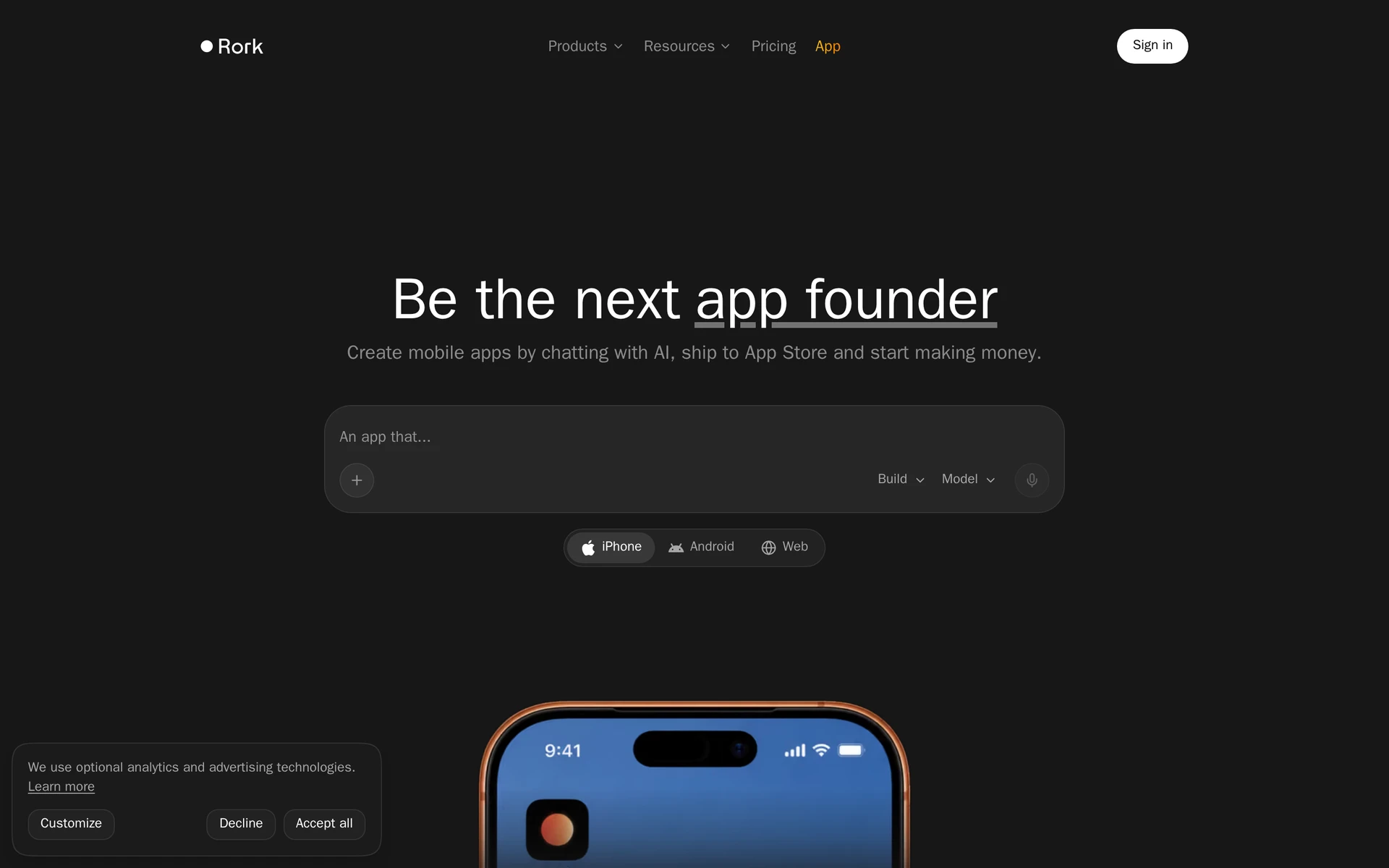
Your description becomes an app in Rork, but the version you choose determines where it can run. Standard Rork gives you one project that runs on iPhone and Android, using React Native and Expo. Max builds in Swift, Apple’s own programming language, so it targets only Apple devices.
For an Apple-focused project, I’d consider Max if you’re comfortable handling device setup and publishing yourself. Once the app looks right, you export the code and open it in Xcode, Apple’s developer tool, to sign and submit it to the App Store.
Key features
- Rork Max supports iPad, Apple Watch, Vision Pro, native games and widgets alongside iPhone apps.
- Max’s companion app lets you preview Swift apps on an iPhone without TestFlight, but not every account has access yet.
- Companion setup requires a computer, a USB cable and an iPhone running iOS 18 or later.
When we built with Rork Pro, we found the React Native code decent, but working with TestFlight was difficult. Relying on the Expo browser preview alone left phone-specific parts of the screen broken, so a build can look finished in the browser and still break on a phone.
Pricing
- Free: $0/month, limited to design.
- Rork Pro: $20/month, with 100 credits.
- Rork Max: $200/month for 1,000 credits, $500 for 2,500, $900 for 5,000 or $1,800 for 10,000.
- Cloud usage: a separate dollar balance, with top-ups from $5 to $200.
Choosing Swift output means choosing Max, whose starting price is $200/month against Pro’s $20/month. Cloud usage is billed separately from generation credits, so allow for that alongside the subscription.
5. Draftbit
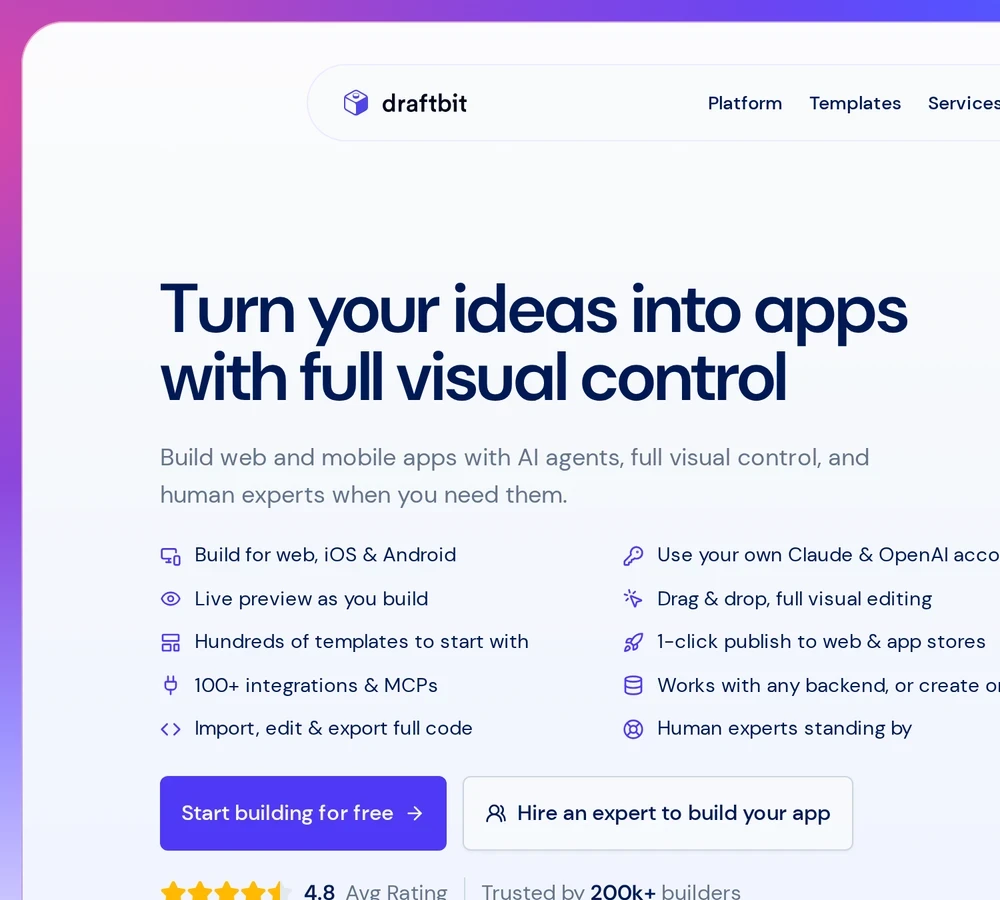
Draftbit lets you arrange screens visually and work directly on the code behind them. It’s a low-code builder, so you’ll need to understand how code works to use it effectively, even if you start with the visual editor.
I’d choose it for a project where a developer can work alongside you. Building alone means learning how the code works as well as deciding what the app should do.
Key features
- The visual editor, AI coding assistants Claude Code or Codex, and the Code tab edit the same files, keeping layout and code changes in one project.
- In-platform Git diffs show which lines of code have changed, helping a developer review edits.
- One React Native project produces apps for iOS and Android.
- Full source export lets a developer continue outside Draftbit, with GitHub providing a route for handing over the project.
Pricing
- Free: $0/month, with two projects, five screens per project, code viewing and limited web publishing.
- Standard: $15/month, or $144 billed yearly, with code export and one-click publishing to iOS and Android.
- Pro: $30/month, or $288 billed yearly, adding help with App Store submission.
- Extra editor seats cost $8/month on Standard and $16/month on Pro.
The free plan gives you room to explore the visual editor and inspect the code before committing.
6. RapidNative
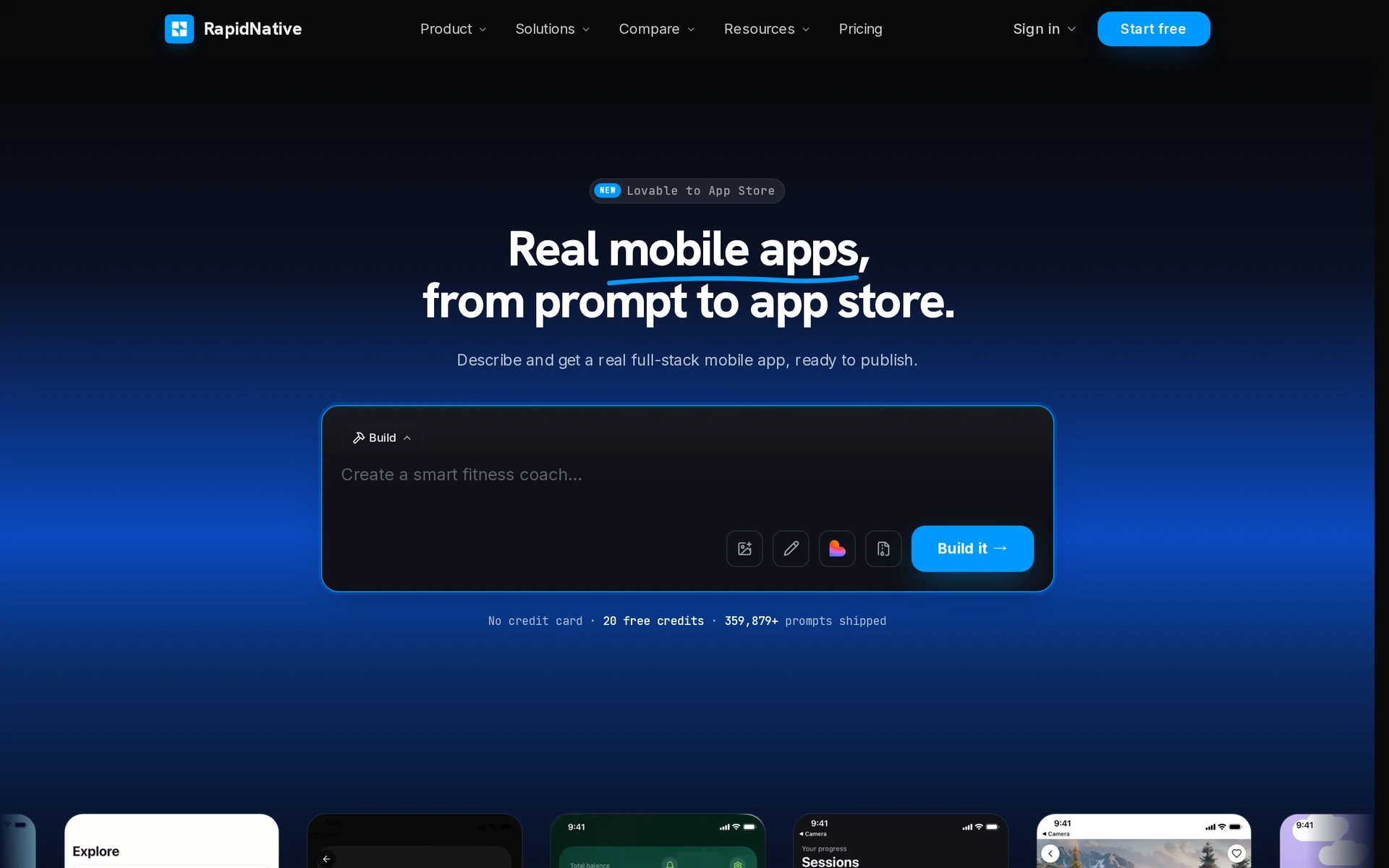
A sketch or Figma screenshot can be your starting point in RapidNative. You get a phone app that runs on iPhone and Android, then change it by selecting part of a screen and describing the edit you want.
I see its main use as turning a prototype into code you can keep developing.
Key features
- QR previews open your app on iPhone or Android through Expo Go, a phone app for testing projects, including on the free plan.
- User logins and push notifications let you build features for members and send reminders.
- Code export starts on Starter and gives you the full React Native and Expo project for a developer to continue outside RapidNative.
Store submission is a separate flat-fee service through LetsDeployIt. It handles Apple and Google’s signing setup, prepares your store listing and manages the back-and-forth with reviewers, including resubmissions.
Pricing
| Plan | Monthly billing | Annual billing, total per year |
|---|---|---|
| Free | $0 | $0 |
| Starter | $20 | $119 |
| Pro | $49 | $199 |
| Max | $99 | $399 |
| Ultra | $199 | $799 |
Free projects are public, limited to five screens and have no code export. Starter adds private projects and removes the screen limit.
Starter’s monthly subscription gives you 50 credits a month, or 600 over a year. Annual billing gives you 450 credits for the year, so its lower price buys fewer credits.
Full-stack projects, which include both screens and backend functionality, use usage-based credit metering. Simpler projects cost one credit per generation. Unused credits disappear at the end of each billing period.
7. FlutterFlow visual builder
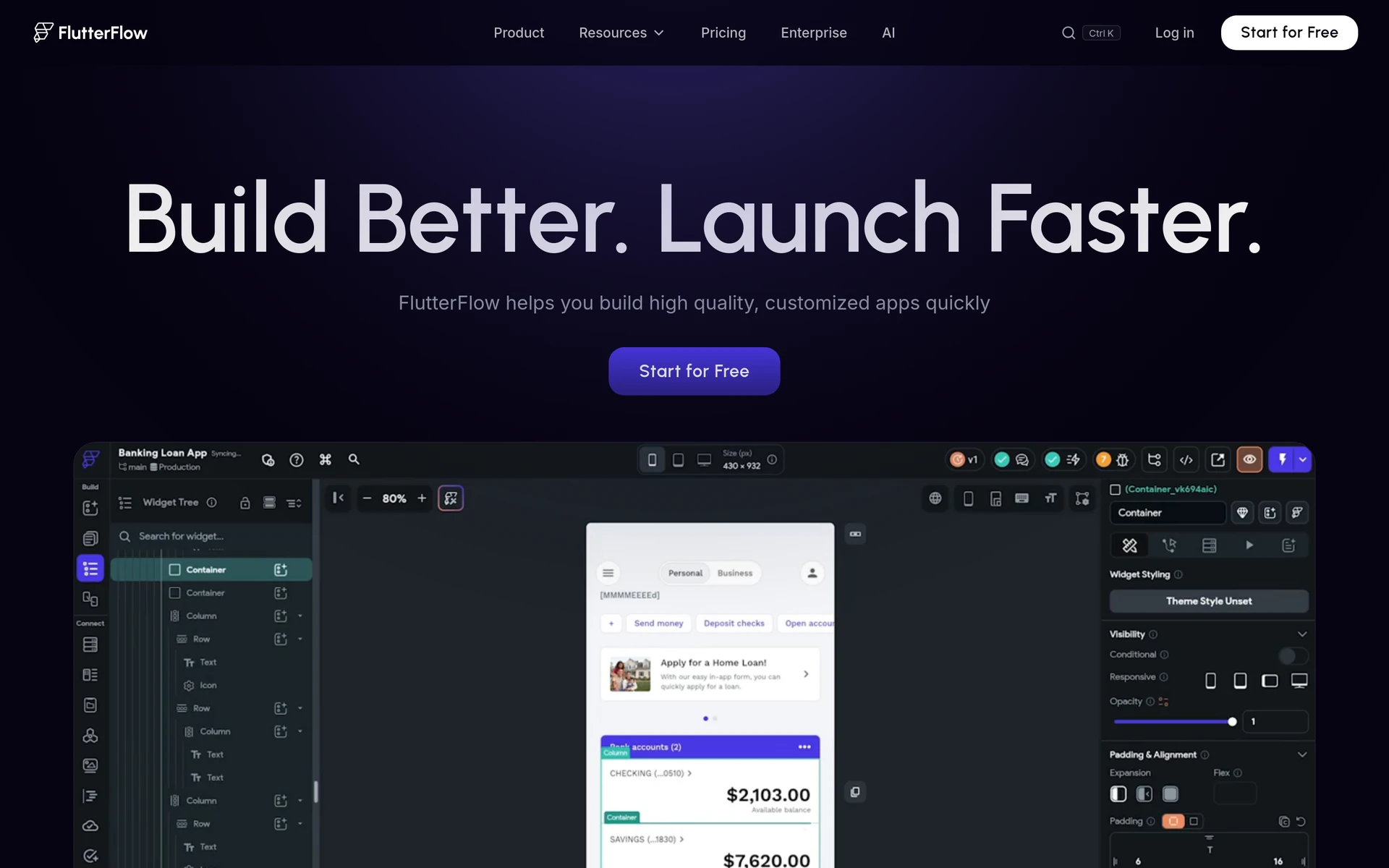
Layout control is FlutterFlow’s main appeal. You arrange screens visually, and one project can run on iPhone, Android, the web and desktop. It uses Flutter rather than React Native, so a developer picking up the exported code needs Flutter skills.
What you see in Test Mode is the web version of your app. To try it on a real iPhone through Local Run, you need a paid plan plus a Mac with Xcode.
Key features
- Over 200 pre-built interface elements give you components to arrange rather than designing each screen from scratch.
- Firebase and Supabase connections link your screens to services that store data and handle user accounts.
- Code download and GitHub push let a developer continue working outside FlutterFlow.
Edits made outside FlutterFlow don’t appear in the visual editor. A later push from FlutterFlow can also overwrite changes in its generated GitHub branch.
For builders comfortable with technical setup, I think FlutterFlow offers useful control over screens and source code. Decide early whether ongoing changes will happen in FlutterFlow or in the exported code, because the two don’t stay in step.
Pricing
FlutterFlow is free to build on, but store deployment and code download start on Basic at $39/month. Growth costs $80/month and Business $150/month for the first seat, and yearly billing saves about 25%.
8. Vibecode
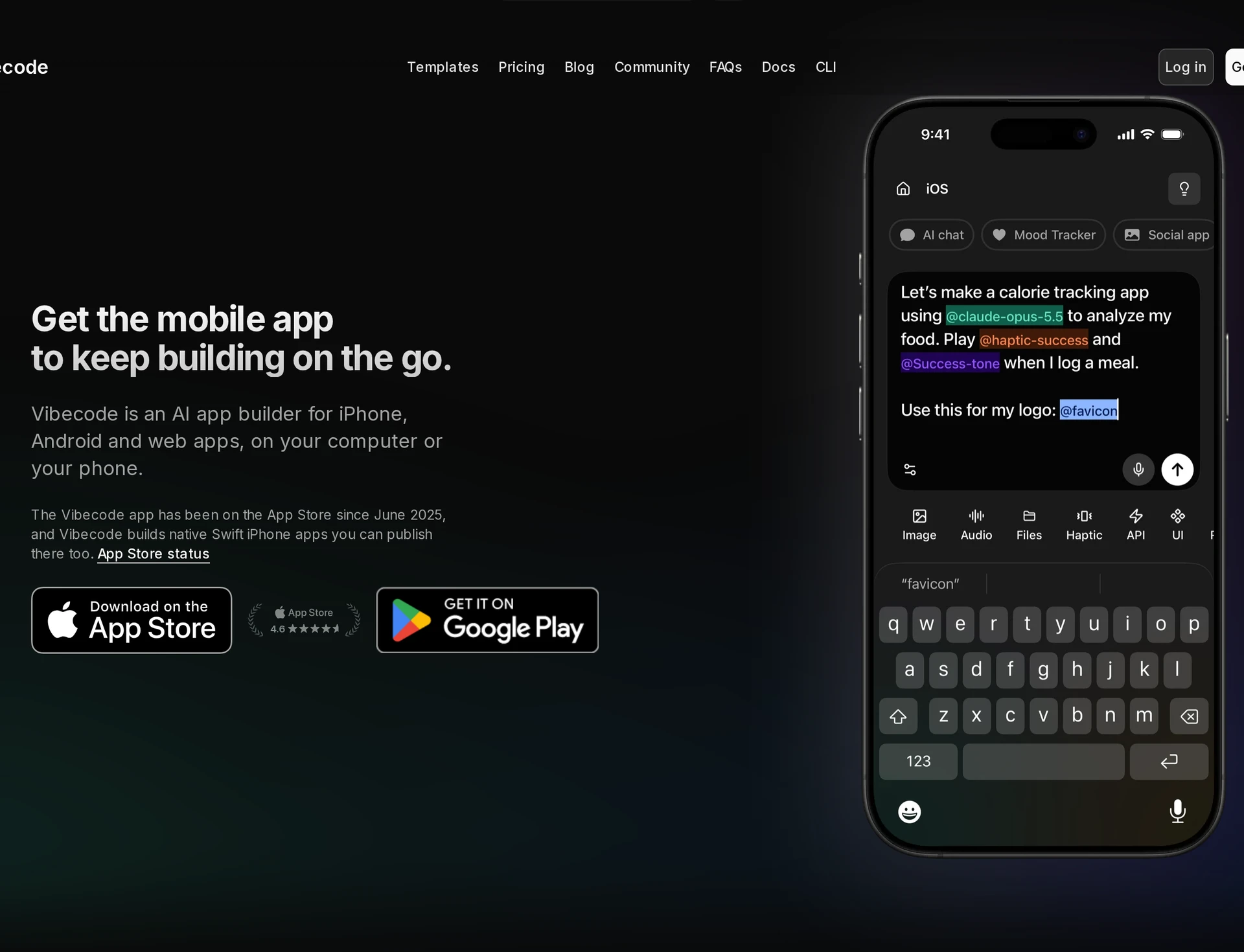
Vibecode is itself an iPhone app, so you can describe and build your app from your phone. It can generate an iPhone app in Swift, Apple’s own programming language, a React Native project or a website. The project type determines who handles the App Store steps.
Key features
With a Swift project on Plus or above, Vibecode builds, signs and submits the app using its own Macs in the cloud.
With a React Native project, you send the app to Apple for review yourself in App Store Connect, Apple’s publishing dashboard.
App Clips give testers a way to try your generated app on their iPhone without installing the full application.
I think Vibecode makes most sense when you have a developer, or iOS skills of your own, to continue working on a prompt-built iPhone app in Xcode.
Pricing
| Plan | Monthly billing | Annual billing, total per year |
|---|---|---|
| Free | $0 | $0 |
| Plus | $20 | $200 |
| Pro | $50 | $500 |
| Max | $200 | $2,000 |
Plus includes App Store submission access, but source-code download requires Pro or above. If you want submission access and code you can hand to a developer, the lowest plan is Pro at $50 a month or $500 a year.
Annual Pro works out to about $42 a month and saves $100 compared with twelve monthly payments. AI usage is credit-metered, with a $20 minimum for additional credit reloads.
9. Dreamflow
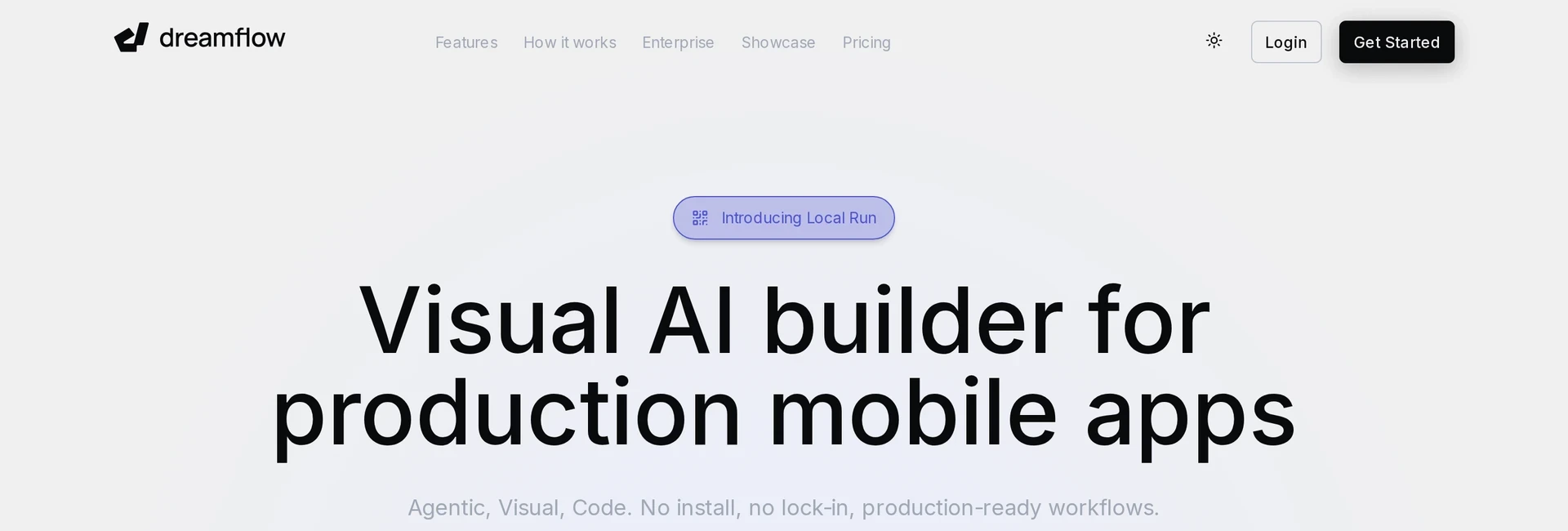
Dreamflow builds with Flutter, the app framework FlutterFlow also uses. It can bring in a compatible Flutter project you already have, but that import route doesn’t accept arbitrary web apps.
Dreamflow earns its place when you already have a Flutter project to carry on, with native testing and the final publishing steps still in your hands.
Key features
- QR previews run in your phone’s browser, without camera access, push notifications or in-app purchases.
- Local Run tests the native iPhone app and requires a Mac with Xcode.
If your app takes photos or sells a subscription through in-app purchases, the phone-browser preview won’t let you try those features. Use Local Run to test them in the native app.
Dreamflow uploads your iOS build to App Store Connect, Apple’s publishing dashboard. You then add the store images and listing details and submit it for review.
Pricing
- Hobby: $20/month, including code export and iOS deployment.
- Pro: $90/month, including Git access.
Importing your existing Flutter project needs Pro at $90 a month. That’s $70 more than Hobby each month, or $840 more over a year.
10. a0.dev
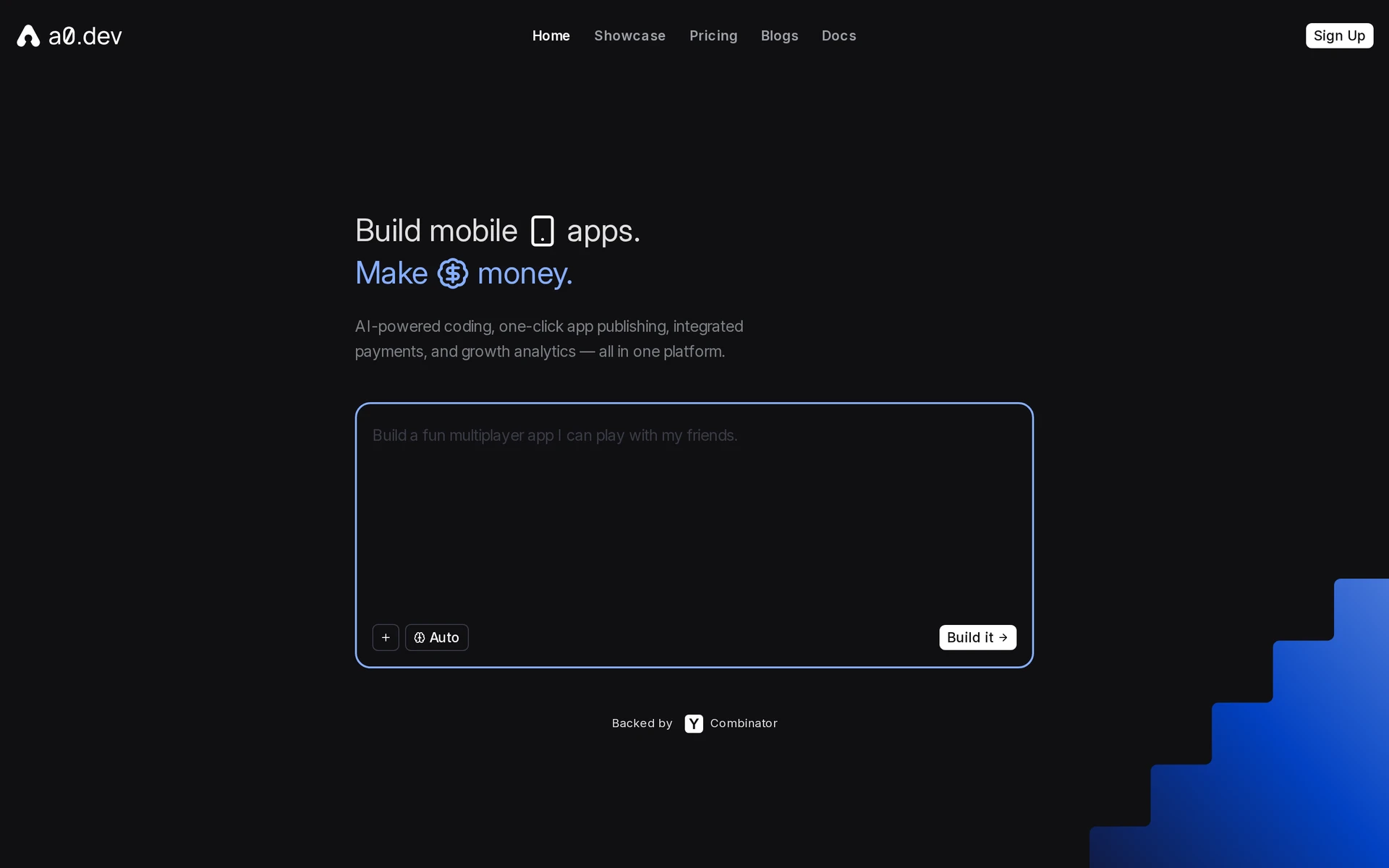
Describe your app, and a0.dev creates it in React Native, builds the iPhone version and sends it to App Store Connect, Apple’s publishing dashboard. From there, you finish the store listing and send the app to Apple for review yourself.
Key features
- Phone previews run through the a0 app or Expo Go, letting you try your app beyond the browser preview.
- Installable test versions for iPhone and Android let you check that payments work before launch.
- TestFlight, Apple’s testing app, lets you try the uploaded iPhone app before sending it for review.
Getting to the upload requires connecting your Apple Developer account, choosing a Bundle ID, the app’s unique identifier, and creating an app record in Apple’s dashboard. That identifier is permanent once you submit, so choose it carefully up front.
My take is that a0.dev suits builders comfortable setting up their own Apple account and filling in a store listing, including decisions such as age rating and price. It handles building and uploading the app while you manage the remaining publishing work.
Pricing
- Free: $0.
- Pro: from about $20/month.
- Heavy-use plans: up to about $800/month.
iOS app development software tools compared: output, publishing and code export
Most tools produce Android apps too. Read the App Store and code export columns first: submission responsibilities and access to code vary by tool and plan.
| Tool | Android | App Store submission | Code export |
|---|---|---|---|
| Bilt.me | Yes, same project | Bilt submits through your account | Yes, React Native |
| Adalo | Yes | Adalo publishes it | No, data only |
| Thunkable | Yes | Builder plan or higher | No |
| Rork | Standard only, not Max | You export, then submit in Xcode | Yes |
| Draftbit | Yes | One-click publish, Standard and up | Yes, React Native |
| RapidNative | Yes | Separate flat-fee service | Yes, Starter and up |
| FlutterFlow | Yes | Paid plan needed | Yes, Flutter |
| Vibecode | React Native projects only | Swift managed on Plus and up | Yes, Pro and up |
| Dreamflow | Yes, Hobby and up | Uploads, then you submit | Yes, Hobby and up |
| a0.dev | Yes | Uploads, then you submit | None documented |
Code export often needs a paid plan, such as Starter on RapidNative or Pro on Vibecode. If a developer may take over later, compare the price of that plan rather than the cheapest one.
How to choose an iOS app development software tool for your app
Pick the tool that carries your app through the launch work you can't handle yourself, whether that's testing on your phone, Apple's paperwork or the submission itself.
Start with what the app is for. When someone wanted to build an ecommerce store, I pointed them to Shopify instead of Bilt, because a store platform already does that job well.
Do you want to describe the app or arrange screens?
If you'd rather explain the result, an AI builder turns your description into the app and changes it when you ask. One builder who left a drag-and-drop tool for Bilt described the whole app up front and had it built in about five minutes. If you want to place every button yourself, a visual builder gives you a canvas.
If you already have a working web app, converting it can save you a rebuild. Check first that the tool supports the framework your site uses.
Who handles signing and App Store submission?
Signing proves to Apple that the app comes from your developer account. The listing follows, with screenshots, a description and privacy details, and then Apple decides whether the app goes live.
Apple can reject an app that declares camera, photo or Health access without a one-sentence reason for each permission, which Apple calls a purpose string. One builder's app only read Health data and left out the reason for writing it, and Apple still rejected it because the HealthKit entitlement was there.
Bilt's support team often helps builders fix this rejection. They usually spot it from the App Store Connect email and send the exact prompt to paste into the Bilt agent, which adds a short usage description for every permission the app touches. The rebuilt app can go back to Apple the same day.
Uploading a build isn't the same as submitting it for review. Ask each tool who completes signing, the listing and the submission.
Can you reach Android and take the code with you?
Android output means one project reaches both kinds of phone. Code export means a developer can keep building elsewhere, though backend services and dependencies don't automatically come with the code.
An installable app file isn't something a developer can edit, so ask for the source project, and ask how the app's logins and stored data move with the code. One Bilt customer handed their exported code to a developer, who simply carried on building the app.
If you want both phones and a developer later, look for iPhone and Android from one build, exportable source code and store submission together.
FAQs
Do I need a Mac to build an iOS app?
You need one only if you run Xcode yourself. Bilt.me and Vibecode's Swift projects build in the cloud, so they don't. FlutterFlow's and Dreamflow's native Local Run, and Rork Max's route through Xcode, do.
Can I build an iPhone app without coding?
You can with an AI builder such as Bilt.me, Rork, Vibecode, RapidNative or a0.dev, or a visual builder such as Adalo or Thunkable. Draftbit is low-code, so it expects you to understand how code works.
Can a developer take over my app later?
Yes, if the tool exports the source project. Bilt.me, Rork, Draftbit, RapidNative, FlutterFlow, Vibecode and Dreamflow do, some only on paid plans. Adalo exports your data but not the code.
Build and launch native mobile apps with Bilt.me
If you want to describe your app and take it to the App Store yourself, Bilt covers the stretch after the preview, where solo projects usually stall. You shape the native app by asking for changes and test it on your own iPhone.
Bilt then signs that build and submits it to the App Store and Google Play through your own developer accounts, and you can export the React Native source whenever a developer joins. Start building free and see your first iOS preview on your own iPhone, with no Mac and no credit card needed.