Creating mobile apps without writing code is no longer a futuristic concept—it's a reality that's transforming how businesses and entrepreneurs bring their ideas to life. Whether you're a small business owner, entrepreneur, or creative professional, no-code app development opens doors that were previously closed to non-technical users.
This comprehensive guide explores everything you need to know about building apps without coding, from understanding what no-code development means to choosing the right platform and launching your app to the world.
What Is No-Code App Development?
No-code app development refers to creating mobile and web applications using visual interfaces, drag-and-drop components, and pre-built templates instead of writing traditional code. You build apps by assembling components and configuring settings rather than programming.
Key characteristics of no-code platforms:
Visual development interfaces
Pre-built components and templates
Configuration-based customization
No programming knowledge required
Faster development cycles
No-code solutions have evolved significantly over the past decade. What started as simple website builders has grown into sophisticated platforms capable of creating complex mobile applications with advanced features.
Why Create Apps Without Coding?
The benefits of no-code development extend far beyond simply avoiding programming. This approach offers advantages that make it attractive for businesses of all sizes.
Speed to Market
Traditional app development can take 6-12 months from concept to launch. No-code platforms compress this timeline dramatically, allowing you to go from idea to working app in days or weeks rather than months.
Time savings:
No learning curve for programming languages
Pre-built components ready to use
Instant preview and testing
Rapid iteration and changes
Cost Effectiveness
Hiring developers or agencies can cost tens of thousands of dollars. No-code platforms provide a more affordable alternative, with subscription-based pricing that's accessible to small businesses and individuals.
Cost considerations:
Lower upfront investment
No need to hire developers
Predictable monthly costs
Reduced maintenance expenses
Accessibility
No-code development democratizes app creation, making it possible for anyone with an idea to build an app. You don't need a computer science degree or years of programming experience.
Who can benefit:
Entrepreneurs and startups
Small business owners
Marketing professionals
Content creators
Non-profit organizations
Flexibility and Iteration
No-code platforms make it easy to test ideas, gather feedback, and iterate quickly. You can modify your app based on user input without waiting weeks for developers to implement changes.
Iteration advantages:
Real-time updates
Easy feature additions
Quick design changes
Rapid prototyping
Types of No-Code App Builders
Not all no-code platforms are created equal. Understanding the different types helps you choose the right solution for your needs.
Visual Drag-and-Drop Builders
These platforms provide visual editors where you drag components onto a canvas and configure their properties. They're intuitive but may have limitations in customization.
Best for:
Simple to moderate complexity apps
Users who prefer visual interfaces
Quick prototyping
Template-based applications
Template-Based Platforms
Template platforms offer pre-designed app structures that you customize with your content, branding, and features. They're the fastest way to get started but offer less flexibility.
Best for:
Common app types (e-commerce, social, etc.)
Users who want quick results
Standard feature requirements
Content-focused applications
AI-Powered No-Code Builders
The newest category combines artificial intelligence with no-code development. You describe your app in natural language, and the AI builds it for you, generating production-ready code automatically.
Best for:
Native mobile apps
Custom feature requirements
Users who want code quality without coding
Complex applications
Platforms like Bilt represent this cutting-edge approach, generating React Native code from text descriptions while maintaining the ease of no-code development.
Key Features of No-Code App Platforms
Modern no-code platforms offer extensive feature sets that rival traditional development capabilities.
User Interface Components
No-code builders provide libraries of pre-built UI components including buttons, forms, navigation bars, lists, and more. You customize their appearance and behavior through settings rather than code.
Common components:
Navigation systems
Form inputs and validation
Data display lists and grids
Media viewers
Interactive elements
Backend Integration
Many no-code platforms include backend services for data storage, user authentication, and API integrations. This eliminates the need to set up separate servers or databases.
Backend capabilities:
Database management
User accounts and authentication
File storage
Third-party API connections
Push notifications
Cross-Platform Deployment
Quality no-code platforms generate apps that work on both iOS and Android from a single project. Some also create web versions automatically.
Deployment options:
Native iOS apps
Native Android apps
Progressive web apps
Responsive web interfaces
Customization Options
While no-code platforms use templates and components, they typically offer extensive customization for branding, colors, fonts, layouts, and functionality.
Customization areas:
Visual design and branding
Feature configuration
Workflow automation
Integration with external services
No-Code SaaS Solutions
Software-as-a-Service (SaaS) platforms have embraced no-code principles, allowing businesses to build custom applications on top of existing infrastructure.
What Is No-Code SaaS?
No-code SaaS platforms provide the infrastructure and tools to build custom applications without coding. They handle hosting, scaling, security, and updates while you focus on building your app.
Benefits:
Managed infrastructure
Automatic updates and security
Scalability built-in
Professional-grade reliability
Popular No-Code SaaS Categories
Different SaaS platforms specialize in various application types, from databases to automation tools to complete app builders.
Categories include:
Database and data management
Workflow automation
App builders and platforms
Integration and API tools
Business process management
Best E-Commerce Mobile App Builders
E-commerce is one of the most popular use cases for no-code app development. Specialized builders make it easy to create online stores and shopping experiences.
Features of E-Commerce App Builders
E-commerce builders focus on shopping-specific features like product catalogs, shopping carts, payment processing, and order management.
Essential features:
Product management systems
Shopping cart functionality
Payment gateway integration
Inventory tracking
Order processing
Customer accounts
Choosing an E-Commerce Builder
When selecting an e-commerce app builder, consider your product catalog size, payment processing needs, and customization requirements.
Selection criteria:
Product limit and scalability
Payment options supported
Design customization level
Integration capabilities
Pricing and transaction fees
Modern AI-powered builders can create custom e-commerce apps with any features you need, from simple stores to complex marketplaces with multiple vendors.
Getting Started: How to Create Your First No-Code App
Ready to build your first app without coding? Follow this step-by-step process to go from idea to launch.
Step 1: Define Your App Concept
Start by clearly articulating what your app will do.
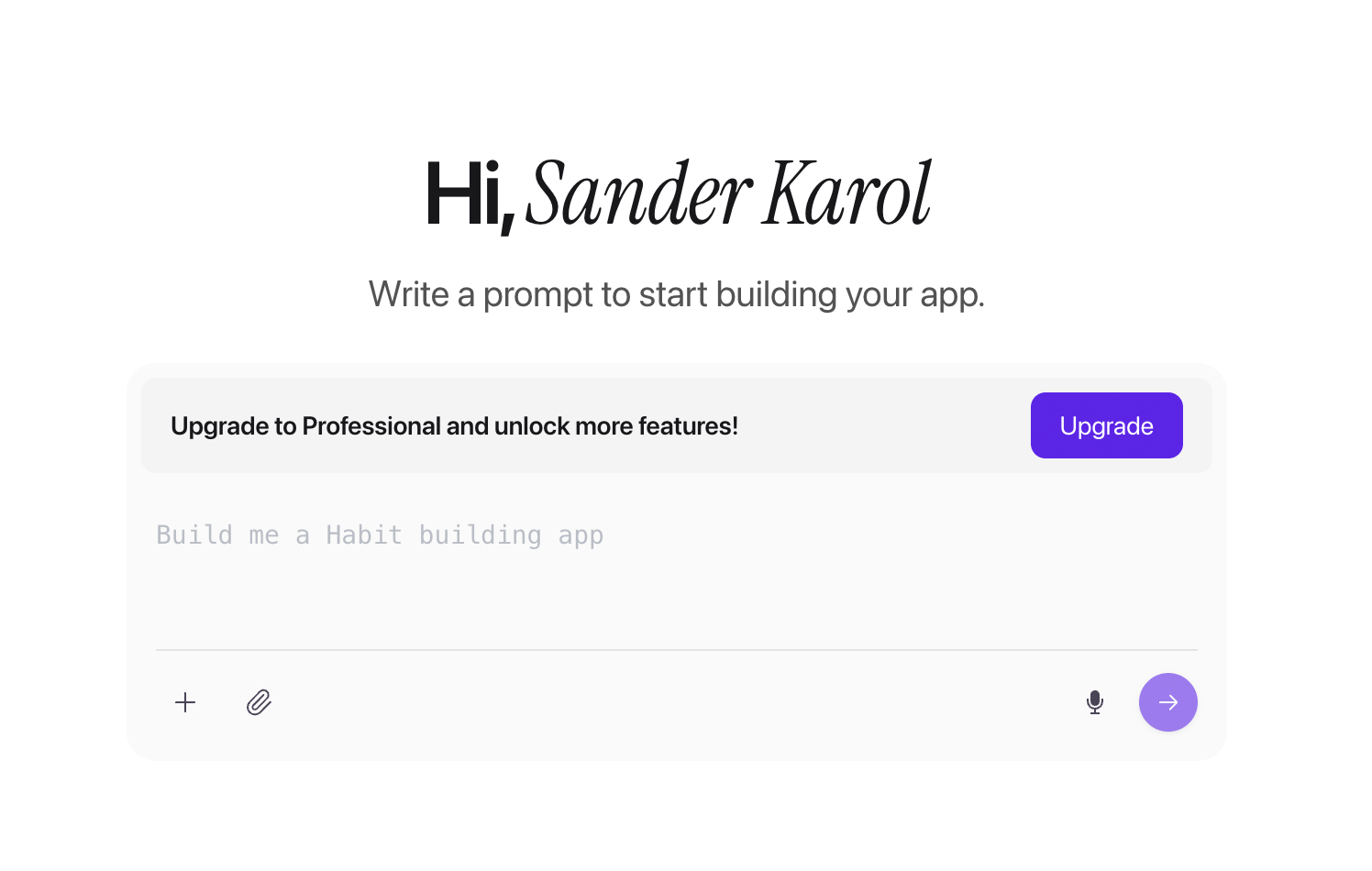
Define:
App purpose and value proposition
Key features and functionality
Target user personas
Success metrics
Step 2: Choose Your No-Code Platform
Evaluation criteria:
Feature set and capabilities
Ease of use
Pricing structure
Platform support (iOS, Android, web)
Community and support resources
Step 3: Design Your App Structure
Design elements:
Screen layouts
Navigation structure
User flows
Key interactions
Step 4: Build Your App
Building tips:
Start with essential features
Test frequently as you build
Use platform tutorials and documentation
Iterate based on early feedback
Step 5: Customize Design and Branding
Branding elements:
Color schemes
Typography
Logo and icons
Visual style and tone
Step 6: Test Thoroughly
Testing checklist:
Functionality on iOS and Android
User interface responsiveness
Performance and speed
Error handling
Data accuracy
Step 7: Deploy to App Stores
Deployment requirements:
Developer accounts
App store assets (icons, screenshots)
Privacy policies
Store descriptions
Compliance with platform guidelines
The Future of No-Code Development
No-code development continues evolving rapidly, with new capabilities emerging regularly.
AI integration, better code generation, and enhanced customization are closing the gap between no-code and traditional development while keeping the process accessible.
Making the Decision: Is No-Code Right for You?
Choose no-code if:
You need to launch quickly
You have limited technical skills
Your app follows common patterns
Budget is a primary concern
You want to iterate rapidly
Consider AI-powered no-code if:
You want native apps without coding
You need flexibility and customization
You want production-ready code
You value speed and quality
Getting Started with No-Code App Development
The barrier to creating mobile apps has never been lower. No-code platforms make it possible for anyone to turn their ideas into reality.
Your next steps:
Define your app idea and requirements
Research and compare no-code platforms
Start with a free trial or basic plan
Build a simple prototype
Iterate and refine
Launch to app stores
Ready to create your app without coding? Start building with Bilt today and experience AI-powered app development that generates native iOS and Android apps from simple text descriptions.
Learn more about how to make apps or explore our getting started guide to begin your no-code app development journey.