If DhiWise turned your Figma design into code but the result remains far from launch-ready, generated screens are only one layer of a working product.
A working product needs backend logic, testing, and a release path. If your goal is a live mobile app, compare how much work remains before App Store and Google Play submission.
This guide compares ten DhiWise alternatives by the work each one replaces. It covers design handoff, visual mobile building, prompt-first generation, and the separate path from generated code to store submission.
Builders already seeking a prompt-to-published native app path can explore Bilt’s approach before comparing the broader field.
DhiWise vs. Rocket.new: what are you replacing?
Rocket.new is the newer product identity from the DhiWise team, introduced in 2025.
Existing users can still access classic DhiWise and switch between experiences. The names describe two workflows within the same product family, not unrelated companies.
| Aspect | Classic DhiWise | Rocket.new |
|---|---|---|
| Product role | Original workflow | Newer DhiWise platform |
| Starting point | Figma designs | Natural-language prompts |
| Typical scope | Frontend framework code | Full-stack app foundation |
| Example output | Flutter, React, Next.js, HTML/CSS | UI, backend, data, auth, APIs |
Rocket.new accepts natural-language prompts or Figma designs, then generates frontend and backend foundations.
That broader scope changes the comparison. A DhiWise replacement may need to improve frontend handoff, while a Rocket.new replacement may need to cover backend setup and release work too.
Quick verdict by use case
The fastest filter is how much implementation work should remain after generation.
| Build path | Choose it when | Tools to compare |
|---|---|---|
| Figma-to-code handoff | Developers will finish the build | Anima, Locofy, Codejet, Builder.io |
| Visual native building | You want canvas-based control | FlutterFlow, Draftbit, Thunkable |
| General prompt-to-software | You want an editable app or codebase | Lovable, Bolt.new, Replit |
| Prompt-to-native app building | You want native generation with store-upload support | Bilt |
Bilt is the only option here built around the full native mobile lifecycle, from React Native generation through cloud builds, signing, and store uploads. Lovable, Bolt.new, and Replit start from broader prompt-to-software workflows.
How we evaluated these tools
The comparison uses four criteria: output type, code ownership, backend coverage, and deployment depth.
- App output: Web frontend, mobile codebase, or store-ready native app.
- Code ownership: Full source export, repository sync, or platform-managed code.
- Backend coverage: Authentication and database setup versus frontend-only generation.
- Deployment depth: Code handoff, publishing assistance, or automated builds, signing, and store uploads.
DhiWise alternatives compared
The ten alternatives fall into three workflow categories. Bilt appears separately because it combines native app generation with the publishing steps that the other categories often leave to you.
| Category | Tools covered | Primary output |
|---|---|---|
| Figma-to-code and frontend handoff | Anima, Locofy, Codejet, Builder.io | Web frontend code and visual editing |
| Visual mobile and Flutter app building | FlutterFlow, Draftbit, Thunkable | Native or cross-platform mobile apps |
| Prompt-to-app and full-stack generation | Lovable, Bolt.new, Replit | Editable web or app projects |
| Native generation through store upload | Bilt | React Native app and store workflow |
For Figma-to-code and frontend handoff
DhiWise spans web and Flutter output, with optional generated Express.js backend code. The four tools below overlap with its Figma-to-code workflow, but their code targets and backend support differ.
Frontend handoff is not a published native app. The mobile release process remains separate unless a tool explicitly documents it.
Plan limits and export terms change. Verify the exact framework and source-code access you need on each vendor's plan page.
1. Anima
Full-stack scope
Anima extends Figma-to-code beyond frontend handoff with full-stack app-building features. Locofy is the closer comparison when named React Native or Flutter output is required.
What to verify:
- The output matches your required web framework.
- Responsive layouts survive the handoff.
- Components follow your team’s conventions.
Where it fits
Anima handles code generation from approved Figma screens inside an existing engineering process. The engineering team still owns application architecture and release work.
Limitations
Native app releases still require your team to prepare the app and complete store submission after code generation.
2. Locofy
Why it’s a DhiWise alternative
Locofy differs from Anima by naming React Native and Flutter among its targets. The generated frontend code still needs to enter your repository, application architecture, and release process.
Where it fits
Locofy handles the screen-to-code handoff inside an established application architecture. Application logic stays with the engineering team.
Limitations
Native code output can shorten the frontend handoff, but testing, signing, and store release remain separate. Check plan restrictions before treating source export as part of the baseline workflow.
3. Codejet
Why it’s a DhiWise alternative
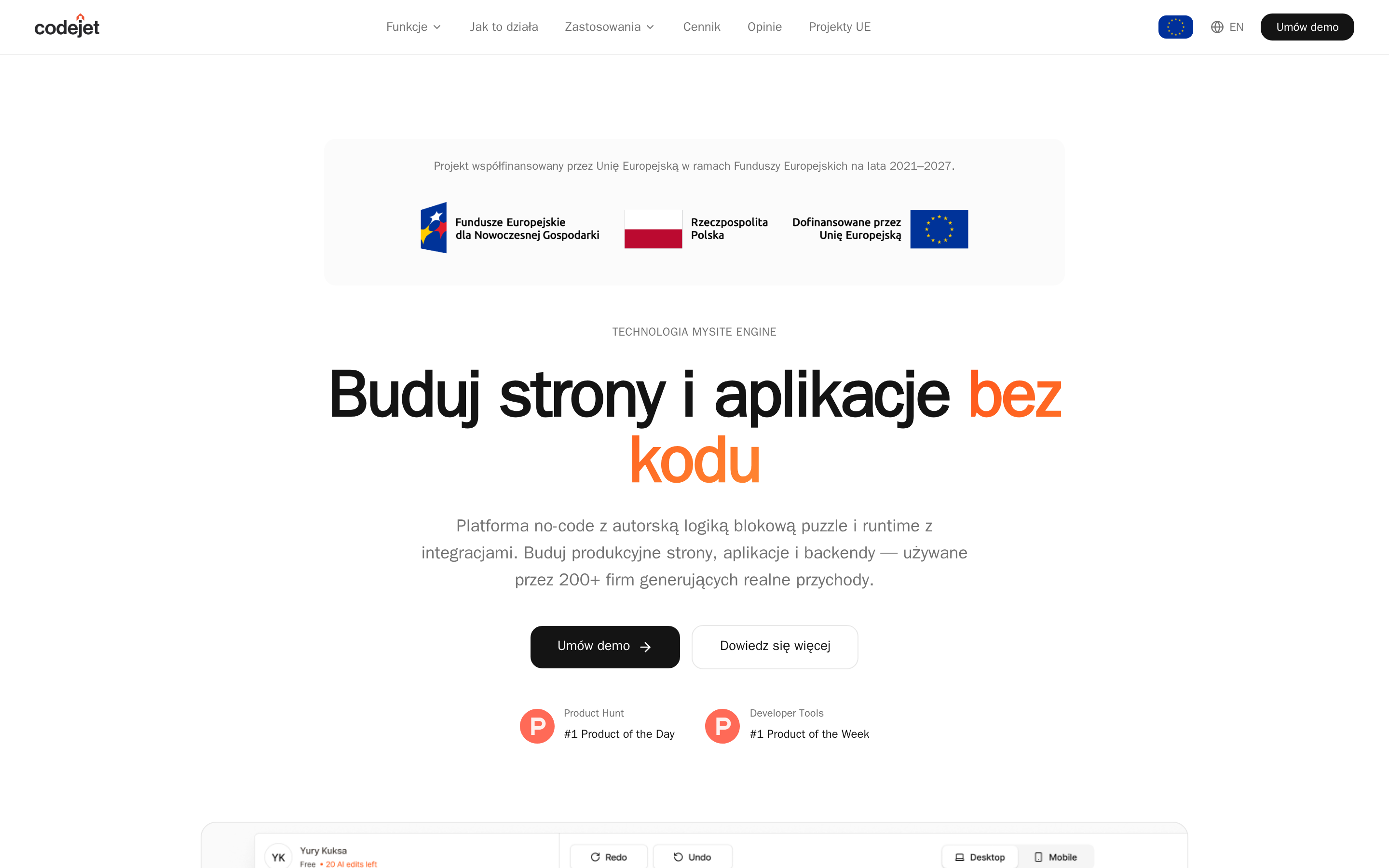
Codejet is the web-code option in this group. It converts Figma designs and documents backend support, while Locofy is the section to compare for named React Native or Flutter targets.
Where it fits
Codejet targets the screen-recreation bottleneck. Engineers still own the surrounding application and review generated code before merging it.
Limitations
Check Codejet's framework targets and commercial terms against the web stack you plan to release.
4. Builder.io
Visual workflow
Builder.io keeps visual editing in the frontend workflow after design handoff. Codejet focuses more narrowly on converting approved Figma screens into web code.
Where it fits
In Builder.io, visual editing can remain part of the frontend process after the initial design handoff.
Limitations
Framework targets and code-export terms vary by plan, so verify the exact output your team needs.
Mobile-framework output still leaves native build preparation, store credentials, and submission with your team.
For visual mobile and Flutter app building
These three tools move beyond design handoff into visual mobile development. The practical tradeoff is how much code access you retain versus how much backend, customization, and publishing work remains.
FlutterFlow and Draftbit preserve a path into editable source code. Thunkable keeps the workflow closer to no-code, with platform-managed code rather than an editable source-code workflow.
| Tool | Framework and ownership | Backend and difficulty | Store responsibility |
|---|---|---|---|
| FlutterFlow | Flutter; paid source download | Firebase/Supabase; higher learning curve | You complete store submission |
| Draftbit | React Native; full source export | More manual coding; services vary | Partial assistance; user finishes |
| Thunkable | Native mobile/web; platform-managed code | No-code blocks; simpler logic | Paid publishing; user manages review |
Visual control does not make delivery hands-off. Across FlutterFlow, Draftbit, and Thunkable, you still own developer accounts, store listings, compliance details, and review responses.
5. FlutterFlow
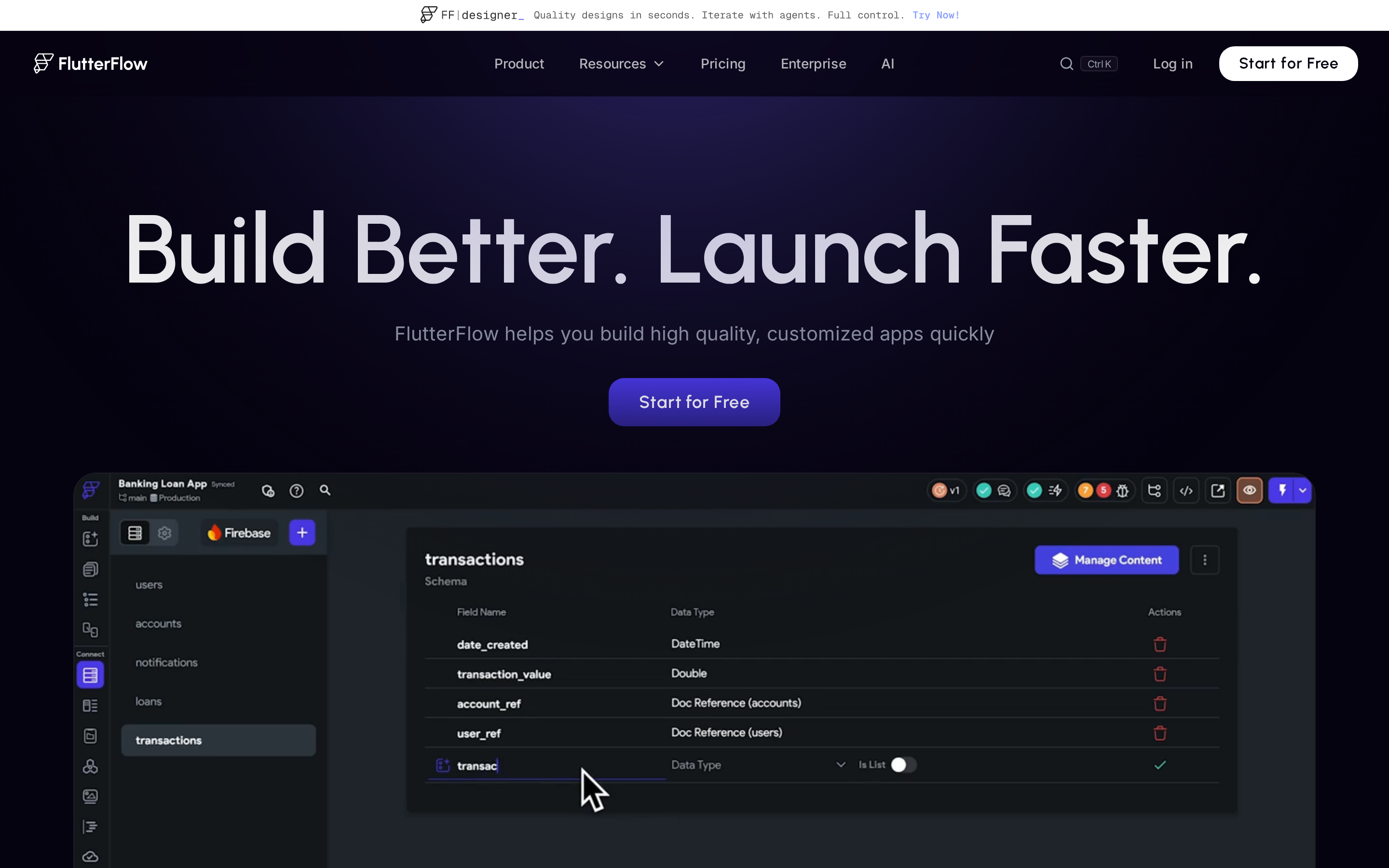
FlutterFlow continues DhiWise's Flutter path through a visual builder. Draftbit exports React Native, while Thunkable keeps code inside a platform-managed workflow.
Why it qualifies
FlutterFlow combines a visual interface builder with action flows and multi-platform Flutter output. It can target iOS, Android, web, and desktop from one project.
- Framework: Flutter and Dart.
- Backend support: Native Firebase and Supabase integrations cover authentication, databases, and cloud functions.
- Code access: Free projects support code extensibility within FlutterFlow, while source download for external development requires a paid plan.
- Pricing context: Free access includes code extensibility; source download and direct store deployment require a paid tier.
Where it fits
FlutterFlow covers visual Flutter development with Firebase and Supabase integrations. The workflow assumes someone can manage app logic or continue in Dart after export.
A shared Flutter codebase can support mobile apps plus browser or desktop versions.
Limitations
- Expect a higher learning curve than with a block-based no-code tool.
- Free projects exclude source download, direct store deployment, GitHub integration, and several team features.
- Store builds do not remove the need to prepare metadata, screenshots, privacy details, developer accounts, and review responses.
6. Draftbit
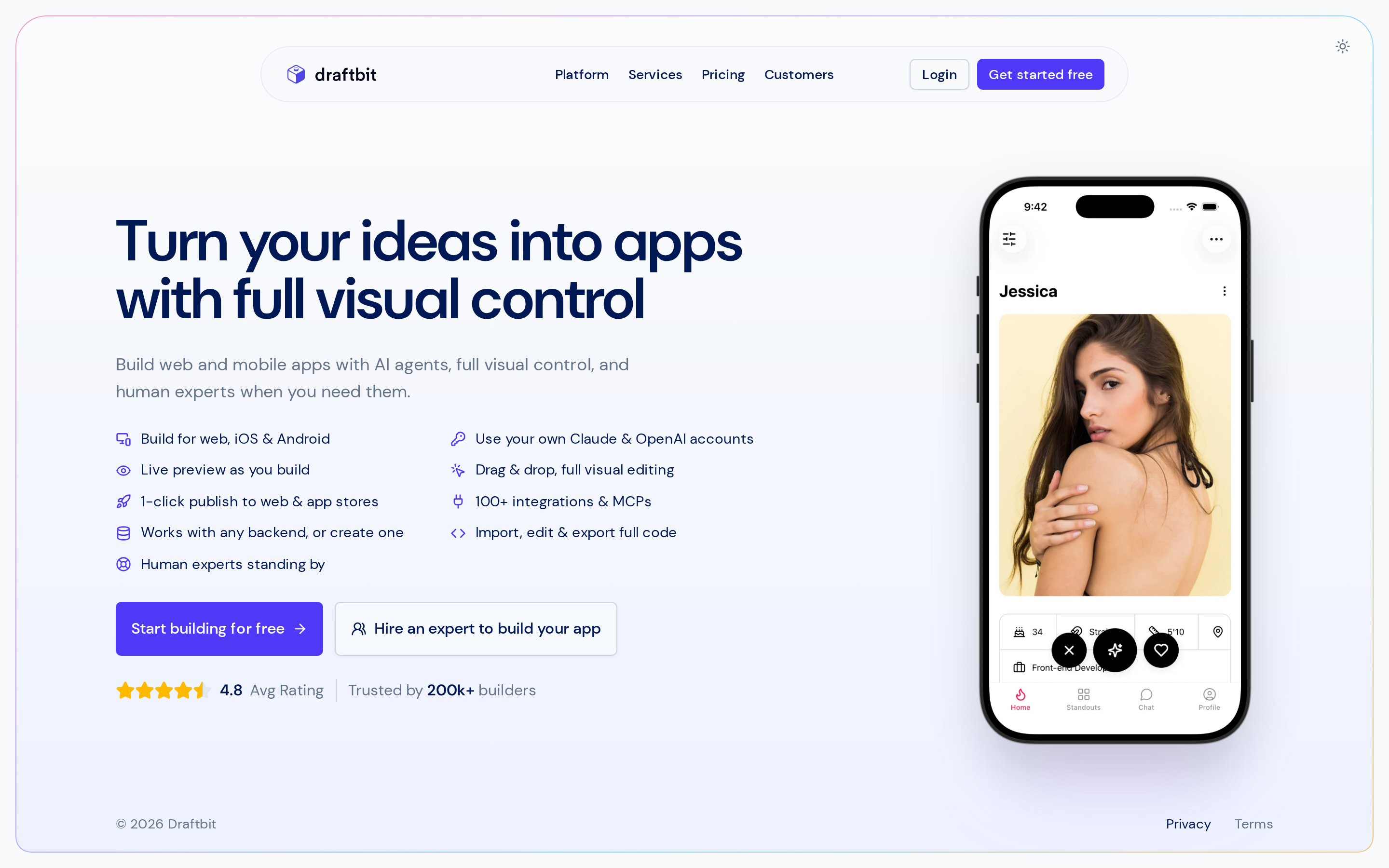
Draftbit centers on React Native source ownership. FlutterFlow keeps the project in Flutter, while Thunkable uses platform-managed code instead of an editable source workflow.
Why Draftbit qualifies
Draftbit's main distinction is full React Native source-code export. A developer can customize unsupported behavior and continue development in a conventional React Native workflow.
- Framework: React Native for iOS and Android.
- Code access: Full source export reduces platform lock-in.
- Technical level: Visual assembly helps with screens, but manual coding may still be required for deeper customization.
- Pricing context: Publishing assistance is available with Draftbit's paid Pro plan.
Where it fits
Draftbit sits between visual assembly and manual React Native development. The visual build becomes a starting point that a developer can inherit and extend.
Limitations
- Confirm support for the Firebase authentication flow or REST API your app needs before committing to Draftbit.
- Draftbit's paid Pro publishing assistance still requires the app owner's signing credentials and store listing details.
- Visual assembly still requires more technical work than a no-code builder centered on blocks and templates.
7. Thunkable
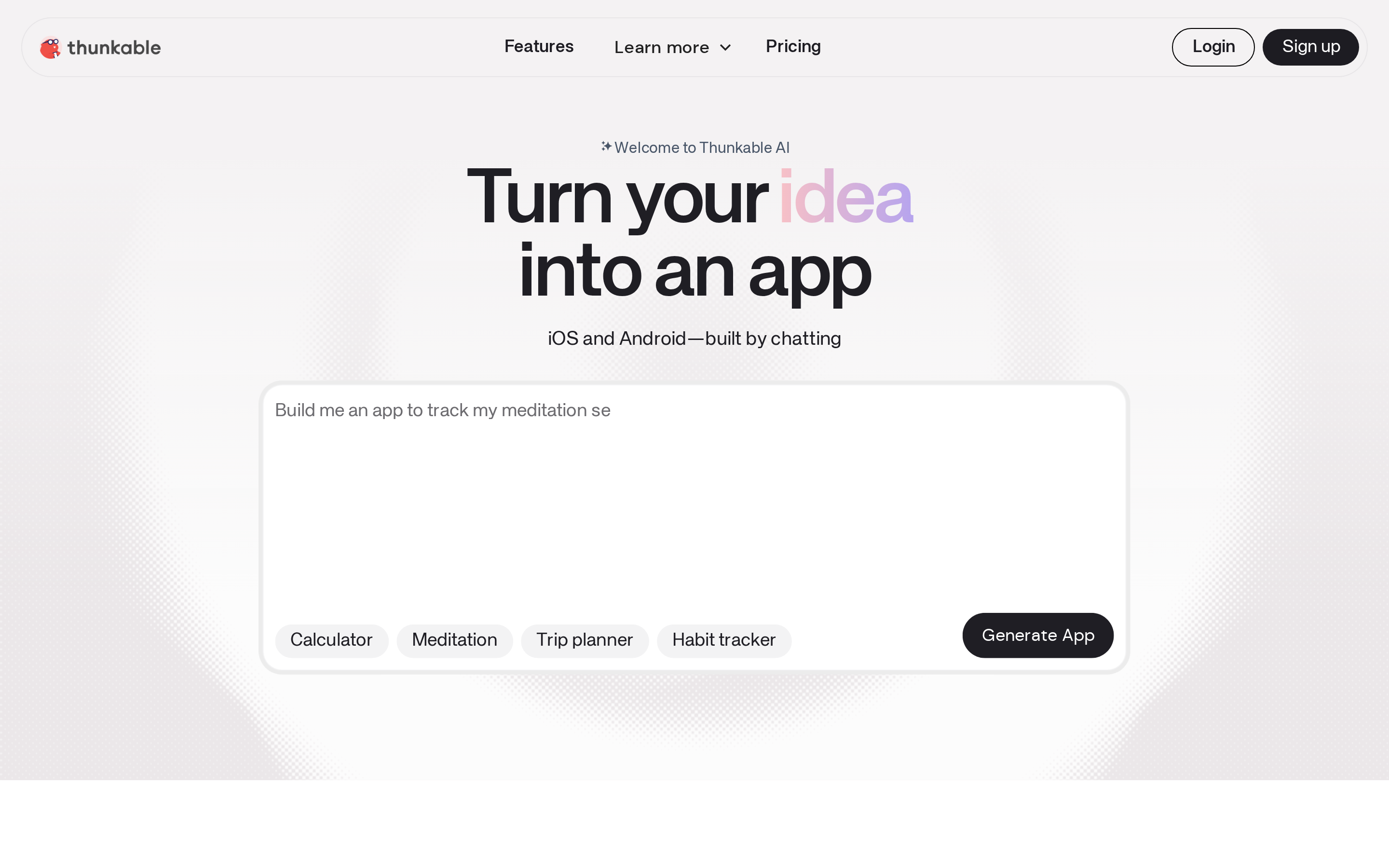
Thunkable keeps the build inside a block-based, no-code editor. FlutterFlow and Draftbit expose framework-level code paths, while Thunkable prioritizes platform-managed development and device testing.
Why it qualifies
Thunkable supports iOS, Android, and web projects from a visual workflow. Thunkable Live adds real-time testing on physical iOS and Android devices, which helps expose device-specific issues before submission.
- Framework: Managed no-code mobile stack.
- Code access: Thunkable uses a managed no-code stack, so plan for platform-managed code rather than an editable source-code workflow.
- Backend support: Confirm that your required database and authentication provider work with the selected Thunkable plan.
- Pricing context: Building can begin free, but App Store and Google Play publishing requires the Builder tier or higher.
Where it fits
Thunkable covers simpler mobile apps where visual blocks and device testing matter more than framework-level control or source export.
That scope covers internal tools and classroom prototypes with limited custom logic.
Limitations
- Complex logic may push beyond the practical limits of a block-based workflow.
- Publishing access requires a paid tier, while store accounts, compliance, and review remain the user's responsibility.
- Platform-managed code reduces portability for a long-lived product.
For prompt-to-app and full-stack generation
Lovable, Bolt.new, and Replit turn prompts into editable software. Lovable centers on browser delivery; Bolt.new and Replit add code-level environments, while store release remains a separate workflow.
Use six checks to separate the workflows:
- Output: Responsive web code and native mobile binaries are different deliverables.
- Backend: A database, authentication, and storage can make a web prototype functional without making it store-ready.
- Source control: Code export or repository sync determines whether a developer can continue outside the builder.
- Editing depth: Chat revisions, browser editing, and a full IDE provide different levels of control.
- Native support: A device preview is one step, but production builds still require device testing and release checks.
- Store submission: Signing, metadata, compliance, and uploads form a separate release workflow.
Pricing changes by plan and usage. Check each vendor’s pricing page before comparing plan limits.
8. Lovable
Lovable is the web-first option in this category. Bolt.new and Replit provide broader code-editing environments, while Lovable centers on generating and publishing browser applications through conversation.
Why it qualifies
The DhiWise overlap is editable application generation rather than screen mockups alone.
- Generated projects remain editable after the first prompt, so teams can refine the application beyond the initial screen mockup.
- Supabase can supply PostgreSQL, authentication, and file storage.
- Web publication provides a direct path from prompt to a running browser product.
- Code export gives a developer a path to continue outside Lovable.
Where it fits
Lovable covers prompt-led web app creation, Supabase connections, and browser publication. Native iOS or Android delivery remains a separate build and release project.
Complex changes can require repeated chat cycles, so review architecture and data behavior before those revisions accumulate.
Limitations
A responsive Lovable project can run in a phone browser, but App Store or Google Play distribution requires a separate native build and release workflow.
9. Bolt.new
Bolt.new combines prompt generation, browser execution, and code editing for web and mobile projects. Lovable is web-first, while Bolt.new's documented native path uses Expo.
Why it qualifies
The DhiWise overlap is generation plus editable frontend and backend code in one browser workspace.
- Browser execution shortens the loop between a prompt and a working preview.
- The editor lets you inspect and revise generated code without local setup.
- Backend and data work can sit inside the same prototype workflow.
Where it fits
Bolt.new covers early product work where you need screens, interactions, and basic data behavior in an editable browser workspace. Repository sync and deployment settings still need to match the planned handoff.
Before a developer handoff, confirm Bolt’s current repository sync and deployment configuration.
Limitations
Bolt.new's Expo workflow can move a generated mobile project from device testing toward store release. You still need human review and release checks after prompt-driven changes.
10. Replit
Replit puts prompt generation inside a browser IDE, with direct code access for web services, backend work, and mobile projects. Bolt.new uses a builder-style workspace; Replit's section centers on IDE-level editing and hosted execution.
Why it qualifies
Replit's DhiWise overlap is generated code that opens directly in an IDE-level editing and execution environment.
- Python and Node.js support suit web applications and backend services.
- Code-level editing provides direct access for debugging and manual changes.
- Hosted execution reduces the local setup needed to run a web project.
Where it fits
Replit covers projects that need direct access to backend logic and browser-hosted execution. Its source-control and deployment settings should match the handoff you expect.
Confirm Replit’s current source-control and deployment options before treating its hosted workspace as a portable workflow.
Limitations
Replit's mobile workflow can move a project from device preview into native iOS and Android builds. Signing, compliance, and store submission still require platform-specific work.
Which category should you choose?
Choose the category that removes your current bottleneck. Design handoff, native building, backend depth, and deployment ownership lead to different answers.
Use these five decision paths:
- Design handoff: Choose Figma-to-code tools when your job ends with editable frontend code for a developer.
- Visual native building: Choose FlutterFlow, Draftbit, or Thunkable when you want to assemble iOS and Android apps on a canvas.
- Prompt-first generation: Choose Lovable, Bolt.new, or Replit when speed from an idea to a web app or general codebase matters most.
- Backend depth: Compare authentication, database modeling, payments, and API support when your app depends on more than screens.
- Deployment ownership: Choose Bilt when you want build generation, code signing, and store uploads inside the same workflow.
A working codebase can solve design handoff, native building, and backend setup while leaving deployment with you. Treat publishing as its own buying criterion when the finish line is a live mobile app.
When a DhiWise alternative still won’t get you to the App Store
A store-ready release requires more than generated code. You still need signed builds, store credentials, compliance details, submission, review responses, and release controls.
After generation, the release path has six parts:
- Release builds: Generate the iOS and Android binaries intended for store distribution, then test those builds.
- Code signing: Match each build to the correct app identity and signing credentials so the stores can verify its publisher.
- Apple credentials: Create and maintain distribution certificates and provisioning profiles tied to the app and developer account.
- Store package: Prepare screenshots, descriptions, privacy disclosures, consent controls, support details, and reviewer login credentials.
- Submission: Upload the release to App Store Connect and Google Play Console, configure release settings, and send it for review.
- Review and updates: Address rejection notes, regenerate failed builds, resubmit, and repeat the release workflow for future versions.
Publishing support varies by tool, plan, and platform. Confirm who owns credentials, uploads, compliance fields, review responses, and updates before treating generated code as a finished mobile app.
If you want deployment inside the same workflow, Bilt automates build generation, code signing, certificates, provisioning profiles, and upload support for App Store Connect and Google Play.
Apple and Google still review each app. Bilt handles builds, signing, and uploads; you submit the app for review in Apple’s and Google’s tools.
From app idea to published mobile app with Bilt
Bilt covers the part these alternatives leave fragmented. A plain-English idea becomes a native React Native app, then moves through preview, signing, and store upload in the same workflow.
The Bilt workflow has five steps:
- Describe the app. Explain the screens, user flow, and core logic in plain English.
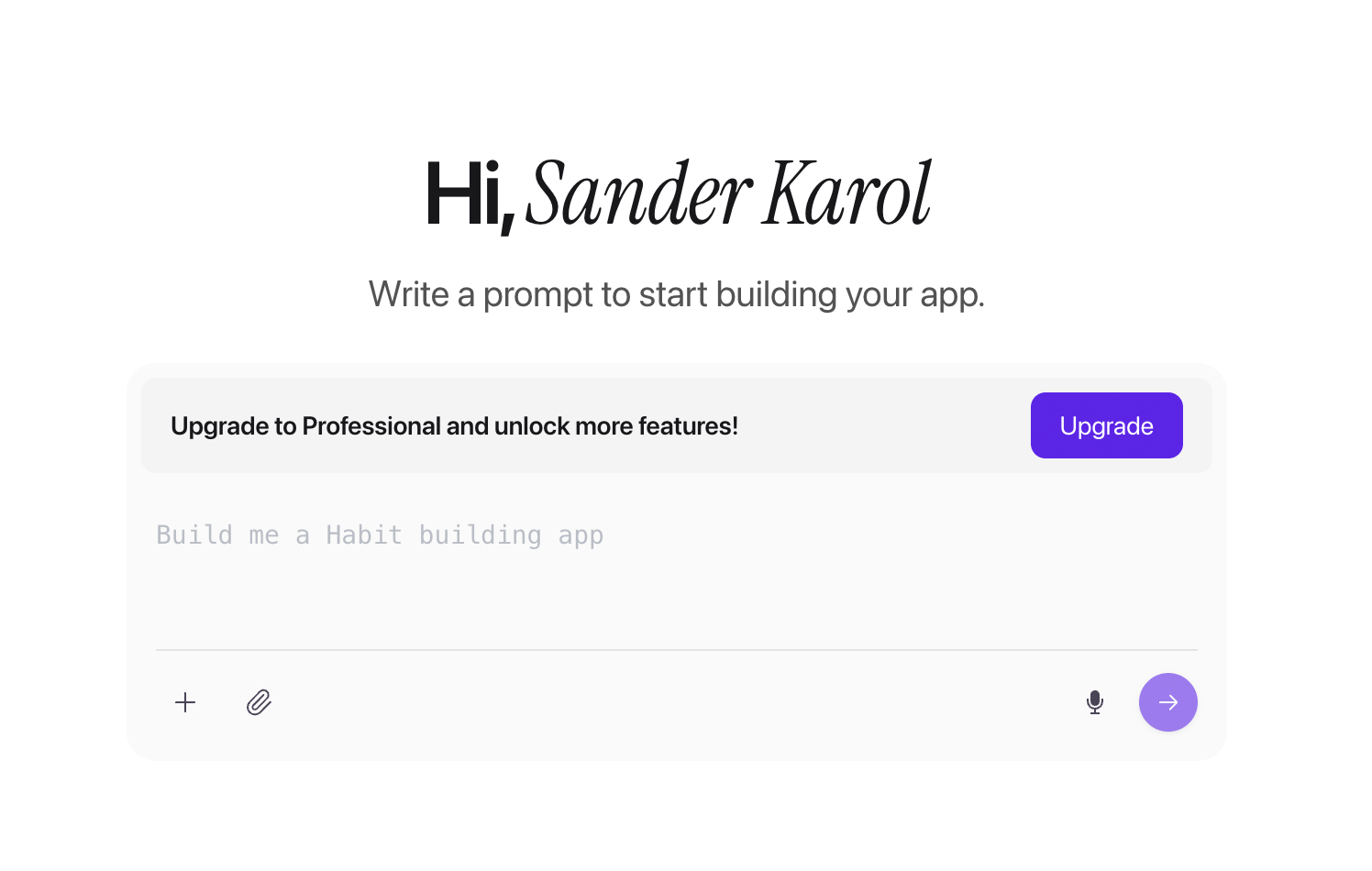
Bilt app-creation prompt screen with a text field for describing an app idea - Generate the product. Bilt creates the React Native app, backend, and native features such as push notifications, GPS, camera access, and paywalls.
- Preview the build. Test with an in-browser iOS simulator, Android emulator, QR code, or shareable preview link before release.
- Refine through conversation. Request another screen, change a flow, or adjust the design; Bilt applies the update and refreshes the live preview.
- Prepare for publishing. Bilt builds, signs, and uploads iOS builds to App Store Connect. For Google Play, it builds the
.aaband can send it to internal testing, though the first release may require a manual upload.
The output is React Native source code you own. Export the full codebase, sync the project with GitHub, or hand it to a developer without rebuilding from scratch.
Cloud previews give you proof before publishing. You can test the app yourself and share an interactive link with a client, co-founder, or tester while changes are still easy to make.
Ready to turn your idea into a native app you can publish? Start building free. You can preview the app, refine it through conversation, and publish when it is ready.
Is there a free DhiWise alternative?
Yes, but free DhiWise alternatives cover different parts of the workflow. Compare usage limits, code export, and publishing access before choosing one.
- Bolt.diy is open-source and self-hosted, with hosting and AI model costs left to you.
- Bilt has a free tier for building and previewing a native app. Rocket.new, Lovable, and Bolt.new offer limited free plans.
Which DhiWise alternative is best for beginners?
The best beginner option depends on the output. Lovable has a prompt-first path for web apps, while Bilt covers native iOS and Android generation plus build, signing, and store-upload support in one workflow.
Thunkable offers a block-based route to a mobile prototype. FlutterFlow asks you to learn more app logic, and both leave store-account and review work with you.
Can I export and fully own the code?
Yes, you can export and fully own code with some alternatives, but code export is not universal.
- FlutterFlow, Draftbit, and Bilt provide editable source code; Bilt generates React Native source.
- DhiWise reserves full source downloads for paid plans.
- Thunkable uses platform-managed code rather than an editable source-code workflow.
Which tools support Flutter?
FlutterFlow and DhiWise are the main Flutter-focused choices in this comparison. Anima and Locofy can also generate Flutter code from Figma.
Draftbit, Thunkable, and Bilt use React Native instead, so they are not drop-in Flutter replacements.
Can these tools turn Figma into production-ready code?
Figma-to-code output alone does not make an application production-ready.
Anima and Locofy can generate more than frontend foundations, including native code targets such as Flutter. A developer must still connect application behavior and validate the result before release.