You need a Google AI Studio alternative when Gemini is the wrong model family, your code already lives in a repository, or your goal extends beyond web and Android delivery.
Google AI Studio now goes well beyond prompt testing. Build mode creates full-stack web apps and native Android projects, so no single competitor replaces every part of it.
The eleven options below cover four paths: native mobile delivery, browser app building, repository-level coding, and model access.
Quick recommendations
- Native iOS and Android delivery: Bilt
- Another model playground: OpenAI Platform or Anthropic Console
- Multiple model providers through one API: OpenRouter
- Hosted web app creation: Bolt.new, Replit, or Base44
- Work inside an existing codebase: Cursor, Claude Code, or Windsurf
- Hosted Mistral models or selected self-managed weights: Mistral AI
Bilt covers the cross-platform mobile release path rather than the model-studio workflow, so it appears after the numbered ten.
What Google AI Studio includes now
Google AI Studio combines prompt testing with natural-language app building. Build mode supports full-stack web apps with a React frontend, a Node.js server runtime, npm packages, and live previews.
It can manage changes across multiple files, import or export GitHub projects, and set up Firebase Authentication and Firestore. Web apps can deploy to Cloud Run.
For mobile work, AI Studio generates native Android projects with Kotlin and Jetpack Compose. You can preview them in a browser emulator, install them on a device, and publish to Google Play for internal testing.
| Area | Included in Google AI Studio | Boundary |
|---|---|---|
| Model work | Gemini playground and API access | Gemini model family |
| Web apps | React, Node.js, npm, live preview | Production safeguards remain yours |
| Services and deployment | Firebase setup and Cloud Run | External hosts need environment setup |
| Mobile | Native Android and Play testing | No equivalent native iOS path |
How to choose the right replacement path
Not every tool below replaces Google AI Studio in the same way. Some swap the model platform, while others replace the web builder, code editor, or mobile release process.
Each option below is measured against the same eight checks:
- Replacement type: Is it a direct alternative, partial replacement, adjacent builder, or native mobile option?
- Primary output: Does it produce model calls, a hosted web app, source code, or native app binaries?
- Coding required: Can a non-coder use it, or does it assume repository and terminal skills?
- Deployment support: Does it publish directly, connect to hosting, or stop at code?
- Model access: Is it tied to one model family or able to route across providers?
- Ownership: Can you export the source and continue elsewhere?
- Mobile support: Does it cover Android, iOS, both platforms, or neither?
- Pricing model: Is access subscription-based, credit-based, usage-based, or mixed?
Pricing and model catalogs change quickly. Use the linked official pages to confirm the plan and usage limits that apply to your project.
| Replacement path | What it replaces | Primary output |
|---|---|---|
| Browser-based app builder | Frontend prototyping and hosted full-stack setup | Web apps |
| IDE or repository agent | Hands-on coding inside an existing repo | Source code |
| Model studio or API gateway | Direct model access and prompt testing | API integrations |
| Native mobile build-and-deploy platform | Prompt-to-app creation plus mobile release workflow | iOS and Android binaries |
Native mobile app builders
Native mobile builders cover the release path rather than the prompt workspace. Bilt is the one option in this article that ends with iOS and Android binaries in the stores.
1. Bilt
Bilt covers the native mobile path Google AI Studio leaves open. You describe the app in plain English, then Bilt handles the iOS and Android builds, signing, and store build delivery.
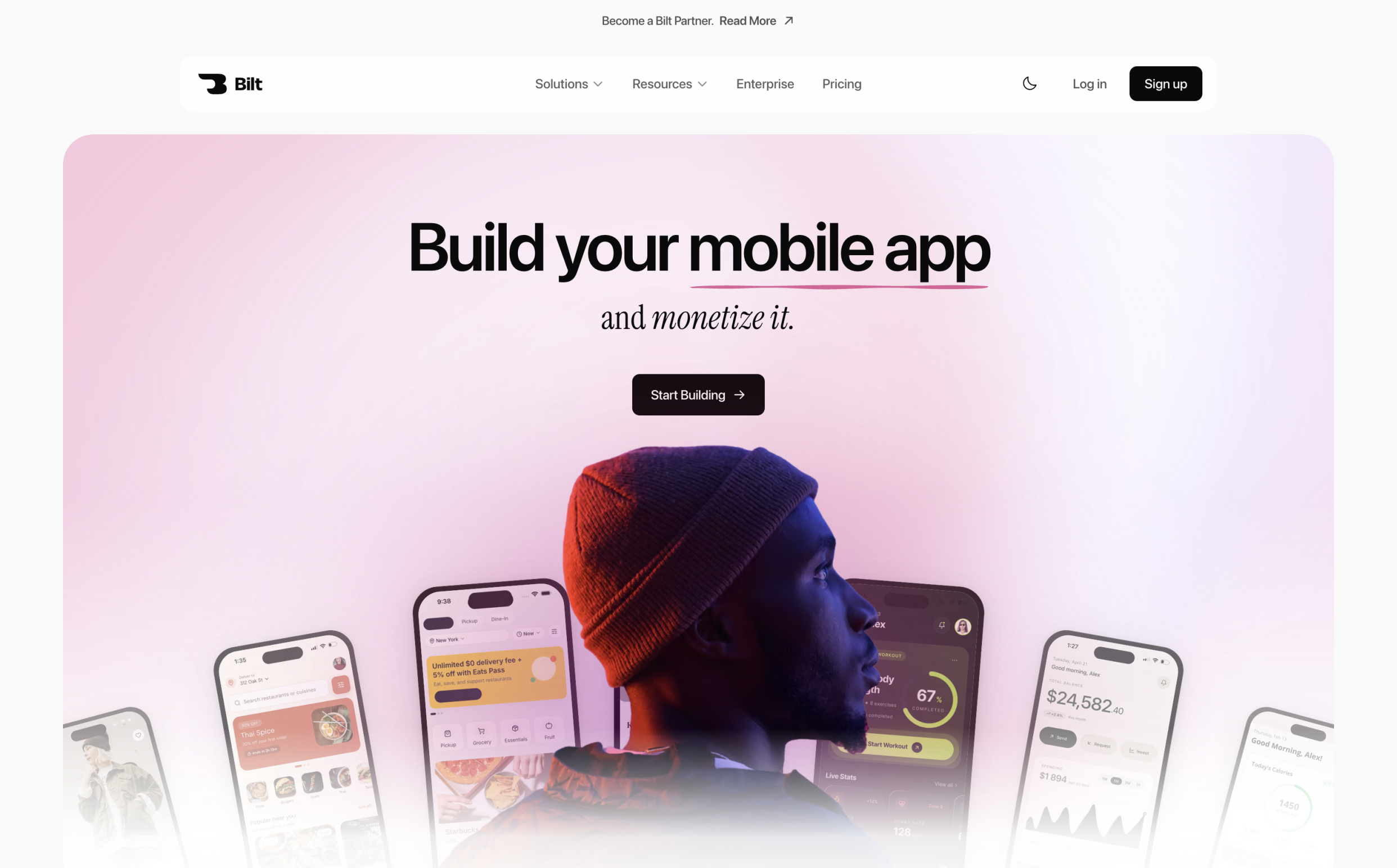
- Type: Native mobile builder and release platform
- Use case: Shipping an iOS and Android app without hiring a developer
- What it handles: Prompt-to-app creation, exportable React Native source, native device features, iOS in-app payments and notifications, code signing, and store build delivery
- What remains manual: Product decisions, store listing copy and screenshots, and the Apple and Google developer accounts. You submit the iOS build for review in App Store Connect and move the Android release from testing to production; the first Play release may need a manual upload.
- Coding level: No code required
- Pricing: Free tier for building and previewing. Professional is €25/month and Professional Plus is €50/month. See current plans.
- Compared with Google AI Studio: AI Studio generates native Android projects and supports internal Play testing. Bilt covers iOS as well, and carries both stores through signing and submission.
Publishing needs developer accounts billed by Apple and Google, separately from any Bilt plan:
- Apple Developer Program: $99 per year
- Google Play Console: $25 one-time
Before submitting, preview the iOS and Android builds in the browser, or scan a QR code to run the app on your own phone.
Describe the app you want and watch it run on your phone. Start building free. No credit card required.
Browser-based app builders
Browser-based builders replace the app-creation side of Google AI Studio. Bolt.new, Replit, and Base44 focus on getting a web project running and published rather than testing a model in isolation.
2. Bolt.new
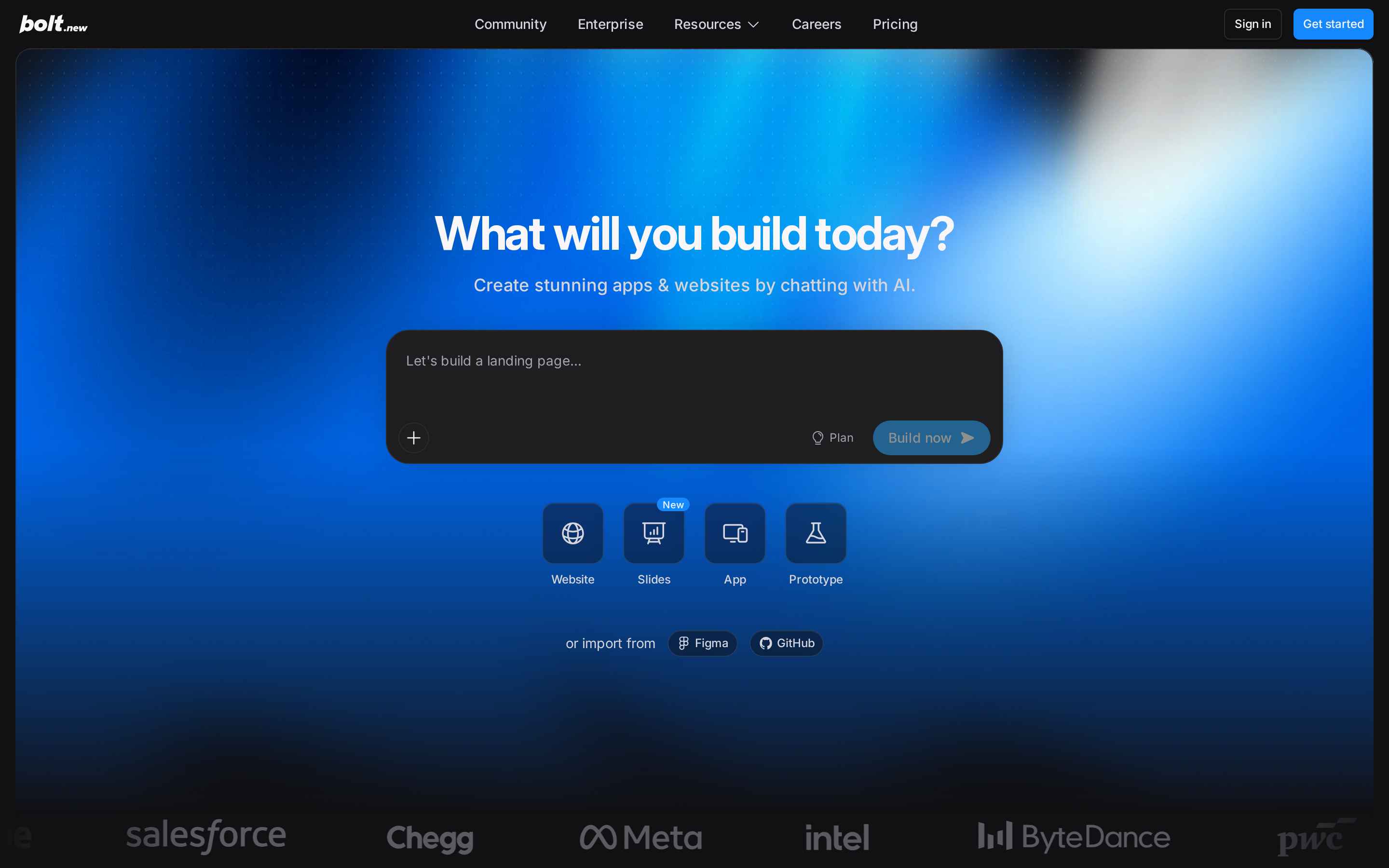
Bolt.new puts code generation, dependency installation, previews, databases, and web hosting in one browser workspace. It replaces local setup for early web projects, while mobile store work remains separate.
- Type: Adjacent app-building option
- Use case: Fast browser-based web prototypes and early full-stack projects
- What it handles: Project files, npm packages, live previews, databases, and web hosting
- What remains manual: Production review, complex architecture, ongoing maintenance, and mobile store operations
- Coding level: Beginner-friendly to start, but code skills help when debugging
- Pricing: Free plan; Pro is listed at $25/month and Teams at $30 per member/month. See current pricing.
- Compared with Google AI Studio: Both produce running web apps in the browser. Bolt stays model-agnostic, while AI Studio's builder is wired to Gemini.
3. Replit
Replit extends the browser-builder approach into a broader cloud development workspace. Its agent, code editor, database, collaboration, and publishing tools stay inside the same environment.
- Type: Adjacent app-building option
- Use case: Cloud development, team collaboration, and hosted application work
- What it handles: Project setup, code editing, dependencies, database services, collaboration, and publishing
- What remains manual: Production review, usage control, platform-specific testing, and app-store requirements
- Coding level: Beginner-friendly to start, with code skills useful for repairs
- Pricing: Starter is free. Core is listed at $20/month and Pro at $100/month before annual discounts. See current pricing.
- Compared with Google AI Studio: Replit gives you a persistent cloud workspace with collaborators. AI Studio gives you a Gemini project you can hand to Cloud Run.
4. Base44
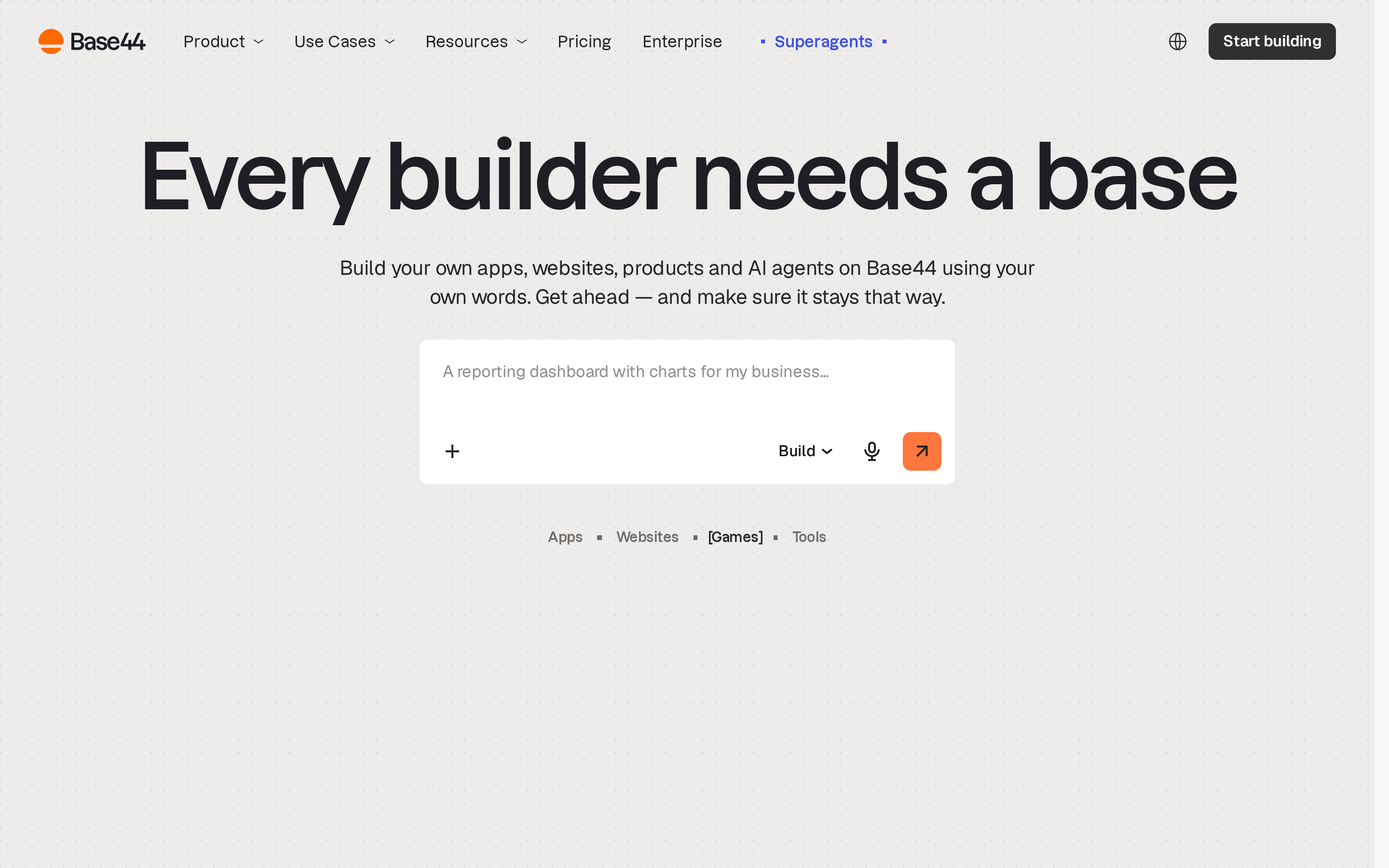
Base44 is the no-code end of the browser-builder group. Plain-language requests produce hosted web apps with authentication, databases, analytics, payments, and collaboration, while two-way GitHub sync provides source access.
- Type: Adjacent app-building option
- Use case: Non-technical builders creating web tools, portals, and early products
- What it handles: Frontend, backend, database, authentication, analytics, payments, hosting, and collaboration
- What remains manual: Production testing, service-specific configuration, and native mobile store delivery
- Coding level: No code required to start
- Pricing: Free plan; paid plans start at $16/month when billed annually. See current pricing.
- Compared with Google AI Studio: Base44 asks for less technical input, packaging auth, payments, and hosting behind plain-language requests. AI Studio expects you to work with the React and Node code it generates.
IDE and repository coding agents
Repository coding agents take over once the codebase matters more than the hosted builder. Cursor and Windsurf use visual IDEs, while Claude Code works from the terminal; hosting and store delivery remain separate workflows.
5. Cursor
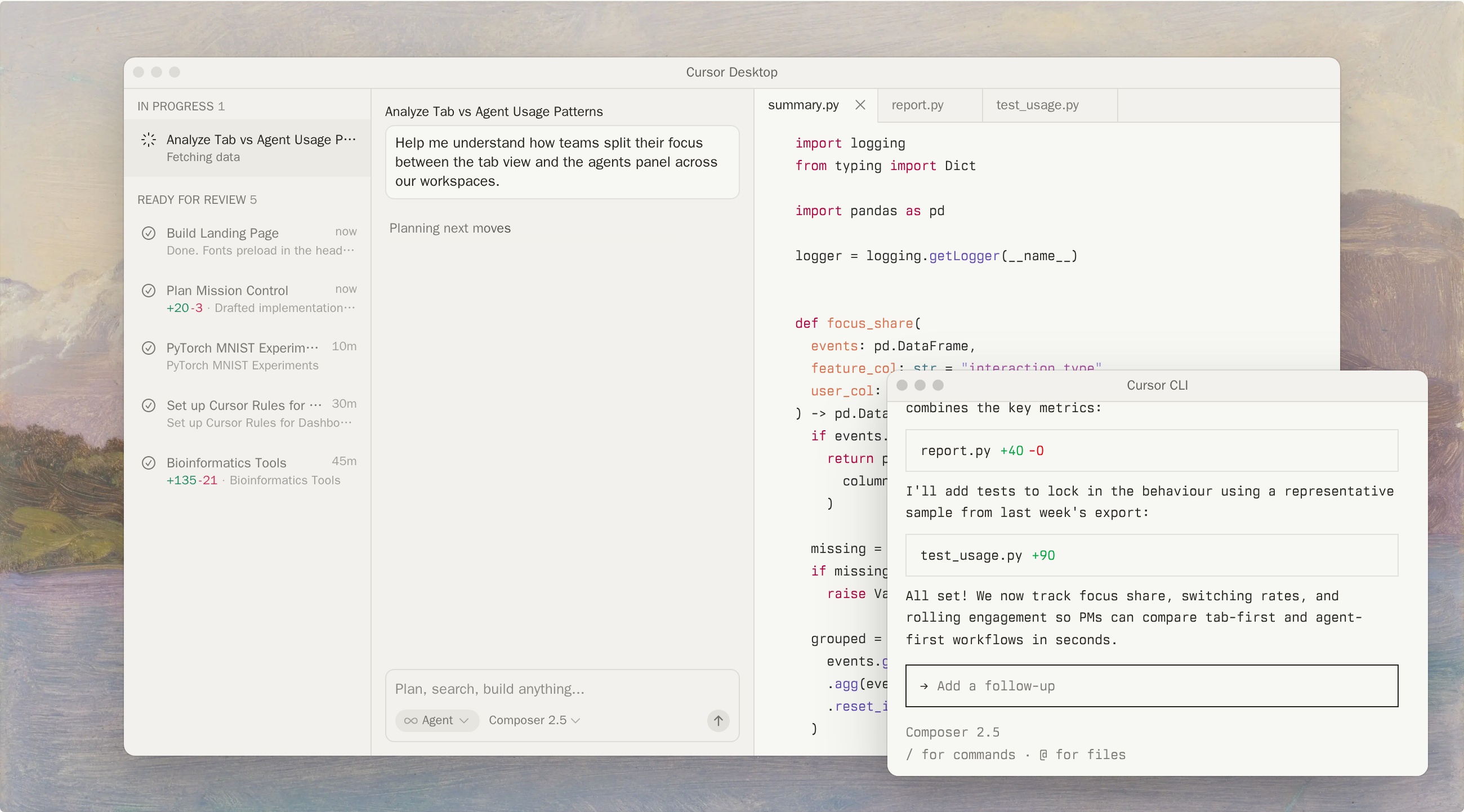
Cursor is the visual IDE option for repository-aware AI work. It searches a connected codebase, proposes multi-file changes, and supports agent and cloud-agent tasks without hiding the underlying files.
- Type: Partial replacement
- Use case: Visual work inside an existing repository
- What it handles: Code search, multi-file edits, agent tasks, review, and cloud-agent workflows
- What remains manual: Architecture, hosting, integrations, device testing, signing, and store submission
- Coding level: Developer-focused
- Pricing: Hobby is free. Individual Pro is listed at $20/month, and Teams at $40 per user/month. See current pricing.
- Compared with Google AI Studio: Cursor starts from your repository and keeps you in the files. AI Studio starts from a prompt and owns the project structure it creates.
6. Claude Code
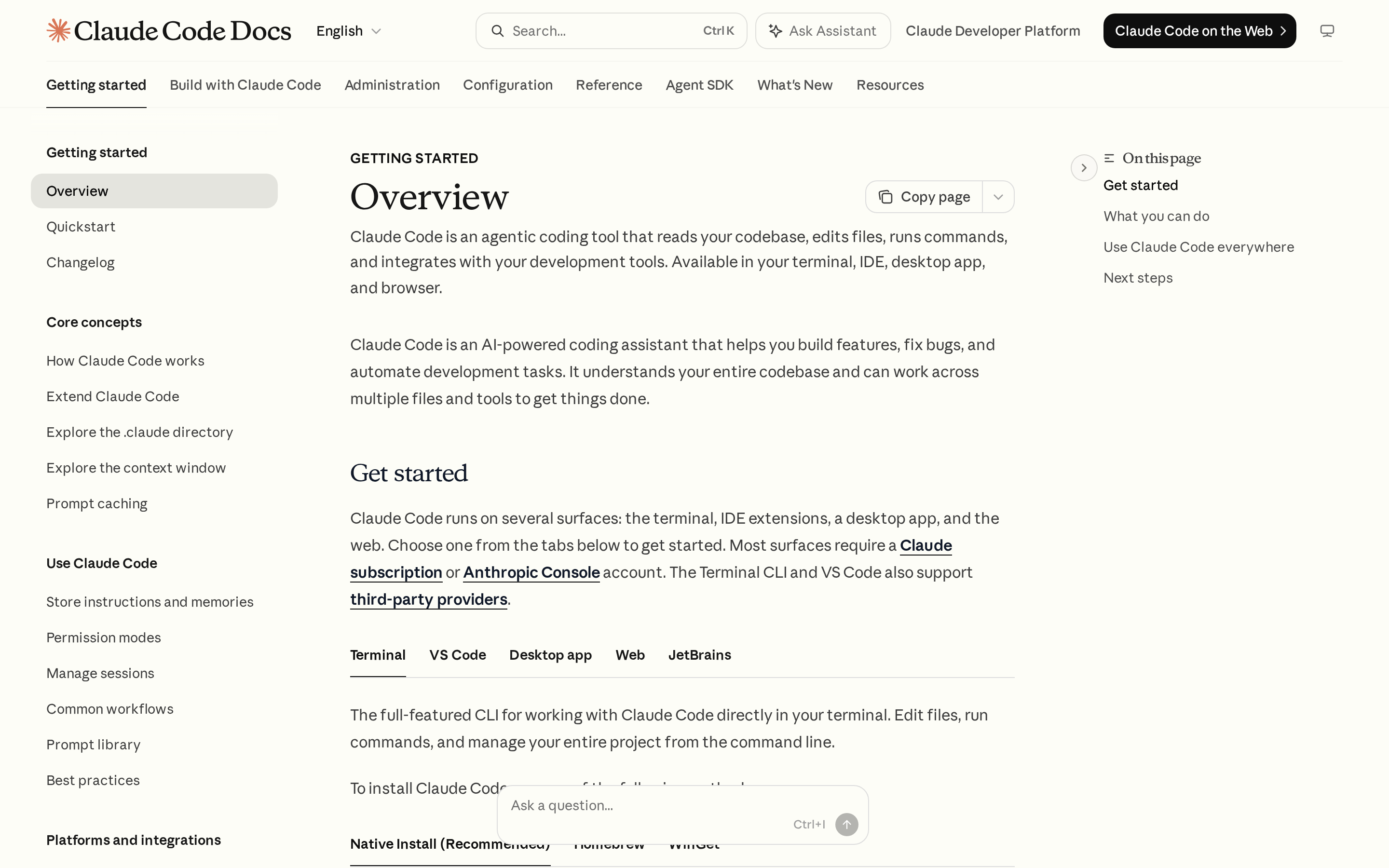
Claude Code is a repository agent for terminal-driven work. It can edit local files, run commands, execute tests, and use the results to continue a task.
- Type: Partial replacement
- Use case: Developers who already work from the terminal
- What it handles: Repository changes, shell commands, local tests, scripts, and code review support
- What remains manual: Hosting, databases, production operations, mobile builds, and store submission
- Coding level: Developer-focused
- Pricing: Access and limits depend on the Claude plan or API usage. Check current pricing.
- Compared with Google AI Studio: Claude Code runs against a local checkout on your own machine. AI Studio runs in a browser workspace you don't administer.
7. Windsurf, now Devin
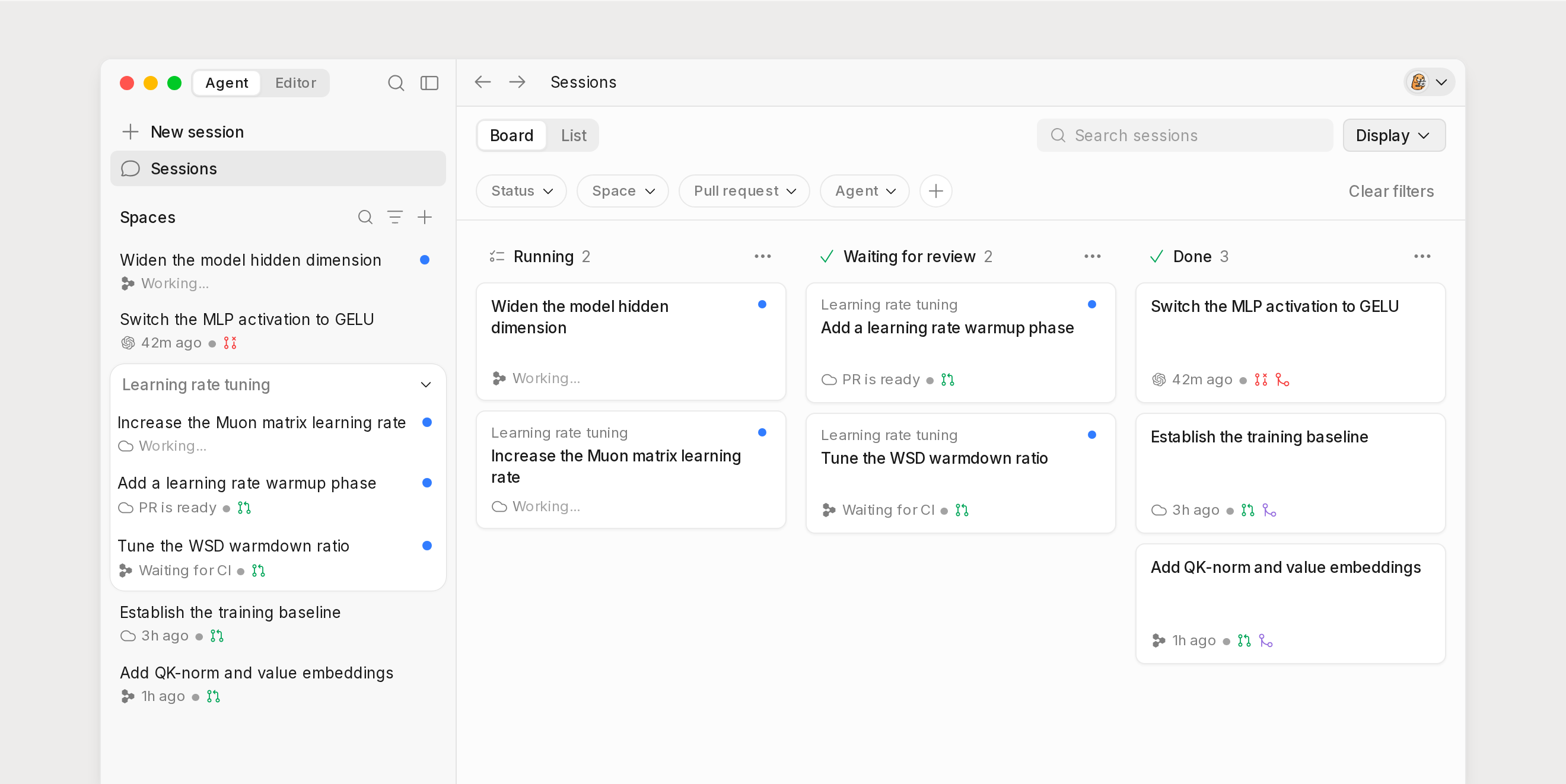
Windsurf, now Devin, sits beside Cursor as a visual coding environment for project-aware agent work. It covers code navigation, autocomplete, agent tasks, and changes across multiple files.
- Type: Partial replacement
- Use case: IDE-based coding with ongoing project context
- What it handles: Code navigation, autocomplete, agent tasks, and multi-file changes
- What remains manual: Application hosting, production operations, native packaging, and store submission
- Coding level: Developer-focused
- Pricing: Free and paid agent plans, listed under Devin branding. Check current plans.
- Compared with Google AI Studio: Windsurf covers the editing loop and stops there. Deployment and services stay with you, where AI Studio at least hands web apps to Cloud Run.
Model studios and API gateways
Model studios are the closest substitutes for Google AI Studio's prompt and API work. OpenAI Platform, Anthropic Console, and Mistral stay within one provider family, while OpenRouter routes requests across providers.
8. OpenAI Platform
OpenAI Platform replaces the Gemini layer with OpenAI models and agent tooling. The browser Playground supports request testing, while the Responses API and Agents SDK cover tool use, structured outputs, tracing, and evaluations.
- Type: Direct alternative
- Use case: Building around OpenAI models and agent APIs
- What it handles: Prompt tests, model calls, tool orchestration, structured responses, and agent evaluation
- What remains manual: Frontend, database, application hosting, and release work
- Coding level: Developer-focused
- Pricing: Usage varies by model and request size. Check official API pricing.
- Compared with Google AI Studio: OpenAI's agent tooling goes deeper on tool use, tracing, and evaluations. AI Studio pairs a lighter model workflow with an app builder.
9. Anthropic Console
Anthropic Console centers Claude API testing, evaluations, API keys, usage, and billing. Its request-focused workflow helps developers test prompts before adding them to an application backend.
- Type: Direct alternative
- Use case: Building and testing around Claude
- What it handles: Claude request tests, prompt evaluation, credentials, usage, and billing
- What remains manual: Application state, frontend, hosting, database, and publishing
- Coding level: Developer-focused
- Pricing: API costs depend on the selected model and usage. Check Anthropic's pricing.
- Compared with Google AI Studio: Anthropic Console does one job, Claude request work, and stops there. AI Studio bundles the playground with a web and Android builder.
10. OpenRouter

OpenRouter is the multi-provider option in this group. One API can route requests across eligible models, select providers, and use configured fallbacks without a separate integration for each provider.
- Type: Partial replacement
- Use case: Provider choice behind one API
- What it handles: Unified model access, provider selection, model switching, and fallbacks
- What remains manual: Prompt evaluation workflow, application code, secrets, hosting, monitoring, and release
- Coding level: Developer-focused
- Pricing: Rates vary by model and provider. Check the live model catalog.
- Compared with Google AI Studio: OpenRouter lets you switch model providers without rewriting the integration. AI Studio is Gemini-only by design.
11. Mistral AI
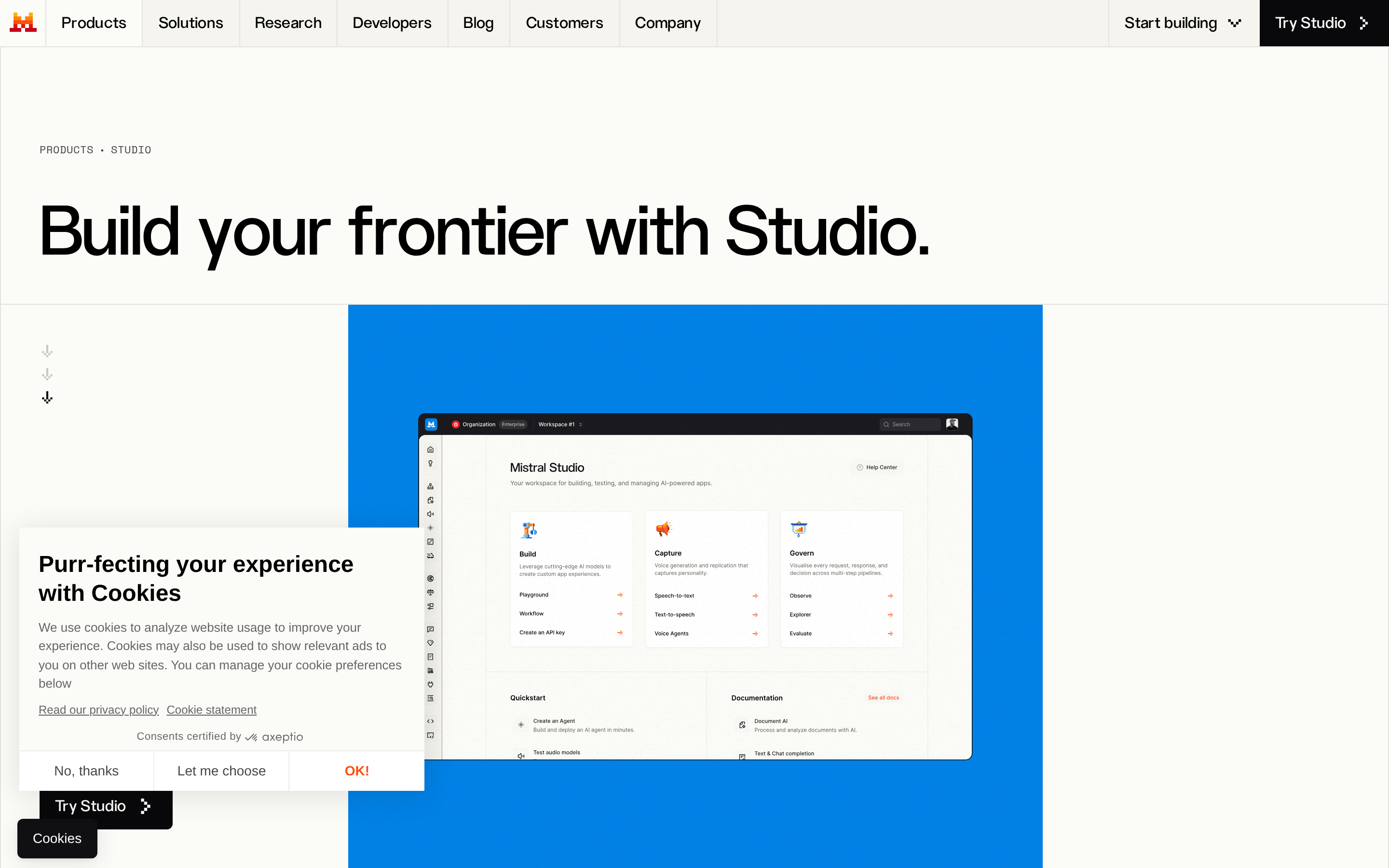
Mistral AI pairs hosted APIs with selected open-weight releases. The hosted route resembles OpenAI Platform and Anthropic Console, while eligible weights can run on customer-managed infrastructure under model-specific licenses.
- Type: Direct alternative
- Use case: Mistral models or a self-managed deployment path
- What it handles: Hosted model inference and selected downloadable model weights
- What remains manual: Application workspace, hosting, monitoring, native builds, and store submission
- Coding level: Developer-focused
- Pricing: Hosted rates vary by model. Check official pricing and the license for the exact release.
- Compared with Google AI Studio: Mistral lets you self-host eligible weights under the license for that release. AI Studio runs only on Google's infrastructure.
Which alternative should you choose?
Choose based on the output you need, not the longest feature list. A model studio, web builder, code agent, and mobile publishing platform solve different parts of the journey.
Google AI Studio may already fit if you want Gemini, a full-stack web app, or native Android testing. Switch when another tool owns the specific model, codebase, hosting, or cross-platform release work you need.
| If you need | Choose this path | Tools in this article |
|---|---|---|
| Repository-aware coding on an existing codebase | IDE and repository coding agents | Cursor, Claude Code, Windsurf |
| Direct model access or provider flexibility | Model studios and API gateways | OpenAI Platform, Anthropic Console, OpenRouter, Mistral AI |
| Production-ready native iOS and Android apps | Native mobile builder | Bilt |
A web app wrapped in a native shell can reach the stores, but reviewers increasingly reject wrappers that add no native value.
Take the native path first if iOS and Android are the goal, rather than converting later.
When to stay with Google AI Studio
Stay with Google AI Studio when Gemini and Google's ecosystem match the product you are building. It now covers prompt tests, full-stack web apps, Cloud Run deployment, Firebase setup, and native Android generation.
For new Build mode projects, AI Studio stores the Gemini key as a server-side secret. Cloud Run deployments preserve that setup, while ZIP exports require you to configure the environment on the new host.
Switch when you need another model provider, deep work inside an existing codebase, native iOS output, or one managed release process for both mobile stores.
| Stay with Google AI Studio if... | Switch instead if... |
|---|---|
| You need Gemini and Google integrations | You need another model family |
| You need full-stack web or Android output | You need native iOS and Android |
| Cloud Run and Firebase fit your stack | Your work lives in another repository |
Ready to take the native path? Start building free.
Ready to take the native path? Start building free.
FAQ
Is there anything like Google AI Studio?
Yes. OpenAI Platform, Anthropic Console, and Mistral AI are single-provider model platforms. OpenRouter connects several providers, while Bolt.new, Replit, and Base44 focus on hosted app building.
Bilt covers a different need: building and publishing native iOS and Android apps from one project.
Is Google AI Studio better than Anthropic Console?
Google AI Studio fits Gemini, Google media workflows, full-stack web apps, Cloud Run deployment, and native Android building. Anthropic Console fits Claude request testing, evaluations, API keys, usage, and billing.
Choose based on the model family and application workflow you need.
Can Google AI Studio build a complete app?
Yes. Build mode can create full-stack web apps with React, Node.js, npm packages, server-side secrets, live previews, and connected Firebase services.
You still own testing, production safeguards, usage costs, and the app's behavior.
Can Google AI Studio build iOS apps?
Google AI Studio's documented native workflow is for Android with Kotlin and Jetpack Compose. It does not provide an equivalent native iOS project and managed App Store release path.
Does Google AI Studio host apps?
It can deploy web apps to Cloud Run. If you export a ZIP and host it elsewhere, you must configure the environment and Gemini API key on that host.
What is the best Google AI Studio alternative for non-coders?
Bolt.new, Replit, and Base44 provide browser-led web app workflows. Bilt fits non-coders whose goal is a native app for both iOS and Android.
What is the best alternative for native mobile apps?
Google AI Studio can generate native Android projects and support internal Play testing. Bilt fits builders who want one managed workflow for native iOS and Android creation, testing, and store submission.
Is Google AI Studio free?
Google AI Studio offers free access for some experimentation, but quotas and API rates vary by model. Cloud Run, Firebase, and other connected services can also create usage charges.
Check Google's current pricing and quotas before estimating production costs.
What is the Microsoft alternative to Google AI Studio?
Microsoft Foundry is the closest Microsoft option. It combines models, agents, evaluations, monitoring, and Azure governance in one platform.
Copilot Studio is a lower-code option for building and publishing conversational agents across supported Microsoft channels.