Kodular's block editor feels fast at the start. The stall tends to come later, when you need iOS output or you run into the manual work of getting a build into the App Store.
Authentication, payments, code signing, and store submission add work beyond the editor.
These 10 picks are ordered by how much of the last mile each platform handles, from block-based swaps to conversational AI builders. Keep blocks, or describe your app in plain language to AI.
- Build native iOS and Android apps with code ownership. Start building free with Bilt.
Quick answer: which alternative fits which need?
Bilt covers native shipping and code ownership. Thunkable preserves Kodular-style blocks, Glide fits browser-based data apps, and Draftbit combines visual building with React Native code export.
| Tool | Need it fits | App targets | Building model | Code export | Store publishing | Starting price |
|---|---|---|---|---|---|---|
| Bilt | Code ownership and automated store publishing | Native iOS and Android | AI prompting to generate React Native and Expo code | Yes | Yes | Free; Professional €25/month |
| Thunkable | Visual block building across mobile and web | iOS, Android, and web | Drag and drop with visual logic blocks | No | Yes, on Builder plan | $19/month; Builder $59/month for stores |
| MIT App Inventor | Free learning and basic Android prototyping | Android, plus iOS App Store build beta | Scratch-style visual blocks | No | Android, plus iOS App Store build beta | Free |
| Niotron | Android-first block apps with custom extensions | Android | Visual blocks plus custom Java and Kotlin extensions | Partial | Android only | Free core builder |
| Adalo | Database-driven MVPs built with drag and drop | iOS, Android, and web | Component-based drag and drop with built-in database | No | Yes | $36/month |
| Draftbit | More control with visual React Native building | Native iOS and Android | Visual editor plus custom React Native code | Yes | Yes | $12/month |
| Glide | Spreadsheet-based internal tools and dashboards | PWA | Data-first builder from Sheets and tables | No | No | Free; Explorer $19/month annually |
| Bubble | Complex web apps that also need a mobile path | Web plus native mobile support | Visual workflows and drag and drop editor | No | Yes, on mobile plans | $29/month web; $42/month mobile |
| GoodBarber | Content and e-commerce apps with template-led design | PWA on Standard, native iOS and Android from Premium | Template-driven app builder | No | Yes | $30/month PWA, $55/month native |
| Buildfire | Managed app building with plugin-based assembly | Native iOS and Android | Plugin marketplace and managed setup | No | Yes | $165/month |
How we compared these tools
Each tool is judged against the same six criteria. Backend depth and shipping support carry more weight because authentication, signing, and store submission are common stopping points for non-technical builders.
| Criterion | What we checked |
|---|---|
| App targets | Android, iOS, web, or cross-platform output |
| Building model | Blocks, drag-and-drop, visual workflows, or AI prompting |
| Design freedom | Components, templates, and customization depth |
| Logic and extensibility | Complex workflows, custom functions, extensions, or code access |
| Data and integrations | Databases, APIs, auth, and third-party connections |
| Shipping and ownership | Store publishing support and source code export |
Closest alternatives for keeping visual blocks
Thunkable, MIT App Inventor, and Niotron preserve visual block logic. Bilt appears first because it addresses iOS output, store submission, and code ownership, but its prompt-based workflow replaces blocks.
1. Bilt
Bilt (👋 that's us) is an AI-first native app builder. Describe your app in plain English, and it generates the screens, the logic, and the React Native code for iOS and Android.
Bilt product demo: describe an app and get a native app in live preview.
You can export the full React Native and Expo codebase to GitHub, then keep developing the app outside Bilt.
- No block wiring: Describe a feature, review the generated screen and behavior in the browser, then request changes in the next message.
- Both stores from one build — iOS and Android come out of the same project.
- Free to start: 3M monthly AI tokens, roughly 12 to 30 prompts depending on complexity.
- Professional, €25/month: 10M monthly AI tokens, roughly 40 to 100 prompts depending on complexity.
App targets and building model
One project produces native apps for both stores, and Bilt builds and signs them, then uploads iOS builds to App Store Connect and can send Android builds to Google Play internal testing when publishing is ready. You submit the build for review in App Store Connect or Play Console.
Kodular and Niotron remain Android-only. Bilt produces native iOS and Android apps from one project.
Kodular asks you to build a feature by dragging components onto a screen and wiring logic blocks behind them. Thunkable keeps that pattern with a drag-and-drop canvas plus blocks.
Bilt starts from a sentence:
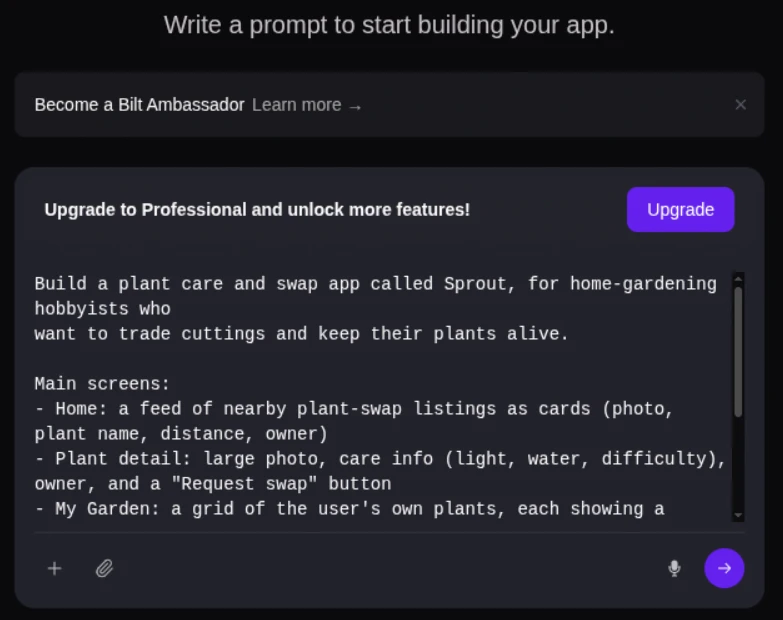
- You describe it — "add a signup screen with email and Apple login."
- Bilt writes it — working React Native components you preview in the browser.
- You refine by talking — change layout, copy, or behavior in the next message.
Design, features, and customization
The UI layer is generated React Native code, so screens are not bound to a hosted visual canvas. Preview them in the browser, then export and edit them in any editor.
Ask for paywalls, camera access, GPS, or push notifications during the conversation. Bilt writes the requested feature into the app.
Logic, data, and integrations
Every Bilt app can add a Bilt-managed backend with one click, so login screens and saved data can work without wiring up a second service:
- Built-in backend — authentication, database, and storage, included on the free tier.
- Supabase — connect an existing project when you already have one.
- REST APIs — external services connect directly.
Logic lives in the codebase rather than on a block canvas. Ask for a filtered list or a paid tier, and the behavior is written into React Native files you can read.
Shipping, ownership, and limits
Bilt automates three publishing steps:
- Code signing — certificates and provisioning profiles handled in-platform.
- Assets — icons and store images generated for both stores.
- Build and upload — pipelines to App Store Connect and Google Play internal testing.
The tradeoff is the workflow change. Moving from Kodular means giving up block editing rather than carrying it across, so the first session feels like describing your app instead of rebuilding it.
2. Thunkable
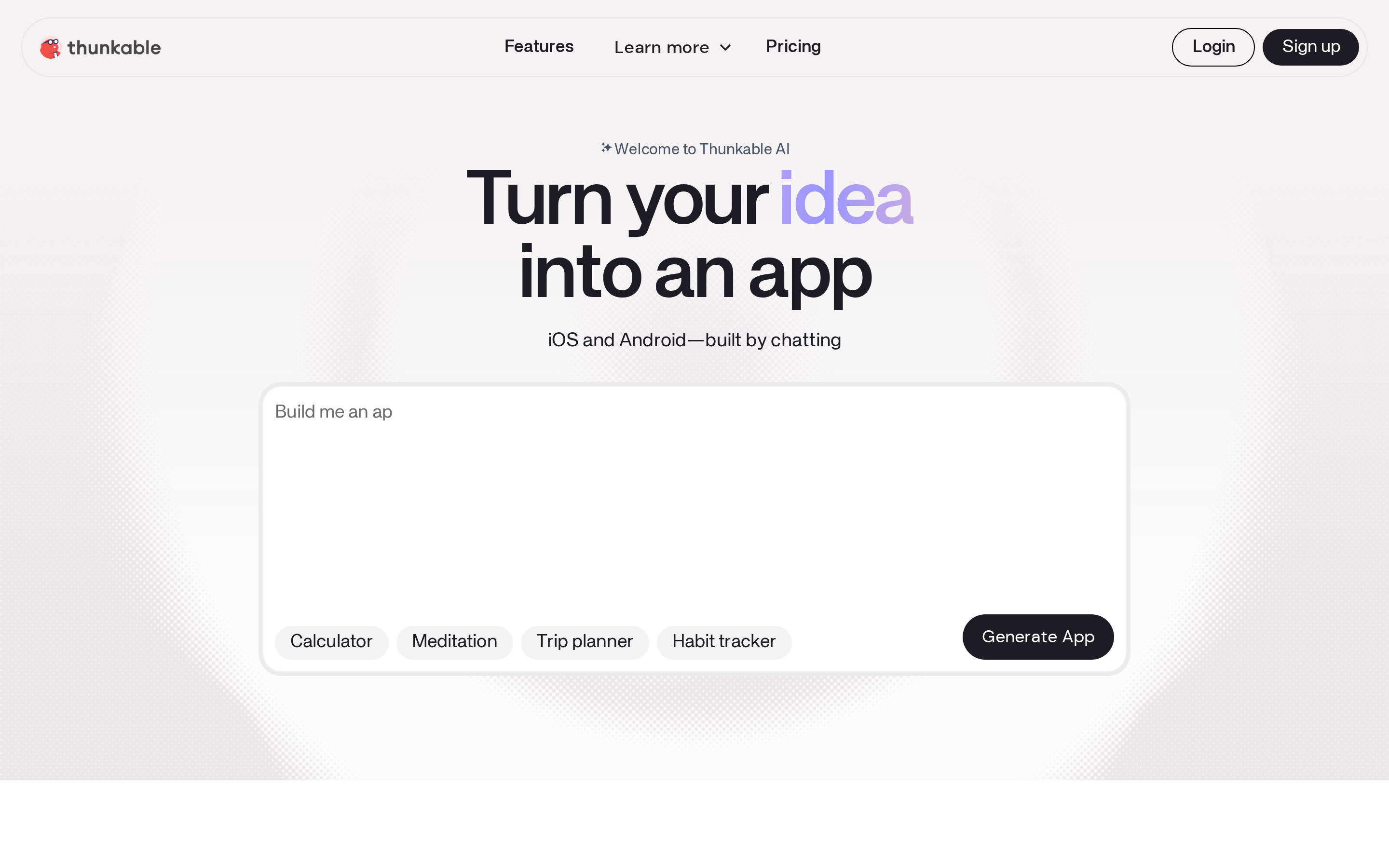
Thunkable keeps the drag-and-drop canvas and visual logic blocks familiar to Kodular users. One project can produce iOS, Android, and web apps.
App targets and building model
- iOS and Android — one project compiles to native apps for both stores.
- Web — the same project also runs in a browser, so web is covered without a second toolchain.
Thunkable also generates apps from natural-language prompts. The free tier includes 2,000 AI tokens.
Design, features, and customization
The designer works screen by screen: drag components onto a canvas, then wire behavior in blocks.
Two limits matter as the app becomes more complex:
- Complex conditional behavior requires programming-style logic, even though the interface uses blocks.
- No full source-code export, so customization stays inside what the blocks expose.
Logic, data, and integrations
- Google Sheets — native connection for reading and writing spreadsheet rows.
- Airtable — native connection for table-backed app data.
- Everything else — external services connect through dedicated API blocks.
Conditional behavior still requires programming concepts, even when the logic is represented by blocks.
Shipping, ownership, and limits
Store publishing is a paid feature. The Builder plan, from $59 per month, is the lowest tier that reaches the App Store and Google Play.
Builder covers one live published app at a time and includes custom branding. Advanced costs $189 per month.
- No full source-code export — projects stay hosted on the platform, so there is no clean handoff to a developer or another environment.
3. MIT App Inventor
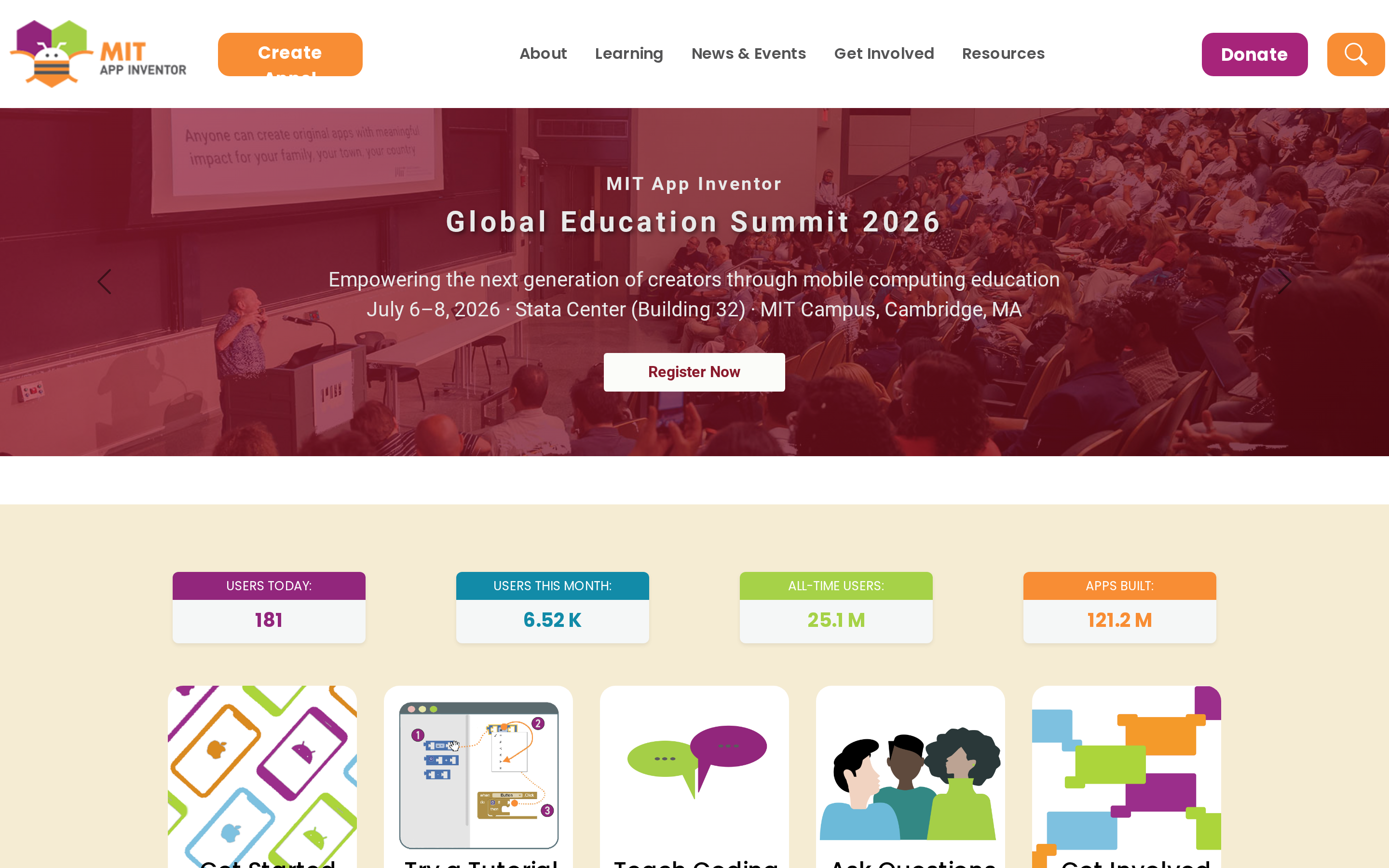
MIT App Inventor is a free educational app builder with Scratch-like blocks for Android prototyping, live companion testing, and an iOS App Store build beta.
MIT App Inventor is the only tool in this article with no paid tier at all. There are no project caps to unlock and no subscription needed to build.
App targets and building model
Android builds export as APK or AAB files. The iOS App Store build beta provides a submission path, although the platform remains centered on Android.
The editor splits into two views:
- Designer — place components on a screen from a fixed palette.
- Blocks — snap logic together on a Blockly canvas.
Teaching programming basics is the stated goal, which explains the Scratch resemblance.
Design, features, and customization
Design happens in a component-based designer paired with block programming, not a free-form canvas or a code editor.
- Palette — screens are assembled from a fixed component set.
- Scope — layouts target simple educational and prototype apps.
App Inventor works within a fixed component set. Custom business logic and non-standard service workflows become harder when the required behavior falls outside those components.
Logic, data, and integrations
Data handling covers on-device storage plus external services:
- TinyDB — local storage for simple app data.
- Firebase — the common route for cloud data and sync.
Block logic handles basic app behavior. Firebase or Arduino workflows become more technical when the required behavior cannot be expressed cleanly with the available blocks.
Shipping, ownership, and limits
What ships out of App Inventor:
- Android — APK and AAB export for sideloading or Google Play.
- iOS — an App Store build beta provides an iPhone submission path.
App Inventor exports AIA project files, but it does not provide full source code for use in an external IDE.
4. Niotron
Niotron is an Android no-code app builder that uses visual blocks and supports custom Java extension development.
Niotron stays on Android, and extension support is what sets it apart. Components written in Java can be added to a block project when the built-in set runs out.
App targets and building model
Output is Android only, as APK and AAB files for Google Play. There is no iPhone build for App Store submission.
The workflow is drag-and-drop components plus Blockly-style logic, close to what Kodular users already know.
Design, features, and customization
UI work is drag-and-drop rather than code-first screen building.
Past the default components, customization runs through Java extensions. That path assumes access to someone who can write Java.
Logic, data, and integrations
Niotron includes a real-time database with daily backups.
Integrations beyond the standard components go through extension-based data handling.
Shipping, ownership, and limits
Shipping means APK and AAB files for Android distribution and Google Play submission.
There is no full application source export for use in an external IDE. Custom extensions can be built and exported, which is the partial ownership path.
The core builder is free. Monetization components and app-size upgrades carry small add-on fees.
Alternatives for more control
Adalo adds a built-in relational database, while Draftbit adds React Native code export. Both offer more control than Kodular over data or long-term ownership.
Both tools replace Kodular's block editor with a different workflow, so moving either way requires a rebuild rather than a direct import.
5. Adalo
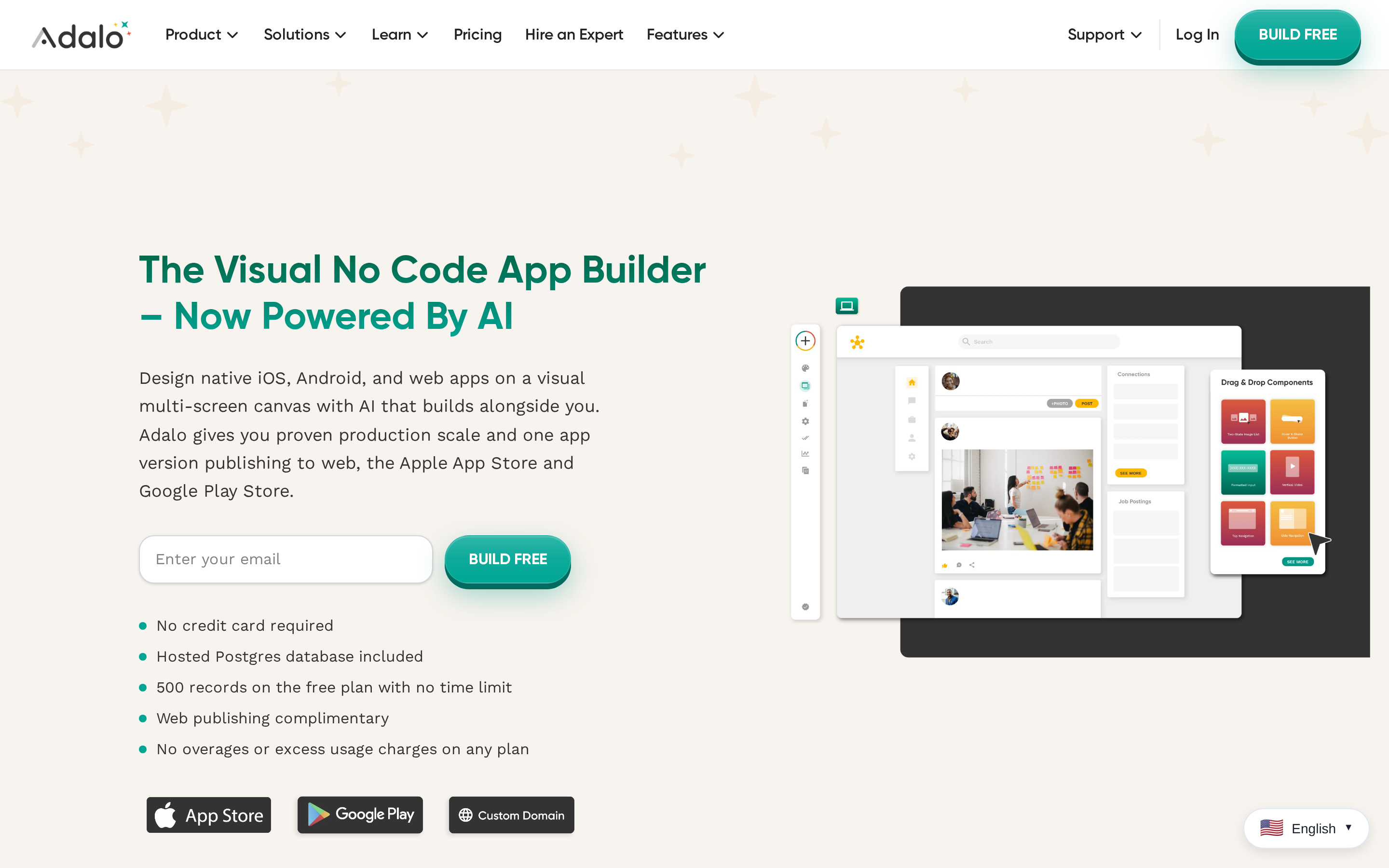
Adalo is a drag-and-drop no-code app builder that creates database-driven web and native mobile apps from one visual project.
Adalo builds from a component canvas backed by a relational PostgreSQL database, so screens and data models get designed together. There are no logic blocks to wire.
App targets and building model
Interfaces get assembled from drag-and-drop components rather than block-based logic. Actions attach to components instead of snapping together on a canvas.
Design, features, and customization
Adalo ships more than 50 pre-built components, including buttons, forms, lists, and navigation bars. Kodular lists 175+ components, so raw component count is higher there.
A third-party marketplace adds extra UI elements and functional modules. Those components can push total project cost above the plan price.
Logic, data, and integrations
Data lives in a built-in relational PostgreSQL database, designed in the same editor as the screens.
External data connects two ways:
- API — connect apps to outside databases and third-party services.
- External Collections — keep app data outside Adalo's native database.
Shipping, ownership, and limits
Store publishing begins on Adalo's Starter plan. The free plan is web-only.
Two limits worth pricing in before you build:
- Lock-in — no code export means no clean handoff to a developer or another platform.
- Scale — G2 review evidence points to performance degrading past roughly 5,000 users.
6. Draftbit
Draftbit is a low-code React Native app builder that combines visual UI editing with full source code export for iOS and Android apps.
Besides Bilt, it is the only builder here that hands over the code. Projects export as React Native source to GitHub or a ZIP file.
Draftbit lists Free, Standard, Pro, and Enterprise plans:
- Free: 2 projects with up to 5 screens each. It also includes a one-time allotment of 5,000 AI credits.
- Standard, $12/month: offers code export for mobile publishing without Draftbit branding.
- Pro: listed between Standard and Enterprise. Enterprise pricing is custom.
App targets and building model
One React Native project targets both iOS and Android. Publishing workflows for both stores unlock on Standard and higher tiers.
Screen layouts are assembled visually, and the React Native code remains available for inspection and modification.
Design, features, and customization
UI work happens inside a real React Native project structure, and the exported code is human-readable for manual tweaks outside the platform.
Navigation runs on Expo Router with file-based routing, which covers deep linking without custom setup.
Logic, data, and integrations
Backend connections cover the common API shapes:
- REST — standard endpoint connections.
- GraphQL — query-based endpoints.
- Supabase: fully available as an integration.
Advanced behavior therefore lands in JavaScript and React Native.
Shipping, ownership, and limits
The full React Native source exports for independent editing and hosting, and iOS and Android publishing workflows ship on Standard and above.
The limitation is technical. Custom behavior can require JavaScript and React Native changes after export.
Alternatives for specific app types
Four Kodular alternatives focus on specific app types. Glide fits spreadsheet-based internal tools, Bubble is web-first, GoodBarber focuses on content and commerce, and Buildfire uses business-app plugins.
7. Glide
Glide is a spreadsheet-driven no-code builder that turns Google Sheets, Airtable, and Excel data into mobile-responsive web apps.
Glide is the only tool in this article that deploys strictly as PWAs. Apps open in a browser and can be added to a home screen, with no App Store or Play listing involved.
App targets and building model
Output is a progressive web app, reached by URL and installable to a home screen.
Store distribution, store ratings, and paid downloads sit outside what a PWA can do.
The build starts from data:
- Point Glide at a Google Sheet or Airtable table.
- Screens get generated around the rows.
Design, features, and customization
The component library covers 40+ pre-built elements, including lists, forms, and charts. Data entry and visualization for business workflows is what they are built around.
Speed of assembly comes ahead of granular design control, which makes the smaller library the more opinionated choice.
Logic, data, and integrations
Data sources sync in both directions:
- Google Sheets, Airtable, and Microsoft Excel
- CSV files
- Glide Tables, the native option
Spreadsheet sync as the primary backend is unique to Glide here.
Zapier connects 7,000+ tools, which covers automation that lives outside the app itself.
Inside the app, user reports describe Glide as effective for displaying and editing data but limited for intricate conditional logic and multi-step automated processes.
Shipping, ownership, and limits
Publication to the App Store or Google Play is not supported. Apps are reached through a browser.
There is no export of the underlying application code, so hosting stays with Glide.
On the Business plan at $199 per month billed annually for 30 business-email users:
- Extra users cost $5 per month each
- 5,000 updates per month are included
- Overages bill at $0.02 per update
8. Bubble
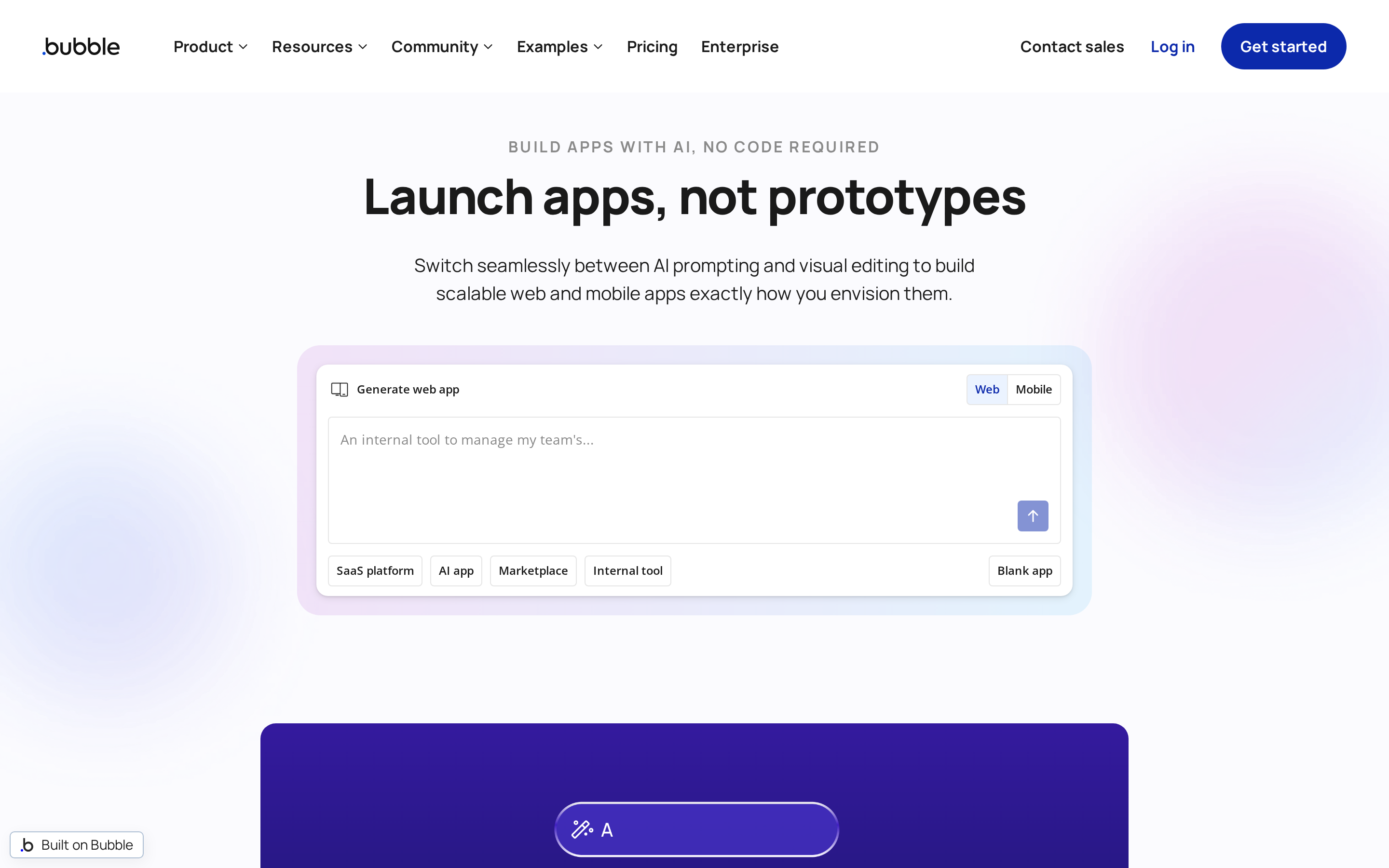
Bubble is the web-first pick here. A visual workflow editor plus a drag-and-drop page designer handles logic complex enough for marketplaces and internal tools, and native mobile arrived as React Native output in 2025.
Mobile apps reach device features including push notifications, camera, and location.
Paid plans start at $29/month for Starter, with Growth at $119 and Team at $349 on annual billing. Pricing runs on Workload Units, so cost tracks server resource consumption rather than seats.
App targets and building model
The platform grew up around web applications, and mobile publishing came later. Native iOS and Android support starts on plans from $42 per month.
Design, features, and customization
Pages get composed on a drag-and-drop designer rather than assembled from a fixed template catalog or plugin set.
Logic, data, and integrations
A built-in relational database plus an API Connector covers data and third-party services without a separate backend.
Shipping, ownership, and limits
Application code does not export. Apps run on Bubble's infrastructure, which is the lock-in to weigh against hosted convenience.
Workload Unit pricing means the bill moves with API calls and data processing, so scale costs are harder to predict than a flat tier.
9. GoodBarber
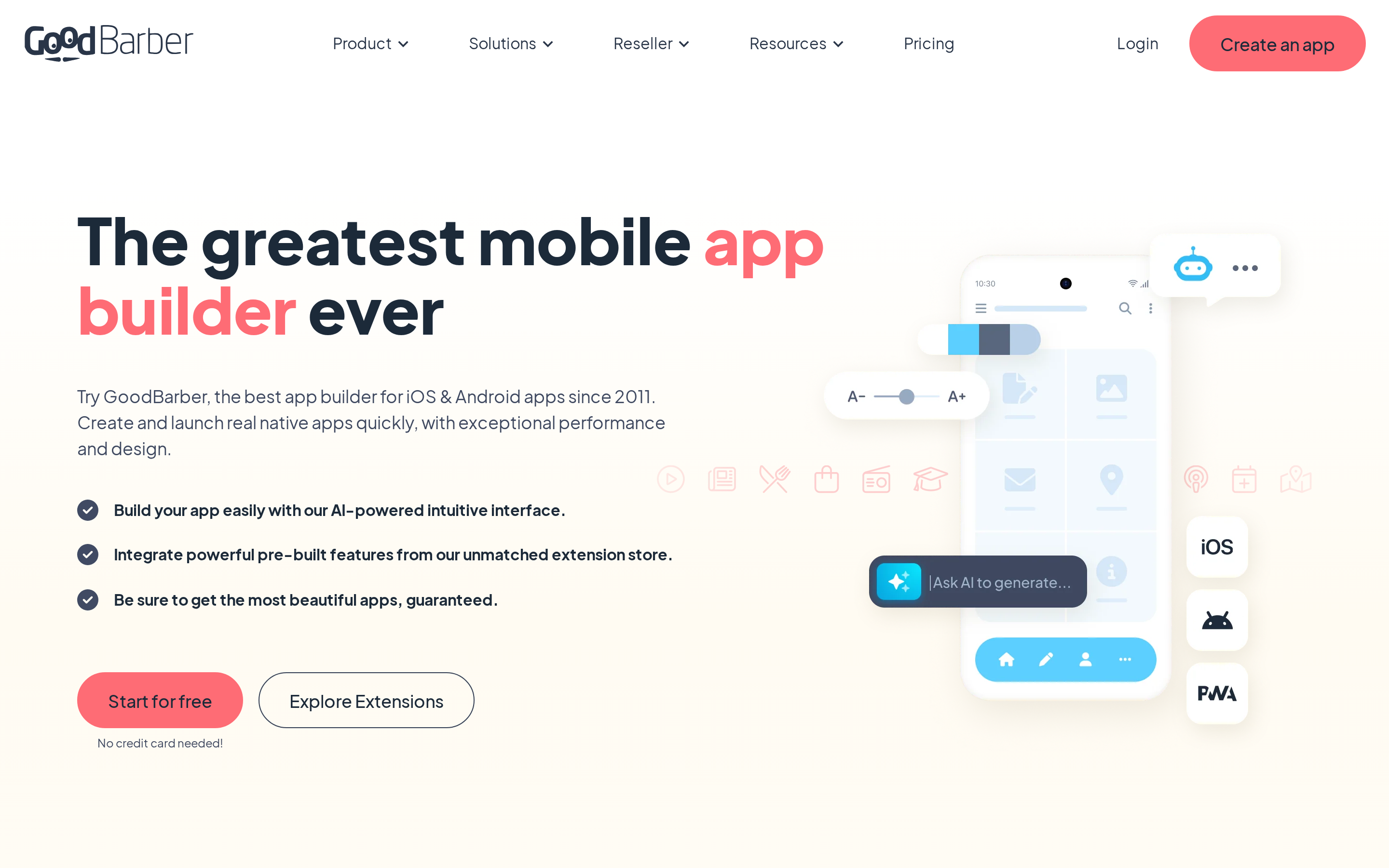
GoodBarber is a template-driven no-code app builder for native iOS and Android apps focused on content, retail, and e-commerce publishing.
GoodBarber builds from templates and pre-built modules rather than logic blocks. Output is native Swift on iOS and Kotlin on Android, with a PWA alongside.
Content-app pricing splits on technology, not just features. Standard ships a PWA, and native iOS and Android builds start on Premium.
- Standard — $30/month billed yearly, or $36 monthly. PWA only.
- Premium — $55/month billed yearly, or $70 monthly. The first tier with native builds and App Store or Google Play listings.
- Pro: $105/month annually or $135/month month-to-month
- Agency: $215/month annually or $280/month month-to-month
A 30-day free trial is available. E-commerce plans start at about $50/month.
GoodBarber publishes these platform-wide figures:
- 15M+ annual downloads across apps built on the platform
- Availability in 152 countries
- Support for 33 languages
App targets and building model
Both stores are covered with native builds, and Apple App Store and Google Play submissions come out of the same project.
Apps get assembled from templates and pre-built functional modules, so there is no Blockly-style logic composition to learn.
Design, features, and customization
Pre-built modules cover content publishing and e-commerce flows. A built-in CMS syncs with WordPress, Shopify, and RSS feeds, which matches publisher and retail app patterns closely.
For example, a custom navigation pattern or checkout flow must fit an available module instead of a custom-built screen.
Logic, data, and integrations
Data and content flow through two paths:
- Built-in CMS — manage app content inside the platform.
- External sync — WordPress, Shopify, and RSS feeds.
Pre-built templates and managed store publishing take priority over granular block logic.
Shipping, ownership, and limits
Publishing covers both Apple and Google stores, and GBTC is GoodBarber's managed submission service for teams that would rather hand that part off.
There is no full source code export, so the app stays with GoodBarber.
Review feedback notes that the module limits get harder to live with after launch, when the behavior you need sits outside anything available.
10. Buildfire
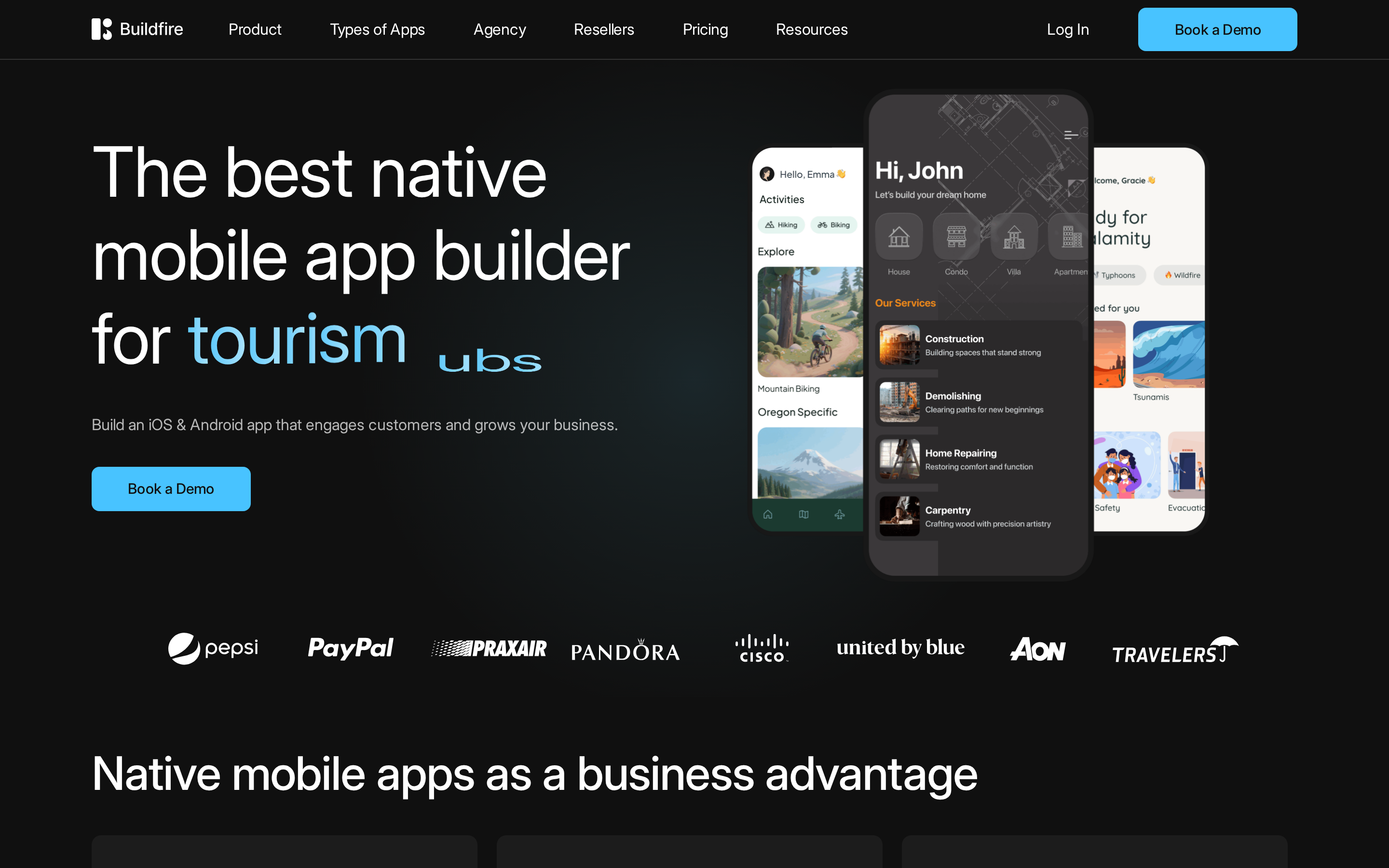
Buildfire is a plugin-based no-code native app builder for iOS and Android with managed publishing and business-focused pricing.
Buildfire assembles apps from a plugin marketplace instead of block logic or a code layer. More than 150 pre-built plugins cover the feature set, with full plugin access reserved for the top tier.
Pricing is business-oriented, with no free plan:
- Standard — $165/month
- Growth — $315/month
- Scale — $440/month
Custom work runs through a JavaScript, HTML, and CSS SDK rather than app source ownership, since no code export is available.
App targets and building model
Native apps come out for both iOS and Android, and publishing support covers Apple App Store and Google Play submission.
The marketplace model determines app architecture. Features come from selecting modules, and there is no block editor for application logic.
Design, features, and customization
Plugins cover push notifications, map integrations, and e-commerce elements.
Functionality stays within plugin boundaries, and anything outside an available module needs a custom plugin.
Logic, data, and integrations
A JavaScript SDK reaches native device features including camera and geolocation.
Integrations arrive as plugins:
- Shopify and Stripe for commerce and payments
- Custom server-to-server APIs
Zapier and Single Sign-On sit on higher-cost plans billed quarterly or annually.
Shipping, ownership, and limits
Publishing includes submission management for both Apple and Google stores. Commercial plans add Progressive Web App output alongside the native builds.
Tier gates worth checking before committing:
- In-app purchases — one option on Growth, unlimited on Scale.
- Custom plugins — uploads restricted to Scale.
- Billing: Month-to-month billing is available.
How to move a Kodular project without losing important work
Kodular exports AIA project files for interchange with compatible block-based builders, including MIT App Inventor, rather than a conventional source-code repository. Other destinations need a rebuild, so use a written specification to preserve:
- Screens — every screen, its layout, and how navigation connects them.
- Logic — each block flow described in plain language.
- Data — APIs, database structure, and stored fields.
- Money — ad units, in-app purchases, and any subscription flow.
Kodular announced the Creator tool's deprecation in 2023 and pointed users toward MIT App Inventor, which retains a Scratch-like block model and remains free. Moving to MIT App Inventor requires the smallest workflow change.
For Bilt, paste the documented specification into a prompt. Bilt generates a React Native app that you can push to GitHub for manual editing or further development.
How to choose the right path after this list
Start with platform reach, because it eliminates options fastest. Kodular is Android-only, so anyone who needs an iPhone build has already outgrown it.
- Android only — MIT App Inventor or Niotron.
- iOS and Android — Thunkable, Adalo, Draftbit, GoodBarber, Buildfire, or Bilt.
- Browser is fine — Glide, with no store listing required.
Then decide how much relearning you will accept. This list spans three building models:
- Visual blocks — MIT App Inventor, Niotron, Thunkable. Closest to what you already know.
- Drag-and-drop — Adalo, Bubble, GoodBarber, Buildfire. New editor, same configure-the-logic habit.
- Prompting — Bilt. No editor to learn, since the app gets described in sentences.
Block familiarity reduces the initial learning curve. The next decision is whether blocks can express the app's data and logic.
Match the tool to the app's data model:
- Spreadsheet-style tables — Glide.
- Built-in relational database — Adalo or Bubble.
- API-connected architecture — Draftbit or Bilt.
- Simple logic only — the block builders hold up fine.
Storage choice matters too. Local-first apps favor offline speed and privacy, while synced apps need a server-side database and an offline strategy.
Code ownership is the final filter. Draftbit and Bilt export React Native code, so development can continue after the original platform stops fitting.
Hosted convenience keeps all 10 options open. Requiring exportable application code narrows the list to Draftbit and Bilt.
The fastest way from app idea to the App Store: Bilt
Traditional app development takes 3 to 6 months for a first version. Bilt can generate the initial iOS app in 2 minutes, with store submission measured in hours or days.
- You can preview the app in a browser-based iOS simulator or Android emulator, with no local setup.
Between the prompt and the store, Bilt handles the parts that usually need a developer. Certificates, provisioning profiles, builds, and uploads run through Bilt; store review is completed in App Store Connect or Play Console.
Moving from Kodular replaces block editing with plain-English prompts. Bilt adds native iOS output and an exportable React Native codebase.
Ready to build your app? Describe it in a sentence and watch the first version appear in your browser. Start building free, no credit card needed.
Want to compare token allotments and support options first? See all plans.
Is Kodular completely free?
No. Kodular is a freemium app builder with a restricted free plan and paid subscriptions that remove project or asset limits.
Free accounts cap at 10 projects with a 10MB asset limit per project. Images and audio can consume that allowance quickly.
Monetization costs extra. Native monetization components carry a one-time 15 Euro activation fee plus usage-based pricing on top.
Is MIT App Inventor like Scratch?
Yes. MIT App Inventor uses the same Scratch-style system of snapping visual logic blocks together.
Both use a drag-and-drop interface where you snap visual blocks together instead of writing syntax. Anyone who has used Scratch will recognize the App Inventor canvas immediately.
The output is where they part ways. MIT App Inventor builds Android apps with access to device hardware such as GPS, while Scratch targets browser-based interactive media.
Can Kodular build iOS apps?
No. Kodular builds, exports, and publishes Android apps, but it does not provide an iOS build path.
Projects export as Android APK or AAB files, and Kodular projects can also export as AIA files for interchange with compatible block-based builders. An AIA export does not provide an iOS compilation path.
For both platforms from one project, Thunkable keeps a single visual codebase, and Bilt generates React Native code for iOS and Android with automated build upload to App Store Connect.
When should you move beyond Kodular?
Move beyond Kodular when you need native iOS output, logic that exceeds its block system, or source code you can own and edit elsewhere.
Bilt generates React Native apps for iOS and Android from plain-English prompts, then handles store builds, signing, and uploads.