MobiRoller’s current paid plans start at $29 per month with its Basic tier. The platform uses pre-built modules and supports major mobile app stores.
Older comparisons cite a $10-$18 Eco plan, but that tier is no longer part of MobiRoller’s current lineup. Builders targeting both stores may need a higher plan and more flexibility than pre-built modules provide.
This guide compares 10 MobiRoller alternatives by their output, customization range, and publishing path. The aim is to find a platform that can carry an idea through Apple and Google submission.
The picks are grouped into template-led business builders, visual no-code platforms for custom logic, and tools designed for greater control or developer handoff.
How we selected these alternatives
These alternatives were selected for platform coverage, customization depth, publishing support, pricing clarity, and long-term ownership.
- Supported outputs and platforms: Each builder needed a clear path to iOS, Android, native, cross-platform, or web deployment.
- Customization and logic depth: The review separated template-led apps from builders that support databases, workflows, integrations, or code-level extension.
- Publishing and code ownership: Store submission support, testing workflows, code export, and ownership terms determined whether a project could remain viable after launch.
- Pricing clarity: Per-app charges, tier limits, publishing fees, and upgrade requirements had to be visible enough for a practical cost comparison.
What to compare with MobiRoller
Compare MobiRoller alternatives by app output, ownership, customization, publishing support, and long-term cost.
Ownership changes what happens if you leave the platform. Bilt.me, FlutterFlow, and Draftbit offer code-export paths; the hosted builders give you access to an app managed inside their systems.
| Criterion | What to verify |
|---|---|
| App output | Native build, PWA, or wrapper |
| Ownership | Exportable code or hosted access |
| Customization | Templates, visual logic, or code |
| Publishing | Signing, submission, and deployment support |
| Pricing | Plan gates and scaling costs |
MobiRoller alternatives compared: features, pricing, and publishing
MobiRoller alternatives differ in build model, code ownership, store-publishing support, and price. Use this table to narrow the ten options before reading the detailed reviews.
| Tool | Build model | Source code export | Store publishing | Starting price |
|---|---|---|---|---|
| Bilt.me | AI-native code generator | Yes | Built-in workflow | Free to start |
| Buildfire | Template-led builder | No | Supported | $165/mo, annual billing |
| Appy Pie | Template-led no-code | No | Supported | Pricing on site |
| GoodBarber | Template-led builder | No | Managed option costs extra | ~$30 content; ~$40 commerce |
| Andromo | Template-led builder | No | Manual submission | $24-$130/mo |
| Adalo | Visual no-code | No | Pro plan and above | Pricing on site (Pro+) |
| Thunkable | Visual no-code | No | Builder plan and above | $59/mo for publishing |
| Apphive | Visual no-code | No | Paid plans compile builds | Pricing on site |
| FlutterFlow | Visual low-code | Yes | Supported | From $39/mo |
| Draftbit | Low-code builder | Yes | Expo/EAS workflow | Pricing on site |
Template-led business app builders
The next five tools use templates, guided setup, and ready-made business modules to shorten the path to an app-store release. That speed stops paying off when your product needs custom logic, a distinct interface, or portable source code.
1. Bilt.me
Bilt.me takes a plain-English description and builds a React Native app for iOS and Android, including the backend. The same workflow covers preview, code signing, and store uploads.
Core strengths:
- Prompt to app: a plain-English description produces working iOS and Android builds with screens, logic, and a connected backend.
- Code you own: the full React Native source exports at any time, so nothing stays locked to the platform.
- Store upload handled: Bilt.me creates the iOS certificate and provisioning profile, then pushes the build through App Store Connect.
- Testing without a Mac: an iOS simulator streams in the browser, and a QR code puts the build on your own phone.
| Dimension | Bilt.me | Buildfire | FlutterFlow |
|---|---|---|---|
| Primary build method | Natural language app generation | Manual drag-and-drop with plugins | Visual builder with AI Copilot |
| Code ownership | Full React Native source export | No full source export | Full Flutter/Dart export |
| Publishing | Automated build, signing, and store-upload workflows | Submission help on higher tiers | One-click deployment |
From prompt to native code
One prompt can produce the interface and backend together. Pro tip: Give the first prompt a clear user task and first screen; refine later screens and styling in chat.
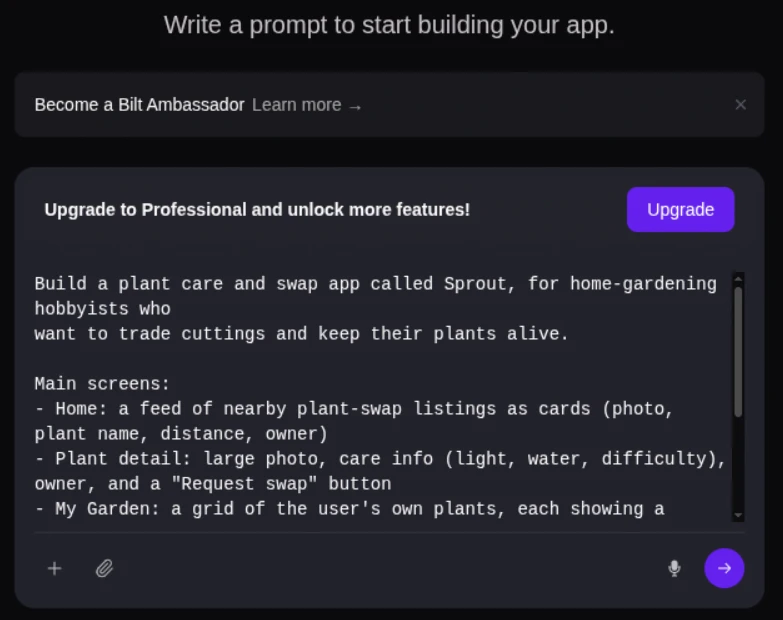
The output is a native app for iOS and Android built on React Native, and the codebase is yours to export whenever you want.
Describe it, then refine in chat
Three steps get you from idea to a working build:
- Describe the app in plain language.
- Bilt.me generates the UI and the backend from that description.
- Keep chatting to refine screens, logic, and styling.
Manual builders run the other way around: you pick modules or templates first, then wire up the logic yourself.
Signing and store release in the same workflow
Bilt.me carries the same project from prototype through signing and App Store Connect. That keeps store preparation inside the build workflow.
After that, the project is portable. Export the React Native codebase to GitHub, hand it to a developer, or host it independently.
Free testing, paid tokens, and right-fit projects
Pricing: start free at €0, which includes up to 3M AI tokens a month (roughly 12 to 30 prompts), prompt-based building, a backend with authentication, database, and storage, plus live preview.
Professional is €25/month for 10M tokens, and Professional Plus is €50/month for 20M. Annual billing saves two months.
Two costs sit outside Bilt: an Apple Developer Program account at $99/year and Google Play Console at $25 one-time.
Who it fits:
- Business owners adding a companion app to an existing operation without an agency budget.
- Builders who already shipped a web app and need a real native iOS and Android version of it.
- First-time builders launching a side project who want signing and store uploads taken care of.
Ready to see it work? Start building free at bilt.me and preview your app on a real device before you pay for anything.
2. Buildfire
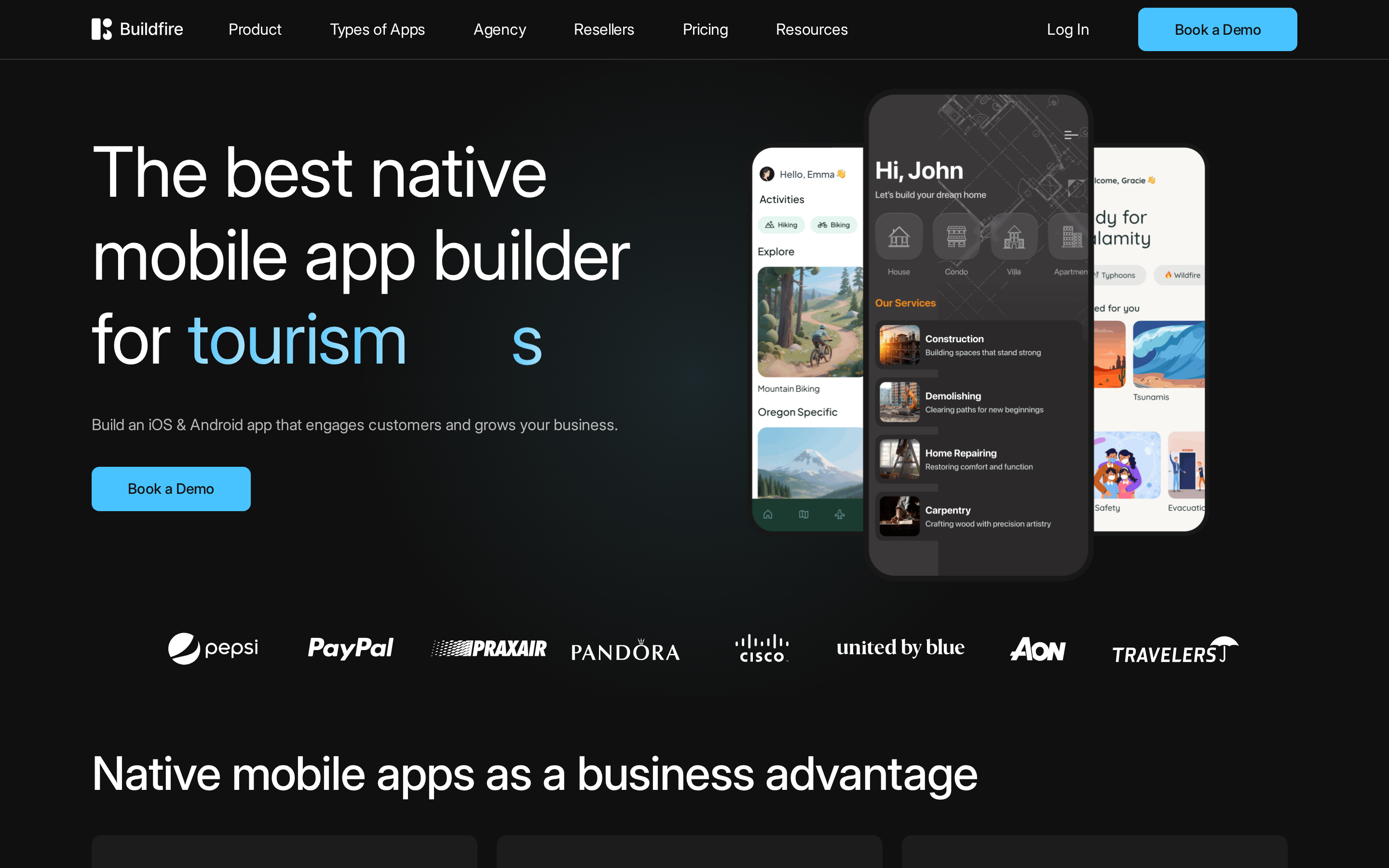
Buildfire is a plugin-led builder for standard business apps. Its catalog speeds up common features, while custom behavior moves into JavaScript SDK work.
The marketplace contains more than 150 pre-built modules, so common business functions can be selected instead of built from scratch.
Source code is the tradeoff. Buildfire documents no full source export, unlike Bilt.me, FlutterFlow, and Draftbit.
Native apps built around Buildfire plugins
Buildfire ships native mobile apps and a Progressive Web App on its paid Growth and Business plans.
Compared with Andromo's content-led template assembly, its distinguishing piece is a native plugin architecture.
Web output is available on the paid Growth and Business plans.
Drag, drop, then reach for the SDK
Buildfire's builder stays simple while you work inside its plugin catalog. Custom device behavior requires the JavaScript SDK.
- The drag-and-drop editor handles standard app assembly without manual coding.
- The 150+ plugin marketplace supplies common business functions.
Watch out: Treat any must-have custom workflow as an SDK project before you commit. Plugins cover standard features, but they do not replace bespoke product logic.
Custom layouts and device behavior require SDK work, so include that development effort in the launch plan.
A 150+ plugin catalog, with limits
Buildfire's business features come from its plugin catalog rather than generated workflows. That approach works for standard needs and becomes restrictive when a workflow is unique.
- Push notifications are available as plugins.
- Maps are available as plugins.
- E-commerce features are available as plugins.
- Plan and plugin selection determine which functions you can turn on.
Appy Pie generates starter apps from prompts instead. Buildfire's depth comes from what you can switch on.
In-app purchase allowances are plan-gated. Confirm the allowance before building a revenue model around the app.
The catalog handles standard functions. Bespoke logic must fit the SDK, so a plugin-led setup becomes constraining when the app needs custom behavior.
Paid publishing and a high starting commitment
Store publishing is included on Buildfire's paid Growth and Business plans. The price starts high for a template-led builder.
Building and testing costs nothing. Publishing to the app stores requires a paid subscription.
Current Buildfire pricing:
- Growth: $165/month annually or $195/month quarterly
- Business: $315/month annually or $375/month quarterly
Watch out: Buildfire starts at $165/month on annual billing, compared with MobiRoller's current $29/month Basic tier. That gap is hard to justify for a basic companion app built from standard modules.
Buildfire suits small teams that can work inside prebuilt modules. Deployments with bespoke requirements need careful plugin and SDK testing before launch.
3. Appy Pie
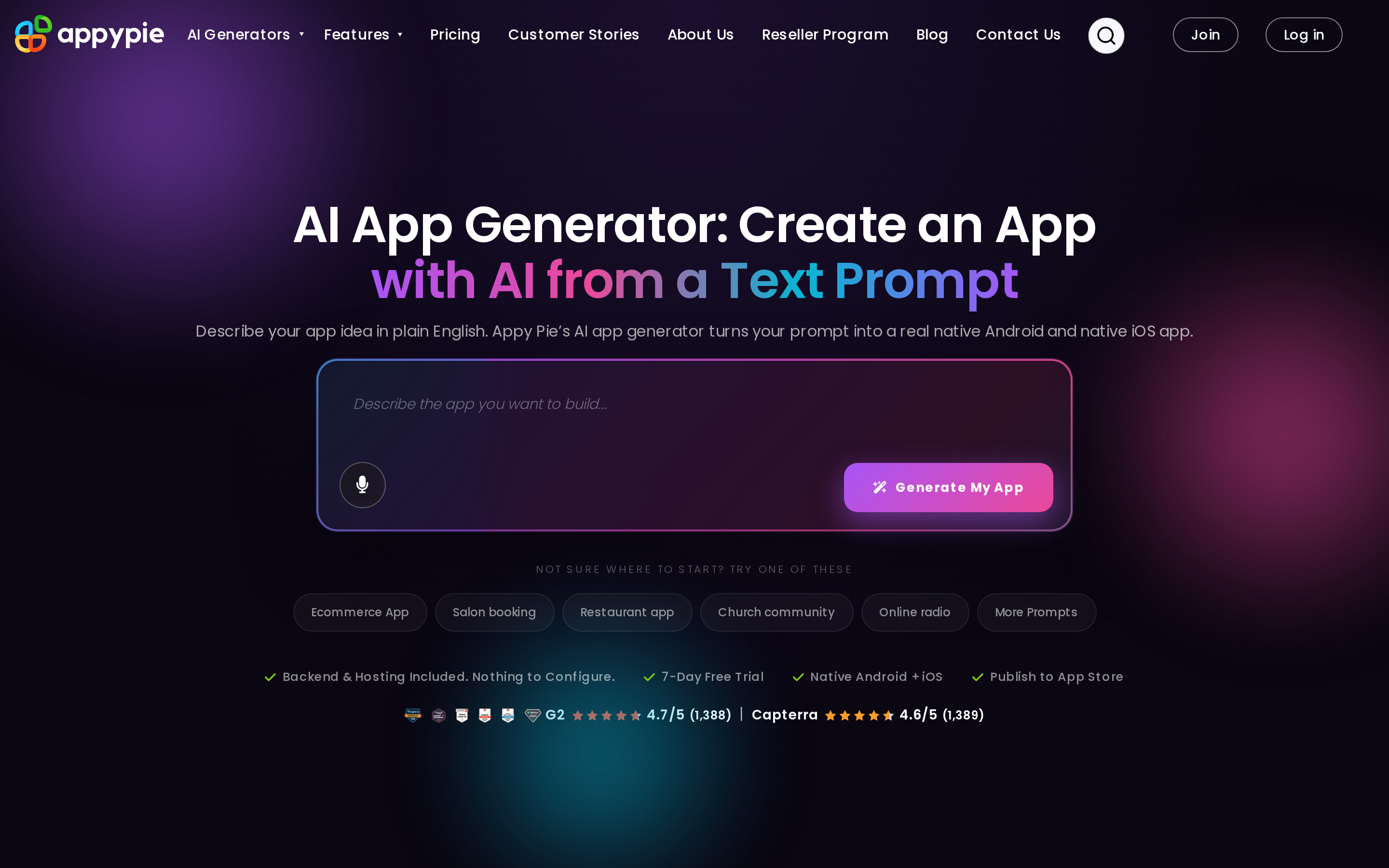
Appy Pie turns a prompt into a template-led starter app for a standard business use case. Custom workflows still depend on the limits of its modules.
Appy Pie's starting point is a prompt. AI generates a starter app plus vertical-specific modules, rather than asking you to assemble one.
Buildfire begins from drag-and-drop and its plugin marketplace. GoodBarber applies AI to translation, design palettes, and chatbots instead of whole-app generation.
Starter apps without source ownership
Appy Pie ships Android and iOS apps through a hosted runtime. The platform does not document a source-code export path, so moving the project elsewhere requires a rebuild.
The platform supports custom mobile apps for Android and iOS.
Watch out: No documented source export means a developer handoff starts with a rebuild, not a downloadable project.
Three-step setup, shallow customization
The three-step setup gets a standard business app assembled without code. The tradeoff appears when the app needs branching logic or a custom workflow.
Setup is framed as three steps with no coding skills required, which is accurate for a standard business app.
Watch out: Map the workflow before buying a plan. Pre-built modules suit standard business tasks, but complex flows can outgrow template customization.
Payments and vertical modules
Payments and vertical modules are Appy Pie's clearest business features. Complex custom logic remains constrained by template-led customization.
Payments are the clearest documented strength, with 17+ gateways available.
Vertical-specific modules ship as part of the AI-generated starters. That is a different model from Buildfire's 150+ plugins or FlutterFlow's visual flows plus custom Dart expressions.
Guided submission, permanent platform dependency
Appy Pie helps with store submission, including Apple rejection support. The platform does not document source export, which makes the app a long-term hosted commitment.
Submission comes with guided help, including assistance from Appy Pie's team when Apple rejects a build.
GoodBarber charges $490 for managed submission. Buildfire includes store publishing from $165/month on annual billing.
4. GoodBarber
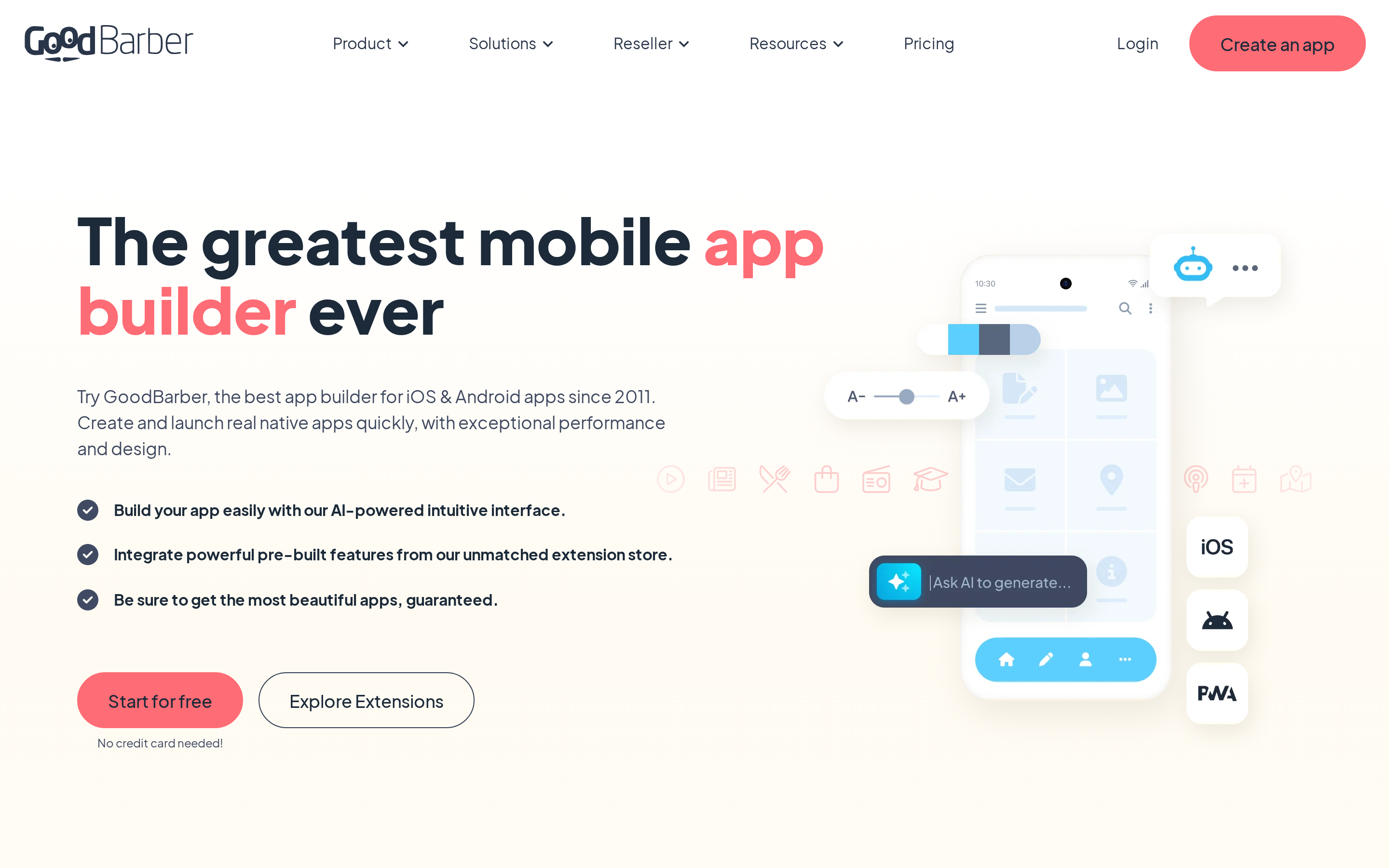
GoodBarber focuses on content apps and mobile stores. Native distribution, extensions, and managed submission can add to the base plan cost.
GoodBarber concentrates on content apps and mobile stores, a narrower focus than MobiRoller's general-purpose builder.
GoodBarber advertises 0% platform commission on eCommerce transactions. Source-code export is not available, unlike the export paths in FlutterFlow and Draftbit.
Native storefronts, content hubs, and PWAs
A single GoodBarber project can ship native iOS and Android apps plus a PWA.
The PWA gives teams a browser-accessible version, while native builds target App Store and Google Play release.
Andromo also targets content-led apps but is a browser-based drag-and-drop builder with web-wrapper patterns. Bilt.me generates React Native codebases from a plain-English prompt instead of fixed content and commerce templates.
Content management and commerce are the two patterns it is built around. eCommerce plans start around $40 per month, which signals a separate commerce track rather than one generic app plan.
The template ceiling
The builder is quick when an app fits the template, then rigid when requirements depart from it.
Predefined templates and modules leave little room to reshape unusual business requirements.
Watch out: A custom workflow can become a dead end when it does not fit an existing GoodBarber module or extension.
Without full Swift or Kotlin export, custom development paths stay narrower than in FlutterFlow or Draftbit. Thunkable at least opens a visual block-based logic system.
Commerce modules and extension costs
Its strongest business case is a content catalogue or mobile store that fits existing modules.
Depth sits in publishing and selling. Content management plus mobile commerce with 0% platform commission, regardless of sales volume, is the core of what it offers.
Buildfire spreads wider across plugin-driven utility apps. GoodBarber stays narrow around content and store patterns.
Custom algorithms and unusual integration workflows are where the modules stop bending, and review evidence says predefined modules are hard to modify for unique requirements.
Bilt.me, FlutterFlow, and Draftbit each keep a path open through generated code, custom Dart, or direct React Native editing.
Publishing fees and exit constraints
GoodBarber's Content PWA plan starts at $30/month on annual billing, or $36/month month to month. Native Android and iOS app plans start at $40/month.
Guidance and generated binaries are included. GoodBarber's managed submission service costs $490 and covers technical store-submission work.
Pro tip: Run an iOS build test before scheduling submission, so build errors are found before store preparation begins.
Drop GoodBarber when source-code ownership is non-negotiable. Its hosted model has no full export path.
5. Andromo
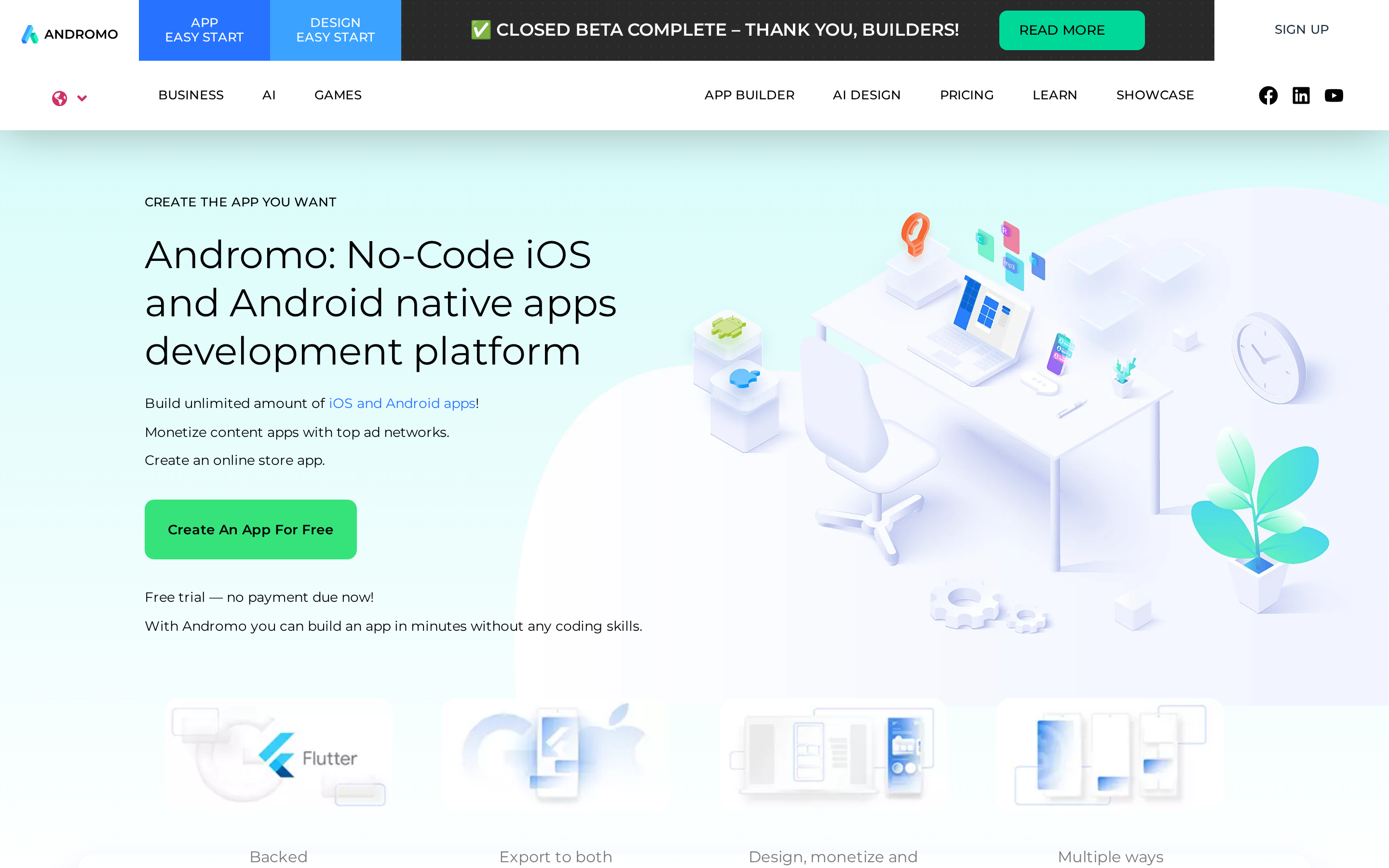
Andromo focuses on content, radio, and ad-supported apps assembled from templates. Apphive offers visual logic for custom flows, while Draftbit adds editable React Native code.
Content, radio, and wrapper apps
Andromo produces native Android and iOS releases for content apps and web wrappers. Radio streaming is another built-in pattern.
It runs in the browser and produces native mobile apps for Android and iOS. The build model stays template-led, which is where Appy Pie's prompt-generated starters take a different route.
Radio streaming and web-content components suit broadcaster and wrapper-style apps. Advertising is built in.
Quick assembly, fixed layouts
The builder is fast for a template match and inflexible when brand or workflow requirements diverge.
The workflow is drag-and-drop assembly on top of pre-configured templates, with no programming expertise expected. Thunkable asks more of you with block-based logic.
Watch out: Predefined layouts limit design control and keep the user experience close to template defaults.
Adalo's database actions and conditions raise that ceiling, and FlutterFlow's AI-assisted screen building plus custom Dart raises it further.
Ads and commerce without custom logic
Ads, content feeds, and basic storefront sync are the features Andromo assembles most readily.
Andromo supports multiple ad networks without manual coding. That setup fits ad-funded formats such as soundboards, wallpaper galleries, and content feeds.
Commerce runs through native Shopify and WooCommerce product sync, and support is restricted to those two ecosystems. Radio streaming and web-content components cover broadcaster and wrapper-style apps.
Remove Andromo from consideration when the app needs custom user flows. The template model leaves little room to change a custom user flow.
Apphive offers visual logic editors for calculations, navigation, and screen flows. Draftbit pairs visual logic with direct React Native and TypeScript editing, a different extension path from a hosted template environment.
Manual release work and rising plans
Subscription plans cover app creation, but publishing remains a manual job and source code stays unavailable.
Andromo lists Hobbyist at $24/month, Basic at $32/month, and Ultra at $56/month. The upper plans are Pro at $76/month and Enterprise at $130/month.
Andromo's $24/month Hobbyist tier is $5 less per month than MobiRoller's current $29/month Basic tier.
Pro tip: Treat store submission as a separate task after the build. Andromo gives you binaries, but you submit them yourself.
Subscription costs grow while template limits remain, a poor trade for projects that need custom branding or workflow changes.
Apphive and Adalo both keep visual logic editing available, which is the usual next step for apps that outgrow fixed templates.
Visual no-code builders for custom app logic
These tools are visual no-code builders for apps that need more than fixed templates, especially around databases, workflows, and screen-level behavior. The next three options differ mainly in how they handle logic, platform output, and how far you can push customization before hitting no-code limits.
| Category signal | What this section covers |
|---|---|
| Builder style | Visual no-code tools with logic, database, and workflow control |
| Mobile outputs | Apps targeting iOS, Android, and in some cases web from one project |
| Main tradeoff | More customization than template-led builders, but no-code ceilings still appear on complex logic |
6. Adalo
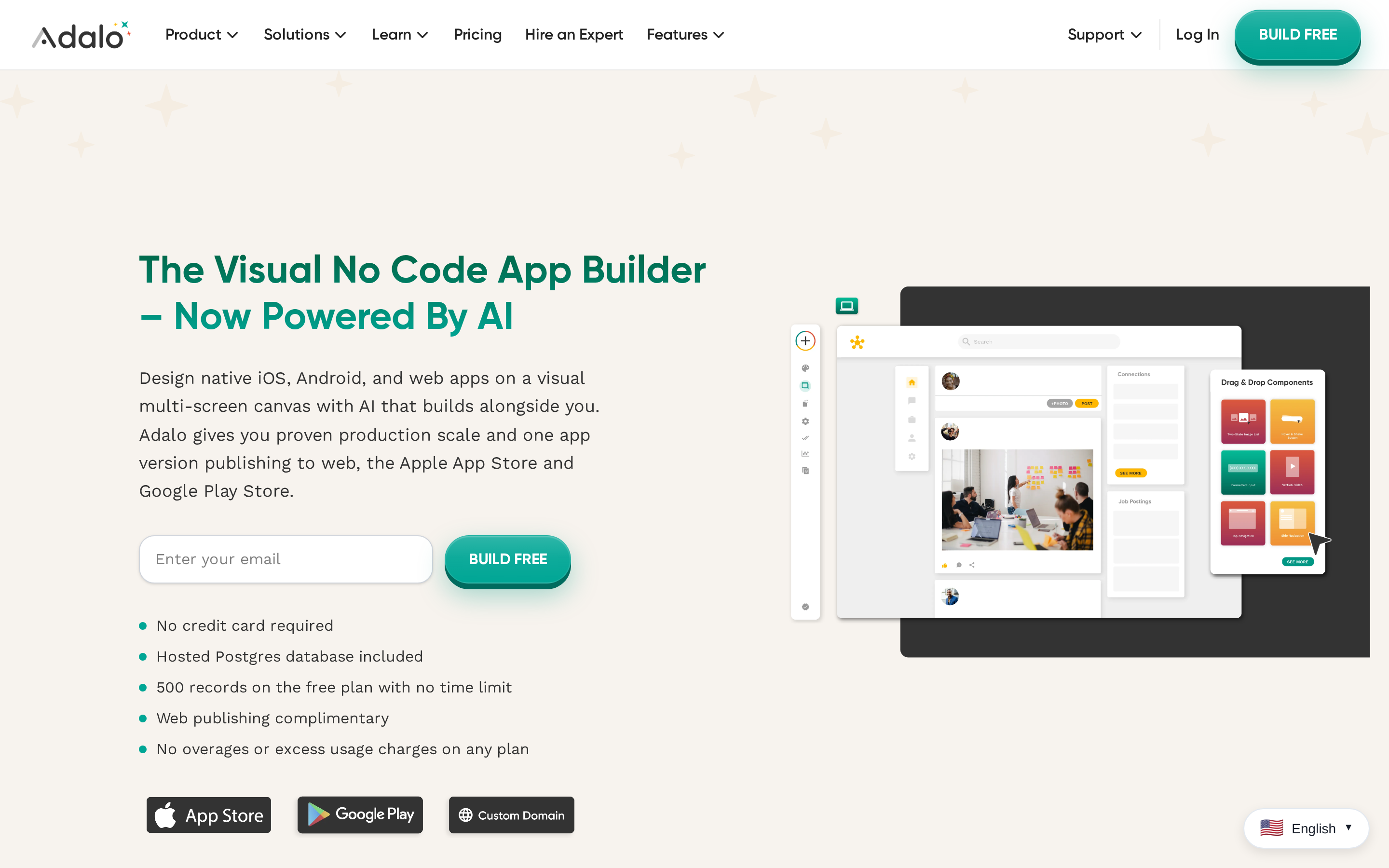
Adalo fits database-driven MVPs that need web, iOS, and Android output from one visual project. Source-code export is not supported.
Logic gets built visually through database actions and conditions, where Thunkable uses programming blocks.
Source code export is not supported. FlutterFlow and Draftbit both hand over full projects on paid plans, so ownership is the clearest dividing line in this group.
Outputs and app types
Adalo is a single-build app builder for database-driven web apps and native iOS and Android apps.
One build process produces web applications alongside native iOS and Android apps.
The platform centers on pre-defined visual components and data connections rather than custom-coded structures. Apphive also targets multi-platform publishing from a no-code workspace; unlike Draftbit, neither hands back a React Native project.
Builder experience and customization
Adalo is a drag-and-drop visual builder with pre-defined screens, components, and database actions for beginner-friendly app assembly.
Editing stays inside Adalo's predefined screens, standard components, and data connections. Complex builds remain tied to the visual editor because source-code export is unavailable.
Features, integrations, and business depth
Adalo is a database-driven no-code builder with internal collections, visual app logic, and API-based external data connections.
External Collections let app data live outside Adalo's own database through its API, which is the usual fix for heavier data needs.
Publishing, pricing, and long-term fit
Adalo is a subscription-based app builder whose native store publishing starts on Pro plans and whose long-term fit centers on smaller apps and MVPs.
App Store and Google Play publishing starts on Pro plans and above. The free plan is for building and testing. Adalo's live pricing page currently lists 500 records per Free app, while native store publishing starts on Pro.
With no source export, migration options stay narrower than FlutterFlow's or Draftbit's.
7. Thunkable
Thunkable builds iOS, Android, and web apps from one block-based project. Publishing starts on its $59/month Builder plan, and standard source-code export is not supported.
Logic is assembled from Scratch-style visual blocks, where Adalo uses actions and conditions.
AI generation covers both UI and logic, something Buildfire's drag-and-drop plus plugin setup does not attempt.
Outputs and app types
Thunkable is a cross-platform builder for native Android and iOS apps plus web apps from one visual project.
Android, iOS, and web browsers are all build targets from the same project, and projects publish directly to the App Store and Google Play.
Andromo hands back binaries for manual submission, and GoodBarber charges extra for managed submission.
Builder experience and customization
Thunkable is a visual app builder that uses drag-and-drop design plus block-based logic instead of text coding.
Blocks handle workflows, user input, and data instead of Swift or Kotlin code. FlutterFlow layers optional custom Dart on top of its visual logic, while Thunkable stays inside the block paradigm with no standard code export.
Complex features still require an understanding of programming logic, even though the blocks avoid Swift or Kotlin. The visual model is aimed at beginners, educators, and small business projects.
Features, integrations, and business depth
Thunkable is a no-code app platform with AI generation, visual workflows, and spreadsheet-style data connections for functional mobile apps.
AI app generation builds UI components and basic functional logic from natural language prompts, with 2,000 AI tokens on the free tier.
Apphive and FlutterFlow offer prompt-based generation too. Buildfire has no AI app generation in this comparison.
Google Sheets and Airtable connections keep data setup visual. Test sync behavior with production-sized data before relying on either source.
Draftbit combines visual logic with direct React Native and TypeScript editing. Thunkable does not export standard source code.
Publishing, pricing, and long-term fit
Thunkable is a subscription app builder that locks App Store and Google Play publishing behind the $59 per month Builder plan.
Publishing needs the Builder plan at $59 per month, which allows one live published app at a time.
Thunkable's publishing plan costs about twice MobiRoller's current $29/month Basic tier. FlutterFlow adds code download and store deployment on paid plans.
Test a production-sized build on the oldest iOS and Android devices you plan to support before launch.
Source-code export is unavailable, so moving a Thunkable app later requires a rebuild in another stack.
8. Apphive
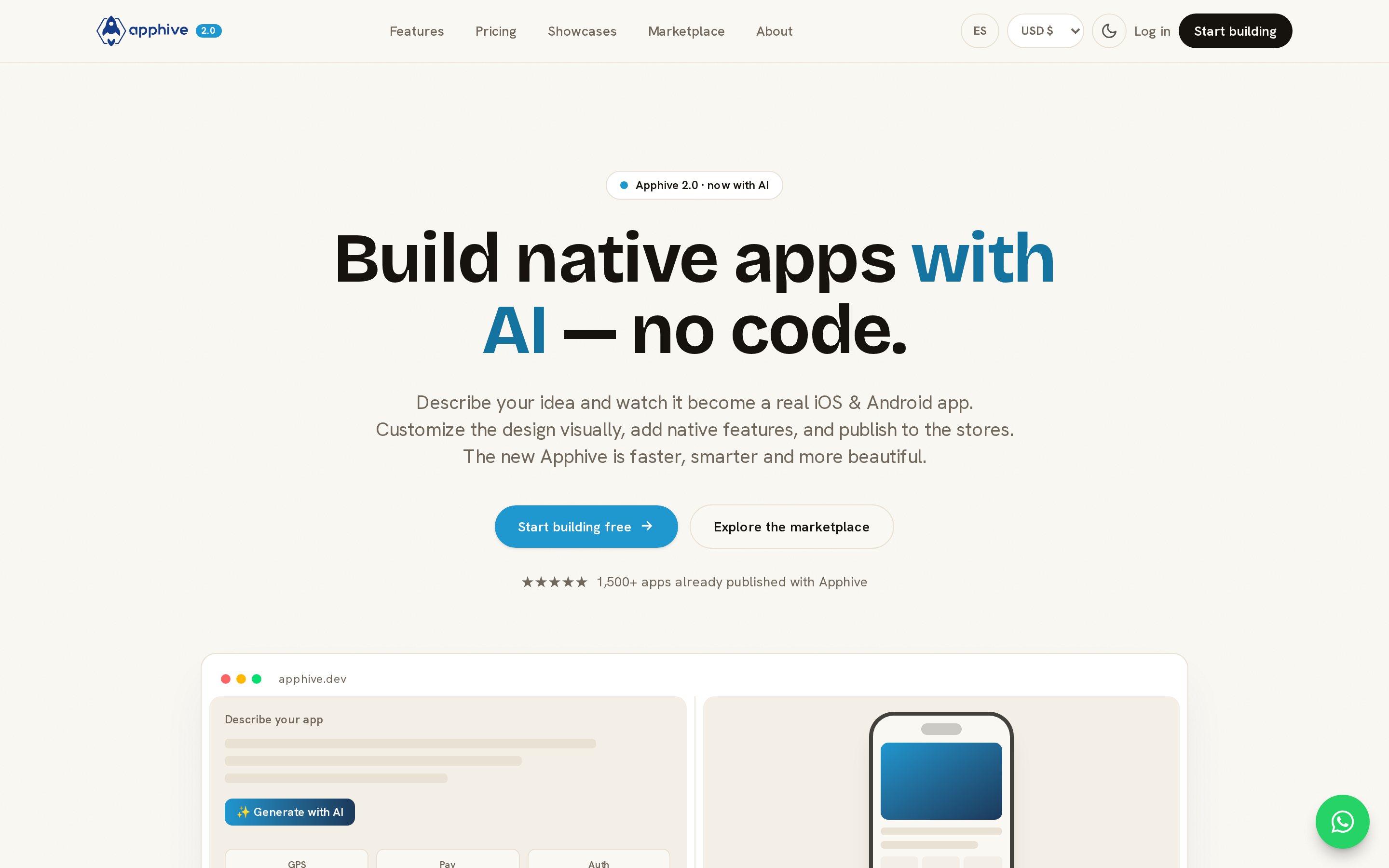
Apphive turns text descriptions into iOS and Android projects with screens, data models, and flows. Paid plans compile store-ready builds, but no source-code export is documented.
Outputs and app types
Apphive is a mobile-first builder: projects compile for Android and iOS store distribution.
- Publishing: paid plans compile native builds for iOS and Android. You upload them to App Store Connect and Google Play, complete each listing, and submit them for review.
- Nearby options: FlutterFlow publishes to both stores and adds Flutter source download and GitHub push on paid plans, while Bilt generates React Native codebases and automates code signing and store uploads.
Builder experience and customization
Apphive combines visual editing with AI-assisted setup. Calculations, navigation, and screen flows are configured through visual logic rather than code.
Calculations, navigation, and screen flows are configured through visual logic editors rather than code. Adalo covers similar ground with database actions and conditional workflows as first-class builder elements, and Thunkable uses block-based logic.
Features, integrations, and business depth
Apphive covers payments and media capture, with backend data handled through Firebase.
- Integrations: Stripe and other services connect in, and backend data is managed through Firebase billing.
- Media capture: Photos can be captured and saved to a database.
- Deeper extensibility: Draftbit pairs visual logic with direct React Native and TypeScript editing, and Bilt exports the full React Native codebase through GitHub.
Publishing, pricing, and long-term fit
Publishing: paid plans prepare native iOS and Android builds. You then upload each build, complete the store listing, and submit it for review through App Store Connect or Google Play.
Ownership and billing: Apphive holds 2.9 out of 5 on Trustpilot across 26 reviews, and several reviewers report billing continuing after they cancelled.
More control and developer handoff
FlutterFlow and Draftbit both keep the speed of visual building. The difference is what you walk away with: project code you can hand to a developer or take elsewhere.
9. FlutterFlow
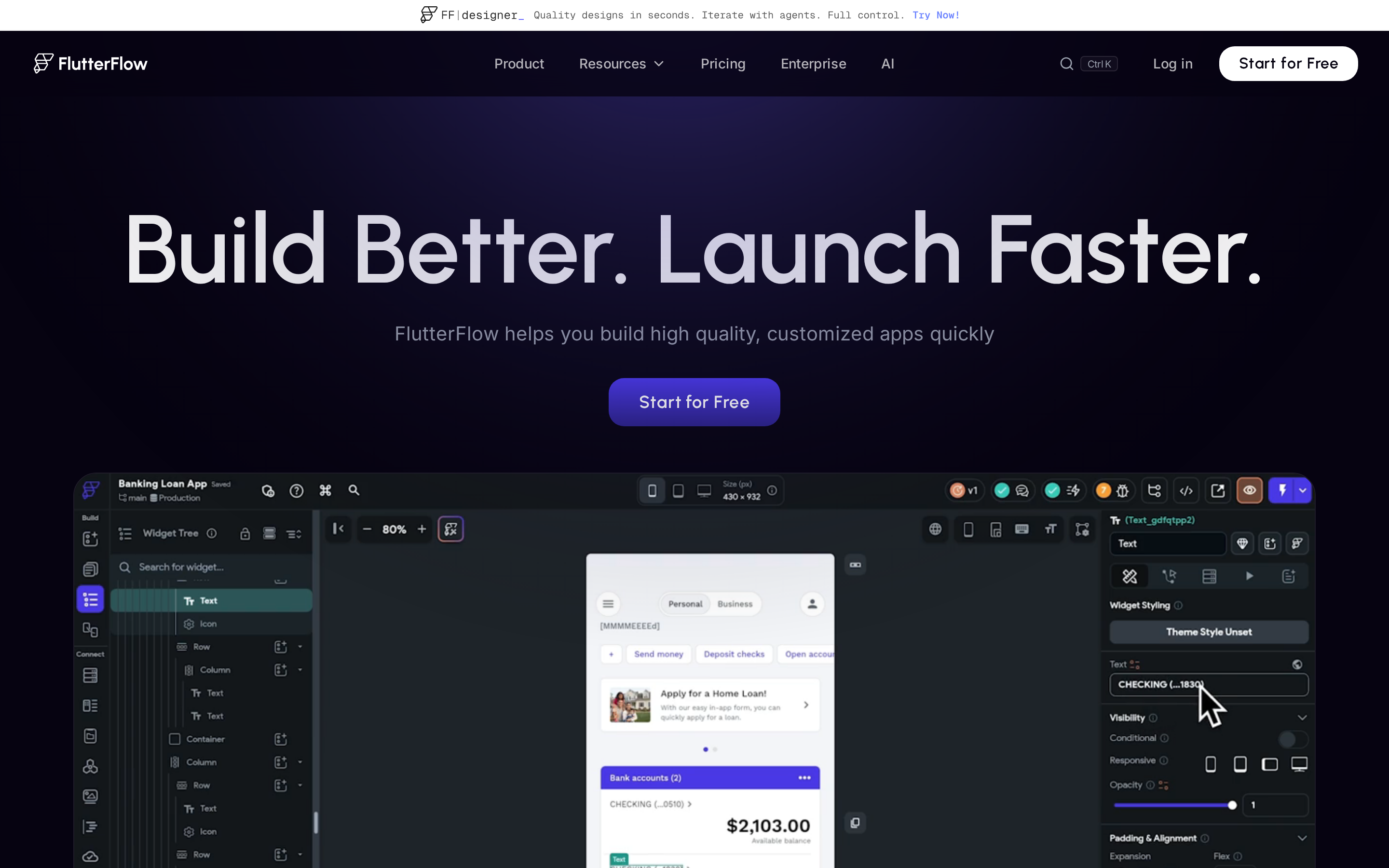
FlutterFlow combines a visual builder with downloadable Flutter and Dart code for iOS, Android, web, and desktop projects. That export path supports developer handoff.
Downloadable Flutter and Dart source code makes a later developer handoff possible, unlike MobiRoller's proprietary platform.
Flutter apps beyond the phone
A shared Flutter codebase can ship to iOS, Android, web, and desktop.
That shared codebase suits products that start on mobile but may later need browser or desktop access.
Pro tip: Connect GitHub before a developer joins the project, then use the exported Flutter code as the handoff artifact.
Visual speed, with Dart in reserve
Component libraries and action flows speed up the first build; custom Dart widgets cover behavior the visual editor cannot express.
FlutterFlow includes more than 200 pre-built UI elements for mobile and web screens.
Watch out: FlutterFlow requires someone who can maintain Dart once the project uses custom widgets or exported code.
Native Firebase and Supabase paths
Action flows connect UI events to backend work without leaving the editor.
FlutterFlow connects natively to Firebase and Supabase for:
- authentication and databases
- cloud functions
- real-time sync
Custom Dart gives developers an extension path when visual logic no longer covers an integration. Complex external integrations still require engineering work after export.
Code ownership does not erase maintenance
Code export keeps a Flutter project portable, but it does not make the generated code easy to maintain.
Paid plans start at $39/month and include deployment options for the App Store and Google Play.
Exported code gives a developer a starting point, not a maintenance guarantee. Review complex Dart before a release schedule depends on it.
10. Draftbit
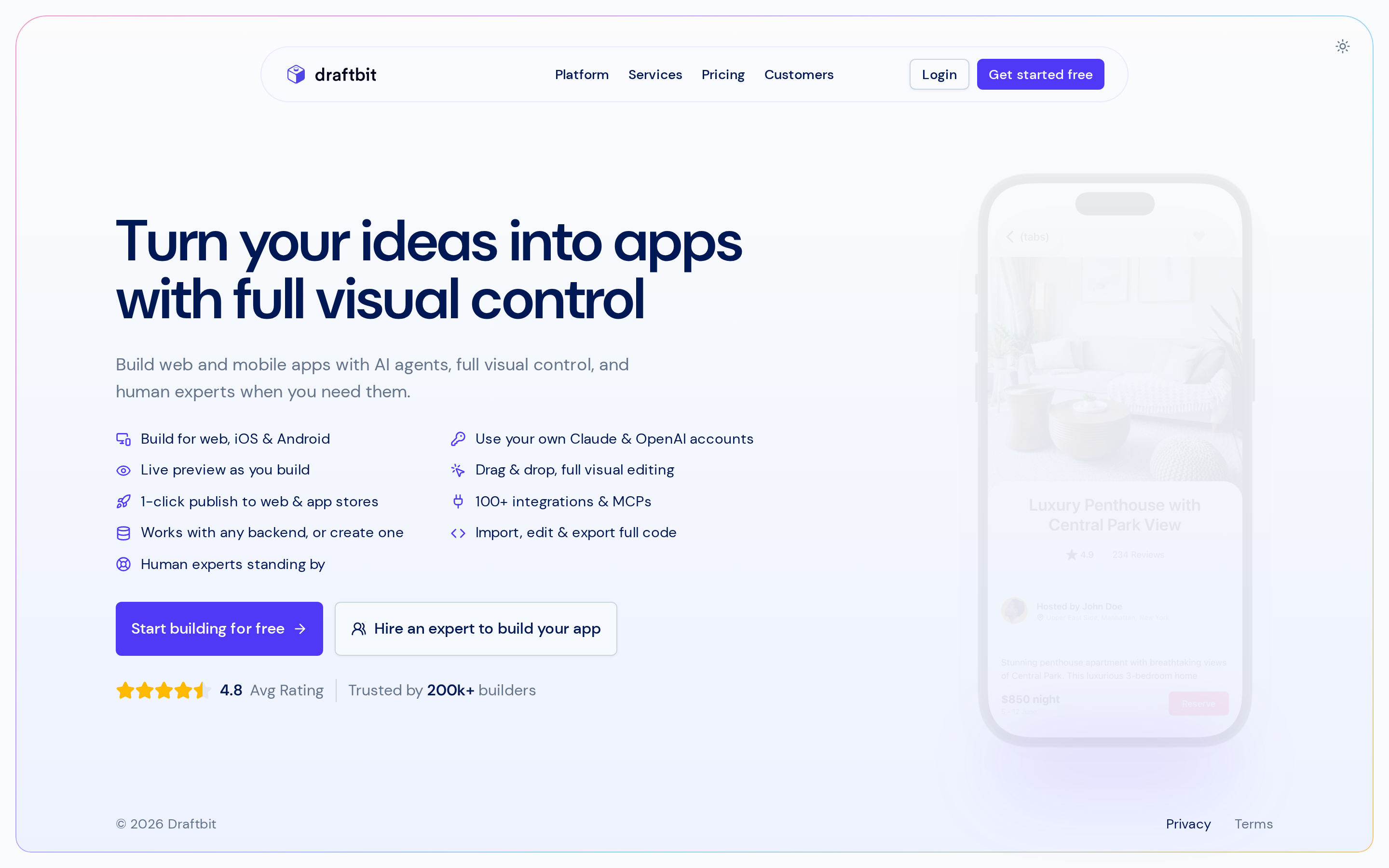
Draftbit combines visual screen assembly with editable React Native and TypeScript code. The exported project can continue outside Draftbit.
Draftbit exports a React Native project instead of keeping the app inside a hosted builder. MobiRoller documents no equivalent full-source export.
FlutterFlow exports too, but as Flutter and Dart. If your team already knows React Native, that difference decides which one is easier to maintain.
React Native mobile apps with Expo Router
Draftbit targets native iOS and Android apps from one React Native codebase.
Apps are built on React Native, targeting iOS and Android from one codebase, and exported projects use Expo Router for file-based navigation and deep linking.
GoodBarber and Appy Pie retain projects on proprietary hosted runtimes, without Swift or Kotlin source code to take away.
Visual assembly, then TypeScript
Draftbit's canvas handles early screen assembly, while React Native code remains available for custom work.
Expect a steeper ramp than with beginner no-code builders because the workflow exposes React Native and TypeScript.
The visual editor adds another layer to the workflow, so teams move between the canvas and React Native code as an app gets more complex.
API-driven apps that a developer can own
Visual logic, API connections, and editable React Native components stay in the same workflow.
Exported React Native code is human-readable, so customization can continue outside the builder entirely.
Pro tip: Export a project early and have a React Native developer inspect the navigation and API layer before the app's logic expands.
Enterprise terms and performance testing
Draftbit keeps code ownership and Expo-based publishing in scope, but pricing and production performance need validation before a long commitment.
Confirm the current Enterprise price and included seats directly with Draftbit before budgeting. Managed-service costs and plan terms can change.
Watch out: Test startup time and API behavior in a production-like build before committing to Draftbit.
FlutterFlow offers one-click deployment on lower paid plans. Draftbit centers its workflow on code ownership and Expo-based publishing.
Which MobiRoller alternative should you choose?
Choose a MobiRoller alternative by checking four points: app output, logic depth, code ownership, and publishing help.
Start with output. MobiRoller builds native Android and iOS apps from a drag-and-drop editor, so decide whether a replacement should match that or deliberately change it.
If you want browser and mobile from one project, Adalo publishes web, iOS, and Android from a single build. Three questions follow from there.
- Logic depth: authentication, payments, database modeling, and deployment are where entry-level builders stall, and these tools split between prebuilt modules, visual flows, and editable code.
- Ownership: full source export narrows to Bilt.me, FlutterFlow, and Draftbit, and pairing any builder with an external backend is the standard fix when internal no-code databases bottleneck.
- Launch support: MobiRoller publishes to Google Play, the App Store, and Huawei AppGallery, so check that a replacement matches that coverage; guided or managed submission earns its cost on a first launch, while self-serve is fine once you have shipped before.
| Decision criterion | What to verify |
|---|---|
| App output | Native iOS and Android only, or web and PWA too |
| Logic complexity | Templates and modules, visual workflows, or code-level customization |
| Ownership | Hosted-only builder or exportable source code |
| Publishing | DIY binary export, guided submission, or managed store deployment |
Switching from MobiRoller: what to verify first
Verify your exportable data, store-publishing dependencies, testing path, and rebuild scope before leaving MobiRoller.
Two things decide how painful the move is: what data you can take with you, and how much of the app you have to rebuild.
- Export your data first: MobiRoller includes CSV export for membership data, so pull members and profiles before you touch anything else.
- Check store dependencies: Google Play SDK compliance and data safety forms appear in MobiRoller's support documentation, and those items can stall a rollout.
- Test on a staging copy: version migrations can break account access and workflows, so keep staging and production separate before going live.
On the rebuild side, Bilt automates code signing and store uploads, and its cloud Android emulator previews the app without any local setup.
Build a real native app without getting stuck at the last mile with Bilt.me
Bilt.me carries a plain-English app description through native iOS and Android builds, testing, code signing, and store uploads.
First-time builders can get past the screen layout, then run into account setup or payment workflows. Data storage and store release add separate work.
Store release itself includes work after the app is built:
- A developer account must be set up.
- Certificates and provisioning profiles must be managed.
- The build must be submitted for review.
Bilt.me automates builds, signing, and store uploads from the project started in plain English. It uploads iOS builds to App Store Connect, where you submit them for Apple review; for Google Play, it builds the .aab and can send it to internal testing, though the first release may need a manual Play Console upload. Certificates and provisioning profiles are included in the workflow.
Test a Bilt.me app before store submission, without Apple hardware:
- Browser iOS simulator: stream an interactive iOS build from Windows or Linux, no Mac required.
- QR code to your phone: scan once and open the app in Expo Go on a physical iOS or Android device.
- Native device features: camera and GPS work in the build you are testing, but push notifications and some custom native features require a native development or published build.
What you keep at the end is a production-ready React Native app, generated from a sentence rather than a technical brief. Full codebase access and export run through GitHub, so the project can leave with you.
Start building free at bilt.me. Describe your app in plain English, then preview the native build before paying.
How much does Mobiroller cost?
MobiRoller's current paid plans start with the $29/month Basic tier. Older comparisons that mention a $10-$18 Eco plan are out of date; check MobiRoller pricing for current billing terms.
Is there a free app maker without paying?
Yes. You can build and test an app without paying, although native store publishing may require a paid platform plan.
Adalo and Thunkable reserve native store publishing for paid tiers. Buildfire requires a paid upgrade before submission to either store.
- Bilt's free tier covers prompt-based building and includes a backend for the app.
- A live preview lets you test the Bilt app before paying.
Publishing through Apple or Google still requires developer accounts: $99/year for Apple and $25 one-time for Google Play.
Is Mobiroller good for beginners?
Yes. MobiRoller gives beginners a visual dashboard and pre-built templates for assembling a native mobile app without code.
The visual dashboard and pre-built modules let beginners assemble screens without writing code. Store submission comes with guided support.
Can you build for Android only?
Yes. Bilt can produce an Android app from a shared React Native codebase.
Bilt compiles one React Native codebase into native binaries for both platforms from a single description, so Android needs no separate build. You still choose which stores to submit to.
Can you build for iPhone apps too?
Yes. Bilt can generate a native iPhone app for App Store distribution.
From a text prompt, Bilt generates React Native code and streams an iOS simulator in the browser, so testing an iPhone build needs no Mac or Xcode.
Thunkable and Adalo also compile native iOS binaries rather than web wrappers, ready for submission to App Store Connect from a single visual project.