Appy Pie helped non-technical builders get their first app off the ground.
But its editor and workflow feel dated. Rigid templates and limited support create problems when a project needs to reach the App Store.
Builders can get a demo working, then stall during the signing and submission steps required to release a downloadable app.
This guide compares 10 Appy Pie alternatives by use case, pricing, native output, publishing support, and code ownership.
Why teams look for Appy Pie alternatives
Dated editor: Appy Pie's editor hasn't kept pace with tools like FlutterFlow or Thunkable. The build experience feels slow, and the interface hasn't evolved to match modern no-code workflows.
Template limits: Templates cover basic use cases well enough. But once you push past the defaults, layout options, interaction logic, and custom workflows hit hard limits fast.
Shallow integrations: Appy Pie lists integrations, but the depth isn't there for production use. Bidirectional sync, conditional logic, and API-level control are either missing or unreliable in real-world workflows.
Scalability issues: Apps built on Appy Pie often run fine at low traffic but degrade as usage scales. Teams with WordPress, WooCommerce, or Shopify stacks find the CMS-level integrations fall short of what native eCommerce performance requires.
No code export: Appy Pie has no code export. Apps built on the platform are locked into its ecosystem with no supported path to migrate to another environment or hand off to a developer.
Surface-level AI: Appy Pie starts with a chat box, but it still shows generated code and then sends you into a drag-and-drop dashboard.
Appy Pie alternatives at a glance
Here is how the 10 Appy Pie alternatives in this article compare across best fit, pricing, and key strengths.
| Tool | Best For | Starting Price | Core Strength | AI Features | Free Tier |
|---|---|---|---|---|---|
| Bilt.me | AI-generated native iOS and Android apps | Free; paid plans from $25/month | Conversational React Native app generation | Full conversational app generation | Yes |
| Adalo | Beginners and solopreneurs building MVPs | $36/mo (Starter) | Visual builder with native output | Ada prompt-to-build AI (beta) | Yes (no publishing) |
| AppMySite | Converting websites into native apps | Free; paid plans from $49/month annually | Web-to-app conversion and notifications | Image optimizer and content writer | Preview only |
| GoodBarber | Agencies and e-commerce teams | $30/month (annual billing) | Native Swift/Kotlin and 190+ extensions | Content, SEO, and translation AI | No (30-day trial) |
| Mobiroller | Small businesses building low-cost apps | $10/mo (ECO) | 80+ features and reseller tools | None listed | Yes (APK testing) |
| BuildFire | Businesses with plugin-heavy app needs | $165/mo (Standard) | 150+ plugins and white-label tools | Plugin recommendation features | No |
| Andromo | Creators building monetized content apps | Free (first app) | Flutter output and ad monetization | Design tools and builder beta | Yes (first app) |
| Thunkable | AI-assisted app MVPs | $19/mo (Accelerator) | Prompt-based generation and planning | Project generation and Discuss Mode | Yes (limited use) |
| FlutterFlow | Scalable apps with code export | $39/month (Basic) | Full Flutter and Dart export | Pages, components, and logic | Yes (limited AI) |
| AppMachine | Simple information and community apps | $15/mo (Instant/web) | Block-based app builder | None | No (14-day trial) |
The 10 best Appy Pie alternatives in 2026
-
Bilt.me - AI-native conversational builder for production-ready React Native apps
-
Adalo - visual no-code builder for database-driven native iOS and Android apps
-
AppMySite - no-code platform for converting websites into native iOS and Android apps
-
GoodBarber - design-focused builder for 100% native Swift/Kotlin apps and PWAs
-
Mobiroller - affordable drag-and-drop builder with strong reseller features
-
Buildfire - plugin-driven platform for native business apps with 150+ plugins
-
Andromo - budget Flutter-based builder for monetizable content-driven apps
-
Thunkable - AI-powered platform for prompt-based native iOS, Android, and web apps
-
FlutterFlow - visual low-code Flutter platform with full code export
-
AppMachine - simple block-based builder for static info and community apps
The ranking favors native output, code ownership, and help with App Store and Google Play submission.
- Conversational AI builders: Bilt.me and Thunkable let you describe what you want in plain English and generate full app projects from those prompts
- Assistive AI: FlutterFlow and Adalo include AI for generating individual pages or editing databases, but the primary interface is still visual drag-and-drop
- No AI: AppMachine and Mobiroller rely entirely on manual visual building with no AI features
1. Bilt.me ✨
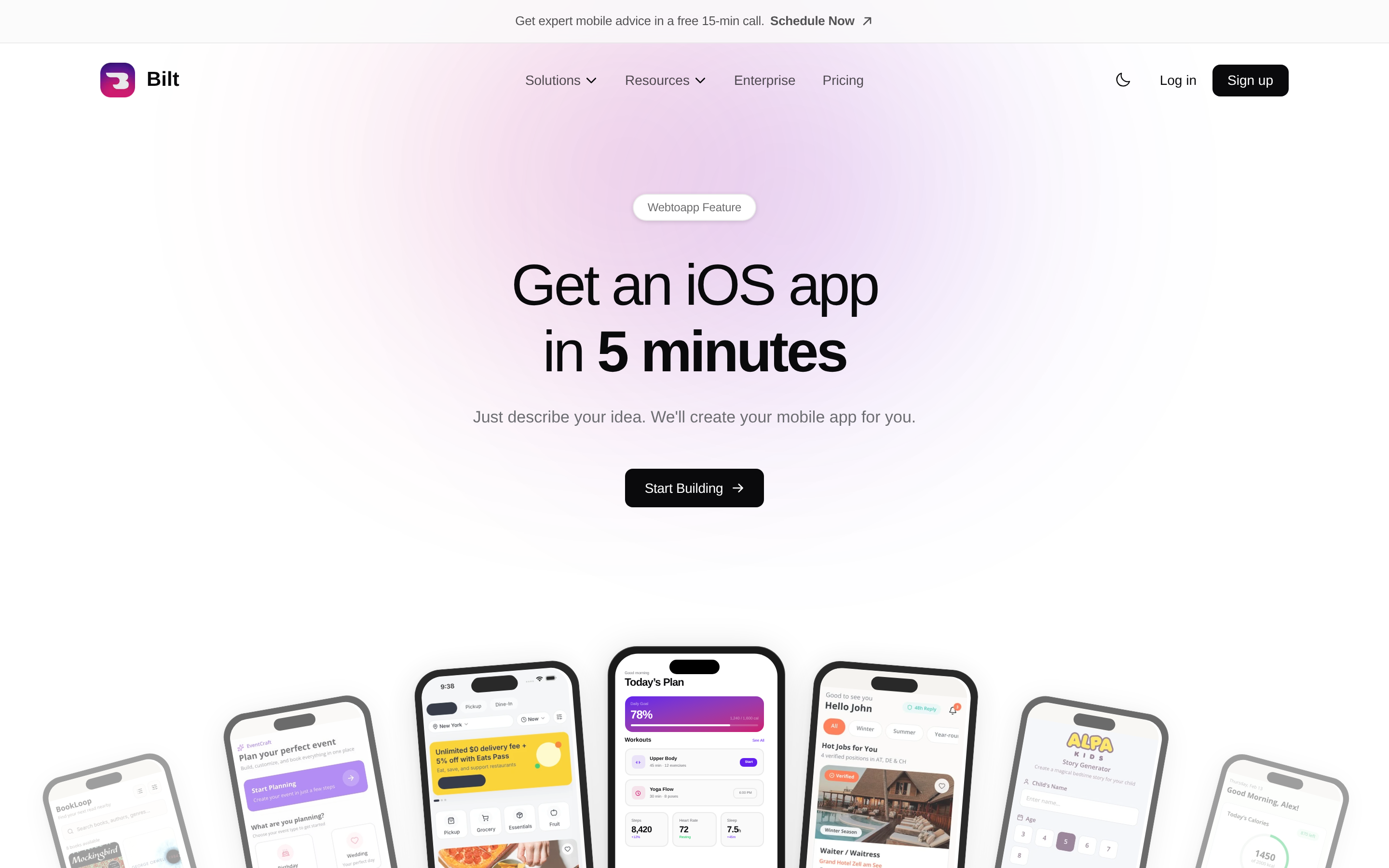
Describe the app you want to build. Bilt turns that idea into a real native app for iOS and Android, then helps with the signing, build, and App Store steps.
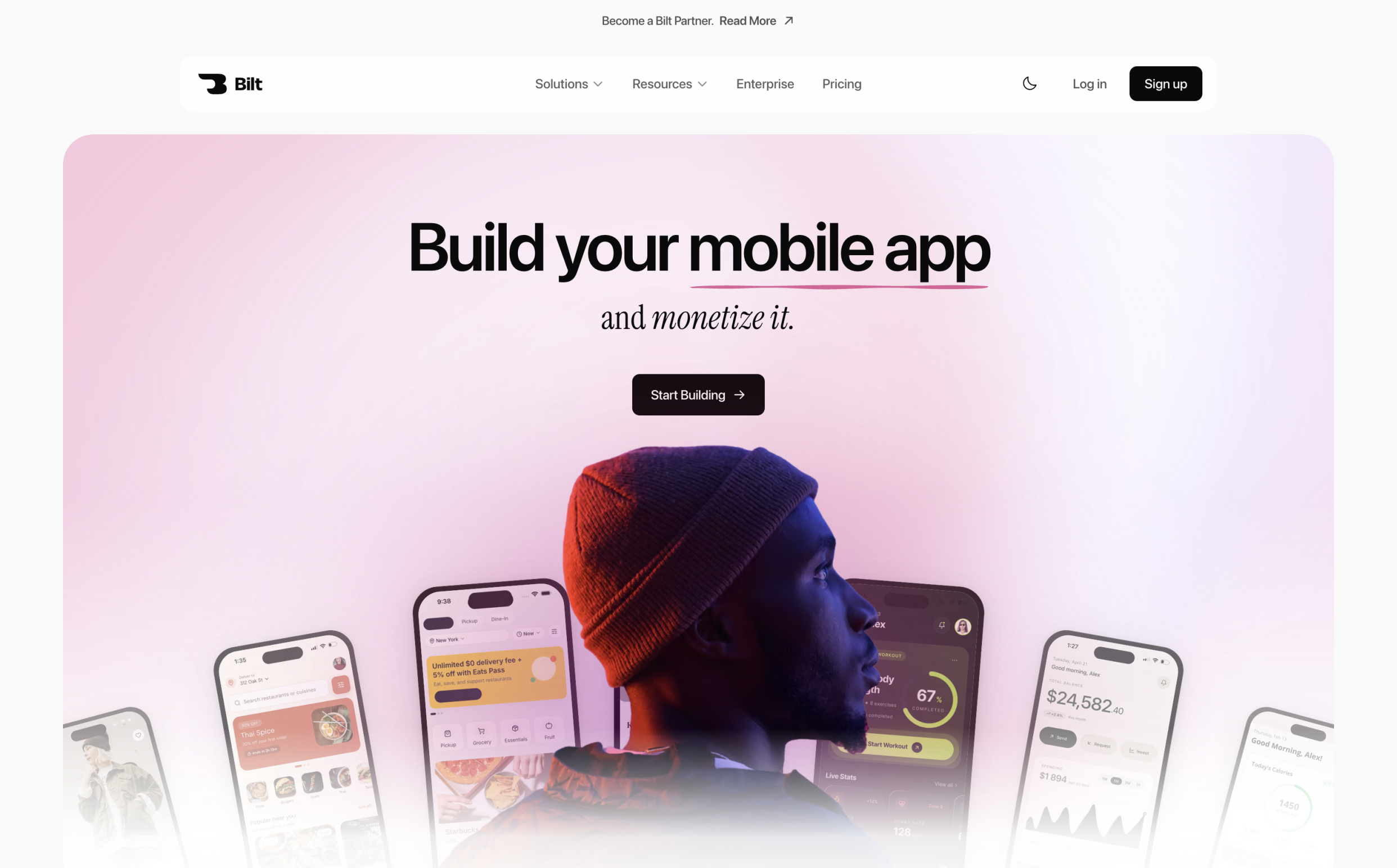
You do not need to code, install Xcode, figure out provisioning profiles, or hire a mobile developer just to get started.
Bilt is built for non-technical builders, founders, and vibecoders who want to ship the app, not spend weeks learning mobile tooling.
One non-technical founder came to Bilt after rebuilding an app twice and receiving six App Store rejections with other development tools.
With Bilt’s publishing support, the founder resolved the submission issues and shipped a working app.
What Bilt handles for you:
- Builds a real native iOS and Android app from a plain-English description
- Generates the screens, logic, navigation, and backend your app needs
- Lets you test in an in-browser iOS simulator and preview on real devices before submission
- Handles code signing, build generation, and App Store or Google Play submission
- Gives you 24/7 support when signing, builds, or store submission gets stuck
- Lets you keep iterating through conversation when you want changes
- Gives you code you own, with GitHub export available when you want a developer to take over
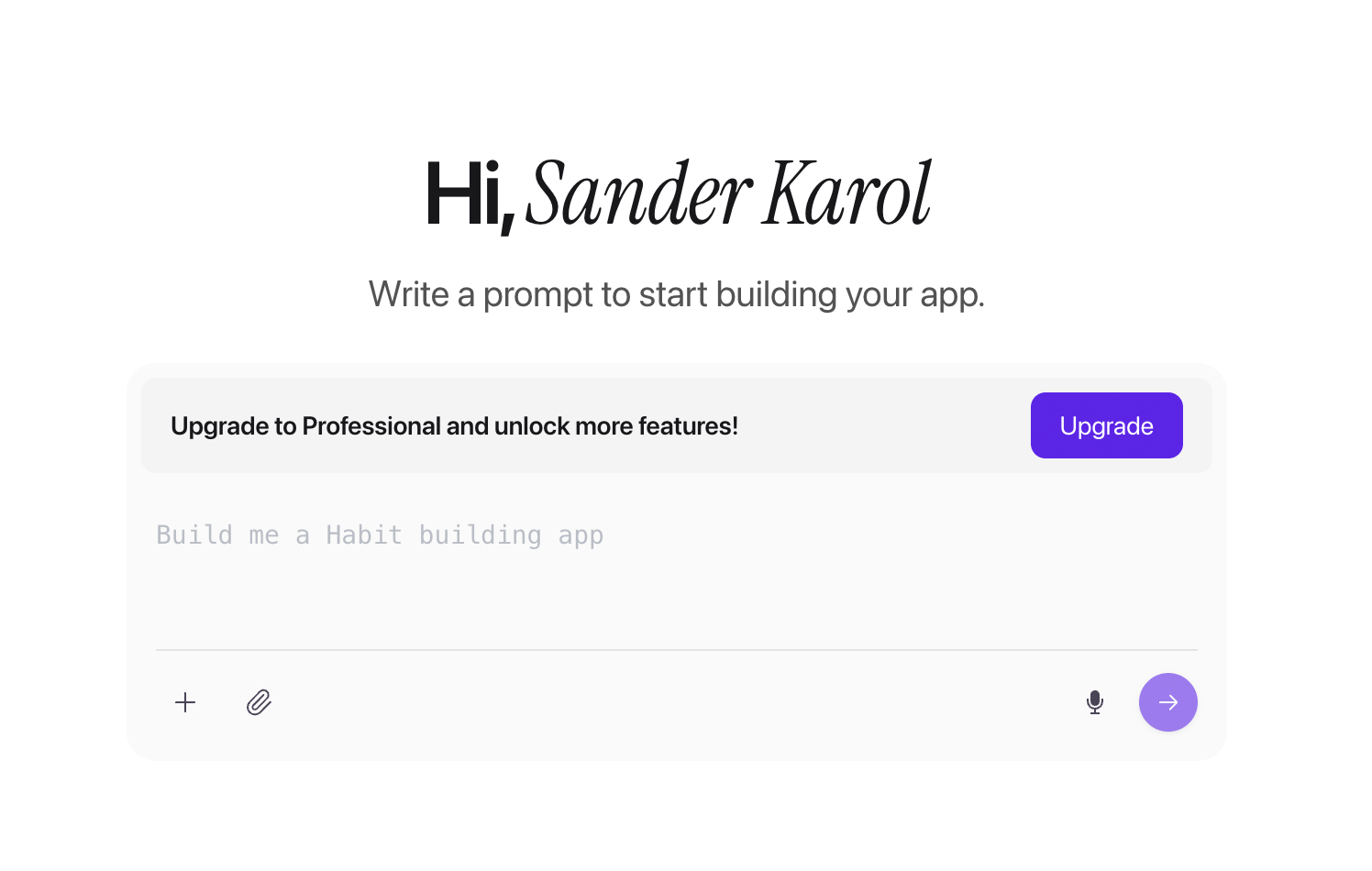
Bilt generates a React Native codebase, using the same framework adopted by Facebook, Shopify, and Microsoft for mobile apps.
That means you are building an actual app for both iOS and Android, not just a mobile website wrapped in an app icon.
Already have a web app?
Bilt can turn existing web apps built with Lovable, V0, or Next.js into native mobile binaries. You bring the app you already made, and Bilt helps turn it into something you can submit to the stores.
That makes Bilt a useful next step for vibecoders who built the web version first and now want a real mobile app without starting over.
Pricing
Bilt is free to start. Describe your app and see a working preview before you commit to a paid plan.
- Free tier: 3M tokens, about 12 to 30 prompts. Build, test, and refine your idea before upgrading.
- Professional: $25/mo for 10M tokens, about 40 to 100 prompts. Best for solo builders shipping their first app.
- Professional Plus: $50/mo for 20M tokens, about 80 to 200 prompts. Best for faster iteration and more complex builds.
- Enterprise: Custom billing for teams and heavy builders. Contact sales for pricing.
Annual billing saves 2 months across all paid plans.
You still need developer accounts before Bilt can submit on your behalf: $99/year for Apple and a separate $25 one-time fee for Google Play.
Best for: Non-technical builders, founders, and vibecoders who want to describe an app idea, get a real native iOS and Android app, and move through the store submission steps without learning mobile development.
If your app is meant to earn money through your own products, services, subscriptions, or audience, Bilt helps you get from idea to a store-ready app faster.
Start building free and turn your idea into a native iOS and Android app.
2. Adalo
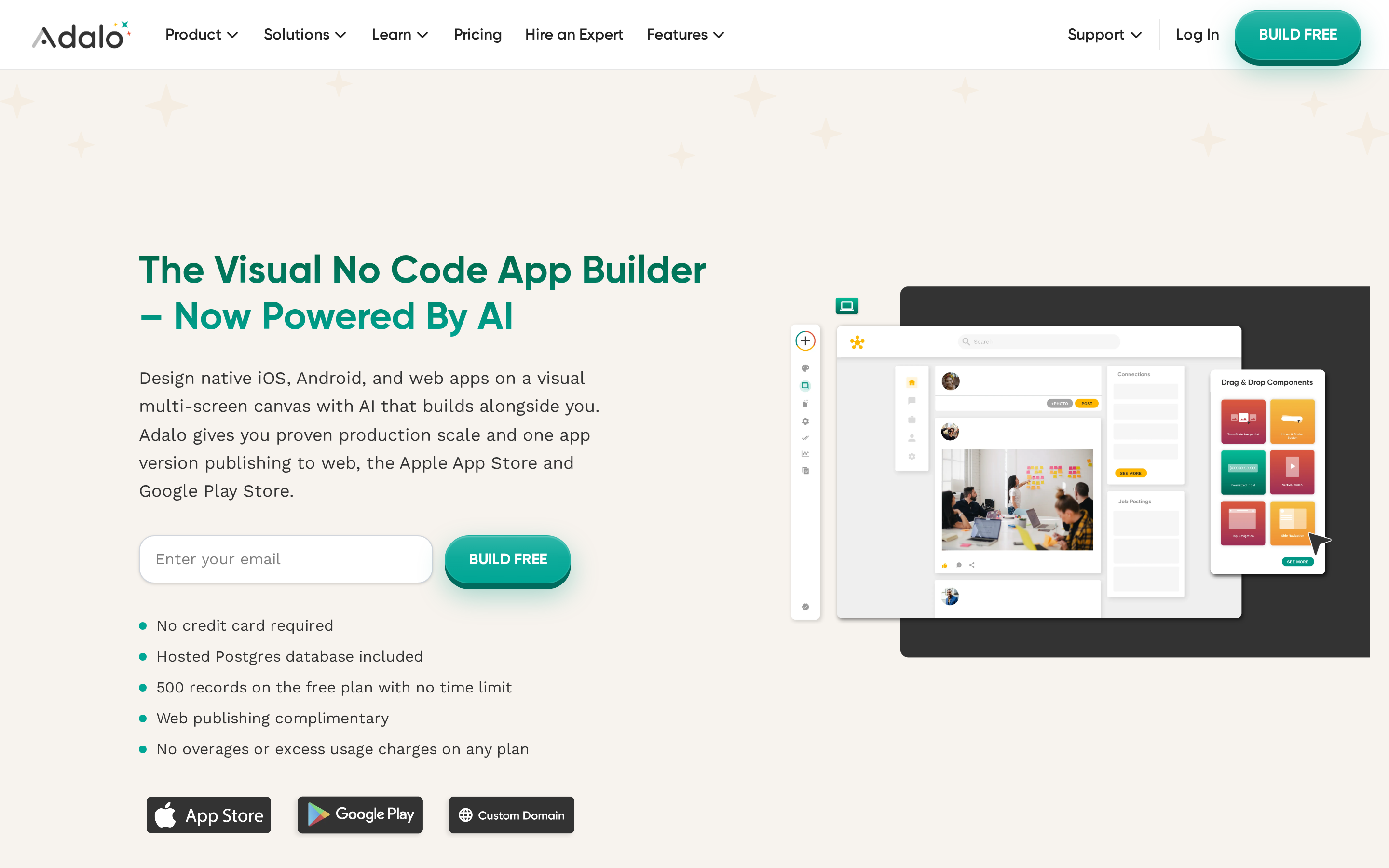
For hands-on builders, Adalo turns a visual canvas into native iOS and Android apps with database components and Ada AI assistance.
Adalo sits between pure prompt-based builders and developer-focused tools. Its visual drag-and-drop canvas can feel natural for designers or readers who prefer hands-on screen editing over text prompts.
What Adalo gives you out of the box:
- True native iOS and Android apps from a single React Native codebase, not webviews or wrappers
- Built-in Postgres database on the free tier
- Connectors for Airtable, Google Sheets, Xano, Stripe, and Zapier (5,000+ zaps)
- Ada AI (beta): generate and edit screens and databases from text prompts, free across all plans as of Q4 2025
Where Adalo falls short:
- Trustpilot rating of 3.3/5, with recurring complaints about a sluggish editor, bugs, and scaling issues
- Community feedback on Reddit describes reliability issues in production, including slow load times
- Android build failures were reported as recently as March 2026, making it a real risk for teams that need reliable Android deployment
Pricing:
- Free tier: build but not publish, 500-record database limit
- Starter: $36/mo (1 app)
- Professional: $52/mo (2 apps)
- Team: $160/mo (5 apps)
- Annual billing saves roughly 20%; no usage-based fees
- Separate Apple Developer ($99/yr) and Google Play ($25 one-time) accounts required to publish
BuildFire starts at $165/month, so Adalo's $36/month Starter tier has a much lower entry price for solo builders.
Adalo fits beginners and solopreneurs building database-driven MVPs who want native iOS/Android output without a big budget.
Adalo requires a paid plan for publishing and keeps the project inside its visual-builder workflow rather than exporting a full source codebase.
3. AppMySite
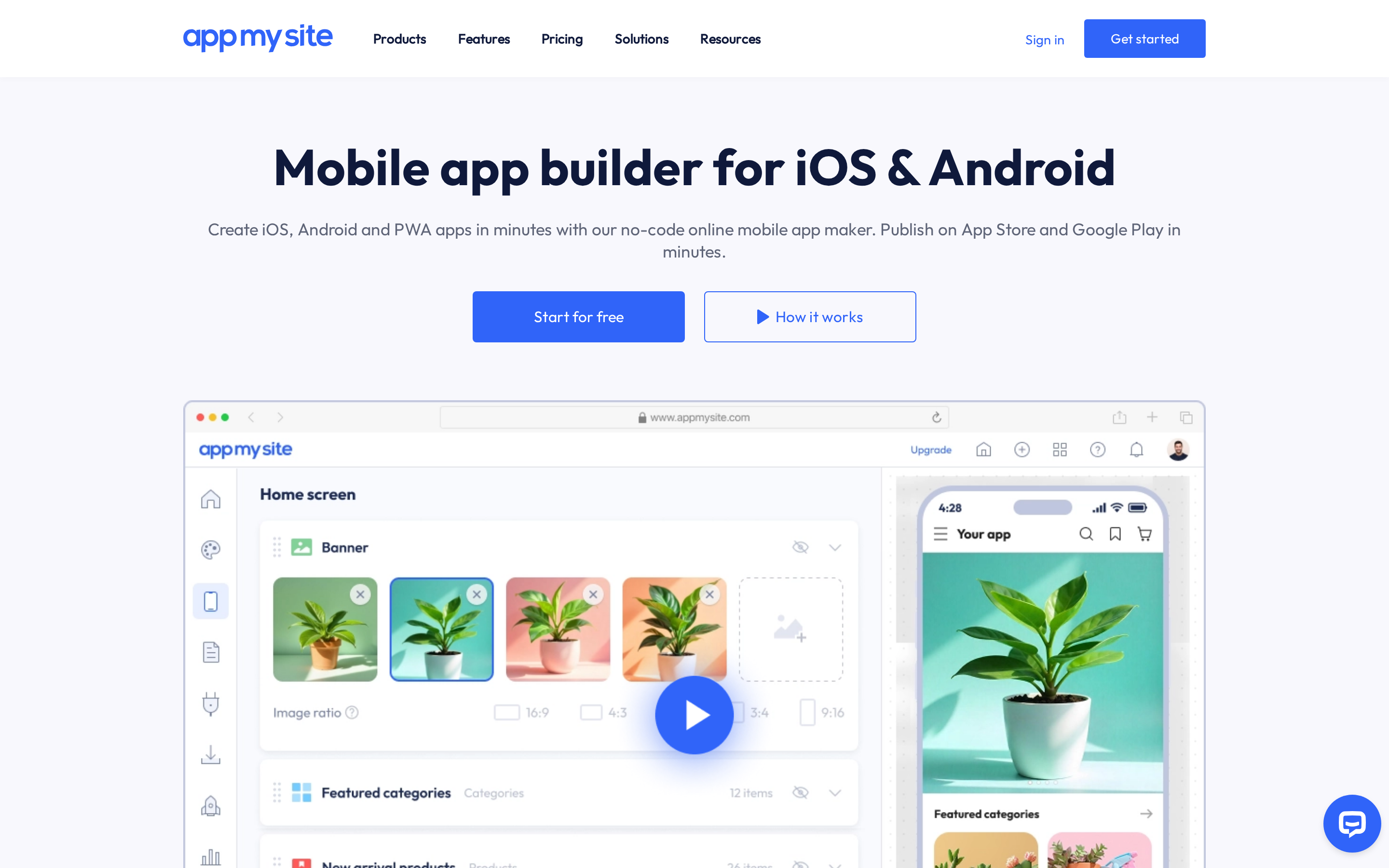
Existing WordPress, WooCommerce, and Shopify sites can become iOS and Android apps through AppMySite's webview conversion workflow.
Unlike Adalo or Thunkable, it assumes you already have a website and want a mobile skin on top of it.
The auto-sync is a genuine strength. Product catalogs, blog posts, and inventory update in the app without manual republishing.
Built-in integrations:
- Firebase and OneSignal for push notifications
- AdMob for in-app monetization
- Zendesk and Intercom for live chat
A WooCommerce store with 500 products syncs inventory and pricing to the mobile app automatically. No manual update needed when products change.
Users rate AppMySite 4.2/5 on Trustpilot and 4.2/5 on G2, with reviewers praising ease of setup.
Where AppMySite falls short:
- Generates webview apps (wrappers around your existing site), not native code. Apple's App Store Review Guidelines flag apps with minimal functionality, which is a direct rejection risk for webview wrappers.
- AI features are limited to an image optimizer, content writer, and Google ML-powered translations. There is no conversational AI for building app logic or generating screens.
- Free plan includes 1 Android app and 1,000 downloads. Paid plans: Starter $49/mo (billed yearly), Pro $99/mo (billed yearly), Premium $199/mo (billed yearly).
- Apple Developer ($99/yr) and Google Play ($25 one-time) accounts required on top of any subscription
GoodBarber produces Swift and Kotlin binaries, while FlutterFlow exports Flutter code. Both take a different approach from AppMySite's webview conversion.
AppMySite is aimed at WordPress, WooCommerce, and Shopify owners who want a mobile extension of an existing site. Its scope is website conversion rather than blank-canvas prototyping or custom native development.
4. GoodBarber
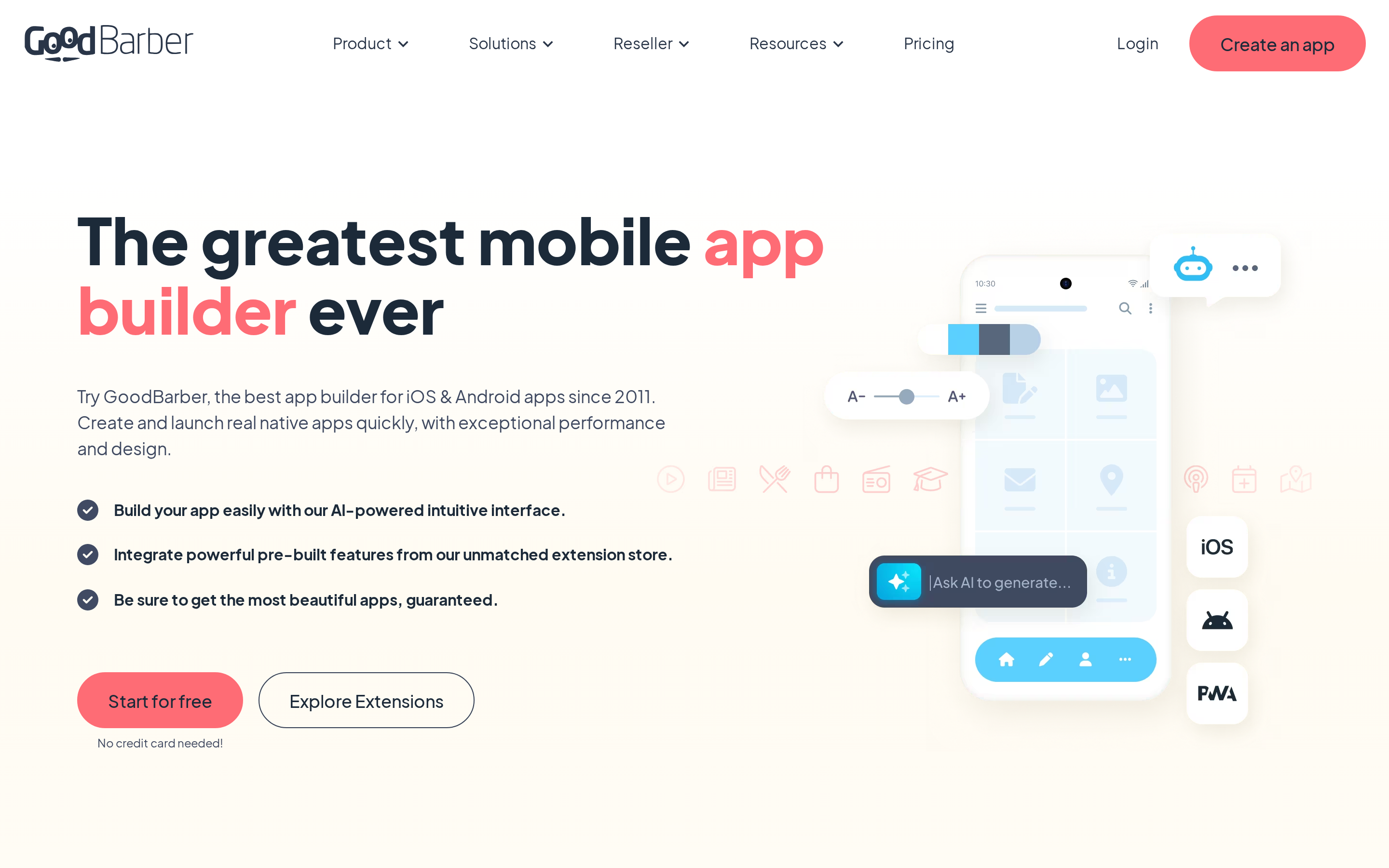
GoodBarber gives teams native Swift and Kotlin apps, plus PWAs, from a design-focused no-code workflow with eCommerce and content tracks.
GoodBarber and BuildFire both target agencies and established businesses. Neither offers a free tier.
The key technical difference: GoodBarber generates Swift for iOS and Kotlin for Android, giving you true native binaries. Adalo compiles from a single React Native codebase, and AppMySite wraps web views that can trigger App Store rejections for minimal functionality.
GoodBarber also supports Progressive Web Apps, deployable within hours alongside your store-ready native app from the same build.
Extensions and commerce
GoodBarber's marketplace includes 190+ extensions covering eCommerce, memberships, bookings, Apple Pay, and Google Pay. Unlike platforms that take a cut of your revenue, GoodBarber charges no transaction commissions.
The Content track covers articles, videos, podcasts, and events. The eCommerce track adds cart, checkout, order management, and loyalty features. Both render with native Swift/Kotlin performance.
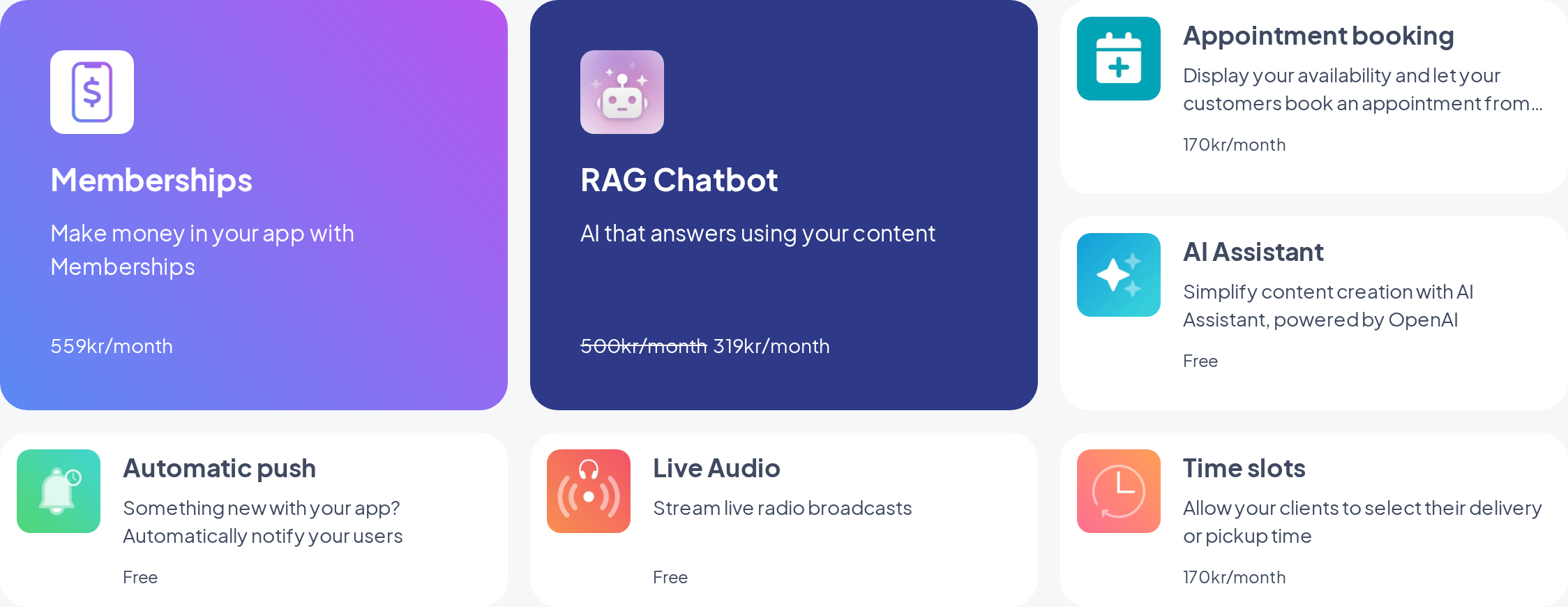
GoodBarber's 190+ extension marketplace, covering eCommerce, memberships, and bookings.
Submissions and publishing
- Submit your app through the GoodBarber dashboard.
- GBTC handles code signing and compliance checks.
- iOS review takes roughly 72 hours; Android around 24.
- Your app goes live with no GoodBarber branding.
PWAs go live within hours, included in standard plans with no extra per-app fees.
Where GoodBarber hits its ceiling
- Custom feature work is limited. GoodBarber gives you pre-built assets, integrations, and extensions, but it is not designed for highly custom app features from scratch. No source code export; only CSV data can be exported.
- Extensions are priced separately on top of the base plan. A fully featured build with commerce, bookings, and loyalty extensions can cost well above the $30/month base price.
- GoodBarber's AI tools cover content writing, SEO, translations, color schemes, and a RAG chatbot. They assist with content, not app generation. Thunkable and Adalo's Ada AI go further for prompt-based screen building.
Pricing
Content apps start at $30/month (billed yearly; $36/month on monthly billing). The Reseller plan for unlimited white-label apps is $215/month. No free tier, but a 30-day free trial is available.
GoodBarber starts at $30/month, compared with $10/month for Mobiroller and $24/month for Andromo. The lower-cost options leave more of the publishing workflow to you.
5. Mobiroller
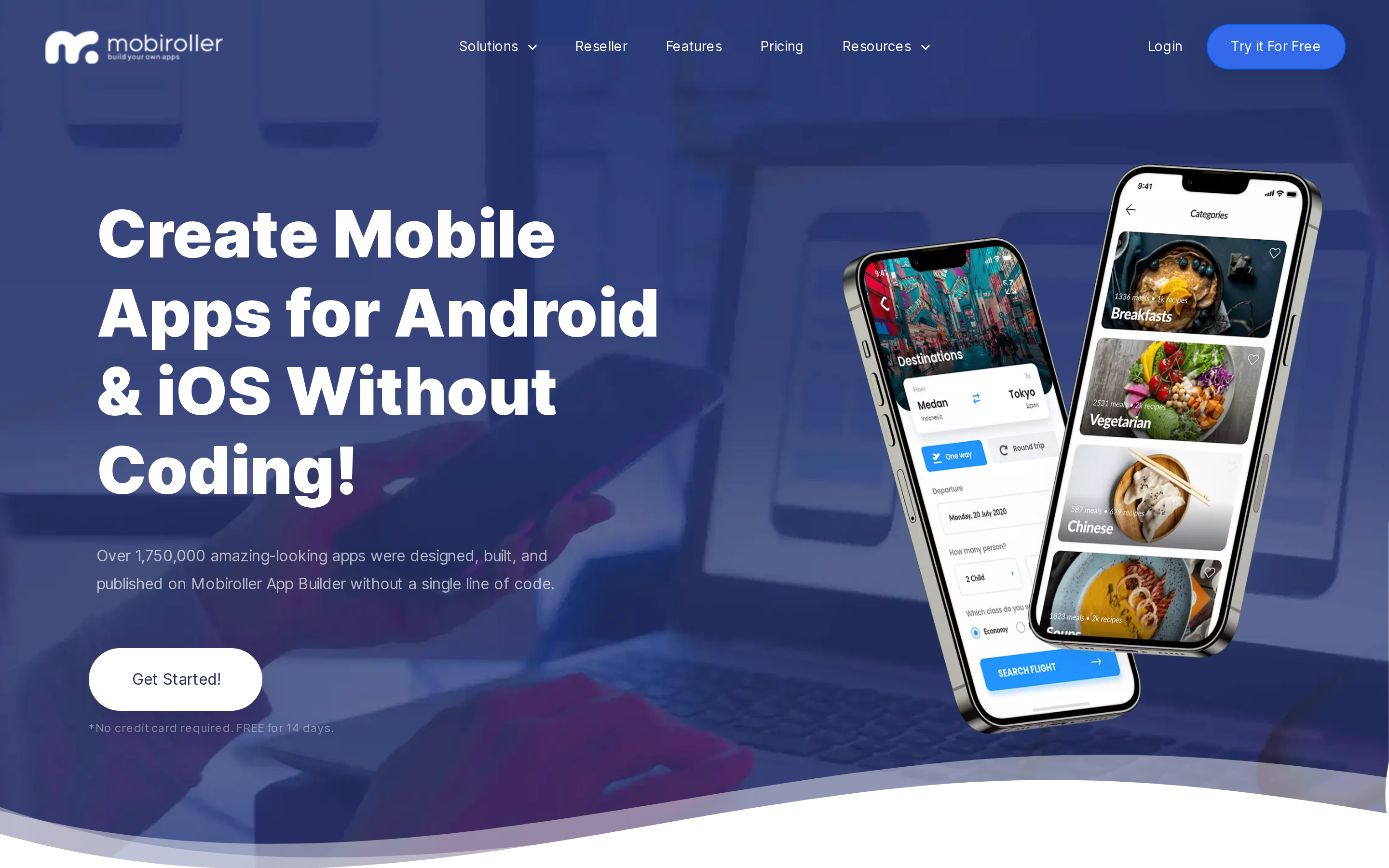
Mobiroller starts at $10/month for basic Android publishing. It includes 80+ features, unlimited push notifications, and a free Android APK testing tier.
The builder uses manual drag-and-drop tools rather than AI generation.
What sets Mobiroller apart
- Free tier generates real APK binaries for Android testing, not just previews
- 1.75 million apps built, with multi-app management and white-label reseller options
- Integrations include Shopify, AdMob, Google Analytics, YouTube, Stripe, PayPal, and appointment scheduling out of the box
Limitations
iOS publishing is locked to paid plans. The free tier covers Android APKs only, so teams targeting Apple users must upgrade.
Mobiroller generates binaries but leaves App Store and Google Play submission to you. GoodBarber offers a managed submission service.
G2 reviewers rate Mobiroller 4.7/5, with recurring complaints about slow support and a stagnant changelog.
Pricing
| Plan | Price | Includes |
|---|---|---|
| Free | $0 | Unlimited apps, Android APK testing |
| ECO | $10/mo | Basic publishing |
| PRO | $30/mo | iOS publishing included |
| BIZ | $50/mo | Agency features, white-label |
Best for: Mobiroller is aimed at small businesses, freelancers, and agencies building lower-cost e-commerce, news, or loyalty apps.
Limitations: Mobiroller does not include AI-assisted building, managed store submission, or full source-code export.
6. Buildfire
BuildFire's 150+ plugin marketplace is its main draw for mid-size and enterprise teams. The no-code platform supports native iOS, Android, and PWA business apps.
BuildFire's Growth plan costs $315/month, while Scale costs $440/month.
Annual billing is advertised at 20% off. The pricing is aimed at established businesses that need plugin depth.
| Category | Example integrations |
|---|---|
| Commerce | Shopify, Stripe, loyalty programs |
| Operations | Calendly, Zapier, live chat |
| Enterprise | SSO and custom plugins on Scale |
SSO alone makes Buildfire relevant for companies managing employee or member access at scale, something tools like Mobiroller don't offer.
BuildFire Standard starts at $165/month, well above Mobiroller and AppMachine. The higher entry price pays for a much larger plugin catalog.
- No conversational AI. Only emerging AI for plugin recommendations via natural language, well behind FlutterFlow's AI page generation or Thunkable's prompt-based building.
- No code export. Users are locked into the platform permanently, unlike FlutterFlow, which exports full Flutter/Dart code.
- Mixed reviews on cost. G2 (4.7/5) and Capterra (4.4/5) ratings are strong, but reviewers commonly flag the price as excessive and point to customization limits despite the plugin count.
BuildFire's 150+ plugin marketplace covers commerce, operations, and enterprise integrations.
BuildFire is aimed at established businesses in fitness, events, real estate, and internal tooling that need plugin customization, analytics, or white-label reselling.
7. Andromo
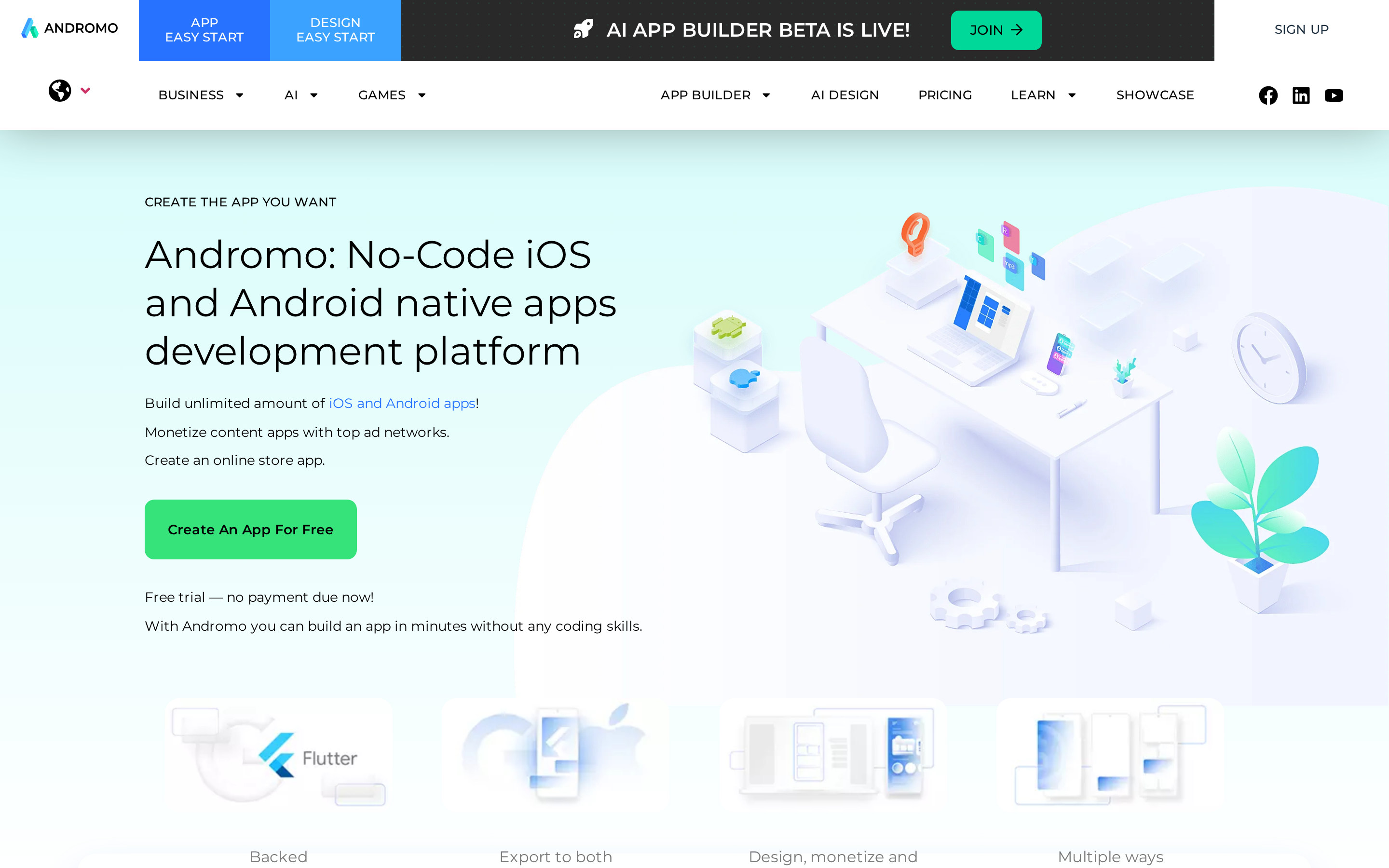
Andromo lets creators build their first app free before choosing a paid plan.
It uses Flutter under the hood, which means real native binaries (not webview wrappers). AdMob and other ad networks integrate directly into your app build.
Andromo sits at the budget end of this list, starting at $24/month, a sharp contrast to Buildfire's $165/month floor. Both are no-code platforms, but they serve different audiences entirely.
Andromo integrates AdMob and several other ad networks, making ad revenue a real selling point for passive-income builders. Higher-tier plans charge ad commissions in addition to the monthly fee, which reduces net earnings compared to platforms with direct AdMob passthrough.
The platform is designed around content-driven apps: news aggregators, ebook readers, podcast apps, and simple utilities. These categories can generate steady ad income even at low user volumes.
Andromo generates true native APK and IPA files using Flutter, not webview wrappers. That matters for App Store approval rates; AppMySite's wrapper-based approach carries higher rejection risk.
Builds are emailed to the user as files for manual upload. There is no automated submission pipeline, so the final step still falls on you.
Top 3 limitations to weigh before choosing Andromo:
- Android and iOS are both supported from the Hobbyist plan ($24/month). Higher-tier plans unlock monetization features like direct AdMob passthrough and reduced commission cuts.
- Support is slow. G2 reviewers describe weeks-long response times, unlike GoodBarber's managed support model.
- AI features are limited. Current AI tools cover image and poster generation. Native AI app generation is planned but not yet available.
The first app is free. Paid plans run from $24/month to $130/month, with around 25% off on annual billing. Monetization features begin at $56/month.
One pricing caveat: Andromo charges ad commissions on advanced plans on top of the subscription fee. Platforms like Mobiroller pass AdMob revenue through without a commission cut.
Andromo is aimed at non-technical creators building content apps such as news readers, podcast apps, and ebooks, with ad monetization built into the workflow.
Andromo keeps store submission manual and does not provide source-code ownership.
8. Thunkable
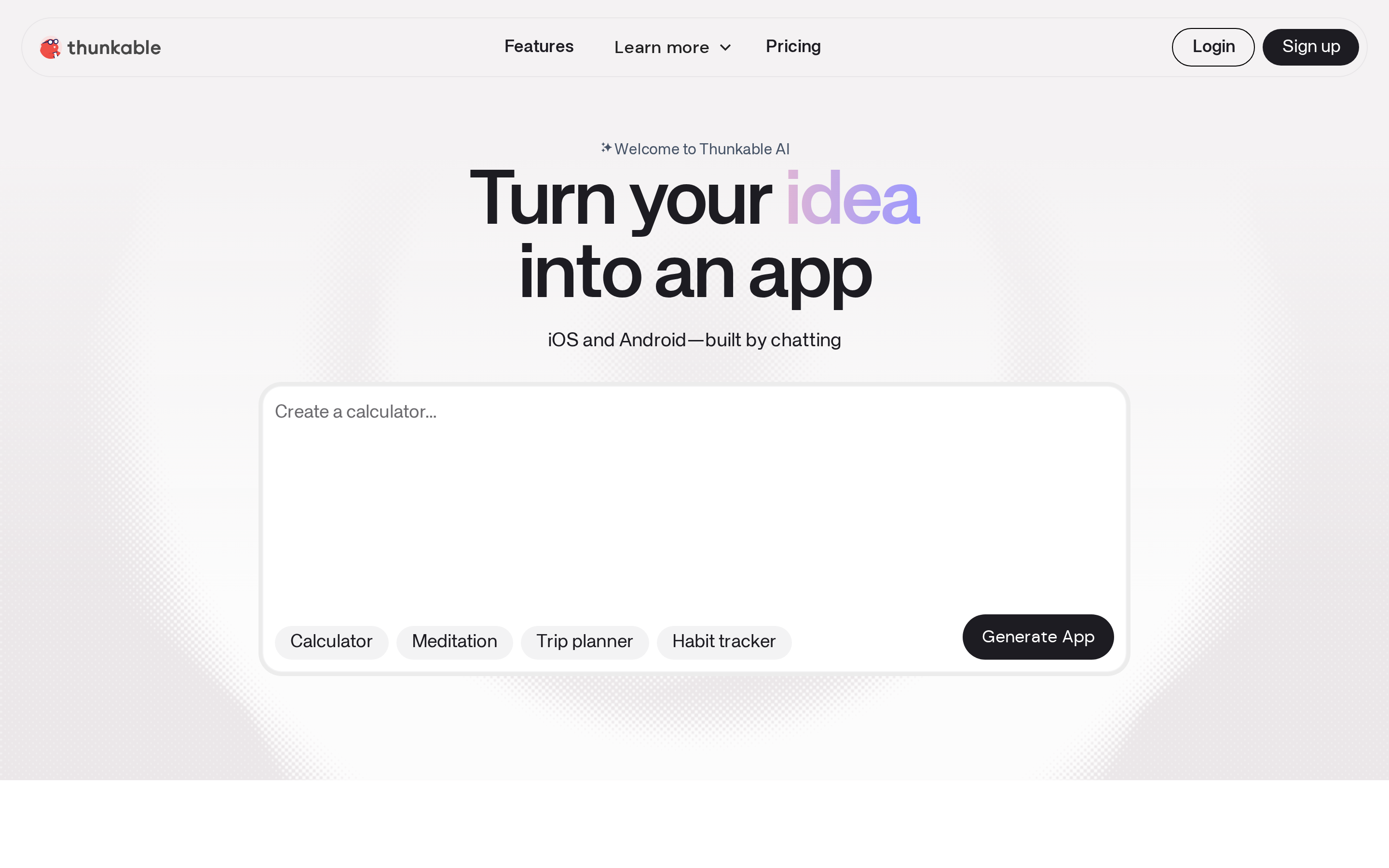
Describe an app, then refine the result on a visual canvas.
Thunkable sits between manual visual builders such as Mobiroller and code-export tools such as FlutterFlow. Its 2026 AI project generation adds prompt-based creation to the visual workflow.
Bilt keeps refinement conversational, while Thunkable moves AI-generated output into a drag-and-drop canvas.
How the AI generation works:
- AI generates full app screens and logic from a natural language prompt
- Runs on a token system: Free (2,000 tokens), Accelerator (20,000), Advanced (100,000+)
- Tokens expire each billing cycle
- Discuss Mode lets users plan structure and troubleshoot logic conversationally, without spending generation tokens
Thunkable is widely used in education and targets solopreneurs, educators, and non-technical creators building cross-platform MVPs. G2 reviewers rate it 4.4/5, with ease of use cited most often as a positive.
- Limitations worth knowing before you commit:
- Published apps require an active paid subscription to stay live
- Backend extensibility is limited compared to Buildfire (150+ plugins) or FlutterFlow (Firebase, Supabase, Stripe, custom Dart)
- Recurring complaints on Capterra cite pricing changes that frustrated free-tier users who built projects under earlier terms
Pricing: Free (2k tokens, 3 public projects), Accelerator $19/mo (20k tokens), Builder $59/mo, Advanced $189/mo (100k+ tokens). Annual billing reduces costs across all tiers.
If your app is live and earning revenue, Thunkable's subscription dependency is a real risk. Bilt generates code you own outright, so your app keeps running regardless.
9. FlutterFlow
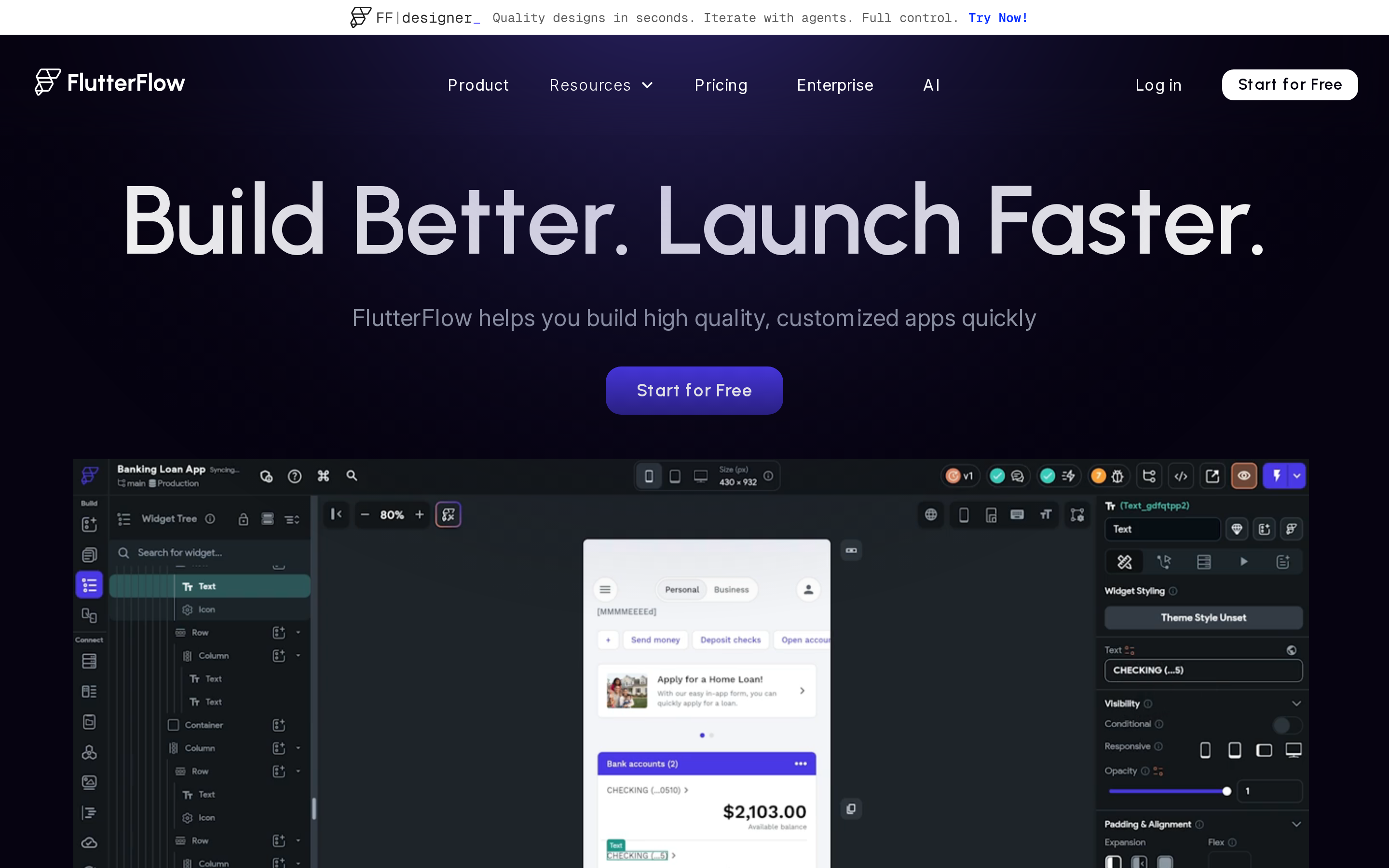
FlutterFlow's visual builder runs on Google's Flutter framework across iOS, Android, web, and desktop.
FlutterFlow exports full Flutter and Dart source code. A published app can keep running without an active FlutterFlow subscription.
It also has the highest skill floor of any alternative here. Thunkable and Adalo target non-coders directly; FlutterFlow suits builders who understand how apps are structured, even if they don't write code themselves.
What sets FlutterFlow apart technically:
- Runs on iOS, Android, web, Windows, Mac, and Linux from a single codebase, the widest platform coverage in this list
- 1,000+ pre-built templates plus support for custom Dart code in components
- Backend integrations include Firebase, Supabase, REST APIs, Stripe, maps, push notifications, AdMob, and third-party Dart packages
- UI editor supports progress bars, draggable sections, ad banners, and advanced touch/gesture actions
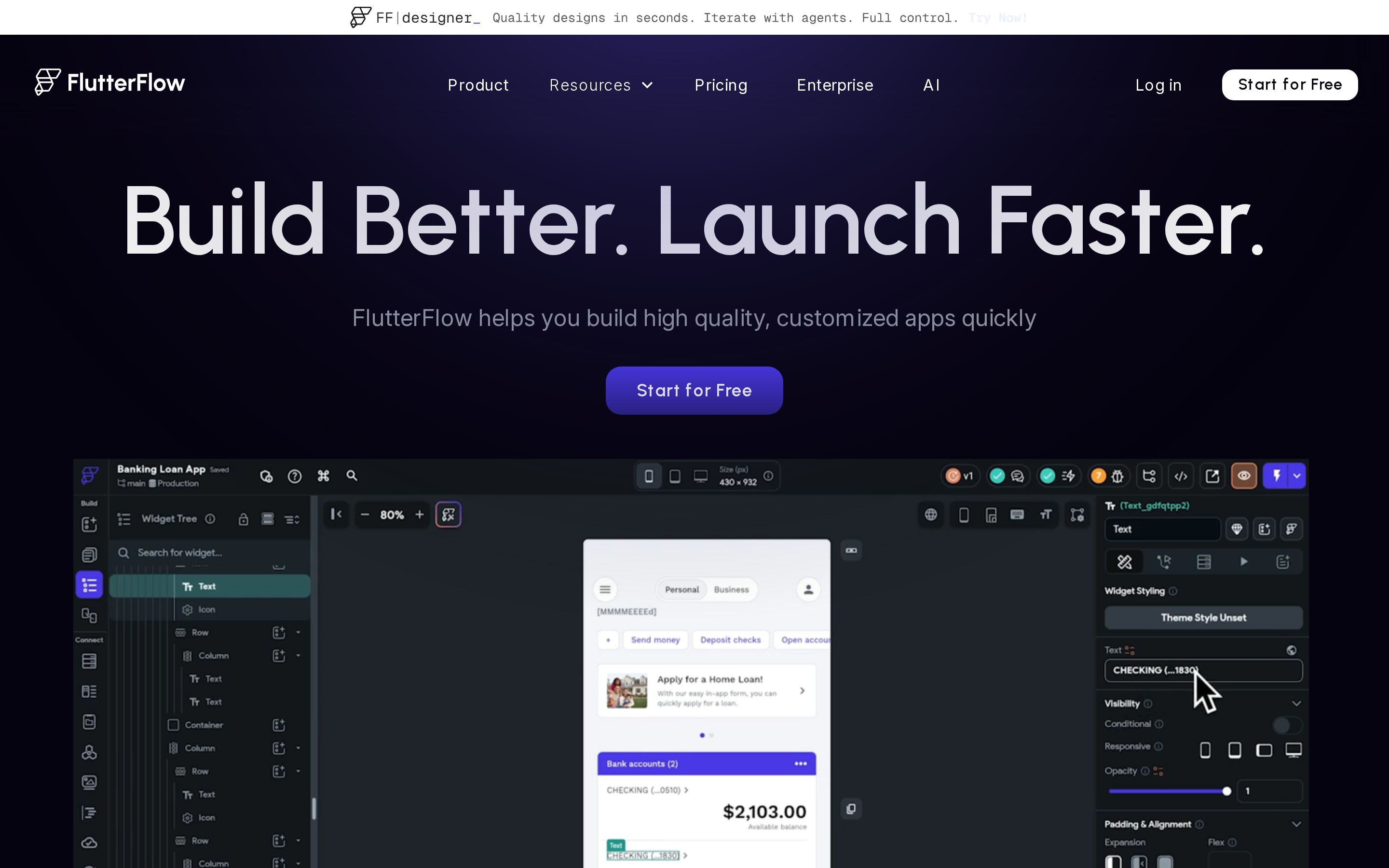
FlutterFlow's visual editor shows Flutter and Dart output as you change the interface.
AI features: FlutterFlow generates pages, components, and app logic from text prompts. Free users get 5 lifetime AI requests; paid plans unlock 50-500 requests per month. AI Agents scale from 1 to unlimited by plan tier, and Figma AI import converts Figma frames directly into FlutterFlow components.
Compared to Thunkable, which made AI-first project generation its headline 2026 feature, FlutterFlow treats AI as a supplement to its visual editor rather than the primary entry point.
Limitations to consider:
- FlutterFlow has a higher learning curve than Adalo or Thunkable for non-technical builders
- User sentiment is split: G2 rates it 4.5/5, but Trustpilot sits at 2.5/5 with recurring complaints about support and bugs in complex scenarios
- Store publishing is semi-manual on Standard+ plans: one-click builds are available, but metadata, screenshots, and compliance are still the user's responsibility
Pricing: Free tier (2 projects, 5 lifetime AI requests). Paid plans start at $39/month (Basic, or $29.25/month billed annually). Basic includes code download. Growth and Business plans increase AI quotas and team seats. Enterprise is custom.
10. AppMachine
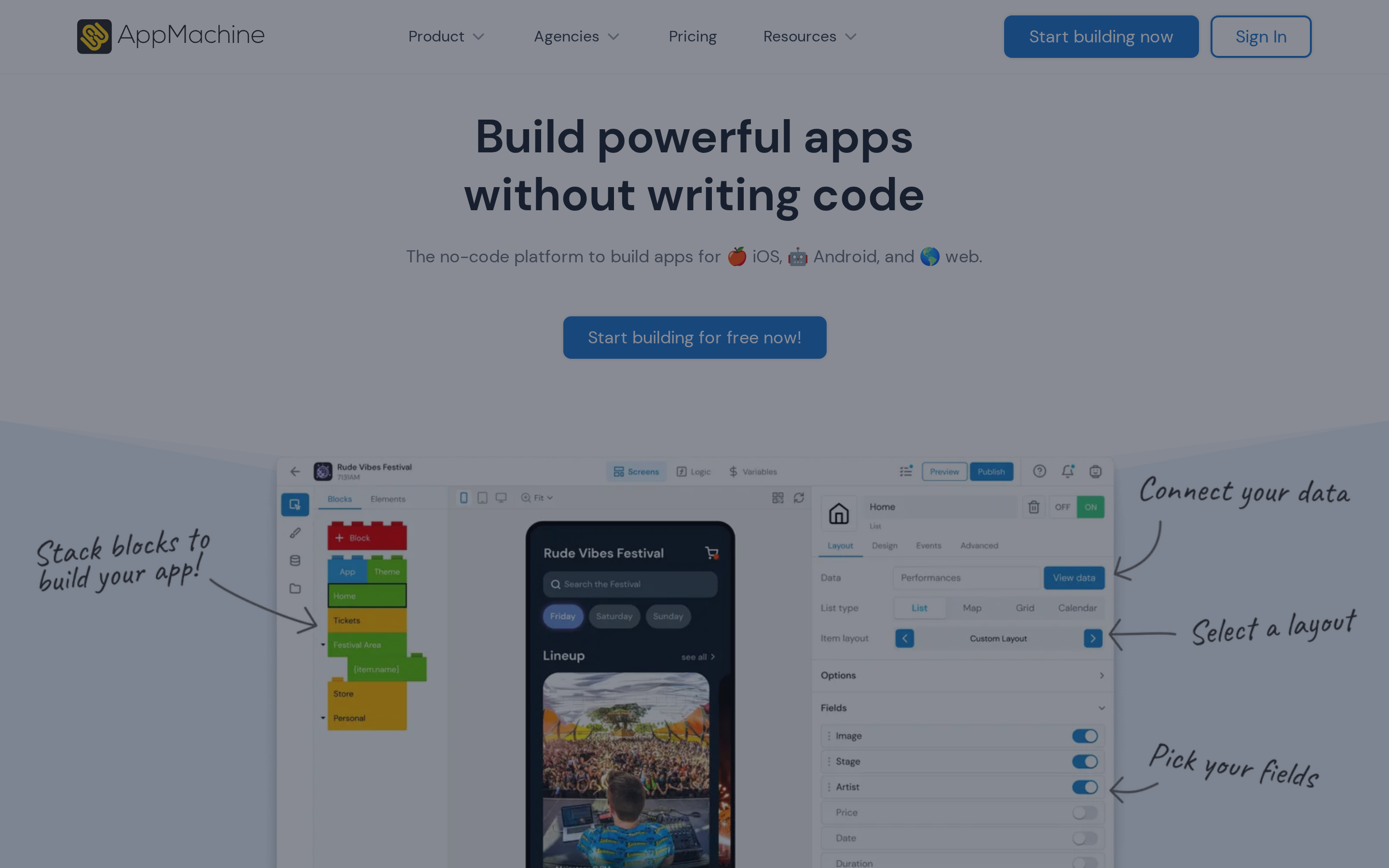
AppMachine has no AI or code export, which limits its scope to simpler builds.
The $15/month Instant plan keeps entry costs low, but AppMachine's scope is limited to simpler static and community apps.
Core features include Google Sheets, CSV, and REST API imports, ecommerce checkout, push notifications, geolocation, and real-time QR code previews for on-device testing. The Agency plan ($159/mo) supports up to 5 white-label apps, undercutting GoodBarber's Reseller plan ($215/mo) for budget-conscious resellers.
Plans run from $15/month (Instant, web/PWA only) to $159/month (Agency, 5 apps, white-label). A 14-day trial is available. Removing AppMachine branding on lower plans costs an extra $10/app/mo, waived on the Agency plan.
AppMachine does not include AI generation, code export, or automated App Store submission.
Limitations to know:
- No notable updates since 2023; user reviews are sparse compared to actively developed tools like FlutterFlow or Thunkable
- Professional plan ($63/mo) supports only 1 native app with strict quotas on data, users, and actions per tier
- Documentation and support quality draw consistent criticism in reviews
- Template-based apps carry App Store rejection risk. Apple's App Store Review Guidelines flag apps with minimal functionality, a direct issue for users who can't troubleshoot submissions on their own
AppMachine is aimed at event organizers, schools, and small agencies building simple information or community apps with white-label options.
Which Appy Pie alternative is right for you?
Choose an Appy Pie alternative based on three points: the type of app you need, how much you want AI to handle, and who will manage store submission.
Need a broader buyer's guide? Our mobile app development software roundup compares no-code, AI, and developer-first options side by side.
| Your Situation | Best Fit | Why |
|---|---|---|
| Tight budget, simple content or utility app | Mobiroller or Andromo | Lowest pricing, native binaries, ad monetization built in |
| Existing WordPress / WooCommerce / Shopify site | AppMySite or GoodBarber | Website sync through webview or native content workflows |
| Non-technical, need a fully published native app with AI doing the heavy lifting | Bilt | Full lifecycle from prompt to App Store, no wall at the last 5% |
| Want AI assistance but comfortable with a visual builder | Thunkable or Adalo | AI-augmented drag-and-drop, direct store publishing |
| Need code ownership and no platform lock-in | FlutterFlow | Full Flutter/Dart export on paid plans, multi-platform output |
| Agency or enterprise needing white-label or deep plugin ecosystem | Buildfire or GoodBarber | 150+ plugin marketplace or Reseller plan with unlimited white-label apps |
| Simple info or community app on the tightest budget | AppMachine | Starts at $15/mo, 14-day trial, block-based for non-coders |
Why teams choose Bilt to finish and publish native apps
A working preview can still stall before release when signing or store submission remains unfinished.
| What you get with Bilt | Common limitation in this list |
|---|---|
| React Native code you own | Locked project or binary output |
| Native device APIs | Limited access in wrapper tools |
| App Store and Google Play submission | Manual or managed upload workflows |
| Native binaries rather than webview wrappers | Webview-based rejection risk |
Bilt handles the final publishing work that can leave a project stuck between preview and release:
- Code signing handled for you (no Mac required)
- Asset generation included
- App Store and Google Play submission built in
- No local toolchain setup
- Real-device previews before submission
- 24/7 support when signing, builds, or store submission gets stuck
Ready to turn your idea into a native app? Start building free and see a working preview in minutes.
FAQ
Is there a free app maker without paying?
You can build and test an app for free, but publishing brings separate costs.
Free tiers from Adalo and Bilt support building or testing. Store accounts cost $99/year for Apple and $25 one-time for Google Play, while builder publishing fees vary by platform.
What is the most popular no-code platform?
Bubble is the most popular no-code platform for building apps, with 5.1 million applications created as of Bubble's 2024 year-in-review.
Bubble ran 26.5 billion workflows in 2024, which supports its position as a widely used option for complex, logic-heavy web applications.
What is the difference between Bubble and Appy Pie?
Bubble is a visual no-code platform for full-stack web apps with React Native mobile support while Appy Pie is an AI no-code tool focused on native mobile apps and PWAs.
Bubble builds full-stack web apps with shared backends and has a steeper learning curve for complex logic. Appy Pie uses AI prompts and drag-and-drop tools to create simpler mobile MVPs with less setup.
How to evaluate Appy Pie alternatives
Evaluate Appy Pie alternatives on five points before choosing a tool:
- Webview vs. native output: Webview builders wrap site content in a browser shell. Swift, Kotlin, or React Native output gives you native performance and lowers the rejection risk tied to minimal wrapper apps.
- AI depth: Some tools generate full projects from plain-English prompts. Others use AI for smaller jobs such as field completion or design suggestions.
- Submission automation: Check who handles code signing, provisioning profiles, store assets, and submission to both stores. A preview-only builder leaves the release work with you.
- Code export and lock-in: Confirm that you can take the source code with you. FlutterFlow exports Flutter and Dart code, while Bilt provides owned React Native code with GitHub export.
- Pricing structure: Compare the tier that includes publishing, not only the entry price. Flat monthly plans are predictable; usage-based and per-app fees can rise as you add apps or iterations.