Finding the best mobile app development software comes down to one question: does it actually get your app published, or does it stop at the prototype?
We tested and researched 25 tools across three categories: AI-powered builders, no-code platforms, and developer-first environments. This guide breaks down what each one can and can't do, what it really costs, and who should use it.
Most builders start with one tool and hit a wall. This guide maps where each tool stops so you can pick the one that actually gets you to launch.
TL;DR
- AI builders (tools 1–6): Best for non-technical founders. Top pick: Bilt covers the full lifecycle from idea to App Store.
- Developer tools (tools 7–11): Best for engineers who want AI assistance. Top picks: Cursor, Flutter, Claude Code.
- No-code builders (tools 12–25): Best for drag-and-drop visual building. Common ceiling: App Store publishing requires a paid tier.
For non-technical founders, Bilt is the fastest path from idea to published app, with real engineering support.
It's the only tool here built specifically for native iOS and Android, covering the full last mile: code signing, backend wiring, App Store submission, and user analytics.
What to Look for in Mobile App Development Software
Choosing on brand or hype is how builders get stuck. Evaluate tools on five things that actually determine whether you ship.
Pricing predictability. Usage-based models (prompts, credits, tokens) scale unpredictably. Look for tools priced around outcomes: deployments, seats, or published apps.
Production readiness. A prototype is not a published app. Confirm the tool covers code signing, App Store compliance, and Play Store submission before you invest build time.
Level of output. Most tools generate code snippets or UI scaffolding and leave the rest to you. Architecture, navigation, native features like GPS and push notifications — that's all assembly work. The better tools reduce how much manual wiring you need to do.
Preview and testing experience. QR scanning and external emulators add friction. Every round-trip costs time. The stronger tools give you an in-browser preview or real-time simulator so you can test without leaving the platform.
Support and documentation. This is where the gap between tools shows up most. Many AI builders offer little to no response when something breaks. Look for active communities, clear docs, and support that responds before your deadline.
Those launch checks also frame which AI tools ship MVPs, including what remains after generation.
For Vibecoders & AI-Powered Builders
1. Bilt.me
Describe your app idea in plain English. Bilt turns that description into a real native app for iOS and Android, then helps you get it ready for the App Store and Google Play.
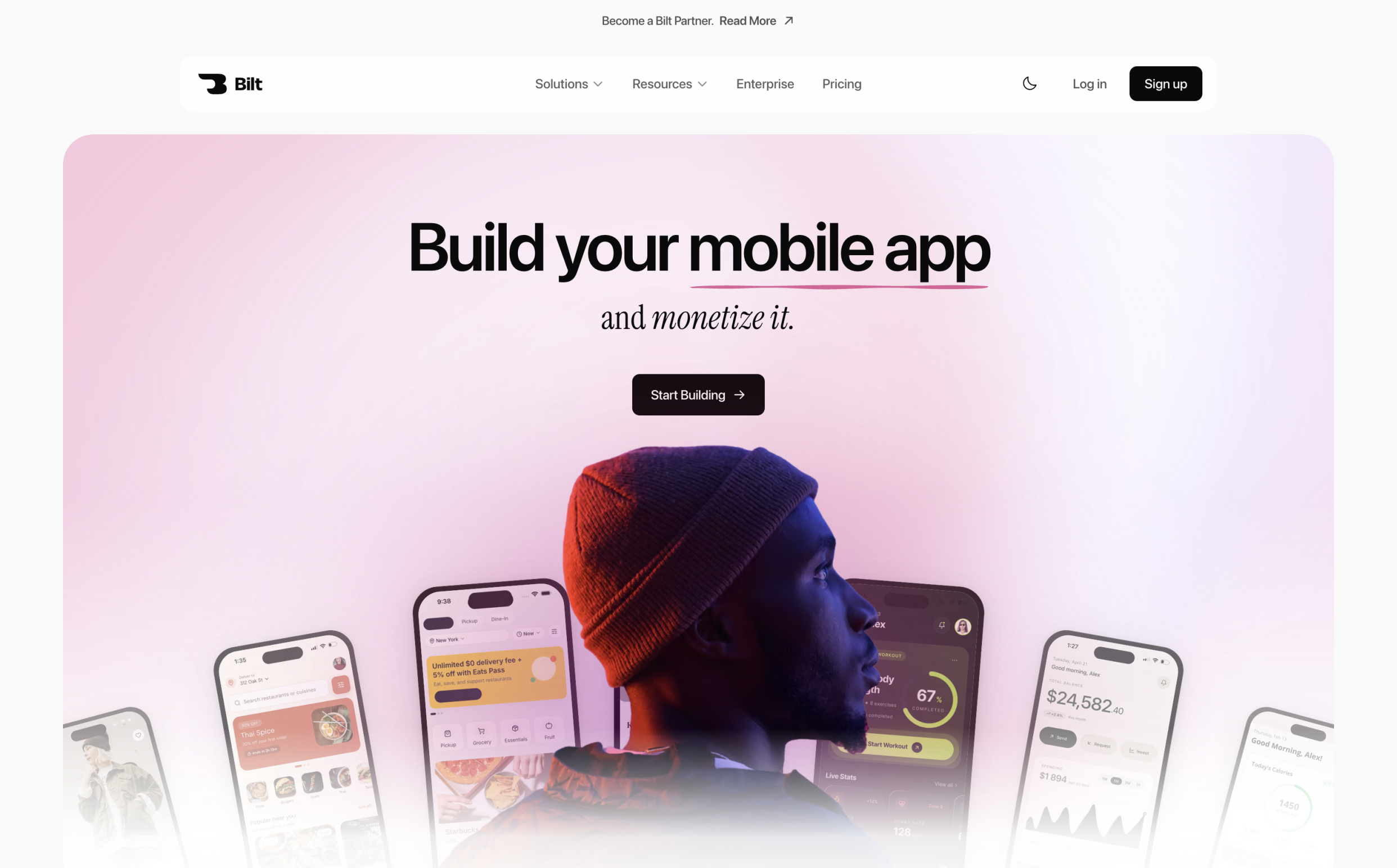
No code needed. No Xcode setup. No developer handoff just to see whether your idea can work.
Bilt is built for non-technical founders, vibecoders, and web app owners who want a mobile app without managing the mobile build process themselves.
With Bilt, you can:
- Start free and build your first version without paying upfront
- Describe your app by chat instead of writing code or wiring screens manually
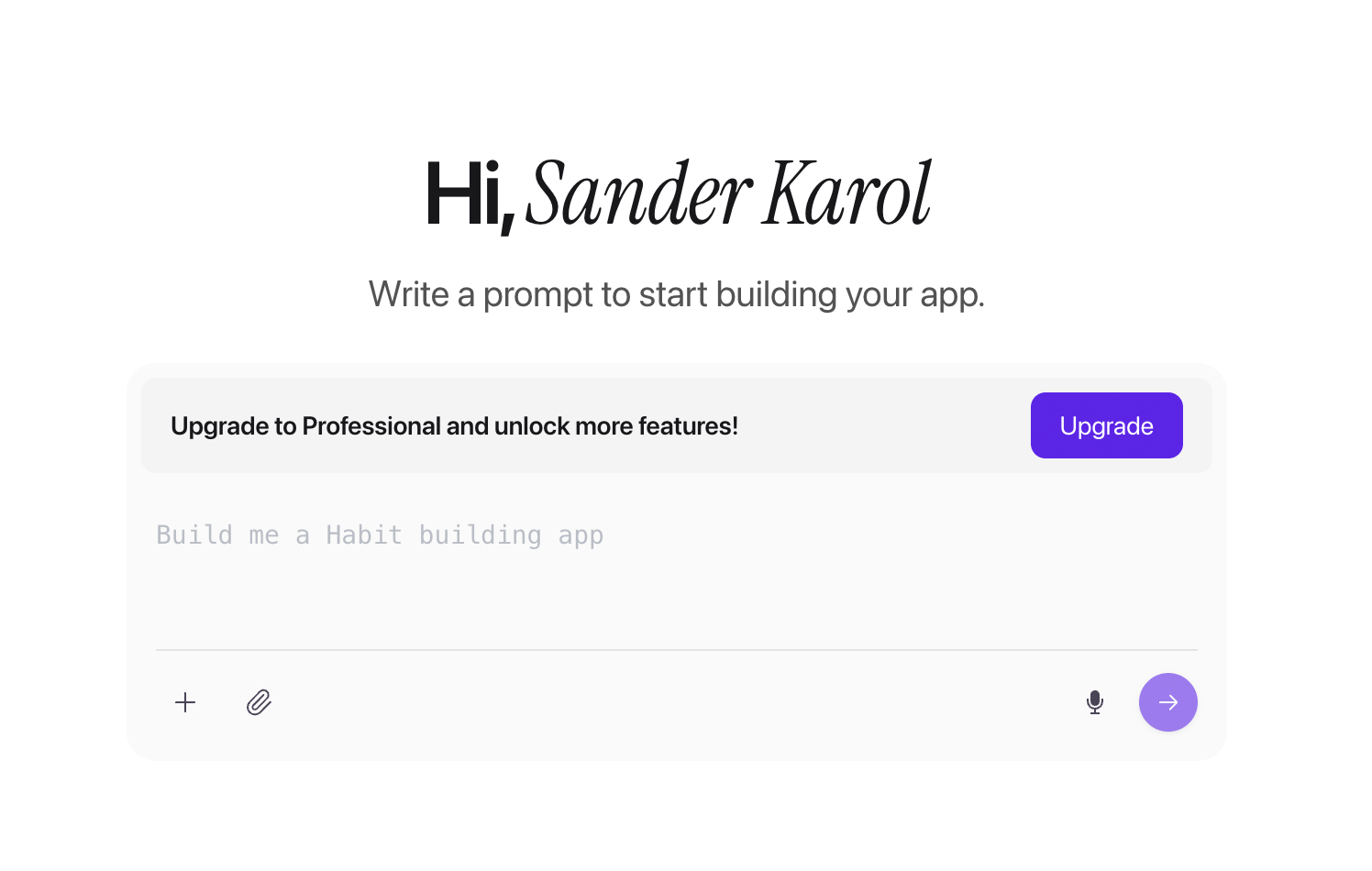
Bilt app creation screen with a plain-English prompt input - Build for both iOS and Android from one project
- Preview your app in the browser with a real iOS simulator, no Mac required
- Test on a phone with a shareable preview link or QR code
- Ship to the App Store and Google Play with Bilt handling the app-store steps
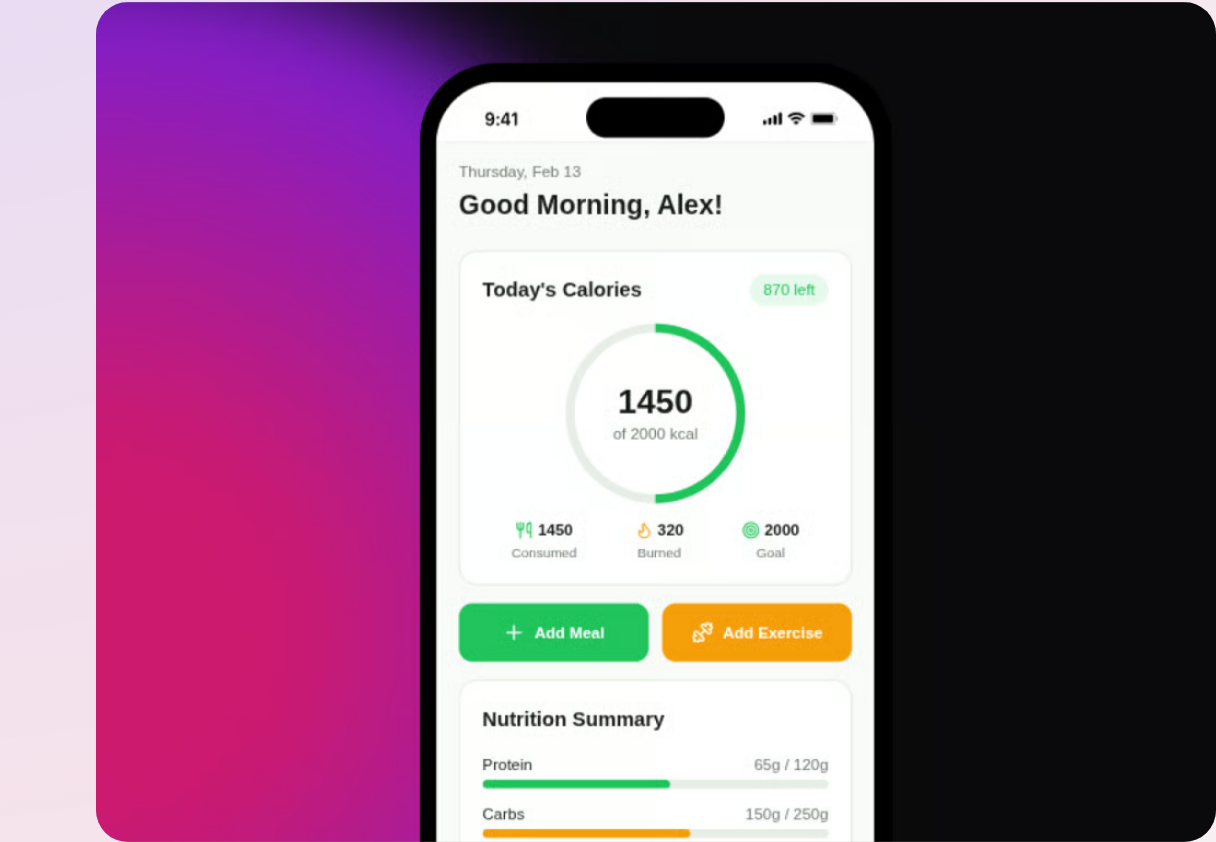
The best part is the last mile. Bilt does not stop at a prototype.
When you are ready to launch, Bilt handles the steps that usually slow first-time builders down:
- Code signing and provisioning profiles
- iOS and Android build generation
- Backend setup for your app
- App Store and Google Play submission
- User analytics after launch
That means you can focus on the app idea, the customer, and how you want to publish and earn from your app.
Bilt also gives you real help when you get stuck:
- 24/7 Discord support
- Featurebase for bug reports and feature requests
- Founder calls for direct feedback
- Engineers who can fix bugs inside your project
Bilt is newer than some tools on this list, so public reviews are still building. The active support channel is Discord, where builders share shipped apps and the engineering team responds directly.
Pros:
- Only tool on this list with a real in-browser iOS simulator
- No Mac, Xcode, or mobile developer required
- Builds real native apps for iOS and Android
- Handles code signing, backend setup, and store submission
- Lets you start free before moving to a paid plan
Cons:
- Built for non-technical builders, not engineers who want full code control
- You still need an Apple Developer account at $99/year before Bilt can submit your iOS app
- Fully custom native architecture still belongs with an engineering team
Pricing:
| Plan | Price | AI tokens/month | Approx. prompts |
|---|---|---|---|
| Free | $0 | 3M | ~12-30 prompts |
| Professional | $25/mo | 10M | ~40-100 prompts |
| Professional Plus | $50/mo | 20M | ~80-200 prompts |
| Enterprise | Flexible billing | Custom | Custom |
Annual billing saves 2 months of fees across all paid plans.
For a broader comparison beyond Bilt, see our iOS app development tools guide.
Best for:
- Non-technical founders turning an app idea into a real mobile app
- Vibecoders who built something on the web and want it on iOS and Android
- Creators who want to publish and earn without learning mobile development
- Web app owners adding mobile without hiring a dev team
Skip it if:
- You want to write and control every line of code yourself
- You need a custom native architecture built from scratch by an engineering team
Getting started takes about two minutes:
- Go to bilt.me
- Describe your app in plain English
- Preview your app in the browser simulator
- Iterate by chat, then publish when you are ready
2. Rork
Rork is an AI-powered mobile app builder that generates cross-platform React Native/Expo apps from natural language prompts.
Core features:
- React Native/Expo output: One prompt builds cross-platform iOS and Android apps simultaneously. Expo is the standard framework for building and publishing React Native apps to both stores without managing native build configs.
- Rork Max: Generates native Swift code for iOS-specific performance and tighter Apple ecosystem integration
- Full source code export: Download your code and develop independently, reducing vendor lock-in
Pricing:
- Free ($0/month): 5 credits/day, 35 credits/month
- Junior ($25/month): 100 credits/month
- Middle ($50/month): 250 credits/month
- Senior ($100/month): 600 credits/month
- Scale 1K ($200/month): 1,000 credits/month
- Reddit users and independent reviewers flag this tier as overpriced relative to what it delivers for MVP-stage projects.
- Unused credits expire at the end of each billing cycle and do not roll over
Meaningful iteration requires Rork's Junior plan at $25/month or above. Factor that into the budget before moving beyond early prompt tests.
Rork's deployment pipeline is unreliable. Users report frequent errors pushing apps to TestFlight and the Google Play Store. Rork Max adds UI inconsistencies and broken window scaling on top of that.
Rork works for simple, non-technical prototypes. It's the wrong tool for anyone who needs reliable App Store publishing without an engineer nearby to catch what breaks.
Rork works for visual validation, but the publishing pipeline is unreliable. If you need to get to the App Store, plan for a more complete tool.
3. Natively
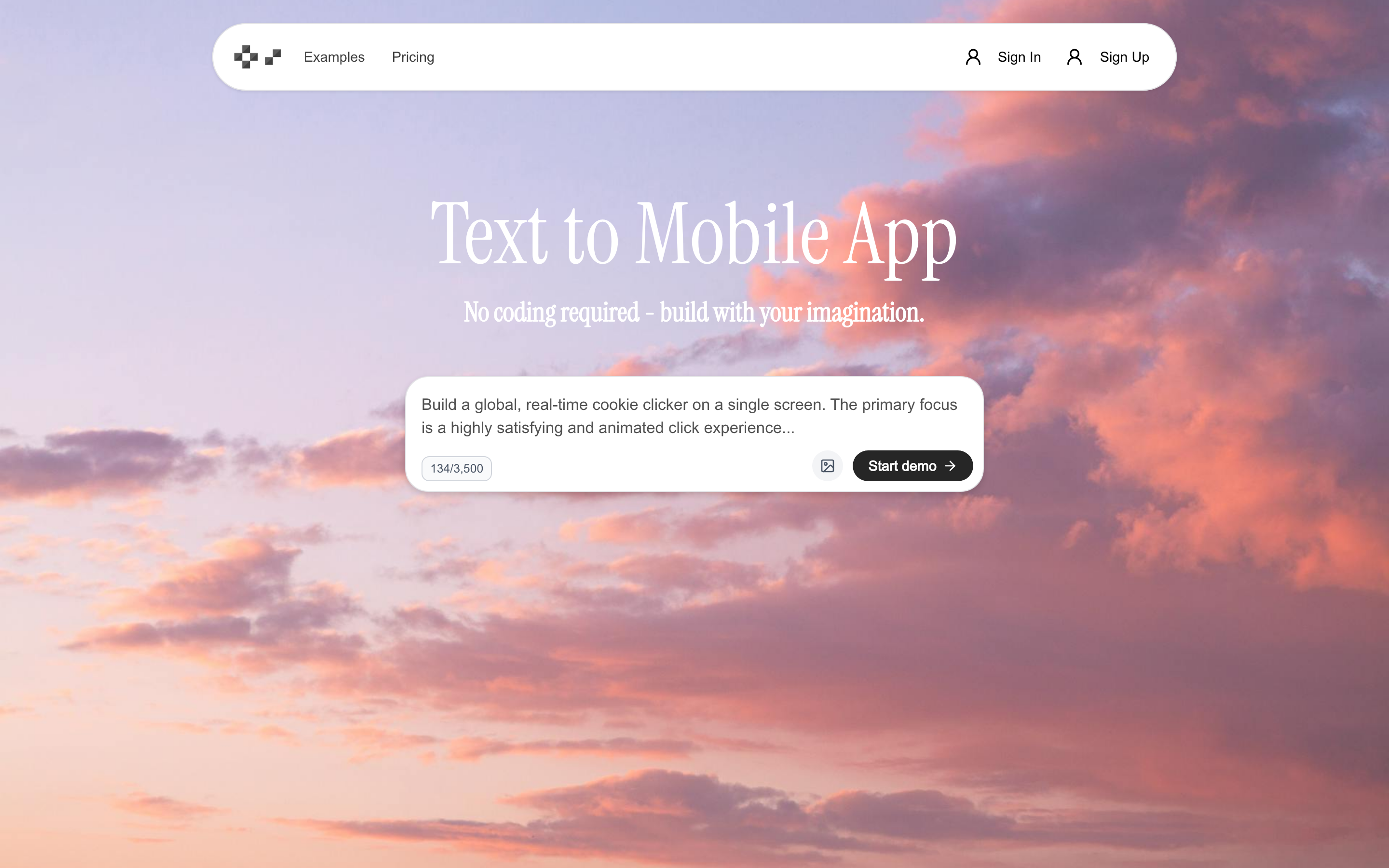
Describe your app in plain English, and Natively builds a true native iOS or Android app. No webview. The catch is the pricing model: 15 prompts for $5/month goes fast.
Features
- English prompt to native iOS/Android output (no webview)
- Built-in IDE for manual adjustments after generation
- Expo SDK 54 covering 95%+ of native device features: camera, GPS, and FaceID
Pricing
- Free tier available ($0/month): limited to basic building and testing
- Entry plan starts at $25/month (50 prompts included)
- $50/mo** per app** - stacks fast when building multiple apps
Who it's for: Intermediate no-coders who understand data structure basics and want to rapidly prototype mobile MVPs.
Natively fits vibecoders who want true native output without webviews. It's a poor fit for anyone building multiple apps at once — the per-app cost gets expensive quickly.
4. Vibecode
Vibecode lives entirely on your iPhone. You prompt, it builds React Native via Claude Opus 4.6, and you share prototypes through Apple App Clips — without ever touching a laptop.
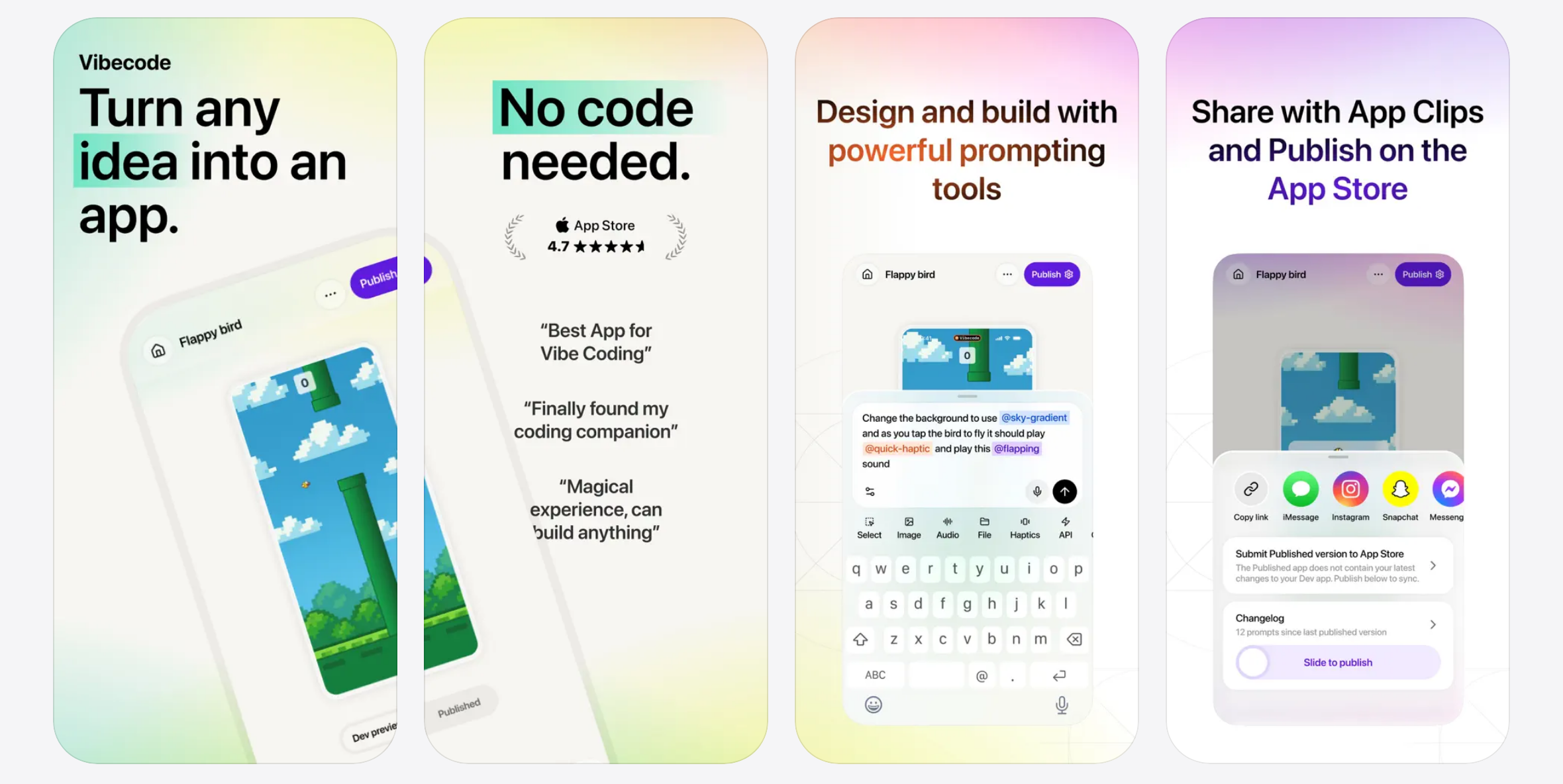
- Generates React Native code via Claude Opus 4.6 from natural language prompts
- Testing and sharing work through Apple App Clips: stakeholders open prototypes on iOS without downloading anything
- The builder runs entirely as an iOS app - you prompt, build, and share from your iPhone or iPad
- Free plan available
- Plus: $20/mo
- Pro: $50/mo, capped at 300 prompts
- Max: $200/mo for high-volume use
Prompt-based pricing means debugging sessions and bug fixes consume the same budget as feature builds.
Vibecode maxes out quickly on complex apps. Once logic or architecture grows beyond simple screens, users need manual code intervention.
Common gotcha: A debugging session on a broken navigation flow can burn 20 to 30 prompts. On the $50/month Pro plan with a 300-prompt cap, that's 10% of your monthly budget on one bug fix.
The AI agent frequently fails to implement changes or produces low-quality output, which is a real problem for non-technical builders who can't fix the code themselves.
There is no end-to-end App Store publishing pipeline. Vibecode stops at a shareable prototype via App Clips. Code signing, compliance, and submission are outside the platform entirely.
5. Rocket
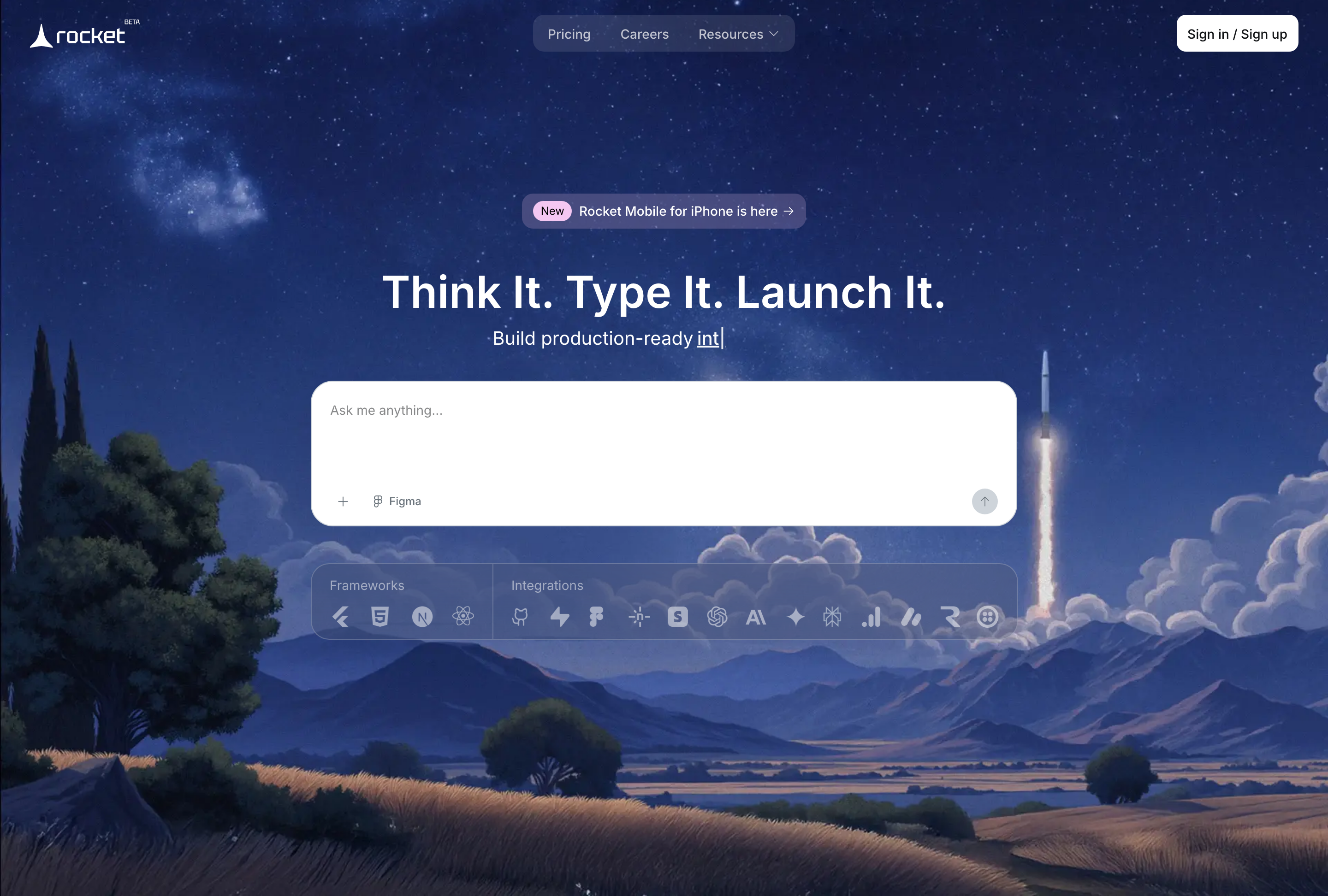
Rocket is an AI text-to-app platform that auto-generates frontend UI, backend logic, database schemas, and authentication from a single prompt.
- Full-stack output: frontend UI/UX, backend logic, database schemas, and auth
- API endpoints and deployment configs, auto-generated without manual setup
- Automated code optimization reduces steps needed to push to production
- Built-in authentication handles sign-ups and logins natively - no third-party auth provider needed
Token burn is Rocket's biggest hidden cost. Usage can spike fast, and the beta platform makes it worse.
- One small app consumed 15M tokens, a major cost spike for anyone on a budget plan (via Trustpilot)
- Beta instability: simple projects fail repeatedly, burning token budget without producing working output
- Deployment gap: AI generation does not equal a live hosted app - non-programmers consistently hit a wall here
- Integration failures: Supabase and similar tools work in dev preview but break in production, with no clear error messages to diagnose the issue
Rocket works best for technical founders who can troubleshoot deployment and API issues on their own. If you can read error logs, it's a fast prototyping tool.
If those constraints are deal-breakers, this guide to Rocket alternatives gives you comparable options.
It's wrong for non-technical vibecoders who need a published app, not just a prototype. Deployment and API wiring require engineering knowledge Rocket does not provide.
Pricing is token-based:
- Free: 1M tokens (one-time, expires if unused)
- Personal: $25/mo - 5M tokens, unused tokens roll over
- Rocket: $50/mo - 10.5M tokens, rollover (most popular plan)
- Booster: $100/mo - 22M tokens, rollover
6. Anything
Anything is an AI-powered full-stack mobile app builder in the vibecoder category, designed for users who want to generate apps through natural language prompts.
What the AI generates:
- Full-stack app: UI/UX, Postgres DB, auth, Stripe payments, 100+ integrations
- Native iOS and Android via Expo/React Native with 39+ device features: camera, GPS, haptics, maps, barcode scanning
- In-app payments via RevenueCat (the standard SDK for managing iOS and Android subscriptions and in-app purchases)
- Built-in App Store review scanner
- Web-to-mobile conversion with a shared DB and backend
Deployment and testing:
- iOS: Submit via TestFlight (Apple's official beta testing platform for distributing pre-release apps) — requires an Apple Developer account at $99/yr
- Android: Currently manual publishing; built-in Play Store automation is coming
- Testing: Scan a QR code to preview in Expo Go
Anything runs on a credit model. Credits expire monthly, and top-ups cost $12 per 10,000 credits. Mobile builds require the Pro tier or higher.
Anything works best for non-technical founders and vibecoders who need a real backend built in from day one. Auth, payments, and a Postgres DB ship with the app - not as afterthoughts.
Limitations to know before you start:
- Android publishing is manual for now (Play Store automation is on the roadmap)
- iOS testing requires Expo Go via QR scan, not an in-browser simulator
- Max agent mode burns credits fast on complex or iterative projects
- Credit costs are hard to predict during debugging sessions; track usage carefully
For Developers
If you're already writing code and want AI-assisted coding environments to speed up what you already know how to do, this section is for you.
7. Cursor
Cursor is an AI-powered code editor built on VS Code that uses context-aware AI to write, edit, and debug code across any language or framework.
Cursor's AI goes beyond autocomplete. Three features stand out:
- Tab autocomplete predicts multi-line edits across the entire file, not just the current line
- Agent mode takes a natural language task, edits files, runs terminal commands, and iterates autonomously without leaving the editor
- Multi-model support (GPT-4o, Claude 3.5 Sonnet, Gemini) lets developers switch models per task
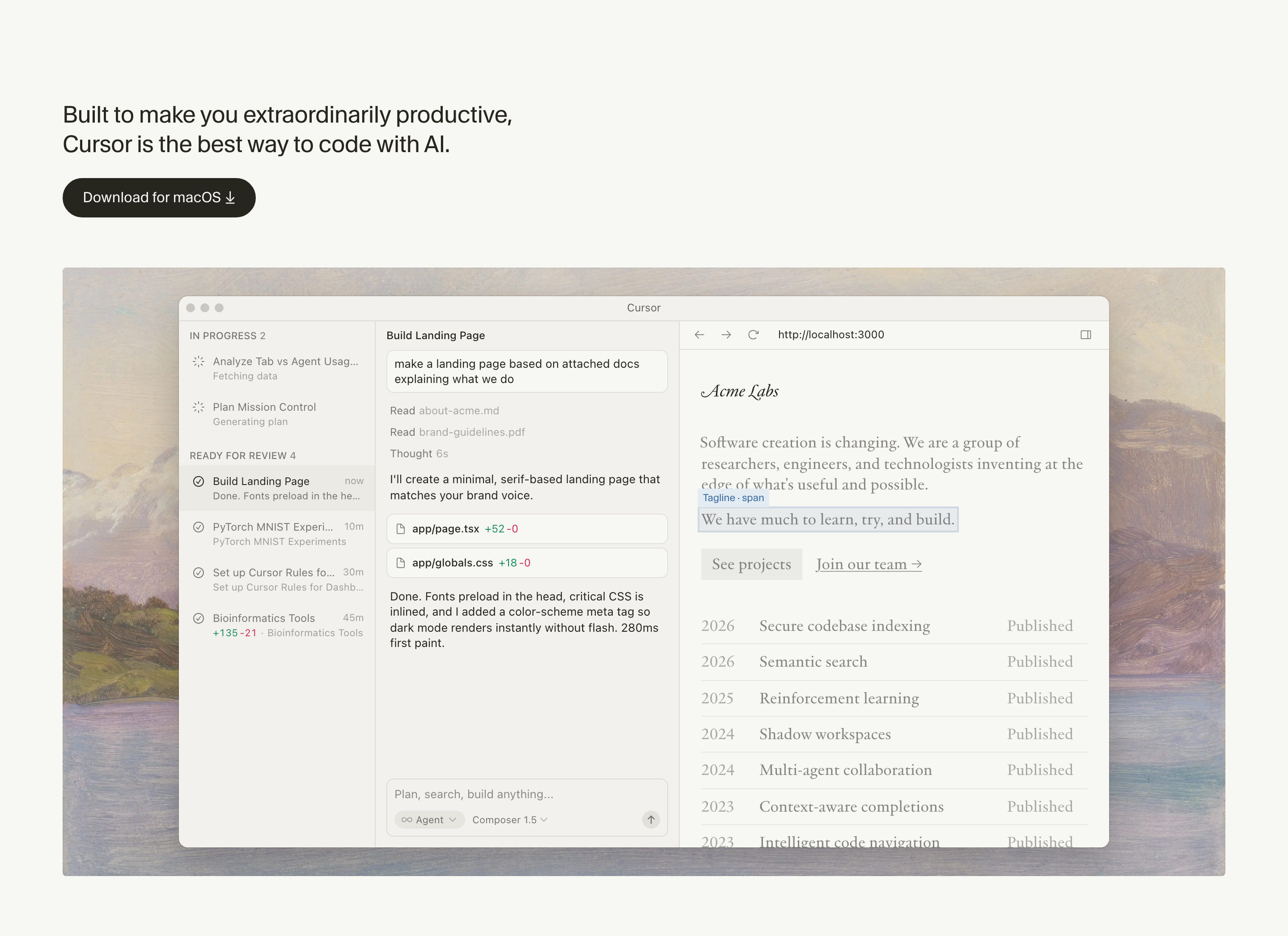
Cursor has three pricing tiers:
- Hobby - free, with limited completions
- Pro - $20/month, with extended Agent limits, access to frontier models, MCPs, skills, hooks, and cloud agents
- Business - $40/user/month, adds privacy mode (code never stored on Cursor servers), SSO, and centralized billing
Cursor supports any mobile framework: Flutter, React Native, Swift, and Kotlin. It's a general-purpose code editor, so it works wherever code lives.
Cursor edits source code, but mobile previews and signed release builds run in external tools such as Xcode or Android Studio.
Bottom line: Cursor is the right tool for developers who already know mobile frameworks. If you can configure Xcode and manage CI/CD, Cursor's Tab autocomplete predicts and completes entire functions, not just the current line, cutting time on repetitive patterns significantly. If you can't, no amount of AI autocomplete bridges that gap. For non-technical builders who want native mobile apps without configuring Xcode or managing CI/CD, Bilt handles that whole path.
8. Android Studio
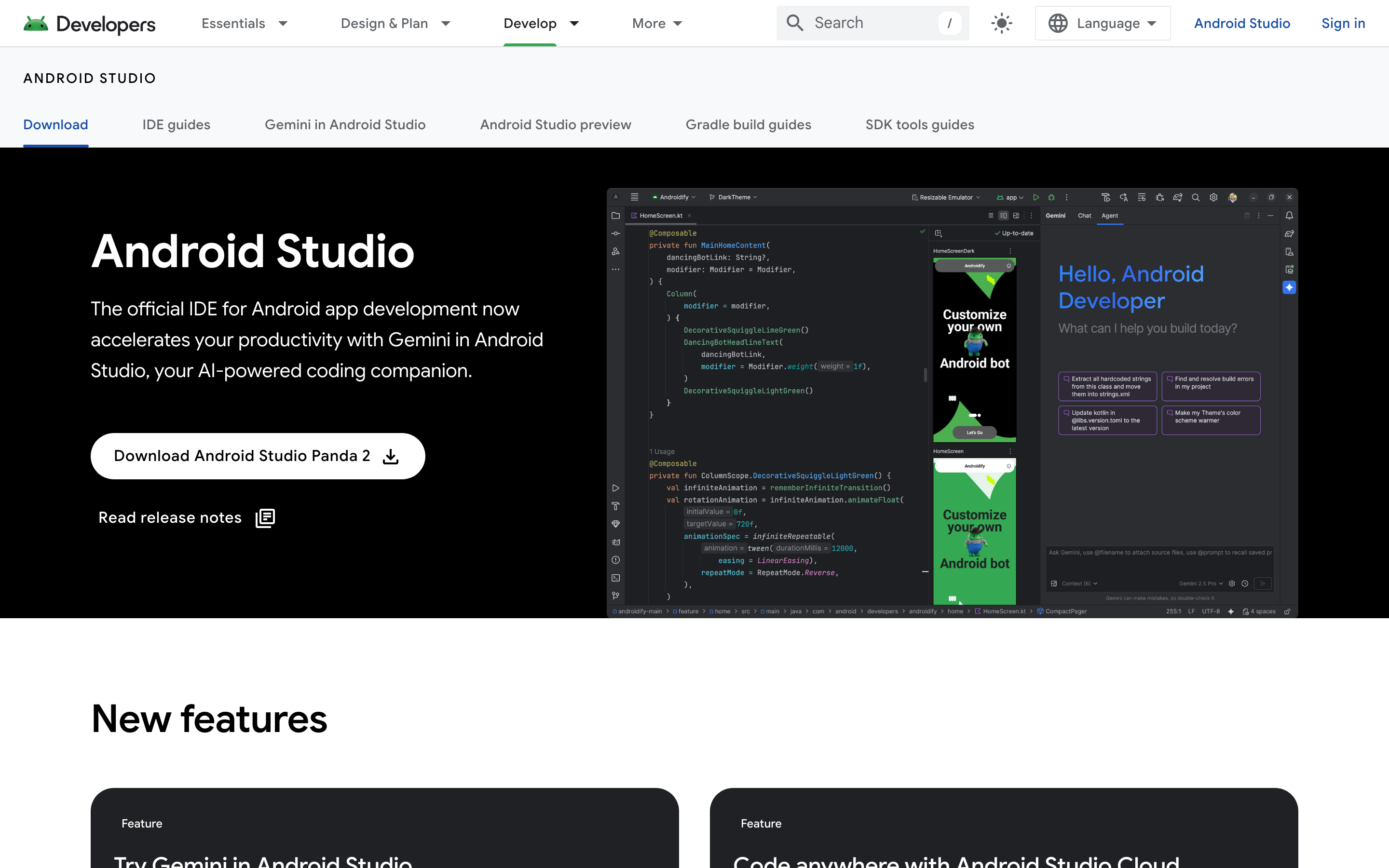
Android Studio is Google's free official IDE for Android development, built on IntelliJ IDEA, supporting Java, Kotlin, and C++.
- AVD Manager: Test on emulated phones and tablets without a physical device
- Layout Editor: Visual drag-and-drop UI design
- APK Analyzer: Optimize app size before release
- Code completion: Built-in intelligent suggestions as you write
- Debugging and profiling: Advanced tools to catch and fix performance issues
- Instant app deployment: Push builds to a device or emulator in seconds
Android Studio has real limits worth knowing before you commit:
- Android-only. No iOS support. Targeting both platforms means maintaining a separate Xcode project or switching to a cross-platform framework.
- Not beginner-friendly. Building production apps requires real Kotlin or Java experience. This is not a no-code tool.
- Resource-intensive. High RAM and CPU usage make it slow on older or lower-spec machines.
Android Studio is free to download. The only mandatory cost is a one-time $25 Google Play Console registration fee paid directly to Google.
Best for:
- Professional Android developers building production apps for the Android ecosystem
- Teams that need the full power of Google's native toolchain
Wrong for:
- Non-technical builders with no Kotlin or Java experience
- Anyone targeting iOS or wanting one codebase for both platforms
For cross-platform coverage, Flutter or React Native are the developer options. For no-code mobile app building, an AI tool like Bilt fits better.
9. Claude Code
Claude Code is an agentic CLI coding tool by Anthropic that writes, edits, and debugs code directly in your terminal via natural language commands.
Claude Code is an agentic CLI tool. It reads and writes files across your entire codebase, runs shell commands, manages git workflows, and calls APIs from a terminal prompt.
There is no GUI. Claude Code runs entirely in the terminal, making it best suited for developers already comfortable with CLI workflows.
Claude Code has no native mobile build environment. It can generate and edit React Native or Swift code, but compiling, signing, and submitting to app stores is not included.
To ship a real mobile app, you need to pair Claude Code with one of these:
- Xcode for iOS builds and App Store submission
- Android Studio for APK/AAB builds and Google Play upload
- A CI/CD pipeline (e.g., GitHub Actions, Bitrise) to automate both
Claude Code is included with two Claude subscription tiers:
- Claude Pro: $20/month
- Claude Max: $100/month or $200/month
Heavy agentic sessions, like refactoring a large codebase, consume tokens rapidly. Costs become unpredictable without API usage caps in place.
10. Codex
Codex is OpenAI's cloud-based AI coding agent that writes, edits, and runs code autonomously inside sandboxed environments via the ChatGPT interface or API.
Codex runs as an asynchronous AI agent inside an isolated sandbox. You assign a task, it works independently, then returns diffs and test outputs for review.
- Asynchronous agent: works in the background without requiring back-and-forth prompting
- Sandbox execution: runs shell commands, installs dependencies, executes tests
- Repo read/write: reads your codebase, makes changes, commits results
- Test iteration: runs tests autonomously and retries on failures
Codex is included for ChatGPT Plus ($20/month), Pro ($200/month), Business, and Enterprise/Edu subscribers. Plus is the cheapest standard paid entry point for accessing Codex.
Best for: developers with an existing React Native or native iOS/Android codebase who want to automate unit tests, scaffold components, or refactor logic without changing tools.
Wrong for: anyone expecting idea-to-App-Store output. Codex has no deployment pipeline, no simulator preview, and no App Store compliance tooling. Purpose-built tools like Bilt are designed to close exactly those gaps.
11. Flutter
Flutter is Google's open-source UI toolkit for building natively compiled iOS, Android, and web apps from a single Dart codebase.
Flutter is free and open-source, with no licensing fees at any scale.
The hidden cost is Dart. Dart consistently ranks outside the top 15 most-used languages in the Stack Overflow Developer Survey — in 2024, it placed 17th, behind TypeScript, Python, Java, and even Bash/Shell. Teams without Dart experience face a real ramp-up before shipping production code. Tools like FlutterFlow let you generate Flutter code visually, but that generated Dart gets messy fast as complexity grows and eventually needs developer cleanup.
Best for: Experienced developers who need pixel-perfect, high-performance apps across iOS and Android from one codebase. Teams already in the Google/Firebase ecosystem get the most out of it.
Wrong for: Non-technical founders or solo builders without Dart experience. The SDK complexity makes Flutter impractical without a real development team behind it. If you want Flutter-quality output without writing Dart, FlutterFlow is the visual builder built on top of it. It's the first tool in the no-code section below.
Flutter's developer experience is built around speed and consistency:
- Hot reload: UI changes appear instantly, no app restart needed
- Widget library: Fully customizable widgets render identically on iOS and Android
- IDE support: Dedicated plugins for Android Studio, IntelliJ IDEA, and VS Code
- Production-proven: Used at scale by Google and Alibaba
For No-Code Builders
That's where the no-code tools come in: drag-and-drop instead of prompts, visual editors instead of terminals. FlutterFlow is the natural entry point, and every tool in this section follows the same model. That's a fundamental workflow shift, not just a UX preference.
These tools assume you know what you want before you start building — that's a real difference from AI iOS app builders, which let you iterate your idea as you go. There's no chat UX, no iteration by description. You design upfront, then publish. For vibecoders used to describing ideas and seeing output instantly, the design-first model creates friction early.
Publishing may require visual configuration and a paid plan before store submission. Apple and Google control review timing after the app is submitted.
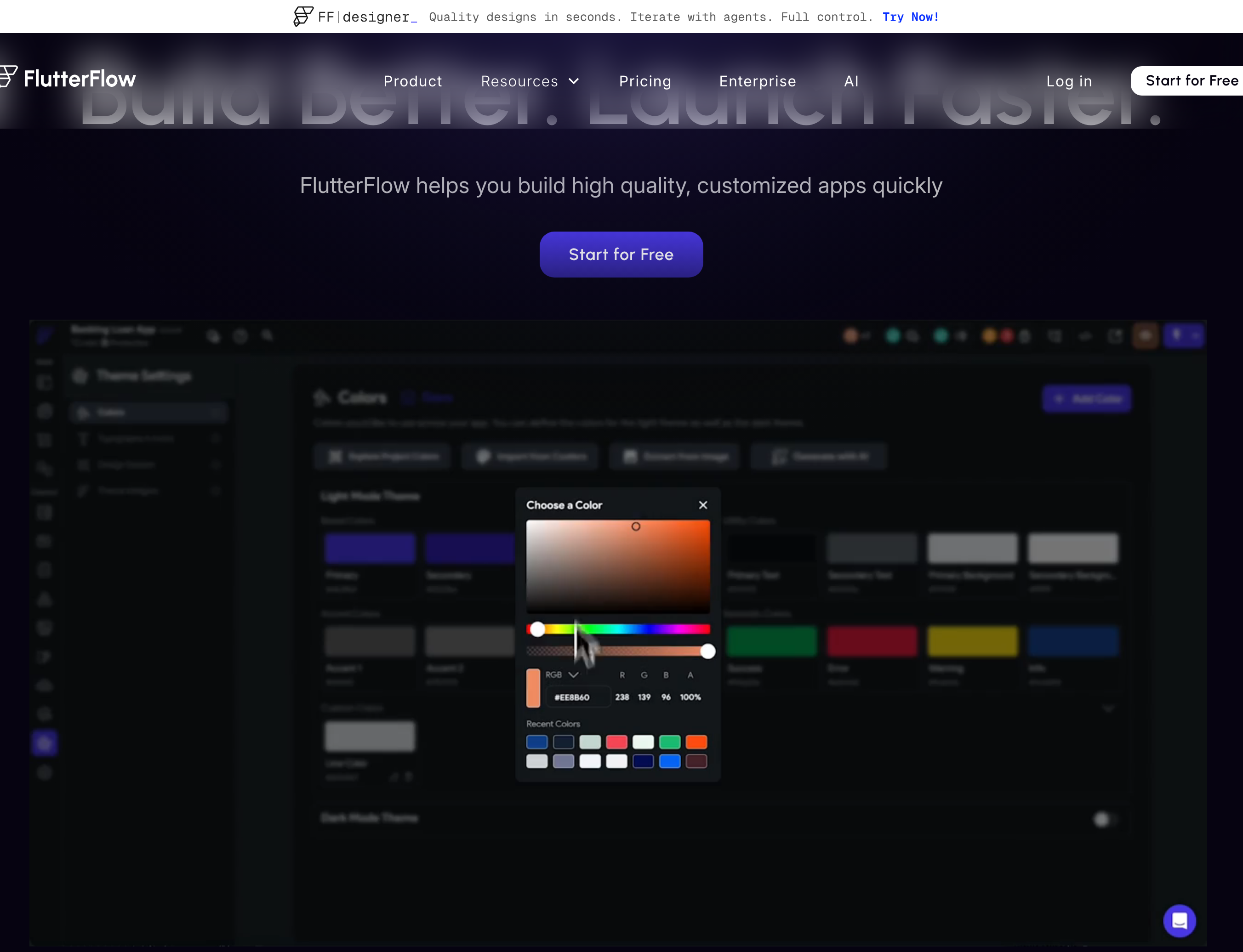
12. FlutterFlow
FlutterFlow is a visual no-code/low-code development platform that generates Flutter code for iOS, Android, web, and desktop apps.
FlutterFlow uses Flutter to build apps for iOS, Android, web, and desktop from one codebase. Logic runs through visual "action flows" that connect UI to backend behavior without code.
Core capabilities:
- 200+ pre-built UI elements - progress bars, draggable sections, ad banners, and more
- Action flows - visual system for wiring UI elements to data and app behavior
- Firebase integration - auth, database, and cloud functions built in
- Supabase support - relational database alternative with minimal setup
The free tier is limited to building and testing. The Basic plan costs $39/month and adds code downloads, APK downloads, and one-click store deployment.
Free tier limits:
- 2 projects and 2 API endpoints maximum
- Single editor only - no collaboration
- No code downloads, no APK exports
- No App Store or Google Play deployment
- Mandatory watermark on all apps
Paid tier gates:
- Third-party Flutter package imports
- Push notifications
- App store publishing
NB! Users have reported unexpected pricing changes that altered feature access mid-subscription.
FlutterFlow suits builders who already understand data structure and frontend/backend basics. First-time no-coders consistently report hitting a steep learning curve — FlutterFlow's G2 reviews flag data modeling as the most common early blocker.
Who it's for: Intermediate no-coders who understand data structure basics and want to prototype MVPs fast. Best for early-stage teams exploring product ideas.
The generated Dart code gets messy fast as your app grows. Build your MVP here, then plan for a developer cleanup before it becomes hard to maintain.
If those tradeoffs feel familiar, this roundup of FlutterFlow alternatives is the natural next step.
13. OutSystems
OutSystems is built for large enterprises with dedicated IT teams. It can digitize complex workflows at scale, but the pricing and overhead make ROI nearly impossible without a full-time team running it.
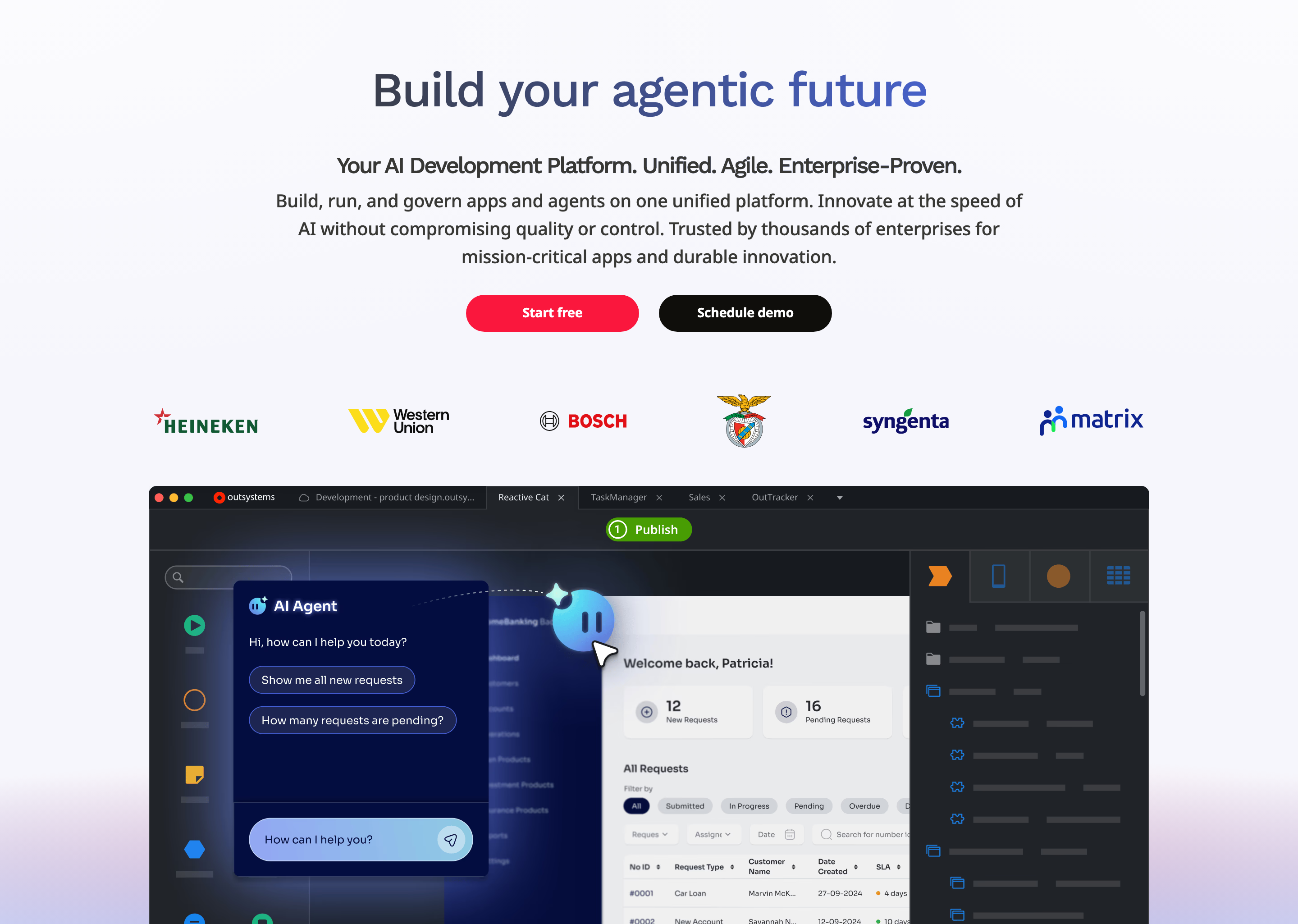
OutSystems builds mobile apps using Apache Cordova containers — Cordova wraps web app code in a native shell, giving access to device hardware like cameras and GPS, but producing hybrid apps rather than true native iOS or Android binaries.
Cordova gives access to device hardware like cameras and GPS. But performance and UX fall short of what native apps deliver.
Where OutSystems shines: CRUD backends and workflow automation. It connects databases to UIs faster than traditional dev cycles.
OutSystems is priced for large enterprises. Smaller organizations have no viable path in.
- Free tier is for evaluation only, not production apps
- Enterprise pricing draws consistent "very expensive" reviews on Capterra and G2
- Recent price increases flagged across G2 and Capterra reviews - higher total cost of ownership with no matching gains in functionality
Who it's for: Large organizations digitizing internal workflows, managing compliance-heavy processes, or connecting legacy systems. Works best with dedicated IT staff who can manage the platform full-time.
Skip it if you're a startup, solo builder, or SMB. The enterprise pricing and platform overhead make ROI nearly impossible without a dedicated low-code development team.
14. Mendix
Mendix takes a model-driven approach: business and IT teams collaborate through shared visual models instead of writing code. That shared model is its core strength and its main constraint.
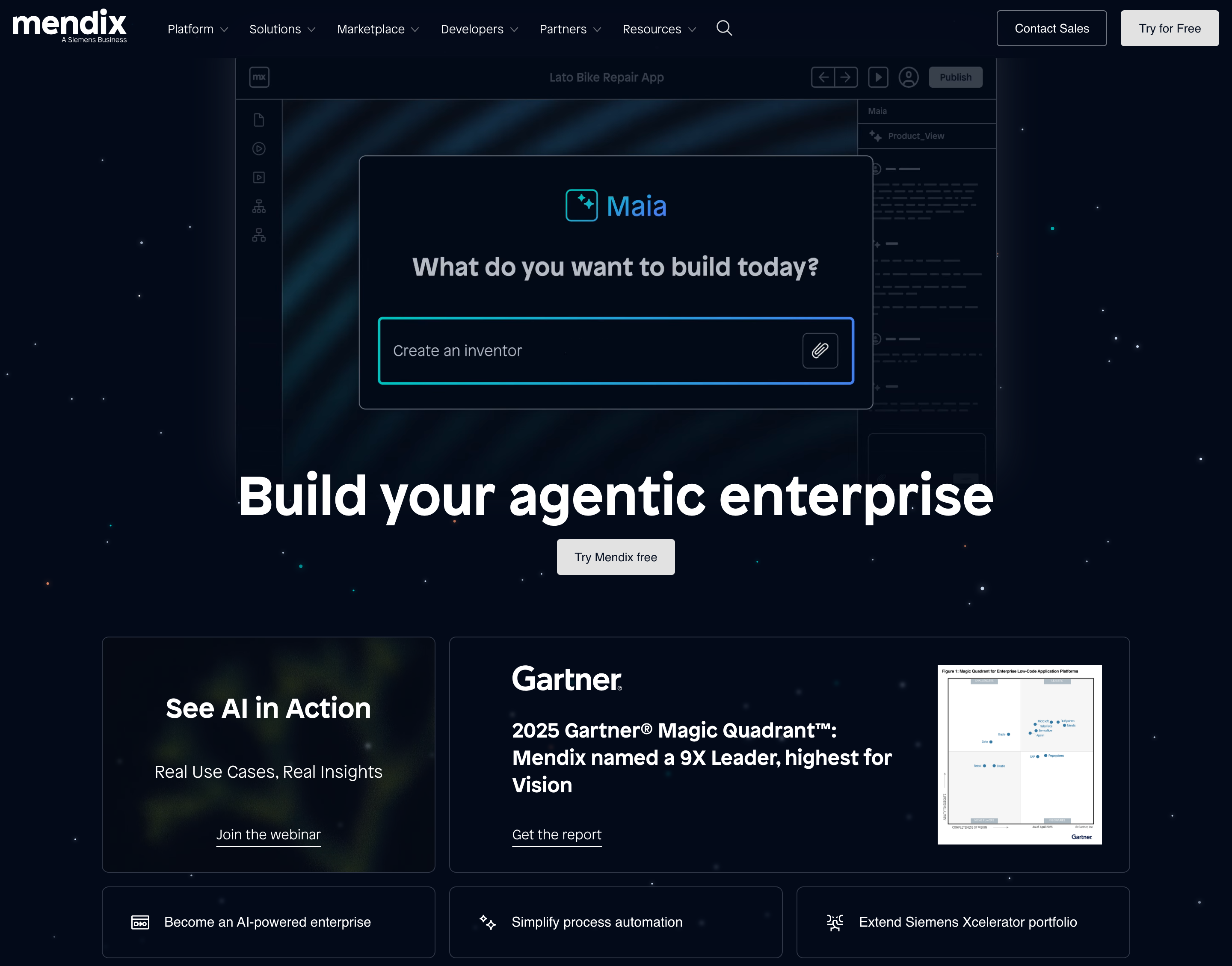
Mendix uses model-driven development: you build logic with microflows, model data visually, and design UIs via drag-and-drop. No traditional code required.
The platform is built for collaboration between business and IT teams. Shared visual models let non-technical stakeholders contribute alongside developers, making it a fit for Agile teams and legacy modernization projects.
Mendix has real limitations worth knowing before you commit:
- Complexity at scale - large or highly customized apps accumulate technical debt and performance bottlenecks that are harder to fix than in traditional development
Less flexible than OutSystems. Some enterprise teams have switched platforms after a trial period, citing rigid constraints and a steeper learning curve per G2 reviews.
- Limited SIEM integration - security log visibility and threat detection monitoring are harder to set up, a known pain point for enterprise IT teams
Mendix pricing is enterprise-grade. Small teams consistently flag it as hard to justify on G2 reviews.
- Basic — €52.50/month
- Standard - €900/month (single app) or €2,200/month (unlimited apps)
Mendix is built for enterprise teams. It's not for solo builders or small startups.
- Best for: Mid-to-large enterprises running Agile teams, process automation projects, legacy system modernization, or cross-functional business/IT collaboration
- Not for: Startups, solo builders, or small teams - the €900+/month Standard plan entry cost and platform complexity make ROI very difficult without a dedicated development team
15. Draftbit
Draftbit is a low-code mobile app builder that generates exportable React Native code for iOS and Android from a visual interface.
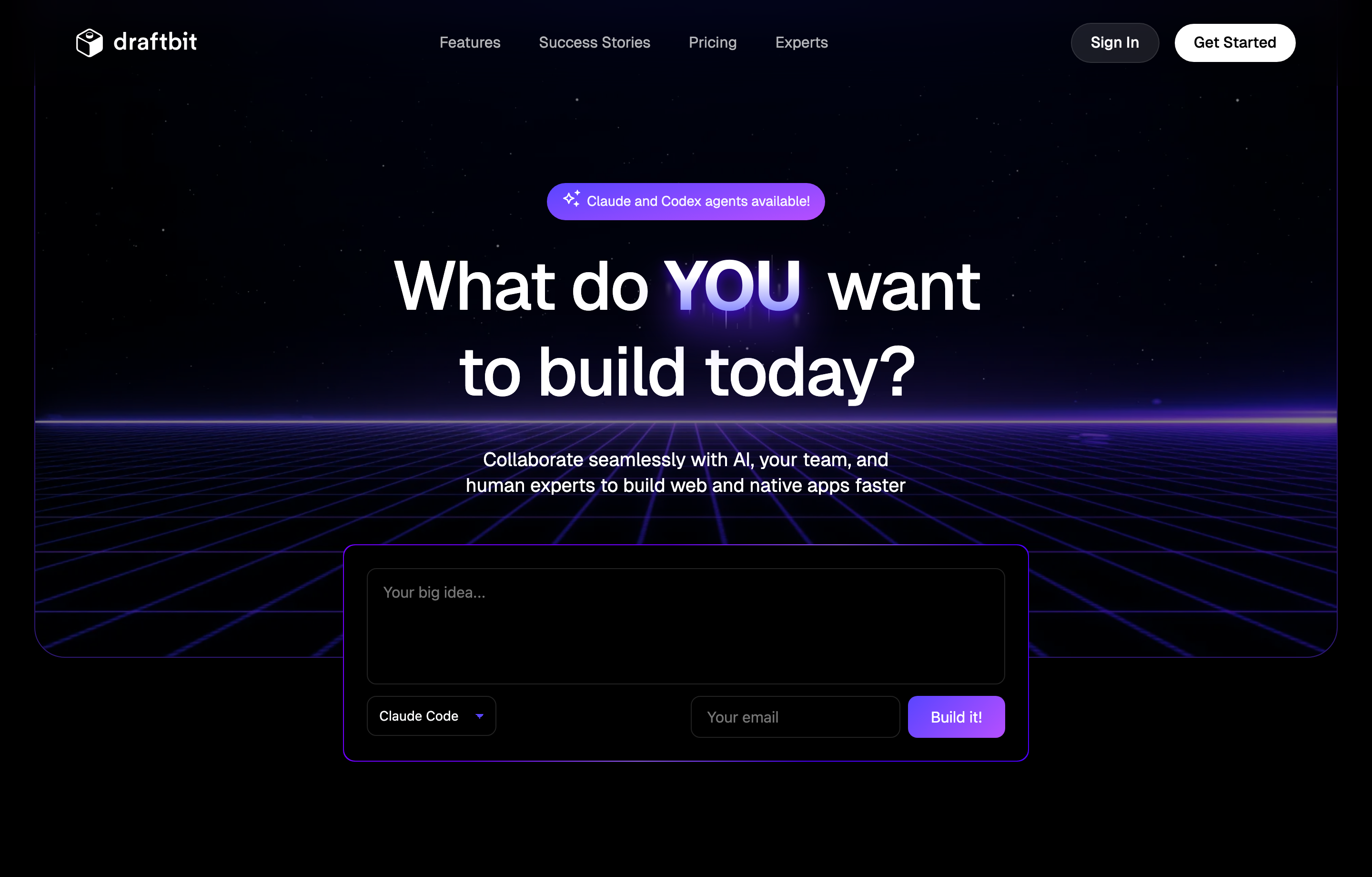
Key features:
- Visual drag-and-drop UI - assemble screens without writing code, while staying connected to the underlying React Native
- Single codebase - deploy to both iOS and Android from one project
- Full source export - your app is human-readable React Native, so you're never locked into Draftbit
Limitations:
- Complex logic requires custom JavaScript or React Native code. Draftbit is not fully no-code.
- Non-technical builders will hit a wall fast. Anything beyond basic navigation and data display needs real JS knowledge.
Pricing:
| Plan | Price | Key limit |
|---|---|---|
| Free | $0/mo | Build and prototype only — publishing is gated |
| Standard | $20/mo | 1-click publishing for iOS, Android, and Web |
| Pro | $40/mo | Simulators, submission assistance |
| Team | $200/mo | Collaboration features, version history |
| Enterprise | Custom | Custom SLAs, dedicated support |
Draftbit works best for technical founders who want visual speed for UI but plan to write custom logic in React Native and own the codebase long-term.
It's the wrong pick for zero-code builders. If you can't write JavaScript, you'll need a developer for anything complex - and that adds cost fast.
16. Thunkable
Thunkable is a no-code, block-based mobile app builder for iOS and Android, aimed at educators, students, and non-technical builders.
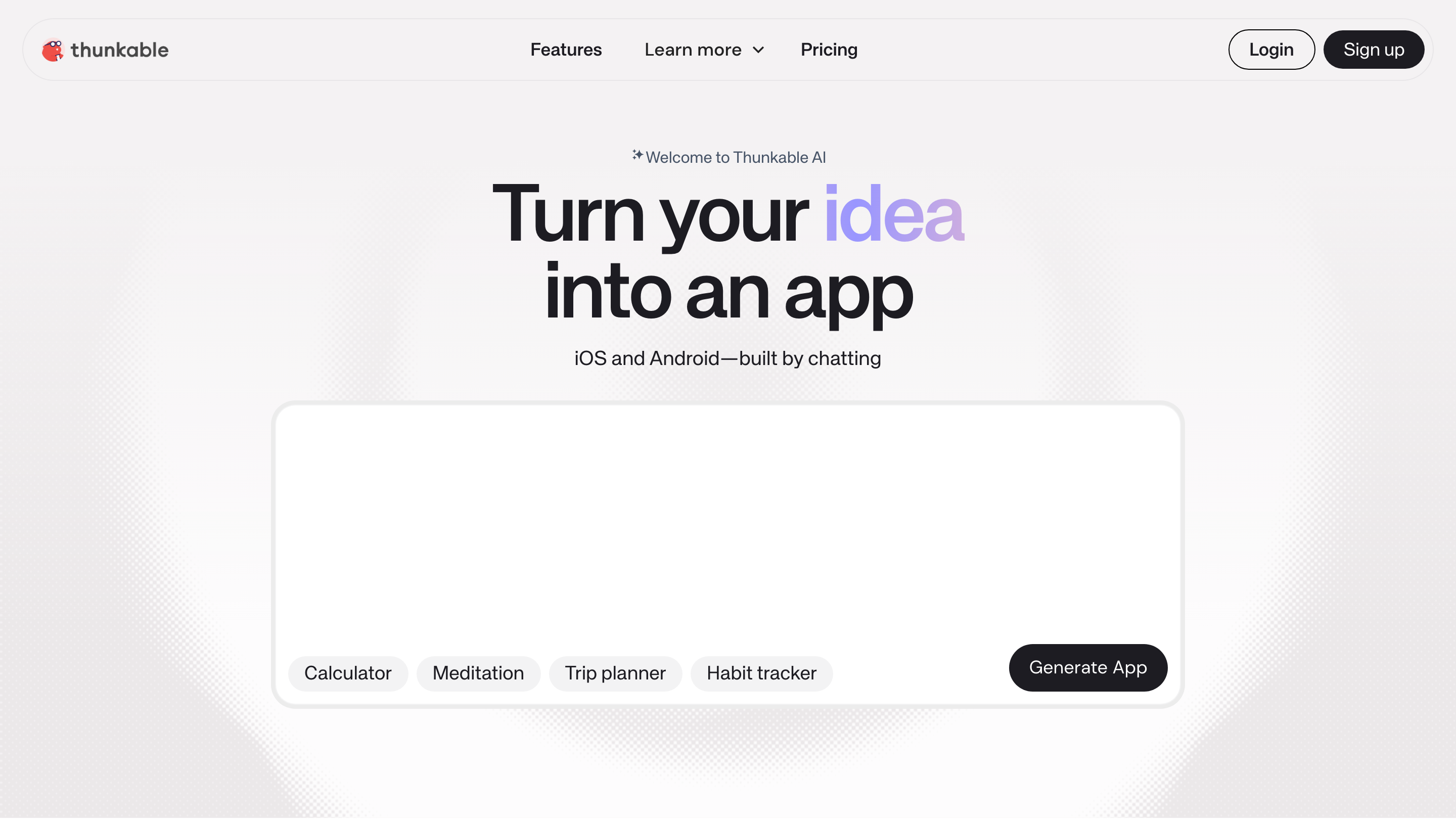
Thunkable fits a narrow audience. It works well for educators, students, and hobbyists learning app development basics. Its block-based logic mirrors MIT App Inventor closely.
Skip it if you need complex logic, handle large datasets, target users on older devices, or plan to publish more than one app without paying for a higher-tier plan.
Thunkable is a drag-and-drop app builder aimed at beginners who want to go from idea to iOS/Android app without writing code.
Core features:
- Block-based visual logic (similar to MIT Scratch) - snap blocks together, no syntax required
- Drag-and-drop UI designer for iOS and Android from a single codebase
- Integrations with Firebase, Airtable, Google Sheets, and third-party APIs
- Stripe in-app payments supported — but Thunkable adds its own transaction fees on top of Stripe's standard rates on every plan
Pricing limitations to know before committing:
- Free tier cannot publish to the App Store or Google Play
- App Store publishing requires the Builder plan at $59/month minimum
- The $59/mo Builder plan caps you at 1 live published app at a time
- Stripe transaction fees apply on all plans, with Thunkable's own fees layered on top
- Priority support is reserved for paid tiers - free users report long wait times
Performance limitations:
- Poor performance on older hardware - documented issues on iPhone 6, 7, and 8, especially in low power mode; Android reports similar problems
- Significant input lag on medium-to-large projects, making apps feel slow and unresponsive
- The Thunkable editor itself gets laggy on large projects, slowing down your build workflow
If those tradeoffs are pushing you elsewhere, these Thunkable alternatives are worth reviewing next.
17. GoodBarber
GoodBarber is a no-code app builder for content-driven businesses like media, retail, and restaurants, with native iOS and Android publishing.
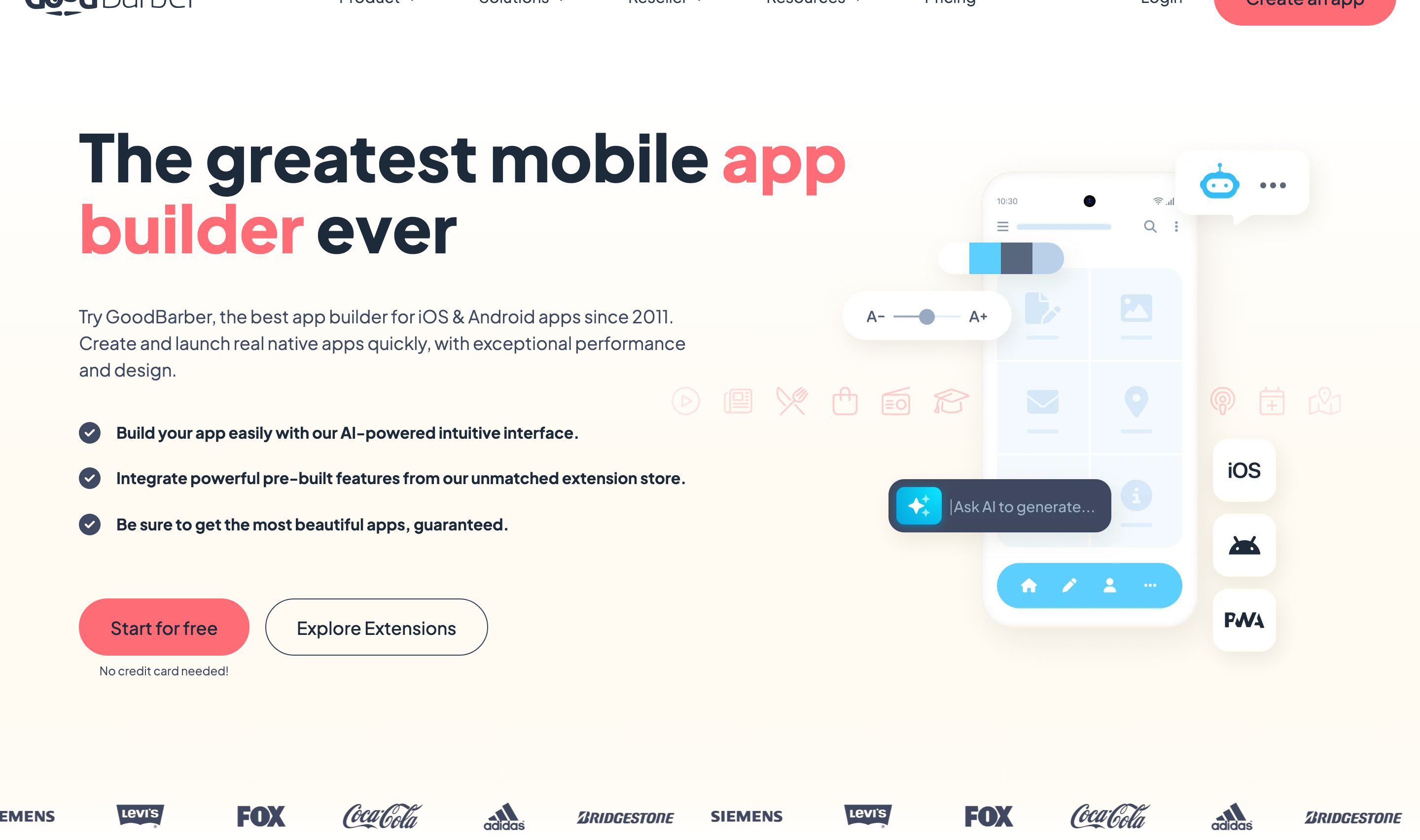
GoodBarber splits into two focused product lines. Pick the one that matches your use case.
- Content App - built for media companies, blogs, and podcasters needing a native reading/listening experience
- Shopping App - built for e-commerce with product catalogs and payment processing
- Native publishing - apps go to the Apple App Store and Google Play, not as web wrappers
- Push notifications - re-engage users after install
- Offline mode - content loads without a connection
- PWA support - one project, multiple distribution channels
GoodBarber runs on a tiered subscription model with separate pricing tracks for Content Apps and Shopping Apps. Here's how it breaks down:
Content Apps (monthly billing):
- Standard: $36/mo
- Premium: $70/mo
- Pro: $135/mo
- Agency: $280/mo
Annual billing saves roughly 20%: Standard $30/mo, Premium $55/mo, Pro $105/mo, Agency $215/mo.
One-time perpetual licenses:
- Pro: $4,600
- Agency: $12,000
Available for teams that want to avoid recurring fees.
Shopping Apps are priced separately in GBP with a similar tier structure (~£43–£325/mo), covering e-commerce with Stripe and Apple Pay at 0% transaction fees.
App store submission credits cost ~$45–$50 per 5 credits and are required for publishing. Budget this above the base plan cost.
Note: Native App Store and Google Play publishing requires the Premium tier or higher. Standard covers PWA distribution only.
GoodBarber works best for media companies, restaurants, and retailers who need a polished app fast. The templates are purpose-built for content and shopping, not custom logic.
G2 reviewers flag limited customization and rigid templates as the platform's main weakness. If your design breaks the template grid, GoodBarber will slow you down.
Skip it if you need complex business logic, unique UI, or enterprise-scale features. The no-code ceiling is real.
For alternatives across template, conversion, and native-code approaches, see our shopping app builder comparison.
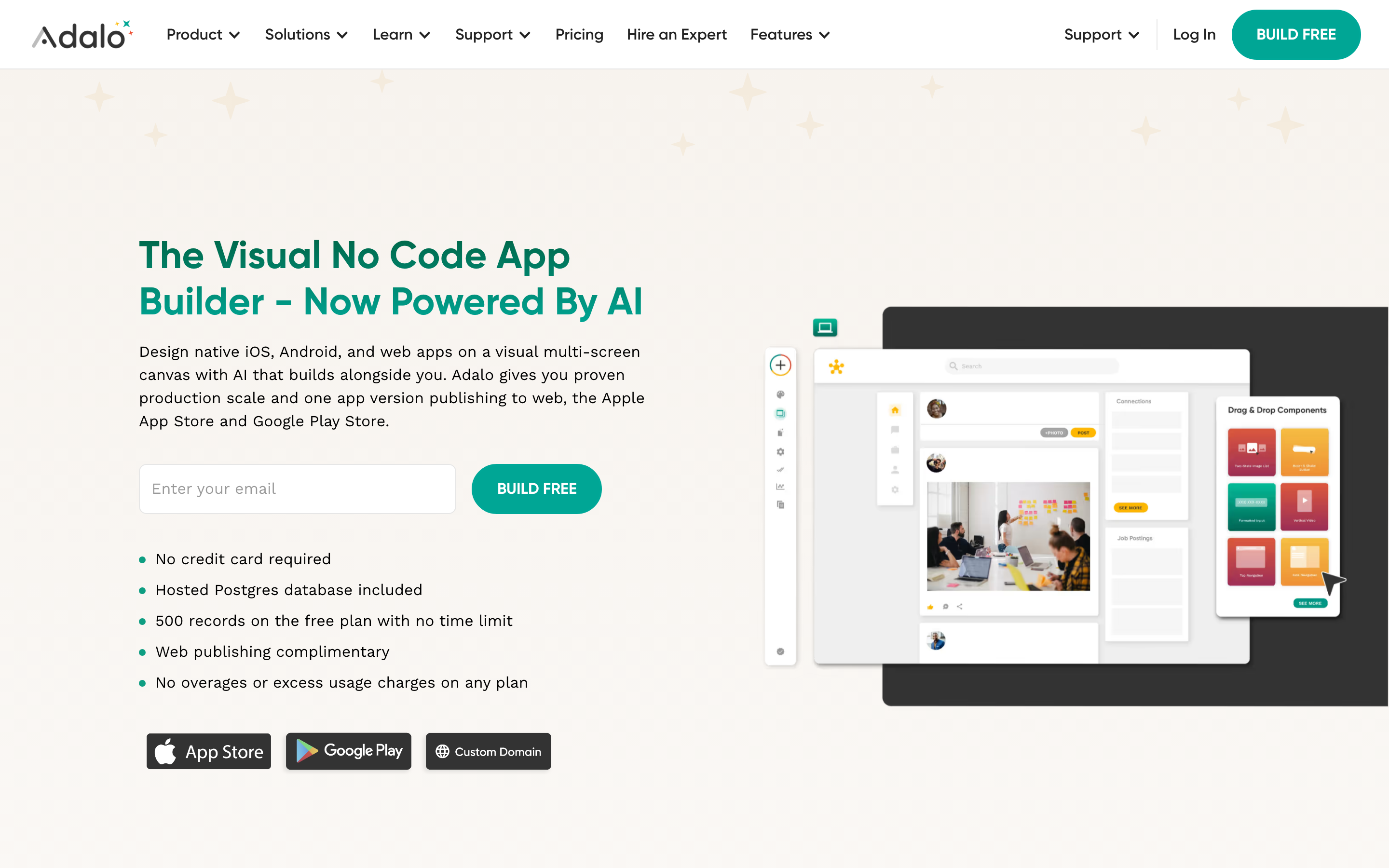
18. Adalo
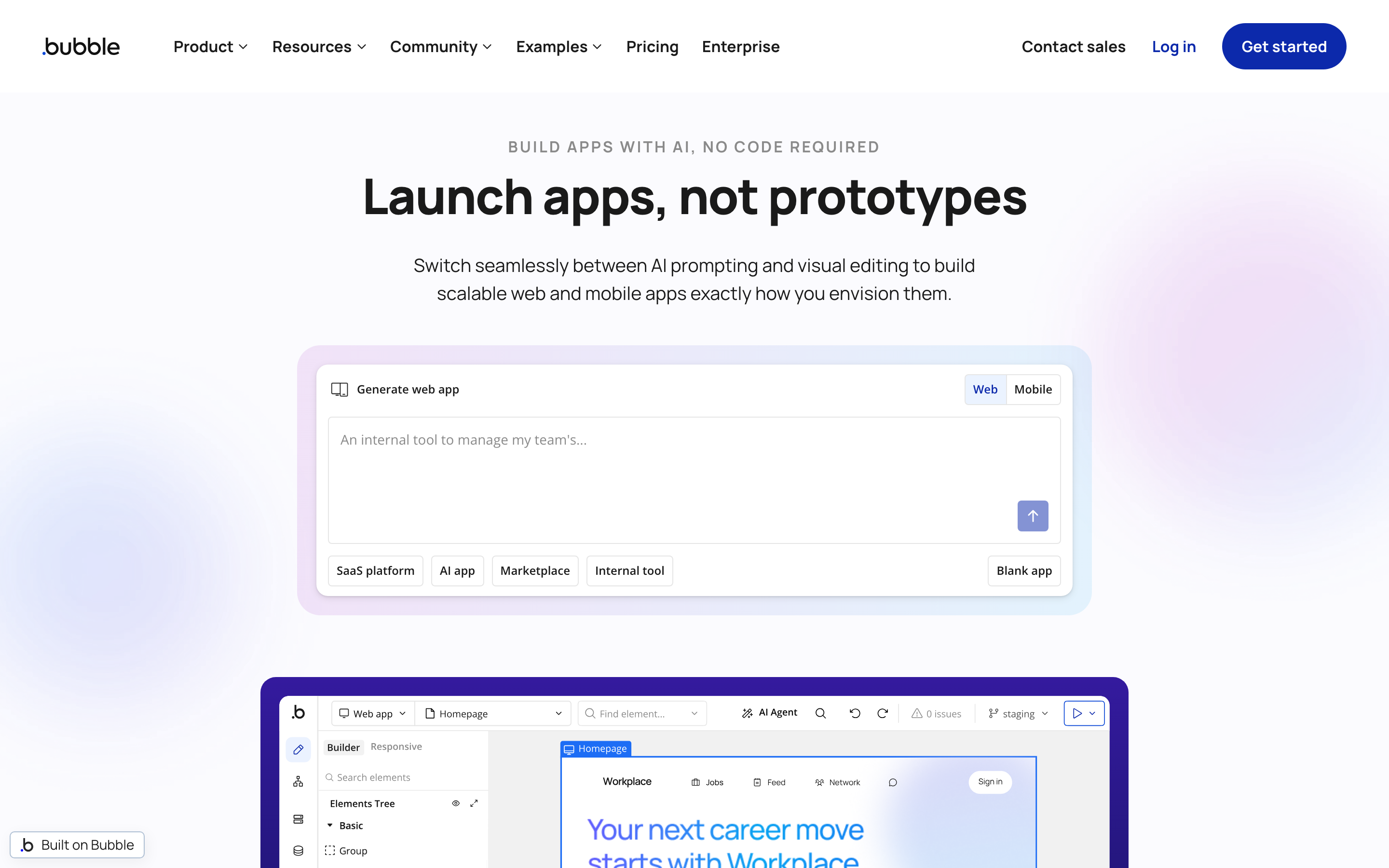
Adalo is a no-code app builder with a drag-and-drop interface for building database-driven iOS, Android, and web apps from a single project.
- Drag-and-drop editor - connect UI components directly to data records
- Single-build deployment - publish to iOS, Android, and web from one project
- Component marketplace - extend the editor with charts, custom integrations, and third-party modules
Adalo has a hard scalability ceiling that kicks in well before most consumer apps mature.
- ~5,000 users — performance degrades noticeably: slower screen loads, UI elements failing to render. Community reports in Adalo's forum document noticeable slowdowns starting around this threshold, though exact numbers vary by app complexity.
- 3,000 records - API timeout errors trigger during large dataset uploads, requiring manual batching
- ~10,000 user accounts - a second performance cliff confirmed in community reports
Note: Users in Adalo's community forums report noticeable slowdowns starting around 5,000 active users, though exact thresholds vary by app complexity and query structure. These are community-reported figures, not official Adalo documentation.
Adalo's pricing is structured around the number of published apps, collaborators, and storage. The free tier is development-only — no published apps.
- Free: $0 — 500 records per app, 1 app editor, unlimited screens, unlimited test apps. Development and testing only. Published apps require a paid plan.
- Starter: $45/mo ($36/mo annual) — 1 published app, 5GB team storage, 1 collaborator.
- Professional: $65/mo ($52/mo annual) — 2 published apps, 25GB storage, 5 collaborators.
- Team: $200/mo ($160/mo annual) — 5 published apps, 125GB storage, 10 collaborators.
- Business: $250/mo ($200/mo annual) — 10 published apps, 500GB storage, unlimited collaborators.
- Add-ons: Extra published apps $25/mo each, additional editors $15/mo each. Budget for these if you're building multiple apps or collaborating with a team.
- Marketplace components: Third-party add-ons cost extra above the base plan. Check component pricing before committing to advanced integrations.
If you need a published app past 5,000 users, plan your migration early. Adalo is a solid MVP platform, but the scalability ceiling is real and documented in community forums.
If you're already thinking past that ceiling, these Adalo alternatives cover the next set of options.
19. Bubble
Bubble is a visual no-code/low-code platform with its own programming language for building web and mobile apps with full UI, data, and logic control.
Best for: Founders and no-code agencies building complex web apps or MVPs. Bubble is powerful enough that some agencies use it exclusively for client work.
Wrong for: Mobile-first products. The native mobile builder is still in open beta with unpolished features, making it a risky foundation for any mobile-first launch.
Bubble's editor is three tools in one: a visual UI builder, a data screen, and a workflow engine.
- UI builder - Canva-like drag-and-drop canvas for designing screens
- Data screen - Excel-like interface for structuring your database
- Workflow logic - step-by-step builder similar to Zapier for automations
- Expression composer - build conditionals and advanced logic by selecting from dropdown menus, no code required
- Native mobile builder (open beta) - camera and location access, one-click push to Google Play and App Store after initial setup
- No native AI tools - AI integration requires the OpenAI API connector or routing through Zapier
Bubble uses workload-based pricing rather than flat monthly fees — costs scale with computational resources your app consumes, which makes budgeting harder as traffic grows.
Plan tiers:
- Free: Development only, no custom domain or store publishing
- Starter: $59/mo — custom domain, App Store and Google Play publishing, 175k Workload Units/month
- Growth: $209/mo billed annually
- Team: $549/mo billed annually
- Enterprise: Custom pricing
20. Glide
Glide is a no-code PWA builder that turns spreadsheets and data sources into mobile-responsive web apps without requiring app store submissions.
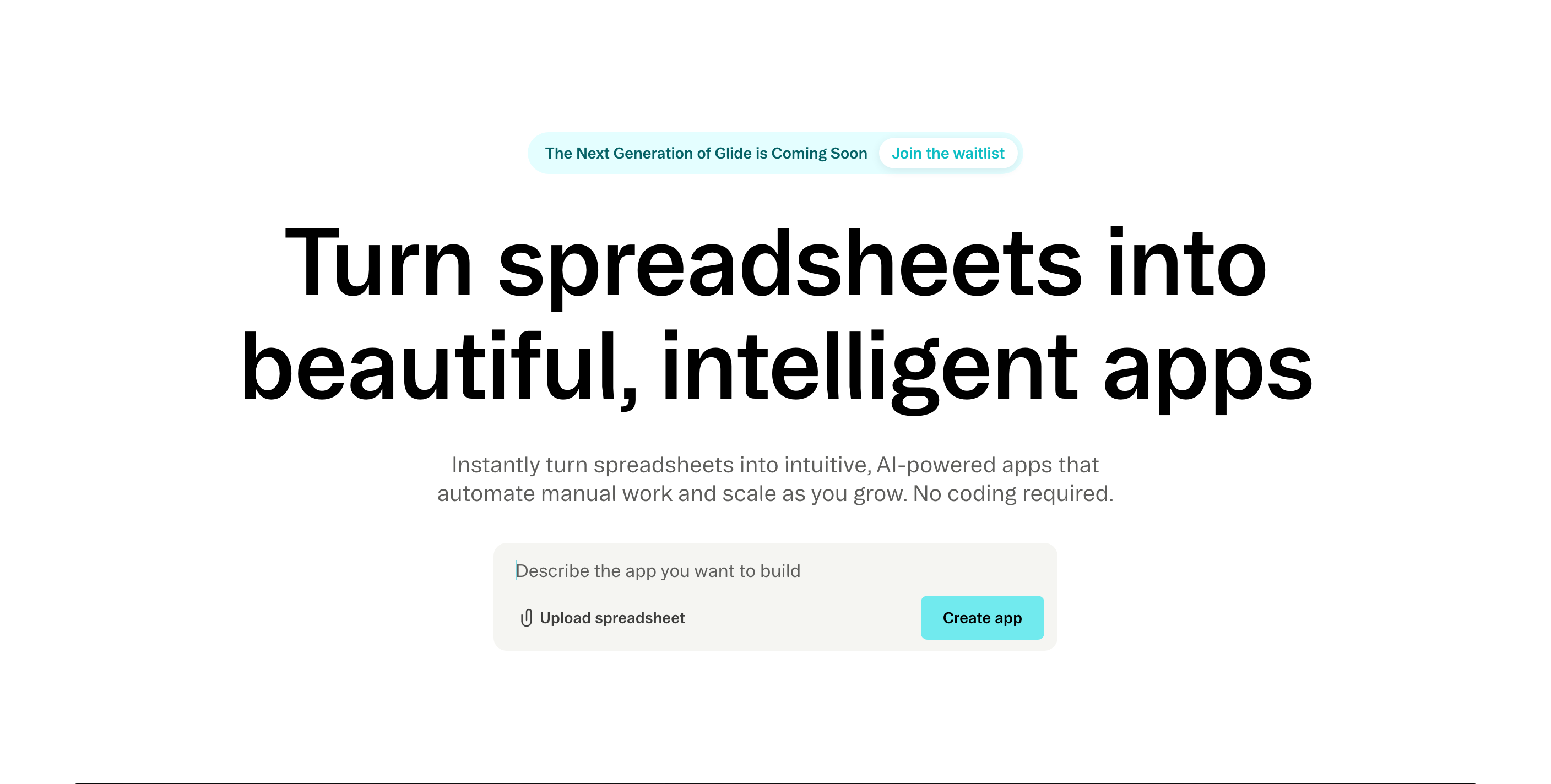
Glide turns Google Sheets into installable web apps without writing code.
- 40+ pre-built UI components - lists, forms, charts, cards, swipe layouts, and checklists. No design decisions required.
- 90+ column types for in-app math, text manipulation, and relational links. No external spreadsheet formulas needed.
- Native AI actions - text generation, audio-to-text, and image-to-text. Trigger them from the data editor, layout editor, or workflow builder. No API wiring required.
- PWA publishing via 'Add to Home Screen'. No App Store or Google Play listing needed - or available.
Glide has a Free plan for drafts, with one editor and up to 25,000 rows.
Business starts at $199/month billed yearly and includes:
- Unlimited apps
- 30 users
- 5,000 updates
- Up to 100,000 rows
Enterprise pricing is custom. (Source: Glide pricing page.)
- Airtable is available as a Business-plan data source. The current lineup no longer lists Explorer or Maker plans.
- In June 2024, Glide moved previously accessible features to higher tiers, according to community reports.
- Check Glide's current limits before committing, especially when an app needs more users or updates.
The build-free model draws you in. The $200+/month publishing tier is where that ends. Works for small internal tools on Google Sheets where an app store listing is never needed. Add up the real monthly cost before committing.
21. Buildfire
Buildfire is a no-code mobile app builder with a drag-and-drop interface, 150+ plugins, and a JavaScript SDK for native iOS and Android apps.
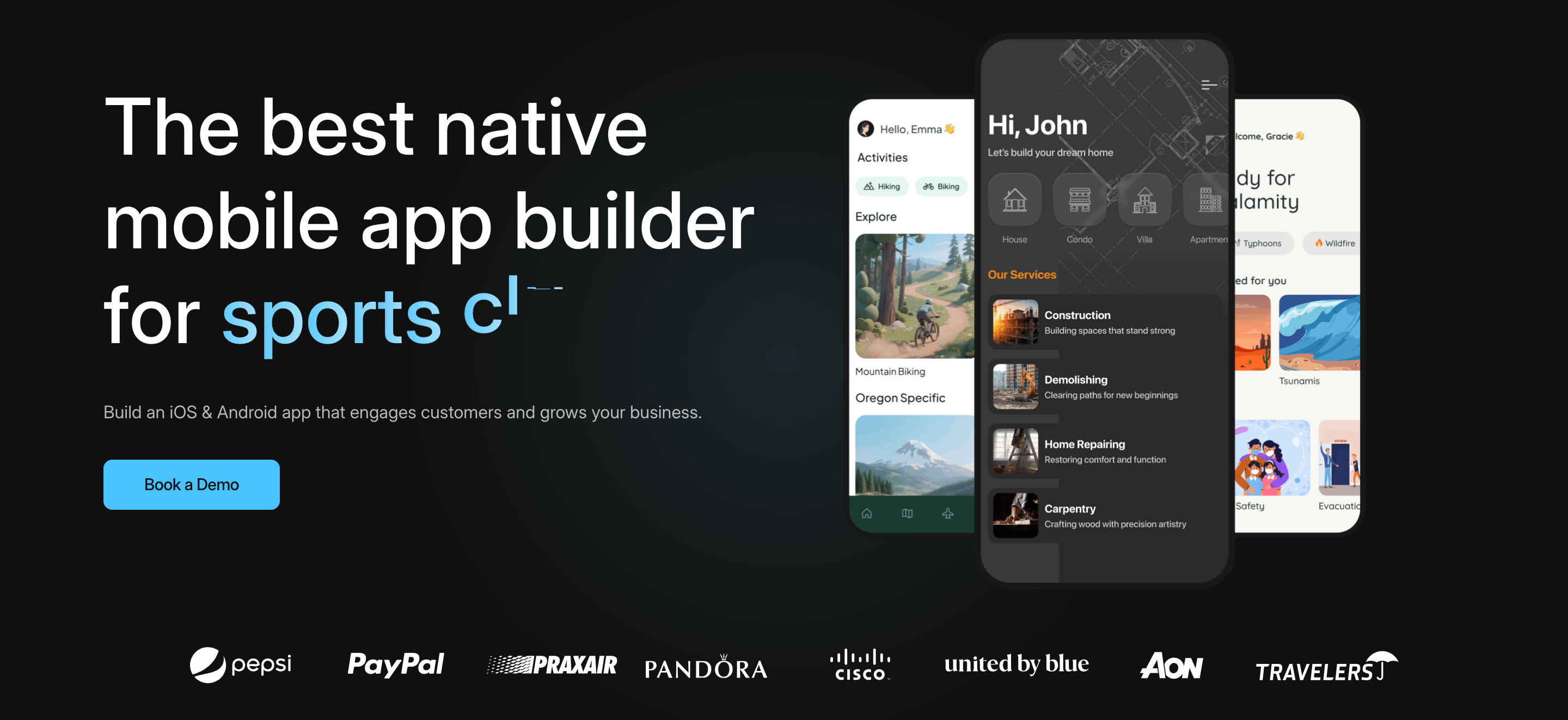
Buildfire's Standard plan starts at $165/month. The platform covers the basics for non-technical builders with three core tools:
- Drag-and-drop builder - builds native iOS and Android apps without writing code
- JavaScript SDK - gives developers access to camera, geolocation, and other native device features
- 150+ plugin marketplace - add push notifications, maps, and e-commerce by selecting components, not coding them
Known limitations flagged consistently across G2, Capterra, and Trustpilot reviews:
- Clunky layouts - reviewers describe the builder as difficult to customize, with recurring software glitches
- Customization ceiling - anything beyond the plugin architecture requires switching frameworks entirely
- Poor enterprise scalability - the platform skews toward small organizations and struggles with high-volume needs
- Billing errors: At least one Trustpilot reviewer reported a monthly plan being charged as a full quarter.
The 150+ plugin library works for simple content apps. Hit the plugin ceiling and there's nowhere to go without switching platforms entirely. Reviews consistently document builders reaching that wall.
Buildfire’s plugin ceiling makes small-business app options worth comparing across native apps, PWAs, and internal tools.
22. Apphive
Apphive is a drag-and-drop no-code builder for iOS and Android apps, designed for non-technical founders who want store-ready apps without writing a line of code.
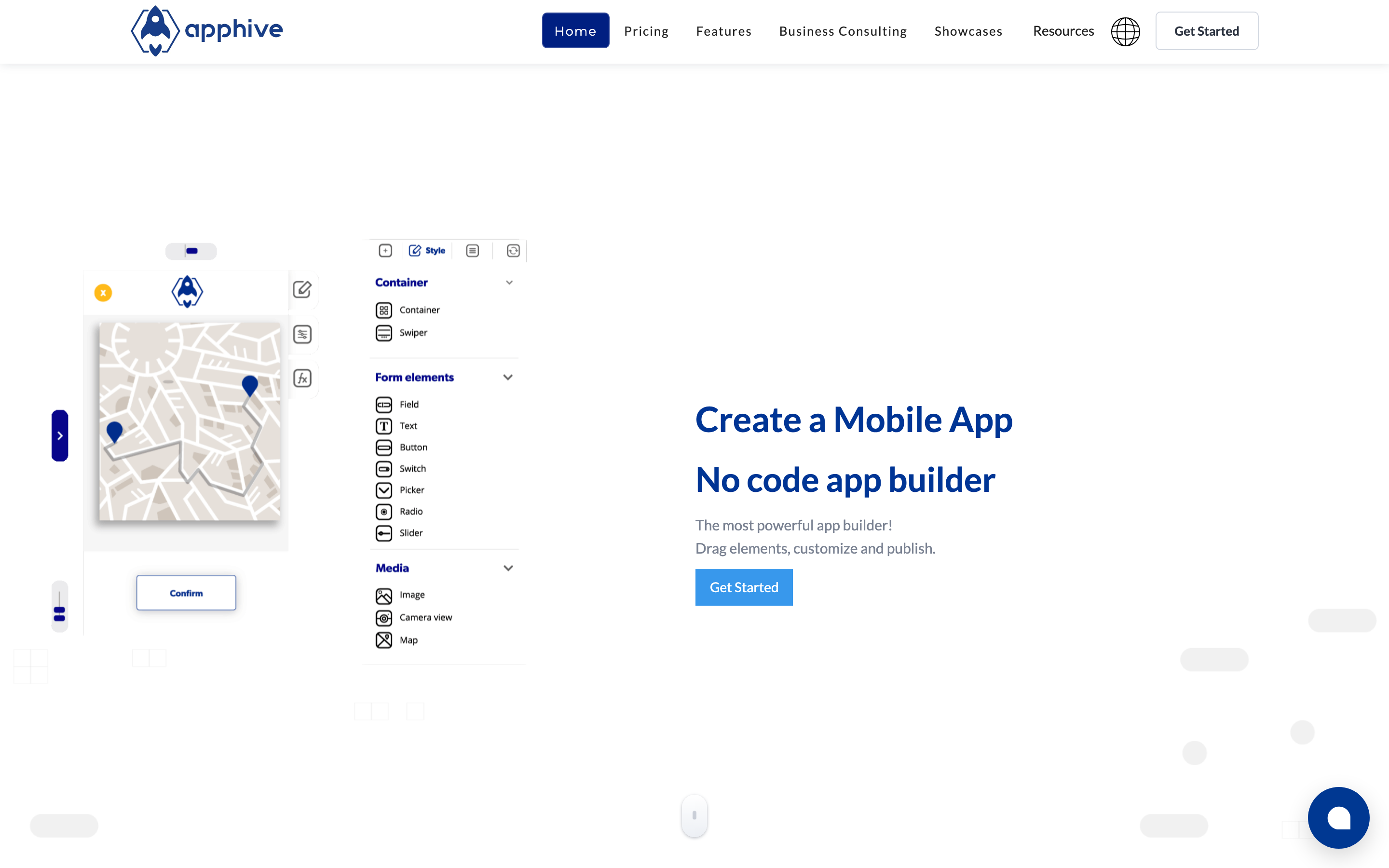
- Drag-and-drop builder for iOS and Android, no code required
- Push notifications, in-app payments, and analytics available on paid plans
- App store submission support included on both paid tiers
- Generates native app binaries, not web wrappers
Apphive's Premium plan costs $70/month and includes 50 Android builds per month. The $90/month Unlimited plan adds 50 iOS builds per month and keeps the Android limit at 50.
To put that in context: submitting a build, testing it, finding a bug, fixing it, and resubmitting counts as 2 compilations.
Do that for iOS and Android separately and you've used 4 per iteration. At that pace, 50 compilations lasts about 12 active development days.
Apphive fits someone who needs a simple, low-traffic app on both stores and won't be pushing updates constantly. Skip it if you're building anything complex or plan to move fast. The compilation cap makes active development painful, and user reviews on GetApp flag missing core functions that other no-code builders include as standard.
23. AppMySite
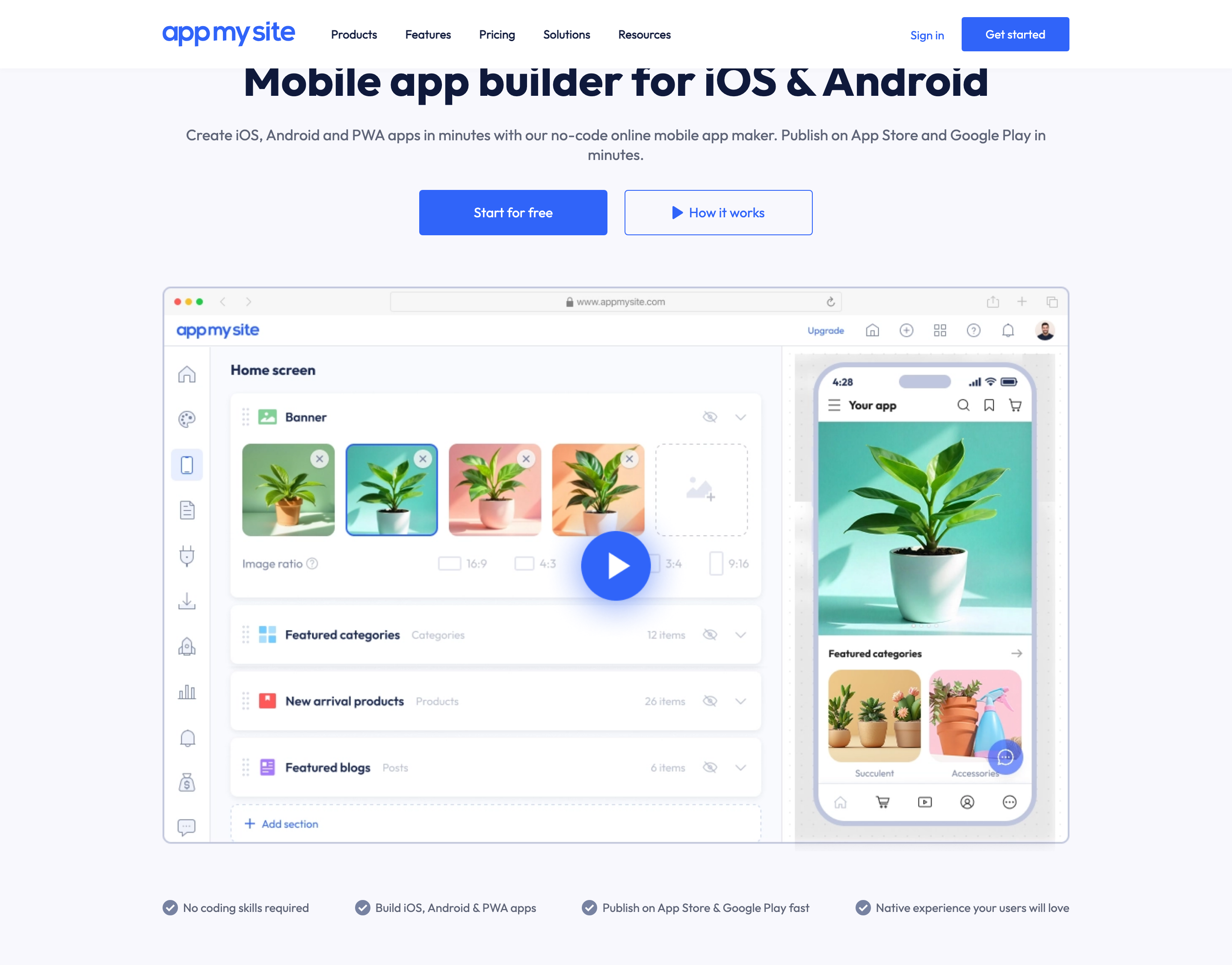
AppMySite is a no-code WordPress-to-mobile-app converter that wraps existing websites into Android and iOS store-ready builds.
AppMySite converts existing WordPress sites into mobile apps by pulling content directly from the WordPress backend.
- WordPress-to-mobile sync - content updates in WP reflect in the app automatically
- Generates Android APK/AAB and iOS builds for both major app stores
- Agency white-label tier at $999/mo for building client apps at scale
AppMySite's pricing runs from free to $999/mo across five tiers.
- Free - preview only, no publishing
- Starter - $69/mo
- Pro - $129/mo
- Premium - $249/mo
- Agency - $999/mo (white-label)
NB! Multiple users on Capterra report unexpected charges, billing continuing after cancellation, and refund requests being refused. Check your payment status carefully after cancelling.
AppMySite apps are webview wrappers, not native apps. That distinction creates real limits.
- No direct access to device hardware, sensors, or native UI components
- Push notifications require significant extra setup, unlike true native frameworks
- Poor compatibility with custom WordPress plugins and non-standard permalink structures, often breaking app functionality
AppMySite fits one specific situation: a WordPress site owner who wants basic app store presence with a standard setup.
Good for:
- WordPress sites using standard themes and plugins
- Owners who want an app store listing without custom development
Not for:
- Native features like camera, GPS, or biometrics
- Complex custom logic or reliable out-of-the-box push notifications
- Anyone building a new app from scratch with no existing website - AppMySite is a conversion tool only
24. Andromo
Andromo is a browser-based no-code builder for native Android and iOS apps, built entirely around drag-and-drop templates.
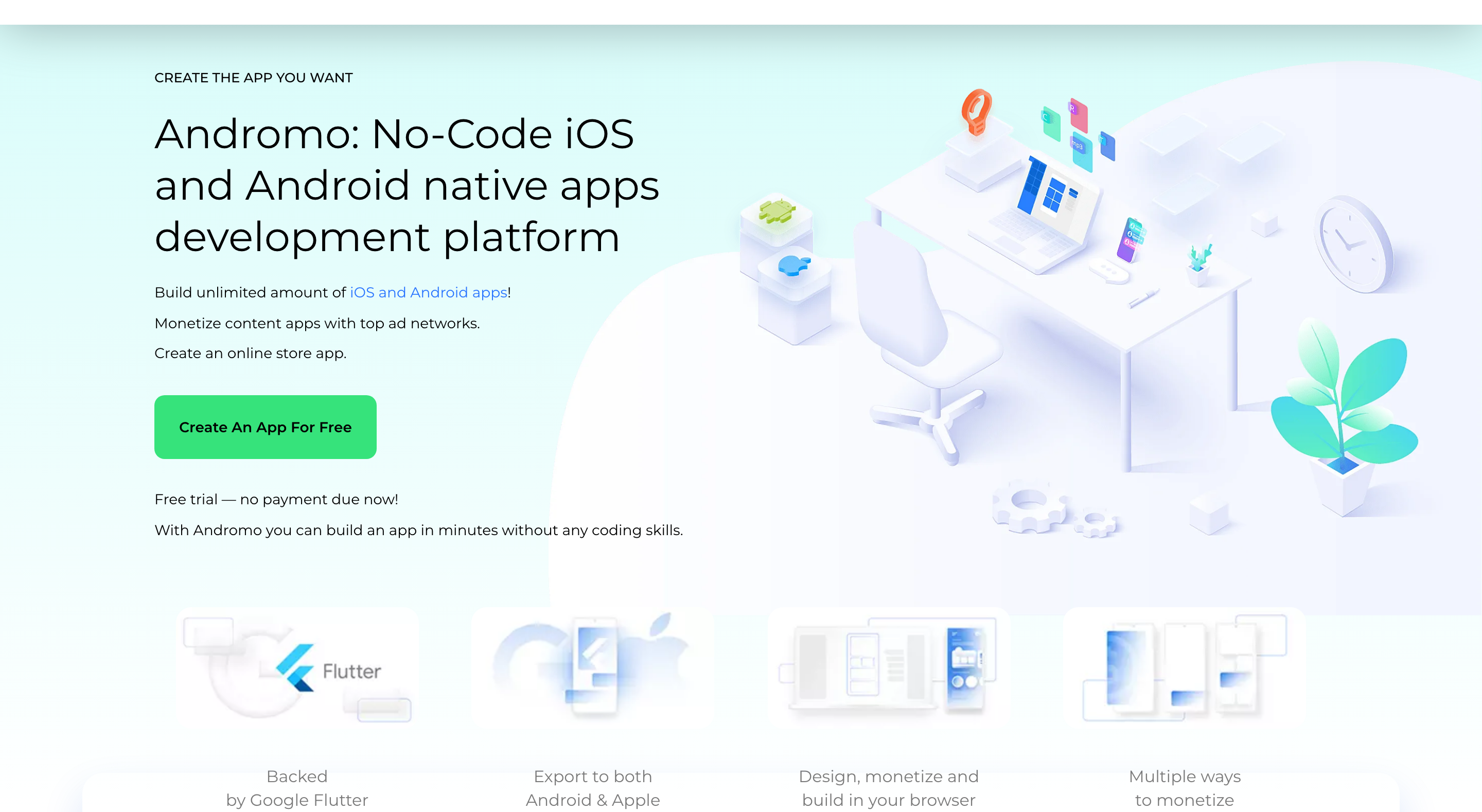
The templates work fast. A content app or simple Shopify storefront can be up in a day, no code required.
But the layouts are fixed. You can't rearrange structure, override UX patterns, or add custom branding beyond surface-level colors and logos. That ceiling shows up quickly if your idea needs anything beyond what the template does.
The bigger issue is what's missing entirely: there's no database support and no advanced logic. If your app needs user accounts, dynamic content, or stored data, Andromo won't get you there.
Also, in-app monetization features and Shopify integration only unlock on higher tiers
Plans run from $24/month (Hobbyist) to $104/month for the Reseller tier. Current plans are: Hobbyist $24/mo, Ultra $42/mo, Games/Services/WooCommerce $57/mo, Shopify $60/mo, and Reseller $104/mo.
Pro tip: Before committing to Andromo, map out every screen your app needs. If any screen requires user login, stored data, or dynamic content pulled from a database, stop here. Andromo has no database support. You'll hit that wall on day two and need to restart on a different platform.
Best for non-technical users who need a fast, simple native app: content publishers, small businesses, or Shopify store owners with straightforward needs. Not for anyone who needs custom UI design, database logic, or a user base that will scale.
25. Mobiroller
Best for: Non-technical builders targeting Android, iOS, and Huawei markets on a tight budget. Skip if: You need reliable support or are building content-heavy apps.
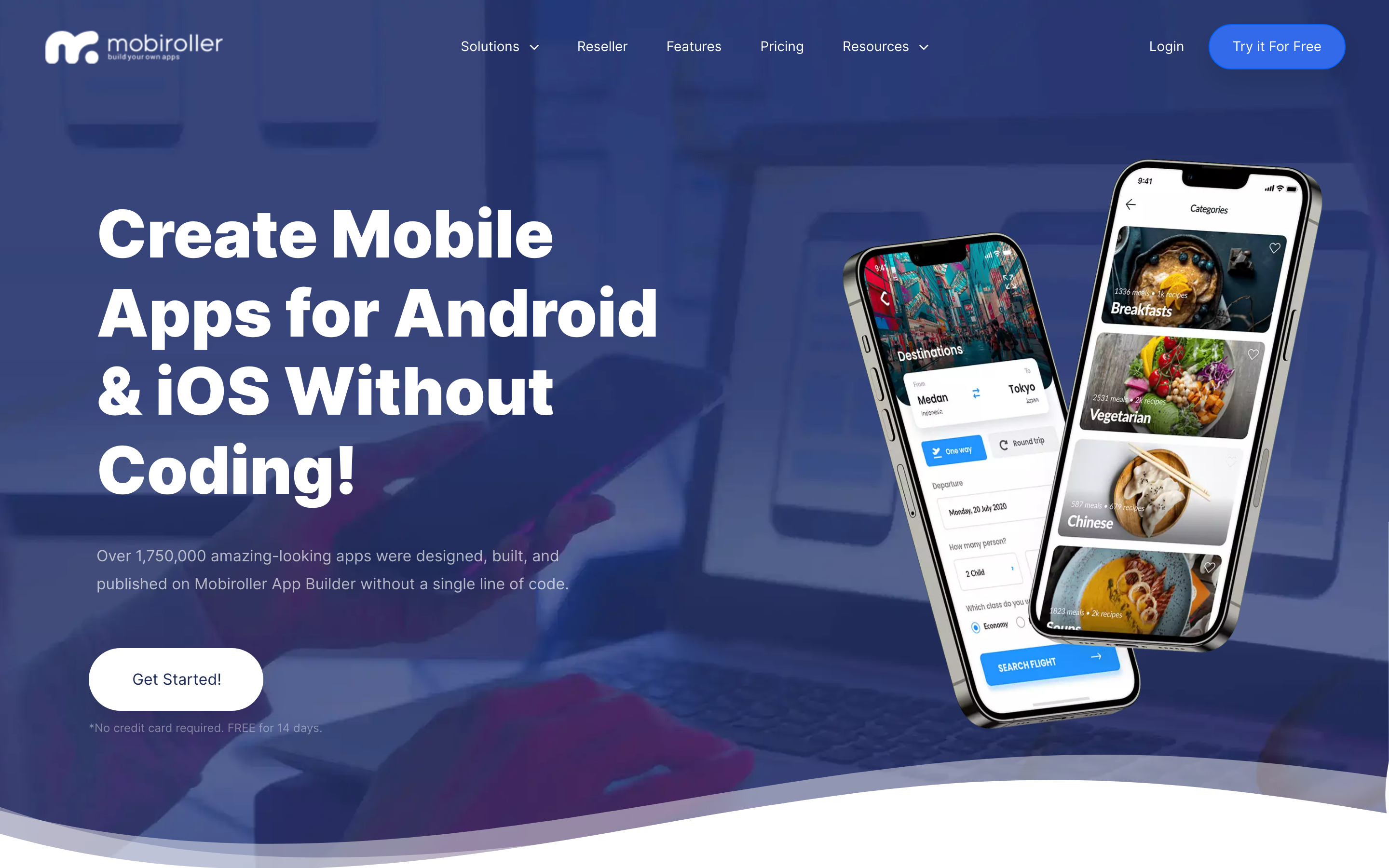
Drag-and-drop module system publishing to iOS, Android, and Huawei AppGallery from one build
Multi-language module with auto-translation for international distribution
E-commerce module with product catalog and mobile storefront (Business plan)
No database support or advanced custom logic
Standard costs $99 billed annually for one native Android app.
Advanced costs $299 billed annually for one Android and iOS app. The package also includes premium modules, e-commerce, and iOS publishing support.
(Source: Mobiroller pricing page.)
Mobiroller's real differentiator is Huawei AppGallery publishing. It's one of the few no-code builders that lets you ship to iOS, Android, and Huawei from a single build - useful if you're targeting markets where Huawei devices dominate.
Support remains a concern. Reports of bugs, slowdowns, and poor responsiveness appear in Trustpilot reviews and AppSumo reviews.
If Huawei AppGallery reach matters to your project and you can tolerate some roughness, Mobiroller is a legitimate option. If you need reliable help when things go wrong, look elsewhere.
Full Comparison Table
That brings us to the practical question: with 25 options on the table, how do you pick the right one?
| Tool | Category | Price starts at | App Store publishing | Best for |
|---|---|---|---|---|
| Bilt.me | AI/Vibe-coder | Free tier; $25/mo Professional; $50/mo Professional Plus | Yes, automated | Non-technical founders, full lifecycle |
| Rork | AI/Vibe-coder | Free ($0/mo); $25/mo (Junior) | Unreliable | Simple prototypes only |
| Natively | AI/Vibe-coder | $25/mo (50 prompts) | Yes, included on plan | True native output, single app |
| Vibecode | AI/Vibe-coder | Free / $20/mo | No, App Clips only | iPhone-first prototyping |
| Rocket | AI/Vibe-coder | $25/mo | No, manual | Technical founders, full-stack MVPs |
| Anything | AI/Vibe-coder | Credit-based | iOS via TestFlight | Vibecoders needing real backend |
| Cursor | Developer | Free / $20/mo | No, manual | Developers with mobile framework experience |
| Android Studio | Developer | Free | Android only | Professional Android developers |
| Claude Code | Developer | $20/mo (Pro) | No, manual | CLI developers, large codebases |
| Codex | Developer | $20/mo (Plus) | No | Automating tests and scaffolding |
| Flutter | Developer | Free, open-source | Yes, manual | Experienced devs, pixel-perfect apps |
| FlutterFlow | No-code | Free / $39/mo Basic | Paid tier required | Intermediate no-coders, MVPs |
| OutSystems | No-code | Enterprise pricing | Yes, hybrid | Large enterprises with IT teams |
| Mendix | No-code | €52.50/mo (Basic) | Yes | Enterprise Agile teams |
| Draftbit | No-code | Free / $20/mo | Paid tier required | Technical founders who own the code |
| Thunkable | No-code | $59/mo (Builder) | Yes, paid only | Educators, students, hobbyists |
| GoodBarber | No-code | $36/mo | Premium+ only | Media, restaurants, retailers |
| Adalo | No-code | Free / $45/mo | Paid tier required | MVPs under 5,000 users |
| Bubble | No-code | $59/mo (Starter) | Yes, beta | Complex web apps and no-code agencies |
| Glide | No-code | Free / $199/mo Business, billed yearly | No, PWA only | Internal tools on Google Sheets |
| Buildfire | No-code | $165/mo (Standard) | Yes | Simple content apps, small businesses |
| Apphive | No-code | $70/mo | Yes | Simple low-traffic apps, no code |
| AppMySite | No-code | $69/mo | Yes, webview | WordPress site owners |
| Andromo | No-code | $24/mo | Yes | Template-driven content and Shopify apps |
| Mobiroller | No-code | $99 billed annually | Android on Standard; iOS requires Advanced | Multi-store publishing, simple apps |
How to Choose the Right App Development Software
Ask one question first: which release steps does the tool handle automatically?
Check three parts of the workflow:
- Coding background: Decide whether you can inspect and fix generated code or need a no-code path.
- Publishing needs: Confirm whether the tool creates native binaries and handles store submission.
- Check backend wiring and code signing separately because publishing support may leave both tasks to you.
- Budget model: Compare prompt, credit, publishing, and per-app costs before you build around a plan.
| Your situation | Best pick |
|---|---|
| No coding background, need full lifecycle (idea to App Store) | Bilt |
| Non-technical, narrower or more specific needs | Natively or Anything |
| Developer with an existing codebase | Cursor or Claude Code |
| Developer who needs full native control | Flutter |
| Visual drag-and-drop, power user | FlutterFlow |
| Visual drag-and-drop, simpler app | Adalo |
| Complex web logic plus mobile | Bubble |
| Internal tool or content app on a budget | Glide, Buildfire, or Mobiroller |
| Enterprise workflow automation | OutSystems or Mendix (with a dedicated IT team) |
For non-technical builders who want a published app, not just a prototype, Bilt is the right starting point.
Bilt covers the path from idea to code signing and App Store submission, so you can build without taking on the release workflow alone.
Ready to test your idea? Start building free. Free to start, with no credit card required.
Common questions about app development software
Can ChatGPT with Codex build a mobile app?
ChatGPT with Codex can create and modify a mobile app codebase, run tests, and handle engineering tasks in cloud or local development workflows.
Releasing that code still requires:
- A mobile build environment
- Signing credentials
- Store metadata and privacy disclosures
- Apple or Google review
Bilt adds native preview and publishing support to code generation, including the App Store workflow.
Can Lovable and Replit build mobile apps?
Replit Agent can scaffold a native mobile app through its Expo-based workflow.
Replit's mobile tools include:
- A streamed iOS Simulator or Android Emulator in the browser
- Testing through Expo Go
- Guided TestFlight and App Store preparation
Publishing still requires your own Apple Developer account. Apple reviews the app, and you manage its release through App Store Connect.
Lovable is a web-app starting point. Moving a Lovable project to mobile requires a separate web-to-app workflow because Lovable does not document native binary generation or App Store submission.
Bilt can convert Lovable or Replit web projects into mobile apps and support the store-publishing process.
Can app development software be used for both web and mobile apps?
Yes, many tools let you build once and ship to both web and mobile from one codebase.
Flutter compiles to native ARM/Intel code for mobile and JavaScript for web, all from one Dart codebase.
FlutterFlow builds on top of Flutter visually, deploying to iOS, Android, web, and desktop from a single project.
AI builders like Bilt also produce native iOS and Android apps from a single conversation, so you get cross-platform coverage without managing a shared codebase yourself.
Cross-platform frameworks cut build time by eliminating duplicate iOS and Android codebases. Ionic, one of the oldest cross-platform options, uses HTML, CSS, and JavaScript wrapped in a Capacitor native shell. It's more flexible than Cordova and widely used for enterprise apps, but still produces hybrid rather than true native output. The trade-off: graphics-intensive screens can lag compared to Flutter or React Native native binaries. For most apps the performance difference is negligible. For games or video, it matters.
How to choose between Swift, React Native and Flutter frameworks?
Swift is Apple-only and needs a Mac with Xcode. React Native uses JavaScript and works on both iOS and Android. Flutter uses Dart and produces the most consistent UI across devices, but Dart is a less common language than JavaScript.
For non-technical builders, this choice doesn't matter much. Tools like Bilt, Natively, and Anything pick a framework for you and handle the output automatically.