Most AI app builders are great at the demo and shaky at the handoff. You get a nice-looking preview, then run into broken generations, credits disappearing on retries, export restrictions, or App Store steps that suddenly become your problem.
This guide compares 10 AI app builders for different jobs, from web-first no-code tools to native mobile builders. One important disclosure up front: this article is published by the Bilt team, and Bilt is included in the roundup.
That does not mean every tool here is for the same buyer. If you need a fast prototype, your best option may be different from someone trying to ship a real iOS and Android app.
TL;DR: quick comparison
- Bilt — strongest pick for publishing native iOS and Android apps without writing code
- Rork — best for developers who want to own React Native source code
- FlutterFlow — best for Flutter developers who want visual tooling with full code export
- Adalo — best for web-first or no-code projects with relational data needs
- Base44 — best for fast web prototypes where App Store submission is not a priority
- Vibecode, Blink, Dreamflow, Rocket, a0 — each covered in full below with pricing, architecture, and limitations
Read on if you want to sanity-check a tool before you commit time, money, or your app idea to it.
What kind of AI app builder do you actually need?
Picking the wrong builder gets expensive fast. The real question is not "which tool looks smartest in a demo," but "where will this break once I try to launch?"
Are you building a native mobile app or a web app?
If you need camera access, push notifications, better on-device performance, or a cleaner App Store path, start with native mobile builders like Rork, FlutterFlow, Bilt, and a0.
If you mainly need a browser-based product with a mobile-friendly wrapper, web-first tools can be enough. Just know that wrapped web apps often feel weaker on device, and App Store review can get harder when the app does not deliver much native functionality.
How much code are you comfortable writing?
Some tools feel magical until the first thing breaks. If you are not comfortable debugging generated code, be careful with products that promise one-shot output but still expect you to clean up failures yourself.
Code-export and code-first tools usually ask more of you upfront. In return, they are often easier to debug, extend, and move off later.
Do you need a working prototype or a shippable production app?
A pretty preview is not the same as a usable app. Many builders look good until you add auth, real data, payments, or multi-step flows.
If your goal is a production app, check for database support, authentication, deployment help, and some evidence the tool can survive past the first generation. That matters because the pain usually starts after the first wow moment.
Do you need to own and export your code?
Ask this before you build too much. Some platforms make export, publishing, or even basic deployment a paid unlock, which is a bad surprise if you only discover it after investing weeks.
Code ownership and data portability matter more once users or revenue show up. Starting over is expensive.
How to evaluate any AI app builder
Most buyers do not get burned on day one. They get burned on day ten, when the preview stops loading, credits keep disappearing on retries, or they realize publishing and export live behind a higher plan.
Here is the framework that matters in practice:
1. How reliable is the build loop?
If a tool burns credits when the output is broken, that is not a small UX issue. It means you are paying to debug the model's mistakes.
Look for signs of preview failures, freezing editors, repeated broken generations, or prompts that stop respecting earlier context. Those are the fastest ways to turn "build in minutes" into a long cleanup project.
2. What happens when you want to leave?
Check whether code export is available, whether it is locked to a higher tier, and whether your data can move with you. This matters because lock-in usually feels fine right up until the moment pricing changes or the product hits limits.
3. Who handles publishing friction?
This is where a lot of non-technical builders get stuck. Generating screens is the easy part; dealing with submission requirements, review prep, and the ugly edge cases around release is the part that decides whether the app actually ships.
If a tool says it supports mobile, ask whether that means a real submission path or just a build artifact you still need to figure out yourself.
4. Can it handle more than the happy path?
Test beyond a single demo screen. Add auth, a real backend, and at least one flow that feels like a real product.
That is usually where weak tools start leaking complexity back onto you.
5. Is pricing predictable once you are serious?
Credits that expire, paid publishing unlocks, and scale-based pricing can all be fine if they are obvious upfront. They are a problem when you only discover them after the build is already working.
The rest of this roundup uses that lens. The goal is not to admire AI demos, but to help you avoid the failure modes that waste the most time.
1. Bilt
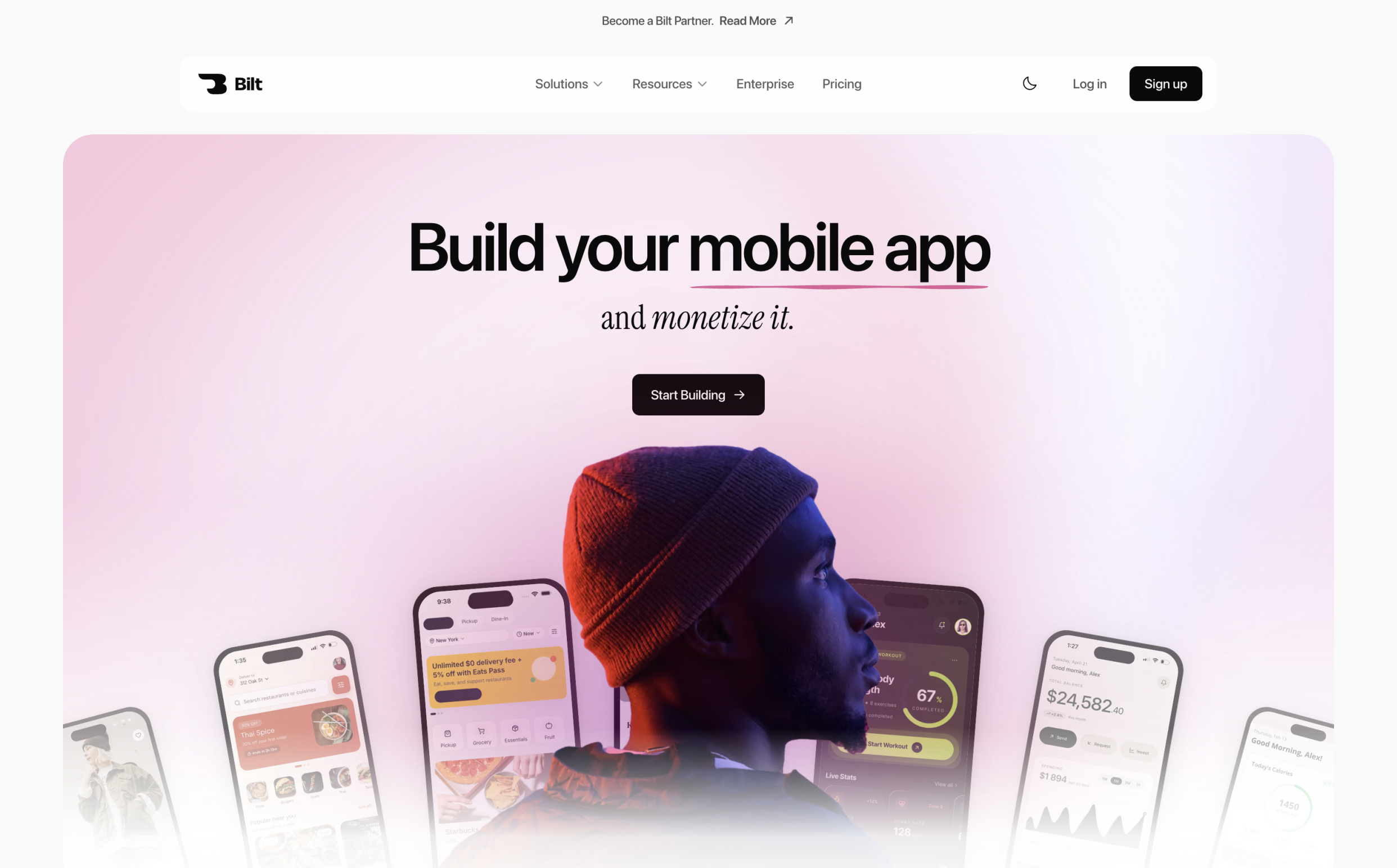
Start with your app idea. Tell Bilt what you want to build in plain English, and Bilt turns that idea into a real native app for iOS and Android.
| Feature | Bilt |
|---|---|
| Architecture | React Native native app |
| Platforms | iOS and Android |
| App Store steps | Handled by Bilt |
| Code needed | No code needed |
| Starting price | Free to start |
Bilt is built for the messy part that comes after the first prompt. You do not need to set up React Native, wire backend pieces together, or figure out store submission on your own.
You describe the app. Bilt handles the build, the backend, and the app-store steps so you can get closer to publishing and earning from the idea.
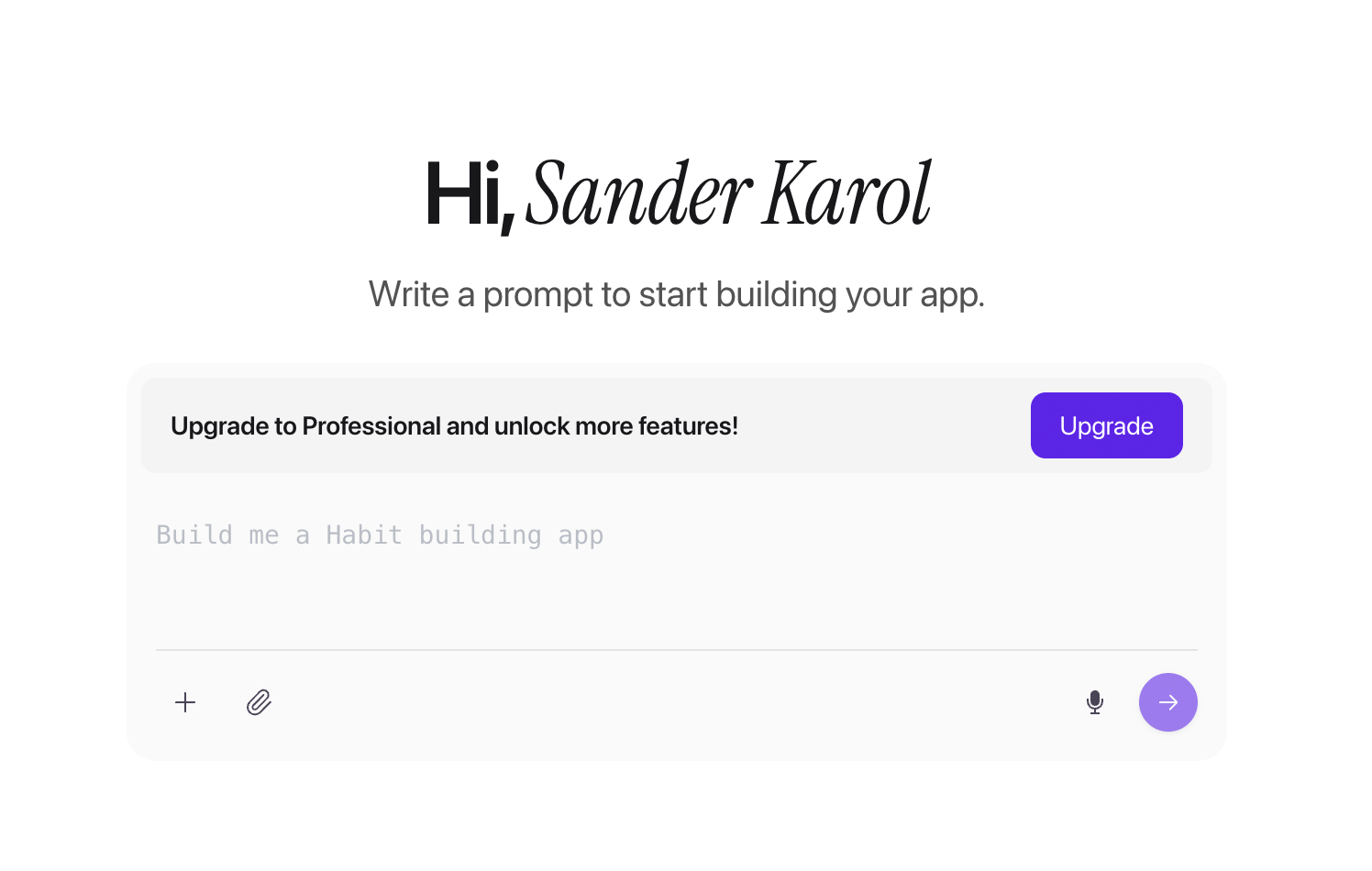
Here is the core flow:
- Describe your app in plain English.
- Bilt builds a native iOS and Android app.
- Preview, test, and keep refining without writing code.
- Publish when the app is ready.
Best fit: non-technical founders, vibecoders, and web app owners who want a real mobile app without rebuilding by hand. You can compare ways to build an iOS app without code before choosing a workflow.
Not ideal for: teams that only need a lightweight web app or founders who want a pure drag-and-drop editor.
You will still need an Apple Developer account ($99/year), because Apple controls access to the App Store deployment process. Bilt handles the app build and submission workflow around it.
Bilt is free to start:
- Free — build and test your app with 3M tokens/month, a free backend, and live preview.
- Professional ($25/mo) — get 10M tokens/month, priority agent access, integrations, and priority preview.
- Professional Plus ($50/mo) — get 20M tokens/month, priority support, and early feature access.
- Enterprise — get custom tokens, billing, onboarding, integrations, and group access controls.
When you are ready to turn the idea into a real mobile app, create your first Bilt project for free.
If you want more hardware-level control and are comfortable being closer to the code, the next tool is worth a look.
2. Rork
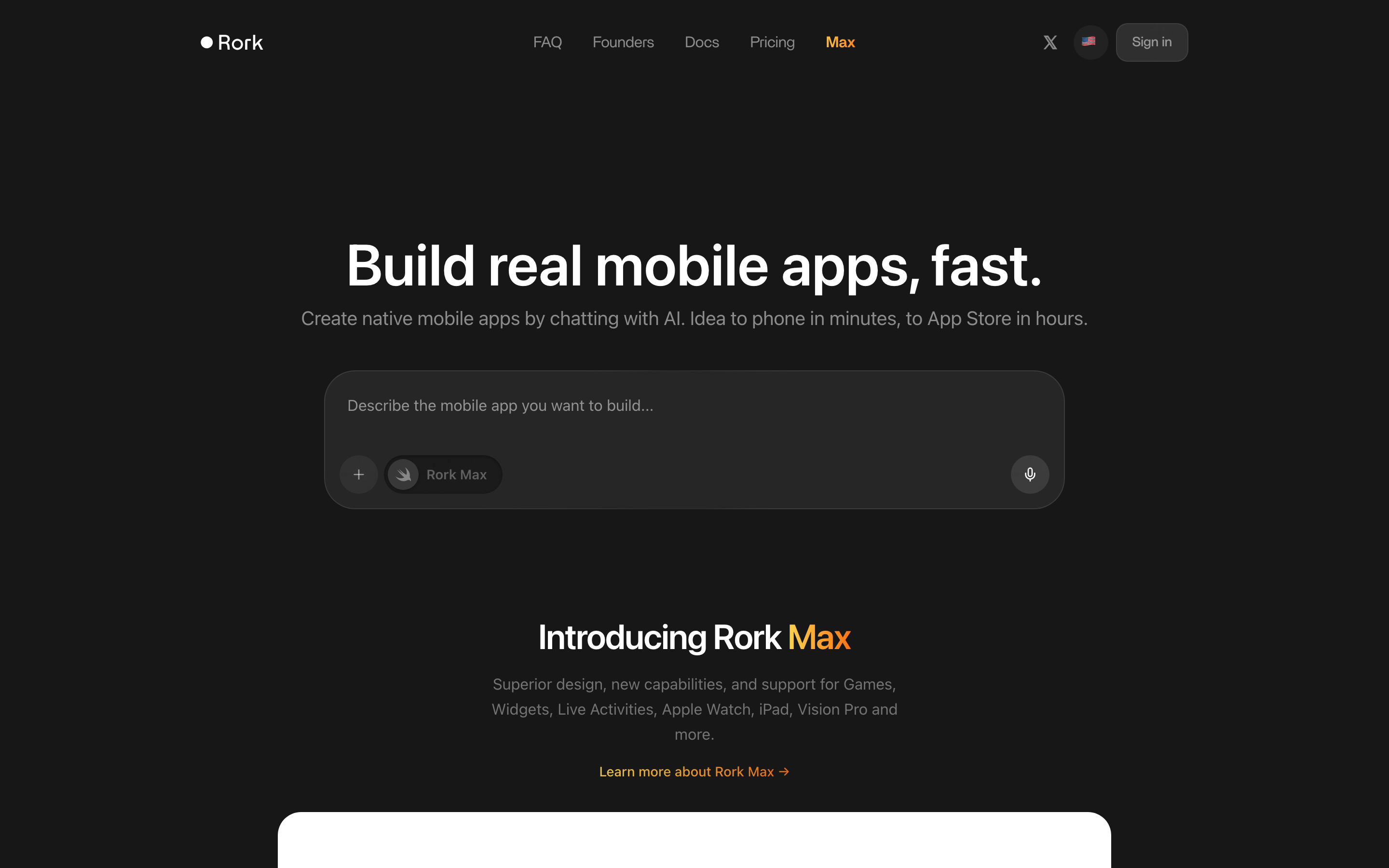
Rork is flashy on first contact. It promises chat-first native app building, one-click store submission, and enough hardware access to make iOS builders look twice.
In practice, I found it more impressive in the pitch than in the workflow. Preview builds sometimes failed to load on the first try during testing, and that friction matters more than it sounds when the whole product is selling speed.
Rork, FlutterFlow, and a0 are the only tools in this list that really stand out for native mobile architecture. The difference is that Rork is the most opinionated about doing everything through chat.
That is either the appeal or the problem.
If you want to sketch a hardware-heavy iOS concept without opening Xcode, Rork is genuinely interesting. HealthKit, AR, Expo, and even the Rork Max Swift path give it a wider native surface area than most AI builders here.
But I would not call it the safest choice for someone building a business they may want to move later. The lock-in tradeoff is real.
What stood out from testing and research:
- The no-Mac pitch has limits. Standard React Native and Expo flows are approachable, but Rork Max testing still leans on a Mac and the Rork Companion app, which undercuts the magic for non-technical users.
- It is strongest when the app idea needs device features. AR and HealthKit support give it a lane that PWA-style tools and wrappers simply do not cover.
- The chat-first loop feels fast until something breaks. KB research surfaced repeated complaints about failed executions, credits being consumed during repair attempts, and unused credits expiring instead of rolling over.
- Export confidence is weaker than it should be. The draft already notes that projects become inaccessible if the subscription is canceled, and there is no straightforward bulk export path for non-technical users.
That last point would stop me from recommending Rork casually.
If you are an indie hacker building a high-upside prototype and you care more about speed than ownership, Rork can be a fun bet. If you are trying to build a durable app business, FlutterFlow and Blink are easier to defend because the exit path is clearer.
For a narrower iPhone-focused comparison, see our vibe coding iOS tools test.
Pricing is broad, not gentle:
- Free: 35 credits/month
- Rork Pro: from $20/month for 100 credits
- Rork Max: $200-$1,800/month for 1,000-10,000 credits
At the low end, that is manageable. At the high end, it becomes one of the easiest tools on this list to overspend on, especially if previews fail, repair loops eat credits, or you iterate heavily.
If you prefer seeing the whole app layout and nudging screens visually instead of living inside a chat thread, Adalo is the cleaner fit.
3. Adalo
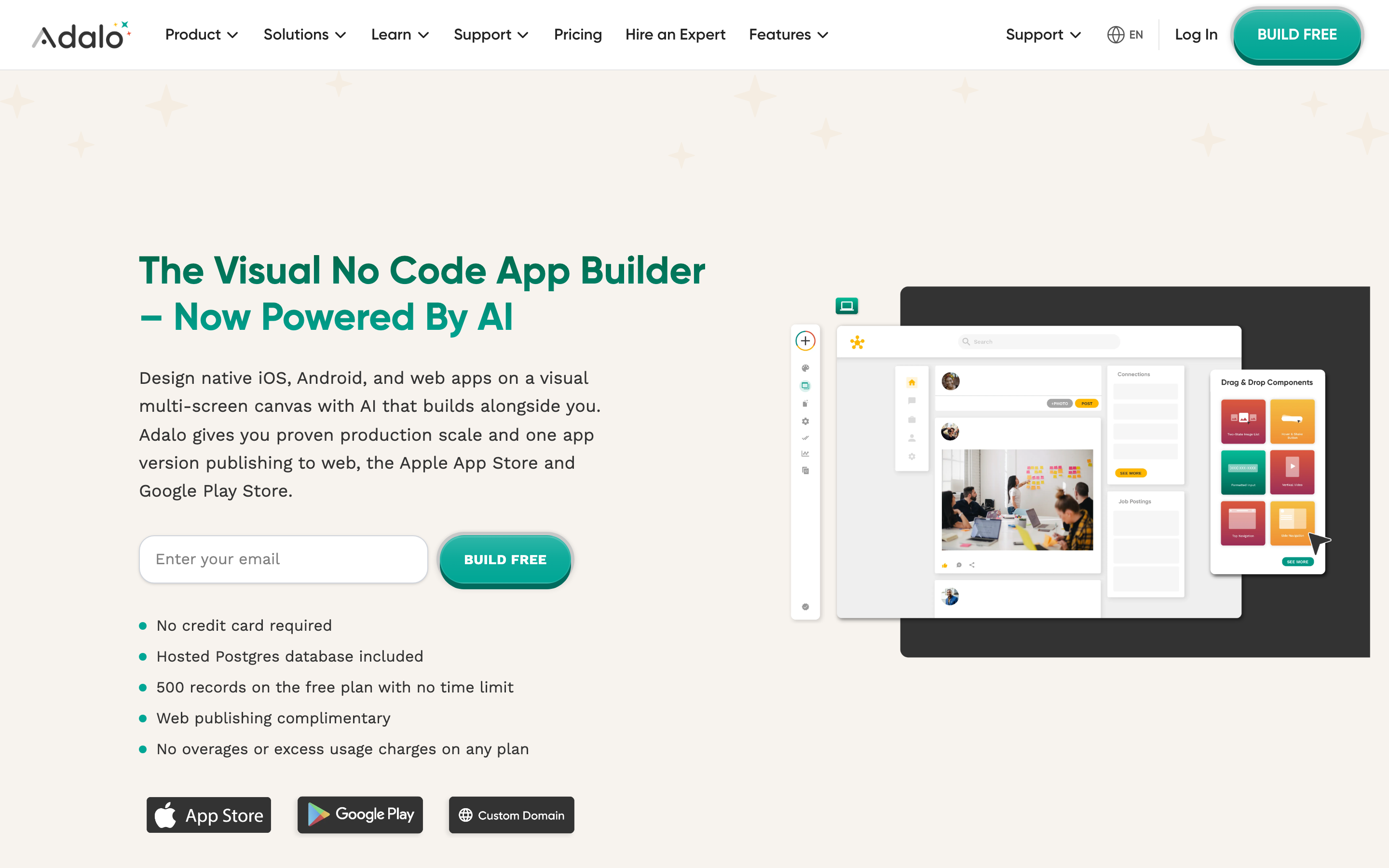
Adalo makes more sense once you stop expecting magic.
Adalo suits a non-technical founder who wants to build a mobile app without code, especially a CRM, booking flow, or marketplace with a relational database and visible screens.
That practicality comes from the canvas. Unlike prompt-only tools, Adalo lets you see the layout, move things around, and fix details precisely after Ada AI gives you a starting point. During testing, that felt less exciting than chat-first builders, but more grounded.
Where Adalo works well:
- Structured business apps. CRM-style workflows, scheduling tools, internal apps, and marketplaces fit the platform naturally.
- Accessible data modeling. The built-in relational Postgres database and connectors like Xano and Airtable lower the barrier for non-technical teams.
- Predictable pricing. Flat monthly plans are easier to budget than credit systems when you iterate often.
Where I would hesitate:
- Lock-in is serious. Adalo restricts custom code injection and does not offer code export. If code ownership is a priority, this is a deal-breaker.
- The AI is only the starting line. Ada AI can spin up a prototype quickly, but final polish still happens manually on the canvas.
- Native does not mean deep native. You get native binaries, but not the kind of advanced hardware access that makes FlutterFlow or Rork attractive.
So the real judgment is simple. Adalo is good for builders who want control without code, not for teams that expect open-ended extensibility.
Pricing is straightforward:
- Free: hosted Postgres, unlimited test apps, prototyping
- Starter: $36/month
- Professional: $52/month
- Team: $160/month billed annually
At $36/month, Adalo suits repeat builders who value a visual editor and predictable costs. Adalo does not provide source export, and its device API access is narrower than FlutterFlow or Rork.
4. FlutterFlow
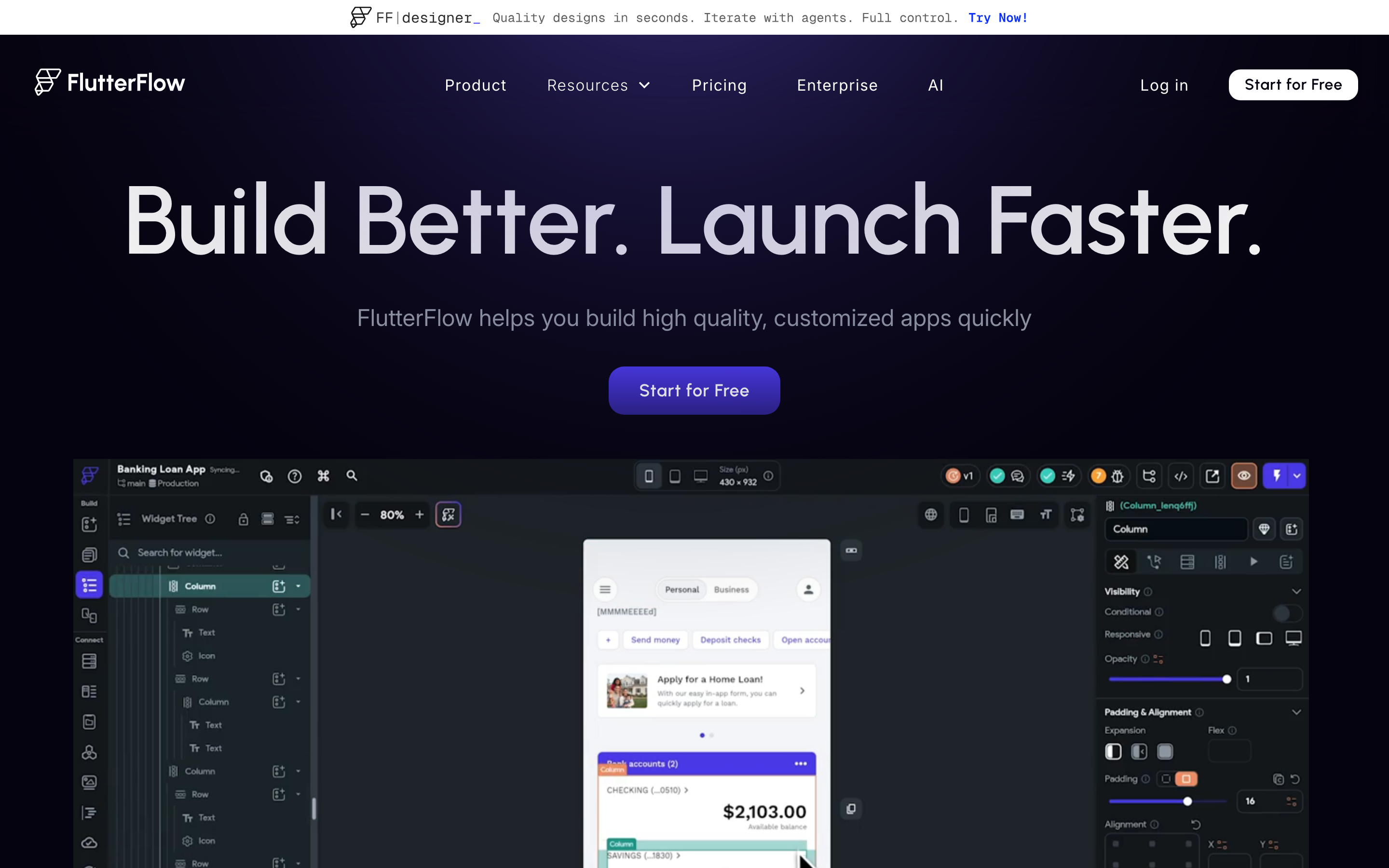
FlutterFlow is what I would call the serious option for people who can tolerate setup friction.
It has real strengths: true Flutter output, full code export on paid plans, strong device API support, and a builder that can stretch much further than beginner-first tools. But the first hour tells you exactly who it is for. This is not the platform I would hand to someone who wants to describe an app idea and be done.
From testing, the learning curve showed up immediately. I spent 20 minutes configuring Firebase before getting into actual app logic, and that experience matches the broader pattern in the KB: FlutterFlow is powerful, but not especially forgiving for first-timers.
Why teams still choose it:
- You get real code. FlutterFlow lets you export Flutter and Dart code on all paid plans, and push to GitHub starting on the Growth plan, which gives it a much cleaner exit path than tools that trap the project inside the platform.
- It handles real mobile requirements. Camera, GPS, Bluetooth, push notifications, and other device features are part of the appeal.
- It has room to grow. Custom Dart, branching, automated testing, and deep Firebase support make it feel closer to a product-development environment than a toy builder.
Why it frustrates people:
- The AI is narrower than the marketing may suggest. It helps generate pages and components, not whole polished apps from one prompt.
- The setup overhead is real. Backend configuration, branching, and custom logic assume some technical comfort.
- Complexity can get messy. KB research points to branch-related backend breakage and generated code that gets harder to manage as projects become more sophisticated.
That is the tradeoff in one sentence: FlutterFlow gives you more power because it asks more from you.
For startups, product teams, and ambitious founders who plan to hand the project to developers later, that tradeoff often makes sense. For solo non-technical users who just want momentum on day one, Adalo is easier and Rork feels more immediate.
Pricing runs from free to $150/month:
- Free: explore the builder with limited publishing
- Basic: $39/month
- Growth: $80/month
- Business: $150/month
Paid plans cost more, but export rights make the price easier to defend. Compare other ways to build Flutter apps if the learning curve feels too steep.
5. Vibecode
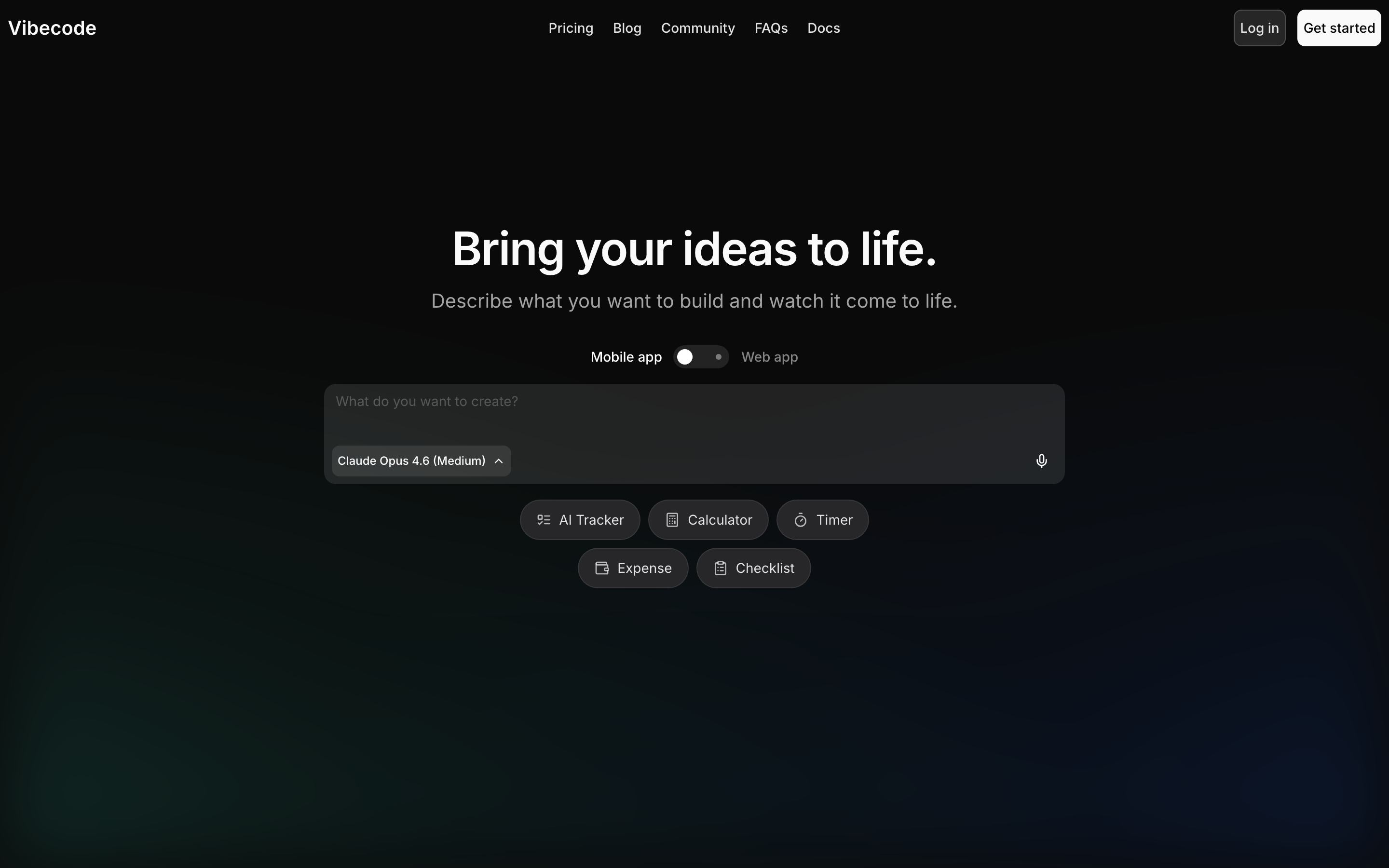
Vibecode is appealing for one obvious reason: the pricing story is easy to like.
Pay-as-you-use credits, no markup on raw AI cost, and a low entry point make it sound builder-friendly. If you only create apps occasionally, that can be genuinely attractive.
My hesitation is that the evidence gets thinner the closer you get to claims about production readiness.
Vibecode has three clear strengths and two important caveats:
- Prompt-to-app generation: Vibecode can generate a full app from a prompt.
- Pinch to Build: The editing gesture offers a distinct way to make visual changes.
- Low upfront cost: Pay-as-you-use pricing can cost less than flat-rate tools such as Adalo for occasional builds.
- Manual refinement: Generated React Native and Expo output may need cleanup before production use.
- Unclear ownership path: Export and ownership guarantees are less explicit than FlutterFlow or Blink.
Vibecode works best as a low-cost experiment when production requirements are still being tested.
Pricing starts at $20/month with $20 in credits included. That is inexpensive, yes. It is also only a bargain if your usage stays light and the generated app does not create cleanup work later.
6. Base44
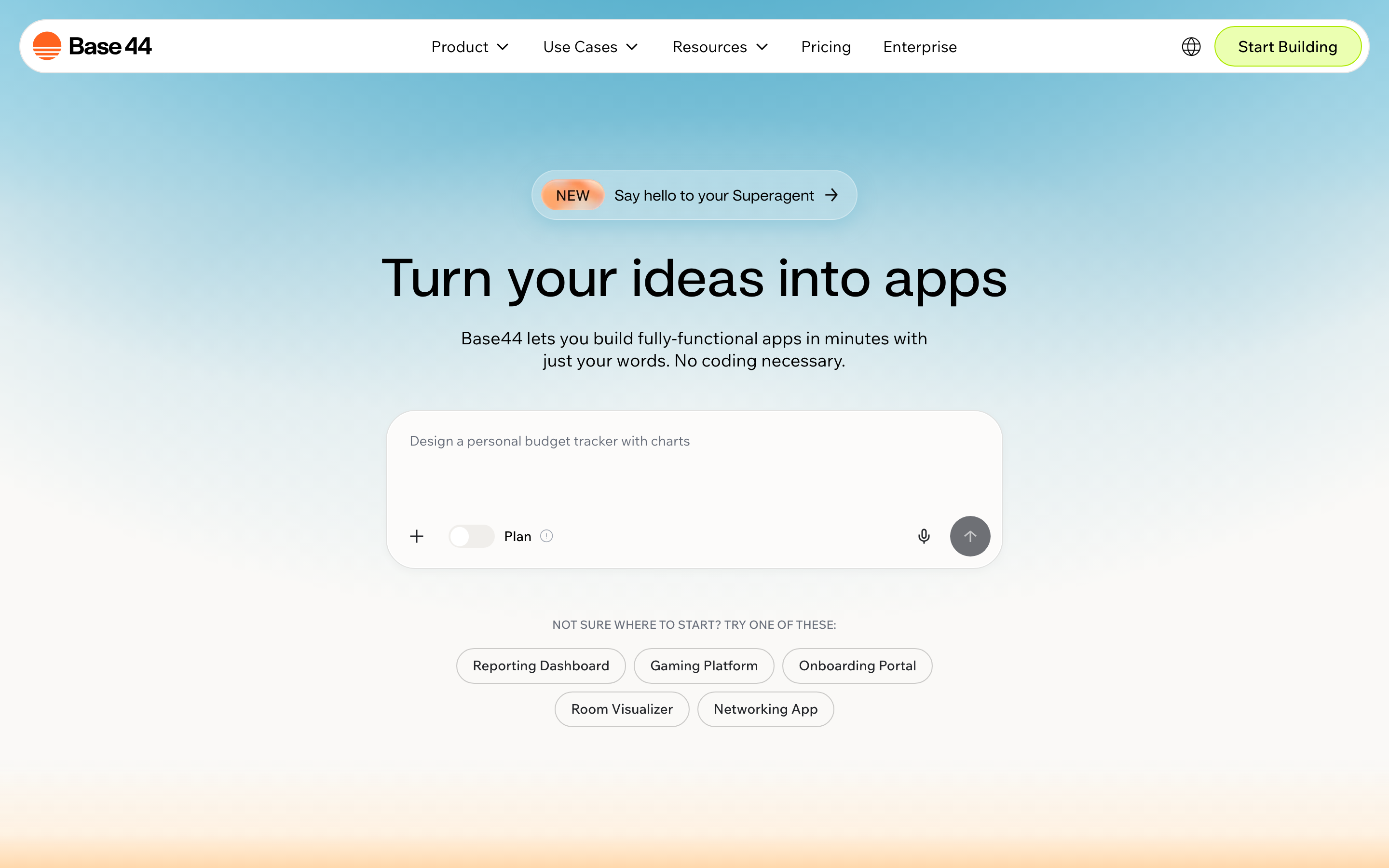
Base44 is the oddball on this list, in a good way.
I would not use it for a consumer mobile app that needs real App Store distribution. I would absolutely use it for an ops dashboard, an internal workflow tool, or a WhatsApp-driven automation that needs to exist by the end of the day.
Its angle is simple: generate the app, host it instantly, and let "Superagents" keep doing work in the background.
That makes it more useful for operators than for indie app founders chasing native mobile polish.
Where Base44 is genuinely strong
- Internal tools and admin apps that do not need native mobile APIs.
- Back-office workflows like approvals, CRM-lite systems, and task routing.
- Automations that live in Slack or WhatsApp, because the agent layer is the real differentiator here.
For that job, Base44 is unusually practical.
One prompt can generate UI, logic, database structure, auth, and permissions. That matters because non-technical teams usually get stuck when the app looks fine on the front end but falls apart once user roles and data rules show up.
Superagents can run background work. Base44 can continue approval and task-routing workflows after the user leaves the app.
A lot of AI builders promise "full-stack" and mean "we made a form." Base44's background agents at least point at a more operational use case, where the app keeps doing work after the first prompt instead of just sitting there as a static interface.
Where it breaks down
If your goal is "get into the App Store," stop here.
Base44 uses wrappers for App Store submission rather than true native code. If native output matters, compare other options beyond Base44 before choosing a workflow.
I also would not bet on it for a heavier production backend.
It handles low-traffic auth and role logic well enough, but once the product starts looking like a real SaaS with deeper backend needs, Blink or Dreamflow gives you a sturdier path.
Pricing
The pricing is easy to understand, which helps.
Free to test, then Starter at $16/mo, Builder at $40/mo, Pro at $80/mo, and Elite at $160/mo when billed annually.
At $160/mo on the high end, it is not cheap for a tool that stays web-first. Still, if your team never needs native mobile and the Superagents save manual work every week, the math can make sense.
7. Rocket
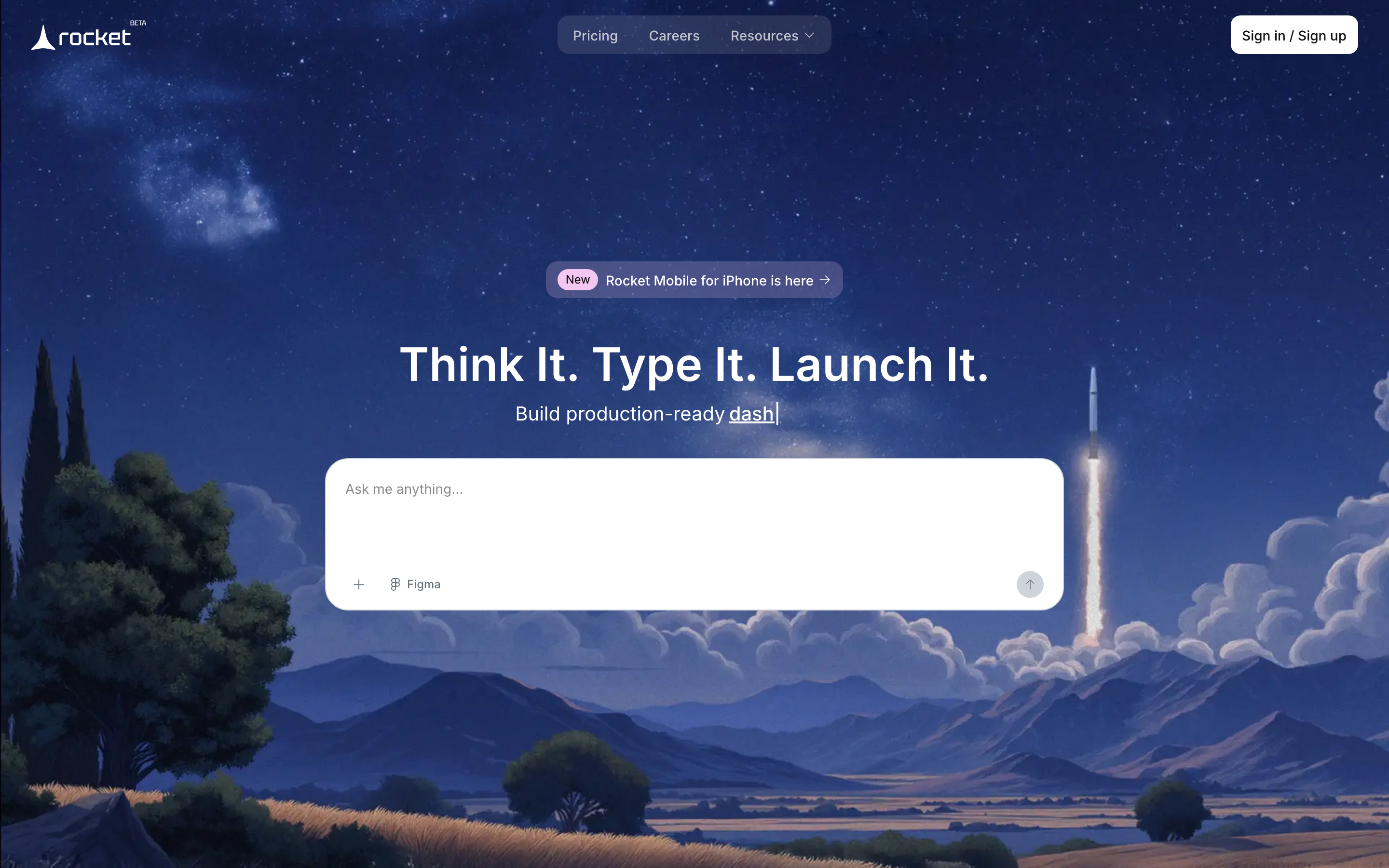
Rocket makes the most sense when you already know what the app should look like.
If you have a Figma file and want someone, or something, to turn it into a working Flutter app fast, Rocket is one of the more interesting options here.
The catch is Rocket's credit model, which can feel affordable until iteration starts. Compare alternatives to Rocket before assuming the entry plan will carry a full project.
Why people will like it
Rocket skips the whole drag-and-drop-builder ritual. You give it a prompt or a Figma design, and it aims to generate the full stack, including the database layer and integrations.
That is a real advantage for founders who hate visual builders and just want the app assembled.
The other standout is support. When generation gets messy, Rocket offers video-call help, which is rare and genuinely useful for non-technical teams who would otherwise be stuck staring at broken output.
My take after looking at the tradeoffs
I like Rocket more as a design-to-app accelerator than as a cheap place to iterate endlessly.
Rocket uses a credit-based pricing system.
- Free: 20 one-time credits
- Build: $25/month for 100 monthly credits
- Solve + Build: $250/month for 1,000 credits
- Solve + Build + Intelligence: $350/month for 1,500 credits
Legacy Personal, Rocket, and Booster plans remain available to existing subscribers.
Budget for debugging as well as generation. Auth changes and data-flow fixes can consume credits faster than a first draft.
That matters because AI app building is mostly iteration.
If the pricing punishes rework, bug fixing, and back-and-forth changes, the tool starts fighting the exact behavior builders need.
Best fit
- Founders with a solid Figma handoff.
- Teams that want Flutter output without living inside a visual canvas.
- Builders who value human backup when AI stalls.
Skip it if
- You expect lots of trial-and-error debugging.
- You want especially clear code ownership guarantees.
- You need deeper hardware-oriented native work, where Rork Max or FlutterFlow is a safer bet.
Rocket is compelling. I just would not go in assuming the cheap plan will carry a real project very far.
8. Blink
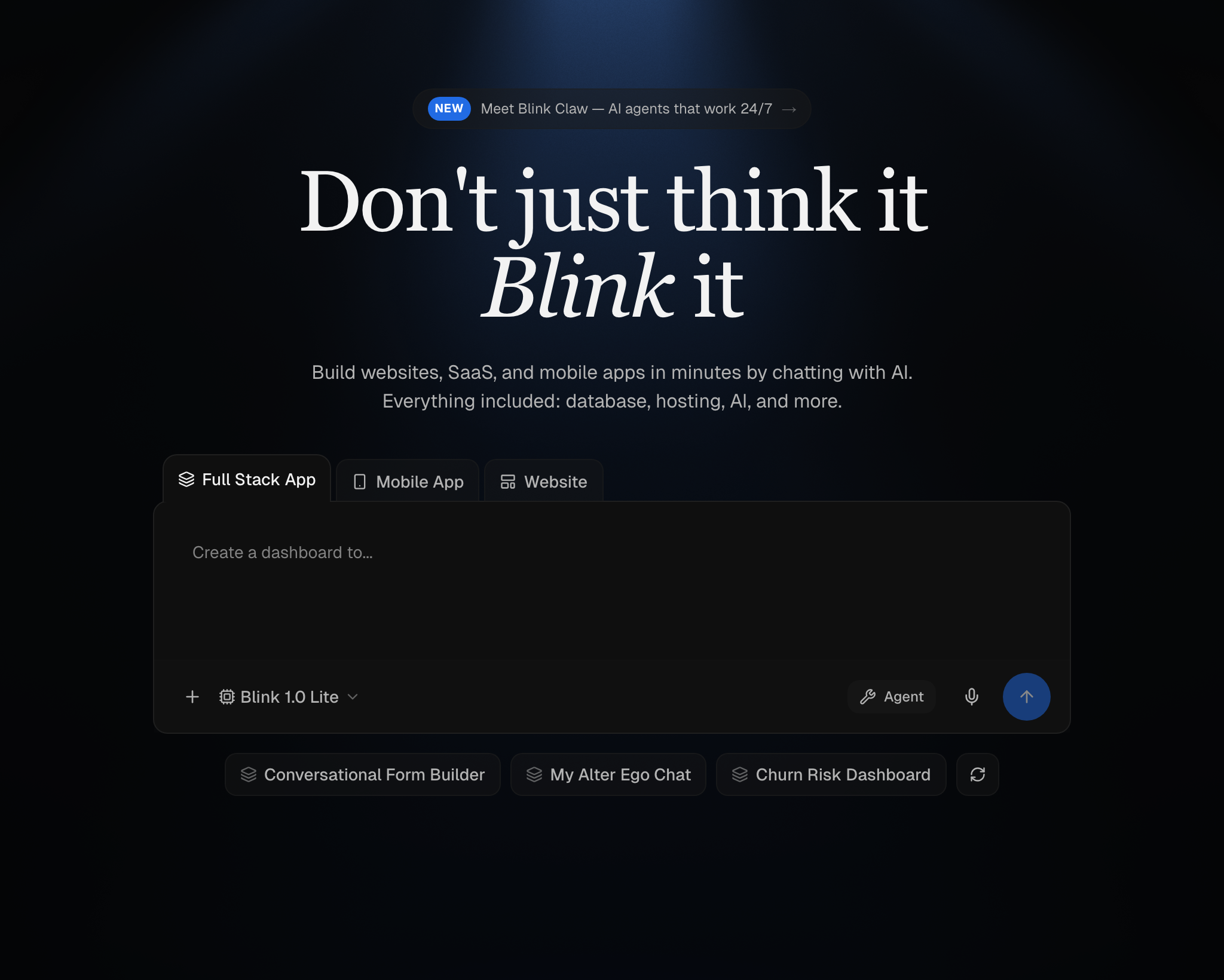
Blink is the cleanest answer here for people who are tired of stitching five services together.
If your app needs auth, database, hosting, payments, and server-side logic from day one, Blink is one of the easiest stacks to justify.
What I like is not that it promises "full-stack." Half these tools say that. Blink is useful because it bundles the boring but necessary pieces into one place.
Here is the practical advantage:
| Feature | Blink | FlutterFlow | Adalo |
|---|---|---|---|
| SQL database | Built-in | Firebase/Supabase | Built-in Postgres |
| Stripe webhooks | Built-in | External setup | External setup |
| Code export | All plans | Paid plans | No |
| Serverless functions | Built-in | Cloud Functions | Not available |
That setup matters because the friction in app building usually shows up after the UI. Payments, auth rules, and backend logic are where a lot of "easy" tools stop being easy.
Blink also gets points for code ownership. Full export on all plans is the kind of detail that actually matters once the app becomes worth keeping.
Still, I would not call it the best pure mobile pick.
Blink is strongest for SaaS apps, portals, and community products, rather than hardware-heavy native apps or store-first workflows. Compare alternatives to Blink if mobile is the main priority.
The other hesitation is generation quality.
On paper, Blink is one of the best value plays here. In practice, the stack looks stronger than the AI layer, so I would trust it more for grounded product builds than for "generate something magical from one prompt" expectations.
Pricing is aggressive:
- Free: 5 daily credits, 30/month cap
- Starter: $25/mo
- Pro: $50/mo
- Max: $200+/mo
At $25/mo, Blink is reasonably priced for a full-stack builder. Just go in knowing you are buying an opinionated full-stack base, not the most advanced AI builder in the group.
9. Dreamflow
Dreamflow is not the easiest tool in this roundup. That is also why some builders will love it.
If FlutterFlow feels a little too visual and a little too boxed in, Dreamflow is the more interesting version. It starts with AI, but it still lets you work across prompt, canvas, and live Flutter code without those surfaces drifting apart.
That tri-surface setup is the whole story.
You can prompt changes, tweak visually, or edit the Flutter directly, and the project stays in sync. For builders who actually want control, that is a big deal because most AI tools force you to choose one surface and then punish you for touching another.
What it is great for:
- Flutter developers who want speed without giving up code access.
- Teams rebuilding or extending an app where visual edits and code edits both need to happen.
- Buyers who want code export on paid plans, because Dreamflow includes code export on Hobby and Pro, but not on the free tier.
What it is not great for:
- True beginners who just want to type a prompt and be done.
- Cheap experimentation, because the free tier is thin.
- Hardware-heavy mobile work, where Rork is the more obvious specialist.
The free plan only gives 10 credits, and in testing that was not enough to get very far. That matters because you cannot really judge an AI builder if the free tier ends before the tool shows what it can do.
Pricing is straightforward after that:
- Free, 10 credits
- Hobby, $20/mo
- Pro, $90/mo
My read is simple.
Dreamflow is a better fit for builders who already think in Flutter and want AI to speed up work, not replace judgment. If you are non-technical, Rocket or Bilt is easier to trust on day one.
10. a0
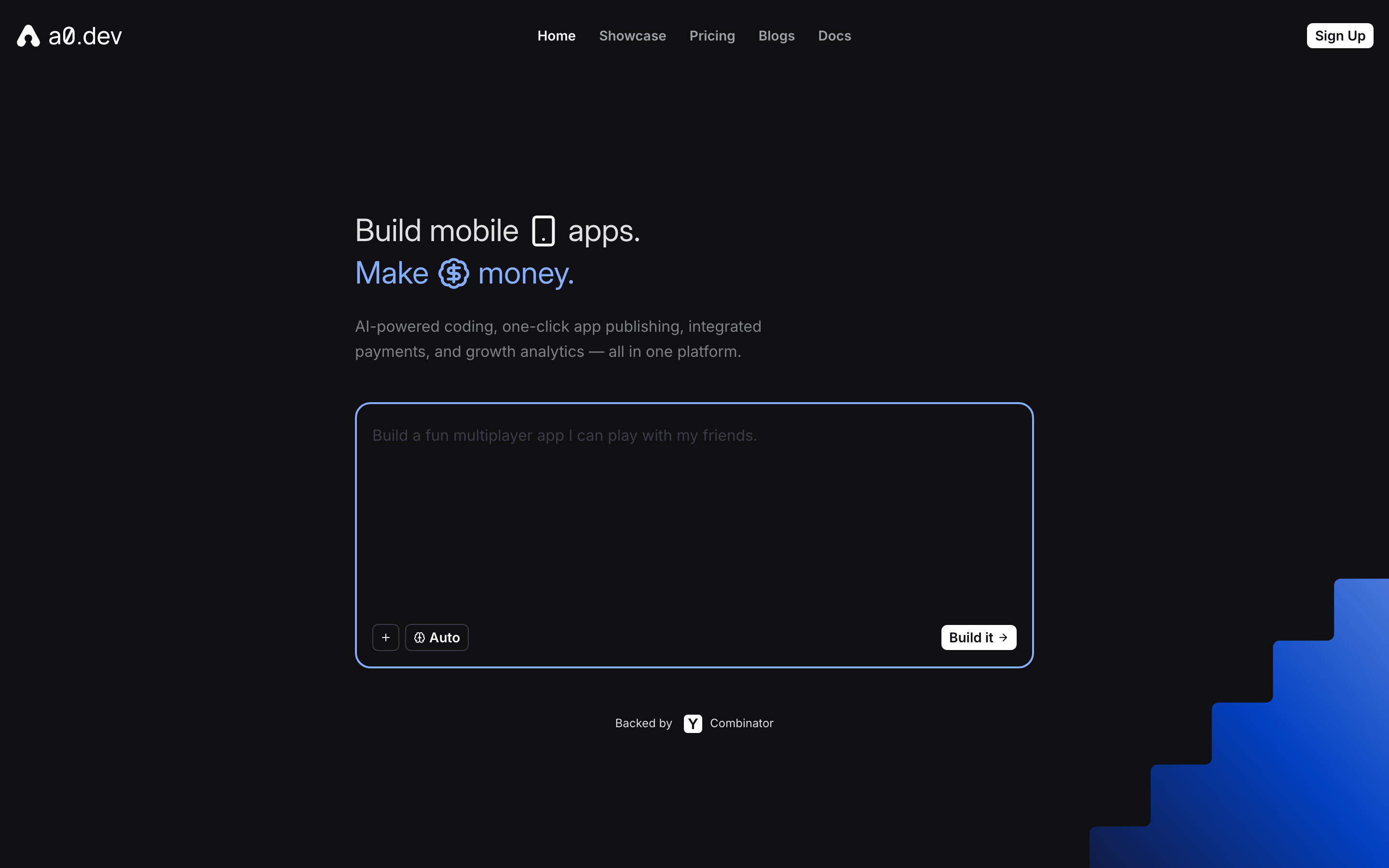
If your whole priority is shipping a monetized mobile app fast, a0 is easy to understand.
It stays focused on native mobile, React Native output, fast builds, and the annoying submission plumbing that usually slows solo builders down.
I like that focus.
A lot of tools in this category drift into "we can build anything" marketing. a0 feels narrower, but that narrowness is useful because it points at a real buyer: the indie developer who wants a utility app or simple game live, with subscriptions turned on, before momentum dies.
What stands out immediately
- React Native output, not a wrapper. That matters because native architecture gives you a cleaner path to store approval and device access.
- Submission workflow help. Code signing, assets, and store submission are exactly where first-time mobile builders lose days.
- Built-in monetization hooks. Subscription setup and analytics are included, which is more practical than it sounds if your goal is revenue, not just a demo.
The simulator is also a strong quality-of-life feature. We previewed behavior on a real device via QR code in under two minutes, which is the kind of thing that keeps momentum up when you are iterating.
Where I would use it
I would put a0 on the shortlist for simple paid apps, utility tools, and lightweight mobile products where speed matters more than backend complexity.
I would not choose it first for a heavier data model, a more involved SaaS backend, or a project where export guarantees are non-negotiable.
The product feels optimized for getting an app out quickly, not for being the most flexible long-term system in the roundup. The pricing reinforces that: Pro is $20/mo for 100 credits, Max is $200/mo for 1,250 credits.
So yes, the entry price looks friendly. The limit is usage.
If you iterate constantly, credits can become the real price. If you ship quickly and start generating app revenue early, the built-in subscription flow can make that trade worth it.
My verdict: a0 is one of the better picks here for solo mobile builders chasing speed and revenue, but it is not the tool I would choose for a backend-heavy app or for buyers who need especially strong ownership language before they commit.
AI app builders compared: features, pricing, and best use
Here is how the AI app builders compare on mobile output, code ownership, and starting price.
| Tool | Best For | Native Mobile | Code Ownership | Starting Price |
|---|---|---|---|---|
| Bilt | Going from idea to published iOS/Android app with the least setup friction | Yes (React Native) | Yes | Free to start; $25/mo (Professional); $50/mo (Professional Plus) |
| Rork | Fast iOS-first prototyping for builders who want native output | Yes (React Native/Expo + Swift via Rork Max) | Limited (no bulk export on cancellation) | $20/mo (Pro); $200/mo (Max for native iOS) |
| Adalo | Relational database apps without writing code | Yes (native binaries) | No | $36/mo (Starter) |
| FlutterFlow | Flutter apps you may want to scale or hand off later | Yes (Flutter) | Export on Basic+; GitHub push on Growth+ | $39/mo (Basic) |
| Vibecode | Cheaper experimentation if you can live without native mobile | Yes (React Native/Expo) | Export on Pro+ | $20/mo (credits included) |
| Base44 | Internal ops tools and agent-style workflow automation | PWA/wrapper only | Export on Builder+ (GitHub/ZIP) | $16/mo (Starter, annual) |
| Rocket | Turning Figma designs into working Flutter apps fast | Yes (Flutter + Supabase) | Not clearly emphasized | Free (20 credits); $25/mo (Build, 100 credits) |
| Blink | All-in-one full-stack SaaS builds with low monthly cost | Mobile-capable, but not the main draw | Yes (100% user-owned IP) | Free (5 daily credits); $25/mo (Starter) |
| Dreamflow | Flutter builders who want AI speed plus code control | Yes (Flutter) | Export on Hobby/Pro | $20/mo (Hobby) |
| a0 | Fast native mobile launches with monetization built in | Yes (React Native) | Yes | $20/mo (Pro) |
Bilt's current pricing lists Professional at $25/month and Professional Plus at $50/month. VAT may apply.
These web-first builders use PWAs or wrappers:
- Lovable
- Base44
- Emergent
Native App Store or Google Play publishing needs a separate conversion path. Adalo users can compare other no-code mobile builders when visual control and portability matter.
What matters more than the sticker price is how the pricing behaves once you start fixing bugs, changing flows, and asking for revisions.
That is where token and credit models can get ugly.
Blink is the cheapest flat-rate full-stack option here at $25/mo (Starter). Vibecode is the most transparent on pass-through AI cost.
At the expensive end, Rork can climb to $1,800/mo, while Rocket's token model becomes harder to defend during heavy iteration. The wider mobile development software market offers more options beyond AI-first tools.
How to choose the right AI app builder
Lovable and Bolt are popular for fast web prototypes and polished browser interfaces.
Native mobile apps need a different path when App Store approval, device features, and on-phone performance are part of the plan.
Start by asking where your project is likely to break.
The first ten minutes rarely reveal the hard parts. Store approval, backend logic, code ownership, and later iterations do.
1. Is this supposed to be a real mobile app, or just something mobile-friendly?
This is the first filter because it changes everything that comes after.
If you need App Store and Google Play distribution, hardware access, and fewer review problems, you want native code. If a web app or internal tool is enough, a web-first builder may be faster and cheaper.
| Check | Native app | Web/PWA wrapper |
|---|---|---|
| App Store review | Supports mobile-specific utility | Can face guideline 4.2 scrutiny |
| Hardware APIs | Direct device access | Limited or blocked access |
| Performance | Native binaries | Web runtime |
| Best use | Consumer mobile products | Internal tools and portals |
2. What happens after the first prompt?
A surprising number of tools are fun until you need revisions.
Check whether the platform gives you a live preview, solid debugging flow, code access, and a believable path for updates. If the workflow gets fragile as soon as you change screens, logic, or data models, you are not buying speed. You are borrowing it.
3. Who owns the code if you leave?
Ask this before you build, not after.
If the answer is vague, assume the lock-in is real. FlutterFlow, Dreamflow, and Blink offer full source export with GitHub sync.
Rork limits export when a subscription ends. Adalo does not offer source-code export, so moving later can mean rebuilding.
4. Does the backend come with the builder, or are you assembling it yourself?
Frontend generation is the easy part.
Backend support must cover auth, user accounts, payments, databases, and business logic without sending you to three more products. Subscription apps should plan for recovering revenue when customers cancel, too.
5. Is pricing cheap to start, or sustainable to use?
Free plans and low entry tiers are good for testing. They are not the same as predictable operating cost.
Token and credit models can work if you build occasionally. They can become painful if your app needs lots of debugging, retries, or iteration, because every mistake starts costing money.
A quick practical map
- Choose a native-first builder if your app lives or dies by App Store distribution.
- Choose a full-stack builder if auth, payments, and database logic are central.
- Choose a web-first builder if this is really an internal tool or lightweight portal.
- Choose the clearest ownership model if you may hand the project to a developer later.
- Choose the pricing model you can survive during iteration, not just on day one.
The most common mistake is picking the tool that makes the best first impression instead of the one that survives the second month.
Build and ship a native app today, without the setup headache
Use Bilt when you want to build and publish a real iOS and Android app without hiring a developer or agency.
Bilt handles:
- Backend setup
- Native features
- Code signing
- Store submission
Build through conversation, then start building your app when you are ready to turn the idea into a real product.
FAQ
Do AI app builders actually work?
Yes, they work. The key is knowing what they are good at: getting to a functional MVP fast, not necessarily building enterprise software.
Step Lock, a step-counting utility, went from prompt to the iOS App Store in 3 days of building, though App Store approval took over a month and required additional revision cycles. Build time and approval time are separate.
Performance at scale is the most common breaking point. Apps built on no-code platforms often hit performance walls as user traffic grows. This is a common pattern documented in no-code community forums — there is no universal threshold, but scaling complex logic is where most no-code platforms show their limits.
Can you build an entire app with AI?
Yes, for most use cases. MVPs, niche tools, and moderately complex projects are all achievable through natural language prompts alone.
Bilt handles the full cycle from a single natural language prompt. It generates React Native code for the UI, wires up backend logic, and manages automated App Store and Google Play submissions, without requiring any local setup or manual configuration.
Fully automated development still has meaningful limits. 87% of developers report concerns about AI code reliability, and complex features like real-time sync, advanced security, and custom hardware integrations typically require human iteration to get right.
What is better than Lovable?
Bilt is the better choice for native iOS and Android apps. Lovable only generates web-based applications.
Bilt generates production-ready React Native code and manages full App Store and Google Play submissions. Lovable produces responsive web apps and PWAs, but it does not generate native mobile apps or handle store submissions.
If you already have a web app built with Lovable and want a native mobile version, Bilt can take that idea and ship it to the App Store without a rebuild.
Want to test Bilt? Try it free, or book a free 15-minute call for advice on your app.
Are any of these AI app builders free?
Most do. Free tiers are common across this list, but publishing to app stores almost always requires a paid plan.
Free tiers vary quite a bit across the tools on this list. Adalo's free plan lets you build unlimited test apps and screens but blocks publishing to any store.
FlutterFlow's free tier includes 1,000 templates and web publishing on two subdomains, but AI generation is capped at five lifetime requests. Bilt lets you start building iOS and Android apps for free using natural language prompts, with production publishing available on paid plans.
Free plans across all these tools share a common pattern: they let you build and test, but stop before production. Code export, custom domains, push notifications, and automated App Store submissions are almost universally restricted to paid tiers.