If you’re replacing AppMachine to build an app customers can download, the first question is what the new builder can publish. Some alternatives produce native iOS and Android apps for the stores. Others make phone-friendly web apps that people open by link. The screens may look similar in a preview, but the launch paths are different.
Once you know where the app needs to run, choose how you want to build it. You might prefer describing the app, arranging screens visually, or starting from data you already have. If a developer may take over later, source-code export matters too. Match those choices to the app you need to ship, so switching builders takes you closer to a usable release.
Why look for an AppMachine alternative?
You start looking elsewhere when store publishing is locked to costly plans, usage caps stay tight, and the integrations and templates stay limited.
AppMachine's entry price is only one part of the budget. Publishing the app, adding the features you need, and keeping it running as more people use it all add cost. Compare that full launch bill with alternatives instead of assuming the cheapest advertised tier covers it.
Plan limits matter once people actually use your app. Check the allowance for users, data, storage, and any paid features your workflow depends on, then estimate what that next jump would cost. A builder that handles your prototype can still need a different tier once the app is live.
AppMachine can work with spreadsheets and web services. If the project depends on a particular database or a complex external workflow, connect your real data before you commit. Make sure the docs and support you get are enough to build and fix the app without extra development help.
Predefined blocks can speed up a straightforward content app. They can also make a distinctive layout harder to achieve if your design does not fit the available patterns. Prototype your most unusual screen before buying a plan. If you cannot build it comfortably, compare tools that offer more design control or access to code.
AppMachine alternatives at a glance
| Tool | Starting price | Phone output | Source export |
|---|---|---|---|
| Bilt | Free tier, then €25/mo Professional (€15 first month) | React Native iOS and Android | Yes |
| Adalo | $36/mo Starter (one published app) | iOS and Android | No |
| Thunkable | Paid Builder plan for store publishing | iOS and Android | No |
| Appy Pie | $16/app/mo annually for Android, while iOS costs $60/app/mo | Android, iOS on Platinum, plus PWA | No |
| Buildfire | Standard listed at $165/mo | iOS and Android | Plugins only, not full source |
| Bubble | Native Mobile Starter $42/mo annual | iOS, Android, and web | No |
| Draftbit | Standard $15/mo or $12/mo annual | iOS, Android, and web | Yes (ZIP, with GitHub on Pro) |
| Glide | Explorer $19/mo annual | PWA, not store binaries | No |
| AppSheet | Starter $5/user/mo | Mobile and web workflows | No |
| Caspio | Team $300/mo or $270/mo annual | Hosted or embedded web | No |
The 10 best AppMachine alternatives in 2026
For straightforward native mobile apps
These five builders let you work toward a phone app without writing its code yourself. Check what your chosen plan can publish to the App Store and Google Play, then ask what you can take with you if a developer needs to make changes later.
1. Bilt
Best for: Building a native iOS and Android app by describing what people should be able to do, instead of assembling every screen in a visual editor.
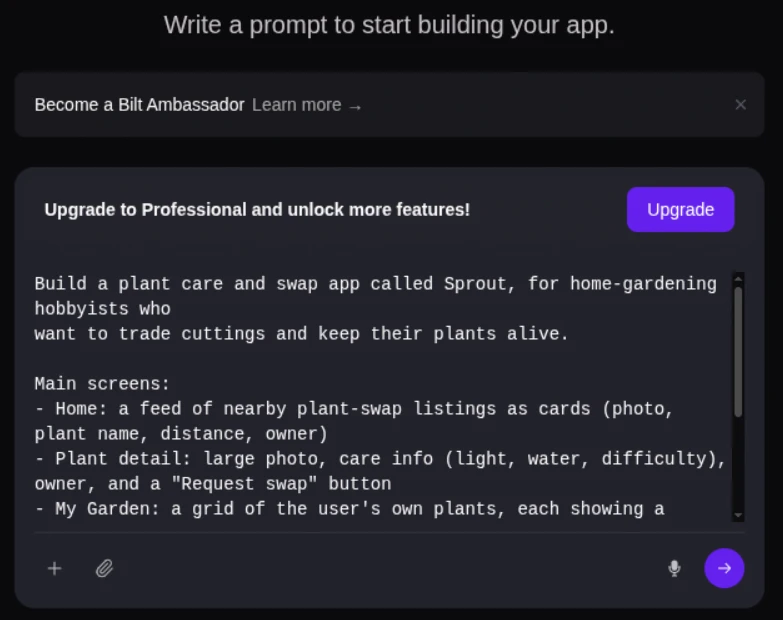
What building with it is like: Tell Bilt what customers should see when they open the app, how they sign in, and what happens when they earn a reward. Bilt generates the screens and React Native code, and you ask for changes in chat.
Bilt's Web-to-App feature can turn an existing web app into native iOS and Android apps, with the web app continuing to drive the mobile version. This gives you a mobile release path without rebuilding every screen in a separate mobile project.
Trade-off: You'll still need to decide who can access user data, check how data moves through the app, test unexpected inputs, and assign someone to maintain it after launch. Test device features such as the camera on a phone before relying on them.
You can export the React Native source and have a developer continue the work. Before handing it off, check which services the app depends on and what access the developer will need.
Bilt pricing
| Plan | Monthly price | Monthly AI tokens | Approximate prompts |
|---|---|---|---|
| Free | €0 | 3M | 12–30 |
| Professional | €25 | 10M | 40–100 |
| Professional Plus | €50 | 20M | 80–200 |
Professional also costs €19/month with annual billing. New subscribers on a monthly paid plan get 40% off their first month, so Professional costs €15 for the first month, then €25/month. The discount applies once per account and excludes annual billing.
Professional Max costs €100/month and Professional Ultra costs €250/month for higher usage.
Prompt counts vary with complexity. Longer rounds of revision use more tokens. Unused plan tokens on Free, Professional and Professional Plus expire at the monthly reset. See all plans.
Publishing with Bilt
Bilt handles the build, code signing and submission to the App Store and Google Play. You need your own Apple Developer account ($99/year) or Google Play developer account ($25 one-time). Check your listing and test the build before submission. Apple and Google still review the app.
Start building free without a credit card. Describe what someone should be able to do in your app, try the first build, and ask Bilt for changes.
2. Adalo
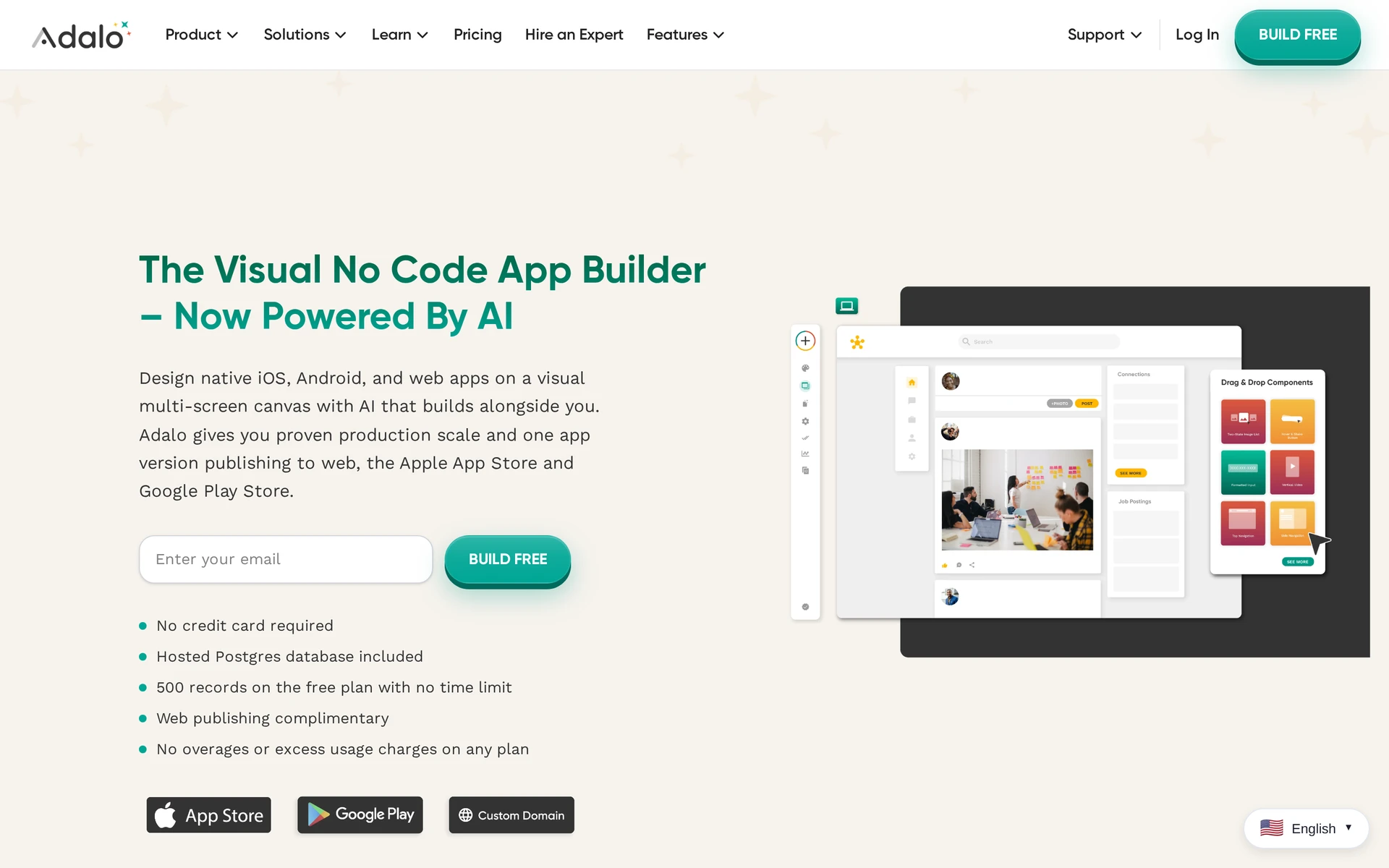
Best for: Arranging screens visually and connecting them to a database without writing code, for web apps and native iOS and Android apps.
What building with it is like: If you've used AppMachine to assemble an app from predefined features and spreadsheet content, Adalo asks you to work at the screen and data level. You place components on a canvas, then define how records such as customers and bookings relate to one another. That gives you direct control over what appears on a customer's appointment screen.
Ada can generate a starting screen and data structure from a description, but you refine them in the visual editor. External Collections can connect the front end to data held outside Adalo through an API, a connection that lets the app exchange data with another service, while the screens remain in Adalo's editor.
Trade-off: Adalo does not provide an exportable application source repository. A developer brought in later can review what the app does, but cannot continue from Adalo's cloud-generated React Native project outside the platform. Before building around a large collection of records, test how quickly your key screens load with realistic data.
Pricing: Adalo lists Starter at $36/month for one published iOS and Android app. Professional starts at $52/month billed annually, and Team at $160/month billed annually. Check the number of published apps each plan allows if you're building for more than one business.
Publishing: One Adalo project can produce a web app and native iOS and Android builds for the stores. Adalo compiles the mobile builds in its cloud.
3. Thunkable
Best for: Defining phone interactions with visual programming blocks after creating an AI starting point.
What building with it is like: You connect blocks that say what happens when someone taps a button or when the phone returns a location. Thunkable's documented device features include the camera and Bluetooth Low Energy, which connects to nearby devices over a short range.
An AI prompt can create a starting interface and basic behavior. You still need to check the logic blocks that govern each user action. For a location-based app, that includes what happens if someone declines location permission.
Trade-off: Arranging Thunkable's blocks still takes some understanding of programming logic. If a developer will maintain the app later, check what project materials they can take out of the editor, because a compiled store build and an editable source-code project serve different purposes.
Pricing: The free plan allows three public projects with up to five screens each. It does not include private projects or app-store publishing, so an unfinished client app would be visible as a public project. Store publishing requires the paid Builder plan. Accelerator does not include it.
Publishing: One Thunkable project can produce iOS, Android, and web apps. Builder supports publishing to the App Store or Google Play.
4. Appy Pie
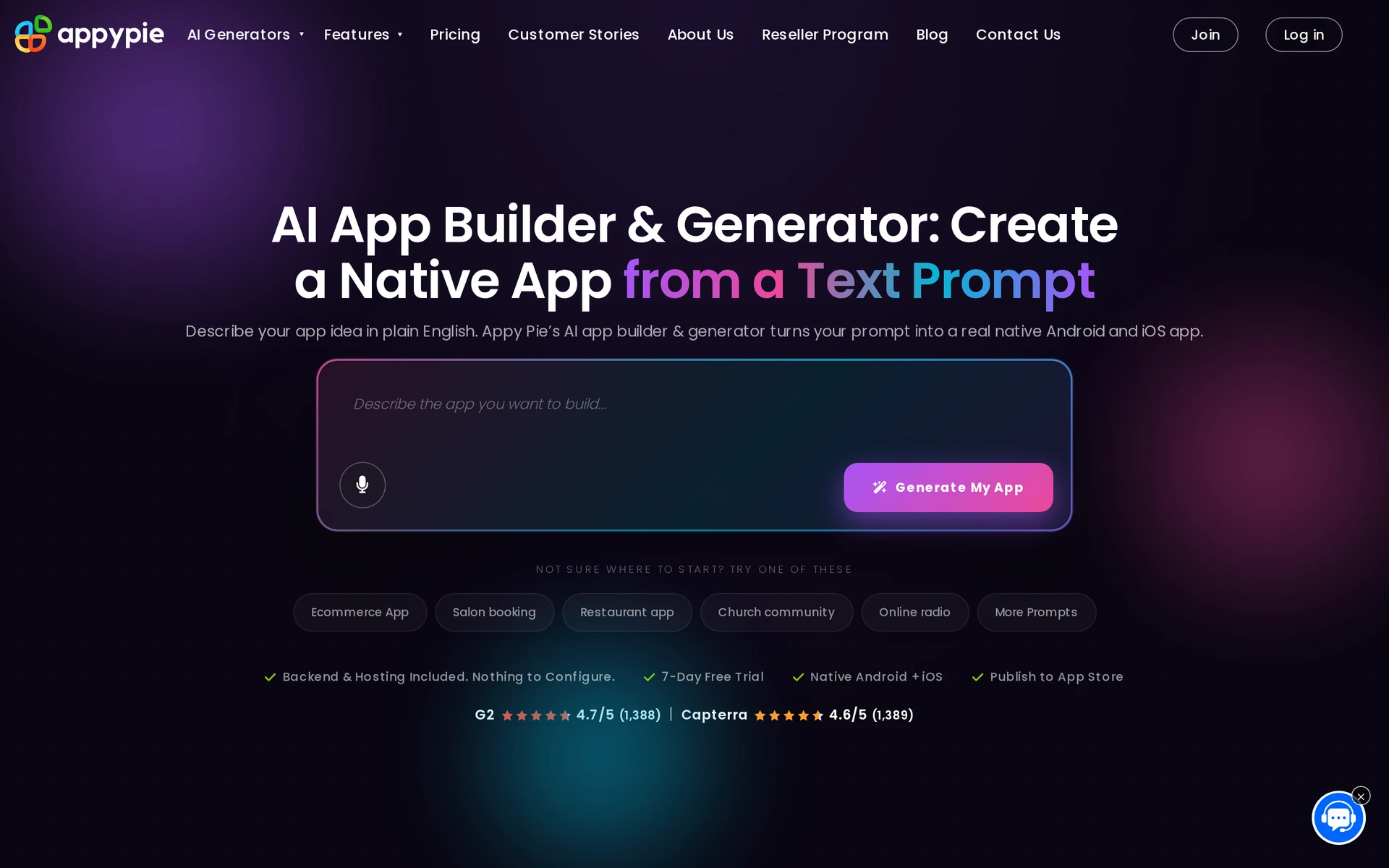
Best for: Small-business apps built from ready-made features such as bookings and loyalty programs.
What building with it is like: Appy Pie starts with a written description and has preconfigured modules for business tasks such as bookings and loyalty programs. Compared with AppMachine's feature-block assembly, you can use a prompt to draft the app, then adjust its screens and modules in a drag-and-drop editor.
A service business could describe how customers should request an appointment, then edit the booking screens and connect external data through a REST API. A REST API lets the app exchange data with another system. The generated starting point still needs a check of what a customer can do from one screen to the next.
Trade-off: Appy Pie does not provide an exportable mobile source repository, so future edits remain tied to its builder. If the app depends on custom phone behavior or a developer taking over its mobile source code, work out those requirements before building every screen.
Pricing: Appy Pie subscriptions are priced per app, so budget separately if you're building more than one. Check which stores each plan publishes to as well as the subscription price.
| Plan | Price with annual billing | Store publishing |
|---|---|---|
| Basic | $16 per app per month | Android |
| Gold | $36 per month | Android |
| Platinum | $60 per app per month | iOS and Android |
Publishing: Basic and Gold support Android publishing, while Platinum supports iOS and Android. Appy Pie also supports progressive web apps (PWAs), which people open through a browser rather than installing from a store.
5. Buildfire
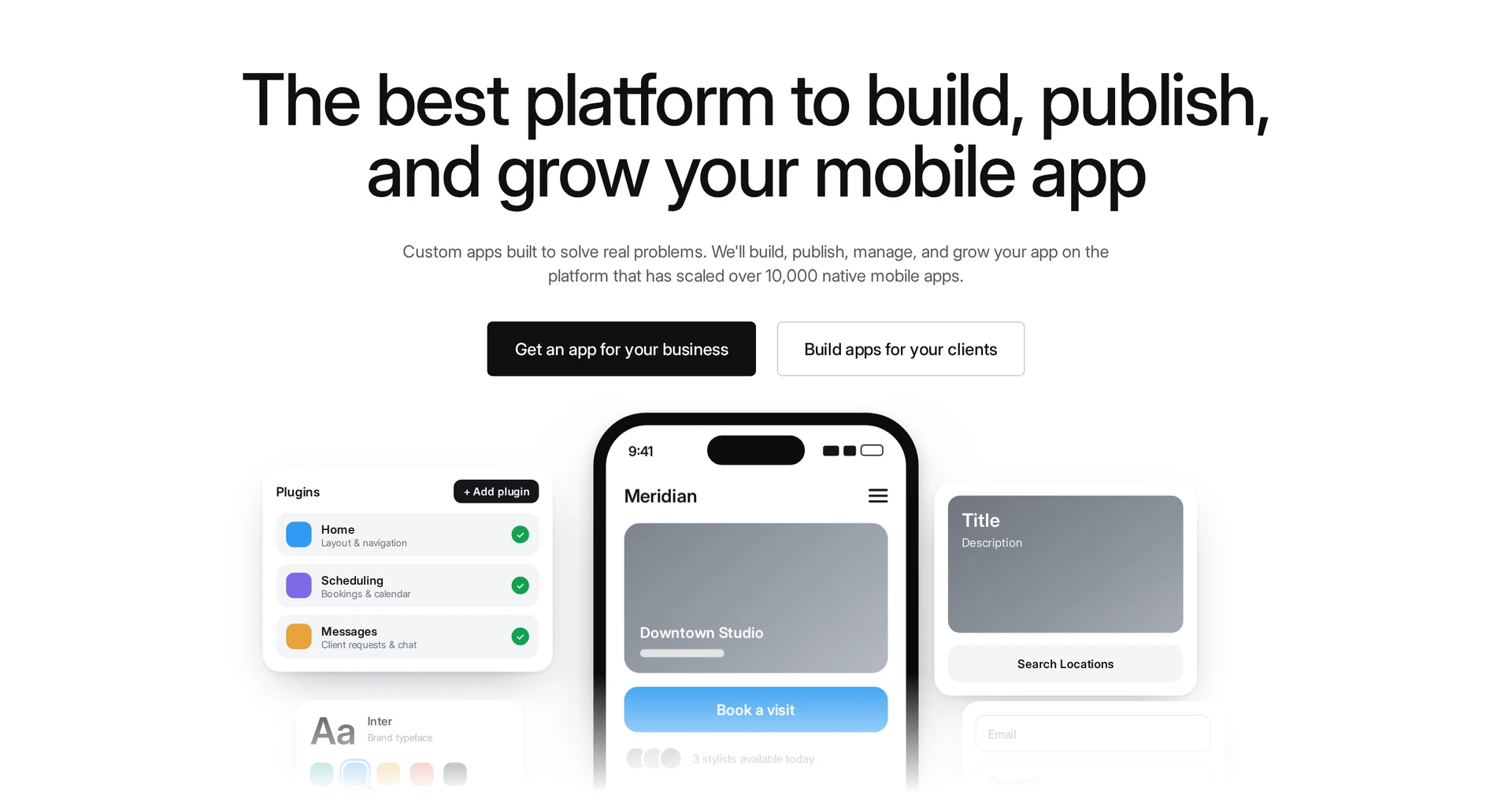
Best for: Apps whose features are covered by Buildfire's plugin catalog, with developer help available for custom plugins.
What building with it is like: Buildfire starts with a catalog of 150+ plugins. You choose a template, add plugins for what the app needs to do, and set up each one's content and settings.
A local business app, for example, could use a map so customers can find its location and push notifications to send updates. You'll still need to test how those plugins behave together on a phone.
When the catalog cannot cover a feature, a developer can write a plugin with HTML/CSS and JavaScript using buildfire.js. Buildfire's JavaScript SDK gives developers the tools to connect that plugin to phone features such as the camera and location.
Trade-off: Custom plugins extend an app inside Buildfire, but the platform does not provide a full application source-code export. If you later move the app elsewhere, the platform-hosted parts will need to be rebuilt. That matters more when the app relies on a combination of catalog modules and custom work.
Pricing: Buildfire lists Standard at $165/month. Buildfire pricing lists Growth at $315/month and Scale at $440/month, with quarterly or annual billing. If you need to upload custom plugins, you’ll need Scale, so budget for that subscription as well as the work to build the plugins.
Publishing: Buildfire produces iOS and Android apps and handles store publishing through a managed process.
For more design and developer control
When AppMachine's predefined blocks cannot express the screen or interaction you need, this group gives you more control over the build. A booking app with its own approval flow, for example, may call for a visual build or an editable mobile project. If people need to download the result from the App Store or Google Play, check what it takes to test and submit that build before choosing a tool.
6. Bubble
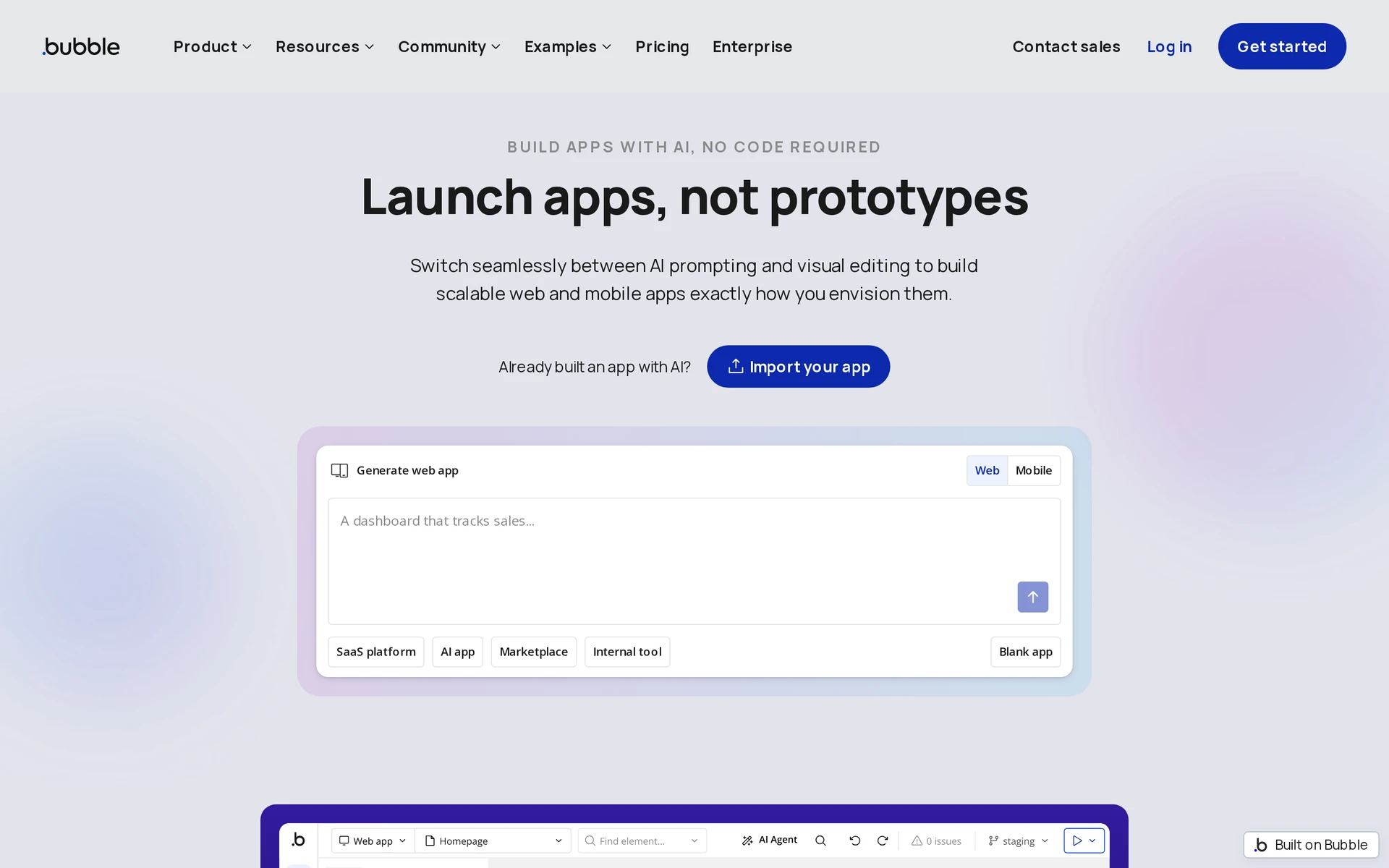
Best for: Custom workflows and connected data when you're willing to learn a flexible visual editor.
What building with it is like: Bubble is built around a flexible visual editor and connected data, while AppMachine takes a more structured, component-led approach. In Bubble, you design screens, organize data, set up what happens when someone uses the app, and connect other services through APIs, connections that let services exchange data.
Trade-off: Bubble measures the work your app does behind the screens in workload units. You pay for a subscription, and the total also depends on how much work your data and workflows do. Before committing, estimate typical use, including searches, scheduled workflows, and API activity. Then check how much the plan includes and what happens if you go over. A low starting subscription alone does not tell you what a busy app will cost.
Source-code handoff: You can’t export a complete React Native source project and keep developing it independently. Keep that in mind if your team wants to maintain the mobile code itself.
Pricing: Bubble lists these plan prices.
- Free development: Free.
- Native Mobile Starter: $42/month billed annually.
- Web + Mobile Starter: $59/month billed annually, plus Workload Unit overages.
Publishing: Bubble supports web and native iOS and Android apps. You build and publish the mobile apps through its platform.
7. Draftbit
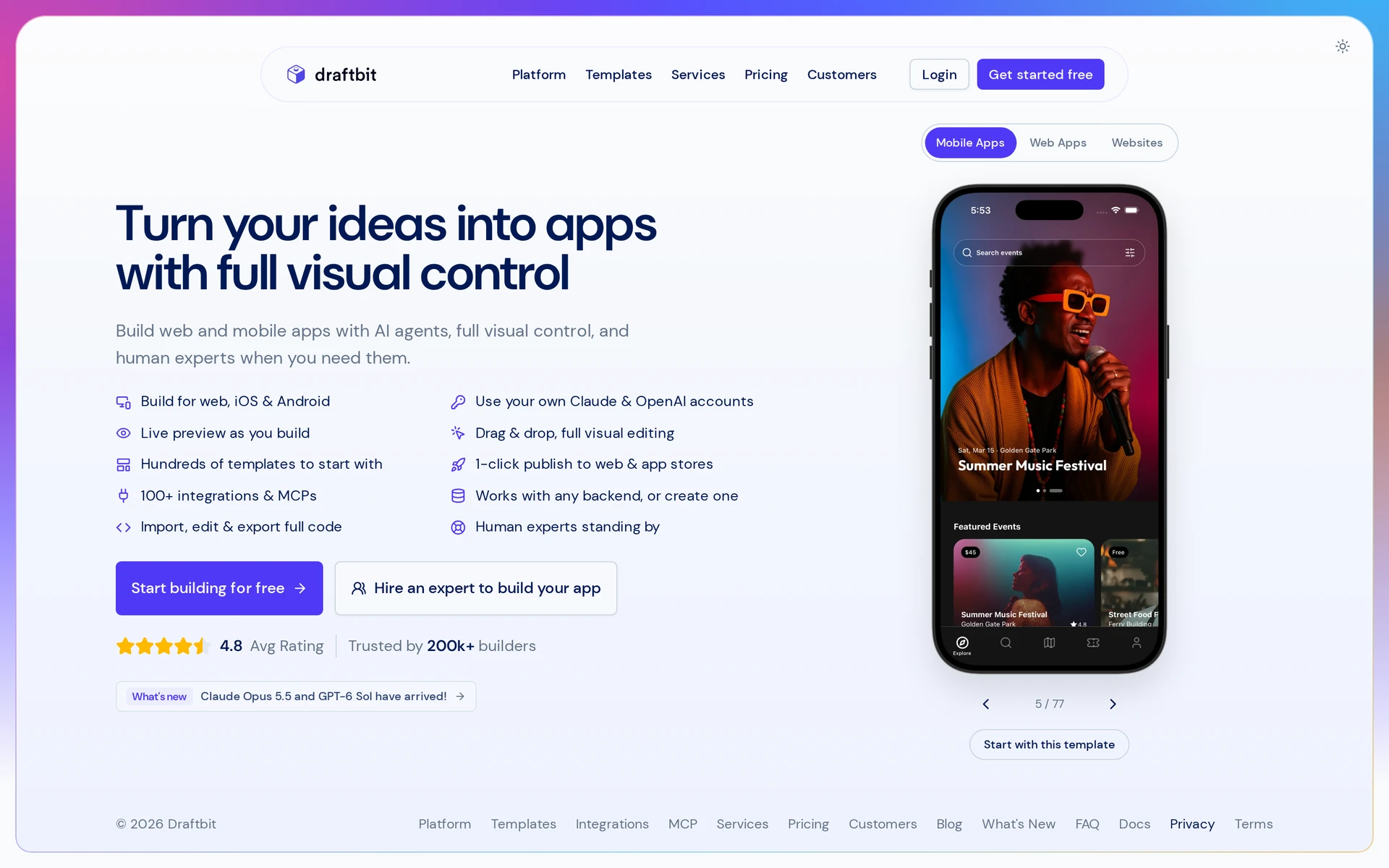
Best for: Building a React Native app visually and handing an editable project to a developer as it becomes more complex.
What building with it is like: You arrange screens visually, and you can export the full React Native source code as an Expo project, so you can hand the app to a developer later.
In Draftbit, you set up how people move between screens, and that navigation is included in the exported React Native project. Before making major changes in your own codebase, check how those screens connect and which software packages the app relies on. The exported code’s structure depends on how you built the app.
Trade-off: Draftbit’s visual controls can get an interface started, but complex logic, unusual integrations, or substantial customization may still require JavaScript or React Native work. Source export does not remove the need to test important flows and check integrations before launch.
Pricing: Check which plan includes source export, collaboration, and publishing help, along with any usage or service limits. Draftbit’s paid plans and optional expert help can cost more than a basic builder subscription. See Standard plan pricing for a closer look at that tier, and check what it currently includes before treating the entry price as the full cost of getting an app into the stores.
| Plan | Price | What you get |
|---|---|---|
| Free | Free | View generated code, but no full edit/export path |
| Standard | $15/month or $12/month billed annually | Editing, export, and mobile publishing |
| Pro | $30/month or $24/month billed annually | GitHub export and auto-commit sync on top of Standard |
Publishing: Draftbit produces iOS, Android, and web apps. Standard includes mobile publishing.
For data-driven and internal apps
These tools make apps around information a team already keeps, such as a spreadsheet of jobs or a database of customer records. They help staff open a record and update it while they work. If your goal is an app customers can find in the App Store or Google Play, check how the finished interface reaches their phones, because an internal tool people open in a browser may solve a different problem.
8. Glide

Best for: Turning a team's spreadsheets into phone-friendly tools people open by link.
What building with it is like: A stock list can become a phone-friendly inventory tool with forms for recording incoming goods. Staff open the Glide app by link or add it to their home screen, so you can roll it out without an app-store listing.
Trade-off: On Business, extra users cost $6 each per month, and updates above the allowance cost $0.02 each. Check how often your data changes and whether it fits the 25,000-row spreadsheet limit before budgeting for an inventory app.
Pricing: The Glide pricing tiers below use annual billing.
| Plan | Price (annual billing) | Notes |
|---|---|---|
| Free sandbox | Free | Sandbox access |
| Explorer | $19/month | Billed annually |
| Maker | $49/month | Billed annually |
| Business | $199/month | 30 included users and 5,000 updates/month |
Publishing: Glide makes progressive web apps (PWAs) that adapt to a phone's screen. It does not publish them directly to the App Store or Google Play, so it does not replace AppMachine when you need a native store listing.
9. AppSheet
Best for: Mobile and web workflows built around spreadsheets and databases without writing code.
What building with it is like: AppSheet starts with connected data and rules for who can access it, while AppMachine organizes a mobile app around screen and feature blocks. A technician could use an NFC tag to identify a piece of equipment and record an inspection on a phone. AppSheet documents NFC tag reading, offline data caching and background synchronization.
Trade-off: Test which records remain available without reception and when changes reach the source data before relying on a field workflow. Starter and Core are priced per user, so count the people who will use the workflow as well as the person building it.
Pricing: The plans below show the per-user prices and the Core option included with select Google Workspace plans.
- Free prototyping: Free.
- Starter: $5/user/month.
- Core: $10/user/month or included in select Workspace plans.
- Enterprise Plus: $20/user/month.
Publishing: Phone access and a branded app-store listing are different requirements. If you need a native iOS or Android release under your own listing, confirm what AppSheet's publishing route produces before replacing an AppMachine project.
10. Caspio
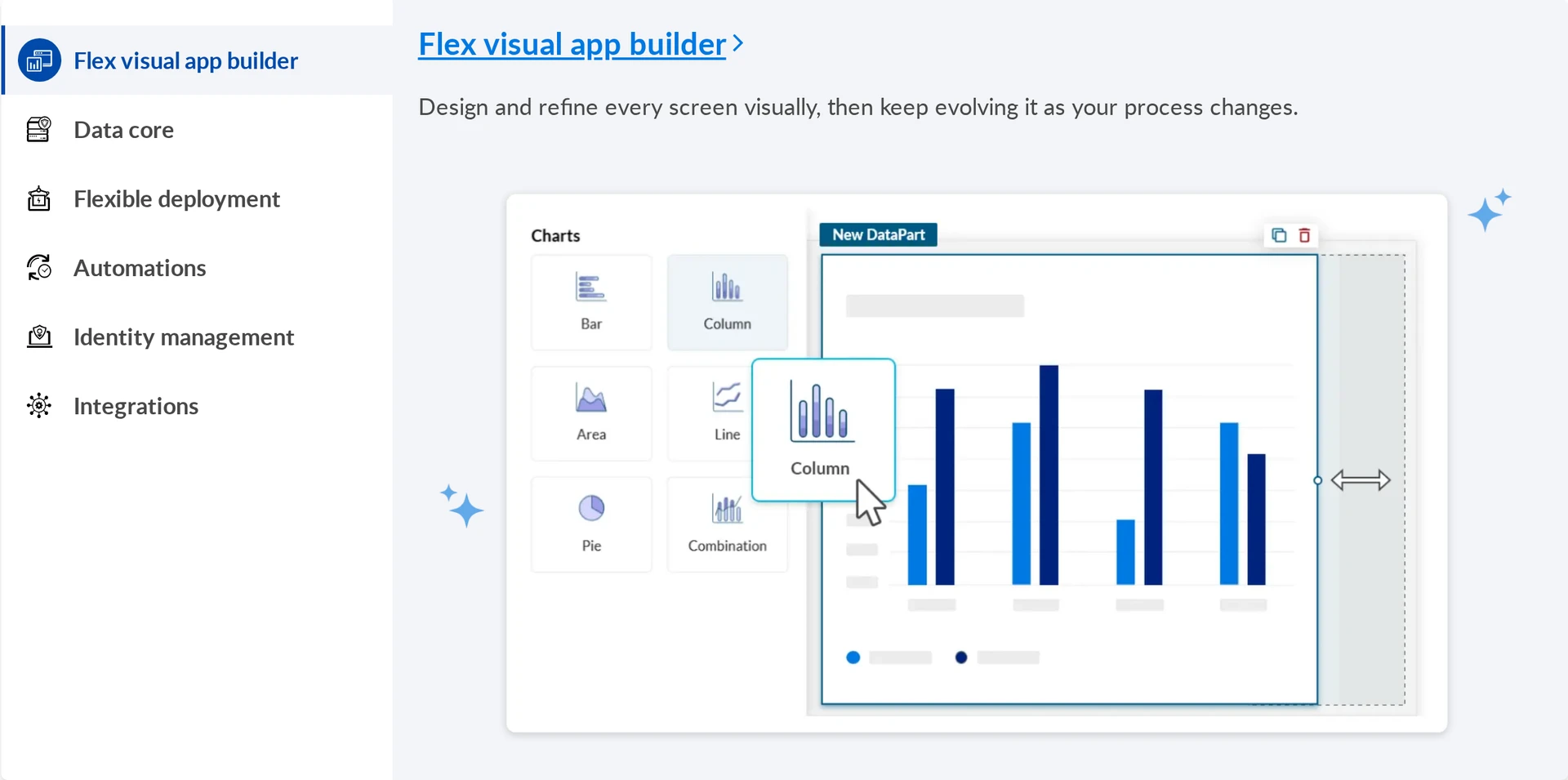
Best for: Database-backed forms, reports, dashboards, and portals that people use on the web.
What building with it is like: Caspio hosts the database. Its DataPages put database-backed forms and dashboards on a website through JavaScript or an iFrame embed, which displays the Caspio interface inside a page. A customer could enter details through a hosted portal while your team works with the records behind it.
Trade-off: Caspio's output is a responsive web app or website embed, rather than native iOS and Android apps to submit to the app stores.
Pricing: The listed plans include end users without a per-user limit, which matters if customers rather than a fixed staff group will open the portal. Caspio also lists a 14-day trial. Its Team and Business prices are below:
- Team: $300/month or $270/month billed annually.
- Business: $600/month or $540/month billed annually.
Publishing: Use Caspio's output as a hosted web app or embed it on a website.
How to choose an AppMachine alternative
Choose an AppMachine alternative by testing the build you need to ship, what the app has to do on a phone, and what happens if you outgrow the builder. A good-looking preview alone cannot answer those questions.
- Store release: Ask for a test build you can install on an iPhone or Android phone, and confirm which plan supports submission to each store. A link people add to their home screen is a web app, while a store listing requires a separate submission process.
- Developer handoff: Ask whether you can download editable source code, rather than only an installable app file. If you plan to hand the project to a developer, find out whether the export includes the screens and assets, and which backend services would still need access or replacement.
- Phone features and data: Write down the actions your app actually needs, such as taking a photo or reading an NFC tag, then try those actions on a device. If the app draws content from a spreadsheet or web service, check how the new builder connects to it and what happens when the connection fails.
- Billing: Find out whether you pay for each published app, each person using it, or how much people use it. Check the plan that includes your required store release and handoff options, then estimate the bill for your expected users and activity.
What switching from AppMachine actually involves
You will rebuild rather than import. Before you pick a new builder, work out which parts of the current app you can use as reference and which parts you will need to recreate or verify, especially the data connections and store setup.
- Record what the app does. Capture each screen and write down what happens when someone taps its buttons, signs in, or completes a purchase if those actions apply. Screenshots preserve the appearance, while these notes preserve the behavior you need to rebuild.
- Map where the data lives. AppMachine can draw content from Google Sheets, Excel or CSV files, and web services. Identify the sources your app uses, save copies of files you control, and check how the new builder will reconnect or hold the data and who can see or edit each record.
- Rebuild and test a complete journey. Describe the screens and their actions in the new builder, starting with a path someone needs to finish, such as joining and posting in a community app. Try that path on real phones with ordinary and unexpected inputs before rebuilding every secondary screen.
- Handle the store switch. Check who controls your Apple and Google developer accounts, and ask the new builder what it needs to update the existing listing. Confirm the app identifiers and signing requirements with the store accounts before promising an update, and plan how to direct existing users to a new listing if the replacement needs one.
Ready to build your own native app instead of migrating one?
If your AppMachine app has stopped fitting your plans, use what you already know about it as the brief for a new native build. Do not assume a direct port.
Start building free with no credit card required.
FAQs
Are there free app builders available?
Yes. Bilt has a free tier so you can try an app idea. What you can actually publish on a free plan depends on the builder. You also need a developer account for the App Store or Google Play, and those accounts have their own fees.
Can I build an app myself without coding?
Yes. With Bilt, you describe what each screen should do to create and publish mobile apps without writing code. You still decide who can access what and check that the app works as intended.
Can I migrate my AppMachine app to a new platform?
Yes. Use screenshots of your AppMachine app as a guide and rebuild its screens and actions in the new platform. Move over the content you need and test the rebuilt app on a phone before submitting it.
What's the difference between an app builder and a website builder?
A website builder makes pages people open in a browser. Some app builders produce native iOS or Android builds you can submit to a store. Others make browser-based apps. If you need a downloadable app, check what the platform produces and whether it supports store submission.