A common AppMySite search starts when a promising app still cannot make it to the stores.
AppMySite can turn a WordPress site into a mobile companion quickly. For a non-technical founder, iOS publishing can change the cost and path.
Decide first whether you need to package an existing website or build a native app with source code you own.
TL;DR: Bilt.me is the best fit when you are building from scratch and want a real native app with React Native source code you can export. AppMySite still makes sense if you already have a WordPress site and only need a companion mobile front end.
Andromo and AppMachine work for budget content or catalog apps. GoodBarber fits design-heavy native apps, while Mobiroller and AppMachine are stronger fits for agency-style workflows.
One disclosure up front: this article is published by the Bilt team, and Bilt is included in the roundup.
If you already know you need a real native app, not a website wrapper, you can start free with Bilt and preview a working app in minutes.
Why builders look for AppMySite alternatives
Builders usually move beyond AppMySite when the free or preview path stops short of the app they need to publish.
The iOS paywall is the clearest example. Android testing is useful. Founders who want to publish on iPhone need iOS App Store access, reliable builds, and a clear publishing path.
The main limits for a founder choosing a builder are straightforward:
- Webview architecture: AppMySite uses a webview-style architecture, which can limit advanced device access and native-feeling interactions.
- Download caps: The Starter plan lists 1,000 total app downloads, so growing apps can require a higher tier. (AppMySite pricing, accessed 2026.)
- iOS access: The Free plan includes Android and Google Play access. It excludes iPhone and Apple App Store access. (AppMySite pricing, accessed 2026.)
- Publishing help: Automated Apple submission is reserved for Premium. Lower-priced plans require manual iOS publishing. (AppMySite pricing, accessed 2026.)
- Team seats: Collaboration is capped at 2 users on Starter, 3 on Pro, and 5 on Premium. (AppMySite pricing, accessed 2026.)
- Add-on costs: White-labeling and live chat or phone support require paid plans.
None of these limits make AppMySite useless. They narrow the fit to website owners who want a packaged mobile front end, rather than builders creating a more flexible native app.
AppMySite alternatives at a glance
The alternatives below split into AI-native builders, visual drag-and-drop tools, template-based app makers, and modular platforms. For a non-technical founder, the first decision is simpler: package an existing site, or build a native app you own.
| Tool | Starting price | Build approach | Best for | Source code export | Native output type |
|---|---|---|---|---|---|
| Bilt.me | Free; €15 first month, then €25/mo | AI to React Native | Founders building owned native apps | Yes | React Native |
| Adalo | $36/mo | Visual drag-and-drop | Database-driven MVPs | No | iOS and Android builds |
| Andromo | $24/mo | Templates and AI | Content and monetization apps | Not confirmed | iOS and Android builds |
| GoodBarber | $30/mo | Visual builder | Design-led content and commerce | No | Swift and Kotlin |
| Buildfire | $315/mo | Plugin-based modules | Businesses needing extensibility | Not confirmed | iOS and Android builds |
| Appy Pie | $16/mo | AI prompt generator | Small business app drafts | Not confirmed | iOS and Android builds |
| AppInstitute | $99/mo | Template drag-and-drop | Local businesses needing support | Not confirmed | iOS and Android builds |
| AppMachine | $15/mo | Block-based assembly | Data-heavy content apps | Not confirmed | iOS and Android builds |
| Apphive | $58/mo | Visual drag-and-drop | Service and delivery apps | Not confirmed | iOS and Android builds |
| Mobiroller | ~$10/mo | No-code modules | Agencies managing multiple apps | Not confirmed | iOS and Android builds |
Store publishing costs are separate from builder subscriptions: the Apple Developer Program is $99/year, and Google Play Console is a $25 one-time fee.
The 10 best AppMySite alternatives in 2026
Each tool below solves a different version of the AppMySite problem. Some focus on faster launches, some on more design control, and some on native code or deeper extensibility.
1. Bilt.me
Bilt.me is our pick when you are building from scratch and want a real native app you own. The fit is clearest when AppMySite feels too tied to an existing website.
Describe an app and watch Bilt turn it into a native app in live preview.
AppMySite starts with a website. Bilt.me can start with a prompt, a Lovable app, a V0 prototype, a Replit project, a Next.js build, or a plain app idea.
React Native means one codebase becomes real iOS and Android apps, with source code you can export. The app is not just your website sitting inside a mobile frame.
Where it fits:
- Non-technical founders: Build without learning Swift, Kotlin, React Native, Xcode, or Android Studio.
- Vibecoders: Move past the “prototype looks done, publishing is broken” stage.
- Web app owners: Turn a Lovable, V0, Replit, or Next.js project into a native mobile version without starting over.
- Creators and small teams: Build products such as habit trackers, recipe apps, community tools, booking apps, or niche customer apps.
That is useful when your Lovable, V0, Replit, or Next.js project already works, but users keep asking for a mobile app.
Bilt helps turn that work into native screens, backend connections, and a store-ready build workflow without starting over.
What Bilt handles:
- Prompt-to-app generation: Describe the app in plain English, and Bilt generates the UI, navigation, backend logic, authentication, database, and storage.
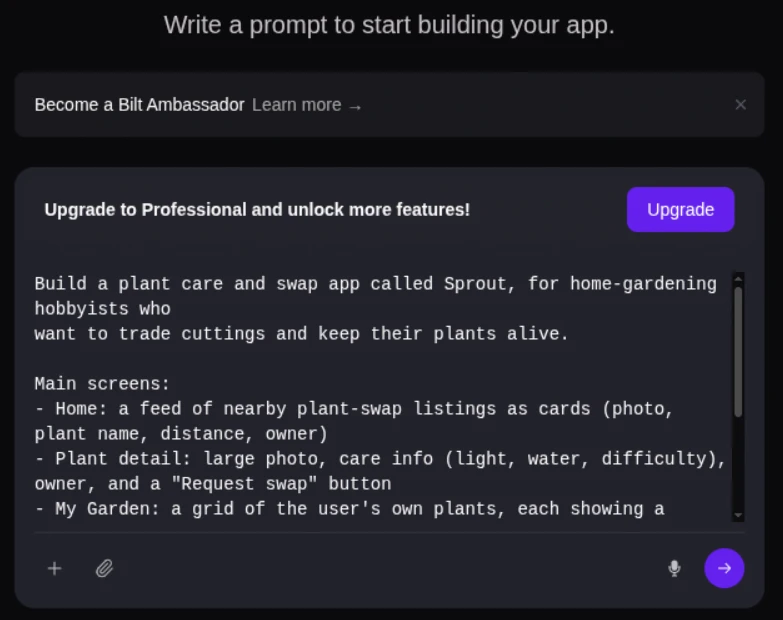
Bilt dashboard prompt box where you describe your app - Web-to-app conversion: Bring an existing web app into a native iOS and Android workflow instead of rebuilding every screen from scratch.
- Native React Native output: Bilt creates source code you can export, keep building on, or hand to a developer later.
- Testing without local setup: Preview in the browser and scan a QR code to test on a real iPhone or Android device.
- Store submission support: Bilt helps with code signing, build generation, App Store Connect, and Google Play Console workflows.
Proof points:
- Preview in the browser, then scan a QR code to test on a real iPhone or Android device.
- No Xcode, Android Studio, or local development environment is needed to preview the app.
- First builds can happen in minutes, with submission workflows moving in hours or days instead of the months common with agencies.
Pricing:
- Free tier: Build and preview before upgrading.
- Paid plans: Professional starts at €15 for the first month, then €25/month.
- Enterprise/team plans: Contact sales when you need custom support, onboarding, or team workflows.
Pro tip: Write out your app’s core screens and user flow before prompting. Bilt builds faster when your prompt names the main screens, actions, and user roles.
Bilt is not the right fit for every AppMySite user. If you already have a WordPress site and only need a companion mobile front end, AppMySite remains a practical option.
If you are stuck in the “almost done” stage, describe your app idea and get a working native build in minutes. Start building free, no credit card needed.
2. Adalo
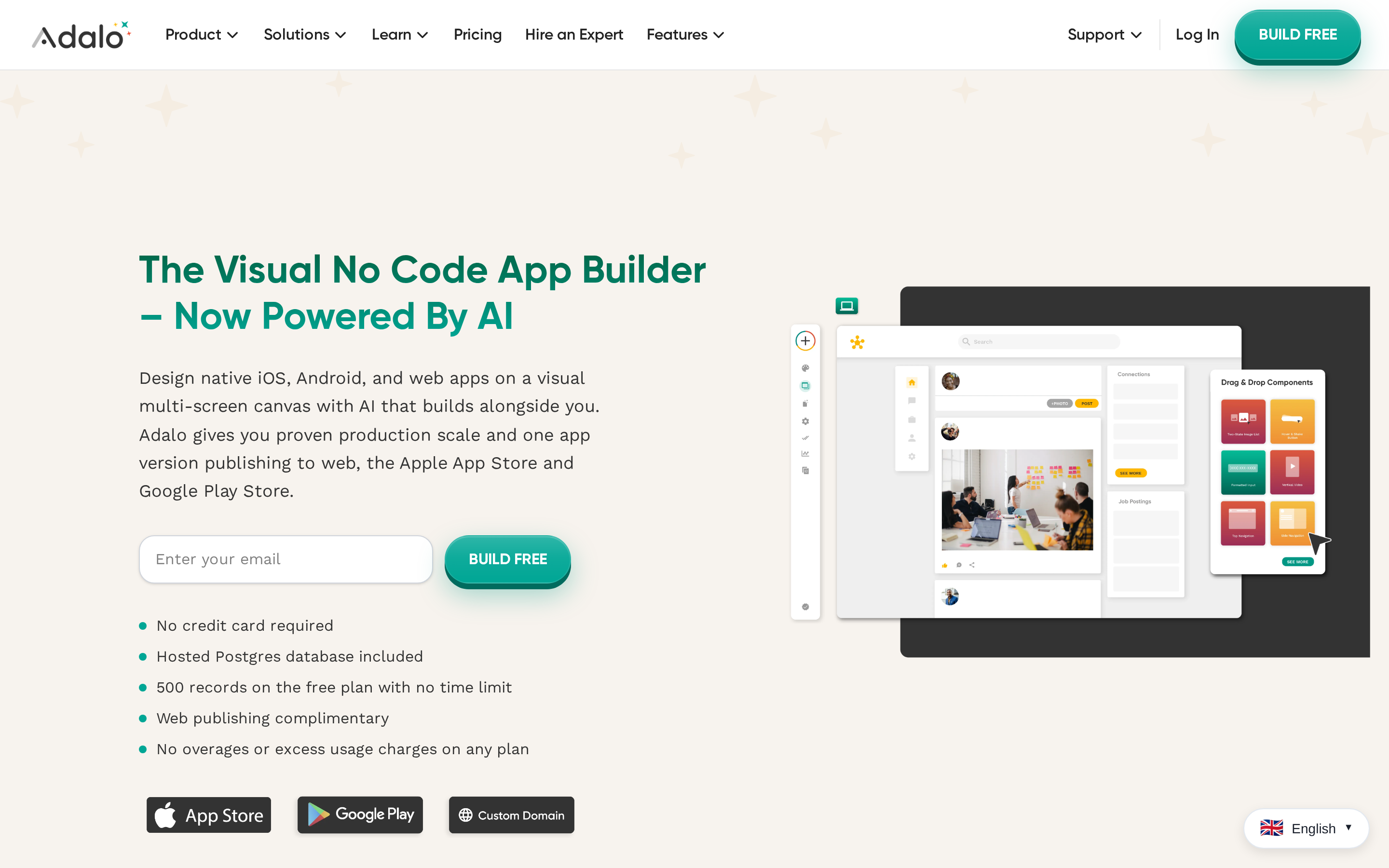
Adalo is a visual no-code platform for building web apps and native iOS and Android apps from a drag-and-drop canvas. It is closer to a blank-canvas app builder than a website-to-app converter.
Where it fits: database-driven MVPs such as marketplaces, booking systems, directories, and internal tools.
Useful details:
- Built-in database: Adalo includes a Postgres database, so early teams do not need an external backend on day one.
- External Collections: Adalo can connect to outside databases and services through APIs when data needs to live elsewhere.
- Component marketplace: Third-party developers publish UI elements and functional modules that extend the default editor.
- Publishing path: App Store and Google Play publishing are available on paid publishing tiers.
Watch-outs:
- The Free plan is mainly for prototyping, with record limits that paid plans raise.
- Adalo does not provide source code export, so apps stay inside its hosted ecosystem.
- Larger projects can run into editor stability, performance, and custom logic limits.
Adalo gives teams a visual way to model data and build database-driven MVPs, including marketplaces, booking systems, directories, and internal tools.
3. Andromo
Andromo is a template-based app builder for content apps, especially apps built around feeds, media, and ad revenue. It is more structured than a blank-canvas builder.
Where it fits: news apps, RSS apps, podcast apps, ebook readers, recipe apps, wallpaper apps, and other content-heavy products.
Useful details:
- Ad monetization: Andromo supports AdMob and other ad networks without manual coding.
- Content sync: RSS and blog feeds can populate app content automatically.
- Template speed: The app starts from predefined content layouts instead of a blank design canvas.
- Pricing: Andromo starts at $24/month, while ad monetization starts at $56/month on Ultra.
Watch-outs:
- Templates can feel rigid when an app needs custom layouts or unusual navigation.
- Andromo apps stay managed inside the dashboard, with no source code export.
- The AI Builder is focused on web-app conversion first, not full native iOS and Android generation from a prompt.
Andromo centers on template-based content apps, with feed syncing and ad monetization for publishers building around media or recurring content.
4. GoodBarber
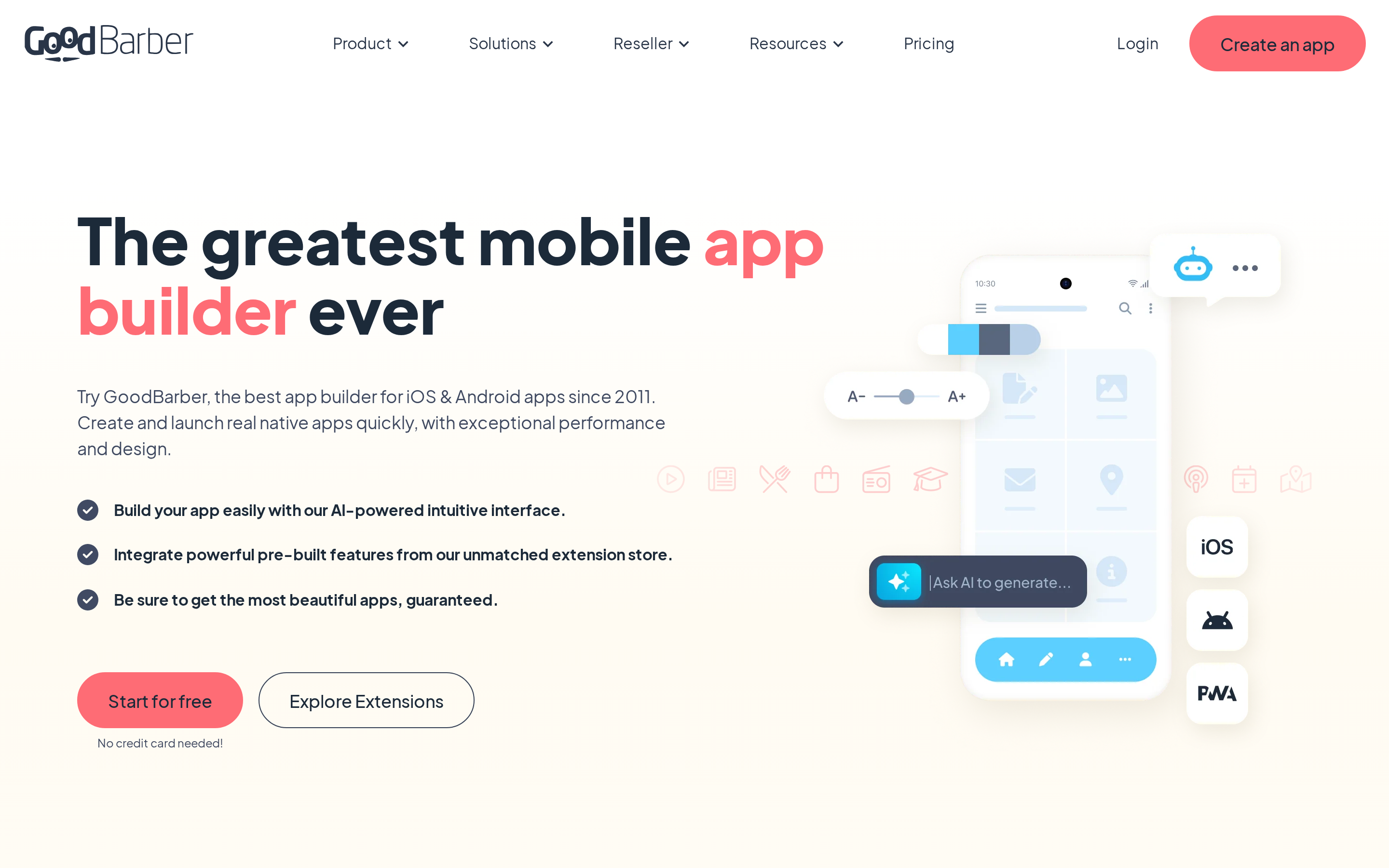
GoodBarber is a visual app builder for content and shopping apps. It generates native Swift binaries for iOS and Kotlin binaries for Android, rather than placing a website inside a browser shell.
Where it fits: teams that care about app presentation, built-in content tools, commerce features, and managed publishing workflows.
Useful details:
- Two product tracks: GoodBarber supports content apps and shopping apps.
- Native output: Apps can use mobile-specific features such as push notifications and camera-based workflows through native modules.
- Extension marketplace: The platform lists 190+ extensions across commerce, memberships, bookings, loyalty programs, and content features.
- Agency plan: White-label app reselling starts at $215/month when billed annually.
Watch-outs:
- Users cannot export the generated Swift or Kotlin codebase for independent development.
- GoodBarber has historically charged a $450 iOS App Store submission management fee. Confirm current fees before budgeting, because submission support pricing can change.
- Native iOS publishing starts on the Premium tier at $55/month when billed annually.
- Templates may be restrictive for teams with bespoke interface requirements.
GoodBarber centers on polished content and commerce apps, with native publishing and a large extension catalog. Its trade-off is a managed platform without source-code export.
5. Buildfire
Buildfire is a plugin-based no-code app builder for iOS and Android. It is built around pre-made modules, managed publishing, and paid support rather than source-code ownership.
Where it fits: small businesses and mid-market teams that want a native app assembled from existing components.
Useful details:
- Plugin marketplace: Buildfire offers 150+ pre-built modules for push notifications, maps, commerce, media, forms, and user engagement.
- Modular workflow: Teams start with a template, add plugins, configure each feature, then publish through Buildfire's managed process.
- Custom plugin SDK: Scale users can upload proprietary plugins for business-specific logic.
- Dedicated support: Growth and Scale include a dedicated account manager.
Watch-outs:
- Buildfire has a high price floor. Growth starts at $315/month, and Scale starts at $440/month.
- Growth and Scale require quarterly or annual billing.
- Buildfire does not provide full source code export, so the app remains tied to its infrastructure.
Buildfire is built around assembling native apps from plugins, with an SDK for proprietary modules on its Scale plan. The higher price and lack of full code export matter for teams planning beyond its infrastructure.
6. Appy Pie
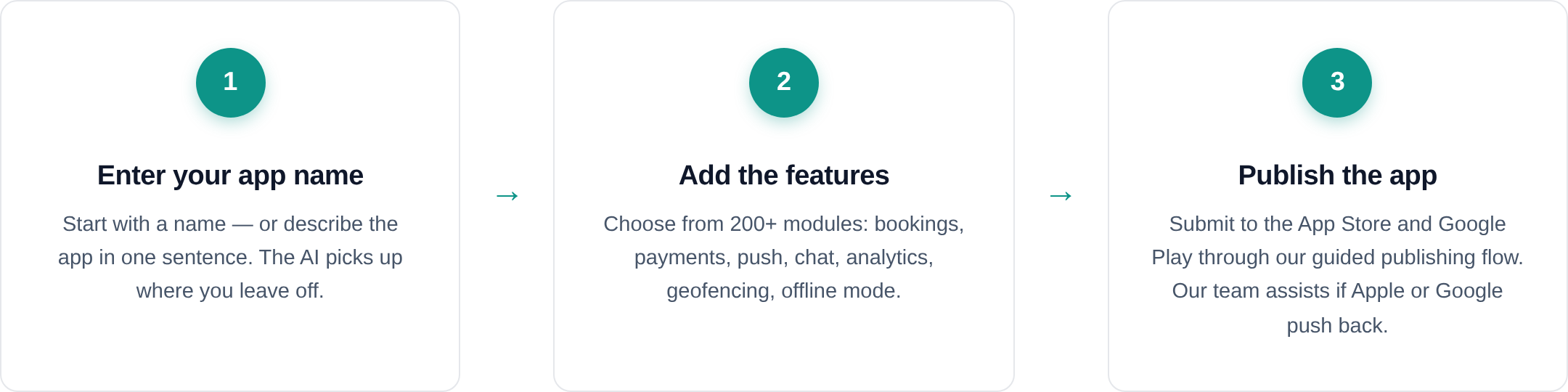
Appy Pie is a broad no-code builder with an AI app generator, website tools, automation workflows, and a manual drag-and-drop editor behind the prompt flow.
Where it fits: small businesses that want to create a simple Android app quickly, especially restaurants, churches, service businesses, and local organizations.
Useful details:
- Prompt-to-app speed: Appy Pie says its AI App Generator can create an app from a plain-English prompt in under 60 seconds.
- Lower-cost Android launch: Basic costs $16/month, and Gold costs $36/month on annual billing.
- Compliance documentation: Appy Pie documents SOC 2 Type II, ISO 27001, and GDPR coverage.
- Data connections: The builder supports REST API integrations for external data.
Watch-outs:
- Basic and Gold generate Android apps only. iOS publishing requires Platinum at $60/month on annual billing.
- Appy Pie does not let users export the generated app code.
- White-label branding is a paid add-on, not a full agency portal.
Appy Pie emphasizes quick, prompt-led Android app creation for local businesses. Its iOS publishing tier, paid white-label option, and lack of code export set clear limits for broader product plans.
7. AppInstitute
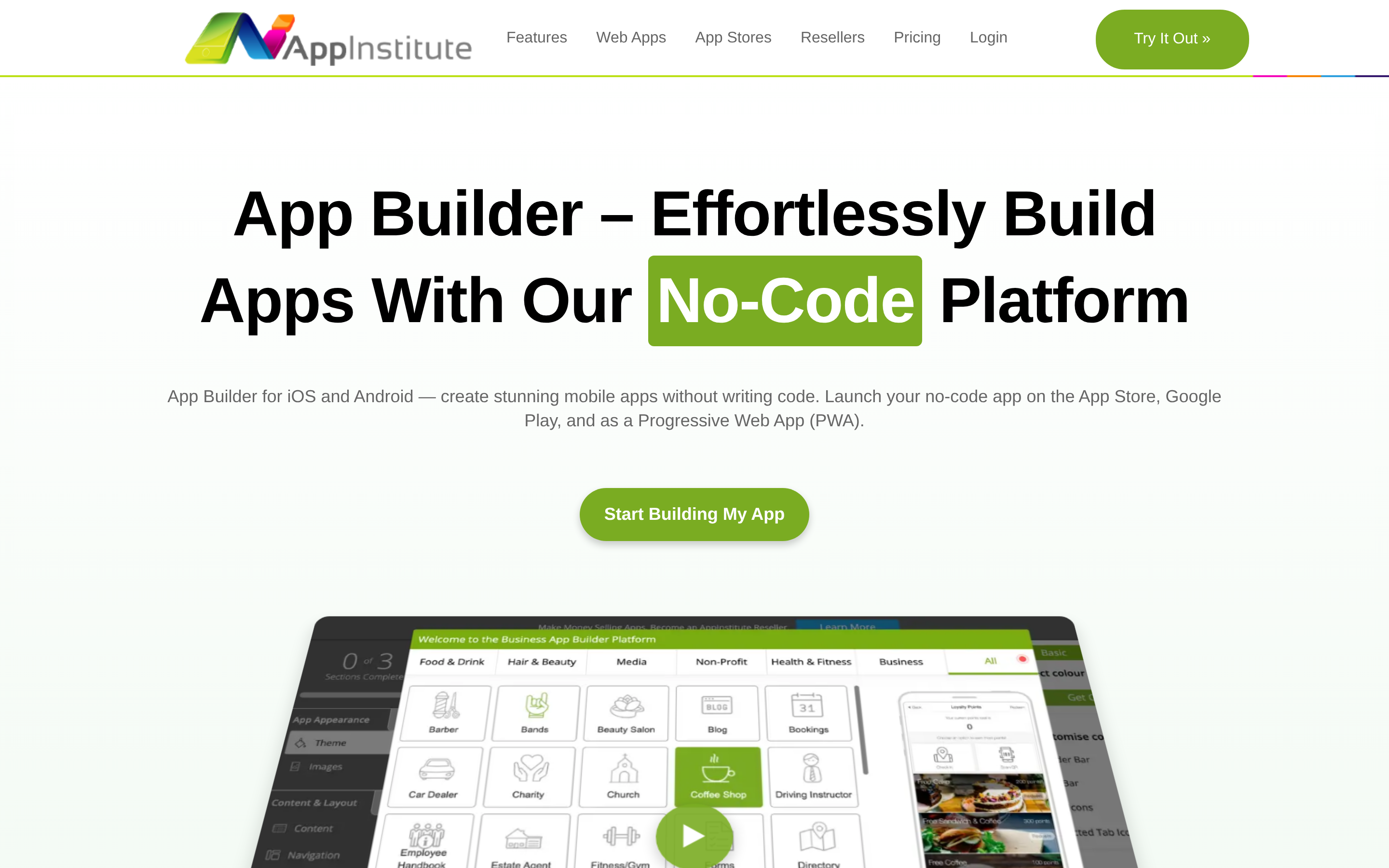
AppInstitute is a template-driven no-code app builder for local businesses that want to assemble an app without writing code. It centers on industry templates, push notifications, and managed store submission.
Where it fits: restaurants, cafes, salons, service businesses, local retailers, and small teams that want a guided template workflow.
Useful details:
- Native publishing tier: The App Stores plan starts at $99/month and is the entry point for native iOS and Android publishing.
- PWA tier: The $49/month Instant plan is limited to progressive web apps.
- In-house submission team: The main reason AppInstitute earns a spot here is managed App Store and Google Play submission, with a stated 1 to 5 day submission window.
- Reseller structure: Agency plans start at $120/month for up to 5 apps and scale by app count.
Watch-outs:
- AppInstitute is not an AI app builder. Users start with templates and edit modules manually.
- Source code export is not available.
- External database integration is limited compared with tools that connect to custom backends.
AppInstitute suits template-led local business apps, especially when managed store submission matters. AppMySite is built around converting an existing WordPress or WooCommerce site into a mobile app.
8. AppMachine
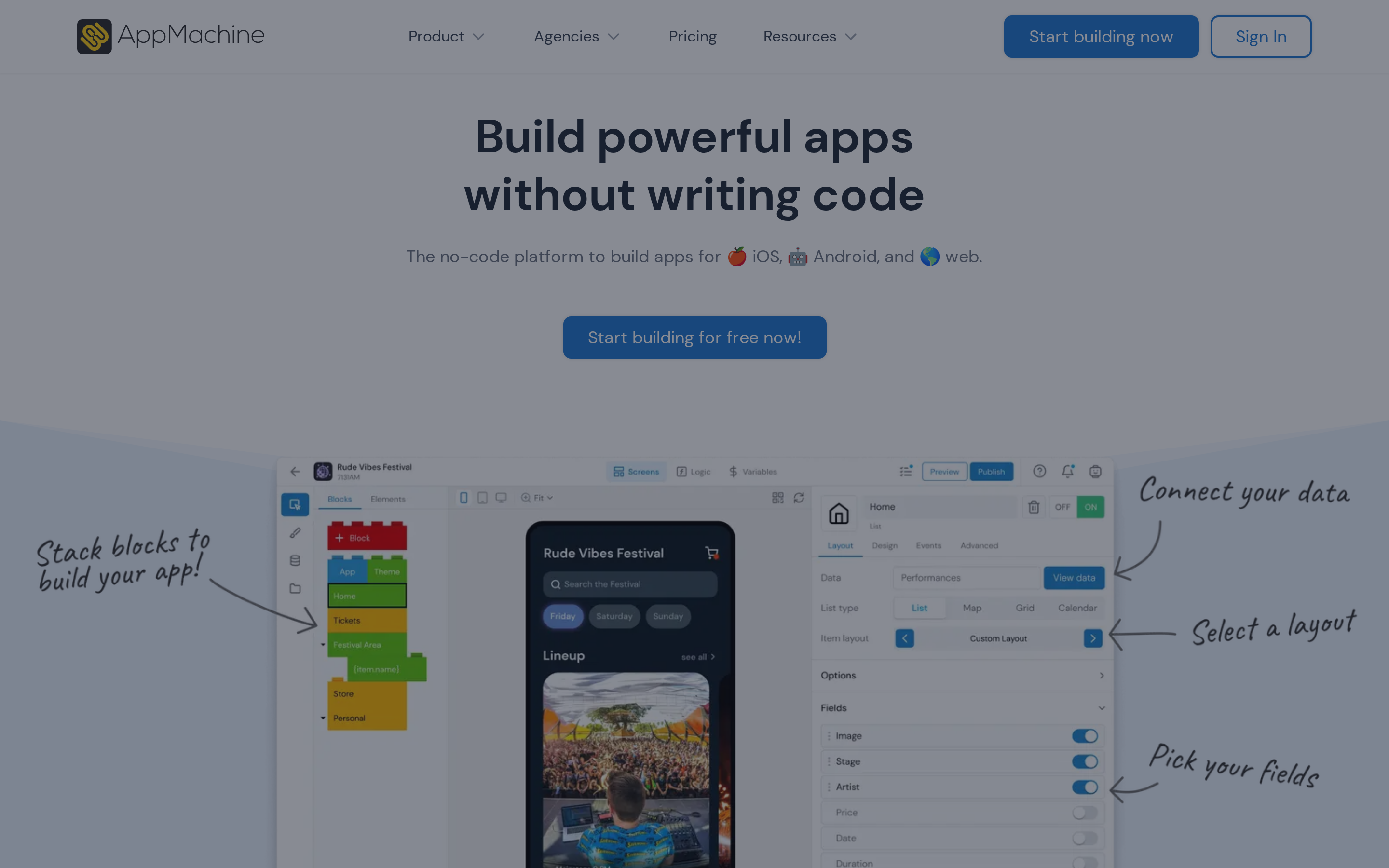
AppMachine is a block-based no-code app builder for simple content, catalog, and community apps. It made this list because Google Sheets, CSV, and Excel files can become app screens.
Where it fits: schools, religious groups, event planners, tourism teams, and small organizations with structured content.
Useful details:
- Block system: The builder includes 30 basic blocks and 8 advanced blocks for assembling screens, content, and app functions.
- Spreadsheet import: Google Sheets, CSV, and Excel files can generate app screens from structured data.
- Community outreach: WhatsApp integration and push notifications support simple local communication.
- Payments and ads: PayPal and AdMob integrations are available inside the builder.
Watch-outs:
- The $15/month Instant plan is limited to web apps.
- Native iOS and Android publishing requires the Professional plan at $63/month or above.
- The Professional plan includes limits for team members, rows, users, actions, and storage.
- Check AppMachine's current roadmap and release notes before using it for a long-term catalog app.
- AppMachine does not use React Native or Flutter and does not include an AI app-generation layer.
AppMachine turns spreadsheet data into simple app screens. Its block system suits organizations publishing structured directories, event details, or community information.
9. Apphive
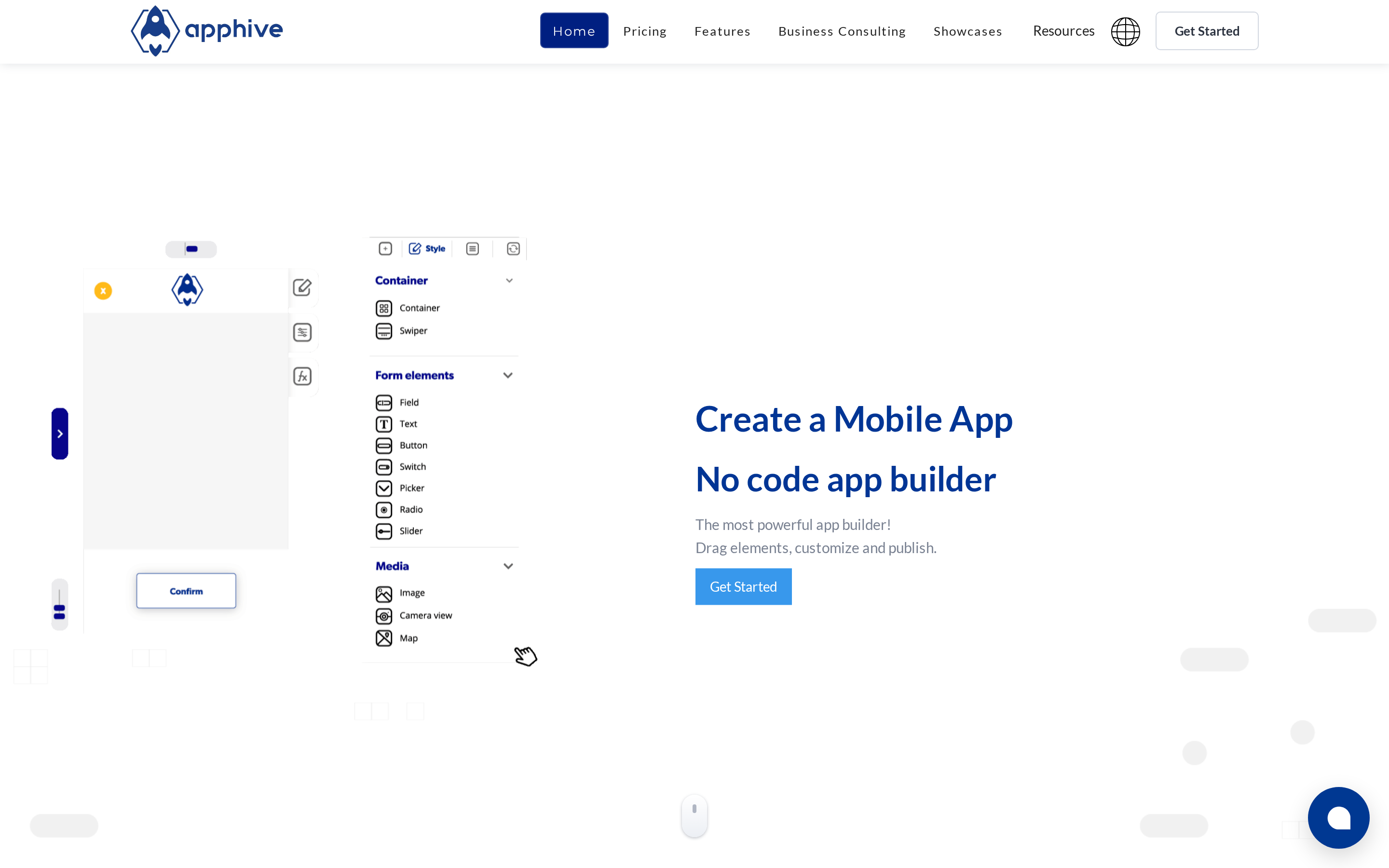
Apphive is a drag-and-drop no-code app builder for creating iOS and Android apps through a visual interface. It has a visible focus on service, logistics, delivery, and map-based app flows.
Where it fits: delivery apps, taxi apps, service marketplaces, e-commerce apps, and projects that need maps, payments, APIs, or databases.
Useful details:
- Service modules: Apphive includes templates and functional modules for maps, payment processing, and delivery-style workflows.
- API integrations: Apphive lists more than 100 pre-built API integrations, including payment gateways, custom APIs, and AdMob.
- Database options: It supports both local and cloud databases.
- AI-guided prototyping: Apphive 2.0 adds project prototyping and variant generation before manual editing.
Watch-outs:
- Premium and Unlimited users are limited to 50 native iOS and Android compilations per month per platform.
- Check recent support and reliability reviews before committing to Apphive.
- English-speaking readers should know that much of Apphive's community support and instructional material is in Spanish, and the platform targets Latin American entrepreneurs.
- Apphive does not offer a dedicated agency portal for managing multiple client apps.
Apphive is geared toward service and delivery apps that need maps, payments, APIs, or database-backed workflows. Its visual builder also includes AI-guided prototyping before manual editing.
10. Mobiroller
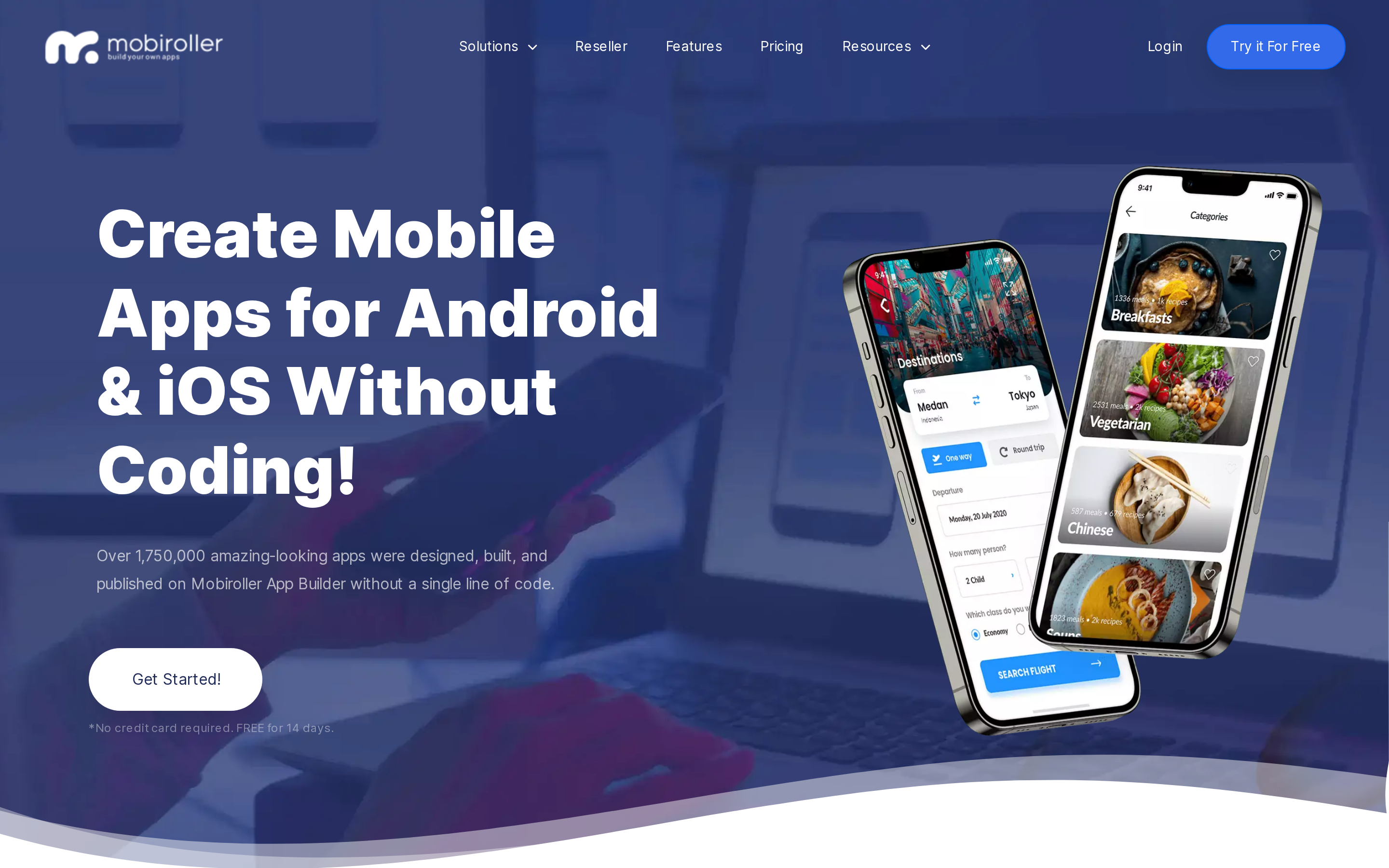
Mobiroller is a no-code drag-and-drop platform for building native Android and iOS apps with 80+ modular content blocks.
Where it fits: solopreneurs, small business owners, and agencies building engagement-focused apps without writing code.
Useful details:
- 80+ modules: Content blocks cover common app sections and functions.
- Scheduled push notifications: Built-in messaging supports education updates, promotions, reminders, and community announcements.
- Multi-language auto-translation: App content can be translated for multilingual audiences.
- E-commerce support: The Business plan includes product catalog and transaction features.
- Reseller branding: Agencies can manage client apps under their own branding.
Watch-outs:
- Check recent reviews for stability, support, and publishing feedback before committing to Mobiroller.
- If app-wide search matters, confirm current search support before committing.
- Users do not get access to the underlying application codebase.
Mobiroller suits module-based builds and agency reselling. AppMySite takes a different route by converting an existing WordPress or WooCommerce site into an app.
Which AppMySite alternative is right for you?
Use the list above to narrow by the decision a non-technical founder has to make first: package an existing website, or build a native app you own.
Budget first?
AppMySite's free plan includes Android and Google Play access. iPhone and Apple App Store access require a paid plan.
- Tight monthly budget: AppMachine starts at $15/mo for web apps, but native deployment moves to $63/mo. Mobiroller starts around $10-$18/mo, while Andromo runs $24-$130/mo for content-driven apps with AdMob monetization.
- AppMySite price check: AppMySite runs $69/mo-$249/mo, and automated iOS publishing is locked to the Premium tier, according to AppMySite pricing. Use that as the baseline before switching for cost alone.
Care about native code?
- True native output: GoodBarber generates native Swift and Kotlin code, with content apps from $30/mo and e-commerce from $55/mo. Adalo produces native iOS and Android apps from $36/mo on annual billing and includes a built-in Postgres database.
- Webview tradeoff: AppMySite uses a webview architecture, so slow mobile-site performance carries into the app. Thin wrappers can also create App Store review risk when the app adds minimal native functionality.
- Flutter code export: If you specifically want Flutter code export, compare FlutterFlow separately. It targets more technical builders than the tools in this roundup.
- AI-driven builds and code ownership: Among the tools in this roundup, Bilt.me is the clearest fit when you want to describe the app in plain English, generate React Native code, export the full codebase, and use Bilt’s publishing workflows for App Store Connect and Google Play.
- Limited ownership paths: Adalo, Andromo, Appy Pie, AppInstitute, Mobiroller, GoodBarber, and Apphive keep apps inside their platforms. Buildfire supports custom plugins through its SDK, and AppMachine has JavaScript extensions, but those are not the same as owning a portable codebase.
For client work, ownership is only one part of the decision. White-label pricing and client-management limits set the economics of an agency plan.
Running an agency?
- Agency and reseller workflows: GoodBarber's agency tier is $215/mo for white-labeled app reselling with unlimited client apps. AppMachine's $159/mo agency plan includes branding removal and a white-labeled CMS for client handoff.
- Higher-volume agency builds: Buildfire starts at $315/mo for Growth and supports plugins, multi-client dashboards, and white-label options through custom reseller quotes. Mobiroller's reseller program supports unlimited apps with full branding control at the lowest confirmed price range here.
Bottom line: use budget tools for simple app packaging, reseller plans for client delivery, and native builders when app quality matters.
If the AI-plus-native-code combination keeps coming up as your answer, the next section goes deeper on how Bilt.me handles that path end to end.
Why native-app builders choose Bilt.me
A store listing alone does not make an app feel native. Builders need an app that runs properly on real phones and a codebase they can keep.
Bilt.me is built for that path.
Describe the app in plain English. Bilt generates React Native code, then lets you preview the build before submission.
With Bilt.me, the flow looks like this:
- Describe the app: Tell Bilt what the product should do in plain English.
- Generate native code: Bilt creates React Native code instead of stopping at a web wrapper.
- Preview on real devices: Use browser simulators or scan a QR code to test on physical hardware.
- Publish with support: Bilt helps with code signing, submission workflows, and the final steps that usually stall non-technical builders.
You can test the app on real hardware before publishing. That gives you a clearer view of phone behavior, store requirements, and the route to both app stores.
For Apple-specific publishing requirements, see iOS App Store access.
Ready to turn your idea into a native app? Start building free. You can preview the app before deciding when to publish.
Prefer guidance? Schedule a free 15-minute call with Bilt.
Before committing to any tool, it helps to understand exactly what AppMySite does and where its limits begin.
What does AppMySite do?
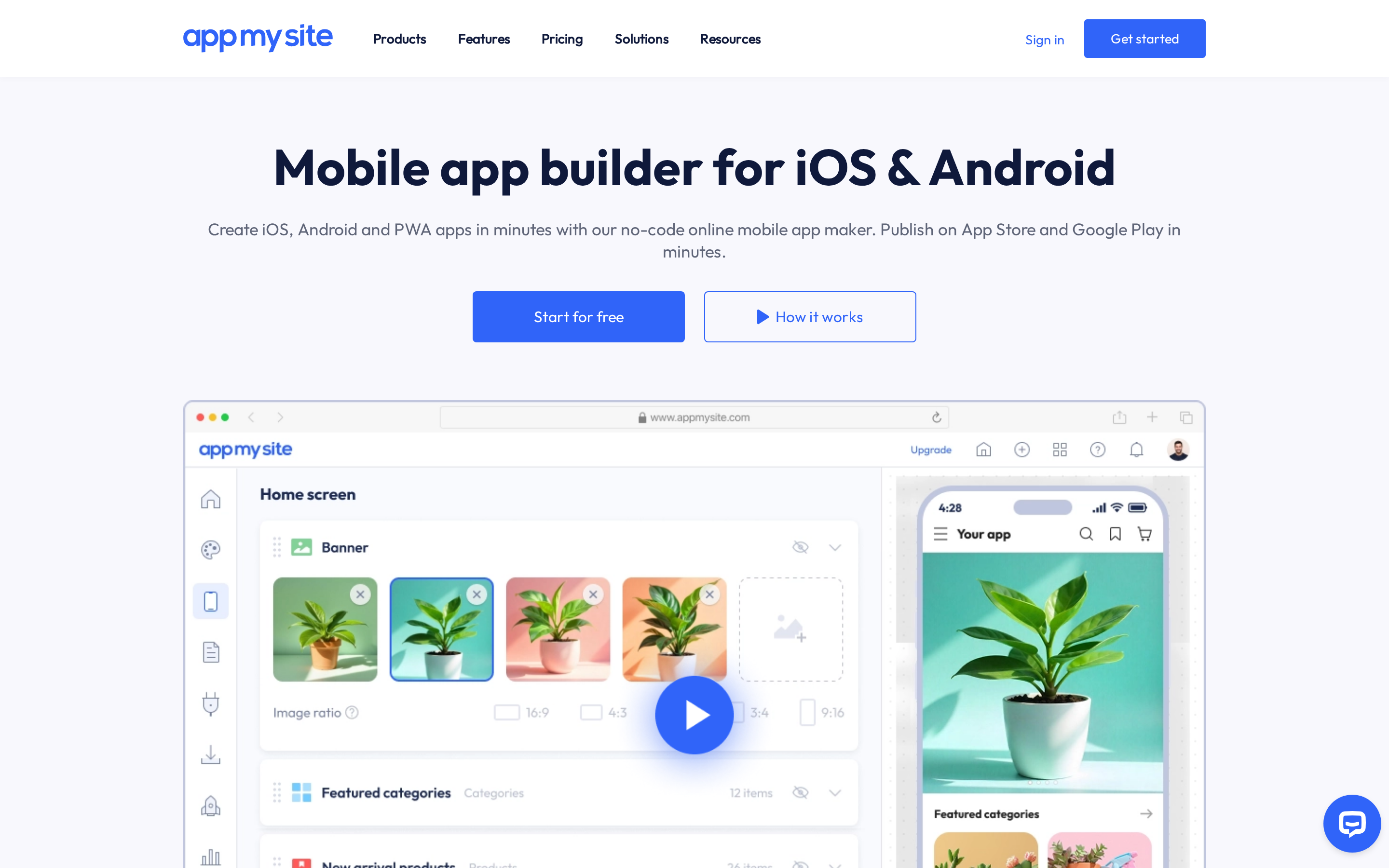
AppMySite turns an existing website into Android and iOS apps without code.
AppMySite makes the most sense when there is already a WordPress site and the goal is a companion mobile front end, not a new native product.
It also supports WooCommerce, Shopify, and a Custom App option for users without a website. Check AppMySite's current pricing page for platform access and publishing options by plan.
AppMySite supports a few common app types and publishing outputs:
- WordPress and WooCommerce apps: Sync website content, pages, posts, and product catalogs into the mobile app interface.
- Shopify apps: Connect store content for mobile commerce use cases.
- Custom App: Build from scratch with AppMySite's built-in CMS for posts, pages, and products.
- Android and iOS builds: Generate Android APK/AAB files and iOS builds for Google Play and Apple App Store submission.
- Compliance and analytics: Apps still need to meet store guidelines, and AppMySite includes dashboard analytics for app downloads and content views.
A webview wrapper loads the mobile version of your site inside a native app shell. That creates a few practical tradeoffs:
- Performance depends on your site: If the mobile website is slow or poorly optimized, the app will feel slow too.
- Website updates sync live: Posts, pages, products, and site changes can appear in the app without rebuilding each time.
- Native depth is limited: AppMySite can package the experience for app stores, but the core interface still comes from the web.
- App Store review risk: Apple's App Store Review Guidelines flag apps with minimal functionality, which can matter for wrappers that mostly repackage a website.
Is there a free app builder?
Yes, but free app builder plans are usually for prototyping, testing, or previewing an app.
Google Play publishing may be possible on some free tiers. Apple App Store publishing is rarely free.
A few practical rules:
- Bilt.me: A free tier is available for building and previewing. Professional starts at €15 for the first month, then €25/month.
- AppMySite: Google Play publishing may be available from a free plan, but iOS publishing requires a paid path.
- AppMachine: The free tier lets you build and design in the editor, but store or web publishing requires a paid plan.
- Adalo: The free tier is useful for prototyping and testing, not native store publishing.
- Apple: The Apple Developer Program costs $99/year before any app can be submitted, no matter which builder you use.
Can you build an app without coding?
Yes. No-code and AI app builders let non-technical users create mobile apps with prompts or visual editors instead of native code.
A step-by-step app-making walkthrough takes you from defining your idea through deployment on iOS and Android.
These tools replace coding with:
- Prompts: You describe screens and features in plain English.
- Visual builders: You drag elements onto screens and configure settings.
- Connectors: You set up API details through forms instead of code.
- Preview tools: You test the app before submitting it to the stores.
The limits usually appear when the app needs more than a simple interface:
- User authentication
- Payments or subscriptions
- Database structure
- App Store and Google Play deployment
- Complex business logic
- Scaling past early users
AI builders like Bilt.me can reduce those limits by generating native app code and handling more of the publishing workflow. Check each builder's limits before committing your app.
Do these builders publish to both iOS and Android?
Yes, many app builders publish to both iOS and Android, but plan restrictions matter. Always check whether the listed price includes native builds, store submission, and iOS support.
Important exceptions and restrictions:
- Andromo: The 2026 AI Builder is web-only for now, with native iOS support listed as pending.
- Appy Pie: iOS publishing requires the Platinum plan at $60/mo billed annually or $120/mo billed monthly. Basic and Gold are Android-only.
- AppMachine: Native deployment requires the Professional plan at $63/mo. The $15/mo Instant plan does not include native iOS or Android publishing.
- Mobiroller: Publishes to Google Play, the Apple App Store, and Huawei AppGallery from a single build workflow.