A browser preview cannot tell you whether an app handles GPS, camera access, and push notifications correctly on real hardware. Test those features on an iPhone and an older Android handset before submitting.
This guide helps solo builders and small teams choose what to check before release, while showing where developer-led frameworks and enterprise device clouds fit.
So this list ranks tools by how fast they move you from "works on my screen" to "works in the user's hand."
You get 10 picks across three different jobs: Bilt for app creation and device checks, automation frameworks for repeatable tests, and real-device clouds for broader hardware coverage.
Quick picks by use case
Match your situation in the left column, then skip ahead to that tool's full entry below.
| Use case | Quick pick | Tool type | Supported platforms | Why it fits |
|---|---|---|---|---|
| Build-and-preview testing during app creation | Bilt | AI app builder with browser simulator and QR testing | iOS and Android | Browser-based simulators and QR code testing support rapid native app preview during development. |
| Cross-platform coded automation | Appium | Code-based automation framework | iOS and Android | One WebDriver-based API covers both operating systems. |
| Native Android UI automation | Espresso | Developer-centric Android test framework | Android | Espresso runs UI tests inside the Android Studio workflow. |
| Native iOS UI automation | XCUITest | Developer-centric iOS test framework | iOS | XCUITest is built into Xcode for Apple-platform UI testing. |
| Real-device cloud access | Kobiton | Real-device cloud platform | iOS and Android | Kobiton combines cloud-device access with scriptless automation. |
| Large cloud device-farm testing | BrowserStack App Automate | Real-device cloud platform | iOS and Android | BrowserStack runs existing mobile test suites across hosted devices. |
| Enterprise device-cloud testing | Sauce Labs Real Device Cloud | Real-device cloud platform | iOS and Android | Sauce Labs runs live and automated tests on hosted physical devices. |
| Low-code mobile test flows | Maestro | YAML-based automation framework | iOS and Android | Readable YAML flows lower the authoring overhead for end-to-end journeys. |
| React Native app automation | Detox | Developer-centric framework | iOS and Android | Detox runs gray-box end-to-end tests alongside a React Native codebase. |
| Enterprise cloud testing | Perfecto | Cloud testing platform | iOS and Android | Perfecto combines hosted execution with reporting and analytics. |
Framework vs device cloud
A mobile testing framework is software for creating automation scripts, while a device cloud is remote access to real mobile hardware for test execution.
A framework is where the test logic lives: you author the steps, and it drives the app through them. Appium, Espresso, XCUITest, Detox, and Maestro all sit at this layer.
A device cloud adds the hardware. BrowserStack, Sauce Labs, Kobiton, and Perfecto provide remote phones, while a framework such as Appium supplies the test logic that runs on them.
| Dimension | Framework | Device cloud |
|---|---|---|
| Primary role | Creates and runs automated test logic | Supplies remote execution on physical devices |
| Typical examples | Appium, Espresso, XCUITest, Detox, Maestro | BrowserStack, Sauce Labs, Kobiton, Perfecto |
| Skill requirement | Usually code-based or developer-led | Often paired with existing frameworks or manual sessions |
| Execution environment | Local machines, emulators, simulators, or attached devices | Hosted real-device farms in the cloud |
| Main value | Automation control and test authoring | Hardware coverage and device-specific validation |
Mobile testing tools compared
The ten tools cover one app builder with preview and device checks, five automation frameworks available without a separate license fee, and four commercial real-device clouds.
Three filters cut the list down fastest:
- Cost model: Appium, Espresso, XCUITest, Detox, and Maestro have no separate license fee. Device clouds use paid subscriptions or custom quotes, with scope and concurrency varying by plan.
- Platform: Espresso runs on Android only, XCUITest on Apple platforms only, Detox targets React Native, and Appium and Maestro cover both operating systems.
- Coverage: Compare the device catalog, OS versions, availability, and allowed parallel sessions. A large headline number matters less if the devices you need are unavailable.
| Tool | Tool type | Primary use case | Platform support | Pricing |
|---|---|---|---|---|
| Appium | Open-source, full-code framework | Cross-platform mobile automation | Android, iOS | Free |
| BrowserStack | Commercial cloud platform, full-code and low-code options | On-demand cloud testing | Android, iOS, cross-platform, web | Paid plans |
| Espresso | Open-source, full-code framework | Android UI test automation | Android | Free |
| XCUITest | Native iOS test framework | Native iOS UI testing | iOS | Free |
| Sauce Labs | Commercial cloud platform | Continuous testing across mobile and web | Android, iOS, API, web, cross-platform | Paid plans |
| Maestro | Open-source, YAML-based framework | E2E mobile testing | Android, iOS, React Native, Flutter | Free |
| Kobiton | Commercial device cloud, low-code and full-code | Real-device cloud testing | Android, iOS | Starting at $83/month |
| Detox | Open-source, full-code framework | Grey-box mobile testing | iOS, Android | Free |
| Perfecto | Commercial cloud platform, low-code and full-code | Enterprise cloud testing | Android, iOS, web, cross-platform | Custom quote |
| Bilt | AI-native app builder with built-in preview and testing workflow | Browser simulator and QR-based app preview for generated native apps | iOS, Android | Free to start |
Start with the row that matches your workflow. Solo builders may begin with Bilt, while teams with a compiled app usually pair an automation framework with local devices or a device cloud.
The 10 tools I ranked
I ranked these tools for solo builders and small teams moving toward a reliable release. The order weighs setup speed, platform coverage, real-device access, required skills, CI fit, upkeep, and cost.
1. Bilt
Plain-English prompts become native React Native apps for iOS and Android in Bilt. The same workflow includes previews, device checks, code export, and store publishing.
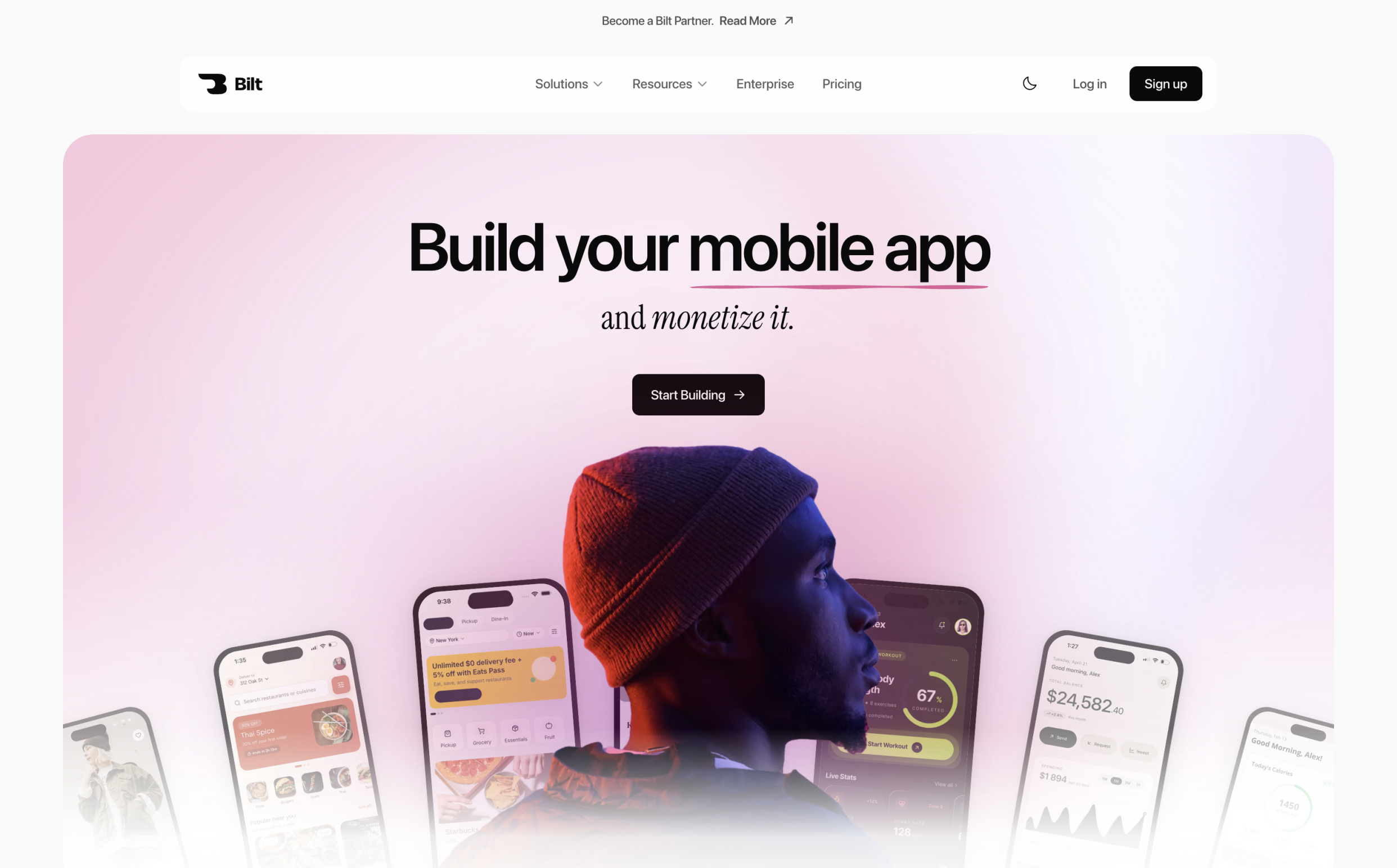
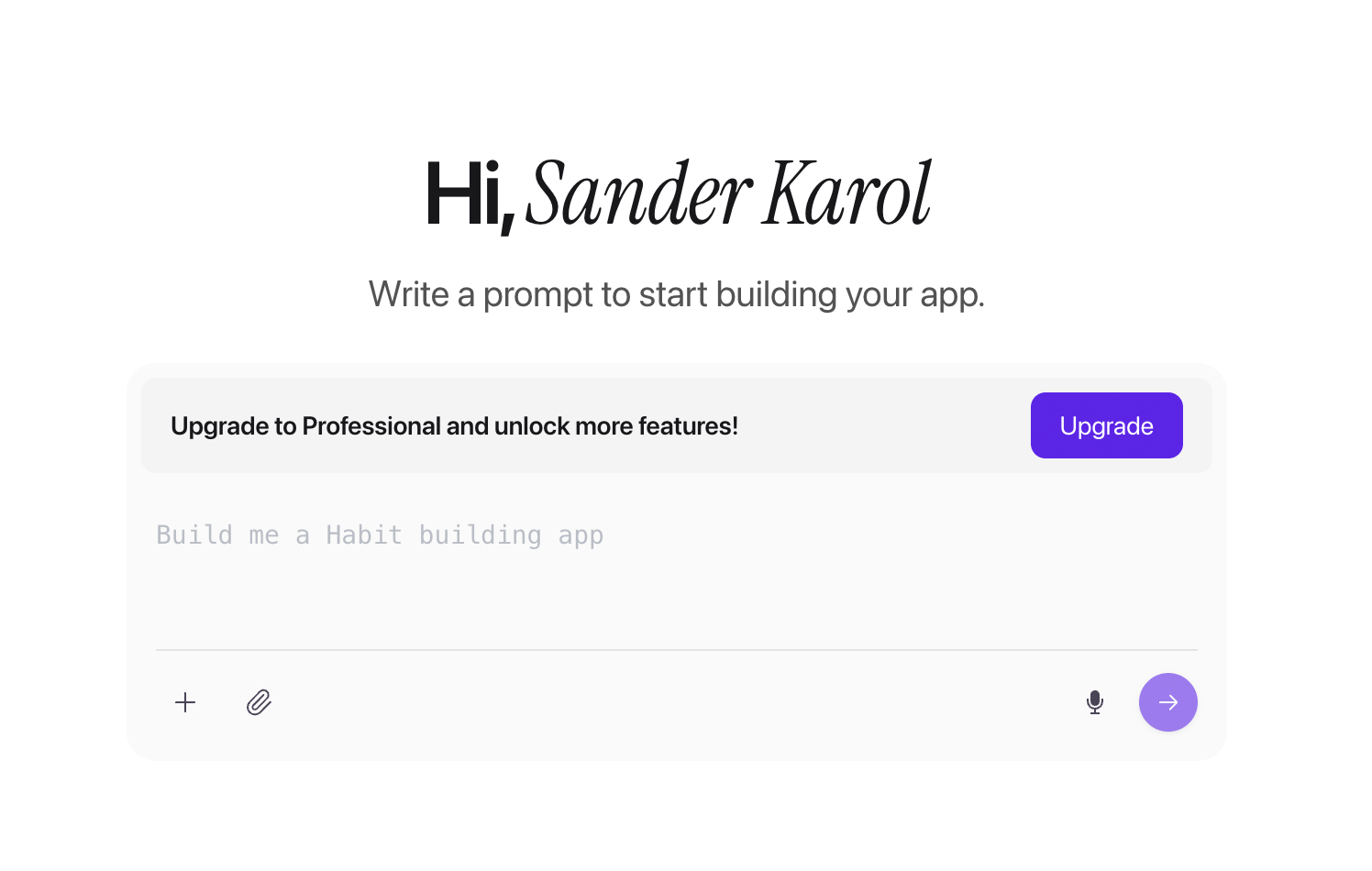
Describe the product in plain English, then refine its screens, backend, and behavior in chat. This makes Bilt the starting point when no runnable app exists yet.
Bilt keeps browser previews and device checks beside the build process. You can inspect iOS and Android versions without assembling a local mobile toolchain.
Who it fits:
- First-time app builders with an idea and no coding background
- Vibecoders moving a web product (Lovable, Replit, V0, Next.js) to native iOS and Android
- Business owners who want a companion app without hiring a mobile team
What it does
Natural-language app ideas become working native mobile apps. Chat-based edits let you refine features and move toward deployment without writing the initial code manually.
Start with a plain-English description of what the app should do. Bilt generates:
- the interface and screens
- core feature logic
- the backend, including authentication, database, and storage
- the integrations that connect them
The output is React Native code for iOS and Android, so what you test is a real native build rather than a web page in a shell.
Later changes work the same way as the first build. Ask for a new screen, a different color, or a feature swap in chat, and the app updates without opening a code editor.
How you test and preview apps
Preview and device checks are part of the build workflow. You can inspect an app in a browser, on a physical device, or through a shareable link without a local development toolchain.
Four preview surfaces come with the build, none of them requiring a local development toolchain:
- Streamed iOS simulator: runs in the browser, including on Windows and Linux with no Apple hardware.
- Cloud Android emulator: opens in the same tab, nothing to install.
- Live preview: UI changes appear as you make them, with components rendering inside native simulators instead of static mockups.
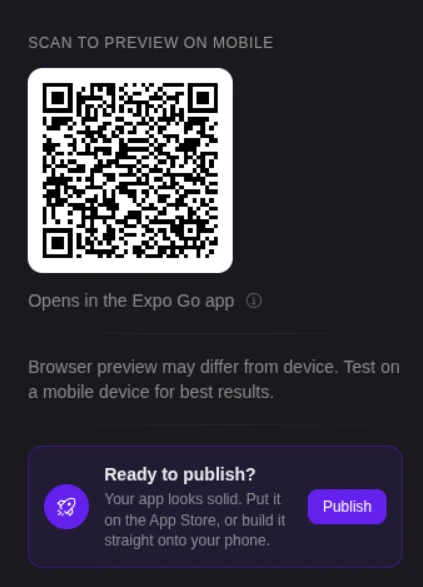
- QR code preview: scan the code to open the app in Expo Go on your iPhone or Android phone.
QR-code testing lets you check an app on a physical iPhone or Android phone. A physical-device check can surface behavior that a simulator cannot:
- GPS location
- Camera access
- Push notifications require a native development or TestFlight build rather than Expo Go.
Preview links cover the people who are not in the room. Send one to a client or a tester and they can use the app before anything reaches a store.
Code ownership and production path
Exportable source code lets you take ownership of the generated app. Bilt supports build generation and store-submission workflows for both the Apple App Store and Google Play.
The code is yours. You can export the generated source for self-hosting or hand it to a developer.
Release work is where solo builders usually stall, so Bilt automates most of it:
- certificates and provisioning profiles
- build generation, with the first iOS build taking about 5 minutes
- uploading the signed iOS build to App Store Connect, where you submit it for review, plus Google Play support in the same release workflow
Support stays hands-on when something breaks late. You get real-time help with store publishing and a build-together option for anyone stuck in the final stretch.
What hard mobile work it handles
A mobile app needs more than screens. Bilt also covers backend setup and release tasks, including work around native device features.
Backend work arrives with the build. Authentication, database, storage, and integrations are generated alongside the UI rather than wired up afterwards.
Use a physical-device pass to check the states that a happy-path preview can miss:
- Camera permission accepted, denied, and requested again
- Location unavailable, changed, or restored after a connection drop
- Notification opt-in, background delivery, and the screen opened from a notification
Physical-device checks can confirm that these features behave beyond a browser preview.
Two more pieces sit at the end of the line:
- Store compliance and signing: Bilt keeps code signing and submission steps in the same release workflow instead of leaving you to assemble separate tools.
- White-label builds and monetization: These are supported, including custom branding, custom distribution, and the deployment steps tied to App Store payments.
Where it fits in this list
Bilt covers app creation, early preview, physical-device checks, and the path to publishing. It does not replace repeatable automated regression suites or broad device-farm coverage.
Built-in browser and device previews support early checks while the app is taking shape.
Appium and Espresso require an existing app. BrowserStack and Sauce Labs require a build before they can host it. Bilt begins with the app idea and supports the path to store submission.
Bilt differs from general coding tools and no-code builders:
- Bolt.new, Cursor, and Replit: Bilt focuses on native mobile builds and store publishing.
- Adalo, Glide, and Thunkable: Bilt emphasizes exportable React Native code and native binaries instead of making a blanket claim about every no-code platform’s output.
Teams that already have an engineering team may still need a device farm or automated QA infrastructure alongside an app builder.
Pricing and access
Bilt has a free tier, four fixed self-service paid tiers from €25 to €250 per month, custom Enterprise pricing, annual billing that saves two months, and optional one-time token top-ups.
Start on the free tier. It includes 3M AI tokens, roughly 12 to 30 prompts per month depending on complexity, plus prompt-based app building.
- A free backend
- On-demand web and native live previews
- Discord and email support
Paid plans add headroom rather than unlocking the basics:
- Professional, €25/month: Includes 10M tokens, integrations, priority agent and native-preview access, and exclusive Discord channels.
- Professional Plus, €50/month: Includes 20M tokens, plus priority support and early access to new features.
- Enterprise, flexible billing: dedicated support, onboarding, custom integrations, group-based access control, custom design systems.
Annual billing saves two months. One-time top-ups expire after 30 days:
- €25 for 5M tokens, or €15 on a paid plan
- €50 for 10M tokens, or €30 on a paid plan
- €100 for 20M tokens, or €60 on a paid plan
For current token allowances, support options, and annual billing details, see all plans.
2. Appium
Open-source WebDriver automation tests native, hybrid, and mobile web apps across Android and iOS.
One WebDriver-based API can cover both platforms with one suite instead of separate test codebases.
Hosted device clouds can execute the same Appium test code, so the suite can outlast the infrastructure underneath it.
Best for
Developer-led teams that need code-based automation across Android and iOS are the target users.
Tests live beside the app code, so changes move through the same repository, branch, and review process. That fit assumes someone on the team can write and maintain test code.
Language choice is part of that fit: a team already writing in Java or Python can automate mobile flows without picking up a vendor-specific scripting syntax.
Execution is equally open. The same suite can run against a local emulator during development and an attached real device before release.
Technical fit
A WebDriver-based framework covers mobile apps across Android and iOS.
What Appium covers technically:
- App types: native, hybrid, and mobile web apps.
- Platforms: Android and iOS from the same WebDriver-based API, so test logic is reused rather than duplicated.
- Languages: Java, Python, JavaScript, Ruby, or C#.
- Execution targets: emulators, simulators, and attached real devices.
- Pipelines: plugs into existing engineering workflows and CI runs.
Main consideration
The framework requires custom setup and a steeper learning curve. Complex interfaces also create more upkeep.
Appium ships as a framework, not a configured environment. Drivers, dependencies, and device setup are yours to assemble before the first test runs, and that work is repeated for each platform you target.
Budget time for drivers, dependencies, and device setup before the first useful run. The same flexibility that keeps Appium portable also leaves environment maintenance with your team.
Pricing and access
Software access is free and open source, while execution remains self-managed.
There is no license fee. Teams still pay for the machines, emulators, simulators, physical devices, and CI capacity used to run and maintain the suite.
3. BrowserStack App Automate
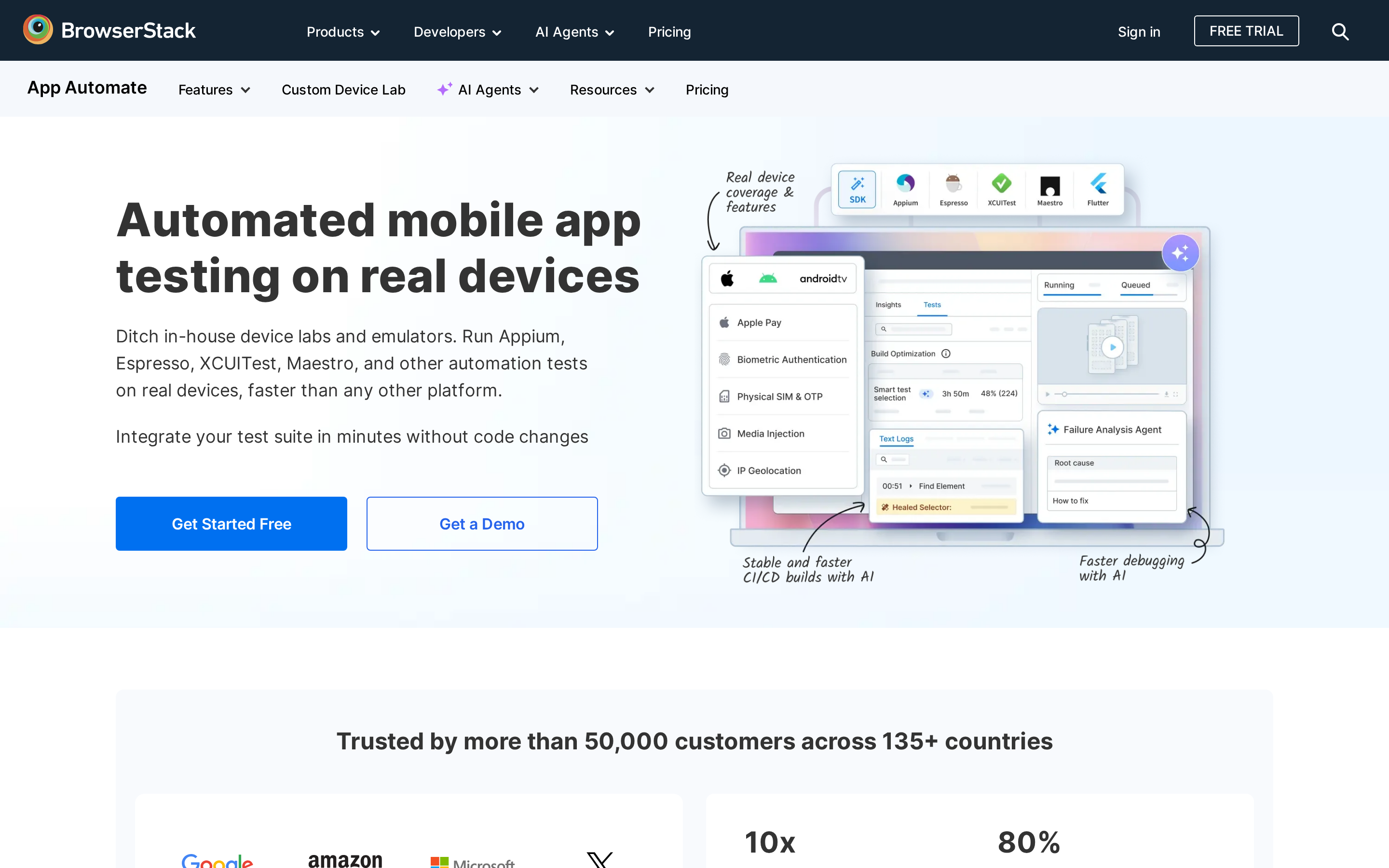
Hosted real devices let teams run mobile automation across Android and iOS device combinations.
Rather than authoring tests, the service executes existing framework suites across a hosted catalog of more than 30,000 real iOS and Android device units.
Best fit
Teams that need real-device coverage across Android and iOS are the intended users.
The case for a real-device cloud is coverage breadth. Verifying an app across current and older OS versions, different screen resolutions, OEM builds, and both orientations means a device catalog that would otherwise need to be bought, charged, updated, and replaced.
Real devices can cover biometric unlock and SIM-based authentication. Payment testing depends on supported devices, configurations, and plan access.
Technical fit
Hosted device sessions run existing mobile automation frameworks on real Android and iOS devices.
How it fits into work already underway:
- Frameworks: runs Appium, Espresso, XCUITest, and Maestro suites without rewriting them.
- Device coverage: the same suite can be pointed at different devices, OS versions, resolutions, OEMs, and orientations.
- Hardware-dependent checks: Biometric unlock, SIM-based authentication, and supported payment flows on eligible devices and plans.
- Run data: CPU, memory, and battery usage captured while tests execute.
Main trade-off
The service runs existing mobile suites; it does not provide a standalone automation framework or app-building workflow.
Your team still writes the suite and maintains selectors. Failure fixes remain with the framework your team chose.
Execution is also tied to the cloud rather than a local machine, so runs depend on a hosted device session instead of a developer's own environment.
Pricing and access
BrowserStack App Automate uses paid plans whose price changes with concurrency and billing terms. Check the current App Automate plan before comparing it with other device clouds.
Hosted-device automation remains a recurring cost, and higher parallelism raises the plan requirement. Compare the same concurrency level across vendors before choosing.
4. Espresso
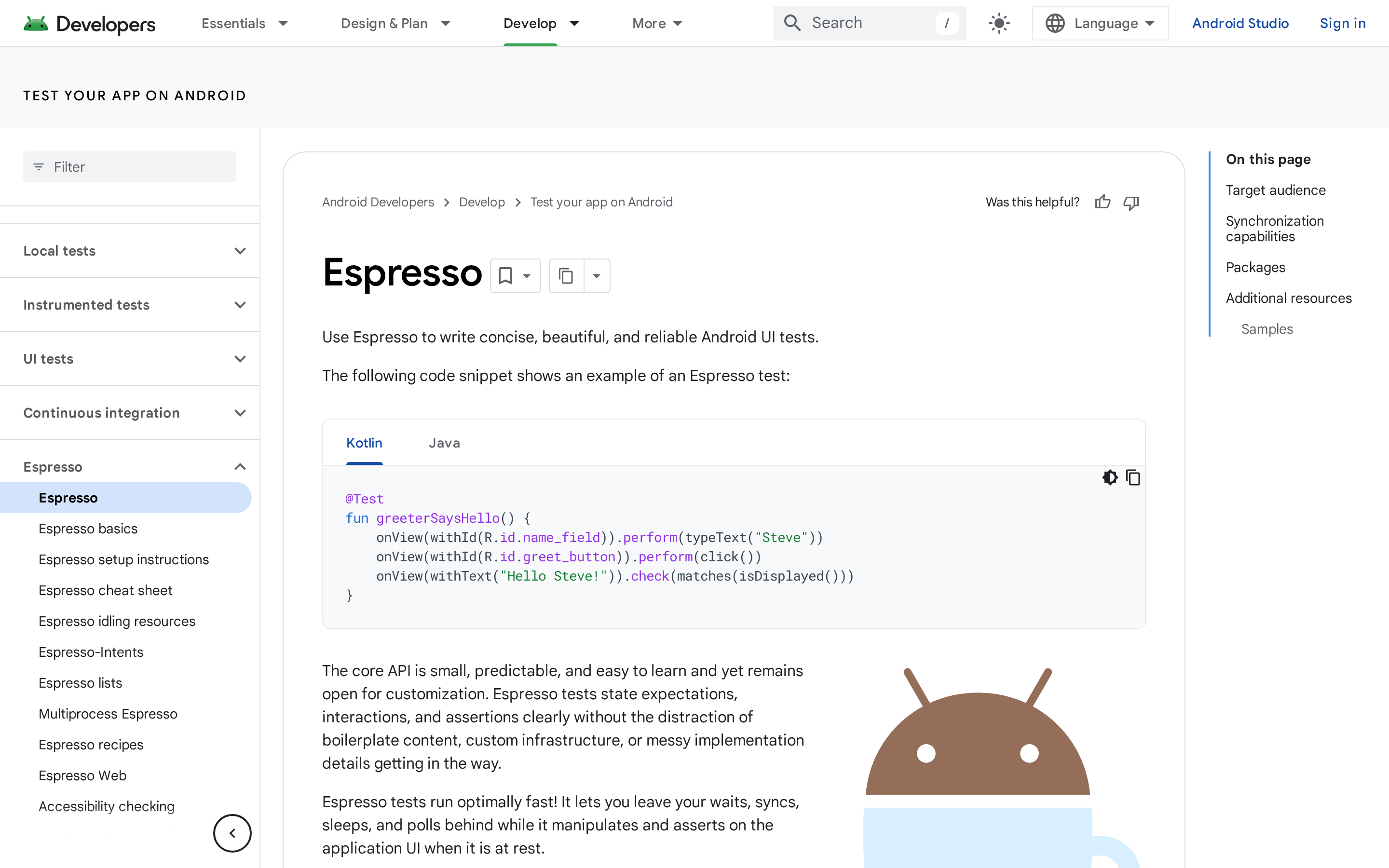
Google's native Android UI framework runs code-based tests inside the app and Android Studio workflow.
Best for
Android teams using a developer-led Android Studio workflow are the intended users.
Tests run inside the Android app process, which helps Espresso synchronize with UI work. The trade-off is scope: it does not cover the iOS version of a cross-platform product.
The framework is part of Google's Android tooling and integrated with Android Studio, so tests run in the workflow Android developers already use.
Technical fit
Native UI assertions run against Android screens, with synchronization built into the framework.
- Built-in synchronization: Espresso touches the UI only when the message queue is idle, which removes most manual waits and polling.
- Small API surface: the core API is limited and predictable, so Android UI tests carry little boilerplate.
- Version coverage: Runs within the supported Android testing stack; verify your app’s minimum and target SDKs against current Android tooling.
Main trade-off
The Android-only framework works within Android Studio but does not cover iOS or low-code device-cloud workflows.
Use XCUITest for a native Apple counterpart, or Appium when one cross-platform suite matters more. Hosted device coverage still requires a separate service.
The model also assumes engineering ownership. Tests are code, written against a codebase the team already knows, which keeps non-technical testers out of the authoring loop.
Cost and access
Access is free through Android Studio and Google's Android testing stack.
The framework has no license fee, but it does not include a hosted device service.
5. XCUITest
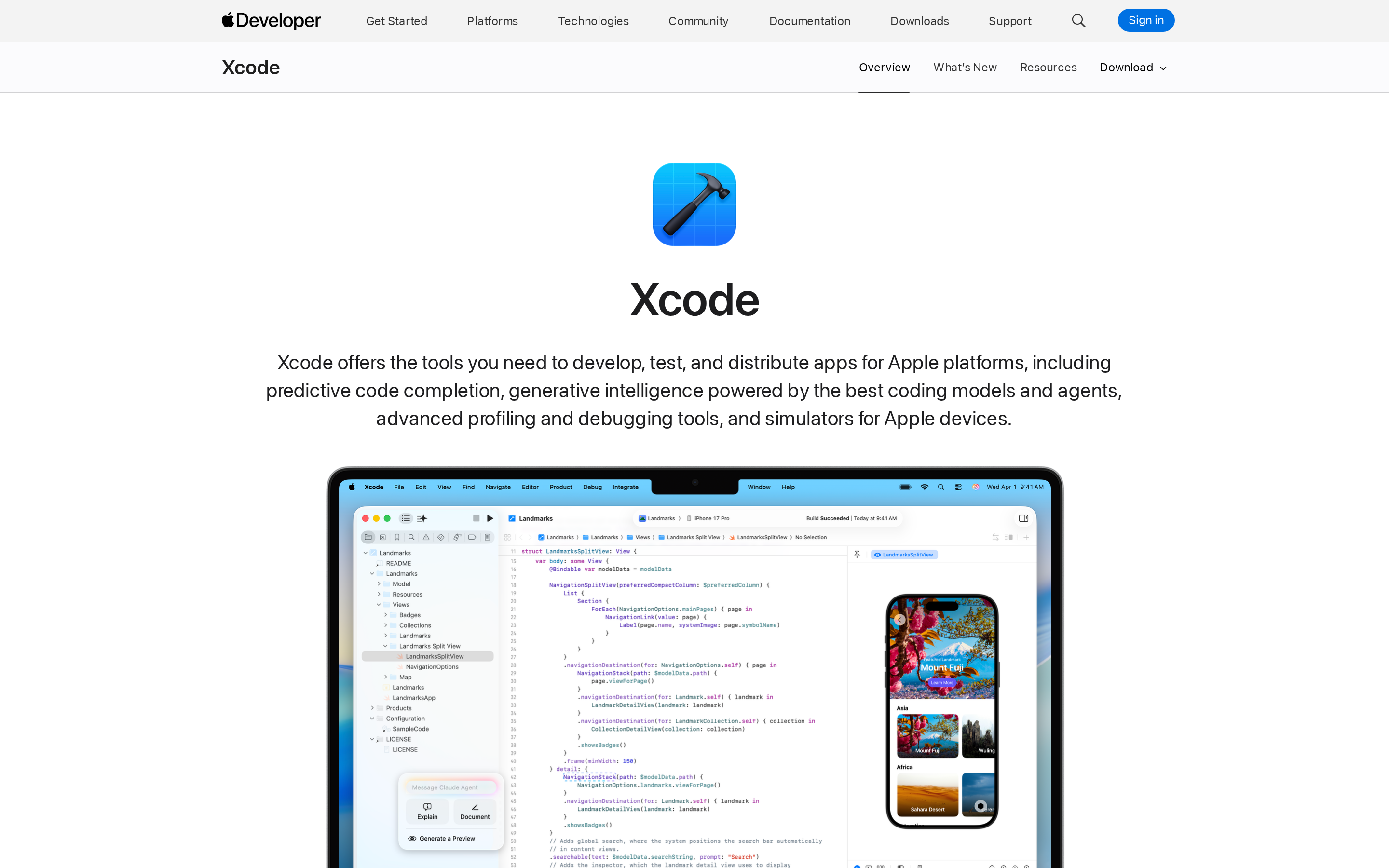
XCUITest is Apple’s native UI test automation framework for iOS and other Apple platforms inside Xcode.
XCUITest is built directly into Xcode, so UI tests live in the same toolchain used to build the app.
Best for
XCUITest is a native Apple-platform UI testing framework for teams building and validating apps inside Xcode.
Scope is Apple platforms, and it is broad within them. Supported targets:
- iOS
- iPadOS
- macOS
- tvOS
- watchOS
Teams already building in Xcode get UI testing without adding a third-party framework to the project.
Technical fit
XCUITest is a code-based Apple UI testing framework that runs from Xcode and uses Swift or Objective-C test scripts.
Tests are written in Swift or Objective-C and run straight from Xcode, with results reported in Test Navigator.
The framework drives the app the way a person would, simulating taps, swipes, and typing to validate UI behavior.
Elements are located by title, label, value, placeholder value, or accessibility identifier. Accessibility identifiers hold up best of those, since visible text changes with every copy edit.
Main trade-off
XCUITest is an Apple-only testing framework with a code-based workflow inside Xcode.
- Apple platforms only: support covers iOS, iPadOS, macOS, tvOS, watchOS, and visionOS apps designed for iPad. Android builds need a separate framework.
- Code-based workflow: tests are Swift or Objective-C, which keeps authoring with the engineers.
- Mac and Xcode dependency: the whole setup assumes a macOS machine running Xcode.
Pricing and access
XCUITest is a free Apple testing framework accessed through Xcode on macOS.
XCUITest is free and distributed with Xcode, which is itself a free download from the Mac App Store.
After device testing, follow the App Store publishing steps for signing, listing details, TestFlight, and review.
6. Sauce Labs Real Device Cloud
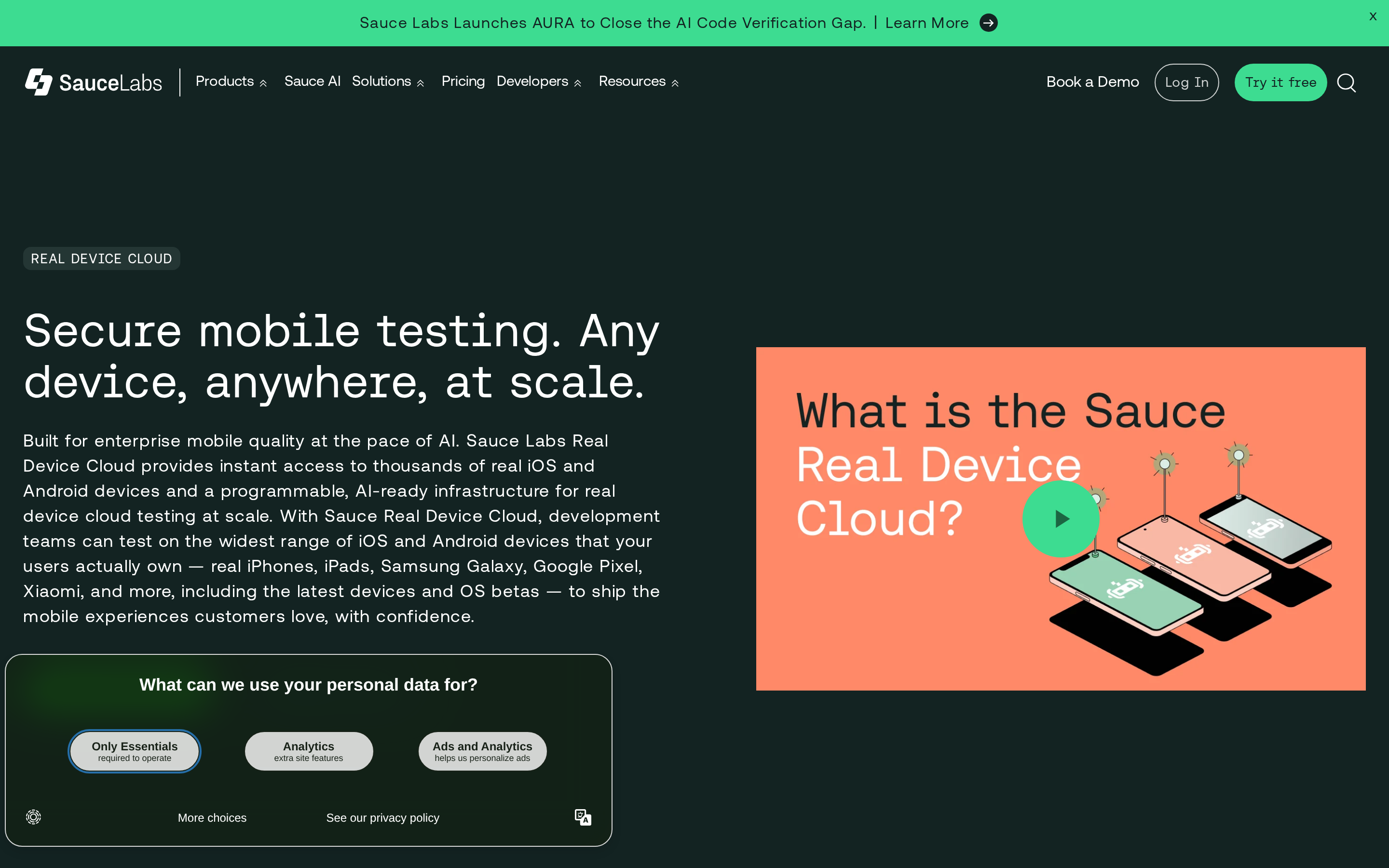
Sauce Labs Real Device Cloud is a cloud mobile testing platform for running live and automated tests on real Android and iOS devices.
Sauce Labs runs tests on physical Android and iOS handsets rather than simulators alone. The same fleet handles live manual sessions and automated runs.
Best for
Sauce Labs Real Device Cloud is for teams that need scalable parallel testing on real Android and iOS devices without managing device hardware.
Parallel execution is the draw. An existing suite gets pointed at a wide range of Android and iOS devices, and those combinations run at the same time instead of queuing behind a handful of local handsets.
Hardware upkeep moves to the vendor. Nobody charges phones, updates OS versions, or replaces a cracked screen before a release window.
Technical fit
Sauce Labs Real Device Cloud covers Android and iOS testing on real devices. Self-serve access includes debugging tools, visual testing, and REST API access.
The self-serve Real Device Cloud plan includes four core capabilities:
- Real-device access: run live and automated tests on physical Android and iOS devices.
- Debugging tools: inspect test failures within the hosted environment.
- Visual testing: check interfaces for visual regressions.
- REST API access: connect device testing to existing workflows.
Main trade-off
Sauce Labs Real Device Cloud is a managed device-cloud layer, so the main trade-off is paying for hosted device access and add-on tooling.
Real-device access starts at $199 per month when billed annually or $249 month to month. Virtual devices and live manual testing use separate plans.
The self-serve Real Device Cloud plan includes debugging tools, visual testing, and REST API access. Sauce AI Agents sit at the Enterprise level, outside the standard self-serve plan.
Pricing and access
Sauce Labs lists separate self-serve plans for live testing, virtual devices, and real devices, each with annual and month-to-month prices.
The listed self-serve prices include one parallel test:
| Plan | Price | Named access |
|---|---|---|
| Live Testing | $49/month | Live testing |
| Virtual Cloud | $199/month | Virtual device cloud |
| Real Device Cloud | $249/month | Real device cloud |
| Enterprise | Custom | Enterprise access |
If physical hardware is the reason you are buying, budget from $199 per month billed annually or $249 month to month, before adding more parallel sessions.
7. Maestro
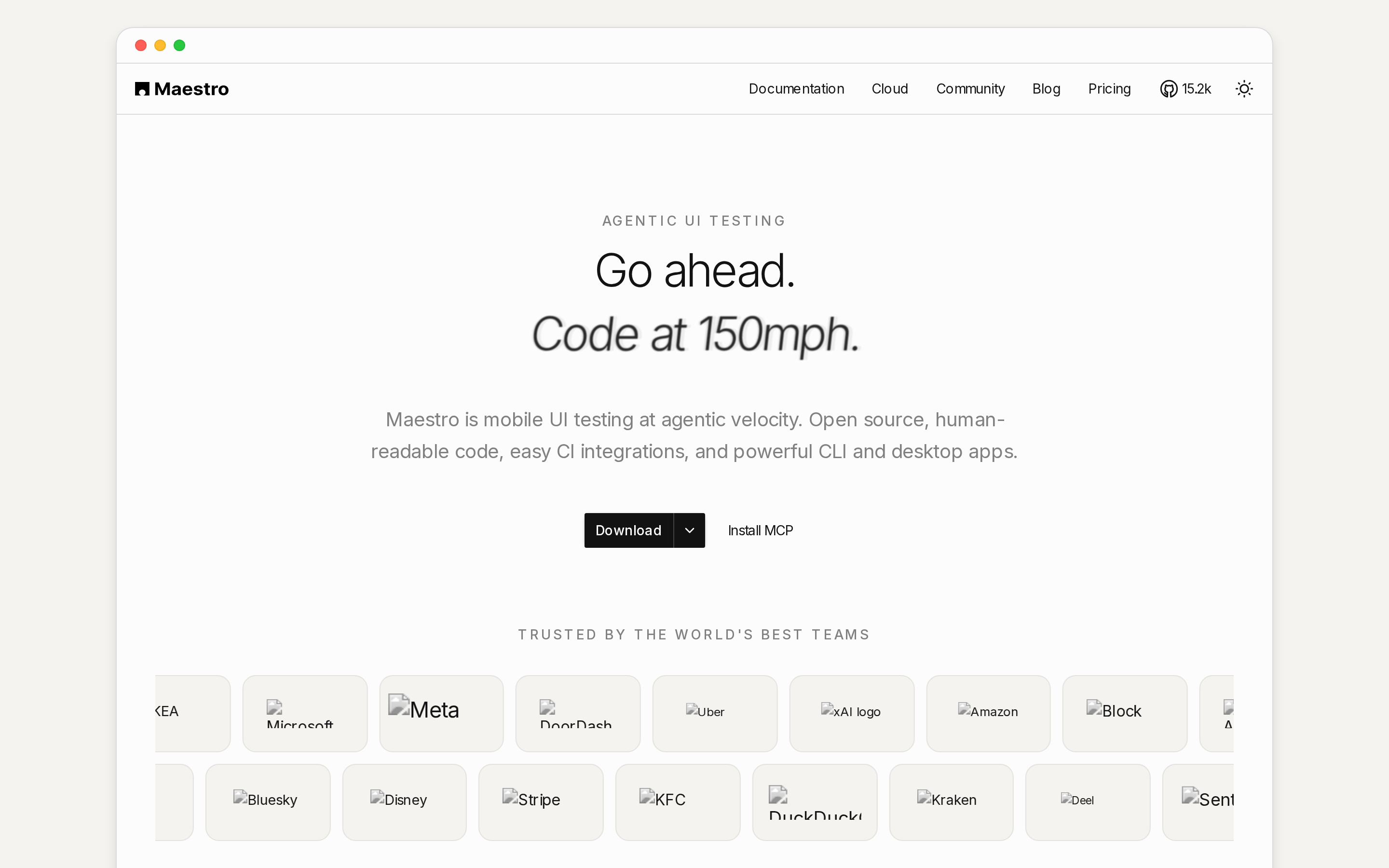
Maestro is an open-source mobile UI testing framework that uses YAML flows to automate end-to-end journeys across Android and iOS.
Test flows are written as YAML files instead of code, which is what separates Maestro from Appium and Detox. A flow reads as a list of interactions: tap this, type that, expect this screen.
The ecosystem around it is smaller than Appium's, so there are fewer integrations and community examples to borrow from when something unusual comes up.
Best for
Maestro is a fit for teams that want readable end-to-end mobile UI flows without code-heavy test authoring.
YAML keeps the authoring bar low. Test writing stays within reach of beginners and non-developers, which suits a team with no dedicated automation engineer and little appetite for setup.
The journeys it handles well are the ones that decide whether an app is usable at all:
- onboarding, from first launch to a working account
- login and re-authentication
- purchase paths, including checkout
Technical fit
Maestro is a YAML-driven mobile UI framework for Android and iOS end-to-end flows with low scripting overhead.
Maestro runs readable YAML flows against a runnable Android or iOS app. The flow files need no test-code compilation, but the app still needs a build.
A new end-to-end journey usually starts as another YAML file rather than a new test class and helper layer.
Main trade-off
Maestro trades code-level flexibility for simpler YAML authoring, so complex edge cases may require another tool or custom support.
Flexibility drops off at the edges. Complex automation and edge-case scenarios are harder to express in YAML than in code, which is the cost of the simpler authoring model.
Coverage is UI-first as well. Analytics and non-UI tests need companion tools, so Maestro ends up as one layer of a stack rather than the whole of it.
Pricing and access
Maestro is open source with no license fee for core usage.
Flows live as YAML files in your own repository, so access starts with cloning a project rather than buying seats. Core usage has no license fee.
The spend shows up around the framework. Analytics and non-UI coverage come from other tools, so the budget question is the stack, not Maestro itself.
8. Kobiton
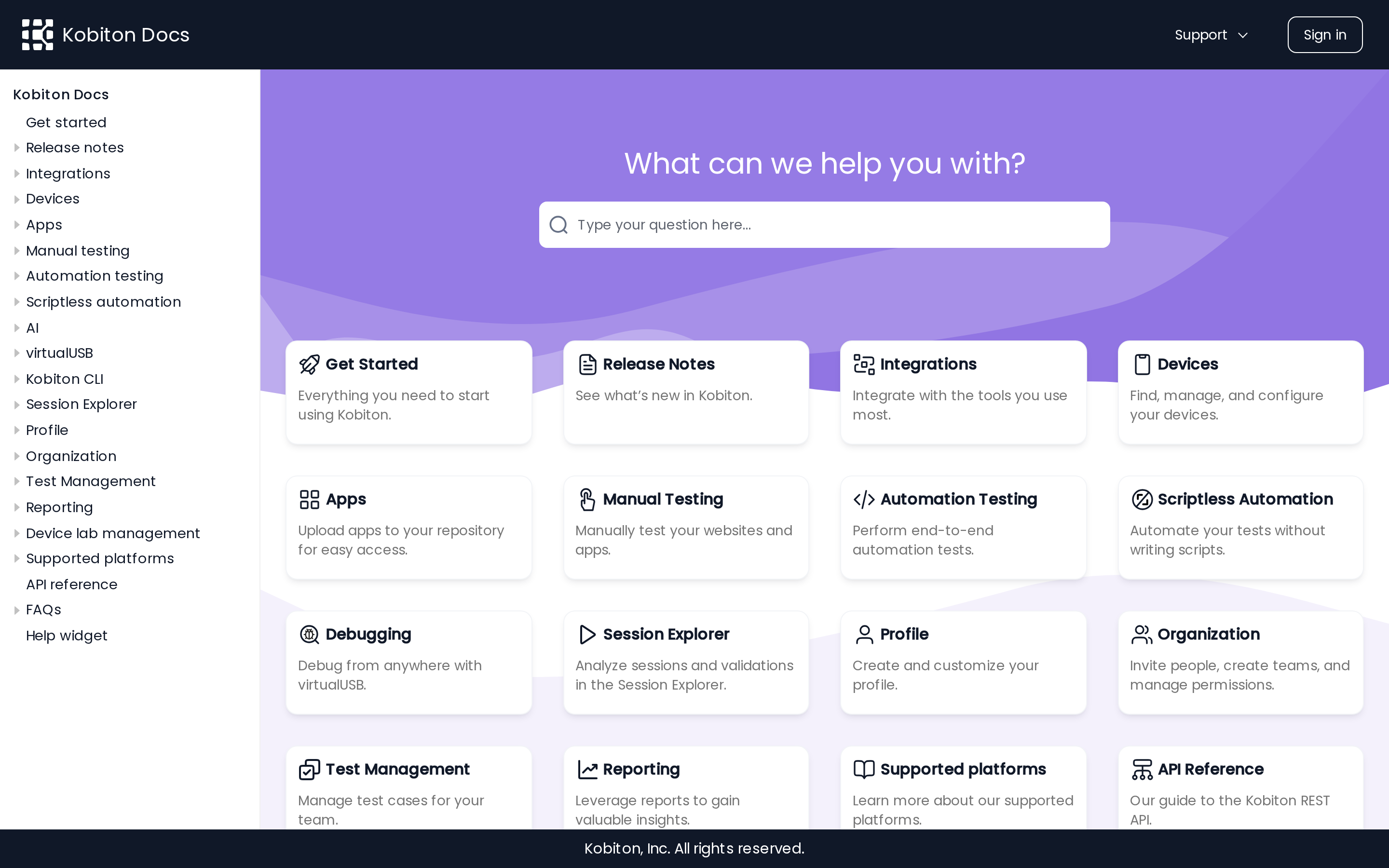
This mobile testing platform combines real-device cloud testing, scriptless automation, and AI-assisted analysis for Android, iOS, and iPadOS.
Real-device cloud access sits alongside scriptless automation, allowing teams to record sessions on the hardware used for testing.
Teams can move from a manual session to a reusable script in the same platform.
Best fit
The platform fits teams that need cloud access to real devices without a code-first automation framework.
The workflow it matches is manual-first. You run a session by hand on a real device, and Kobiton's AI-powered script generation converts that session into a reusable script.
Coverage spans Android, iOS, and iPadOS devices in the public cloud. The manual-first workflow suits teams that test by tapping through builds before converting stable journeys into automation.
Technical fit
The platform combines a real-device cloud with scriptless automation. It also supports API-based app uploads and mobile performance or UX analysis.
Device testing and automated testing sit in the same platform, and builds arrive through the API. You upload the app, then script against it on cloud hardware.
What it measures goes past whether a screen loads:
- Battery and notifications: battery usage and push notification behavior during UX testing
- Performance indicators: Available performance validations depend on the selected workflow and plan.
- Display conditions: Check layouts across screen sizes, resolutions, and orientations on selected devices.
Main trade-off
Cloud-device access brings higher costs and more platform dependency than local open-source frameworks.
Public-cloud execution depends on an active subscription, while enterprise options can include dedicated or on-premises devices. Self-serve plans start at $83 per month.
The authoring model is a shift as well. Scriptless capture suits teams without automation engineers, and it moves test logic out of the repository where Appium, Espresso, and Detox suites normally live beside the app.
Pricing and access
Paid access starts with Startup at $83/month and Accelerate at $399/month. Scale is annual-only, while Enterprise has custom pricing.
Four subscription tiers cover access:
| Plan | Price | Access note |
|---|---|---|
| Startup | From $83/month | Entry tier |
| Accelerate | From $399/month | Higher monthly tier |
| Scale | Annual only | No monthly price listed |
| Enterprise | Custom | Contact sales |
9. Detox
This React Native end-to-end testing framework synchronizes tests with app state to reduce flakiness on iOS and Android.
Best for
React Native teams running gray-box end-to-end tests in CI across iOS and Android are the intended users.
The framework fits React Native teams that want test code beside the app and scheduled runs in CI. Teams shipping native Swift or Kotlin need a different framework.
Detox can run in common CI systems, including pull-request and scheduled workflows.
Suites can run on pull requests or nightly builds.
One set of JavaScript tests covers iOS and Android, which keeps a single suite over a single codebase.
Technical setup
JavaScript tests run through a code-based gray-box framework. Unlike Appium’s WebDriver model, Detox can observe React Native app state to coordinate test steps.
Tests are JavaScript, written against an async/await API that matches how React Native code already reads. They run on a device or simulator rather than in a mocked environment, so what passes is the app itself.
Flakiness is the problem Detox is built around:
- It watches asynchronous operations inside the app and holds each step until the app settles.
- Gray-box access lets the test read the app's internal state instead of inferring it from the screen.
Main trade-off
The React Native focus makes the framework narrower than broader mobile testing stacks.
The scope is React Native. A team shipping native Swift or Kotlin gets nothing out of Detox, and a mixed portfolio needs a second framework beside it.
Authoring stays with engineers. Tests are JavaScript end-to-end code, so there is no low-code or manual interactive path for a tester who does not write it.
Pricing and access
The framework is free and open source.
Access is a framework install rather than a seat purchase, and it runs with any test runner or none at all.
The spend sits in the environment around it: the simulators, devices, and CI minutes each run consumes.
10. Perfecto
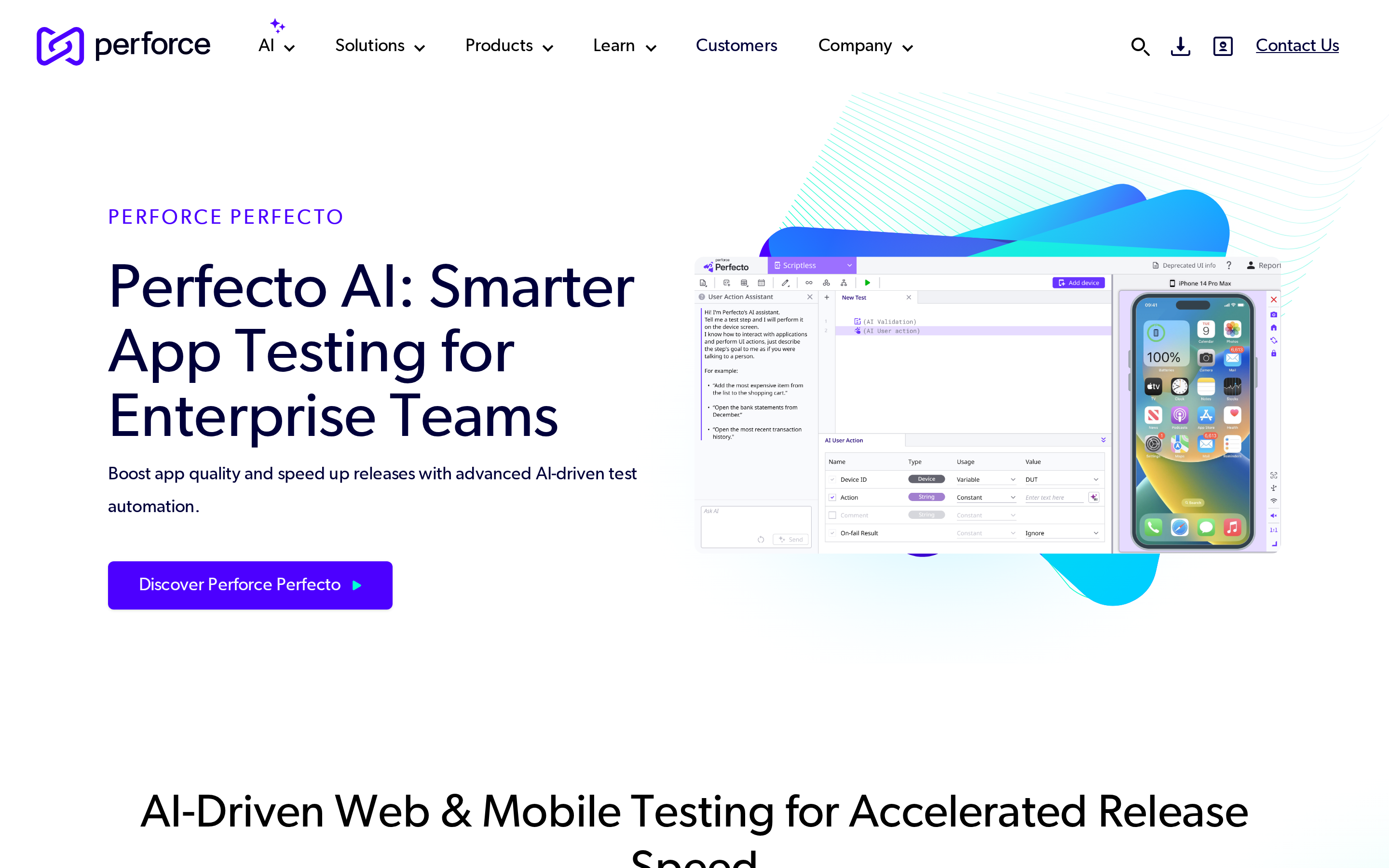
This cloud mobile testing platform supports Android and iOS automated tests across real and virtual devices.
Best for
Distributed QA teams running hosted Android and iOS tests can use Perfecto's device cloud and built-in analytics.
The hosted environment combines test creation and execution with visual validation, reporting, and root-cause analysis.
- Device availability: Real and virtual Android and iOS devices are available in Perfecto's cloud.
Reporting and analytics sit in the same environment as execution, so results do not have to be pulled into a separate dashboard.
Technical fit
The hosted stack supports Android and iOS execution across real and virtual devices, while keeping existing automation frameworks usable.
- Platforms: Android and iOS.
- Execution: 200+ real and virtual devices in Perfecto's cloud.
- Framework compatibility: existing Selenium, Appium, and Quantum scripts stay usable.
Key trade-off
Hosted testing adds platform scope and infrastructure that local-first framework workflows may not need.
The service is a platform rather than a framework. Teams that only want local execution against a handful of devices may not need its cloud workflow.
The surrounding cloud system is the product. Private or hybrid deployments and higher execution requirements usually require a sales conversation instead of a self-serve start.
Access and pricing
Perfecto now uses quote-based pricing for public-cloud, private-cloud, and hybrid testing needs.
Subscriptions start with a 12-month minimum. Price depends on platforms, environments, testing volume, and required parallel executions.
Recommended stacks by scenario
Start with the layer that solves your bottleneck. Use a framework for repeatable automation, a device cloud for hardware breadth, and Bilt when you still need to build and preview the app.
Testing iOS without a Mac. Xcode runs only on macOS, so a conventional native iOS workflow requires access to a Mac or a hosted Mac environment.
Bilt's streamed iOS simulator removes that step. It runs in a browser on Windows or Linux, and a QR scan opens the preview in Expo Go on an iPhone or Android phone.
When simulators stop being enough. Simulators can mimic some conditions, but release confidence for GPS, camera permissions, notifications, and battery behavior still needs a physical-device pass.
Two routes get you there:
- QR testing on your own phone, which lets you iterate without sending each build through TestFlight.
- A device cloud (BrowserStack, Sauce Labs, Kobiton, Perfecto) when the gap is handsets and OS versions you do not own.
Go framework-first when your team owns the automation code.
- React Native: ESLint and TypeScript for static checks, Jest with React Native Testing Library for units, Detox for end-to-end runs on pull requests or nightly builds.
- Android only: Espresso, since the tests live in Android Studio beside the app.
- iOS only: XCUITest, for the same reason inside Xcode.
- Mixed native, hybrid, and web: Appium for breadth and language choice, or Maestro when authoring speed matters more than edge-case control.
Go device-cloud-first when coverage is the constraint rather than code. A hosted farm answers the "does it work on that handset" question no local setup can, and it runs the suite you already wrote.
How to choose the right tool
Choose with four filters: platform and app type, execution environment, authoring skill, and workflow cost. Each filter can rule out tools before you compare feature lists.
- Platforms and app type: Needing iOS rules out Espresso as your only framework; needing Android rules out XCUITest. Appium remains an option for native, hybrid, and mobile web coverage.
- Execution environment: Use emulators for quick checks, real devices for release confidence, and a device cloud when handset breadth or parallel runs matter.
- Team skills and upkeep: Appium and Detox need code ownership. Maestro lowers the authoring bar with YAML, while Kobiton offers no-code validation on real devices.
- Workflow and budget: Check your CI system, release frequency, concurrency needs, and total team cost. A solo builder without a compiled app starts elsewhere than a QA team.
What to check before you commit
Before you commit to a mobile testing tool, verify platform and app-type coverage, real-device options, automation fit, CI/CD integrations, and the total cost once team usage and device needs grow.
Run these five checks before the card comes out:
- Load your actual app, not a sample. Native, hybrid, and mobile web get different levels of support, so test the build you plan to ship.
- Compare one emulator run with one real-device run. Real hardware exposes behavior emulators smooth over, so confirm how easily the workflow moves between both environments.
- Have the person who will maintain the tests write one. If the suite ends up in a language nobody on the team uses, upkeep stalls after the first month.
- Trigger the suite from your own CI system, in parallel. Check concurrency limits, source-control hooks, failure reporting, and the issue tracker your team uses.
- Price it at next year's usage. Concurrency, device access, and add-ons drive the real bill, so the entry price tells you very little.
Automation pays off for repeatable regression checks before release. Manual exploration on physical devices still finds unexpected behavior that scripted paths never cover.
Build and ship a real mobile app without getting stuck in the last 5%: Bilt
Appium, XCUITest, and device clouds begin with a runnable build. Bilt starts earlier by creating the screens, navigation, backend, and exportable React Native project.
Testing becomes useful once the app can run through connected flows. Bilt creates that runnable structure before the project moves into browser preview, phone checks, and release work.
Apple's review process adds a quality gate. A build that crashes, contains placeholder content, or omits required information can delay release.
Getting to a real phone the standard way, as one person shipping one iOS app:
- Mac access. Xcode runs only on macOS, so native iOS builds require a Mac or a hosted Mac environment.
- Apple Developer Program membership. The $99 annual membership is needed for TestFlight distribution and App Store release. A free Apple Account can sign and run development builds on your own device.
- $25 one-time for Google Play if you want Android too.
- Signing setup. A conventional iOS workflow uses device registration, certificates, and provisioning profiles.
- Device access beyond what you own. A hosted device cloud adds a recurring or usage-based cost when your release needs more handsets and OS versions.
The first build for external TestFlight testers needs Beta App Review approval. Internal testers can receive builds without that approval.
After Bilt creates the app, scan a QR code to open it on your own phone. You can export the React Native code and continue through Bilt's signing and store-submission workflow.
Describe an app in Bilt and watch the native app appear in live preview.
Before submission, check sign-up, account recovery, payments, permissions, offline states, and notification deep links on a physical phone. These paths expose more risk than another visual pass.
The responsibility split is straightforward:
| Need | Typical path | Bilt path |
|---|---|---|
| Previewing app behavior | Local setup or separate simulator tools | Browser-based Android emulator and streamed iOS simulator |
| Testing on real hardware | Install builds manually on devices | Open app on physical devices with QR code testing |
| Store submission | Manual certificates, profiles, and submission steps | Automated certificates, provisioning profiles, and store submission workflow |
If a store review finds a problem, you can describe the fix and have Bilt rebuild the app before resubmission. Add automated regression coverage when releases become frequent or multiple people maintain the product.
What are the tools used for mobile testing?
Mobile testing tools include automation frameworks, platform-native test frameworks, device clouds, and preview tools. Each category answers a different question about app quality.
Three categories cover the field:
- Automation frameworks hold the test logic, including Appium and Maestro for cross-platform work and Detox for React Native.
- Native frameworks ship with the platform: Espresso for Android, XCUITest for Apple devices.
- Device clouds supply the hardware, including BrowserStack, Sauce Labs, Kobiton, and Perfecto.
Build platforms overlap with the early stretch of that work. Bilt previews apps in browser-based simulators and opens them on a physical phone through a QR scan, with no local development setup.
Can I use the same tool for Android and iOS?
A cross-platform tool can target both Android and iOS from one framework or service, but it does not necessarily run both at the same time.
Yes, for most of the stack. Appium drives both operating systems through one WebDriver API, Maestro runs the same YAML flows on each, and Detox covers both from one JavaScript suite.
Espresso and XCUITest are the exceptions, each locked to its own platform. Device clouds stay platform-agnostic, since you are renting handsets rather than writing against an OS.
Bilt builds both versions from the same project. One React Native codebase produces the iOS and Android apps, and the same preview tools test each without separate configuration.
Can mobile testing tools handle both manual and automated testing?
Some mobile testing platforms support both live manual sessions and automated runs. Code-based frameworks such as Appium, Espresso, and XCUITest focus on automation.
Both. Manual exploratory checks and automated regression tests cover different parts of a mobile QA workflow.
Manual checks on real hardware catch unexpected behavior. Bilt supports that side with QR code testing, while Appium, Detox, and device clouds cover repeatable automated flows.
Which mobile testing tools support CI/CD integration?
Most automation frameworks and device clouds can run from CI/CD pipelines. The integration details differ by framework, runner, and hosted service.
Appium, Espresso, and XCUITest all run inside existing pipelines, and Detox targets CI directly with support for Travis CI, CircleCI, and Jenkins.
BrowserStack App Automate can trigger framework runs from CI. Sauce Labs also connects hosted test execution to CI workflows through its platform integrations.
Bilt supports the build and deployment side by generating app builds, handling signing, and supporting App Store and Google Play submission. Automated test execution remains the job of a testing framework or device cloud.
What are the common challenges in mobile testing?
Common mobile testing challenges include device fragmentation, OS coverage, flaky automation, limited hardware access, and the cost of scaling cloud runs.
Fragmentation is the largest challenge. Android teams must account for a wide range of screen sizes, hardware profiles, and OS versions, each of which can expose a layout issue.
OS sprawl compounds it, because a handset three years behind on updates still belongs to a paying user.
Missing device- or OS-specific issues can lead to lost revenue, poor reviews, and added support work. The financial impact depends on the app and its users.
Ready to turn the checks in this guide into a real native app? Start building free. If you want to compare token and support options first, see all plans.