This comparison uses the same brief for every tool: an app for personal trainers to manage clients, workouts, and meal plans.
A polished interface is only the first test. The next question is whether the prototype can validate the flow you need, from a clickable screen to a working app on a phone.
Figma Make and v0 focus on screen and interaction validation. Replit Agent and Lovable extend further into web-app logic, while Bilt is the native mobile option for device testing, React Native code export, and store-release workflows.
Quick picks: the best tools by prototype type
These selected picks sort the tools by the prototype each one produces.
- Native iOS and Android app: Bilt, which generates React Native code for real device binaries and lets you preview the app on your phone by scanning an Expo Go QR code.
- UI-first product screens: v0 and Figma Make, which both turn a written prompt into editable screens, layouts and components inside a normal design workflow.
- Full-stack apps, native mobile apps, and app store workflows: Replit Agent, which can build with a backend and persistent data, then take a prototype toward device and store delivery.
- Website pages and structure: Framer AI for publishable pages, Relume AI for the sitemap and wireframes that come before any page design.
- Rough early validation: Stitch, which produces fast concept screens for checking whether an idea holds up before anyone commits to detail.
What counts as an AI prototype?
An AI prototype is a prompt-assisted, testable version of an app idea that you can explore without full manual coding.
Use an AI prototype to test whether a trainer can assign a workout without getting lost.
That makes AI prototyping useful during early ideation, feasibility discussions, and stakeholder reviews, before a team commits to a production build.
Three prototype forms you can test
- A clickable flow that lets users move through a specific task during usability testing.
- A low- or mid-fidelity concept for exploring layouts and component directions before detailed design work.
- A functional app concept with working screens and logic, built with prompts to explore an idea before production engineering.
AI prototypes can cover screens and common flows. Manual work remains necessary for edge cases and dependable error handling.
The 9 tools
These nine tools all use AI to speed up prototyping, but they differ in what they generate: early UI concepts, clickable website flows, design-aligned screens, or working apps with real logic. The breakdown below focuses on those differences so you can match each tool to the kind of prototype you actually need.
1. Bilt ✨
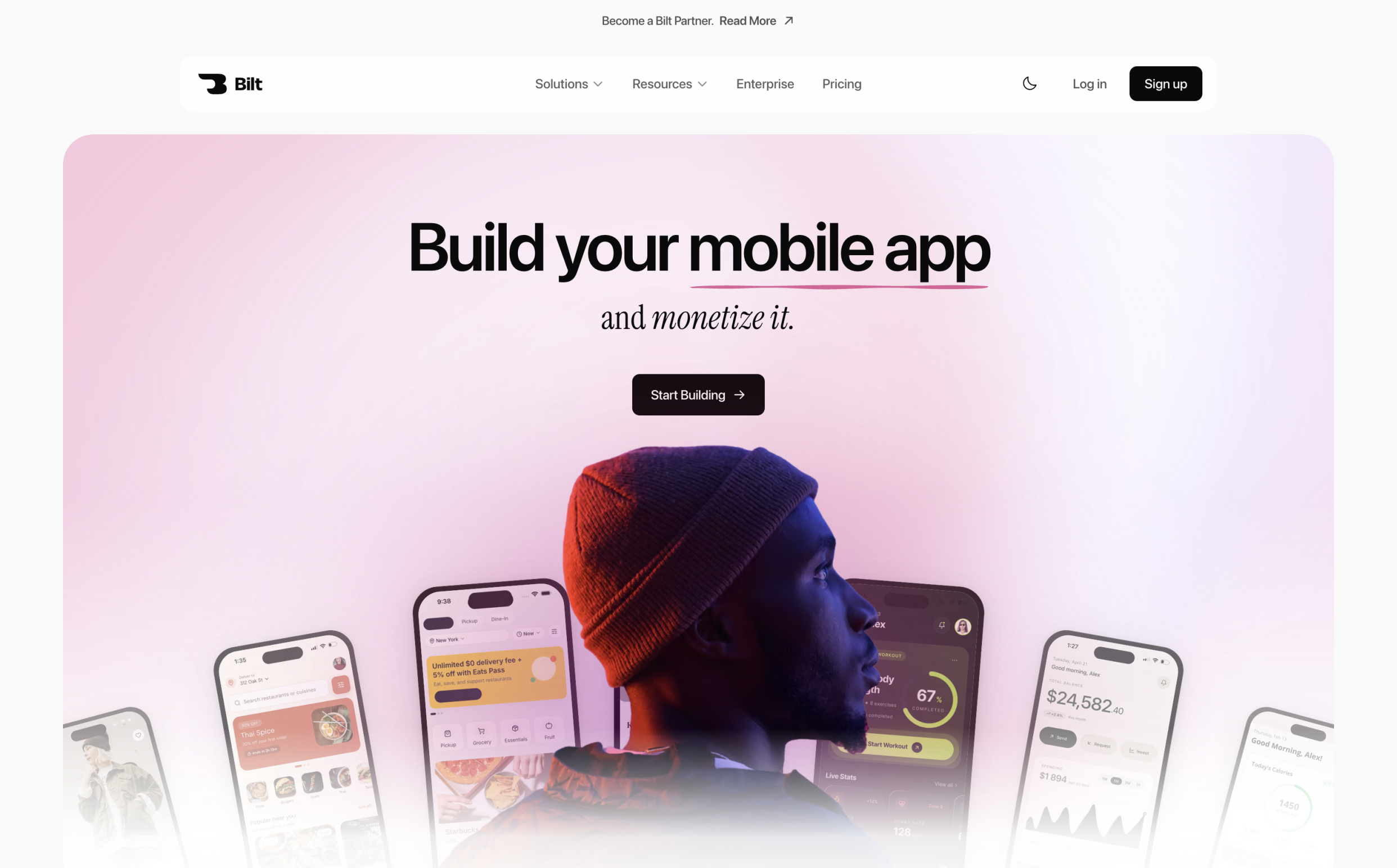
Bilt turns plain-English prompts into native iOS and Android apps, browser and QR test builds, exportable React Native code, and store-release workflows.
Figma Make and v0 are useful when the next decision is about screens. Bilt carries the project into device testing, exportable React Native code, and store-release workflows when the prototype needs to become a native app.
- Bilt fits:
- Non-technical founders: You have an app idea and do not want to learn React Native or hire a development team.
- Vibecoders with web builds: Your browser prototype works, but you need a native mobile app.
- Web app owners: A Lovable, v0, Replit, or Next.js product needs native iOS and Android versions.
- Small teams without a developer: One person needs to build, test, ship, and update an app through conversation.
What Bilt prototypes best
Bilt prototypes mobile products that need native behavior, backend logic, and a realistic path to store release rather than static screens or browser-only demos.
Bilt generates React Native code that compiles into iOS and Android binaries. Native components and platform gestures make the prototype behave on a phone like the shipped app.
- Native behavior matters for products that need:
- Subscriptions and in-app payments
- Push notifications and recurring reminders
- Camera access and GPS
- A mobile product can combine notifications, camera access, GPS, authentication, and payments in one native build.
- Bilt can convert an existing web app into a native binary, adding mobile features without wrapping the site in a web shell.
How the build flow works
Describe the app in plain English, and Bilt generates the interface, core features, and backend. Refine the project through follow-up chat, then preview it in a browser or on your phone with a QR code.
Start with a plain-English description of the screens, features, and data the app should handle. Figma frames or reference screenshots can guide the first build.
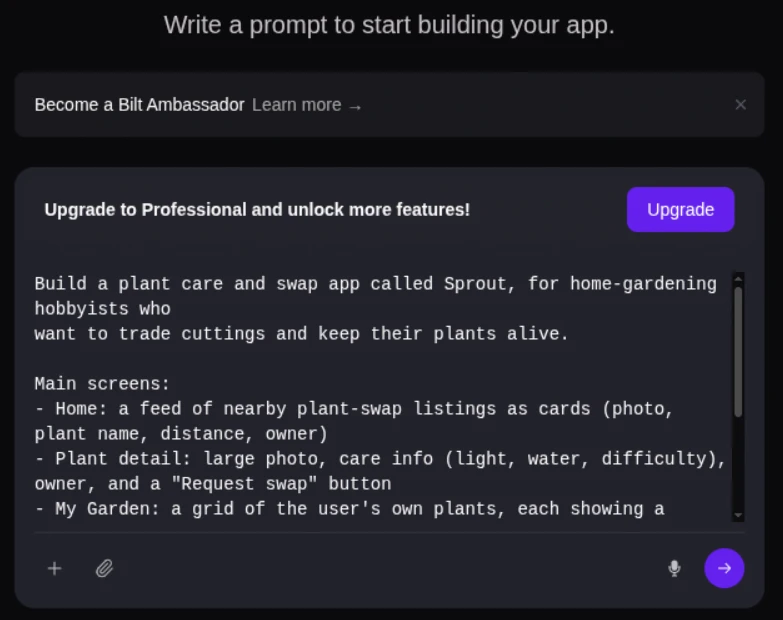
The initial build becomes a working React Native app, and follow-up messages can change screens, layouts, and features without starting over.
- Describe the app: Write one prompt covering the screens, features, and data the app should handle.
- Generate the first build: Bilt creates the React Native app and can connect authentication, database, and storage.
- Refine by chat: Ask for a screen, layout, or feature change in a follow-up message. Bilt keeps the earlier project context during revisions.
- Test on a device: Use the browser simulator or scan the QR code to open the app on an iPhone or Android phone.
A trainer app can include workout guides, logging screens, and calorie entry in the same native build.
How far the prototype can go
The prototype can become a functioning native app with backend logic, integrations, device testing, and store-submission preparation.
The same project can continue into a native iOS and Android app with backend services, payments, and push notifications. The free plan includes authentication, database, and storage for user accounts and app data.
- Bilt automates signing and build generation, uploads iOS builds to App Store Connect, and can send Android bundles to Google Play internal testing; you submit each release for review in Apple’s and Google’s tools.
- Pricing and publishing requirements:
- Free: 3M monthly AI tokens, roughly 12–30 prompts, plus backend services and web or native previews.
- Store accounts for publishing: Apple Developer costs $99 per year, and Google Play Developer costs $25 one time.
- Paid plans: Professional costs €25/month for 10M tokens, roughly 40–100 prompts. Professional Plus costs €50/month for 20M tokens, roughly 80–200 prompts.
What you keep and ship
You keep exportable React Native source code and can ship native iOS and Android builds through Bilt’s release workflow.
Everything Bilt generates belongs to you.
- Exportable React Native code: Hand the project to a developer or keep building it in Bilt.
- Native iOS and Android builds: One project compiles for both platforms.
- Store accounts in your name: Bilt runs the publishing workflow, while your Apple Developer and Google Play accounts remain yours.
- A developer can take over the exported repository when the project needs custom work beyond the conversational workflow.
Who it fits best
Bilt fits builders who want a clickable app quickly and a path to a shippable native product. Code ownership and store release stay in the same workflow.
Bilt fits you if:
- You have never written code and want to describe, refine, and publish an app through conversation.
- Your Bolt.new, Cursor, Replit, or ChatGPT build demoed well but did not become a native mobile app.
- You have a web app in a GitHub repository and need native iOS and Android versions.
- Choose another route for a web-only product, a basic drag-and-drop app where source-code ownership is irrelevant, or a project requiring custom engineering beyond a prompt-driven builder.
2. Figma Make
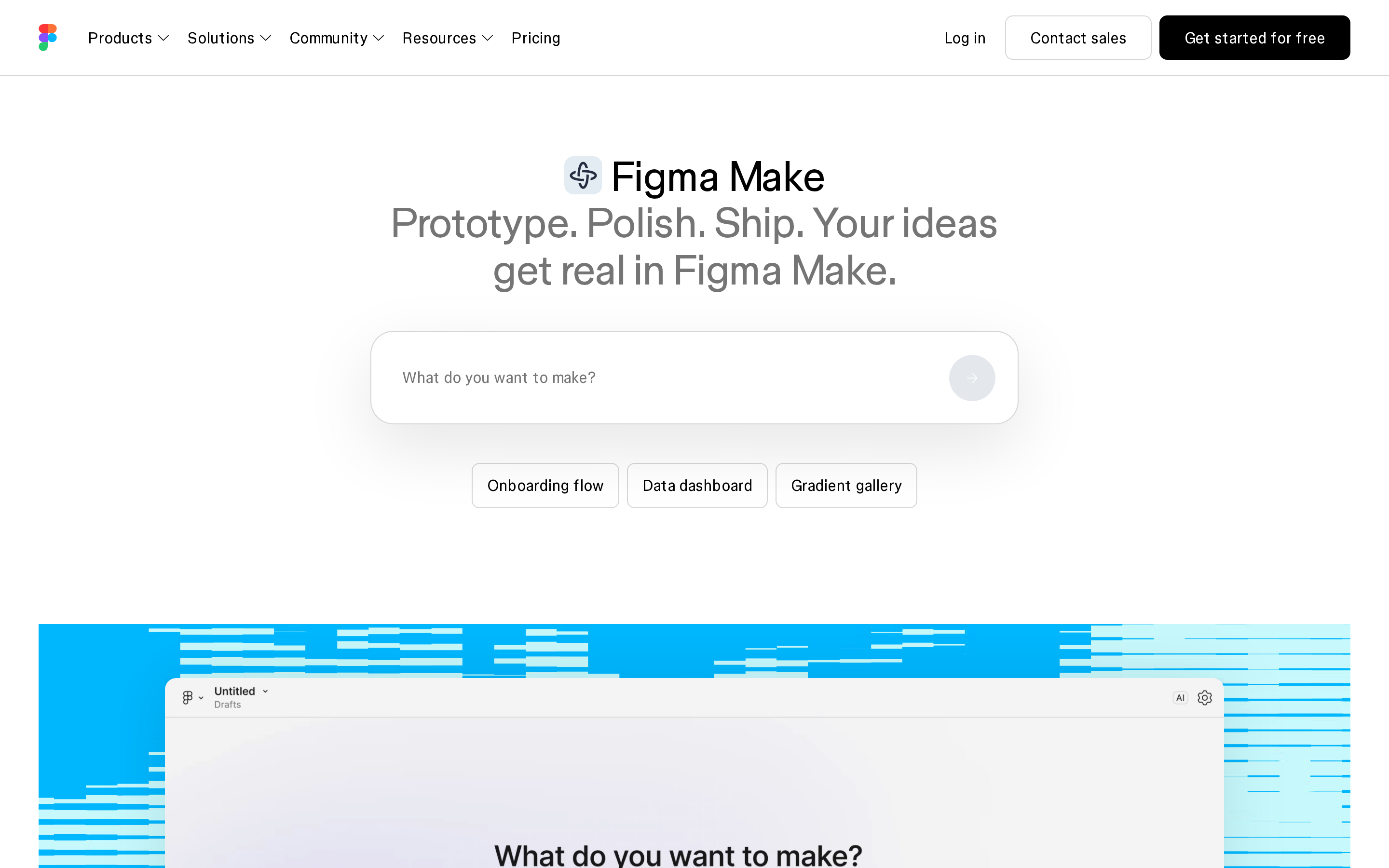
Figma Make is an AI UI prototyping tool inside Figma for prompt-based screen generation and design exploration.
Best for
Figma Make fits design-led UI exploration by product teams already working inside Figma.
It suits designers and product teams whose components and review comments already live in Figma.
Its output centers on early screen concepts, UI variations, and mockups that follow an existing design system.
In the personal-trainer comparison, Figma Make produced clean client and workout screens. The output remained a browser-based prototype rather than an installable mobile app.
How the prototype workflow works
Figma Make turns prompts into editable UI concepts inside Figma. It can also create data-backed prototype functionality, not just static screens.
Everything happens inside Figma rather than in a separate builder runtime.
Iteration means generating more screens and variations, which is exactly what consumes AI credits.
AI credits put a practical limit on exploration. A broad concept search can consume the allowance before the user flow is complete.
Where it falls short
AI credit caps can limit repeated iteration, while Figma Make remains rooted in design work rather than native app-building workflows.
Credit use varies by request, so broad exploration can consume the monthly allowance faster than a tightly scoped flow.
Teams can purchase additional AI credits or enable pay-as-you-go when the included allowance runs low.
Figma Make produces editable screens and data-backed prototype behavior. It does not package a native app for phone installation or app-store submission.
Figma Make keeps design-system work inside Figma. When the validated flow needs to become a native app, Bilt can use Figma screens as input for a working iOS and Android build.
Pricing and access
Figma's free Starter plan includes up to 500 AI credits per month, with a daily limit of 150.
A Professional Full seat costs $16/month and includes 3,000 AI credits per month.
3. v0 by Vercel
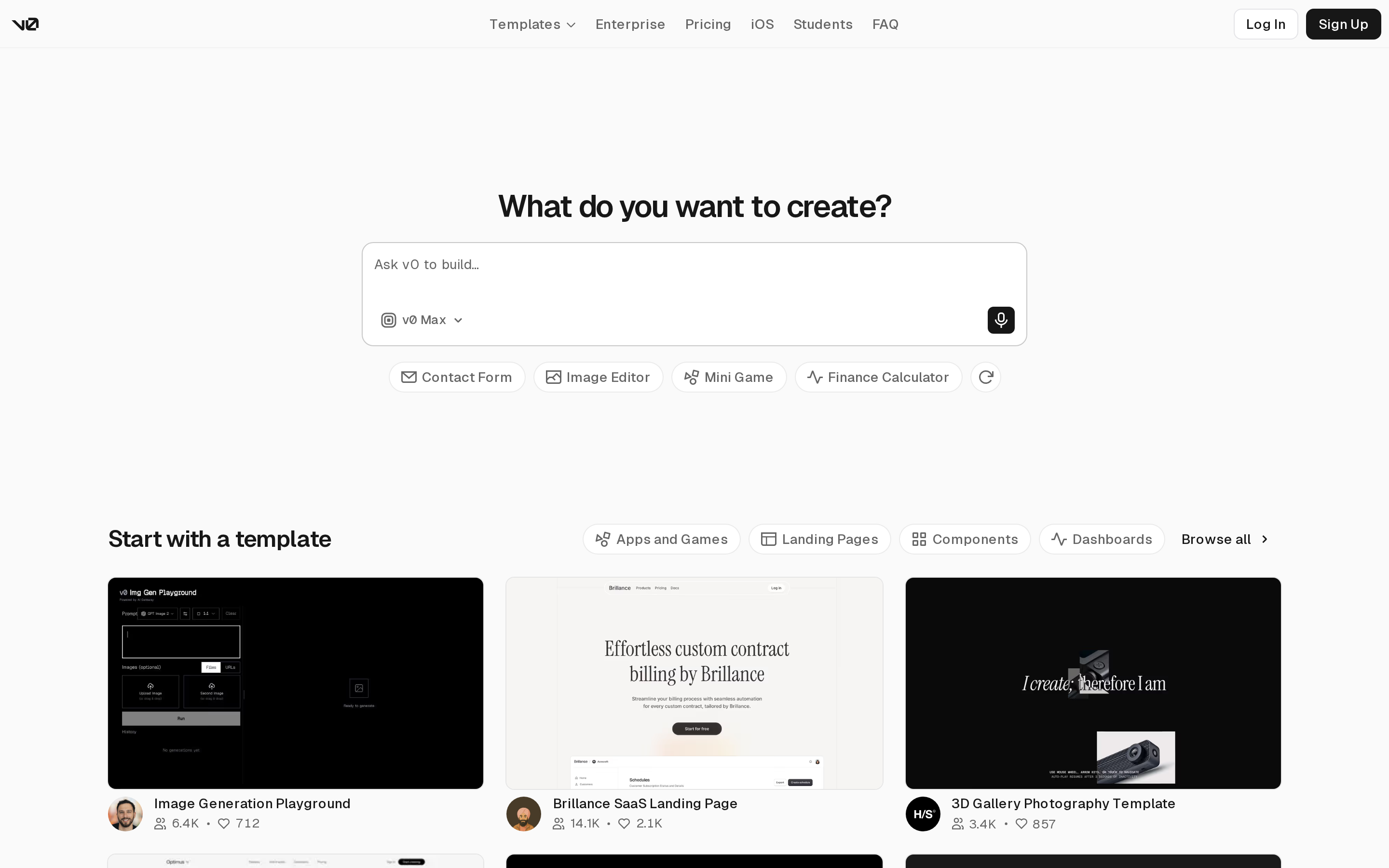
v0 by Vercel is an AI prototyping tool for generating polished Next.js interfaces and hosted web app code from prompts.
Best for
v0 is an AI prototyping tool for polished web UI concepts, reference-based interfaces, and fast Next.js front-end screens.
v0 generates Next.js and shadcn/ui interfaces, so the first output often arrives with components and interface styling in place.
Two jobs suit it especially well:
- Recreating a reference-based interface when you want to test a familiar pattern
- Testing a familiar product pattern before anyone commits engineering time
Our personal-trainer brief came back as a good-looking web app. It stayed a web app, which is the part that matters if you were hoping to put it on a phone.
How the prototype workflow works
v0 is a prompt-to-code web prototyping workflow that turns text input into generated Next.js screens with hosted interactivity.
In the personal-trainer comparison, the first hosted screen appeared in about 72 seconds on a free account.
What comes back is generated code on a Next.js foundation rather than a drawing of a screen.
The generated prototype takes real input. Fields accept typing, a calendar pop-up sets a deadline, and tasks can be added and removed without breaking.
Behind the interface, v0 generates and hosts both client and server code, built by the team behind Next.js.
v0 is built around web deployment and hosting. That makes it a separate path from a native mobile build tested on an iPhone or Android device.
Where it falls short
v0 can have gaps in multi-page coverage and complex full-stack prototype behavior.
The personal-trainer result covered only part of the requested flow: the overview dashboard was missing, and the Add Project control did not work.
Dead controls undermine prototype testing because testers cannot complete the intended flow.
The test did not confirm whether data persisted behind the screens, and complex full-stack requirements remain a documented strain point.
Pricing and access
v0 has a free plan with $5 in monthly credits and a seven-message daily limit. Plus costs $30 per user each month and includes $30 in monthly credits.
The free plan supports Vercel deployment, visual editing, and GitHub sync.
4. Replit Agent
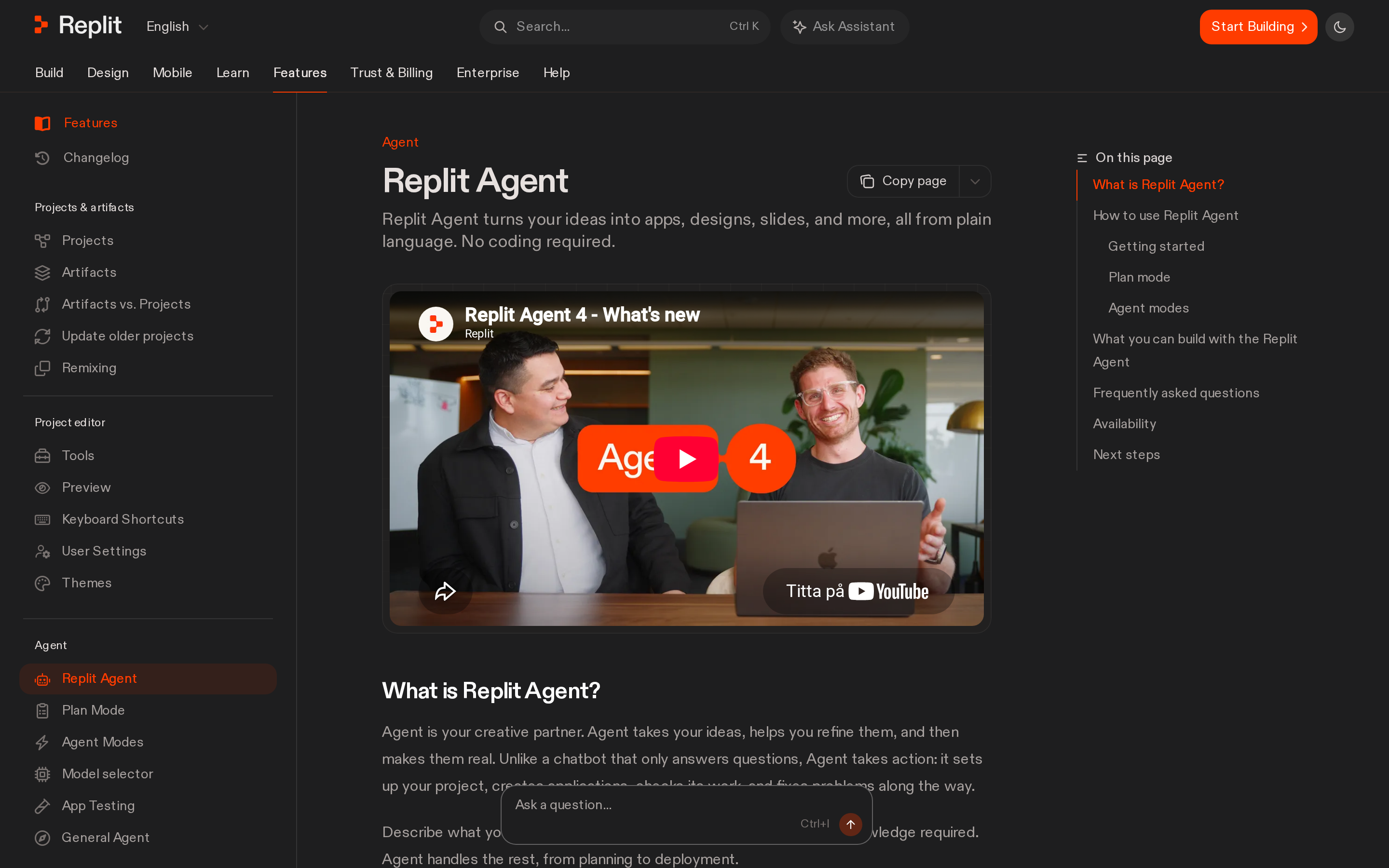
Replit Agent is a browser-based AI coding agent for full-stack web and native mobile app prototypes. The workflow includes generated project setup and deployment.
Best for
Replit Agent fits web and mobile app concepts that need working logic and persistent data.
Replit Agent combines application code with a database and authentication in a browser workspace. It also supports payment and messaging integrations.
Replit Agent can connect a prototype to services such as Stripe, PayPal, and Telegram.
How the prototype workflow works
Replit Agent turns a natural-language specification into a working project, then guides setup and deployment.
One request starts the build, then Agent works through the project setup:
- File structure and first code, generated from your natural-language spec.
- Dependencies installed and the environment configured.
- A database configured, so what you type into the prototype persists.
- Deployment, run from the same interface.
Expect setup questions along the way. Agent may turn a short prompt into a multi-step plan and ask how data should be stored before it builds.
The browser IDE runs in Replit, so no local installation is required.
Where it falls short
Replit Agent's autonomous workflow and credit-based usage can make a simple prototype more involved than a prompt-only screen generator.
Simple prototypes can feel heavier than they do in a prompt-to-screen tool because Agent may surface setup decisions before producing a working result.
Review generated changes before deployment, especially when a request touches several connected files. Repeated runs also consume credits.
Test every generated mobile flow before release, especially after changes across connected files.
Pricing and access
Replit offers a free Starter plan plus Core and Pro plans with monthly credits for Agent, compute, and deployments.
Credit consumption varies by model and workload, so actual monthly capacity depends on what Agent builds.
| Plan | Price | Included credits | Notes |
|---|---|---|---|
| Starter | Free | Not stated | Free access |
| Core | $20/month, or $17/month annually | $20 | AI, compute, and deployment credits |
| Pro | $100/month, or $95/month annually | $100 | Larger credit pool |
5. Relume AI
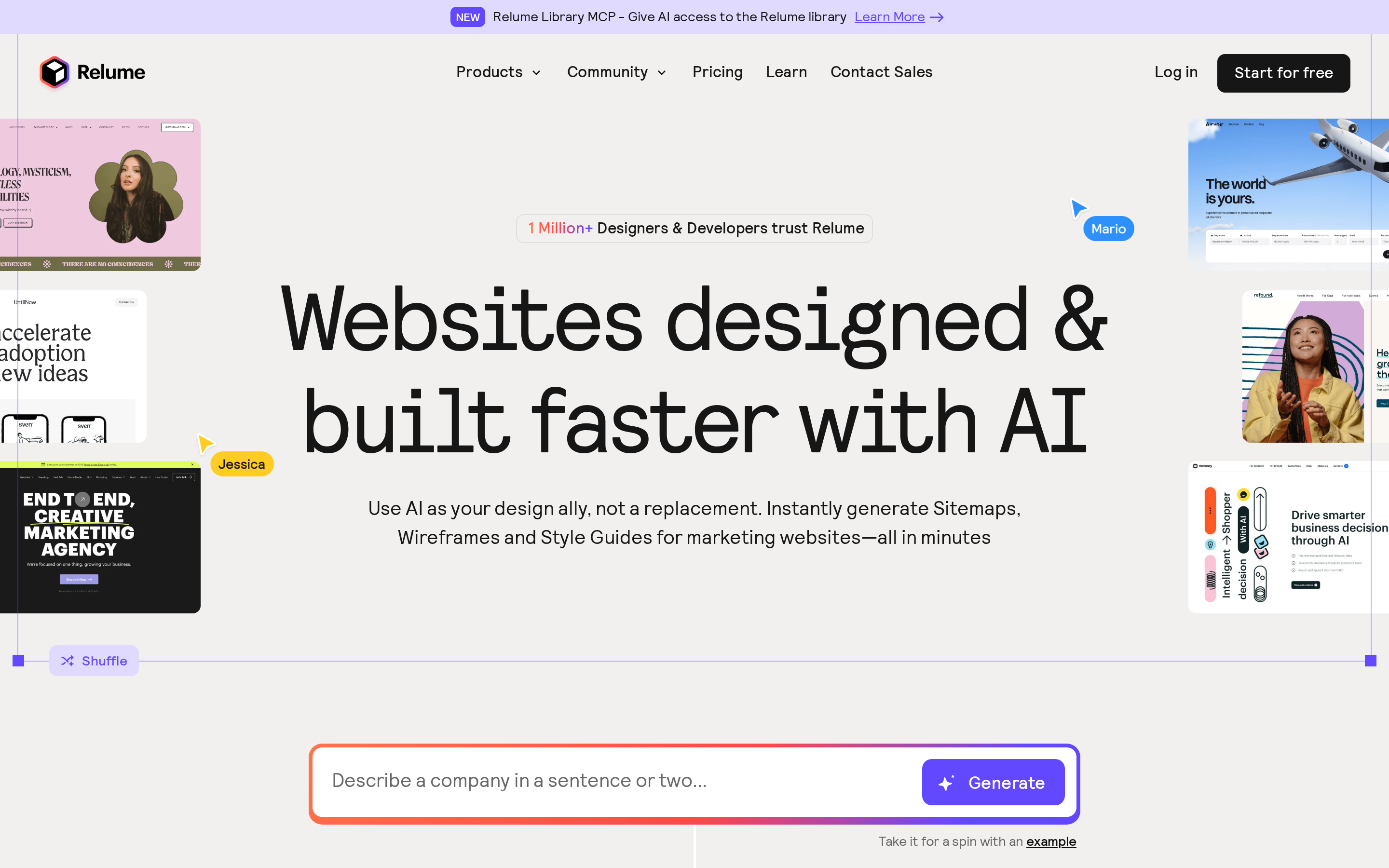
Relume AI is an AI website planning tool that generates sitemaps, low-fidelity wireframes, and style guides from a text prompt.
Best for
Relume AI suits teams that need to map a marketing website before visual design begins.
For the personal-trainer brief, Relume's useful output is a sitemap and page-level wireframes rather than an app flow. It belongs here as an early planning option.
The wireframes prioritize layout and content hierarchy over interaction detail. Relume's component library keeps generated page structures consistent.
How the prototype workflow works
You start with a description of the site. Relume turns that into a sitemap first, then generates the page-level wireframes underneath it.
Relume separates planning, styling, and final design into distinct views. Bilt enters later, when the validated site or app direction needs native mobile behavior and release preparation.
Where it falls short
Relume plans website structure and visual direction, but it does not produce high-fidelity interactive app prototypes.
Relume ends with a sitemap, wireframes, style guide, and final design view. The generated pages do not include application logic.
Pricing and access
Relume's free plan includes one project, one page, and Figma export.
Starter expands the same project to five pages. Pro adds unlimited projects and pages, while Team includes three users and a shared workspace.
6. Framer AI
Framer AI is an AI website prototyping tool for wireframes, interactive web pages, and direct site publishing.
Best for
Framer AI is a web prototype tool for landing pages, marketing sites, and interactive website concepts.
Framer combines Wireframer, Workshop, and direct publishing in a website design workflow.
Framer is geared toward landing pages and marketing sites, not SaaS product surfaces or mobile apps.
How the prototype workflow works
You start from a template or a blank canvas, then build manually or with the AI tool.
Two AI modes do the generating. Wireframer produces simple wireframes, and Workshop adds interactive components to the page.
The AI produces a starting point, then manual editing handles the refinements.
Where it falls short
Framer's workflow is built around websites, not app-style product flows or mobile apps.
SaaS product surfaces and mobile apps need screens and flows outside Framer's website-oriented workflow.
For the personal-trainer brief, Framer is useful for a marketing page or clickable website concept, not the trainer-client app logic itself.
Pricing and access
Framer has a free plan with 500 trial AI credits. Basic costs $10/month with annual billing and includes 1,000 monthly credits plus a custom domain.
7. UX Pilot AI UI Generator
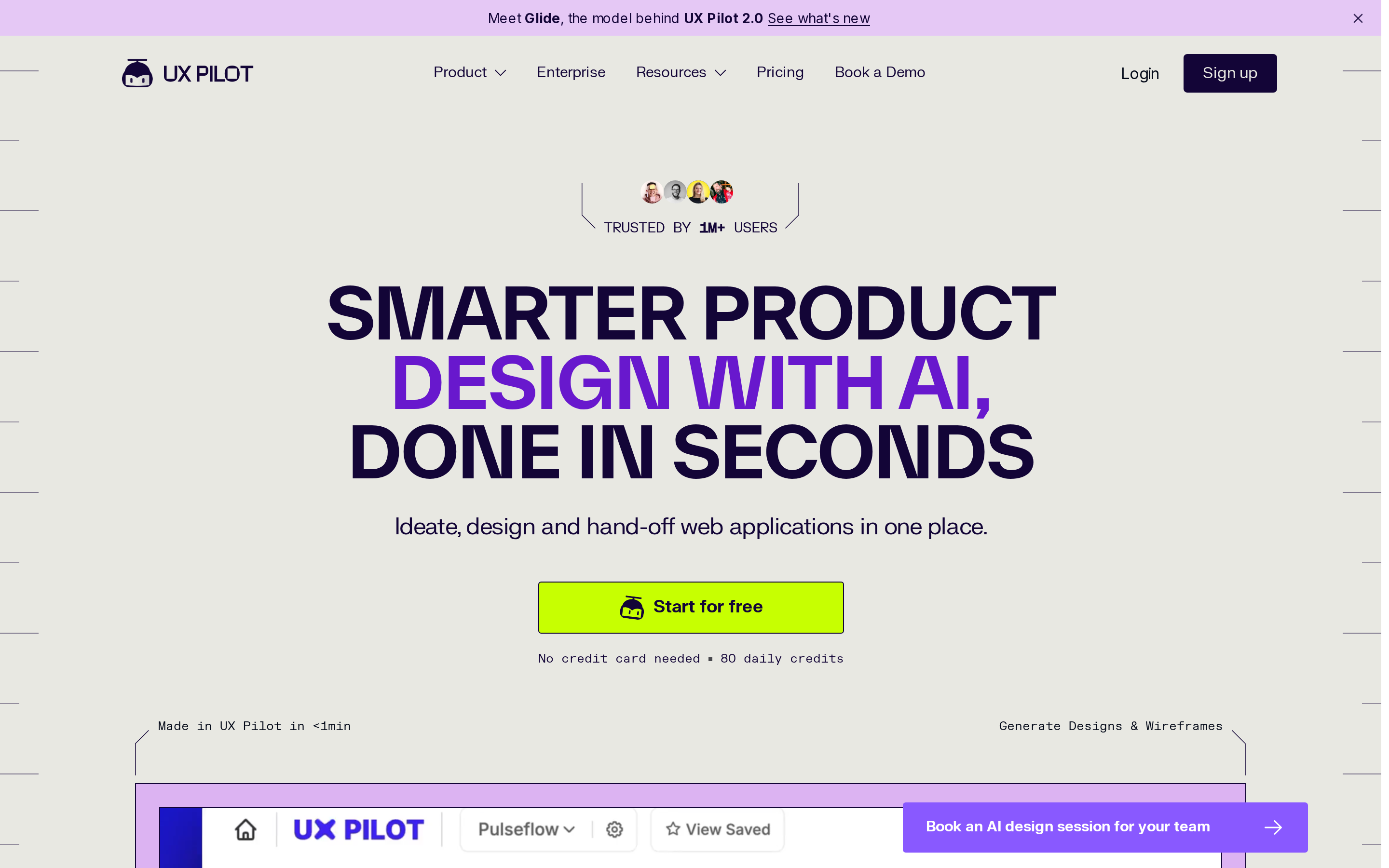
UX Pilot AI UI Generator is a chat-based UI prototyping tool that generates app screens from prompts and imported Figma design systems.
Best for
UX Pilot is an AI UI prototyping tool for prompt-based screen generation with Figma-connected design system reuse and clickable app flow testing.
UX Pilot accepts four starting inputs:
- A text description of the screen or app
- An inspiration image
- A guidelines document
- An imported Figma design system
For the personal-trainer brief, UX Pilot's role is to generate the trainer and client screens, then connect them into a clickable flow. It does not supply the backend app.
After a first screen is approved, Create Flow generates more screens and Interact mode makes the flow clickable.
How the prototype workflow works
UX Pilot is a prompt-to-screen workflow that generates an initial UI, refines it in chat, expands it into flows, and tests interactions.
You describe what you want, pick mobile or web, and generate. Inspiration images and guideline documents can be attached before that first pass.
After the first screen:
- Use the Chat tab to refine the direction.
- Use Create Flow to generate further screens in the established design style.
Themes can use primary and secondary colour choices or an uploaded JSON file. Figma plugin imports bring in components and icons, and finished designs export back to Figma.
Where it falls short
UX Pilot is a UI prototyping tool with clickable flows, but its published workflow does not describe backend logic, databases, or production deployment.
UX Pilot can export generated code and sync work to GitHub. Code export and GitHub sync do not supply the backend services or deployment a finished app needs.
A production app still needs:
- Database setup
- Authentication
- API connections
- Persistent state
- Deployment
Pricing and access
UX Pilot has a free plan with 80 daily credits and up to 13 screens per day. Export to Figma and code is included.
Pro costs $29 monthly, or $19/month billed annually, with 750 monthly credits. Teams costs $39 per user monthly, or $31/month billed annually.
8. Stitch by Google
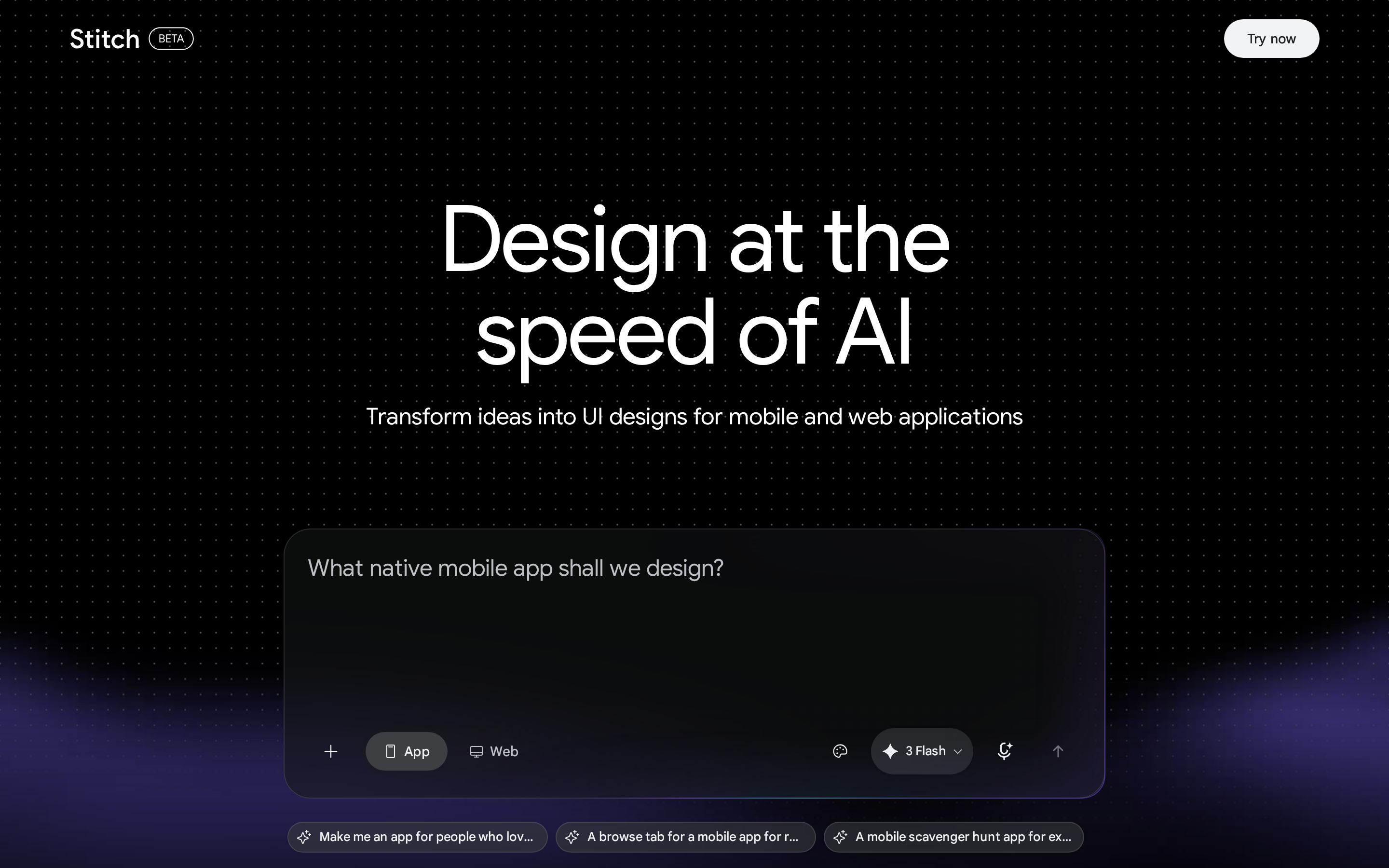
Stitch by Google is an experimental AI prototyping tool that turns text prompts or sketches into interactive UI designs, with HTML/CSS export documented for generated screens.
Best for
Stitch is an AI prototyping tool for early UI exploration from prompts or sketches when you want clickable flows without building full app logic.
Stitch takes a text prompt or a sketch and returns UI designs, with a mobile or web toggle set before generation.
For the personal-trainer brief, Stitch's output type is a set of UI screens that becomes clickable only after the separate Prototype step. It does not create the trainer app's backend logic.
How the prototype workflow works
Stitch is a prompt-led prototyping workflow that expands your brief, confirms the direction, generates screens, then converts selected screens into a prototype.
Before generating screens, Stitch expands the prompt and asks you to confirm the direction. The setup includes a text box, device toggle, mode selector, and reference uploads.
Interactivity is a separate step: select the screens, then click Prototype to add links, hover states, and other small interactions.
Generation and redesign options add control, but they also create more setup choices before a clickable flow exists.
Where it falls short
Stitch is an AI prototyping tool with gaps in workflow clarity, screen coverage, and Figma-based design system continuity.
The mode setup creates the first friction. Multiple Gemini-linked modes and a separate Prototype step add decisions before a clickable flow exists.
Screen coverage needs review. A generated flow can omit a key screen or leave a control without a working destination.
Stitch documents HTML and CSS export. It does not import a Figma component library in the same way UX Pilot does.
Pricing and access
Stitch is free to use, with usage limits that vary by generation mode.
9. Lovable
Lovable is an AI web app builder that turns natural-language prompts into editable full-stack applications with React, TypeScript, and Supabase.
Best for
Lovable is a web-app prototyping tool for turning product ideas into working browser-based MVPs with UI, navigation, data, and authentication.
Lovable generates UI, navigation, and backend logic together. Its generated stack uses React, Vite, Tailwind, and Supabase, which can set up PostgreSQL, authentication, and file storage.
The workflow suits developers, non-technical founders, and small startups building MVPs or simple web tools. Its point-and-edit selector lets a product manager select an element instead of describing the element in another prompt.
For the personal-trainer brief, Lovable's natural output is a browser-based React and Supabase app, not an installable phone app.
How the prototype workflow works
Lovable is a prompt-to-code workflow that builds a web app, refines it through chat, and connects Supabase for data and auth.
The first prompt produces a functional web-app codebase rather than a locked visual mockup. The generated React and TypeScript remain editable, with connections available for GitHub, Supabase, and AI providers.
Refinement runs through chat, and Chat mode lets you discuss the prototype without changing it. Automatic error correction can catch some breakages.
Complex prompts still had to be broken up by hand in testing rather than handled in one pass.
- Data and auth: Supabase can provide database, authentication, and file storage inside the generated app.
- Design input: Figma files can enter the prototyping flow.
- Editing: The selector tool lets you point to a page element instead of describing the element in a prompt.
Where it falls short
Lovable is a web-app prototyping tool with constraints in complex changes, code quality, export reliability, and sustained production-scale usage.
Complex changes can take several chat rounds, and large prompts may need manual splitting. Repeated prompted changes can also accumulate technical debt in the generated codebase.
Lovable's clearest fit is a browser-based MVP, which is a different job from releasing a native mobile app.
Pricing and access
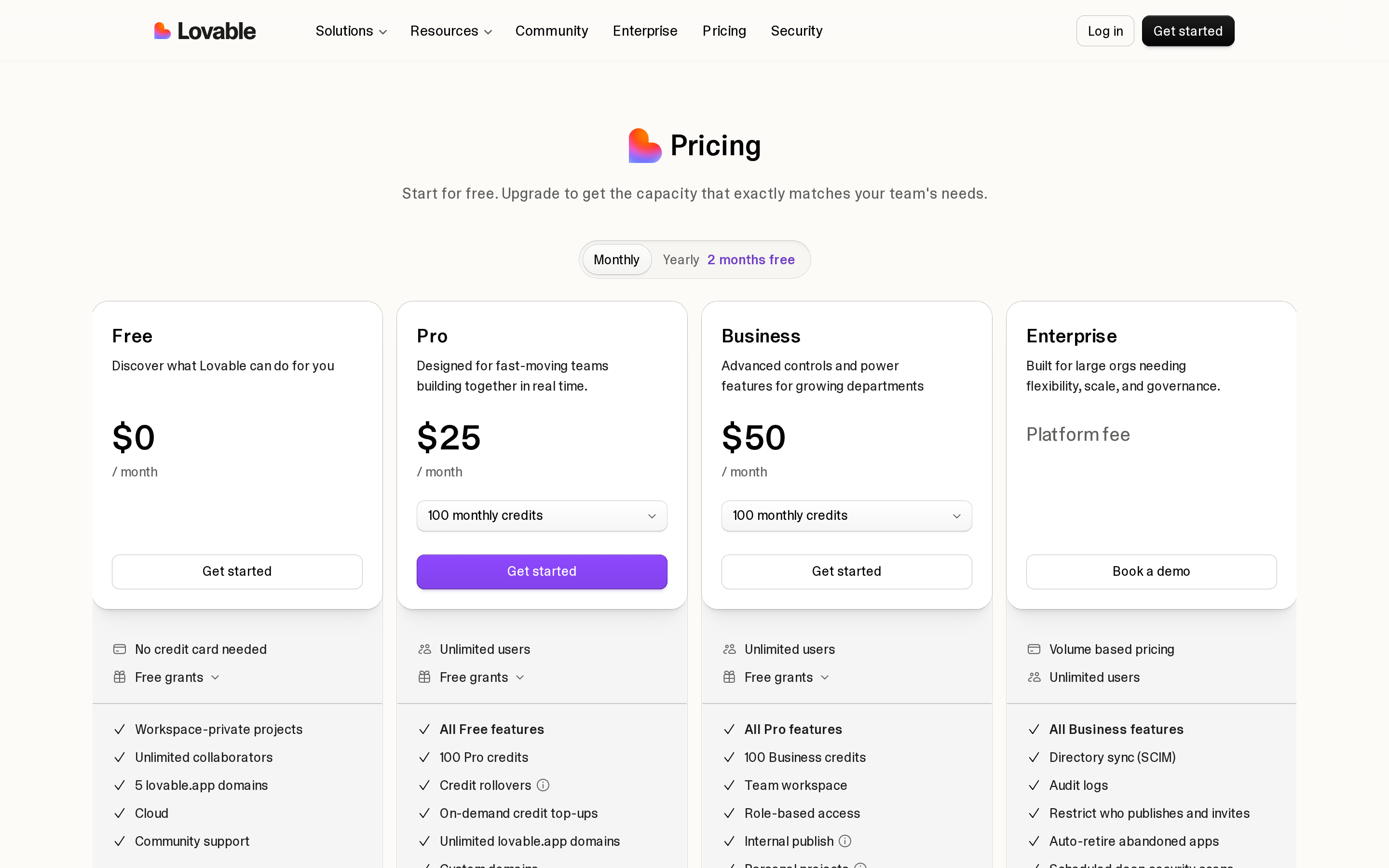
Lovable offers Free, Pro, Business, and Enterprise plans. Pro costs $25/month and Business costs $50/month; both include 100 monthly subscription credits.
- Free: Five daily build credits, capped at 30 per calendar month
- Pro: $25/month with 100 monthly subscription credits
- Business: $50/month with 100 monthly subscription credits
- Enterprise: Custom pricing
Build-mode credit use varies by task complexity, so a request does not always consume a fixed number of credits.
When that browser MVP needs an installable release, the next step is taking a web app native.
How these AI prototyping tools were compared
Each tool was compared against the same personal-trainer brief. The ranking weighs screen quality, requested-flow coverage, working interactions, backend depth, device testing, export options, release paths, and pricing.
Output type comes first because a screen generator, a full-stack web builder, and a native app builder solve different jobs.
Within each category, the comparison checks whether the requested trainer flow is complete, interactive, editable, and practical to hand off or publish.
- First pass: Screen quality and coverage of the requested flow
- Functionality: Working controls, persistent data, and backend logic
- Delivery: Device testing, export format, and store-release support
- Cost: Starting price, included usage, and practical limits
First-pass output shows speed and visual direction. Longer workflows reveal revision quality, consistency, and whether the prototype survives changing requirements.
How to choose the right tool for your workflow
The right AI prototyping tool depends on what you need to build first: UI screens, a clickable website flow, a working web app with backend logic, or a native mobile app path. Match the tool to your starting input, required interactivity, backend depth, export needs, and pricing model before you commit.
Start with what you need in front of someone, because that decides how fast you get there:
- UI screens for a demo: v0 or Figma Make
- A working app with persistent data: Replit Agent
- Site structure before any page design: Relume AI
- A publishable marketing site: Framer AI
- A native app for physical-device testing and store deployment: Bilt
Then decide how much must genuinely run. Replit Agent can build data-backed web or mobile projects, while v0 can generate full-stack web code but still needs careful validation of complex flows.
The choice between workspace control and faster browser output is examined directly in Replit versus Lovable.
The final check before you commit
The final check is whether the tool starts from your real inputs and gets you to the fidelity you actually need.
Your starting material matters as much as the destination. A written description suits Figma Make or Stitch, while an existing repo fits a code-import workflow.
Whichever you choose, scope the first attempt narrowly. One flow that works end to end tells you more than five screens that half-work.
The quality bar depends on what happens after the prototype. v0 can produce a presentable front-end design for a stakeholder demo.
AI-generated code still needs security review, dependency checks, and production hardening before release.
So name the end state before you start: a clickable mockup, a stakeholder demo, a working app, or a production handoff. Speed to clickable is the right first filter, and it stops being the only one the moment you plan to ship.
Build a real native app after the prototype stage with Bilt
When a prototype is ready to move beyond a demo, Bilt can rebuild or extend it as a native iOS and Android app, then carry it through device testing and store submission.
Bring forward the strongest parts of the prototype, then validate the mobile-only behavior that a browser demo cannot prove.
- Choose what survives: Identify the validated user flow, screens, content, and data model worth carrying into the native build.
Bilt can take Figma screens, reference images, or an existing web app and turn that starting point into a native mobile build. The workflow covers device testing, exportable React Native code, and store-submission preparation.
- Bring in your starting point: Add Figma screens, reference images, or an existing web app so the native version does not start from zero.
- Test mobile-only behavior: Check camera, GPS, notifications, payments, and authentication on a real device.
- Prepare for release: Connect your developer accounts, review store requirements, and fix issues before submission.
A practical prototype-to-store path looks like this:
- Import the prototype screens, references, or existing code and define the flow that must survive.
- Rebuild or extend that flow as a native app with the required backend and data model.
- Test authentication and mocked payments in the live preview. Use a native build for real purchases and notifications, and a real device for camera access and GPS.
- Scan the QR code and run the critical flow on an iPhone or Android phone.
- Connect the store accounts, prepare the release, and submit to Apple and Google.
Before submission, verify the mobile capabilities the product depends on:
- Device hardware: Camera access built into the app
- Location: GPS and location services
- Re-engagement: Push notifications
- Real builds: Native iOS and Android binaries Video
Bilt automates certificates, provisioning profiles, build generation, and store uploads; you submit releases for review in the stores’ tools.
Publishing to the stores still needs your own developer accounts: $99/year for Apple and a $25 one-time fee for Google Play.
Do I need code to use AI prototyping tools?
No. You can create a first prototype from a plain-language prompt or an existing design without writing code. Production releases may still need technical review.
Can AI prototypes be used for user testing?
Yes. AI prototypes work for early task testing and concept validation, while human sessions reveal whether the flow and labels make sense to real users.
Keep people in the loop. Automated usability checks can miss scrolling problems or a user expectation the interface does not match.
Can AI prototyping tools build mobile apps?
Some can. Bilt and Replit support native mobile workflows, while many UI-first tools produce screens or browser-based prototypes.
Review AI-generated code for security and device-specific performance before publishing a mobile app.
Can you export AI prototypes to code or Figma?
It depends on the tool. Bilt exports React Native code, Stitch exports HTML and CSS, and UX Pilot exports to Figma and code.
Are AI-generated prototypes good for dashboards?
Yes, for early structure. AI can draft a dashboard layout quickly, but production work still needs manual refinement of hierarchy, labels, states, and interactions.
Generated interfaces can follow a general direction while missing nuance in hierarchy, spacing, and context-specific patterns. Manual refinement remains necessary.
Ready to move from prototype to a real native app? Start building free. It is free to start, with no credit card required.