FlutterFlow can get a non-technical builder to a polished prototype. The wall often appears at code signing, store setup, and publishing.
Pricing rises quickly, and exported Dart code gets harder to manage at scale. Finishing the app can suddenly require developer knowledge.
The 10 alternatives below offer different paths for native apps, web tools, and code ownership.
Why teams look for FlutterFlow alternatives
FlutterFlow works well for early-stage Flutter prototypes. The friction shows up when teams try to scale, reduce costs, or ship to an app store without a developer on hand.
The free plan stops short of native launch
FlutterFlow Free supports up to two projects, testing, and web publishing.
Native release features are paid. Free excludes source and APK downloads, local-device testing, custom domains, and one-click store deployment.
Pricing jumps faster than teams expect
- Basic costs $39/month: adds source and APK downloads, local-device testing, custom domains, and one-click store deployment
- Growth starts at $80/month for the first seat: adds GitHub integration and real-time collaboration for two users
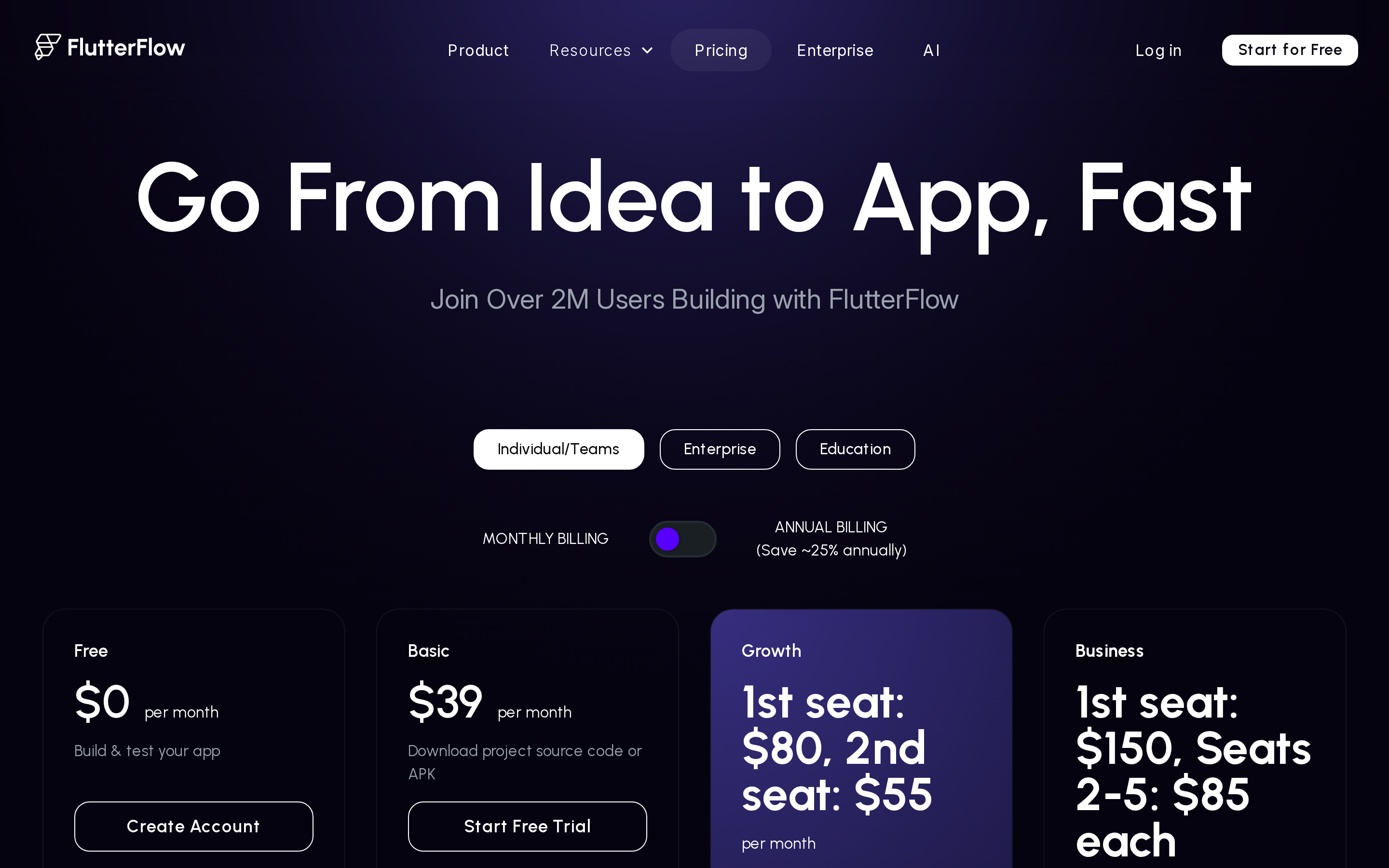
FlutterFlow's tier breakdown — code export starts at $39/mo, real-time collaboration at $80/mo.
Code export creates its own problem
FlutterFlow does let you export your Dart code, which avoids total lock-in. But the exported code gets harder to maintain as app complexity grows. Users report disorganized structures that make manual refactoring or custom logic integrations difficult. Once you modify the code outside FlutterFlow, syncing changes back into the visual editor breaks down. You're either on the platform or off it.
Scaling past a prototype gets risky
FlutterFlow holds up for internal tools and simple apps. At higher complexity, users consistently report three issues:
- Performance issues at high loads or complex integrations
- The no-code model breaks down for heavy backend logic
- Real-time features and enterprise system connections hit hard limits
It's built for Flutter, which isn't always what you need
FlutterFlow outputs Flutter apps using Dart. That's useful if Flutter is your target framework, but it means teams building web apps, internal tools, or React Native projects need to look elsewhere. Non-technical founders who want a conversational AI builder will also find FlutterFlow's drag-and-drop canvas more demanding than expected.
FlutterFlow alternatives at a glance
Compare all 10 alternatives by app type, code ownership, and starting price.
| Tool | Best for | App type | Code export | Starting price |
|---|---|---|---|---|
| Bilt.me | Non-technical founders building native apps with AI prompts | Native iOS and Android (React Native) | Yes, owned React Native | Free / $25/mo |
| Adalo | Entrepreneurs building simple mobile MVPs | Native iOS and Android plus responsive web | No | Free / $36/mo annually |
| Glide | Ops teams building tools from spreadsheets | Responsive internal apps | No | Free / $25/mo |
| Draftbit | Technical teams that need code ownership | Native iOS and Android plus web (React Native) | Yes, from Standard | Free / $12/mo |
| Bubble | Workflow-heavy web, iOS, and Android apps | Full-stack web plus native iOS and Android | No | Free / $59/mo annually |
| DhiWise (Rocket.new) | Vibecoders building multi-framework MVPs | Full-stack web and mobile | Yes, full source code | Free / $25/mo |
| GoodBarber | Content creators and small ecommerce businesses | Native iOS and Android plus PWA | No | $30/mo annually |
| Thunkable | Beginners building simple native prototypes | Native iOS and Android | No | Free / $19/mo |
| BuildFire | Agencies and SMBs using plugin-based apps | Native iOS and Android plus PWA | No | $165/mo |
| Appy Pie | Small businesses building quick mobile MVPs | Native iOS and Android plus hybrid web | No | $16/app/mo annually |
How to choose the right FlutterFlow alternative
FlutterFlow alternatives split into a few distinct categories: native mobile builders, web and internal tool platforms, and code-export-first tools. The right pick depends on what you're actually shipping.
Three questions narrow it down:
- Do you need a published native app in the App Store and Google Play?
- Do you need a web app, admin panel, or internal tool?
- Do you need to own and export the source code?
| Your goal | Best category | Top picks |
|---|---|---|
| Published native app | Native mobile builders | Bilt, Adalo, GoodBarber |
| Web app or internal tool | Web builders | Bubble, Glide |
| Own your source code | Code-export tools | Draftbit, DhiWise, Bilt |
If you need native, app-store-ready mobile apps
If your goal is a published app in the App Store and Google Play, prioritize tools that compile to native binaries, not web wrappers. FlutterFlow outputs Flutter code. Any real alternative needs to match that publishing capability.
The strongest options here:
- Bilt.me: describe your app in plain English and get a native iOS and Android app ready for App Store submission. No code required.
- Adalo: drag-and-drop builder that publishes to both stores from $36/month (Adalo pricing). Best for database-driven MVPs.
- GoodBarber: generates true native Swift and Kotlin apps with managed publishing included.
- Thunkable: block-based builder with AI generation and native publishing. Best for simple prototypes.
- Draftbit: React Native editor with full code export. The closest in technical depth to FlutterFlow.
- Bubble: supports web, iOS, and Android apps with one backend and database.
If you need web apps or internal tools
Not every project needs an App Store presence. If you're building an internal dashboard, client portal, or data-driven web tool, a different set of builders wins on speed and flexibility.
Glide remains focused on web apps and PWAs. Bubble supports native iOS and Android projects through the same backend and database used for web apps.
- Glide: turns Google Sheets or Airtable into a web or mobile-friendly app fast. Good for internal ops tools with existing data.
- DhiWise: generates full-stack web apps from a single prompt with clean code export from $25/month.
If code ownership matters to you
If you need to own your source code, exit the platform freely, or hand off to a developer, code export isn't optional. Most tools in this list don't offer it.
Tools that export real source code:
- Draftbit: export React Native and TypeScript through GitHub or ZIP, then continue in VS Code or an Expo build workflow
- Bilt.me: push owned React Native code to GitHub, keep iterating through conversation, or hand the repository to a developer
- DhiWise: export supported frameworks to GitHub, then continue with the framework's normal local build and deployment tools
Adalo, Glide, Bubble, GoodBarber, Thunkable, Buildfire, and Appy Pie do not offer meaningful code export. Apps built on those platforms stay on those platforms.
Here's how each tool actually holds up when you look closer. You can compare this shortlist with the wider field of mobile app development software.
The 10 best FlutterFlow alternatives in 2026
Each tool below covers what it's best for, where it falls short, and who it's actually built for. If you already know your use case, jump to the decision guide after the list.
1. Bilt.me
Best for
Bilt is best for builders who want to go from idea to published mobile app without learning code or hiring a developer first.
Use Bilt when you want to:
- Describe your app idea instead of dragging screens around
- Build a real native app for iOS and Android
- Preview your app before submitting it to the stores
- Get help with code signing and App Store or Google Play submission without configuring the workflow yourself
- Own the React Native source code, push it to GitHub, or hand it to a developer for further work
Pro tip: Write down your core screens and user flow before you start. A clear prompt helps Bilt build the first version faster.
Key strengths
Bilt combines the build, testing, ownership, and submission steps that often block non-technical founders near launch.
- Conversational building: describe screens and changes in plain English, then keep refining through chat
- Native React Native output: build for iOS and Android without relying on a web wrapper
- Submission workflow: get help with builds, code signing, App Store Connect, and Google Play submission
- Real-device preview: test the app on a phone before sending a build for review
- Owned source code: export to GitHub, continue in Bilt, or hand the project to a developer
The browser preview lets you test the app before starting the store workflow:
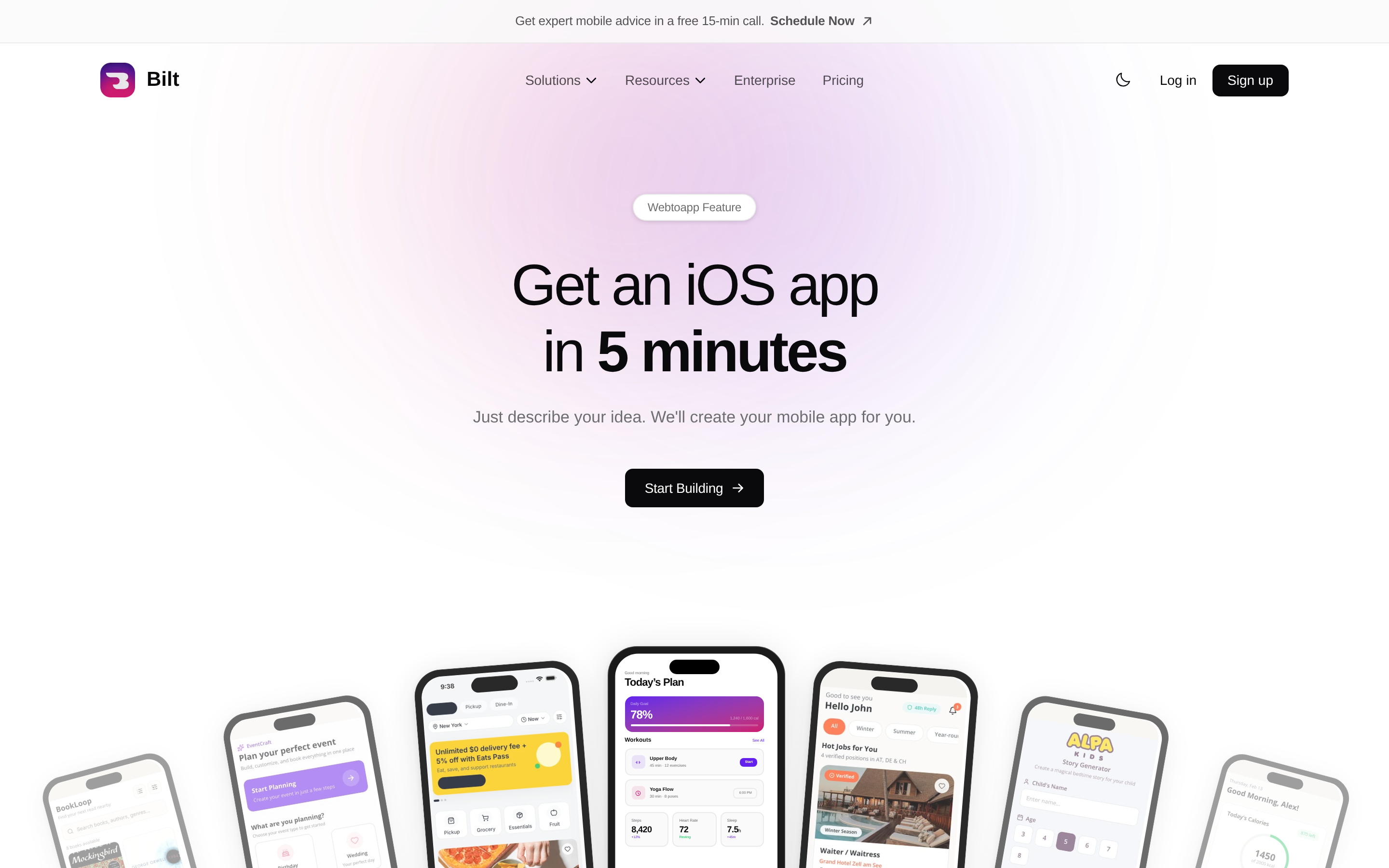
Bilt's in-browser preview lets you test your app before submitting it for review.
Limitations
Skip it if: You need a web app, internal dashboard, or PWA. Bilt is focused on native mobile apps.
Bottom line: Bilt connects conversational building, native previews, owned React Native code, and technical support for store submission.
Pricing
Bilt is free to start. You can describe your app, build a preview, and test on real devices before choosing a paid plan.
- Free: 3M tokens, roughly 12-30 prompts/month
- Professional: $25/month, 10M tokens, roughly 40-100 prompts/month
- Professional Plus: $50/month, 20M tokens, roughly 80-200 prompts/month
- Enterprise: flexible pricing with dedicated support, custom integrations, and onboarding services
Annual billing saves 2 months across all paid plans.
Want help shaping your app idea before you build? Book a free 15-minute call or start free and get a preview in minutes.
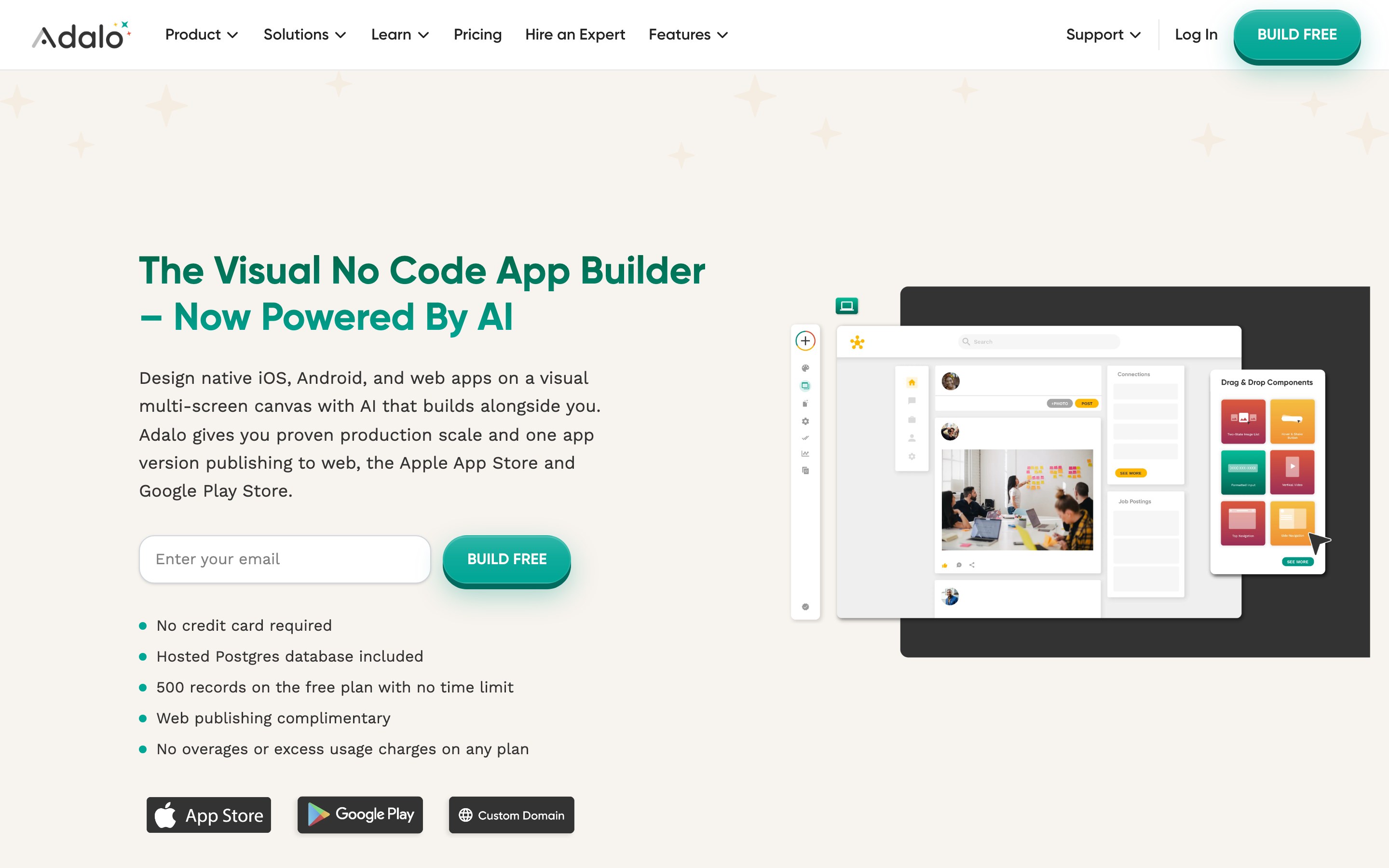
Adalo is a true no-code visual drag-and-drop builder for native iOS/Android and web apps, with a built-in Postgres database and one-click app store publishing.
Adalo sits between pure prompt-based builders and developer-focused tools. Its visual drag-and-drop canvas makes it the pick for readers who prefer hands-on screen editing over text prompts.
2. Adalo
It has no code export, so unlike FlutterFlow, you're locked into the platform for the app's lifetime.
Best for
Beginners and solopreneurs building mobile MVPs with relational data needs.
- Marketplaces and community apps
- Content-driven apps where database relationships matter
- Founders who want flat predictable pricing from day one
Key strengths
What Adalo gives you out of the box:
- Built-in hosted Postgres database, with no Supabase or Firebase required
- One-click native iOS and Android publishing from a single project, plus responsive web apps, starting at the Starter plan ($36/mo)
- Native push notifications — a key mobile feature that web-based tools like Glide cannot match
- Flat monthly pricing with unlimited actions and end-users at every paid tier, unlike Bubble, Glide, or FlutterFlow
- Ada AI (beta): Magic Start for scaffolding, Magic Add for component suggestions, and X-Ray for layout debugging — no AI token fees charged
Limitations
Adalo holds a 3.3/5 on Trustpilot, with recurring complaints about a sluggish editor, bugs, and scaling issues. Compare what to use instead of Adalo if those limits matter beyond an MVP.
Where Adalo falls short:
- Complex data models, media-heavy lists, and advanced logic should be load-tested against expected usage before launch
- No code export: all apps are locked to Adalo's hosting with no migration path if you stop paying or the platform changes
- Not suited for apps requiring complex conditional logic, advanced animations, or custom native device integrations beyond basic push notifications
- For higher-traffic production apps, Bubble or Draftbit (React Native with full code export) handle scale better
Pricing
Adalo pricing starts at $36/month (Starter, 1 app) with flat fees and no usage overages. A free plan is available for testing only.
- Free tier: build but not publish, 500-record database limit
- Starter: $36/mo (1 app)
- Professional: $52/mo (2 apps)
- Team: $160/mo (5 apps)
- Annual billing saves roughly 20%; no usage-based fees
- Separate Apple Developer ($99/yr) and Google Play ($25 one-time) accounts required to publish
Adalo Starter costs $36/month, while BuildFire Standard starts at $165/month (Adalo and BuildFire pricing pages, accessed 2026).
Adalo Starter costs $36/month, while BuildFire Standard starts at $165/month (Adalo and BuildFire pricing pages, accessed 2026).
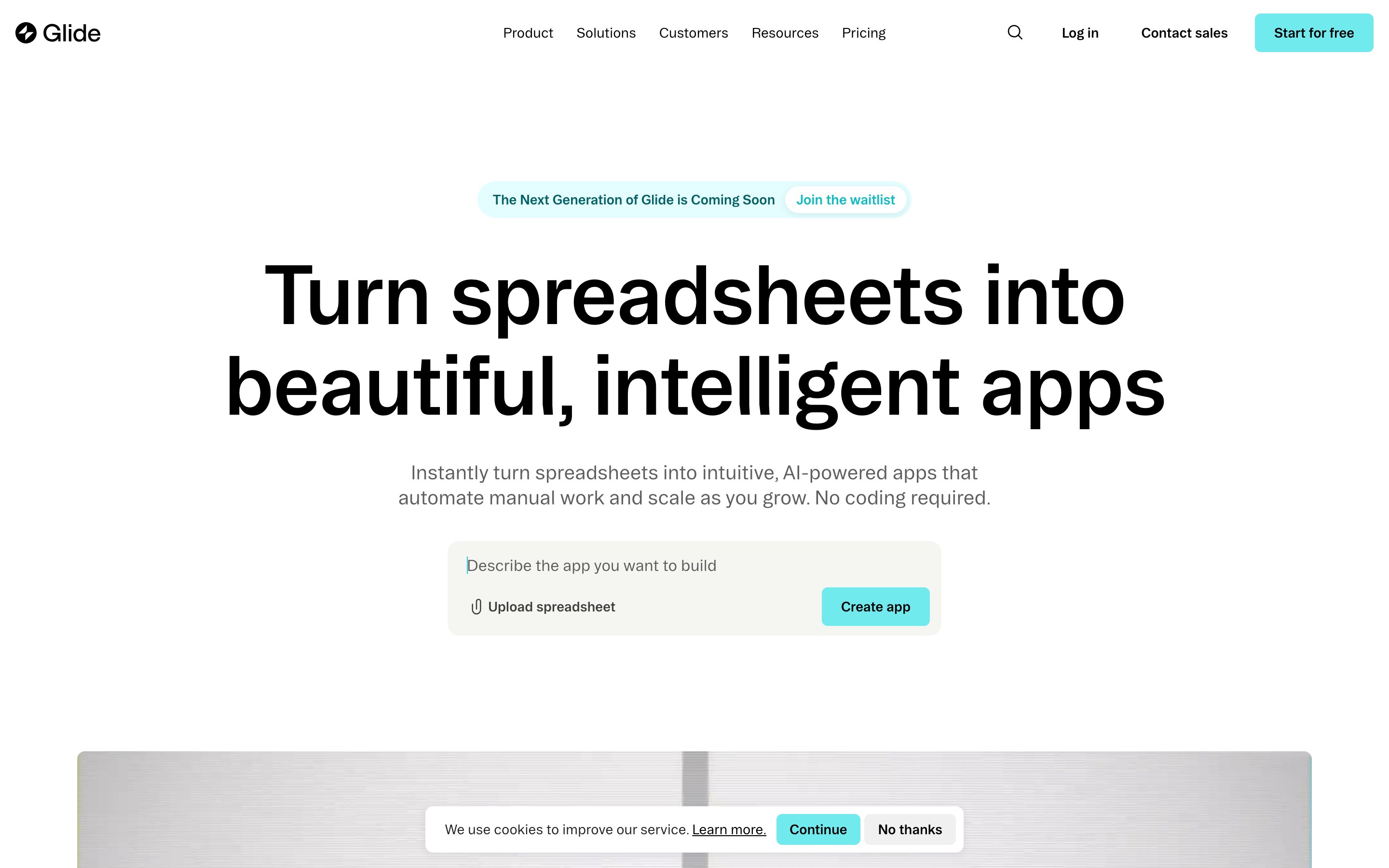
Glide is a no-code app builder that converts spreadsheets and databases into responsive web apps and PWAs, optimized for internal tools and ops dashboards.
Glide is the only tool in this list built around spreadsheet-native data. Others like Adalo or Thunkable lead with native mobile app stores; Glide targets ops teams and internal tool builders.
3. Glide
It has no code export and no app store publishing pathway, so it occupies a different lane than FlutterFlow entirely.
Best for
Glide is built for ops, finance, and HR teams turning existing spreadsheets into internal tools fast, no App Store distribution required.
Key strengths
What Glide gives you out of the box:
- Connects to Google Sheets, Airtable, BigQuery, Excel, and SQL sources with real-time sync and support for up to 10M rows
- 100+ integrations including CRMs and external APIs for connecting existing workflows
- Glide AI builds UIs and agents, and automates ops tasks like invoice generation, email drafting, and transcription
- Automatic responsive design: apps look polished on any device without manual layout adjustments
- Fast time-to-app: Glide describes building apps "in minutes rather than months" for non-technical users
Limitations
Complex datasets can expose performance constraints. Glide holds a 4.7/5 on G2 across 800+ reviews.
Where Glide falls short:
- No native iOS or Android app store publishing; output is responsive web apps and PWAs only
- No code export or ownership; all apps are hosted on Glide's infrastructure with no self-hosted migration path
- Performance lags with complex logic or large datasets; some users abandon the platform as their data volume grows
Pricing
GlideOS starts free, with paid plans from $25/month.
| Plan | Price | Key limits / notes |
|---|---|---|
| Free | $0 | 1 project; limited credits |
| Solo | $25/month | 5 projects; database included |
| Team | From $125/month | 20 projects; starts at 5 members |
| Enterprise | Custom | SSO, custom connectors, priority support |
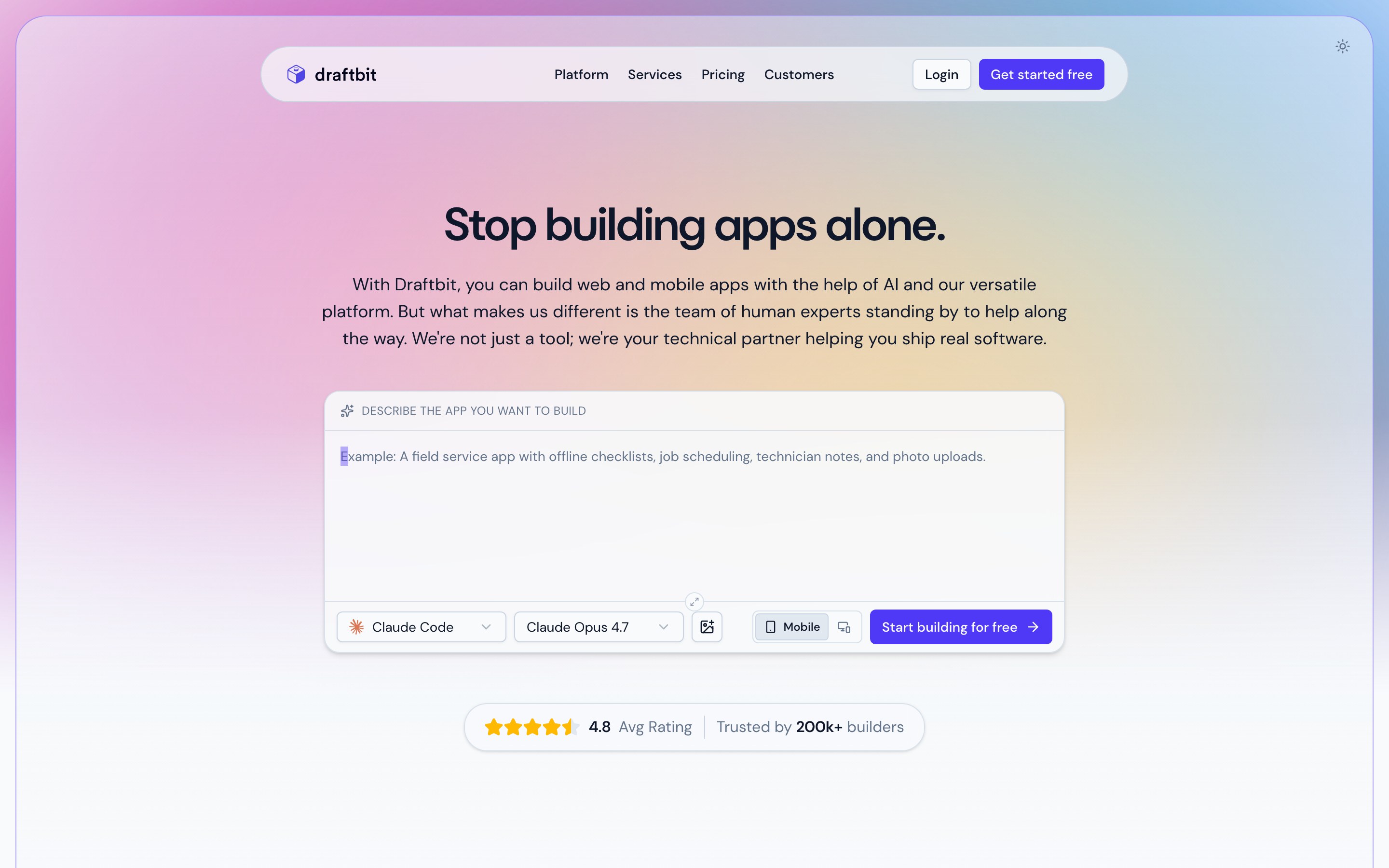
Draftbit is a low-code React Native builder with pixel-perfect visual design, AI agents, and full code export for teams that need ownership without vendor lock-in.
Draftbit has the strongest code ownership story of any tool in this list. It targets agencies, technical teams, and founders building production-grade cross-platform apps who want visual speed without sacrificing access to the underlying code.
4. Draftbit
DhiWise is the only other tool here that also offers full source code export, making the two the main choices for teams prioritizing ownership over everything else.
Best for
| Draftbit | FlutterFlow | |
|---|---|---|
| Code export | Full React Native/TypeScript, all paid plans | Restricted to paid tiers; Dart code is harder to hand-edit |
| Framework | React Native / TypeScript | Flutter / Dart |
Draftbit is best for agencies and technical teams building production-grade React Native apps who need custom logic, code ownership, and the ability to continue development outside the platform. Teams with mixed technical skills benefit too: visual building handles most of the work, with full code access available when complexity demands it. It's also the right pick for projects where avoiding vendor lock-in is a hard requirement.
Key strengths
- Code ownership — exports clean React Native/TypeScript to GitHub or ZIP; compatible with Expo and EAS Build, so teams can slot exported code into an existing mobile CI/CD pipeline without extra tooling
- AI agents — Claude, GPT, and Gemini handle prompt-to-code generation, screen building, logic writing, and bug fixing; multi-agent support on higher tiers
- Pixel-perfect builder — produces iOS, Android, and web output from a single project
Limitations
Non-technical users will run into limits fast. Draftbit requires some code comfort, and the expert services layer adds significant cost for complex projects.
Draftbit is not a truly no-code tool. Pure non-technical users may struggle without developer support, and Adalo or Thunkable are better fits for teams that want zero code involvement.
Draftbit integrates with Supabase, Firebase, and Stripe. Complex data-heavy apps can still require developer support.
Pricing
Draftbit starts free. Paid plans are:
- Standard: $12/month
- Pro: $24/month
- Team: $120/month
- Enterprise: custom pricing
The free plan limits project count and AI credits. Code export and app publishing require a paid plan.
Expert services cost $2,500 to $12,000+, which can raise the total cost for teams needing custom development.
Expert services cost $2,500 to $12,000+, which can raise the total cost for teams needing custom development.
Bottom line: Draftbit combines visual building with full code ownership for agencies and technical teams. Non-technical teams may need developer support.
5. Bubble
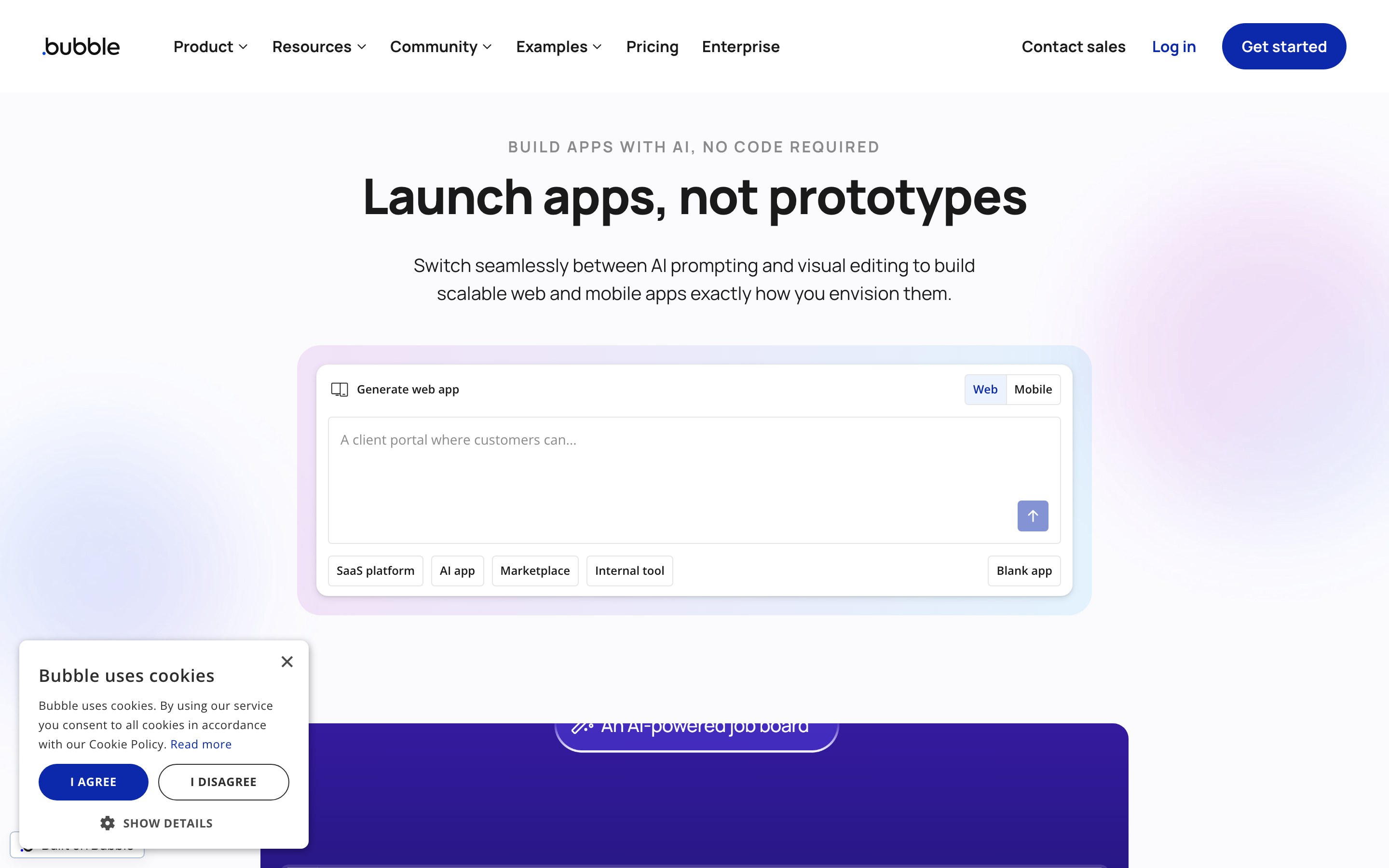
Bubble now supports web, iOS, and Android apps from a shared backend and database. Its workflow builder and plugin ecosystem still make it especially relevant for SaaS products and complex web apps.
Bubble has the most capable built-in backend of any tool in this article: instant databases, automated workflows, and 8,000+ plugin integrations including Stripe and OpenAI.
Best for
Bubble is best for non-technical founders, agencies, and enterprises building scalable web apps, SaaS platforms, or marketplaces with complex backend logic. It fits SaaS products, marketplaces, and database-driven apps requiring custom conditional workflows. Teams building a web app can share a single Bubble backend with a companion mobile app.
Limitations
Bubble holds a 4.4/5 on G2, but reviewers consistently flag its steep learning curve, vendor lock-in, and performance degradation under traffic. High rating reflects depth, not ease of use.
Bubble's visual logic model requires learning its own mental model for databases, privacy rules, and workflow states, a steeper curve than most no-code tools in this list. Adalo and Glide are meaningfully easier for non-technical users who need to ship quickly.
5. Bubble
The native mobile editor includes on-device testing, build submissions, live app versions, and over-the-air updates. App Store and Google Play submissions require a paid Bubble plan.
High-traffic apps can need manual optimization, and React Native performance may vary across lower-end devices. Draftbit remains relevant when teams need more direct control over mobile code and performance tuning.
There is no code export on any plan. All logic, data structures, and workflows remain inside Bubble indefinitely, creating full vendor dependency.
Pricing
Bubble offers a free tier for building native mobile apps and testing on-device. The annual Starter plan costs $59/month and adds five build submissions per month, three live app versions, and unlimited over-the-air updates.
Bubble's pricing is unpredictable in practice. Workload unit overages are common and opaque, making monthly costs hard to forecast. Adalo offers flat pricing from $36/month with no usage overages, which is easier to budget against.
DhiWise costs $25/month for 100 credits or $250/month for unlimited team access. Buildfire is the most expensive fixed-rate tool in this list at $315-$440/month, but Bubble's overages can push total cost above that for high-traffic apps.
DhiWise costs $25/month for 100 credits or $250/month for unlimited team access. Buildfire is the most expensive fixed-rate tool in this list at $315-$440/month, but Bubble's overages can push total cost above that for high-traffic apps.
Pro tip: Workload unit overages apply on all paid plans. High-traffic apps with frequent database operations can push monthly costs well above the base rate. Audit your expected operations before choosing a tier.
Skip it if: You need full source-code export or direct control over the mobile codebase. Bubble keeps app logic, data structures, and workflows inside its platform.
Bottom line: Bubble suits workflow-heavy web products and can extend the same backend to iOS and Android. Teams that need exportable code should compare code-first mobile builders.
DhiWise takes a radically different approach: one prompt, full-stack output, and code you own outright.
DhiWise (now Rocket.new) is an AI vibe-coding platform that generates full-stack web and mobile apps from a single natural language prompt, with full source code export.
DhiWise sits closest to Draftbit in this list: both prioritize code ownership over visual simplicity.
After a 2025 pivot away from Flutter-specific tooling, DhiWise now targets non-technical founders and developers who want AI-generated MVPs they can own, extend, and deploy through their own pipelines.
6. DhiWise
Best for
DhiWise is best for non-technical vibecoders, entrepreneurs, and developers building MVPs or internal tools via natural language prompts who want clean, exportable code.
It fits these projects:
- Side projects, MVPs, and rapid prototypes where codebase ownership matters post-launch
- Internal tools for teams with existing DevOps processes
- Development teams in larger organizations who need clean export that integrates with CI/CD workflows
Why it's a FlutterFlow alternative
DhiWise replaces FlutterFlow for teams who want cleaner code export, multi-framework output (not Flutter-only), and a natural language AI-first generation workflow.
DhiWise exports full source code to user-owned GitHub repos or ZIP across multiple frameworks including React Native. FlutterFlow's code export is commonly cited in reviews as producing messy, hard-to-maintain output.
A single natural language prompt generates UI, backend schemas, auth, and APIs in one pass. FlutterFlow relies on a visual canvas where you drag, drop, and configure components manually.
DhiWise claims its template library reduces AI token consumption by up to 80% compared to building from scratch (per DhiWise's product documentation), making iterative prototyping more cost-efficient.
DhiWise claims its template library reduces AI token consumption by up to 80% compared to building from scratch (per DhiWise's product documentation), making iterative prototyping more cost-efficient.
Key strengths
Key strengths:
- One-prompt full-stack generation — a single prompt outputs UI, database schemas, authentication, REST/GraphQL APIs, and backend logic in one pass
- Full source code ownership — exports to GitHub or ZIP in multiple frameworks
- Multi-framework support — not locked to Flutter/Dart, unlike most visual builders in this list
- DevOps-friendly output — exported code integrates with existing CI/CD pipelines and development toolchains
Limitations
DhiWise's main limitations are around complex app logic, state management, and animations, where generated code requires heavy manual fixes for production-scale apps.
DhiWise outputs need heavy manual fixes for complex logic, state management, animations, and dynamic scaling beyond prototype stage. For those requirements, Bubble or Draftbit are stronger replacements for DhiWise.
The credit-based model adds unpredictability: the free tier gives only 20 credits, and heavier prompts deplete credits faster than simple ones.
Pricing
Rocket.new starts free, with paid plans from $25/month. Every plan includes unlimited team members.
DhiWise starts at $25/month, making it one of the more affordable entry points in this list alongside Appy Pie ($16/mo). Bubble, Buildfire ($315/mo), and Draftbit's paid tiers all cost significantly more.
DhiWise starts at $25/month, making it one of the more affordable entry points in this list alongside Appy Pie ($16/mo). Bubble, Buildfire ($315/mo), and Draftbit's paid tiers all cost significantly more.
| Plan | Price | Included credits | Team access |
|---|---|---|---|
| Free | $0 | 20 | Unlimited members |
| Pro | $25/month | 100 monthly | Unlimited members |
| Rocket | $50/month | 250 monthly | Unlimited members |
| Booster | $250/month | 1,500 monthly | Unlimited members |
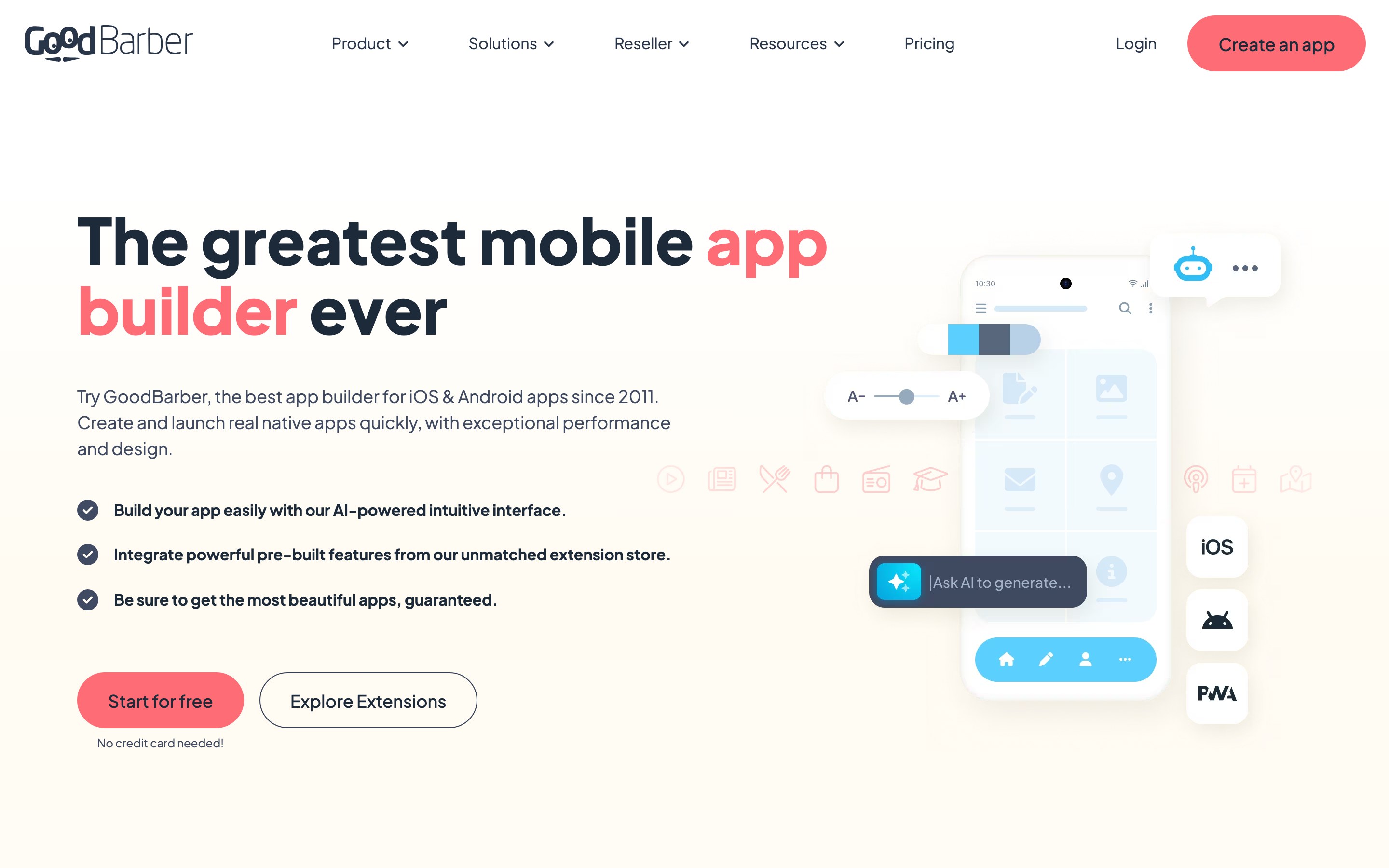
GoodBarber is a template-driven no-code builder for native iOS, Android, and PWA apps focused on content publishing and eCommerce.
GoodBarber targets content creators and small eCommerce businesses, putting it closer to Buildfire than to code-export tools like Draftbit or DhiWise. Unlike Bubble or Glide, which focus on web apps and internal tools, GoodBarber produces true native iOS (Swift) and Android (Kotlin) binaries with offline caching built in.
7. GoodBarber
Best for
GoodBarber is best for non-technical content creators, publishers, bloggers, and small eCommerce businesses that need a quick native app launch without writing code.
GoodBarber is purpose-built for structured content and retail apps. It fits best for:
- Media, news, podcast, and membership apps
- eCommerce retailers who need product variants, payment integrations, and fast store distribution
- Small businesses and content creators who need a finished app without developer involvement
Why it's a FlutterFlow alternative
FlutterFlow requires understanding component logic and data bindings even for basic apps. GoodBarber uses a WYSIWYG drag-and-drop builder with pre-built templates, making it accessible without any Flutter knowledge. Its managed publishing service (GBTC) submits to both stores on your behalf — you still need your own Apple Developer ($99/yr) and Google Play ($25 one-time) accounts.
Key strengths
Key strengths:
- True native output — apps compile to native Swift (iOS) and Kotlin (Android), not hybrid wrappers, with offline caching included
- Three deployment targets — native iOS app, native Android app, and Progressive Web App (installable from browser) from one build
- Managed app store publishing — GBTC handles submission to both stores on your behalf; your own Apple ($99/yr) and Google ($25 one-time) developer accounts are required
- 190+ extensions — including Stripe, Zapier, and AdMob for payments, automation, and monetization
- Free AI Assistant — handles text generation and translation; RAG chatbot available for in-app user support
Limitations
Users praise GoodBarber's ease of use, but Trustpilot reviews also mention hidden costs and slower support responses. The platform has a 4.3/5 Trustpilot rating across 330+ reviews.
GoodBarber has no code export. Apps and logic remain locked to the platform with no supported migration path. For teams needing full ownership, Draftbit exports complete React Native/TypeScript code to GitHub or ZIP.
Limitations to know before committing:
- Complex logic and dynamic state management hit platform limits quickly; Bubble handles those use cases better
- Push notification capacity, storage, and other capacities are tiered by plan, so scaling costs increase with usage
Pricing
GoodBarber starts at $30/month (billed annually) on the Standard plan, with higher tiers scaling capacity for push notifications, storage, and team size.
GoodBarber starts at €30/month, well below Buildfire's $315/mo entry point for comparable native app publishing with managed submissions. Adalo ($36/mo flat) is a close price match but targets database-driven mobile MVPs rather than content and eCommerce. Lifetime plan options are also available for buyers who prefer a one-time license over monthly billing.
GoodBarber starts at €30/month, well below Buildfire's $315/mo entry point for comparable native app publishing with managed submissions. Adalo ($36/mo flat) is a close price match but targets database-driven mobile MVPs rather than content and eCommerce. Lifetime plan options are also available for buyers who prefer a one-time license over monthly billing.
| Plan | Price (annual) | Key capacity |
|---|---|---|
| Standard | $30/mo | Entry-level capacity; basic push/storage |
| Premium | $55/mo | Increased push notifications and storage |
| Pro | $105/mo | Higher capacity; more add-on options |
| Agency | $215/mo | Top capacity; multi-app/reseller use |
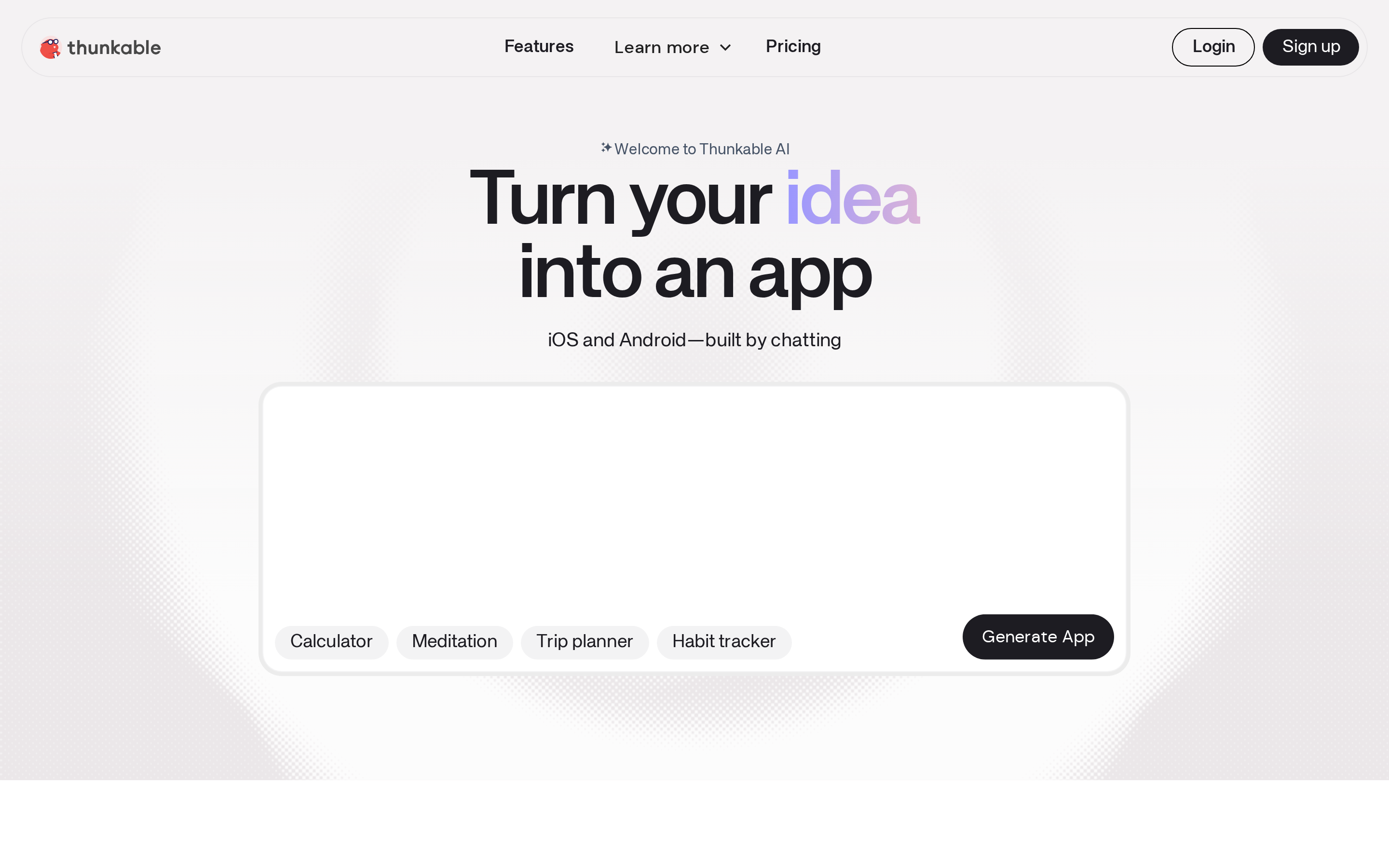
Thunkable is a no-code mobile app builder with AI prompt generation and block-based logic for creating native iOS and Android apps without writing code.
Thunkable is the most beginner-friendly native mobile builder in this list, sitting between pure visual tools and code-export platforms like FlutterFlow. It added AI project generation in 2026, making it a genuine option for non-technical builders who want to go from prompt to published app.
8. Thunkable
Best for
Thunkable is best for non-technical solopreneurs, educators, and students who need simple native mobile prototypes or MVPs without writing code.
Solopreneurs, educators, and students building cross-platform mobile MVPs. Thunkable reports 11 million+ apps built on the platform, with strong adoption in educational settings where students and teachers use block-based logic as a learning tool.
Key strengths
Four things make Thunkable stand out from other no-code mobile builders:
- AI Builder generates full screens, components, and logic from a text prompt; image generation is rolling out in 2026
- Block-based logic lets users define conditions, loops, and actions without writing a line of code
- Unlimited real-device testing on iOS and Android via QR code, included on all plans
- True native publishing to Apple App Store and Google Play, unlike Glide (PWA) or Bubble (web-first)
Limitations
Limited customization and a steeper learning curve for advanced features are recurring themes in Thunkable reviews. Thunkable holds a 4.4/5 on Capterra across verified reviews.
Thunkable does not allow source code export. If your subscription lapses, published apps go offline. Teams that need code ownership should look at Draftbit (full React Native export) or DhiWise (multi-framework export to GitHub).
Thunkable is rated weak on scalability for complex or high-traffic apps. Reviews cite bugs, tier restrictions, and limited feature depth beyond basic use cases.
For large datasets or complex app logic, load-test Thunkable against expected usage before launch.
Block-based logic handles simple apps but lacks the relational database depth of Adalo or the full-stack automation of DhiWise. Data-driven apps will hit the ceiling quickly.
Pro tip: Before launch, export your component list and screen logic as documentation. Thunkable does not export code, but having a written spec means you can rebuild in another tool if pricing becomes an issue.
Skip it if: Your app needs a relational database, complex logic, or more than one published app at the $59/mo tier. Adalo handles data-driven MVPs better at similar pricing.
Bottom line: Thunkable is the gentlest on-ramp to native mobile publishing. The subscription dependency is a real risk for launched apps; plan your exit strategy before you go live.
Pricing
Thunkable plans start at free (limited screens), with paid tiers at $19/mo (Accelerator), $59/mo (Builder, 1 published app), and $189/mo (Advanced, unlimited apps). Enterprise pricing is custom.
Heavy AI Builder usage can exhaust monthly token budgets before the billing cycle ends. Additional tokens are available for purchase, adding unpredictable cost for builders who rely on AI generation heavily.
| Plan | Price | Published apps | AI tokens/mo | Key limits |
|---|---|---|---|---|
| Free | $0 | 0 | 2,000 | 5 screens per project |
| Accelerator | $19/mo | 0 | 20,000 | 10 screens per project |
| Builder | $59/mo | 1 | 50,000 | Unlimited screens |
| Advanced | $189/mo | Unlimited | 100,000 | Unlimited private projects |
| Enterprise | Custom | Unlimited | Custom | Team controls and priority support |
Buildfire goes upmarket from here, targeting agencies with plugin-based assembly and white-label branding.
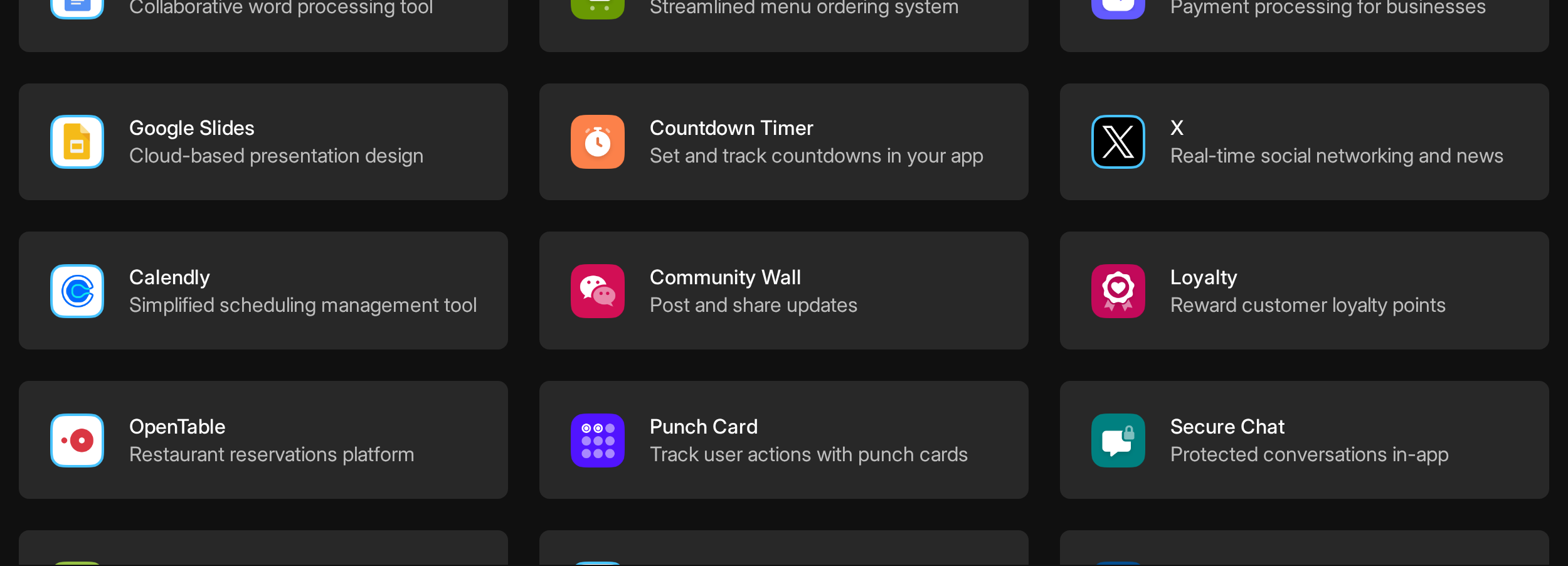
Buildfire is a plugin-based no-code platform for native iOS, Android, and PWA business apps with 150+ pre-built modules and managed app store publishing.
Buildfire is the only tool in this article built explicitly for agency white-labeling and multi-client reseller management. It targets agencies, resellers, and SMBs rather than individual beginners, and its 150+ plugin model prioritizes assembly speed over custom design flexibility.
9. Buildfire
Best for
Agencies, resellers, and SMBs building content, community, loyalty, or operational native apps with white-label branding. Particularly strong for multi-client agency management.
Why it's a FlutterFlow alternative
Buildfire replaces FlutterFlow's visual code editor with 150+ pre-built plugin modules and fully managed app store submission. No code generation, no Dart, no deployment overhead.
Key strengths
150+ plugin library — covers chat, Shopify, Stripe, loyalty, social feeds, and push notifications without rebuilding from scratch.
White-label and reseller tools — lets agencies brand apps under their own identity. No other tool in this article offers a dedicated white-label program at the platform level.
Fully managed app store publishing — handles code signing, asset preparation, and submission to Apple App Store and Google Play. Buildfire currently powers 5,000+ apps.
Limitations
Reviewers cite software stability issues and a clunky interface. Buildfire holds a 4.3/5 on Capterra, but its $165/month entry price can make those issues harder to overlook.
Apps built on Buildfire cannot be exported as source code. Custom needs beyond the plugin library require Buildfire's SDK or paid professional services. Draftbit exports full React Native code; DhiWise exports to user-owned GitHub repos.
Buildfire has no AI building features. All building relies on plugin configuration and drag-and-drop. Thunkable, DhiWise, and Appy Pie all offer AI-driven app generation from a text prompt.
Buildfire starts at $165/month (Standard), with Growth at $315/month and Scale at $440/month. There is no free tier, making it the most expensive entry point in this article. DhiWise starts at $25/mo, Adalo from $36/mo, and Appy Pie from $16/mo.
Buildfire starts at $165/month (Standard), with Growth at $315/month and Scale at $440/month. There is no free tier, making it the most expensive entry point in this article. DhiWise starts at $25/mo, Adalo from $36/mo, and Appy Pie from $16/mo.
User reviews cite bugs in advanced and custom configurations. Complex use cases beyond standard plugin combinations encounter glitches, and the platform's rigid structure offers limited workarounds.
Pro tip: Buildfire is the only tool in this list with a dedicated white-label reseller program. If you manage apps for multiple clients, the agency plan pricing math often works out better than paying per app elsewhere.
Skip it if: You are a solo builder or small team. Buildfire's starting price of $165/month is too high for individuals testing a single app idea.
Bottom line: Buildfire is for agencies that need a reliable plugin-based production platform. Solo builders and non-technical founders will get more for less from Adalo, Thunkable, or Appy Pie.
Pricing
Buildfire starts at $165/month (Standard), with Growth at $315/month and Scale at $440/month. No free tier. White-label reseller and professional services plans are custom-priced.
| Plan | Price | Key Inclusions |
|---|---|---|
| Standard | $165/month | Core plugins, native iOS/Android + PWA, managed app store publishing |
| Growth | $315/month | Higher capacity, expanded plugin access |
| Scale | $440/month | Growth features + expanded capacity and enterprise controls |
| White-Label Reseller | Custom | Multi-client management, agency branding, reseller tools |
| Professional Services | Custom | Fully managed app builds, custom development beyond plugins |
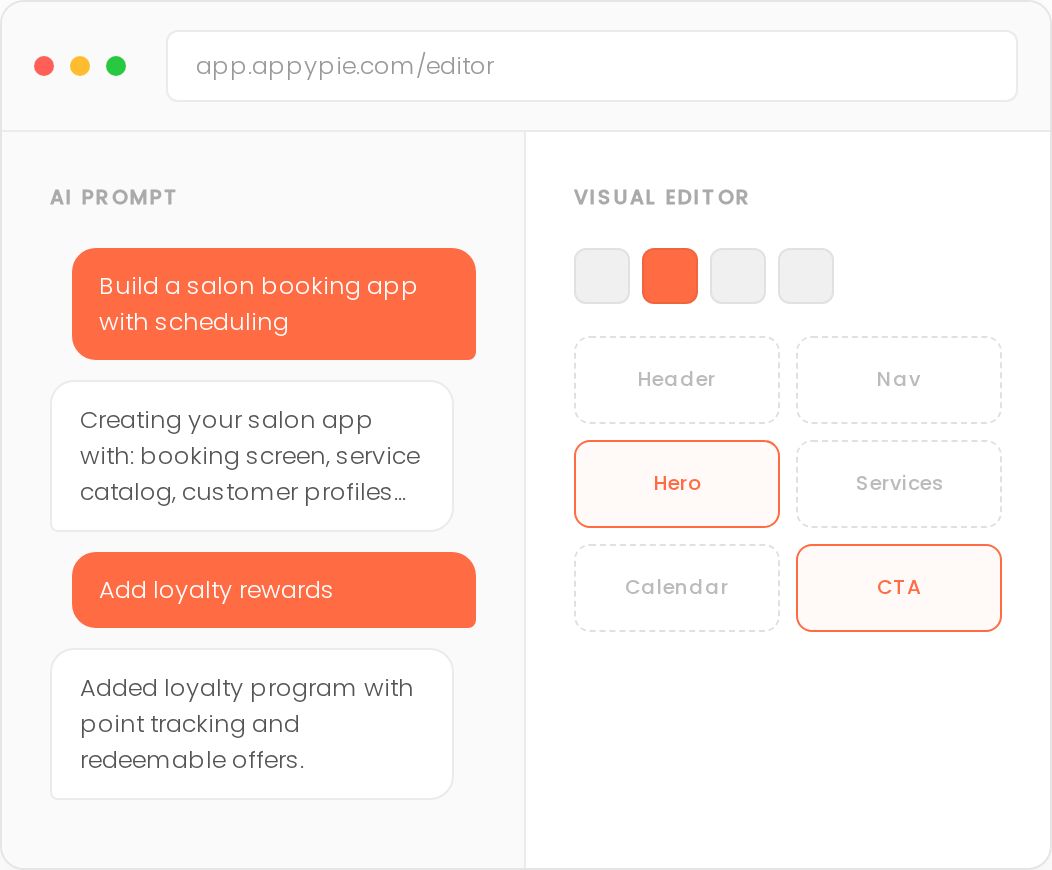
Appy Pie is an AI-powered no-code platform for building native iOS, Android, and web apps from text prompts or drag-and-drop templates.
Appy Pie is the most affordable AI app builder in this list, starting at $16/mo (annual). Like Adalo, Thunkable, and Buildfire, there is no code export, meaning apps are locked to the platform.
10. Appy Pie
Best for
Small businesses and solopreneurs who need a working eCommerce, booking, or restaurant app fast, at the lowest price in this list.
Key strengths
- Under-60-second app generation from a text prompt, with auto-generated backend and AWS hosting included
- Multi-product platform builds mobile apps, websites, and chatbots from the same interface
- 500+ templates and features covering industry-specific use cases, plus 450+ integrations including Firebase, Stripe, and Zapier
- Rated 4.6/5 on G2 and 4.7/5 on Capterra for ease of use by non-technical builders
Limitations
A successful launch can turn into a billing surprise. The $0.009 per-download charge above plan limits adds up fast once an app gains traction.
Appy Pie apps are hybrid, not true native Swift or Kotlin. Performance degrades on older devices and with complex or dynamic app logic. GoodBarber builds true native iOS and Android apps for teams where real native performance is required.
Appy Pie does not export full source code. Users can view component code but cannot own or migrate their codebase. Draftbit (React Native export) and DhiWise (GitHub export) are the code-ownership alternatives in this list.
Pro tip: The $0.009 per-download overage doesn't hurt much at 100 downloads but adds $9 per 1,000 downloads above your plan limit. If your launch goes well, switch to a flat-rate tool like Adalo before the downloads stack up.
Skip it if: You need true native performance on older devices, or complex app logic. GoodBarber produces real native Swift/Kotlin; Appy Pie's hybrid output degrades on older hardware.
Bottom line: Appy Pie offers a low-cost route to a store app. Hybrid output and per-download billing are the main tradeoffs.
Pricing
Appy Pie starts at $16/month on annual billing, with iOS publishing at $60/month. Compare other options beyond Appy Pie before committing to per-download overages.
Adalo starts at $36/mo with flat pricing and no usage overages. Appy Pie's Platinum plan at $60/mo includes iOS publishing but adds per-download charges that Adalo doesn't. Thunkable's Builder plan is $59/mo but limits publishing to one app, while Appy Pie's Platinum allows multiple.
Adalo starts at $36/mo with flat pricing and no usage overages. Appy Pie's Platinum plan at $60/mo includes iOS publishing but adds per-download charges that Adalo doesn't. Thunkable's Builder plan is $59/mo but limits publishing to one app, while Appy Pie's Platinum allows multiple.
| Plan | Price (annual) | Key inclusions |
|---|---|---|
| Basic | $16/app/mo | Android; 500 downloads/month |
| Gold | $36/app/mo | Android; premium features |
| Platinum | $60/app/mo | Android and iOS; 2,000 downloads/month |
| Enterprise | Custom | Custom features; dedicated support |
Which FlutterFlow alternative is right for you?
Choose based on output, technical control, and the job your app needs to do. Bubble now supports web, iOS, and Android apps, while Glide remains focused on web-based internal tools.
If you want native apps with no code
Adalo, GoodBarber, Thunkable, Buildfire, Appy Pie, Bubble, and Bilt support iOS and Android projects without requiring Flutter.
- Bilt: Customer apps with accounts, payments, or device features. Describe the app, preview it on a real device, and get publishing support for both stores.
- Adalo: Database-driven MVPs such as local marketplaces, member directories, or appointment apps.
- GoodBarber: Content libraries, store catalogs, and loyalty apps with managed publishing.
- Thunkable: Classroom projects, habit trackers, and simple prototypes using blocks and AI prompts.
- Buildfire: Community, loyalty, and content apps built from plugins. For projects built around profiles, feeds, messaging, or notifications, compare no-code social media app builders.
- Appy Pie: Basic restaurant, booking, or retail MVPs where hybrid output is acceptable.
- Bubble: Workflow-heavy mobile apps that share a Bubble backend and database with a web product.
If you want code export and ownership
Draftbit, DhiWise, and Bilt give you a source-code exit path for projects that need a developer handoff or custom backend work.
- Draftbit, React Native apps with custom APIs, authentication, or a developer team. Export through GitHub or ZIP, then open the TypeScript project in VS Code and continue with Expo or EAS Build.
- DhiWise, prompt-built portals, dashboards, and business apps with custom workflows. Export the generated project in the framework your team plans to maintain.
- Bilt.me, native customer apps that need a clear publishing path. Export the React Native source code for a developer, or keep refining the app through conversation in Bilt.
If you need a web app or internal tool
Bubble and Glide fit internal products where the browser is the main workspace. Bubble also supports iOS and Android apps with the same backend and database.
- Bubble: Client portals, CRMs, approval workflows, and SaaS products with custom data rules.
- Glide: Inventory trackers, field checklists, and team tools connected to Google Sheets or Airtable.
If you're building for eCommerce or content
For eCommerce or content apps, GoodBarber is the strongest native pick. Appy Pie is the lower-cost entry point.
GoodBarber outputs true native Swift (iOS) and Kotlin (Android) with 190+ extensions including Stripe and AdMob. Its managed publishing service submits to both stores on your behalf. Appy Pie starts at $16/mo with 500+ templates covering retail, restaurant, and booking use cases, though its apps are hybrid rather than true native.
How to evaluate FlutterFlow alternatives
Before committing to any tool, compare the tradeoffs that affect launch and long-term maintenance.
Key criteria for choosing an alternative
| Criterion | What to check |
|---|---|
| Output type | Bilt, Adalo, Bubble, and GoodBarber support mobile apps. Glide is web/PWA-first. |
| Code ownership | Bilt, Draftbit, and DhiWise export code. Bubble, Glide, and Adalo keep projects on-platform. |
| Learning curve | Bilt, Glide, and Appy Pie suit beginners. Bubble and Draftbit need more setup. |
| Backend strength | Bubble has a built-in database and workflows. Draftbit and DhiWise connect to external services. |
| Hidden cost risks | Check credits, usage overages, publishing tiers, and required developer work. |
| Compliance and integrations | Verify required APIs, SSO, audit logs, data residency, and role-based access before building. |
- Native vs. hybrid output: True native (Swift/Kotlin or React Native) outperforms web wrappers on device performance and App Store approval rates. Ask: does this tool compile to a real binary?
- AI depth: Prompt-to-app and prompt-to-code tools solve different jobs. Compare AI app builders by whether they handle the full build or produce a codebase to extend.
- Code export and ownership: Without export, you rent your app. With export, you own it. Draftbit, Bilt, and DhiWise all export production-ready code.
- Submission automation: Code signing and App Store submission are where most non-technical builders get stuck. Only Bilt and GoodBarber (via GBTC) handle this end-to-end.
- Pricing structure: Flat monthly (Adalo, GoodBarber) is predictable. Credit-based (DhiWise) and usage-based (Glide, Bubble) can surprise you at scale. No free tier (Buildfire) changes the risk calculus entirely.
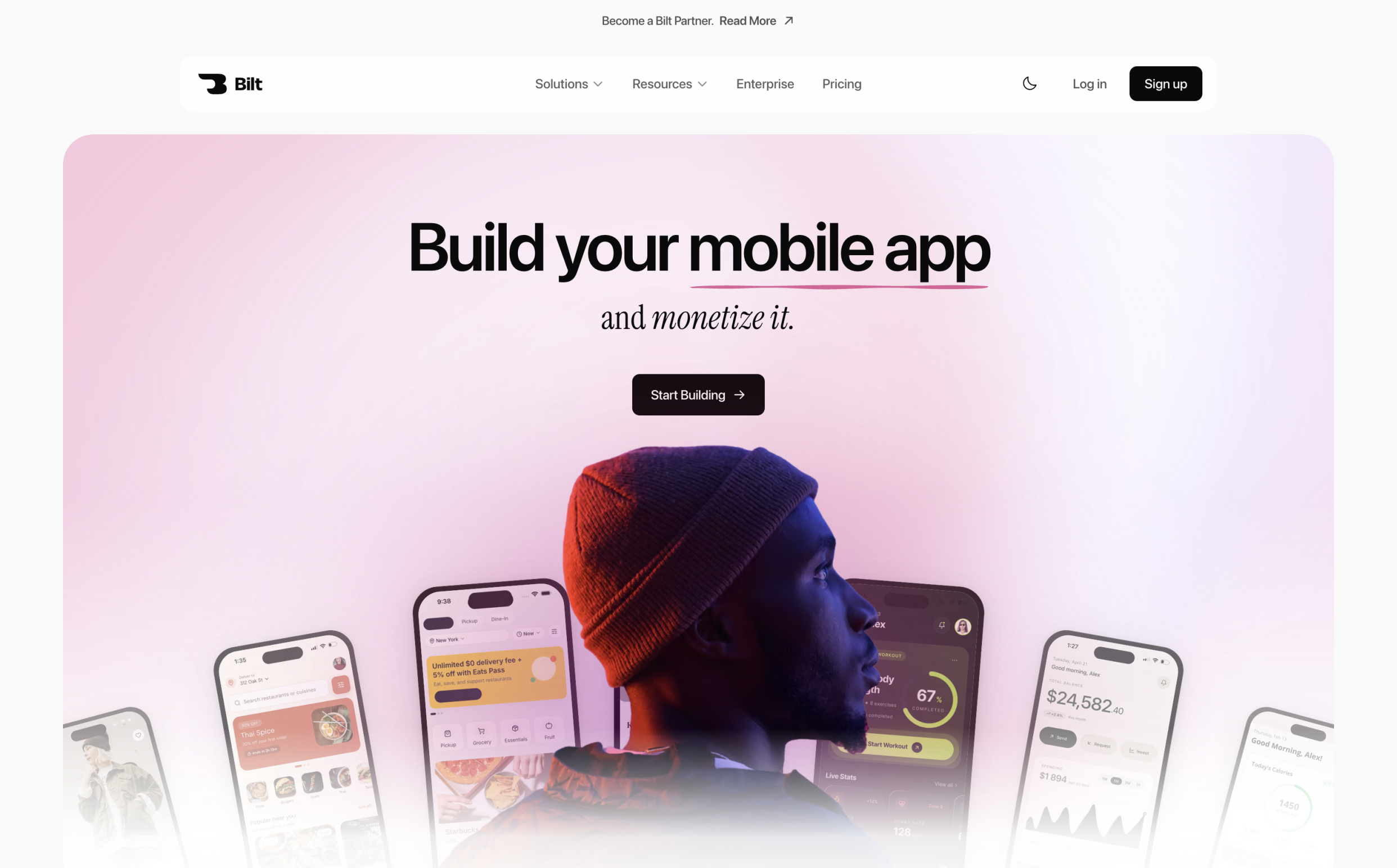
Build your app store-ready mobile app with Bilt
Describe your app in plain English. Bilt builds a native React Native app, gives you a real-device preview, and handles code signing for the publishing workflow.
The final publishing steps often include:
- Preparing builds
- Connecting store accounts
- Fixing submission details
Bilt assists with App Store and Google Play submission. Apple and Google still decide approval.
You own the source code. Keep refining through conversation or export the React Native project and hand it to a developer.
To start, describe the app you want in plain English. Add the core screens, who it is for, and any features you need, then refine the result through the same conversation.
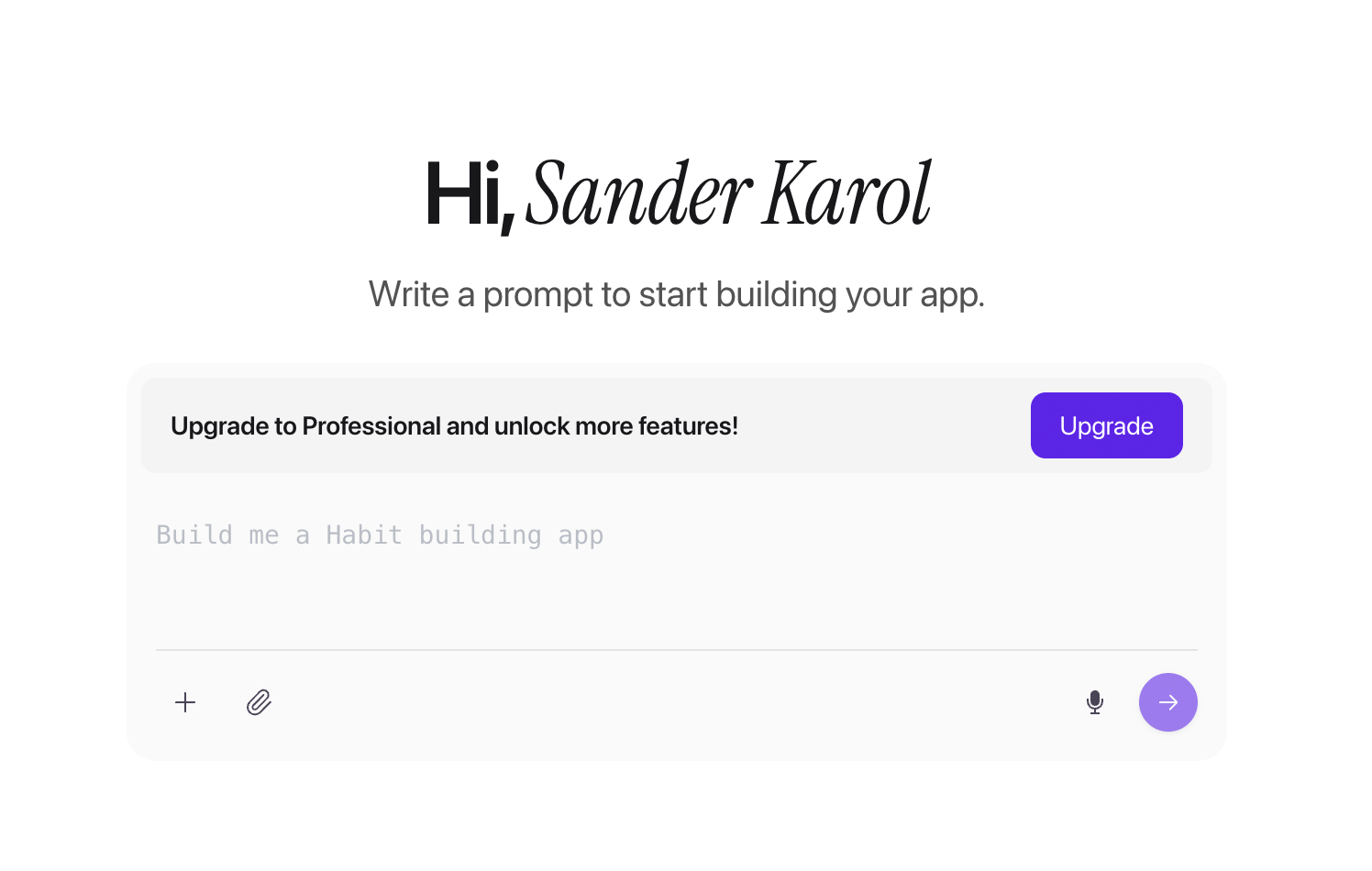
Start building free and turn your idea into a native mobile app. If you need help planning the build, get expert mobile advice in a free 15-min call.
FAQ
Can I build native mobile apps without FlutterFlow?
Yes. Bilt, Adalo, GoodBarber, Thunkable, Bubble, and Buildfire support iOS and Android app projects without FlutterFlow.
Bilt builds native React Native apps, supports real-device previews and code signing, and assists with App Store and Google Play submission. Store review and approval remain subject to Apple and Google policies.
What's the easiest FlutterFlow alternative for non-technical founders?
Bilt is the fastest path for non-technical founders who want a published app. You describe what you want and it builds, previews, and submits for you. No drag-and-drop learning curve, no build configuration. Thunkable is the next-easiest, using block-based logic and AI prompt generation for simple native apps.
Are there cheaper alternatives to FlutterFlow?
Yes. Appy Pie starts at $16/month, Rocket.new's Pro plan is $25/month, and Thunkable's Accelerator plan is $19/month. Glide also has a free tier for internal tools. Adalo's Starter plan at $36/month is a flat rate with no usage overages, making it predictably cheaper than FlutterFlow at scale.
Which alternative gives full backend control?
Bubble gives the most backend control for web apps. It handles custom databases, conditional workflows, role-based permissions, and API connectors through its visual logic engine. For native mobile apps with backend flexibility, Draftbit and Bilt both generate exportable React Native code you can extend with any backend service.
Is FlutterFlow good enough for production apps?
FlutterFlow can handle production apps, but the free tier adds a watermark and blocks App Store deployment. You need a paid plan to export source code, remove branding, and publish to stores. Teams comfortable with Flutter and Dart can build scalable, complex apps on paid tiers. Non-technical founders often find the learning curve steep compared to newer conversational builders like Bilt or Thunkable.
Which FlutterFlow alternatives offer code export without a Pro plan?
Draftbit includes full code export on its $12/month Standard plan. FlutterFlow starts code and APK downloads on Basic at $39/month.
Should I use Glide or FlutterFlow?
Use Glide for spreadsheet-connected internal tools. GlideOS starts free, with the Solo plan at $25/month and Team from $125/month.
FlutterFlow fits native iOS and Android apps with downloadable code. Glide focuses on responsive internal apps built from spreadsheets, prompts, or files.
To narrow the shortlist, compare tools similar to Adalo for database-driven MVPs, Appy Pie alternatives for low-cost template building, or mobile app development platforms across the wider market.