
If you're searching for a Thunkable alternative in 2026, you've probably hit one of three walls: publishing costs, missing code export, or an editor that slows down as complexity grows.
Thunkable still works for simple prototypes. Once your app needs to go live, the pricing and limitations catch up fast.
Most teams don't leave Thunkable. They outgrow it.
- Publishing costs spike the moment your app needs to ship to real users
- No code export makes developer handoff harder and switching platforms expensive later
- Performance and logic limits show up as screens and backend complexity grow
This guide covers 8 Thunkable alternatives across different use cases, from AI-native builders to visual tools with full code access. You'll see where each fits, what it costs, and which tradeoffs matter before you commit.
TL;DR — best Thunkable alternatives in 2026
The 8 best Thunkable alternatives in 2026 are:
- Bilt.me: best for AI-native iOS and Android apps via natural language
- Adalo: best for non-technical founders building database-driven native mobile MVPs
- FlutterFlow: best for developer-adjacent teams needing pixel-perfect UI and code export
- Glide: best for internal tools and dashboards built from spreadsheets
- Bubble: best for full-stack web plus native mobile apps with complex logic
- Kodular: best for beginners building Android-only apps on a minimal budget
- Draftbit: best for vibecoders needing React Native code export and AI generation
- GoodBarber: best for content creators and small businesses building polished native apps
Each pick is covered in full below, with pricing, strengths, and who it fits best.
Why teams look for Thunkable alternatives
You'll feel the friction when publishing becomes the goal, not just prototyping. The most common triggers are publishing gates, no code export, limited backend logic, and editor slowdowns at scale.
Those limits matter more in 2026 because teams are shipping real mobile products, not throwaway demos.
Capability gaps that cause teams to switch:
- No code export makes developer handoff harder and raises the cost of switching platforms later
- Limited support for advanced data relationships and custom backend logic
- Weak fit if you need responsive web app output alongside mobile
- Block-based logic that gets harder to debug as your project grows
You'll also notice editor slowdowns once the workspace gets bigger. Lag on complex builds, variable app responsiveness by device, and support delays that hurt when your app is already in production — those are the friction points that push teams to look elsewhere.
There's another reason drag-and-drop starts to feel backward. Vibecoders often need to talk to customers first, then describe and iterate on the app instead of committing to design assets upfront.
1. Bilt.me: best for building a real native app from your idea
Describe your app idea in plain English, and Bilt handles the build. No code needed.
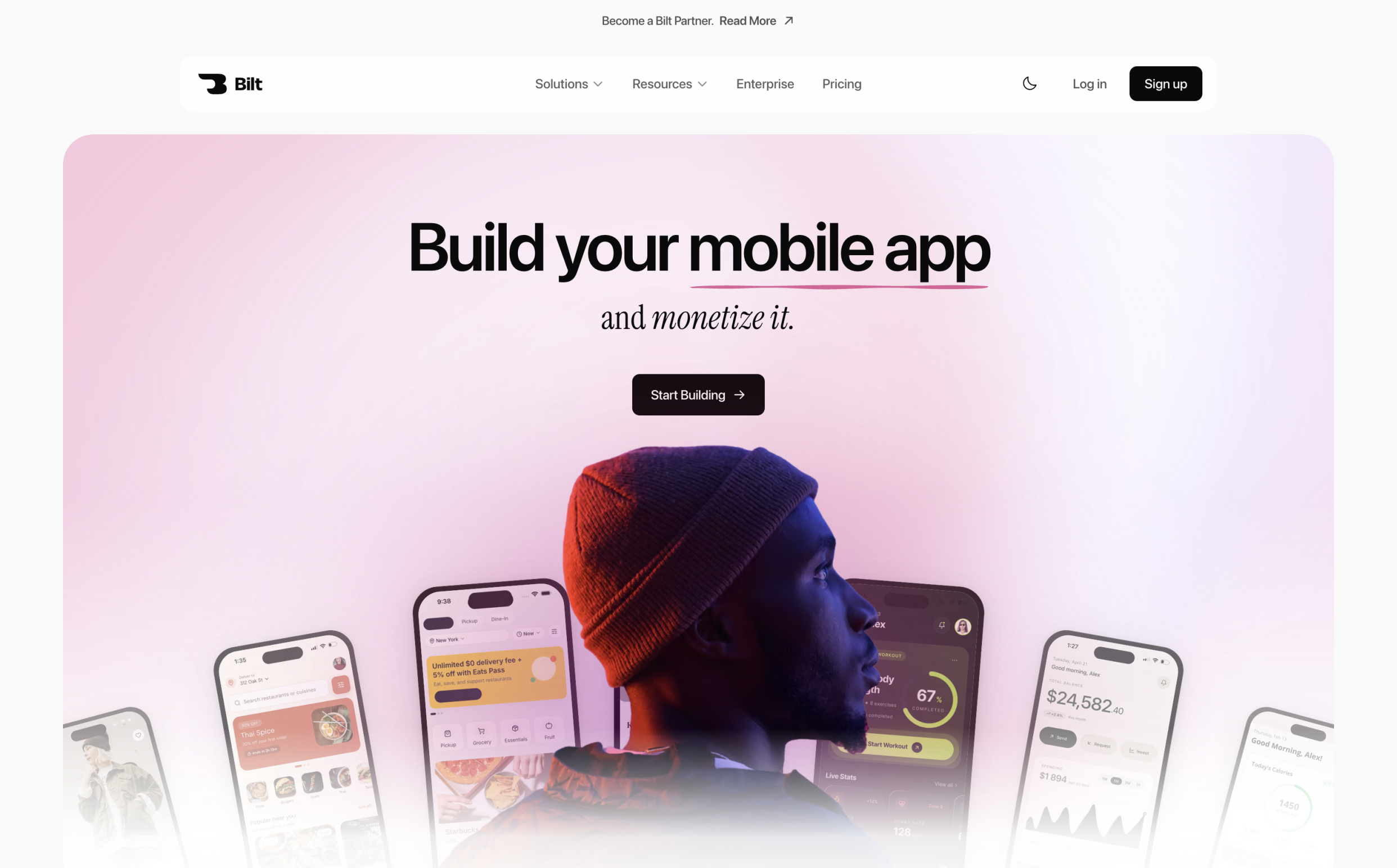
You get a real native app that works on both iOS and Android, not a web page wrapped to look like an app.
Bilt also helps with the steps that usually slow down first-time app builders: backend logic, code signing, and App Store submission.
Start free, build your first version, and publish when your app is ready to launch. If your app is built to sell, book, or charge users, Bilt gives you the path to publish and earn without rebuilding somewhere else.
The goal is a published iOS and Android app that can sell, take bookings, or charge users without being rebuilt on another platform.
Why Bilt is a good Thunkable alternative
Bilt is built for people who want to ship an app, not learn another builder.
Want to ship an app without learning another builder? Bilt turns plain-English requests into a native app you can keep refining.
One founder came to Bilt after scrapping and remaking an app twice because of App Store rejections. After shipping with Bilt, they called it "finally something working."
That story matches the pattern Bilt is built for. Builders need support, continuity, and a path beyond basic tracker-level apps.
You type what you want. Bilt turns that request into screens, logic, and app behavior you can keep refining through conversation.
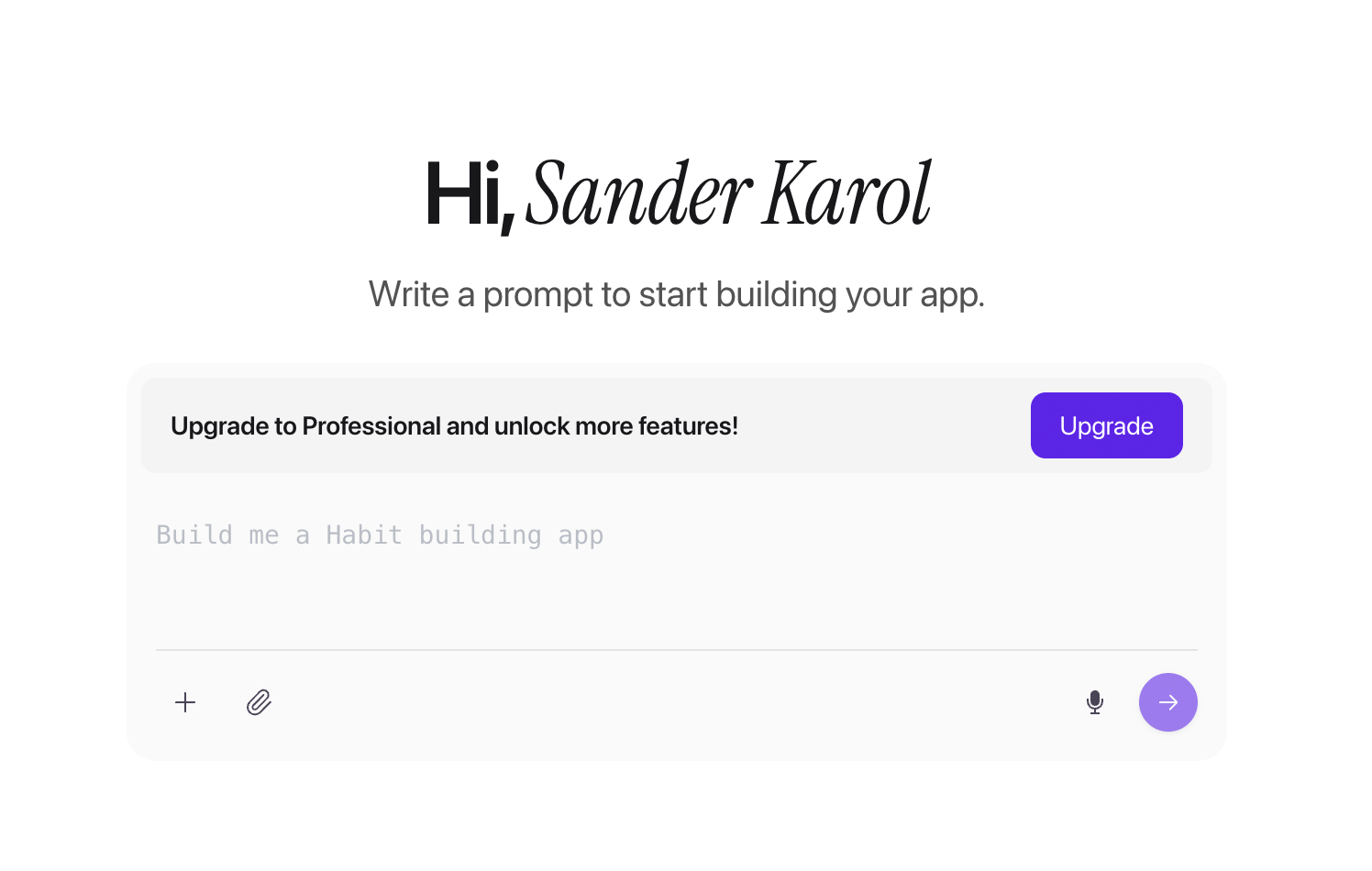
For example, say you want a habit tracker where users set daily goals, check them off, and see a weekly streak. You describe the flow once, then ask Bilt to add onboarding, change the layout, or adjust the data.
Useful parts are handled for you:
- Create screens without dragging each element by hand
- Change colors, copy, and layout by describing the update
- Add app logic without connecting visual blocks
- Prepare for App Store submission without sorting through code signing alone
You still own the code path. Bilt generates React Native code you can export to GitHub or hand to a developer when you need help.
Start free, build the first version, and keep improving the same app until it is ready to publish.
Each conversation builds on the same app, so you can keep refining the project without starting over.
Key strengths
- Build by describing your idea. Tell Bilt what you want, then keep refining the app in plain English.
- Real native app output for both iOS and Android from one workflow.
- React Native code you can export to GitHub or hand to a developer.
- App Store submission support so publishing does not turn into a separate technical project.
Bilt is made for the whole path from app idea to launch, without asking you to become a developer first.
- Fast first iOS build with an initial version promised in about 5 minutes.
- Web-to-App conversion for Lovable and Replit web apps, with a mobile app ready for publishing in about 10 minutes.
The larger savings shows up at launch. Bilt's prompt-to-App-Store-submission cycle usually takes hours or days, compared with 1-2+ months and $10k-$30k+ for traditional agency or developer builds.
In one documented Bilt build, a user reached a shippable app in about two hours after roughly 11 prompts (Bilt Rapid App Development Metric).
Bilt produces native output and automates App Store submission, though build time still depends on the app's complexity.
Limitations
Bilt is not a drag-and-drop canvas. If you want to place every button by hand, Adalo or Glide may feel more familiar.
Bilt uses conversation instead of a drag-and-drop canvas, so it offers less manual control over where each element sits.
Bilt works best when you would rather describe the app and let the build happen for you.
Pricing
Bilt starts free, then scales by how much you build:
Free: 3M tokens per month, enough for roughly 12-30 prompts. Good for testing an app idea before paying.
Professional: $25/month includes 10M tokens, which is roughly 40-100 prompts. Good for single-founder projects and small teams.
Professional Plus: $50/month includes 20M tokens, which is roughly 80-200 prompts. Good for builders who are iterating quickly.
Enterprise: Custom billing for larger teams that need a tailored setup.
Bill annually and save 2 months. See all Bilt plans.
Annual billing saves two months. See all Bilt plans.
Best for
Bilt is best for non-technical founders, creators, and vibecoders who want to describe an app idea, start free, and move toward a real iOS and Android launch without writing code.
2. Adalo
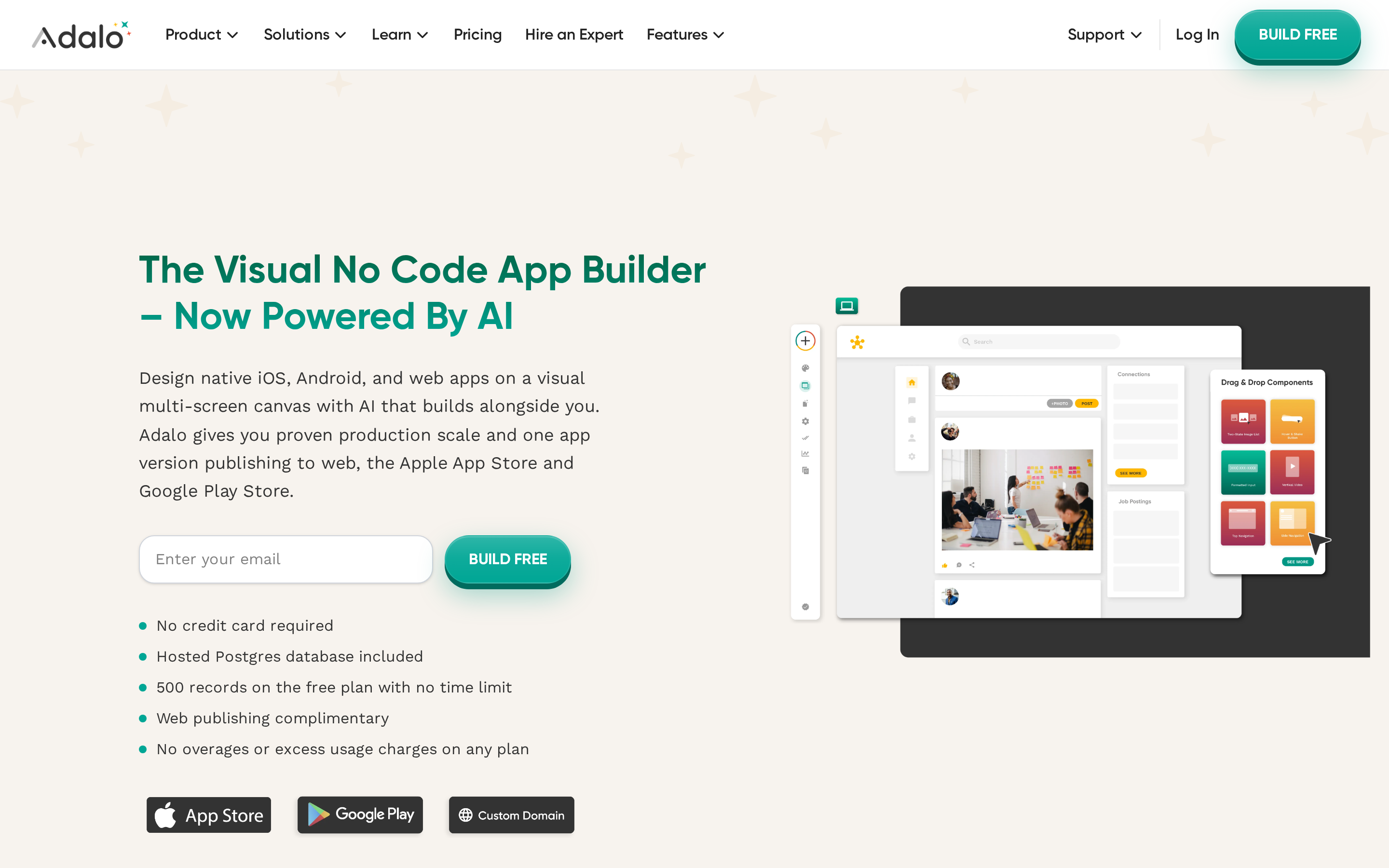
If you'd rather have a drag-and-drop canvas alongside the AI app builder workflow, Adalo takes a different approach.
Adalo is a no-code app builder with Ada AI and a drag-and-drop canvas for native iOS, Android, and web apps from $36/month when billed annually.
Why teams move from Thunkable to Adalo
Adalo makes more sense than Thunkable when a team wants visual editing, built-in data, and one project that can publish to web and mobile.
Do you need visual editing, built-in data, and one project for web and mobile publishing? Adalo puts those workflows in one builder.
Ada AI lets you prompt screens, navigation, UI, and database structure into existence.
Then you refine the result in a drag-and-drop canvas.
Adalo makes more sense than Thunkable when one project needs to cover:
- native iOS and Android apps
- web and PWA output
- a hosted database without separate Firebase setup
Adalo's one-project publishing model is another advantage.
Adalo can publish to web, PWA, iOS, and Android from one app, with plan tier deciding which channels are available. That is simpler for founders who want one builder to cover both store and browser use cases.
Key strengths
Pros
- Ada AI can generate screens, UI, navigation, and database structure from a prompt
- Hosted Postgres reduces backend setup for non-technical teams
- External sync and automation work with Airtable, Google Sheets, Xano, Zapier, Make, and REST APIs
- Flat monthly pricing is easier to predict than usage-based pricing on some rivals
Adalo says version 3.0 improved speed by 3-4x and can support apps at much larger scale.
The practical takeaway is simpler: teams can push farther before the app starts feeling flimsy.
Adalo also feels more complete across the app lifecycle than a screen builder alone. App sharing, user analytics, and feedback tools help teams test the app after the first version exists.
The component marketplace, templates, device previews, and App Academy make Adalo easier to learn than more technical tools.
Adalo's pricing is easier to predict than workload-based or per-user pricing on some rivals.
Adalo's annual rates are $36/month for Starter, $52/month for Professional, and $160/month for Team. Month-to-month billing costs 20% more.
Limitations
Adalo's main limitations are no code export, app publishing behind paid plans, and collaborator restrictions on lower tiers.
The biggest limitation is lock-in.
Adalo does not export source code, so moving the app to another stack later means rebuilding it. Teams that care about long-term code ownership will get a cleaner path from FlutterFlow or Draftbit.
Publishing and collaboration are gated by plan.
The free plan cannot publish apps, and lower tiers restrict collaborators.
Adalo is easier to start than some alternatives.
The tradeoff is lock-in and plan limits, not a simple user ceiling.
Adalo uses flat subscription pricing, with its published starting rates based on annual billing.
- Free: Build and test, with no app publishing
- Starter: $36/month when billed annually
- Professional: $52/month when billed annually
- Team: $160/month when billed annually
Moving beyond Free unlocks publishing. Higher tiers increase collaborator access.
Cons
- No source code export: Moving to another stack later requires rebuilding the app.
- Paid publishing: The free plan cannot publish apps.
- Collaborator limits: Lower tiers restrict how many people can work on a project.
Best for
Adalo is best for non-technical entrepreneurs and solopreneurs launching database-driven MVPs like marketplaces or fitness apps who want visual editing after AI generation without writing code.
Adalo is a good fit for mobile-first MVPs such as marketplaces, booking tools, and fitness apps.
It is less compelling for internal dashboards, where Glide is simpler, and for higher-scale consumer apps, where Bubble or FlutterFlow offer more headroom.
✅ Best for: non-technical founders building a database-driven MVP who want visual editing and AI generation together.
❌ Not ideal for: teams who need code export or expect to hand the project to a developer later.
3. FlutterFlow
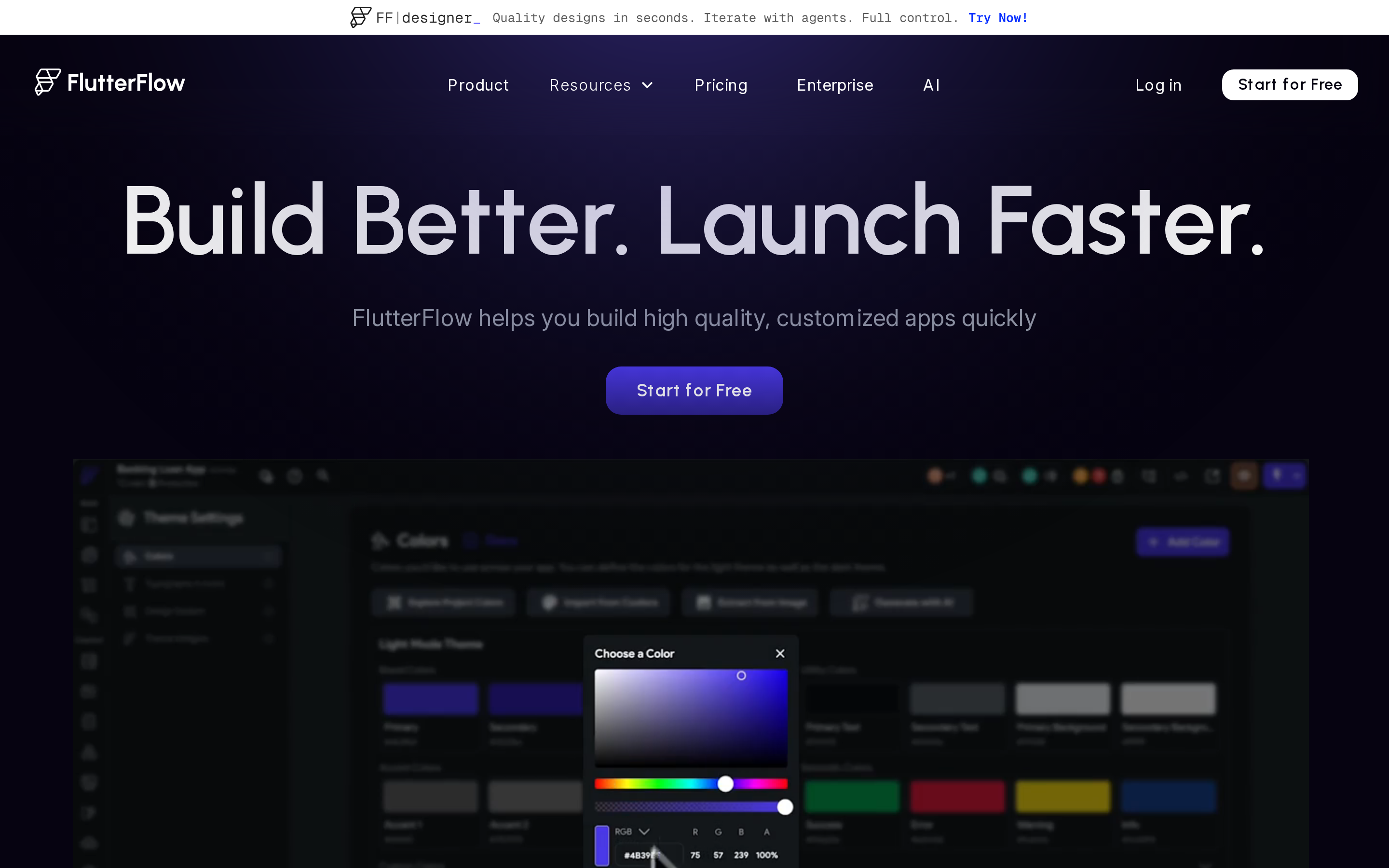
FlutterFlow is a visual low-code platform built on Google's Flutter for building native mobile, web, and desktop apps with full code export.
FlutterFlow sits closer to a development platform than a pure no-code builder.
It gives teams visual building plus full Flutter code ownership, which makes it a stronger fit for startups and agencies that expect the app to grow beyond a simple MVP.
Compared with narrower tools on this list, FlutterFlow covers:
- native iOS and Android apps
- web and desktop output
- a direct path to exported Flutter code
Why it's a strong Thunkable alternative
FlutterFlow is for teams that want more control, not less. It gives them visual building up front and a real code path when the app needs to go further.
FlutterFlow supports visual building until a team is ready to continue the project in Flutter and Dart.
Full code export is the biggest difference versus Thunkable.
FlutterFlow can export production-ready Flutter and Dart code, push to GitHub, and support custom extensions through a VS Code workflow. Thunkable does not offer an equivalent escape hatch.
Performance is another reason teams move up to FlutterFlow.
Flutter apps render natively at 60fps, which gives the output a more app-like feel than hybrid or web-wrapped builders. The platform has been used at enterprise scale, including by FairPrice with 13,000 employees.
What you get that Thunkable can't offer
FlutterFlow's strengths are strongest when UI control and extensibility matter:
- Pixel-perfect design tools with a visual Action Flow Editor
- Full Flutter/Dart export with GitHub integration and custom widgets
- Multi-platform output for iOS, Android, web, and desktop
- Backend flexibility through Firebase, Supabase, REST APIs, and Cloud Functions
FlutterFlow exports full Flutter and Dart code, which gives teams a clean handoff path when they outgrow the visual builder.
Teams can push code to GitHub, extend projects with custom widgets, and keep working in VS Code.
It is one of the clearest upgrades from no-code experimentation to a codebase a developer can actually keep.
FlutterFlow covers iOS, Android, web, and desktop from one project.
That matters for agencies and startup teams that do not want a separate build system for every platform.
FlutterFlow connects with Firebase, Supabase, REST APIs, and Google Cloud Functions through a visual editor.
That gives builders more backend range than tools that stop at front-end screens.
FlutterFlow's pricing page lists more than 3.3 million users building with the platform.
FlutterFlow's Basic plan includes code and APK downloads plus one-click store deployment.
FlutterFlow also covers more of the app lifecycle than a basic prototype tool. App sharing, analytics, and feedback loops help teams keep testing after the first build.
Limitations
FlutterFlow's main limitations are a steeper learning curve for non-developers, per-seat pricing that grows with team size, no built-in database, and reported editor performance issues.
The tradeoff is complexity.
Compared with Adalo or Glide, FlutterFlow asks for more technical involvement.
FlutterFlow assumes more technical comfort than Adalo or Glide, especially once custom widgets, backend setup, or exported code enter the workflow.
FlutterFlow's paid lineup now uses Free, Basic, Growth, Business, and Enterprise.
Basic starts at $39/month.
Growth starts at $80/month for the first seat, with lower annual pricing shown on the pricing page.
That structure gets expensive faster than flat-fee tools once more people need access.
There is no built-in database either.
Teams need to connect Firebase, Supabase, or another backend before storing app data, which adds setup work compared with Bubble's built-in database or Adalo's hosted Postgres.
Pro tip: Before committing to FlutterFlow, export a small test project and open it in VS Code. If your team can read and edit the Flutter code, FlutterFlow's upgrade path is real. If the code looks foreign, FlutterFlow alternatives like Adalo or Bilt will be a faster start.
Pro tip: Export a small test project and open it in VS Code before committing. If your team can read and edit the Flutter code, the handoff path is practical. If the code looks foreign, Adalo or Bilt may be a faster start.
Best for
FlutterFlow is best for startups, agencies, and developer-adjacent vibecoders who need pixel-perfect custom UI, multi-platform native output, and the ability to extend or export clean Flutter code.
FlutterFlow is the right call when custom UI, native performance, and code handoff matter more than pure simplicity.
If you're choosing between Flutter and React Native output, Draftbit is the closer match.
✅ Best for: startups, agencies, and developer-adjacent teams who need pixel-perfect UI, multi-platform native output, and a clean code handoff path.
❌ Not ideal for: non-technical founders who want to launch fast without configuring a backend or reading Flutter code.
4. Glide
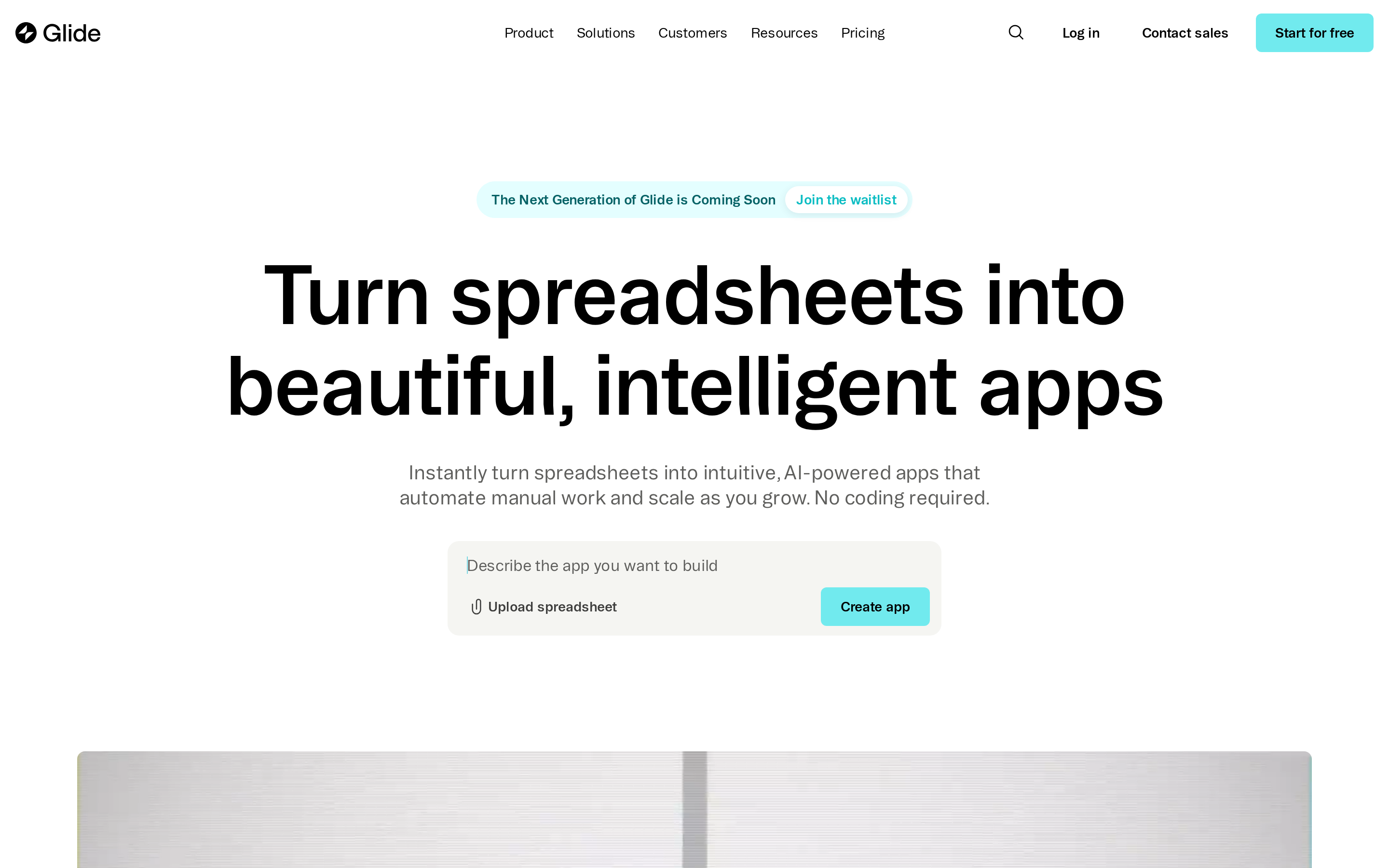
Glide is a no-code platform that converts spreadsheets and databases into responsive progressive web apps for internal tools and dashboards.
Glide is the outlier here. It is for internal tools built from Sheets or Airtable, not for shipping a consumer app to the App Store.
It is built for turning spreadsheets and databases into working apps fast, not for publishing polished native binaries to the App Store.
That makes Glide stronger than Thunkable when speed, existing data, and low training overhead matter most.
Why it's a strong Thunkable alternative
Glide pulls ahead of Thunkable when your data already lives in a spreadsheet and you need something functional fast.
For spreadsheet-based internal tools, Glide can turn existing data into a working app faster than Thunkable.
| What you need | Glide | Thunkable |
|---|---|---|
| Turn a Sheet into an app | Auto-generates screens from the data structure | Manual screen setup required |
| Ease of use (G2) | 4.7/5 | 4.4/5 |
| Internal tool focus | Built for ops teams and internal dashboards | General-purpose app builder |
| Manual screen setup | Not required | Required for every view |
Key strengths
Glide's strengths are practical for internal tools and lightweight business apps:
- Real-time sync with Google Sheets, Excel, Airtable, and SQL
- Big Tables support for up to 10M rows
- Built-in AI for extraction, drafting, transcription, and app generation, though it is not a chat-first mobile app builder
- No-code automations and API calls for workflow triggers
Glide AI handles data extraction, email drafting, transcription, and app generation from spreadsheet data.
That makes Glide useful for ops teams that want a tool to appear quickly from an Airtable or Google Sheets workflow.
Glide includes no-code automations and API calls, so teams can trigger emails, approvals, or status changes without custom code.
A practical example is an ops team turning Airtable into an approval app in a day, then layering automations on top.
The catch is pricing. GlideOS Team adds a per-member charge once more people need access.
Where the pricing gets complicated
Glide's main limitations are PWA-only output, no source-code export, and GlideOS Team pricing of $125/month plus $10 per member.
The biggest limitation is output type.
Glide produces PWAs only, so there is no direct native iOS or Android publishing. Teams that need true store-ready binaries should look at Adalo, FlutterFlow, or GoodBarber instead.
Pricing can become hard to justify as usage grows.
Glide's current public plans are for GlideOS, a separate product from Glide Classic. GlideOS starts at $25/month for Solo, while Team costs $125/month plus $10 per member.
GlideOS is separate from Glide Classic, and Glide says existing Classic apps continue on the original platform.
Watch out for: GlideOS Team starts at $125/month plus $10 per member. Solo costs $25/month for up to five projects.
Customization is limited too.
Glide has no code export, no custom coding path, and less room to go beyond its template and component model.
Best for
Glide is best for operations teams and non-technical users who build lightweight internal tools, dashboards, or CRMs from Google Sheets or Airtable data and have no need for App Store distribution.
Glide works best for operations teams, HR teams, and small businesses that already manage data in Sheets or Airtable.
Glide is the fastest start when your data already lives in a spreadsheet. Once the logic gets complicated: multi-step workflows, relational data, payments. That's where the next tool takes over.
✅ Best for: Operations and HR teams building lightweight internal tools or dashboards from Google Sheets or Airtable.
❌ Not ideal for: Consumer-facing apps, App Store distribution, or projects where user count will grow past a small internal group.
5. Bubble
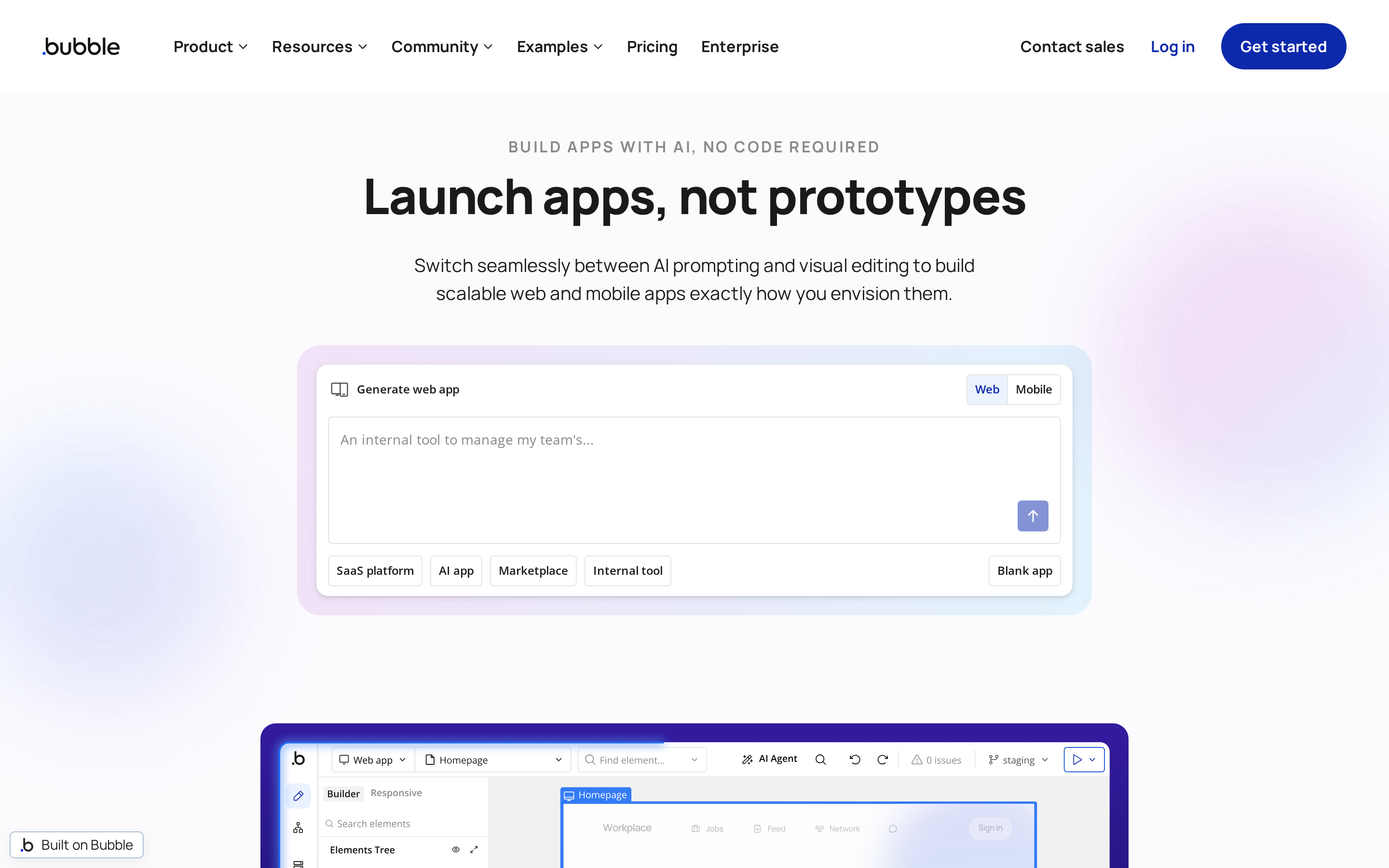
Bubble is a full-stack no-code platform for database-driven web and native mobile apps, with visual workflows and nearly 7,000 plugins.
Bubble makes more sense when the hard part is app logic, not app polish.
It is stronger than Adalo or Glide for data structure, workflows, and business logic.
Its native mobile story is still less mature than FlutterFlow or Draftbit, so it fits complex apps better than polished mobile-first launches.
Why it's a strong Thunkable alternative
Bubble surpasses Thunkable on backend logic, relational data handling, and workflow automation, making it the stronger choice for complex, logic-heavy applications.
Complex apps with relational data, backend logic, and workflow automation are where Bubble has more scope than Thunkable.
Bubble's advantage over Thunkable starts with backend control.
It includes a relational database, conditional workflows, and a larger plugin ecosystem. That makes it easier to build apps with payments, CRM logic, or multi-step automations.
Bubble has also narrowed the mobile gap.
Bubble now supports native iOS and Android apps that share the same workflows and database as the web app.
Key strengths
Bubble's most useful feature is its visual workflow engine: branching logic, automations, and API triggers built without code. Underneath sits a built-in relational database with privacy rules and structured data types, so you can model complex data without a separate backend.
Nearly 7,000 plugins cover payments, authentication, maps, analytics, and AI integrations. Bubble also handles managed hosting, version control, and rollback inside the same platform.
The tradeoff is workload-based billing, which gets harder to predict as traffic grows.
Limitations
Bubble's main limitations are its steep learning curve, workload-unit pricing, and no source-code export.
The biggest caution is native mobile maturity.
A paid plan is required to deploy a live mobile app. Starter costs $59/month when billed annually and includes five build submissions per month.
Bubble is not a chat-first mobile builder either. Teams still need to plan data, workflows, and screens before the product can be tested with real users.
Pricing can be unpredictable at scale.
Bubble charges workload units for server-side actions such as workflows, database reads, and API calls, so costs rise with traffic and app complexity.
The learning curve is higher than many no-code tools.
Complex Bubble builds often push teams toward specialist help. Bubble's own experts directory lists coaches at rates from $88 to $158 per hour.
Simple Bubble apps with one user type and basic workflows can be self-built in a week or two. Apps with multi-role permissions, payment flows, and API integrations typically push teams toward a Bubble specialist.
Best for
Bubble fits non-technical founders and agencies building complex, logic-heavy web apps: CRMs, marketplaces, and SaaS tools where backend depth matters more than mobile polish.
If your app needs relational data, conditional workflows, and third-party integrations, you can build most of the core logic in Bubble without hiring a developer. Teams that need production-ready native mobile today should compare FlutterFlow or Draftbit first.
✅ Best for: founders building data-heavy web apps with complex logic and workflow automation.
❌ Not ideal for: teams that need production-grade native mobile apps today.
If Bubble's complexity feels like more than the project needs, the next option takes a more focused approach.
6. Kodular
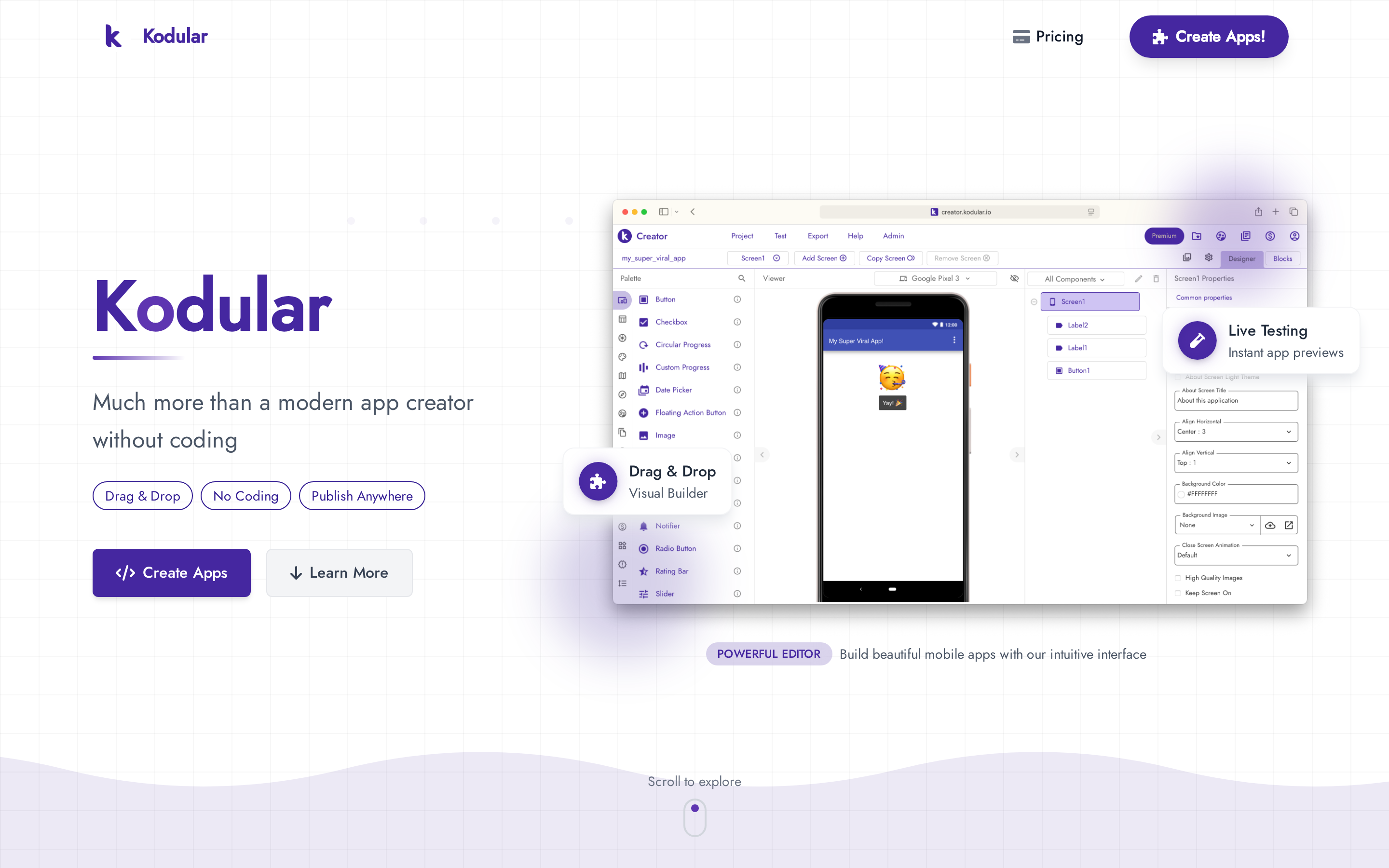
Kodular is a free, drag-and-drop no-code platform for building Android-only apps with visual blocks, monetization tools, and one-click APK export.
Kodular is the budget option in this comparison.
It focuses on simple Android apps, beginner-friendly blocks, and built-in monetization, not cross-platform delivery or advanced AI features.
For Android-only builders, that narrower scope can be a strength.
When Android-only is actually fine
For Android-only projects, Kodular keeps the cost low and the workflow simple.
Kodular is cheaper than almost every other tool here.
Kodular has a free tier, while Premium removes project, storage, and extension limits. Kodular Monetize costs €15 to activate plus usage-based charges.
The free tier supports up to 10 projects, 10 MB of assets, and five extensions per project. Kodular does not publish the Premium subscription price on its pricing page.
Kodular Monetize has a €15 one-time activation fee plus usage-based pricing.
It is stronger than Thunkable for Android-specific beginner use cases because the workflow is simpler.
The blocks editor avoids syntax errors, APK export is quick, and built-in ad monetization reduces setup steps for small Android projects.
Key strengths
Kodular's strengths are all about low-cost Android app creation:
- Free tier that actually works for simple apps.
- Blocks editor that eliminates syntax errors.
- One-click APK export with built-in ad monetization.
- Companion app for live device testing.
Kodular's blocks editor is easy to pick up because it removes syntax mistakes from the workflow.
That makes it a practical choice for students, hobbyists, and first-time Android builders.
Kodular includes built-in ad monetization tools, one-click APK export, and a Companion app for live testing.
That shortens the path from idea to a basic Android app.
Kodular says its newer cloud platform speeds up builds and adds backend options like Cloud Firestore and Supabase.
That helps, but Kodular still fits simple Android projects better than cross-platform products.
Limitations
Kodular's main limitations are Android-only output, no iOS support, no AI features, limited backend logic, and below-average user support ratings.
The tradeoff is platform reach.
Kodular builds Android APKs only, so it is not a fit for teams that need iOS, web, or a shared multi-platform project.
Kodular also lags behind on AI.
It is the only platform in this comparison without a current AI feature set, although an assistant is planned for the 2026 cloud platform.
Backend depth is limited too.
Kodular handles basic storage, Firebase, and push notifications, but more complex data logic is better served by FlutterFlow or Bubble.
Support is another weak point.
Kodular's 2.9/5 Trustpilot rating is the lowest in this group, with users citing bugs and support quality issues.
Best for
Kodular does one thing well: Android apps at near-zero cost. If that fits the project, it works. If it doesn't, it won't.
✅ Best for: Students, hobbyists, and budget-conscious beginners building simple Android-only apps with built-in ad monetization.
❌ Not ideal for: Projects that need iOS, cross-platform output, AI features, or complex backend logic.
7. Draftbit
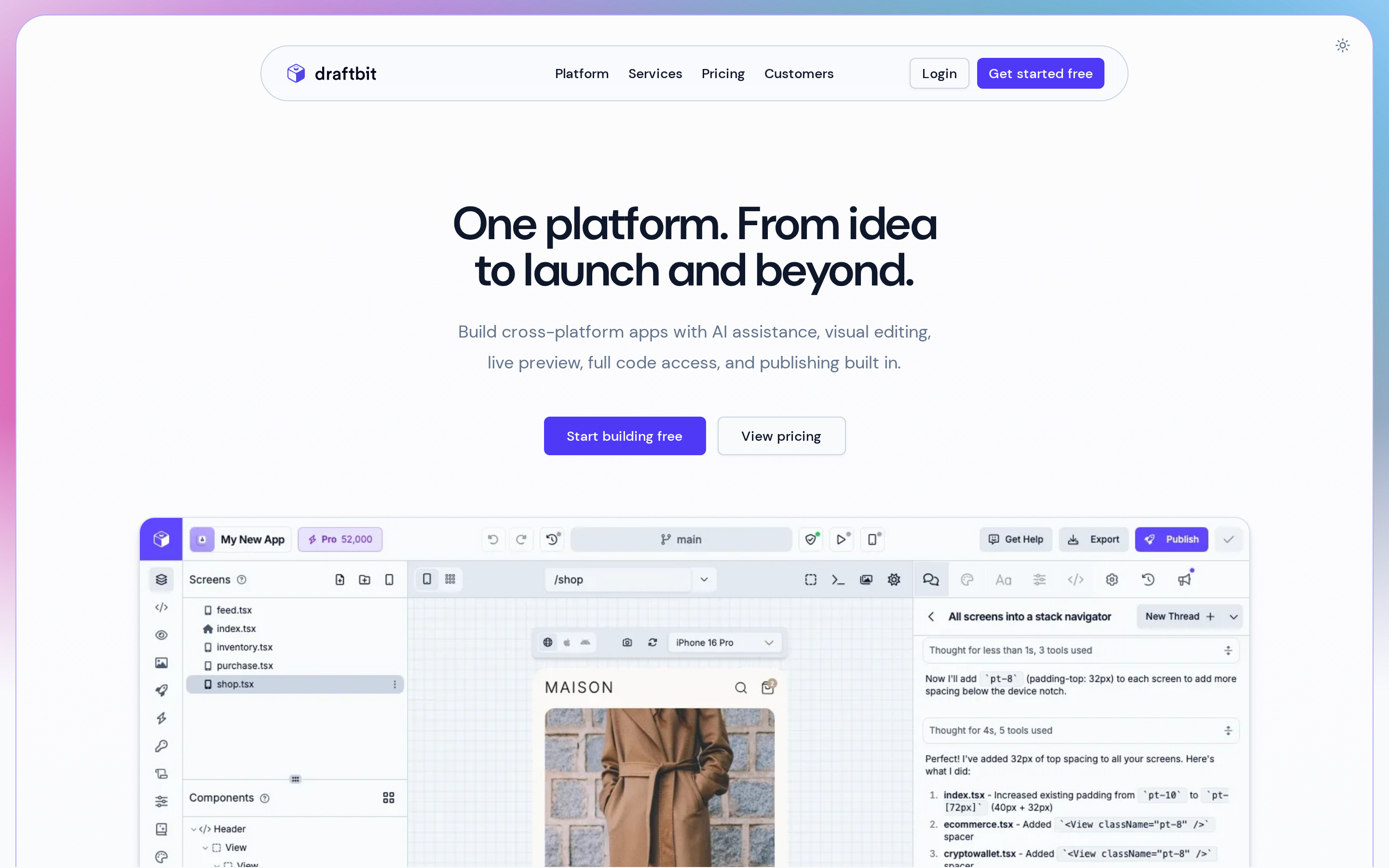
Draftbit is a hybrid low-code mobile studio with visual drag-and-drop building, AI-assisted generation, and full React Native code export for iOS, Android, and web apps.
Draftbit sits between a visual builder and a developer workflow.
It gives teams drag-and-drop speed, AI assistance, and full React Native code export, which makes it one of the clearest upgrade paths from no-code experimentation to a real codebase.
Why it's a strong Thunkable alternative
Draftbit is strongest for teams that want design control now and React Native ownership later.
Teams planning a developer handoff can use Draftbit for design control now and React Native ownership later.
Draftbit's biggest edge over Thunkable is code ownership.
It exports full React Native and Expo source code to GitHub or ZIP, so teams can keep building outside the platform instead of staying locked into proprietary blocks.
Its AI feature set is stronger too.
Draftbit uses Claude, GPT, and Gemini to generate screens, logic, and code from prompts. That is a more advanced setup than a standard visual builder.
Technical founders, designers, and semi-technical teams will get more from it than pure beginners who want a fully guided experience.
Key strengths
Draftbit's strengths are strongest when design control and handoff matter:
- Pixel-perfect UI tools with Figma import support
- Full React Native and Expo export with built-in TypeScript editing
- Multi-agent AI using Claude, GPT, and Gemini
- Native iOS, Android, and web output from one project
Draftbit exports full React Native and Expo source code to GitHub or ZIP.
That gives teams a real way out if they want to keep building outside the platform later.
Draftbit leans hard into AI-assisted building with Claude, GPT, and Gemini support.
For teams moving past the first build, Draftbit also covers more of the lifecycle. App sharing, analytics, and feedback support make testing easier before developer handoff.
That setup helps semi-technical builders generate screens, logic, and components faster than a plain visual editor alone.
Draftbit can publish native iOS and Android apps plus web output from one project.
A good fit is a product team with a Figma design, a larger screen count, and an expected developer handoff later.
That is more flexible than a builder that stops at the prototype stage.
Limitations
Draftbit's main limitations are a steeper learning curve for pure non-coders, paid iOS and Android publishing, and a smaller community than Bubble or FlutterFlow.
Draftbit asks more from the user than Adalo or Glide.
The extra control benefits teams with technical support, but it creates more setup work for beginners.
Pure non-coders will face a steeper learning curve, especially once project size and maintenance grow.
Pricing is another tradeoff.
Draftbit starts at $12/month for Standard and $24/month for Pro.
Draftbit offers Free ($0), Standard ($12/month), Pro ($24/month), and Team ($120/month). It does not publish a separate annual rate.
Standard unlocks full code export and iOS, Android, and web publishing. Pro adds GitHub integration and App Store submission assistance.
The free plan includes web publishing, but not iOS or Android publishing.
Community depth is smaller than the biggest platforms.
Compared with Bubble or FlutterFlow, Draftbit has fewer tutorials, forum answers, and peer examples, which can slow troubleshooting.
Best for
Draftbit is best for vibecoders and semi-technical teams building complex native apps who need pixel-perfect UI, React Native code handoff, and Figma-to-app workflows.
Draftbit is the right fit for branded, complex native apps that may later move into a standard engineering workflow.
It works especially well for teams with 50-120+ screens, Figma designs, and a likely developer handoff.
A good signal you're ready for Draftbit: you've got a Figma file, a screen count above 50, and at least one developer on the horizon.
✅ Best for: Semi-technical teams with Figma designs, 50+ screens, and a planned developer handoff.
❌ Not ideal for: Pure non-coders who want a fully guided, visual no-code experience.
8. GoodBarber
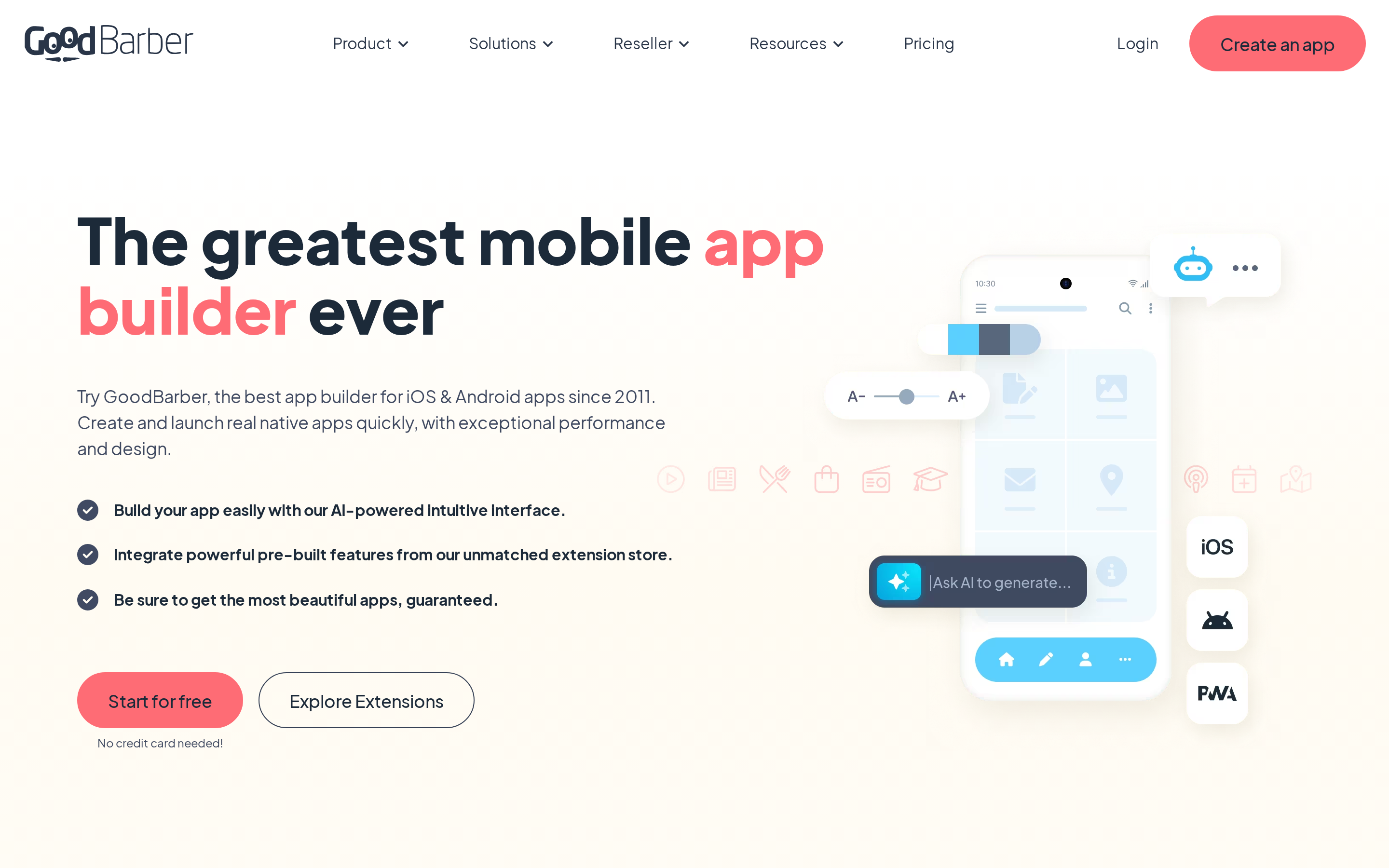

GoodBarber is a no-code platform for building native iOS, Android, and PWA apps focused on content publishing, e-commerce, and memberships with 190+ extensions.
GoodBarber is the specialist pick in this list. It is built for content, commerce, and membership apps that need polished native output fast.
It is built for content, commerce, and membership apps, not broad custom logic.
That focus makes it a better fit than Thunkable for media brands, local businesses, and agencies.
Why it's a strong Thunkable alternative
GoodBarber beats Thunkable on native app quality, design polish, and built-in content and e-commerce features. Thunkable focuses on block-based logic for general prototypes.
For content, commerce, and membership apps, GoodBarber provides native output and built-in publishing features that Thunkable does not center on.
GoodBarber produces native iOS apps in Swift and Android apps in Kotlin, plus PWAs. It ships with 190+ extensions and a 4.6/5 Trustpilot rating, which makes it a solid pick for non-technical users.
Key strengths
GoodBarber's strengths sit in its publishing pipeline and content tooling. Native iOS and Android output, managed App Store submission, built-in offline caching, and AI-assisted content generation cover most of what a non-technical publisher needs.
Best suited for these app types:
- News apps
- Restaurant apps
- Tourism apps
- Membership apps
- Store apps
Limitations
GoodBarber's main limitations are no code export, a premium price point, restricted customization beyond extensions, and billing reliability issues flagged by some users.
The main limitation is code access.
GoodBarber does not export source code, so teams cannot take the Swift or Kotlin output elsewhere the way they can with FlutterFlow or Draftbit.
Pricing starts reasonably, but climbs for agencies and eCommerce use cases.
GoodBarber's content plans start at $36/month, while native iOS and Android output starts at $70/month on Premium.
Its eCommerce plans start at $50/month, while native iOS and Android output starts at $90/month on Premium.
GoodBarber's content plans run from $36 to $280/month, or $30 to $215/month when billed annually.
GoodBarber's eCommerce plans run from $50 to $380/month, or $40 to $290/month when billed annually.
GoodBarber is less suitable for general-purpose apps with complex workflows.
If the project depends on custom backend logic or heavy data relationships, Bubble or Adalo are more flexible options.
Best for
GoodBarber is best for non-technical content creators, small businesses, and agencies building news, blog, store, or tourism apps that need native app quality without writing code.
GoodBarber is best for news, blog, restaurant, tourism, store, and membership apps that need strong native presentation without custom development.
It is especially useful for agencies delivering repeatable client apps in those categories.
If the project is a general-purpose app with deeper logic needs, another platform will fit better.
That brings all eight options together in one view.
✅ Best for: Non-technical creators and agencies building content, commerce, or membership apps that need native quality without writing code.
❌ Not ideal for: Teams that need code export, custom backend logic, or complex data relationships.
Thunkable alternatives compared: features, pricing, and fit
Use this shortlist to filter by output, code ownership, and pricing risk before you commit.
For a wider category view beyond this shortlist, see our no-code mobile app builder roundup.
- More predictable flat pricing: Adalo, and to a lesser extent GoodBarber
- Higher scaling risk: GlideOS with per-member and credit costs, Bubble with workload units
- Lowest-cost entry: Kodular with a free tier
- Code-export entry: Draftbit Standard at $12/month and FlutterFlow Basic at $39/month
That matters because a cheap starting plan does not always stay cheap once the app grows.
Think of the tools in three groups. Builders focused on shipping — Bilt, FlutterFlow, Draftbit — prioritize native output and code ownership. Builders focused on speed — Adalo, Glide, GoodBarber — make it easy to start. Bubble goes deepest on backend logic. Kodular stands alone as the Android-only budget option. Pick the group that matches your goal first, then pick a tool within it.
Six tools on this list produce native iOS and Android apps: Bilt, Adalo, FlutterFlow, Bubble, Draftbit, and GoodBarber. Glide is PWA-only, while Kodular is Android-only.
- Native-first path: Bilt, Adalo, FlutterFlow, Bubble, Draftbit, and GoodBarber
- Internal-tool path: Glide
- Logic-first path: Bubble
- Budget Android path: Kodular
For native output, Bilt, Adalo, FlutterFlow, Bubble, Draftbit, and GoodBarber all support iOS and Android publishing.
Glide is PWA-only, while Kodular is Android-only. Bubble supports native iOS and Android apps on paid plans.
Tools like Bravo Studio, BuildFire, and Appery.io didn't make this main list. Bravo Studio focuses on Figma-to-native conversion for teams with a design file ready. BuildFire targets enterprise with managed services. AppGyver became SAP Build Apps and shifted toward enterprise workflows.
| Tool | Best For | Native Output | Starting Price | Code Export |
|---|---|---|---|---|
| Bilt.me | AI-native iOS and Android apps via natural language | iOS + Android | Free / $25/mo | React Native |
| Adalo | Database-driven MVPs with visual editing | iOS + Android + Web | $36/mo billed annually | No |
| FlutterFlow | Pixel-perfect UI and multi-platform builds | iOS + Android + Web + Desktop | $39/mo | Full Flutter/Dart |
| Glide | Internal tools built from spreadsheets | PWA only | Free / $25/mo GlideOS | No |
| Bubble | Complex logic-heavy web apps | Web + iOS + Android | $59/mo billed annually | No |
| Kodular | Budget Android-only beginners | Android only | Free / paid Premium | No |
| Draftbit | Semi-technical teams needing React Native handoff | iOS + Android + Web | $12/mo | Full React Native |
| GoodBarber | Content, commerce, and membership apps | iOS + Android + PWA | $55/mo annual (native) | No |
Starting prices depend on billing period and, for GoodBarber, whether you need native store publishing.
| Tool | Best for | Native output | Monthly price | Annual price | User rating | Code export |
|---|---|---|---|---|---|---|
| Bilt.me | AI-native mobile apps | iOS + Android | Free / $25/mo | Saves 2 months | Not publicly listed | React Native |
| Adalo | Visual database MVPs | iOS + Android + web | 20% above annual rate | $36/mo billed annually | Not publicly listed | No |
| FlutterFlow | Detailed UI builds | iOS + Android + web | $39/mo | About 25% lower | 4.5/5 from 29 G2 reviews | Flutter/Dart |
| Glide | Spreadsheet internal tools | PWA only | Free / $25 Solo | Not offered yet | 4.7/5 from 802 G2 reviews | No |
| Bubble | Logic-heavy web apps | Web + iOS + Android | Higher month-to-month | $59/mo billed annually | Not publicly listed | No |
| Kodular | Budget Android apps | Android only | Free / paid Premium | Not publicly listed | Not publicly listed | No |
| Draftbit | React Native handoff | iOS + Android + web | Free / $12-$24/mo | Not publicly listed | Not publicly listed | Full React Native |
| GoodBarber | Content and commerce apps | iOS + Android + PWA | $70/mo (native) | $55/mo annual (native) | 4.6/5 on Trustpilot | No |
How to choose the right Thunkable alternative
- Pick the output type first. Ask whether the app needs App Store distribution or whether a mobile browser experience will do. Native options include Bilt, Adalo, FlutterFlow, Bubble, Draftbit, and GoodBarber.
- Decide whether code export matters. If you plan to hand off to a developer or switch platforms later, choose a tool that gives you the source files. FlutterFlow exports full Flutter/Dart. Draftbit exports full React Native. Adalo, Glide, Bubble, and GoodBarber keep the project locked inside the platform.
- Check pricing at your expected team size and usage. GlideOS adds per-member charges on Team, while Bubble meters workload units. Adalo and GoodBarber use fixed plan prices.
- Match the tool to your skill level. Adalo and Bilt work well for non-technical builders. FlutterFlow and Draftbit reward teams comfortable reading or editing code. Bubble is in its own category: deep backend logic, but a steeper learning curve than anything else on this list.
The best Thunkable alternative is the tool that gets your app over the finish line: published, downloadable, and still easy to improve after launch.
Pick based on output type, code access, and pricing model first.
Start with output type.
Then check how much backend depth, code control, and pricing risk your team can actually live with.
If you want a broader market scan, this guide to mobile app development software expands beyond no-code builders.
App Store requirements should be the first filter.
- Choose native-focused tools if the app needs direct iOS and Android publishing: Adalo, FlutterFlow, Draftbit, GoodBarber, or Bilt
- Choose Glide only if a PWA is acceptable
- Use Bubble when you need shared web and native mobile workflows, with a paid plan for live deployment
- Choose Kodular only for Android-only projects
One cost every tool shares: you'll need an Apple Developer account ($99/year) for iOS publishing and a Google Play Developer account ($25 one-time) for Android. That's true whether you pick Bilt, Adalo, or FlutterFlow.
Complexity is the next filter.
Adalo is easier to start.
Bubble and FlutterFlow give more room for heavier logic, richer data relationships, and longer-term app growth.
Glide works well for bounded internal tools.
Kodular and GoodBarber hit limits faster when custom workflows or backend logic become central.
Code ownership is the clearest line between short-term convenience and long-term flexibility.
- Choose FlutterFlow for full Flutter and Dart export
- Choose Draftbit for full React Native and Expo export
- Expect lock-in with Adalo, Glide, Bubble, and GoodBarber because leaving those platforms means rebuilding
The rebuild cost from platform lock-in matters a lot more once the app starts working and people rely on it.
Budget matters, but pricing structure matters more.
Kodular has the lowest entry cost, and Adalo is easier to forecast because it uses fixed plan prices. GlideOS and Bubble can become expensive as members, credits, or workload rise, while Draftbit and FlutterFlow charge more for export or team features.
Why teams switch to Bilt.me after trying the rest
If you've been through the comparison and keep coming back to the same friction points, here's why Bilt solves them differently than the others.
Some tools are great for prototypes, but still leave publishing work to you. Code signing, builds, and App Store metadata become the hard part near the finish line.
Bilt handles that part. Describe what you want, refine it in conversation, and Bilt takes care of deployment and store submission.
You get a real native app on iOS and Android, plus a native React codebase you actually own.
That means a published app on both stores, a codebase you can export or hand off, and no rebuild needed when it's time to ship.
Build and publish your app with Bilt.me
Bilt is for builders who need to publish, not stop at a prototype.
Describe your idea and refine it in conversation. Bilt then handles the technical release steps:
- Build a native app for iOS and Android
- Prepare code signing and release builds
- Support App Store submission
You keep a native React codebase that you can export or hand to a developer.
The result is a published app with code you own.
Ready to turn your idea into a native app? Start building free, then refine and publish it with Bilt. Free to start, no credit card.
FAQ
What is better than Thunkable?
Bilt is one of the strongest Thunkable alternatives for people who want native React Native output and a simpler path to app store launch.
- Adalo: A simpler visual option for database-backed MVPs.
- FlutterFlow and Draftbit: Better suited to teams that need source-code export. Draftbit's paid plans add export and developer workflow options.
- Bilt: Built for non-technical creators who want to describe an app, receive native React Native output, and get help with store submission.
Thunkable can work for simple projects.
People often hit tradeoffs as requirements grow. Common complaints include runtime lag on older devices, a steeper logic-learning curve, and pricing that gets expensive once publishing matters.
Bilt takes a different approach:
- Natural-language building instead of visual logic blocks
- Production-ready React Native code instead of a builder-only project
- Deployment help with code signing and store submission
- Less rebuild risk when the app needs to move from MVP to production
Price matters too.
Thunkable starts publishing on the Builder plan at $59/month for 1 live published app.
The Advanced plan at $189/month is for unlimited live published apps, so the pricing gate is real, but publishing does not start at $189/month.
The Advanced plan costs $189/month and includes unlimited live published apps. Thunkable requires an active subscription to keep published apps active, separate from Apple and Google developer-account fees.
For founders, creators, and vibecoders who care more about shipping than tinkering, Bilt is a better fit.
Thunkable is easier to outgrow once publishing, code ownership, and ongoing updates matter.
What's the best free app builder?
Adalo and Bilt both offer free tiers for testing ideas before paying.
Adalo's free tier is useful for early testing.
It includes unlimited test apps, unlimited screens, built-in Postgres, and up to 500 records per app.
Bilt's free plan lets you build and preview a real native app with no code, which is useful if publishing is already the goal.
That is enough for mockups and lightweight validation.
Upgrade from a free builder when testing turns into a real launch plan.
That is usually the point where builders compare tools with code export, native publishing, and easier iteration.
Bilt is one option in that group, alongside tools like FlutterFlow and Draftbit.
Free plans are good for learning. They are rarely the final system for shipping a production app.
Which alternative has the best user reviews?
Glide has the strongest review profile in this group based on G2 score and review count.
Glide leads on G2 with a 4.7/5 rating from 802 reviews.
That gives Glide both the highest score and the deepest review volume in this comparison set.
For context:
- Glide: 4.7 from 802 reviews
- FlutterFlow: 4.5 from 29 reviews
- Thunkable: 4.4 from 39 reviews
That does not make Glide the best fit for every mobile app. It does show stronger broad satisfaction than the other reviewed options.
For builders focused on publishing a real native iOS or Android app, tools like Bilt, FlutterFlow, or Adalo are more relevant benchmarks than a PWA platform.