If BuildFire cannot match your app’s design, logic, ownership, or budget needs, the right alternative depends on what you want to ship. A native consumer app needs a different tool from an internal dashboard or website companion.
This guide compares ten options by build process, mobile output, source access, publishing help, and pricing.
Quick picks
- Prompt-led native app with exportable code: Bilt
- Visual native builder with code download: FlutterFlow
- Spreadsheet-led internal app: Glide or AppSheet
- Web and native product on one backend: Bubble
- Self-serve website conversion: AppMySite
- Managed website-to-app service: MobiLoud
BuildFire at a glance
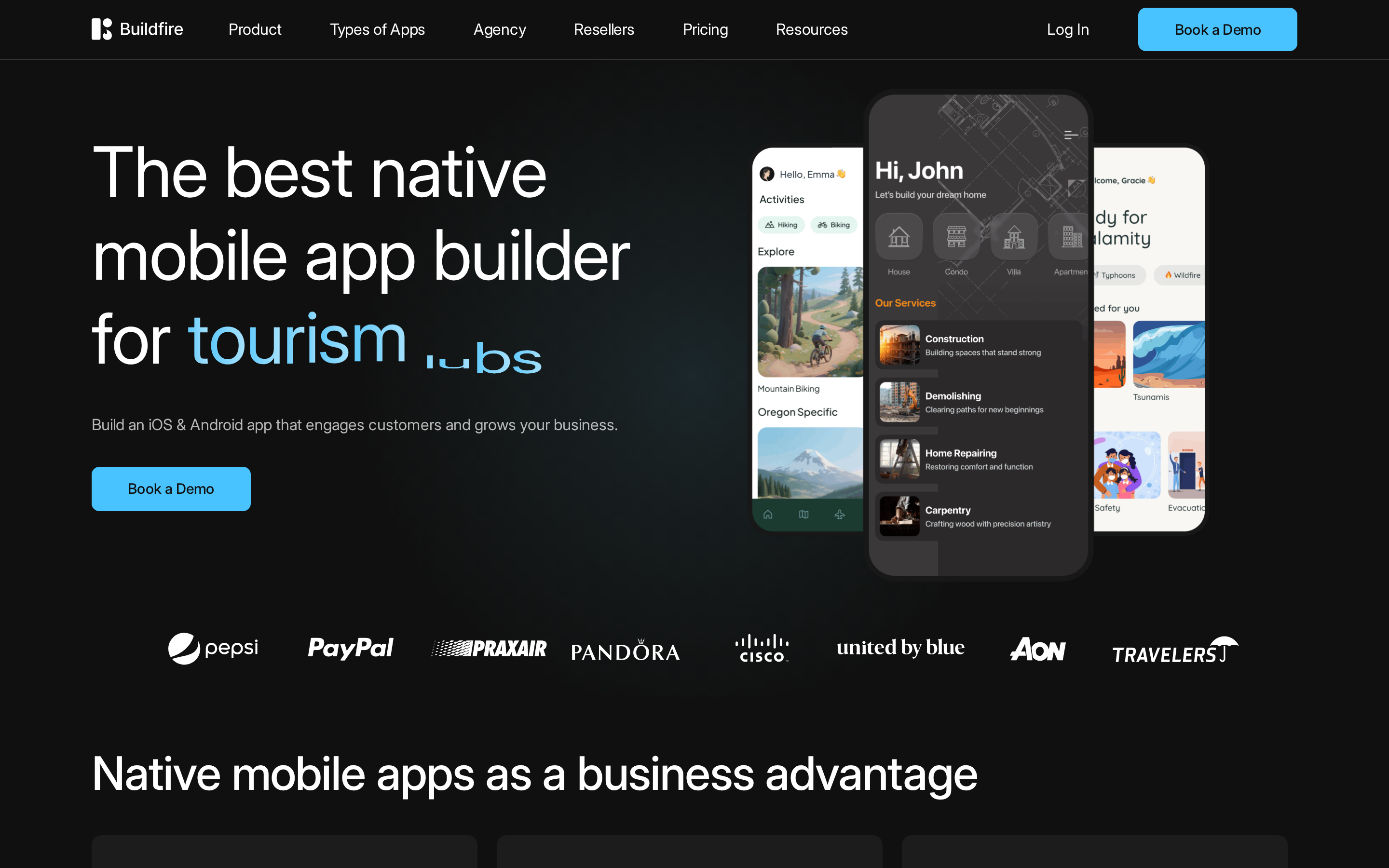
BuildFire is a no-code platform for native iOS and Android apps. Its visual admin and catalog of more than 150 plugins work well when a business app can be assembled from established features.
Typical uses include:
- Event schedules and attendee information
- Service content, directories, and loyalty features
- Basic commerce, notifications, and internal communication
Before committing, check three points:
- Billing: Current BuildFire pricing starts at $165/month on monthly billing, with a listed annual discount.
- Publishing: Every current plan includes iOS, Android, tablet, PWA, and publishing support.
- Ownership: Public plan details do not promise a full-project source download. Custom plugin code can live separately, so confirm contract rights in writing.
| Area | BuildFire at a glance |
|---|---|
| Build model | No-code editor with plugin catalog |
| Extensibility | 150+ plugins |
| Publishing | iOS, Android, tablet, and PWA |
| Typical fit | Plugin-led business apps and resellers |
| Entry pricing | $165/month; annual billing saves 20% |
Why consider a BuildFire alternative?
A BuildFire alternative becomes worth considering when the plugin-led approach creates friction around ownership, custom logic, design control, or long-term cost.
Use four checks before switching:
- Ownership: Ask whether you receive the complete app source, only custom plugin code, or neither.
- Custom logic: Prototype the hardest approval, payment, authentication, or device flow before signing.
- Publishing economics: Compare the full billing term, required plan, store fees, and submission support.
- Day-to-day editing: Recent G2 reviews can help you assess recurring themes around layout, builder stability, and customization.
BuildFire can still be a practical choice for a standard business app. Switching matters when the parts you cannot change or carry elsewhere are central to the product.
How to compare BuildFire alternatives
Compare each BuildFire alternative on five points: build process, mobile output, source access, publishing responsibility, and total cost. Those checks separate native builders from internal-app platforms and website-conversion services.
| Criterion | What to check |
|---|---|
| Build process | Prompts, canvas, data, or managed service |
| Mobile output | Native app, PWA, or browser app |
| Source access | Portable code, GitHub, or platform-only editing |
| Publishing | Self-serve, assisted, or fully managed |
| Total cost | Plan, billing term, seats, and store fees |
BuildFire alternatives compared
The ten alternatives use five distinct build paths: conversational, visual, data-led, web-first, and website conversion. Compare the output and code handoff before looking at feature counts.
| Tool | Build style | Mobile output | Code handoff |
|---|---|---|---|
| Bilt | Conversational AI | Native iOS and Android | React Native code and GitHub |
| FlutterFlow | Visual Flutter canvas | Mobile, web, and desktop | Paid code download |
| Adalo | Visual canvas and database | Native mobile and web | Platform-managed project |
| Thunkable | Visual canvas and logic blocks | iOS, Android, and web | Platform-managed project |
| Glide | Prompt and data-led | Browser-based internal apps | Platform-managed project |
| AppSheet | Data and automation-led | AppSheet mobile clients and web | Platform-managed logic |
| Bubble | Visual web and mobile builder | Web, iOS, and Android | Hosted backend and workflows |
| GoodBarber | Themes and CMS modules | Native apps and PWAs | Platform-managed project |
| AppMySite | Website conversion | Android and iPhone apps | Platform-managed configuration |
| MobiLoud | Managed website conversion | Native iOS and Android | Managed service |
Source access narrows the field fastest. Bilt provides owned React Native code with GitHub sync, while FlutterFlow includes code download on its paid Basic plan; the remaining options keep more of the workflow inside a hosted platform or managed service.
The 10 BuildFire alternatives
Start with the build model that matches your app: conversational, visual, data-led, web-first, or website conversion. Then compare source access and who owns the publishing work.
1. Bilt ✨
Bilt is the clearest fit here when you want prompt-led native development, GitHub sync, testing, and store submission in one workflow. A plain-English description becomes a React Native app that you refine through conversation.
Describe an app, then watch Bilt build a native app in live preview.
- Build process: Describe the screens, user journey, data, and features, then refine the same app with prompts.
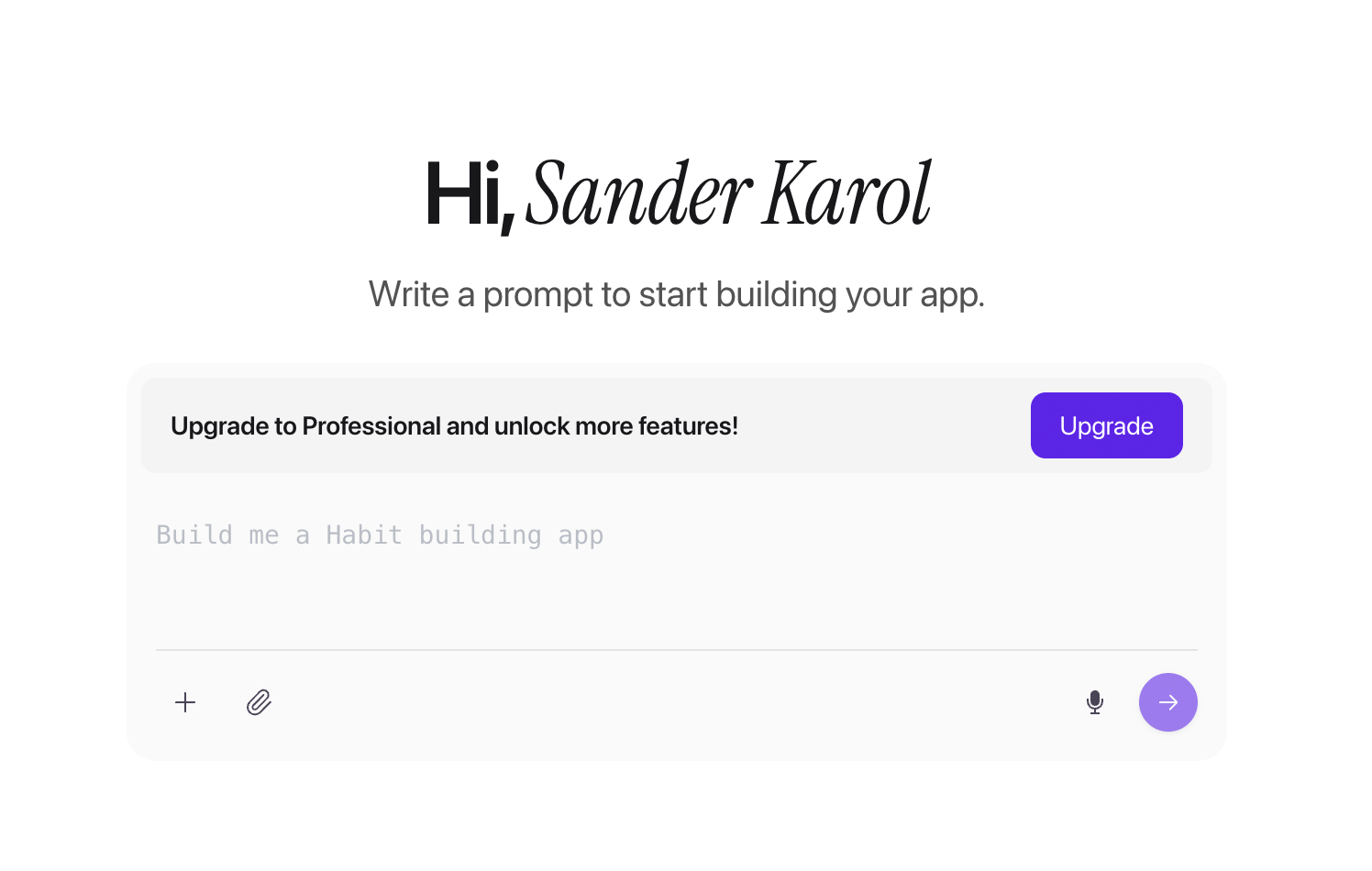
Bilt app-creation screen with a prompt input for describing an app idea - Output: Native iOS and Android apps from one React Native codebase.
- Testing: Preview the app in browser-based iOS and Android environments, then use QR testing on a physical device.
- Source access: Export the full code or sync it with GitHub, so a developer can continue outside Bilt.
- Publishing: Bilt automates builds and signing, uploads iOS builds to App Store Connect, and can send Android bundles to Google Play’s internal testing track. You submit the iOS build for Apple review, and a first Play release may need a manual upload; developer accounts and store fees remain separate.
- Pricing: Start free with 3M monthly AI tokens, roughly 12 to 30 prompts depending on complexity. Professional costs €25/month for 10M tokens, roughly 40 to 100 prompts.
- Best for: Non-technical founders and businesses that want a shippable native app without giving up the code.
- Skip it if: You prefer arranging every screen and action manually on a traditional visual canvas.
Practical tip: Build one complete journey first, including its data and backend behavior. Bilt keeps refinement conversational, while FlutterFlow exposes screen, state, and action wiring on a visual canvas.
2. FlutterFlow
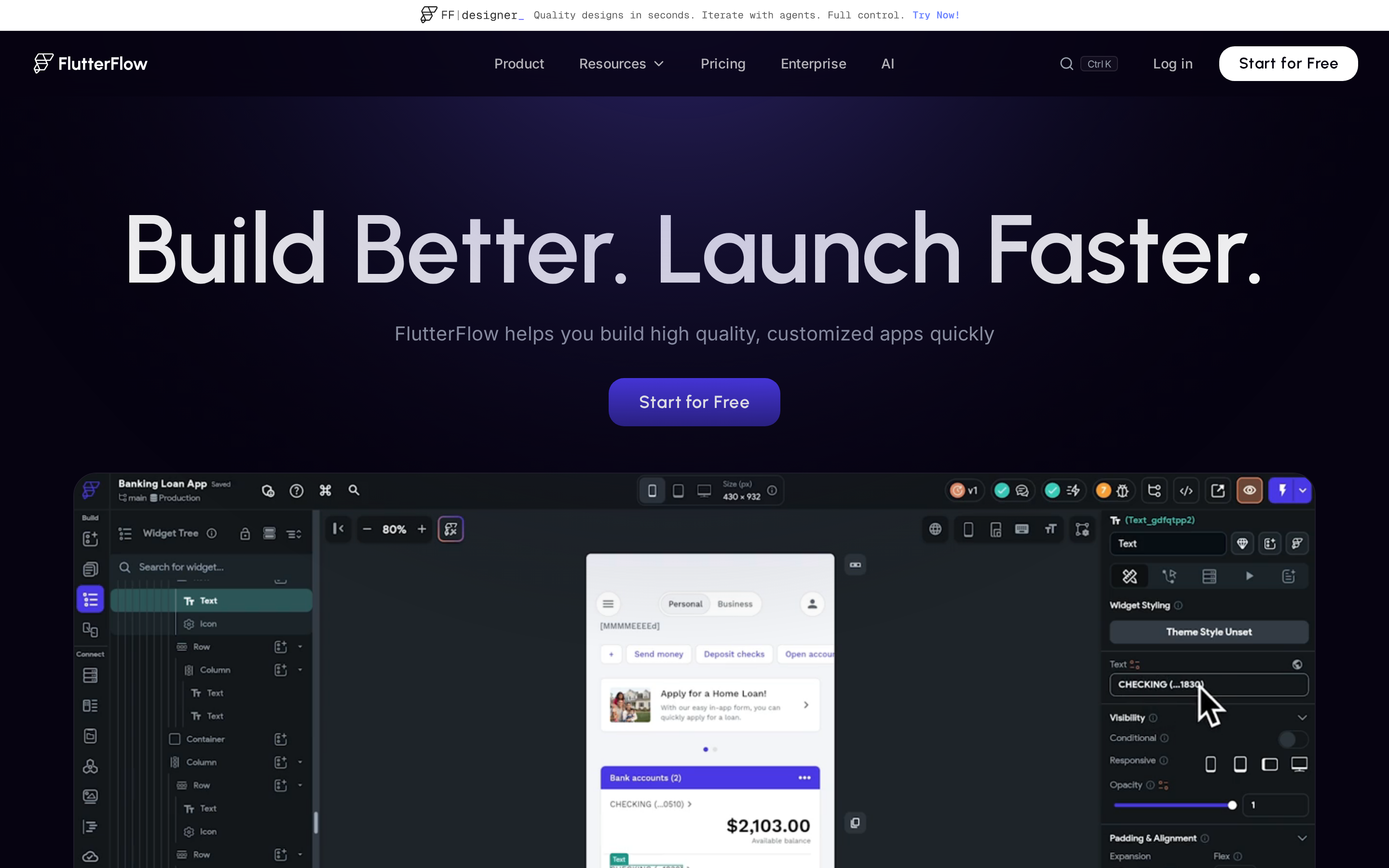
FlutterFlow gives builders a visual Flutter canvas and paid access to the generated project code. You still connect screens, state, actions, and data inside the editor.
- Build process: Design screens visually and wire actions, navigation, and data flows.
- Output: Flutter apps for mobile, web, and desktop.
- Source access: Basic at $39/month includes code and APK downloads; Growth adds GitHub integration.
- Publishing: Paid plans include one-click store deployment, while you remain responsible for developer accounts, listing details, and compliance.
- Best for: Builders who want close visual control and understand how app state and data flows work.
- Limitations: The canvas reduces coding, but complex projects still demand technical decisions and careful testing.
The practical split from Bilt is the interface. FlutterFlow keeps screen, state, and action wiring on a visual canvas, while Bilt handles refinement through conversation.
3. Adalo
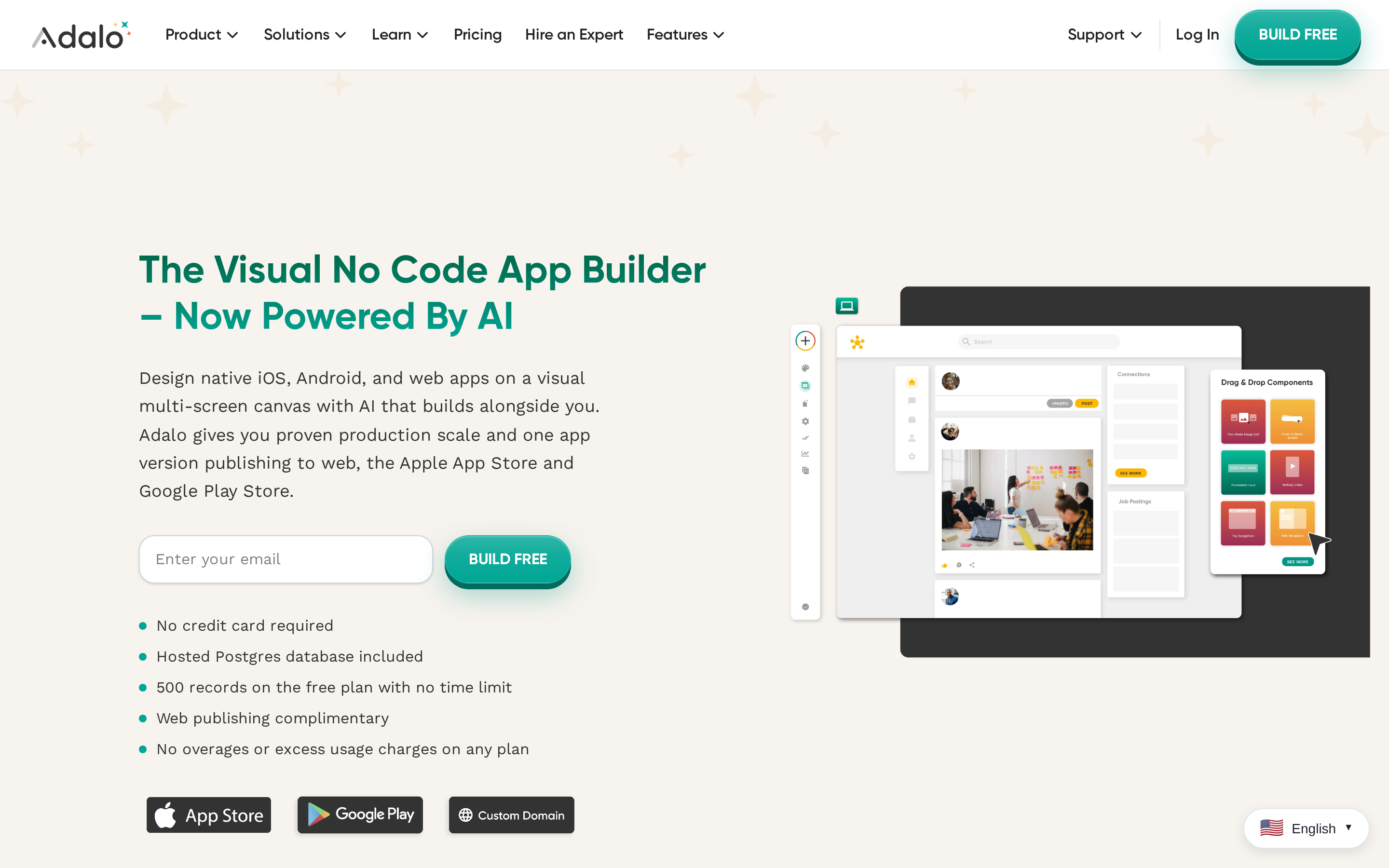
Adalo combines a drag-and-drop canvas with a hosted Postgres database. One project can publish as a web app or native iOS and Android app.
- Build process: Arrange screens visually, connect relational records, and define actions.
- Output: Native mobile apps and responsive web apps.
- Source access: Adalo’s current plans do not list a full project source download, so ongoing editing stays in the platform.
- Publishing: The Starter plan includes automated app-store publishing from $36/month when billed annually.
- Pricing: Flat plan pricing rather than per-action usage charges.
- Best for: Membership directories, marketplaces, and other database-backed apps with familiar screen patterns.
- Limitations: Map custom integrations, complex formulas, and unusual device behavior before making the project dependent on Adalo.
Adalo centers the build on relational records. Thunkable centers behavior on logic blocks, while FlutterFlow offers a paid code download that Adalo's plans do not list.
4. Thunkable
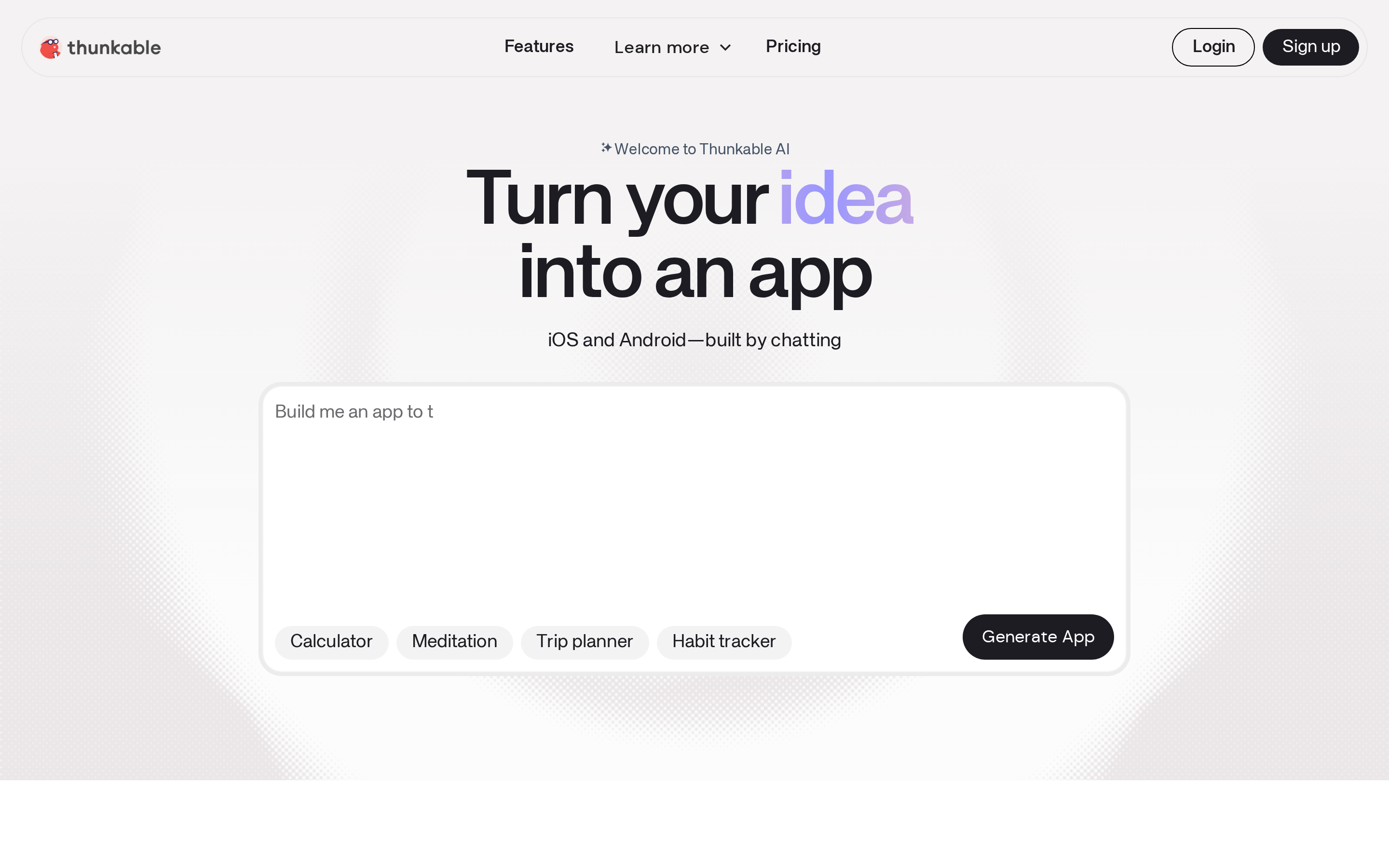
Thunkable makes app behavior visible through draggable logic blocks. That helps with short flows, while larger condition trees can become harder to trace.
- Build process: Arrange screens, then connect events and actions with blocks.
- Output: iOS, Android, and web apps.
- Source access: Current plans do not list a source-code download; continued editing stays in Thunkable.
- Publishing: The Builder plan costs $59/month and supports one live app across Apple, Google, or the web.
- Best for: Learning projects and smaller apps where each logic step should remain visible.
- Limitations: A flow with many conditions, data writes, and error paths can turn into a large block graph that is difficult to maintain.
Thunkable exposes behavior as logic blocks. Adalo centers relational records, while FlutterFlow combines visual actions with downloadable Flutter code on paid plans.
Web-first and data-led app platforms
To weigh internal-data speed against native control, use the data-first Glide–FlutterFlow comparison.
5. Glide
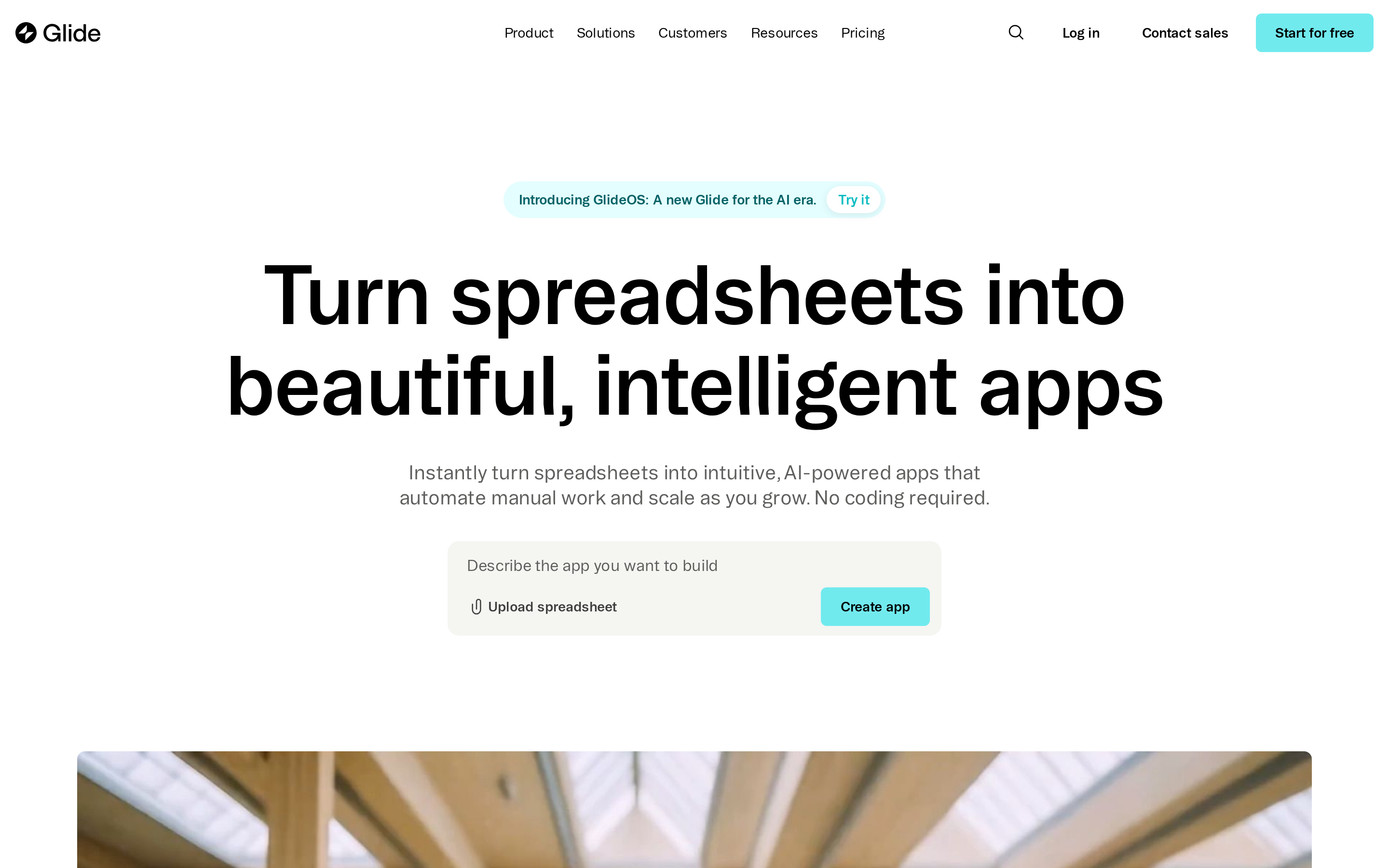
GlideOS turns spreadsheets, prompts, files, and business data into browser-based internal apps. It is aimed at operational software rather than public native-store distribution.
- Build process: Start from a spreadsheet, prompt, PDF, or screenshot, then have GlideOS turn that context into internal software.
- Output: Browser-based apps and PWAs that users can open or install from a link.
- Source access: Glide does not provide portable application source code.
- Publishing: Apps are shared through the web, not directly through the Apple App Store or Google Play.
- Pricing: The free plan covers 1 project. Solo starts at $25/month, while Team starts at $125/month plus $10 per member.
- Best for: Internal tools, client portals, field records, and dashboards tied to shared data.
- Limitations: Browser delivery separates Glide from Bilt, FlutterFlow, Adalo, and Thunkable, which support app-store releases. GlideOS projects also sit separately from Glide Classic apps.
6. AppSheet
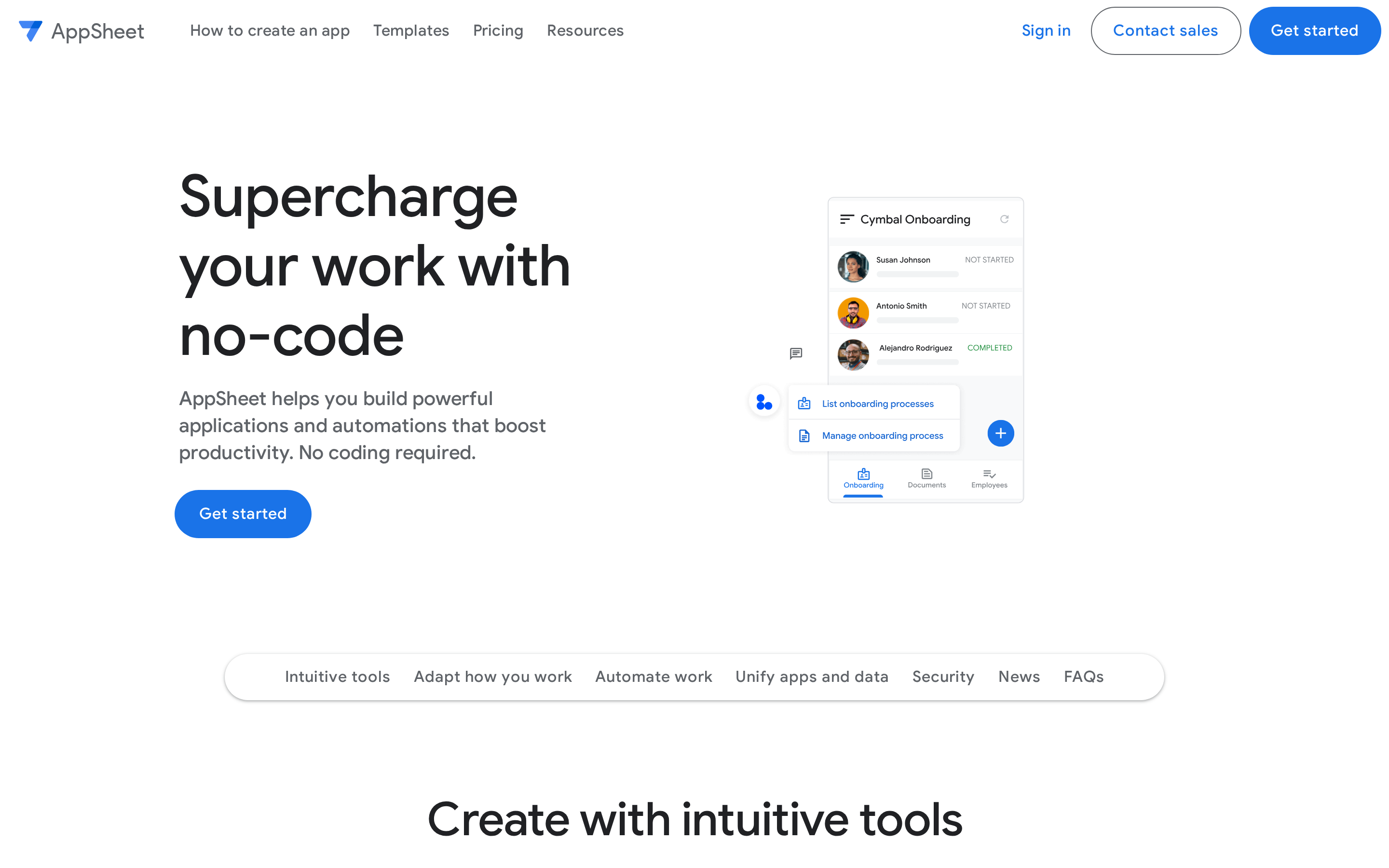
AppSheet turns spreadsheets and business databases into managed apps for staff. Forms, approvals, offline work, and automation sit inside Google’s governance model.
- Build process: Connect data, configure views and forms, then add conditional automations.
- Output: Apps used through AppSheet’s mobile clients or the web.
- Source access: App logic remains in AppSheet; connected source data can stay in systems such as Google Sheets or SQL.
- Publishing: The platform emphasizes managed internal deployment rather than public consumer-store discovery.
- Pricing: Starter costs $5/user/month, so larger employee groups should model total seat cost.
- Best for: Inspections, approvals, field records, and Google Workspace operations.
- Limitations: AppSheet and Glide both target internal workflows. AppSheet's per-user pricing and Google Workspace controls make seat count and governance part of the decision.
7. Bubble
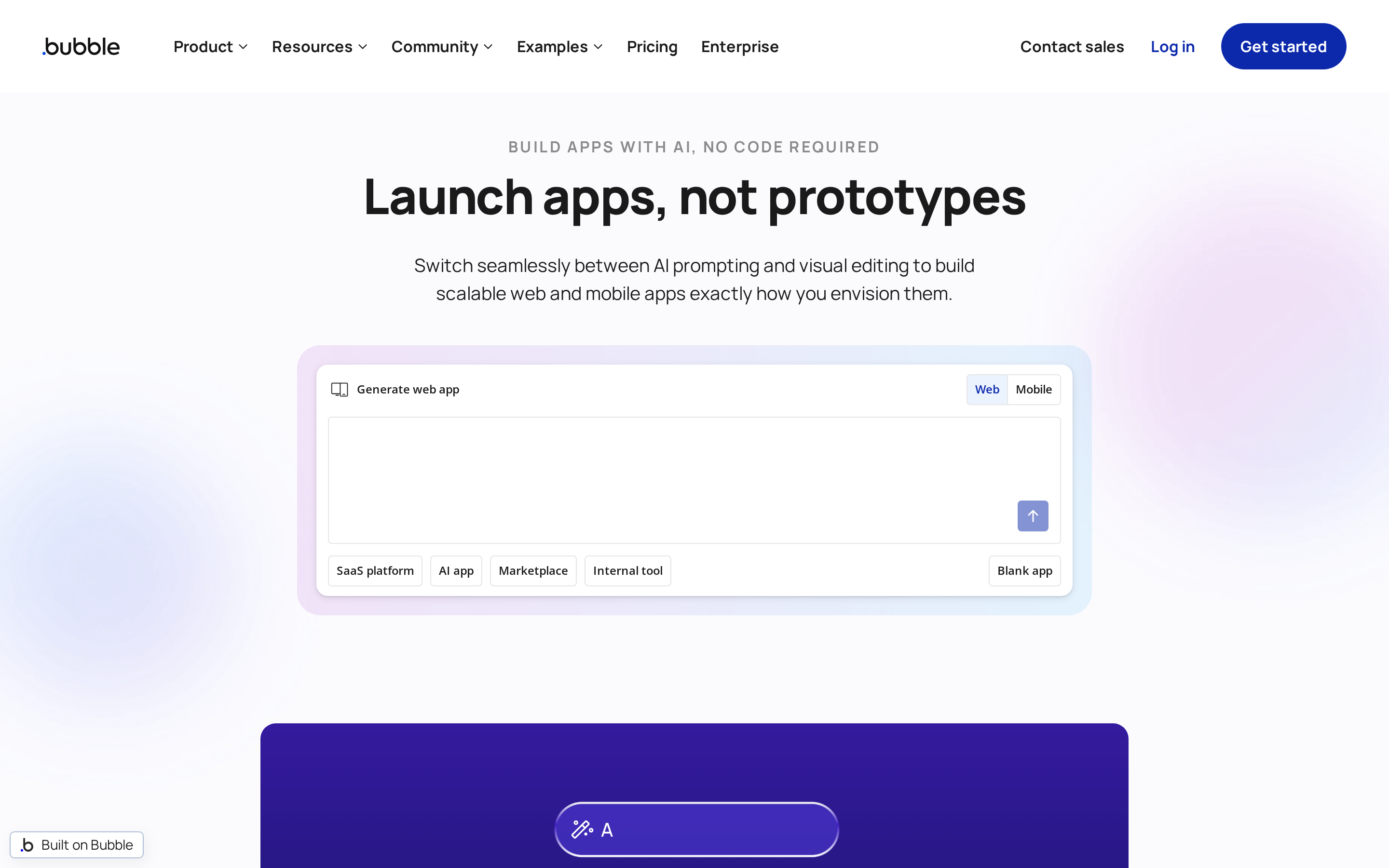
Bubble combines a visual editor, database, and event-based logic on hosted infrastructure. It now supports web apps and React Native mobile apps within the same project.
- Build process: Design interfaces visually and define workflows against Bubble’s backend.
- Output: Web, iOS, and Android apps; mobile and web versions can share data, workflows, and APIs.
- Source access: Bubble hosts the backend and workflows, so it is not a portable source-code handoff.
- Publishing: A paid plan is required for TestFlight, Google Play testing, and public store release.
- Pricing: Starter costs $59/month when billed annually and includes 175K Workload Units plus mobile build submissions.
- Best for: Products that need a custom web app and native mobile experience on one shared backend.
- Limitations: Workload Units measure server use across web and mobile, so active apps need usage planning. Bilt and FlutterFlow provide a portable code path; Bubble keeps its backend and workflows hosted.
Specialist and managed alternatives
These options begin from a narrower delivery path:
- GoodBarber: Assemble content or commerce apps from themes and CMS modules.
- AppMySite: Convert an existing website through a self-serve builder.
- MobiLoud: Hand website-to-app design, submission, and maintenance to a managed team.
Compare who configures the app, who controls the store accounts, and what happens when the subscription ends.
8. GoodBarber
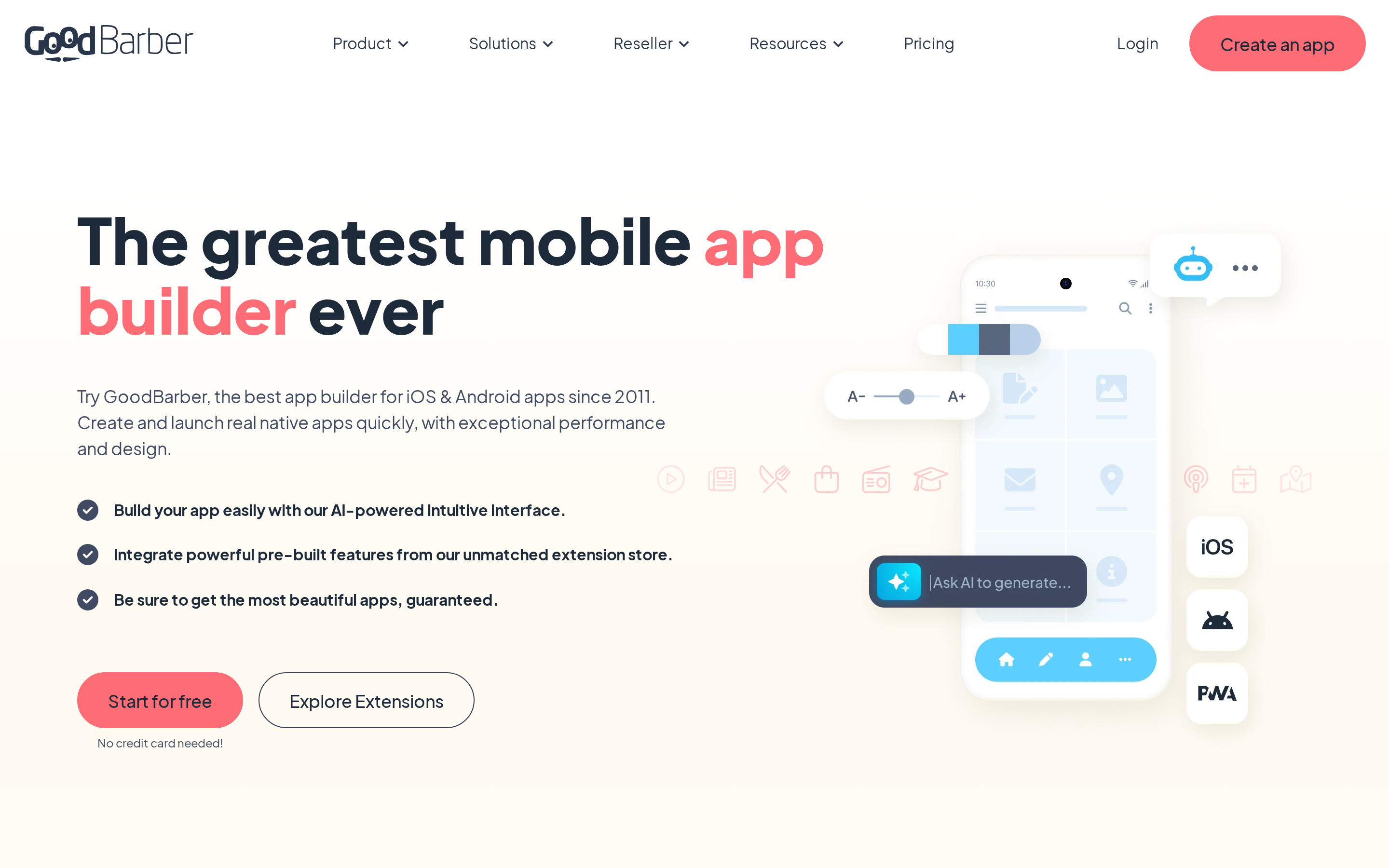
GoodBarber assembles content and commerce apps from themes, modules, and CMS collections. That gives publishers familiar sections without designing every screen from scratch.
- Build process: Choose a product family, apply design rules, and add content or commerce modules.
- Output: Native apps and PWAs, depending on the plan.
- Source access: The app remains managed through GoodBarber rather than arriving as an editable project repository.
- Publishing: Native distribution and optional submission services depend on the selected configuration.
- Pricing: Plans vary across content, commerce, and reseller products, with optional extensions affecting the total.
- Best for: Publishers, stores, agencies, and resellers using repeatable content or commerce patterns.
- Limitations: Bespoke workflows must fit available modules, extensions, or custom development. GoodBarber starts from themes and CMS modules, while AppMySite starts from an existing website.
9. AppMySite
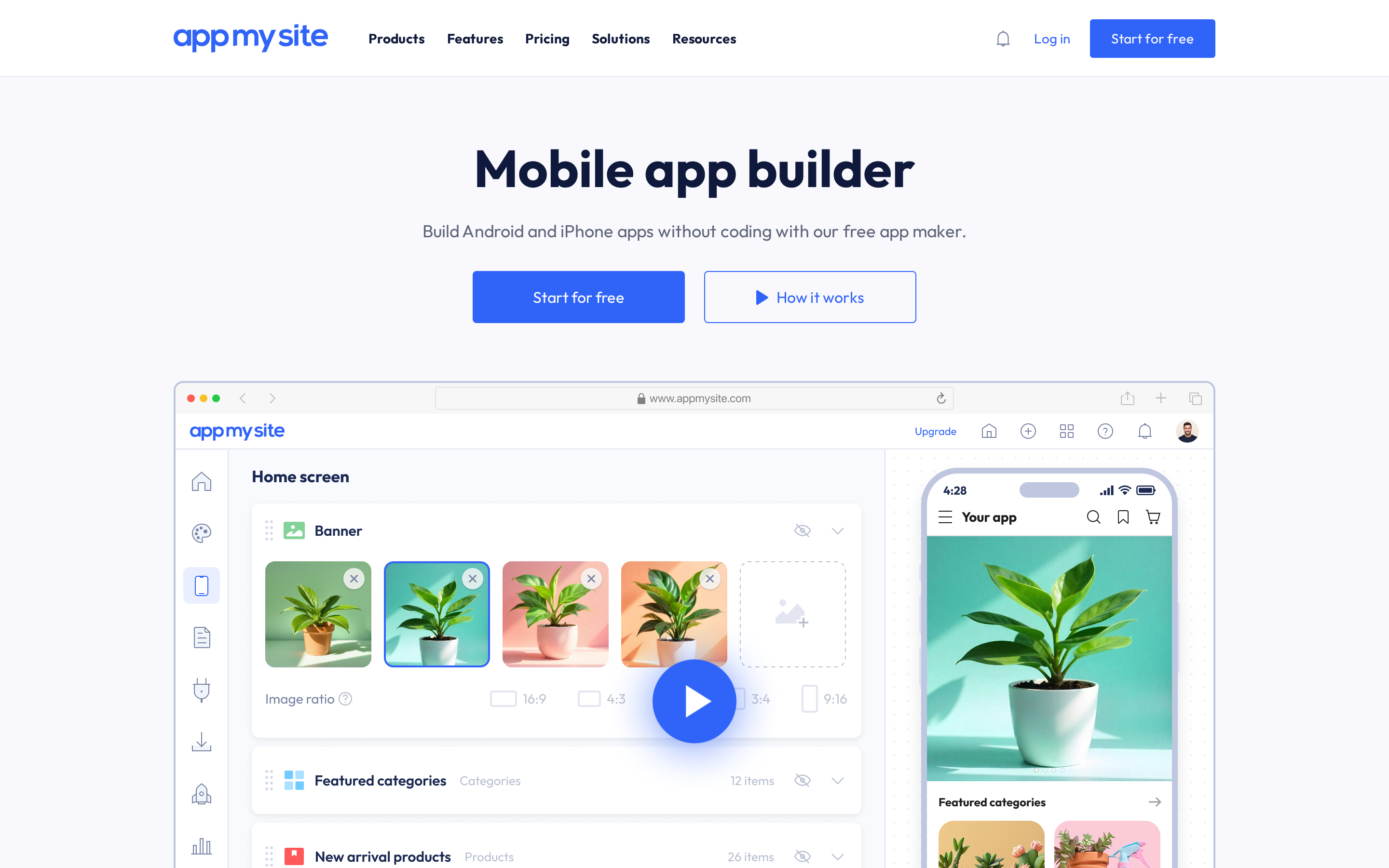
AppMySite converts an existing website into an Android or iPhone companion app. Its website-to-app product uses web views, so the site remains the main content and transaction layer.
- Build process: Connect the website, configure branding and mobile settings, preview, then generate store builds.
- Output: Android and iPhone apps based on existing web content.
- Source access: Current plan details do not list an editable source-code handoff; app-specific configuration stays in AppMySite.
- Publishing: Plan eligibility varies by platform and store, with manual or assisted publishing options.
- Best for: WordPress, WooCommerce, Shopify, or other sites that should remain the daily source of content and inventory.
- Limitations: A distinct mobile journey or device-heavy feature can outgrow the website-conversion path. AppMySite is self-serve, while MobiLoud supplies a managed team for the build and ongoing operation.
10. MobiLoud
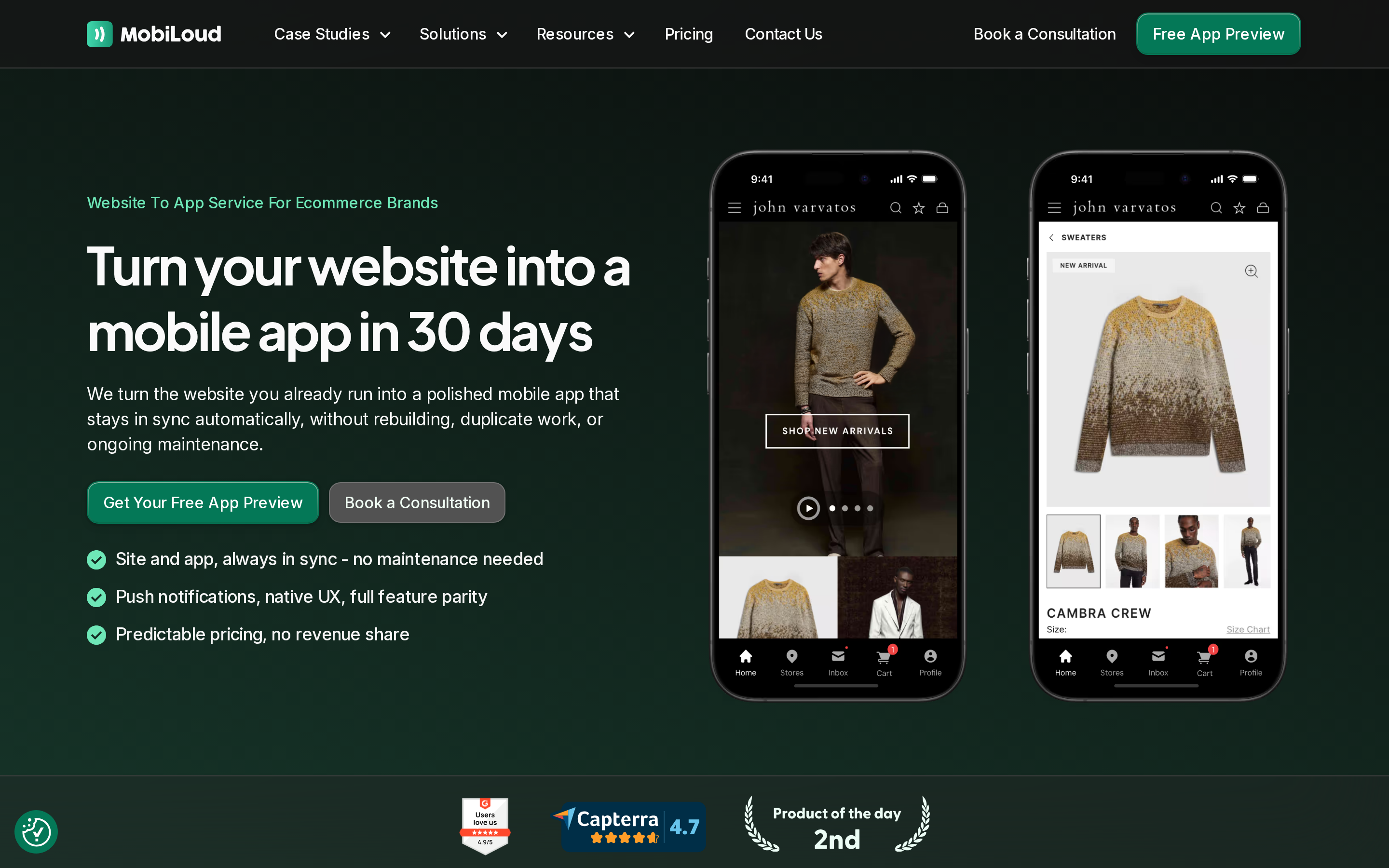
MobiLoud is a managed service for turning an existing ecommerce or content site into native iOS and Android apps. Its team handles design, configuration, QA, store submission, and ongoing platform updates.
- Build process: MobiLoud builds on top of the existing site and manages the release process.
- Output: Native iOS and Android apps, typically delivered in six to eight weeks.
- Ownership: The customer keeps the Apple and Google developer accounts, listings, reviews, and ratings.
- Publishing: Submission to both stores is included; MobiLoud manages the accounts as part of the service.
- Pricing: Business costs $1,499/month, or $1,274/month billed annually, plus a listed $5,000 setup fee. Enterprise is custom.
- Best for: Established brands that want an external team to run app operations after launch.
- Limitations: The service requires a 12-month agreement, and platform updates, maintenance, and push delivery end with the subscription. Unlike AppMySite's self-serve setup, MobiLoud prices ongoing team involvement into the service.
Which BuildFire alternative fits your app need?
Start with the finished product, then choose the build process. Code ownership matters when a developer may take over later; store distribution alone does not give you an editable project.
The table separates prompt-led, visual, data-led, web-first, and website-conversion paths.
| App need | Most relevant alternatives | Why they fit |
|---|---|---|
| Own native source code | Bilt, FlutterFlow | Both include source code export. Bilt uses an AI-first React Native workflow. FlutterFlow uses a visual Flutter workflow. |
| Database-driven MVP without coding | Adalo, Thunkable | Both focus on no-code app creation. Adalo centers on relational data. Thunkable centers on block-based logic. |
| Internal tools and dashboards | Glide, AppSheet | Both are data-first builders tied to spreadsheets or databases. App-store distribution is not the primary focus. |
| Web-first product with native mobile companion | Bubble | Bubble is built for complex web-first apps and supports native mobile publishing on paid plans. |
| Content or e-commerce app for clients | GoodBarber | GoodBarber centers on content, e-commerce, and white-label app publishing. |
| Turn an existing site into an app fast | AppMySite, MobiLoud | Both convert existing websites into app-store apps. AppMySite is self-serve. MobiLoud is managed service. |
Before you migrate from BuildFire
A migration starts by separating portable assets and data from BuildFire-specific plugins, screens, and logic. A separate code repository can help, but it is not the same as exporting a complete BuildFire project.
Use this migration checklist before choosing a destination:
- Inventory features and dependencies. List every screen, BuildFire plugin, custom workflow, notification, payment flow, login method, and device feature the current app uses.
- Map data and integrations. Record where user data lives, how it can be exported, which APIs or webhooks connect the app, and which credentials need rotating.
- Preserve separately maintained code. Keep any useful code in its existing repository and treat it as input to the rebuild. A repository containing custom work is not a complete export of a standard BuildFire app.
- Confirm store-account ownership. Verify control of Apple and Google accounts, signing access, bundle IDs, package names, listings, and release history. Keeping the same identifiers is essential when replacing the existing app with an update.
- Collect launch assets and baselines. Save icons, screenshots, descriptions, policies, support URLs, certificates, analytics settings, subscription details, deep links, push-notification data, review notes, and current performance baselines.
- Plan testing. Test authentication, payments, data writes, deep links, notifications, analytics, permissions, and upgrade behavior on real iOS and Android devices.
- Review the destination's ownership model. Confirm who owns the source, backend, data, store listings, and generated builds, plus what remains accessible if you cancel.
The rebuild scope depends on what you can export and how deeply the current app relies on BuildFire-specific components. Confirm that scope before choosing a destination or launch date.
Build and publish a real native app with Bilt
If you need native apps and an editable codebase, Bilt keeps the path straightforward:
- Describe the app. Explain the screens, core journey, data, and features in plain English.
- Refine the build. Request changes through conversation and keep the React Native source synced with GitHub.
- Test native behavior. Use browser previews, cloud emulators, or QR testing on physical iOS and Android devices.
- Submit to stores. Bilt automates builds and signing, uploads iOS builds to App Store Connect, and can send Android bundles to Google Play’s internal testing track. The first Play release may need a manual upload.
You submit the iOS build for review in App Store Connect; Apple and Google still approve developer accounts and review each app. You keep responsibility for the listing, policies, and store accounts.
Bilt is free to start with 3M monthly AI tokens, roughly 12 to 30 prompts, plus a backend and live web and native previews. Ready to turn the comparison into a working app? Start building free.
FAQ
Can you export code from BuildFire?
BuildFire’s public pricing page does not promise a full-project source-code download. Custom plugin code may live in a separate repository, but that is different from exporting the complete application.
Ask BuildFire to confirm your rights in writing. If useful code already exists in GitHub, you can connect that repository to Bilt and recreate the BuildFire-specific parts.
Which BuildFire alternative is easiest for beginners?
For a native app built through prompts, Bilt is the simplest starting point. Glide is easier for a spreadsheet-led browser app, while Adalo and Thunkable suit beginners who prefer visual building.
Choose by required output first. A simple editor does not help if it produces the wrong type of app.
Can Glide publish native mobile apps?
No. Glide publishes browser-based apps and PWAs rather than native iOS or Android apps distributed through the Apple App Store or Google Play.
Use Glide for browser-accessible internal tools and portals. Choose a native alternative to Glide when store distribution is required.
Are there free BuildFire alternatives?
Yes. Bilt’s free tier includes 3M monthly AI tokens, a backend, and live web and native previews.
FlutterFlow, Adalo, Thunkable, Glide, and Bubble also offer free building or testing tiers. Publishing, code download, private projects, or production use may require a paid plan, and Apple and Google account fees remain separate.
Which BuildFire alternatives let you export source code?
Bilt exports the full React Native project and supports GitHub sync. FlutterFlow includes Flutter code download on paid plans, with GitHub integration available on higher tiers.
Can you migrate a BuildFire app without rebuilding it?
Usually not as a one-click transfer. You can often carry over data, assets, store accounts, identifiers, and separately maintained code, but BuildFire-specific plugins and screens may need recreation.
Is BuildFire free?
BuildFire’s current public pricing does not list a free plan. Standard starts at $165/month on monthly billing, and the site advertises a discount for annual billing.
Which alternatives publish to both app stores?
Bilt, BuildFire, FlutterFlow, Adalo, Thunkable, Bubble, and qualifying GoodBarber or AppMySite plans support iOS and Android distribution. MobiLoud handles both stores as a managed service; plan requirements and publishing responsibilities differ.