No-code mobile app builders look great in a demo. A fast prototype can still leave you stuck at testing, store setup, or review.
Apple reviews the app's safety, performance, business model, design, and legal compliance. Output technology alone does not decide approval.
Native output usually gives you better device access, offline behavior, and touch response. Thin site replicas and broken features raise review risk.
These 12 builders are compared on output type, store support, AI depth, scaling limits, and pricing.
TL;DR
| Tool | Best for | Output type | Code export | Managed store submission | Starting price |
|---|---|---|---|---|---|
| Bilt | Prompt-to-native app creation | Native React Native | Yes | Yes | Free; paid from $25/mo |
| Rork | Fast MVPs and side projects | React Native or SwiftUI | Yes | DIY | Free; paid from $25/mo |
| Adalo | Beginner MVPs and internal tools | Native binaries | No | No | $36/mo |
| FlutterFlow | Complex visual builds | Native Flutter | Yes, Basic | No; one-click deploy | Free; Basic $39/mo |
| Thunkable | Education and budget builds | Native apps and PWA | No | DIY | Free; paid tiers available |
| GoodBarber | Content and ecommerce apps | Native apps and PWA | No | Yes, via GBTC | Native from $55/mo annual; $70 monthly |
| Andromo | Monetized content apps | Native Flutter | No | DIY | $24/mo; 14-day trial |
| Appmysite | Website-to-app conversion | Webview-based native apps | No | Partial, Premium | About $49/mo |
| Appypie | Industry templates for SMBs | Native APK and IPA | No | DIY | $16/mo per app |
| Buildfire | Engagement and loyalty apps | Native apps and PWA | No | Yes | $165/mo |
| AppInstitute | Local business loyalty apps | Native apps and PWA | No | Yes | About $57/mo; native tier higher |
| Draftbit | Production apps with code ownership | Native React Native | Yes, Standard | No; Pro assistance | Free; Standard $12/mo |
What to look for in a no-code mobile app builder
Five criteria separate tools that ship from tools that stall:
1. Output type
Check whether the builder creates native output or packages a web app in a mobile shell.
- Native output: Usually provides stronger device API access, offline behavior, and responsive interaction
- Web wrapper output: Speeds up site conversion, but scrolling, offline use, and device access can be weaker
Scrolling and transitions can feel less fluid, while data-heavy screens and hardware features expose the performance gap faster.
- App Store review: Apple evaluates safety, performance, business, design, and legal compliance across frameworks
- Examples: Bilt, Rork, FlutterFlow, and Draftbit produce native or exportable apps; Appmysite uses webviews
2. Submission support
For iOS projects, compare which paid plans include publishing. Free tiers often let you build and preview but stop before store submission.
| Support level | Tools | What's included |
|---|---|---|
| Full-service | AppInstitute, Buildfire | Managed submission, no Mac required |
| Partial automation | Appmysite | Automated Apple submission on Premium tier |
| DIY | Andromo, Appypie, Thunkable | You handle signing and store upload yourself |
Building an app without code is only half the job. Check the five points where first-time builders tend to get stuck:
- Authentication: Can the platform handle sign-up, login, and account recovery without custom setup?
- Payments: Can it support subscriptions and in-app purchases without manual wiring?
- Database: Do you need to design the data model yourself?
- Deployment: Does it automate code signing and store uploads?
- Growth costs: Will API calls or database rows push up costs as usage grows?
3. AI depth
Some platforms use AI to build functional screens and flows from a prompt. Others use AI for copy, images, or light editor assistance.
- AI-first tools: Bilt and Rork start the build from conversation
- Assistant-style AI: FlutterFlow and Adalo layer AI onto a visual editor
- Watch the label: Andromo's native AI App Builder is in closed beta
4. Scalability and exit path
A tool can work for an MVP and still become a problem later. Check both performance limits and whether you can leave with your code.
Scale risk can appear earlier than a headline user count suggests. Weak no-code builds can strain around 100 active users, while visual builders commonly slow down or time out around 1,000.
Heavy API traffic and external databases expose deeper architecture limits as no-code apps approach 100,000 users.
- Code export matters: FlutterFlow and Draftbit give teams a path to hand off the app later
- Platform ceilings are real: Adalo users have reported slowdowns around 4,000 users
- Lock-in risk: Tools without code export keep the app tied to the platform permanently
5. Pricing model
Headline price is rarely the total cost. Check for usage limits, per-app fees, and add-ons that kick in once the app grows.
| Pricing pattern | Example | What to watch for |
|---|---|---|
| Per-app | Appypie, AppInstitute | Costs multiply with each new app |
| High base | Buildfire from $165/mo | No AI tools included at that price |
| Add-on model | GoodBarber native from $55/mo annually | Extensions add $10-$55/mo each |
AI-first no-code mobile app builders
AI-first builders start with a plain-language description and generate the screens, logic, and native code. You describe the app in conversation instead of assembling it on a drag-and-drop canvas.
1. Bilt
Describe your app idea in plain English. Bilt turns that description into a real native app for iOS and Android, then helps you get it ready for the App Store and Google Play.
No code needed. You do not need to learn Swift, Kotlin, or app-store setup before you start building.
What Bilt handles for you:
- Source code export: Own and export the React Native code for a developer handoff.
- App generation: turn a prompt into screens, flows, and app logic
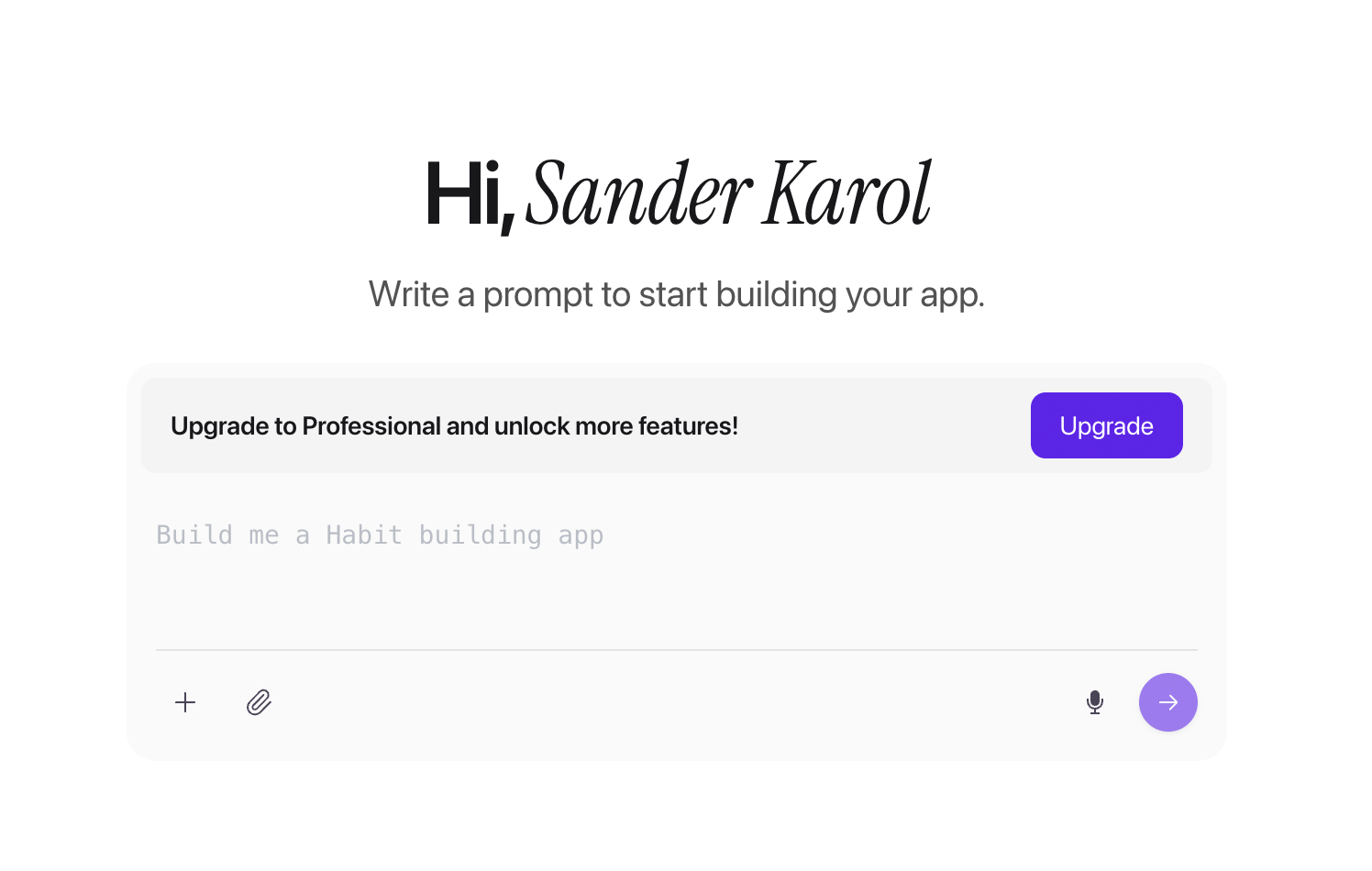
Bilt app creation screen with a prompt field for describing an app idea - Native mobile output: build a real app that works on both iOS and Android, not a web page wrapped in an app shell
- Live preview: test the app on a phone before you publish
- Store-ready launch steps: get help preparing the assets, builds, and submission work needed for Apple and Google review
- Ongoing edits: keep improving the app by describing what you want changed
Who Bilt is built for
Bilt is built for non-technical founders, solopreneurs, and vibecoders who want to ship a mobile app without hiring a developer first.
For an iPhone-specific look at this prompt-to-app workflow, see our AI iOS app builder tests.
It also fits web app owners who built with Lovable, V0, or Next.js and want a native mobile version without starting from zero.
Good for:
- Turning an idea into a working native app through conversation
- Building for both iOS and Android from one starting point
- Getting help with the publishing steps that usually slow down first-time app builders
- Starting free before deciding whether to upgrade
Skip it if:
- You want a visual drag-and-drop canvas as your main workflow
- Your team needs complete manual control of the stack from the first step
Pricing:
- Free: 3M tokens, roughly 12-30 prompts per month, plus live preview, a free backend, Discord support, and email support
- Professional: $25/month for 10M tokens, roughly 40-100 prompts per month, priority agent access, priority native preview, and integrations
- Professional Plus: $50/month for 20M tokens, roughly 80-200 prompts per month, priority support, and early access to new features
- Enterprise: Flexible billing with dedicated support, onboarding, custom integrations, and group-based access control
Annual billing saves 2 months versus monthly. Token top-ups are available as one-time purchases and expire after 30 days.
Support that helps you ship
First-time app builders can get stuck on store rules, rejected builds, missing assets, and unfamiliar setup screens.
Bilt includes engineering support, founder calls, and direct help on stuck builds, so support continues between a working build and store publication.
Start free, build your first version, and publish when you are ready. Bilt supports paid products, memberships, booking flows, and marketplace models.
2. Rork
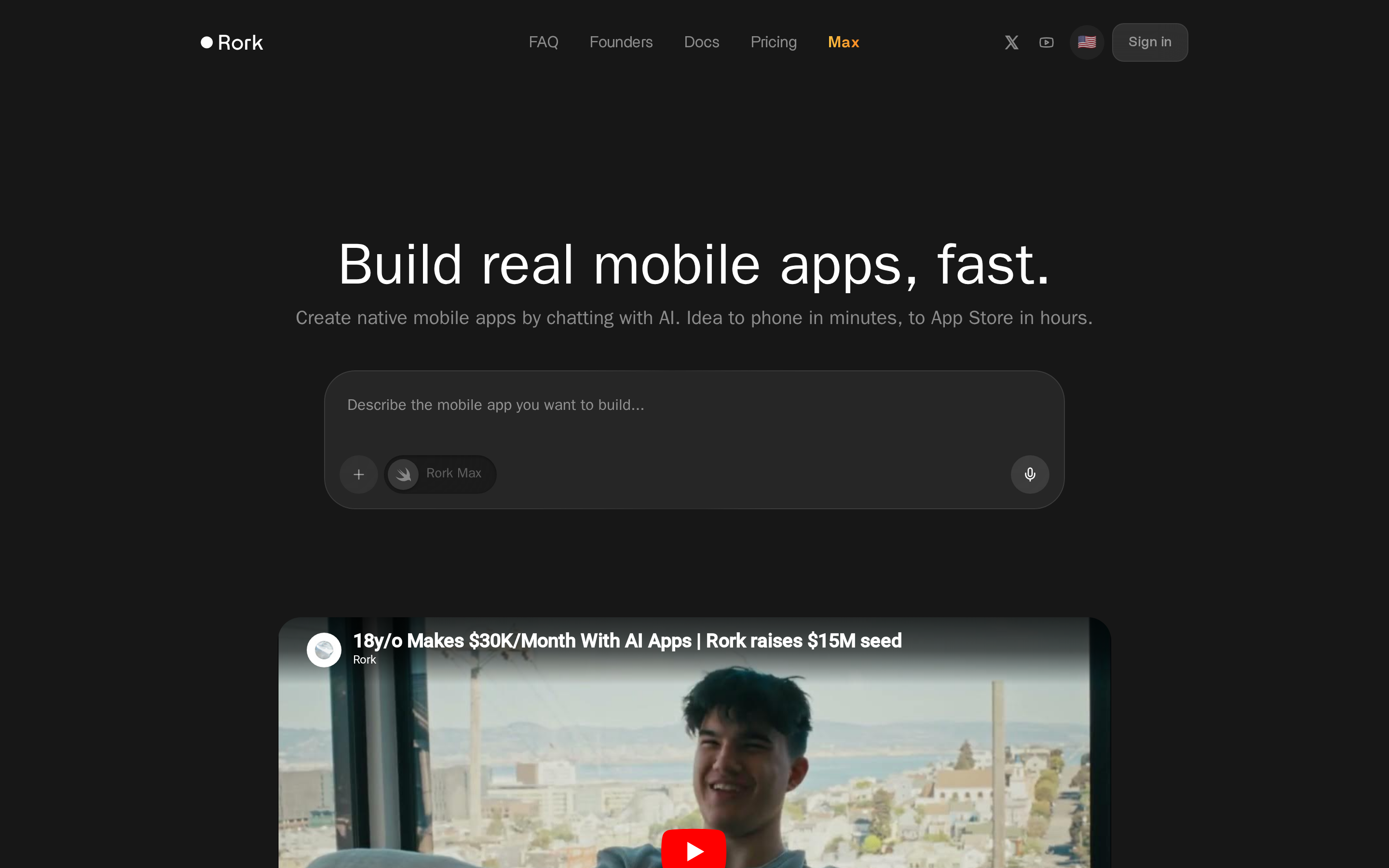
Rork is an AI-first mobile app builder that generates native iOS and Android apps from plain-English chat prompts. The Max tier runs on Claude Opus and adds AR support, file uploads, and SwiftUI output for tighter Apple integration.
Standard output is React Native/Expo. The Max tier switches iOS output to SwiftUI, which performs better for Apple-specific features but comes at a higher credit cost.
Rork does support App Store and Google Play publishing, but there is no automated submission pipeline. You export the code and handle store submission yourself via Xcode for iOS and the Play Console for Android. Users on Reddit and community forums consistently report frequent technical errors during this deployment step.
Core features:
Rork's AI chat handles complex feature requests through conversation, with no SDKs or config files to touch.
- Augmented reality: natural language prompts, no SDKs to configure
- Marketing academy: TikTok-style tutorials for app distribution and growth
- Integrations: Supabase, Firebase, Stripe, RevenueCat, and Google Sheets out of the box
- Full source code export: download your project and develop independently, or hand it to a developer
Where Rork falls short:
Users report frequent errors when pushing builds to TestFlight and Google Play. One-shot builds can fail without manual debugging.
There is no built-in database or authentication layer. Connecting Supabase or Firebase yourself adds setup steps that non-technical builders will hit fast.
The credit model creates the sharpest friction: Rork charges credits for AI-initiated bug fixes even when the fix fails, and the AI has been documented to forget previous code fixes when implementing new updates.
Pricing:
Rork uses a credit-based model. Unused credits expire at the end of each billing cycle and do not roll over.
- Free — 35 credits/month
- Junior — $25/month (100 credits)
- Scale — $200/month (1,000 credits); unlocks private projects, a built-in code editor, and GitHub integration
Credit-based pricing works for occasional builds. For daily iteration, costs compound fast, especially when credits drain on failed bug fixes.
Common use cases:
- Non-technical solopreneurs and indie hackers who need a working MVP fast
- Builders who already have a distribution plan and will benefit from the built-in marketing academy
- Projects where reaching a demo quickly matters more than long-term scalability
Rork is intended for fast MVPs and solo projects with an existing distribution plan. Production apps with complex logic, built-in authentication, databases, or guided store submission require more setup than Rork provides.
If you want a broader ranked view beyond mobile-first tools, see our AI app builder roundup.
Visual no-code native app builders
Visual no-code builders put a drag-and-drop canvas first, not a chat prompt. You assemble layout, logic, and components directly and still ship true native iOS and Android binaries.
This section covers Adalo, FlutterFlow, and Thunkable. Adalo is the most beginner-friendly. FlutterFlow is the only one that exports full Flutter/Dart code. Thunkable sits in the middle with block-based hardware logic.
3. Adalo
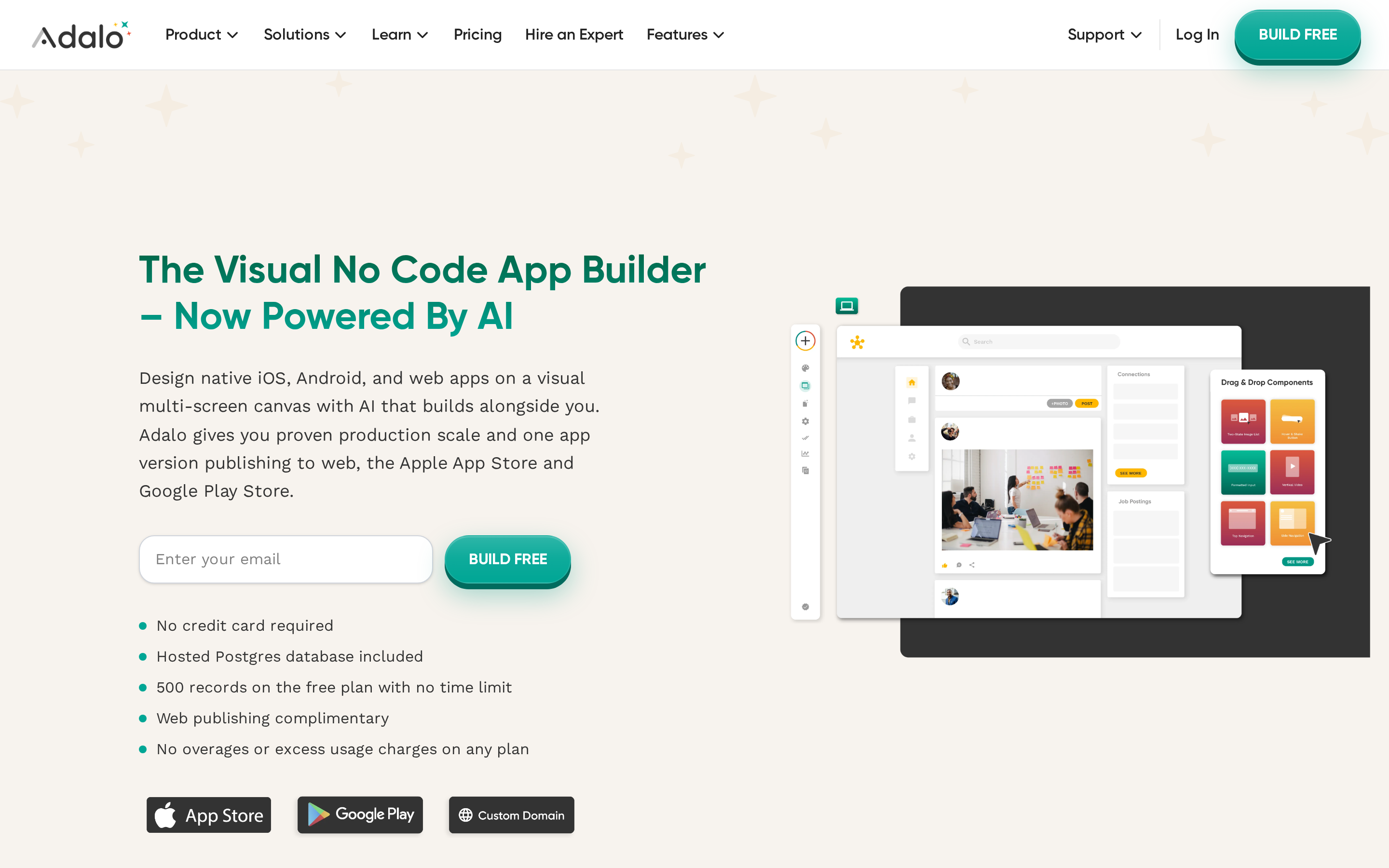
Adalo is where most first-time app builders land. You drag components onto a canvas, the database wires itself in the background, and you publish to both stores without opening a terminal.
Over 1 million apps have been created on the platform. The backend, auth, and UI all live in one place with no external setup.
That simplicity comes with a ceiling. Adalo starts to struggle around 5,000 users, and there is no code export if you ever want to leave the platform.
What's included out of the box:
- Relational database, user auth, and push notifications with no external backend setup
- 50+ pre-built UI components for buttons, forms, lists, and navigation
- Stripe and IAPHUB for in-app purchases, plus Zapier, Make, and custom API connectors
- External database connections on paid plans
- Ada AI (beta, early 2026) generates screens, databases, and edits from text prompts
Ada AI generates screens and schemas from text, but it cannot build a full app from a single prompt the way Bilt or Rork can. It accelerates drag-and-drop work rather than replacing the AI-first tools earlier in this guide.
Security and compliance: SOC 2 certified, GDPR compliant as a Data Processor, and SSO available on the Enterprise plan.
Limitations:
- No code export. Adalo produces true native binaries but apps are locked to the platform. Code export is listed as on the roadmap.
- Performance degrades above 5,000 users. Screen load times slow and UI elements can fail to render at that scale. (Capterra reviews and community forum reports consistently flag this threshold as the point where paid apps start losing users.)
- The editor has reported stability issues on complex builds, including screen freezing and elements disappearing.
- Adalo cannot access nested parameters in JSON arrays, which makes complex API integrations difficult without middleware like Make or Xano.
- App Store publishing requires a paid plan. The free tier supports testing only.
Pricing:
- Free: testing only, no publishing
- Starter: $36/month
- Professional: $52/month
- Team: $160/month
- Enterprise: custom
Annual billing saves 20%.
Adalo suits first apps such as habit trackers, directories, and simple marketplaces. Apps expected to exceed a few thousand users or move to a developer-owned codebase will hit its limits sooner.
If those limits are already a problem, our Adalo alternatives guide compares the strongest next steps.
4. FlutterFlow
FlutterFlow is built for people who have outgrown drag-and-drop simplicity but aren't writing Flutter code from scratch. You design visually, wire logic through a point-and-click interface, and export clean Dart code when you're ready to hand off to a developer.
That last part is what separates it from every other tool in this section. Adalo, Thunkable, and most template builders lock you in. FlutterFlow doesn't.
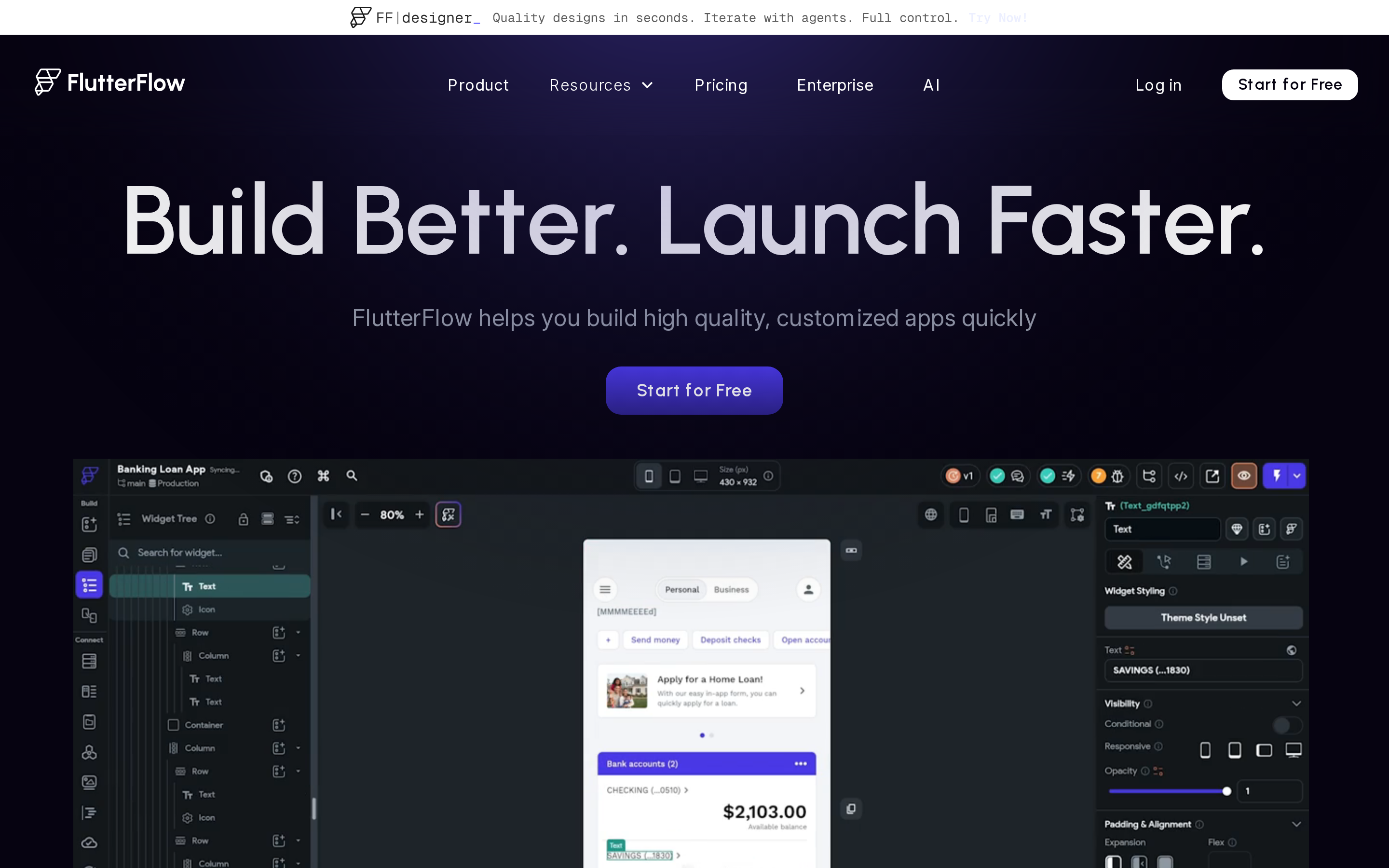
Core features:
- Firebase Auth, Firestore, and Storage connect natively with no custom configuration
- REST API and custom backend connections, push notifications, animations, and conditional logic from a visual interface
- Multilingual localization and custom widget injection
- One-click publishing to the App Store and Google Play on paid plans
- Basic and higher plans include local Flutter source-code download, APK export, and one-click App Store and Google Play deployment.
- iOS, Android, web, and desktop from a single codebase
AI capabilities: Free includes 5 lifetime AI generation requests. Basic includes 50 per month, Growth 200 per month, and Business 500 per month.
The AI tools cover screen generation and the visual Designer. They are not a full conversational app builder like Rork or Bilt.
An AI logic assistant suggests workflows based on the app's existing structure. This helps with conditional logic setup for non-developers who find Firestore data modeling unfamiliar.
Limitations:
FlutterFlow is not beginner-friendly. You need comfort with Firestore data modeling, widget trees, and visual logic flows before the tool feels intuitive. If Adalo feels too simple and you're willing to spend a week getting oriented, FlutterFlow is the step up.
- Free tier is restricted to 2 projects and 2 API endpoints. No code download, no app store deployment, no push notifications or payments, and a mandatory watermark on all apps.
- AI request quotas cap heavy AI use on lower-tier plans at 50 requests per month.
- Generated Dart code can become disorganized as app complexity rises, sometimes requiring manual refactoring.
- Pure no-code FlutterFlow apps can struggle with high-concurrency loads and deep third-party integrations at scale.
- Basic starts at $39/month. Growth starts at $80/month and Business at $150/month. Enterprise pricing is custom, and annual billing is discounted (FlutterFlow pricing, 2026).
FlutterFlow is used in production by organizations including Google. That distinguishes its deployment history from entry-level visual builders.
Typical users: Technical founders and agencies that want to build a Flutter app visually, then hand off exportable code. The learning curve is steeper for anyone unfamiliar with Firestore and widget trees.
If FlutterFlow feels heavier than you want, these FlutterFlow alternatives break down the main tradeoffs.
5. Thunkable
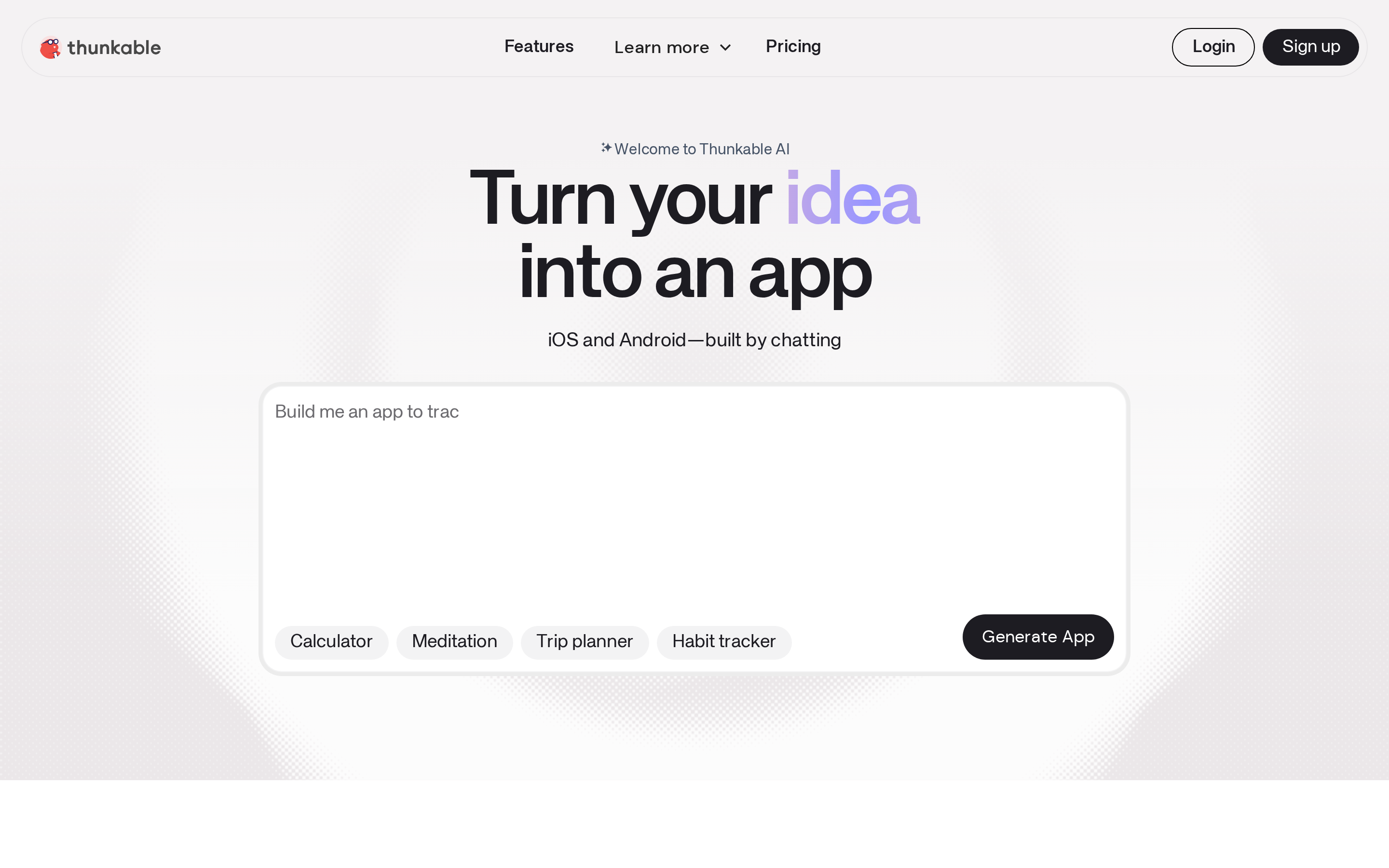
Thunkable is a visual no-code builder for native iOS and Android apps. It pairs drag-and-drop components with block-based logic and direct access to device hardware.
Over 5 million users have built more than 11 million apps on the platform. It sits between Adalo's simpler canvas and FlutterFlow's code-export depth.
Native hardware access includes:
- Camera, GPS, microphone, and accelerometer
- Push notifications and real-time updates via Firebase or REST APIs
- Block-based conditional logic, multi-screen navigation, and backend connectivity
Thunkable AI launched in 2026 with natural language project generation, a Style AI tool, an AI Debugger, and a Prompt Library. It outputs editable visual projects, not raw code. For a full codebase from a chat prompt, Rork or Bilt are better fits.
Thunkable uses a proprietary block-to-native system. There is no code export, which limits your options if you outgrow the platform.
Block logic takes longer to learn than Adalo's canvas, and complex multi-step flows become harder to maintain as the project grows.
Thunkable has a free tier with publishing restrictions. Paid tiers (Advanced, Builder, and Accelerator) unlock AI tokens and remove project caps.
Typical users: Educators, students, solopreneurs, and founders building utility or GPS-based apps that need direct hardware access.
Thunkable does not provide code export or a migration path. FlutterFlow and Draftbit cover those requirements with exportable source code.
If you've outgrown its limits, these Thunkable competitors are the most relevant places to look next.
Template-led native app builders
Template-led builders trade customization depth for faster time-to-launch. You pick a pre-built template, configure it in a drag-and-drop editor, and the platform handles native iOS and Android output behind the scenes.
This section covers six tools: GoodBarber, Andromo, Appmysite, Appypie, Buildfire, and AppInstitute. They typically serve small businesses, content creators, and agencies that need a working app quickly without writing code.
For native output beyond template-led workflows, the GoodBarber replacement shortlist compares launch speed, code control, and App Store readiness.
GoodBarber has 190+ extensions and produces native iOS, Android, and PWA apps from one build. Native publishing starts at $55/month billed annually or $70 month-to-month.
6. GoodBarber
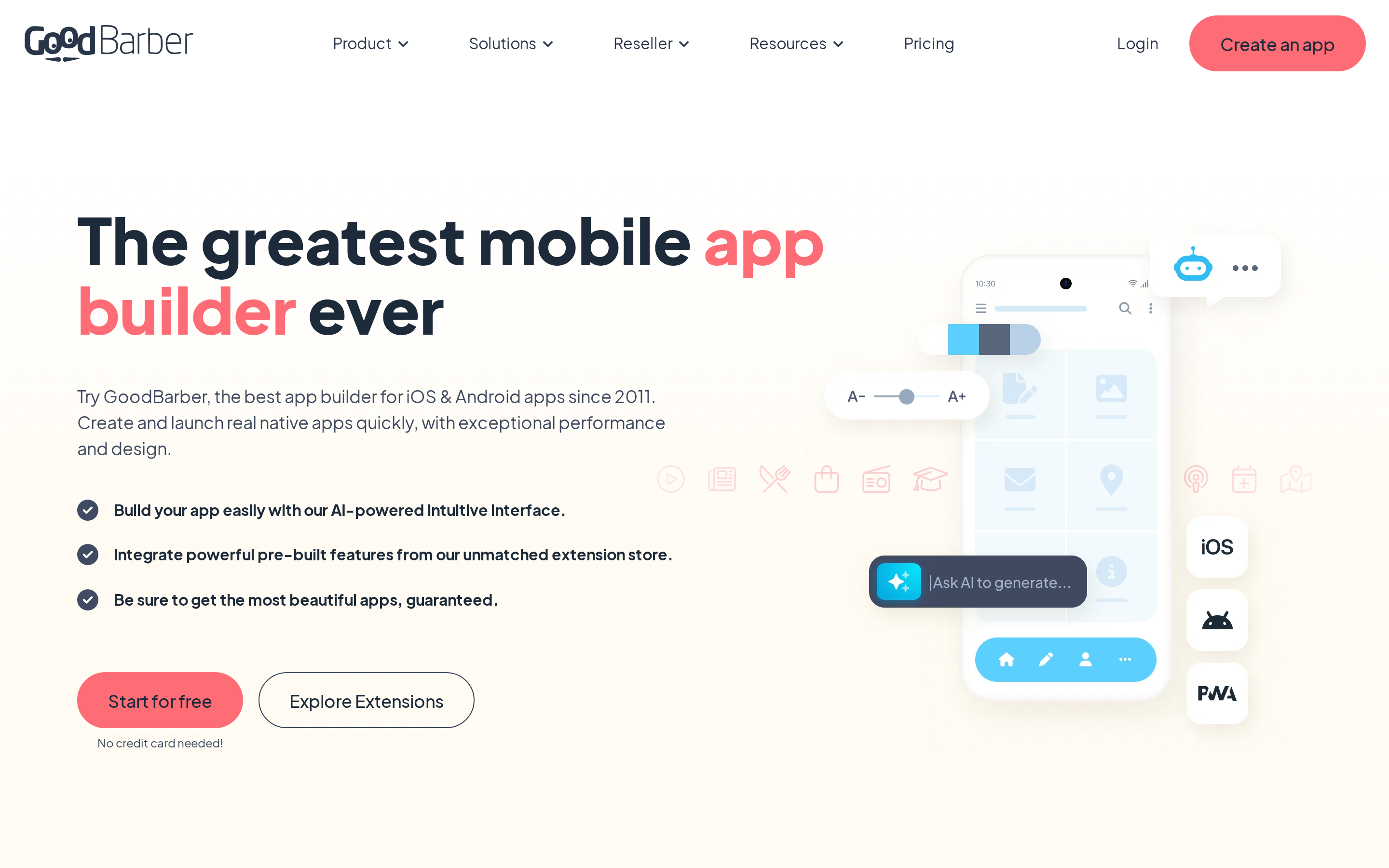
GoodBarber is a template-led no-code builder for native iOS, Android, and PWA apps. It launched in 2011 and focuses on eCommerce and content apps with the broadest extension library in this tier.
Native iOS and Android publishing starts on Premium at $70/month, or $55/month billed annually. That sits below Buildfire's $165 monthly entry price, but extensions can raise GoodBarber's total cost.
What 190+ extensions actually buys you:
- 100+ pre-built templates covering content, eCommerce, and service apps
- 190+ extensions: push notifications, ads, forms, widgets, product catalogs, and third-party integrations
- WYSIWYG drag-and-drop editor with real-time preview across smartphone, tablet, and desktop
- Centralized dashboard for content, products, orders, users, and statistics
Each project produces native iOS (Swift) and Android (Kotlin) apps alongside a PWA. That gives operators multi-platform reach from a single build.
GoodBarber is GDPR compliant and supports over one million users per app with 10GB storage included. An AI Assistant handles text generation and translation.
The ChatGPT-powered chatbot extension adds in-app customer support at $55/mo, billed on top of your base plan.
Where extension costs compound:
- Extensions cost $10-55/mo each, added to the base plan. A chatbot, ads, and a push notification package together add $100+ per month on top of the $36/mo base.
- No code export. There is no path to own or migrate the underlying codebase, unlike FlutterFlow or Draftbit.
- App Store submissions go through GoodBarber's GBTC service with a 24-72 hour turnaround. You must supply your own Apple and Google developer accounts.
Native iOS and Android plans start at $70/month, or $55/month billed annually, with a 30-day free trial. Extensions are priced separately at $10-55/month each. The white-label Agency plan starts at $215/month billed annually.
GoodBarber is used for content, eCommerce, and agency-built apps across iOS, Android, and PWA. Extensions broaden the feature set, but each $10-$55 monthly add-on raises the total cost.
GoodBarber does not include code export or prompt-to-app generation. FlutterFlow and Draftbit cover code ownership, while Rork covers conversational generation.
7. Andromo
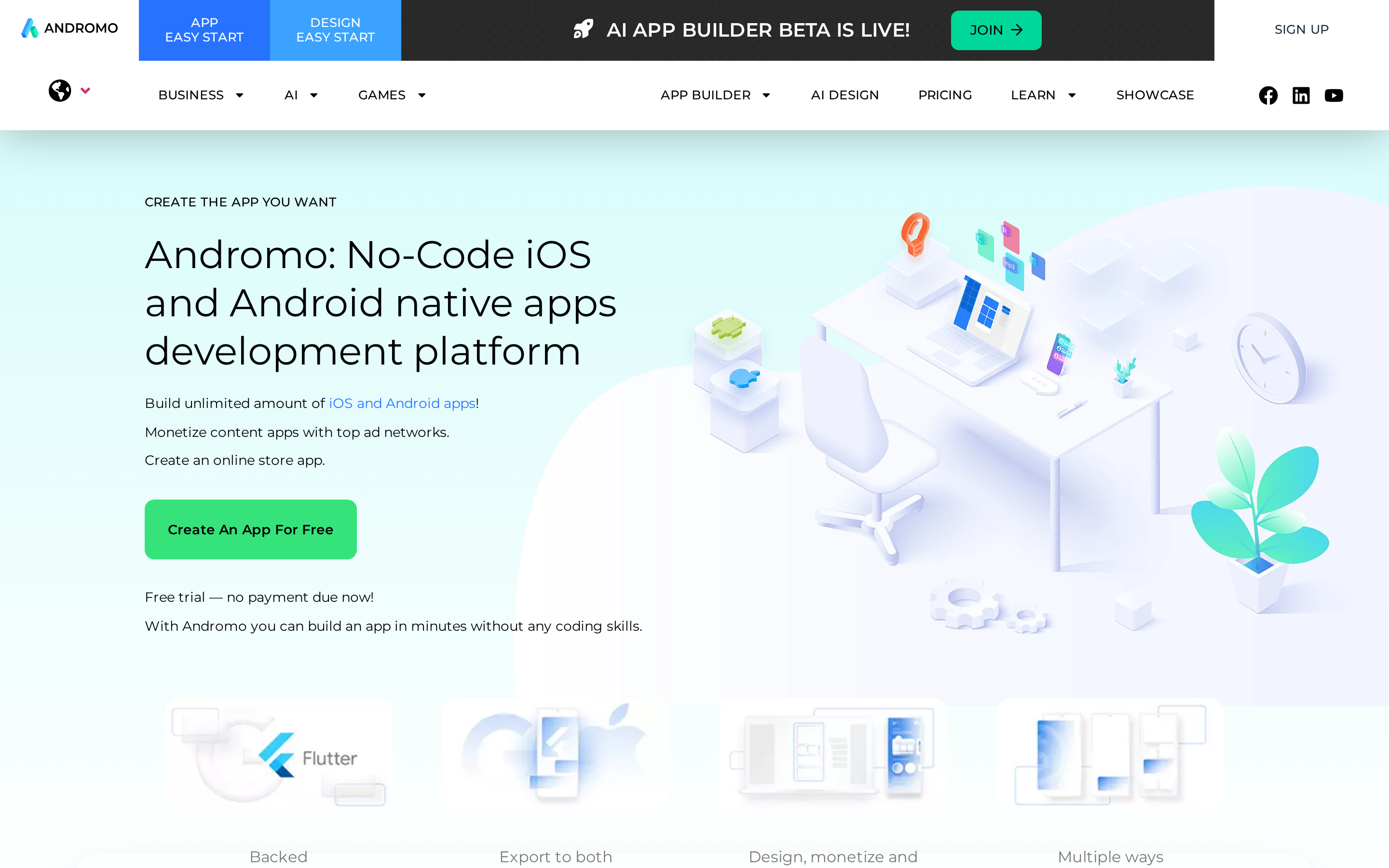
Andromo is a Flutter-based no-code builder for content creators who want ad-monetized apps. Music players, podcast hubs, news feeds, and eCommerce stores are its primary use cases.
Among the template-led builders here, it's the narrowest. GoodBarber covers content and eCommerce with a broader extension library. Appmysite converts existing CMS sites. Andromo builds standalone content apps with ad revenue baked in.
What Andromo does well
Ad monetization is built in with no SDK setup required:
- AdMob: banner, interstitial, and rewarded ads
- Facebook Audience Network: same three formats
- Native Shopify and WooCommerce integrations for adding eCommerce
Content modules cover video, audio, image galleries, PDFs, and push notifications. Downloaded content works offline.
Where it falls short
Andromo apps still need a complete, app-like experience before store submission. Thin content, broken functionality, and placeholder screens can create review risk regardless of the underlying framework.
Other real limits:
- No managed submission service (GoodBarber and AppInstitute handle that for you)
- Content bundles into the APK; real-time updates require publishing a new app version
- AI features are thin: the AI Design Suite covers images only, and the native AI App Builder is still in closed beta
Pricing
- Hobbyist/Basic: $24-$32/mo
- Ultra (monetization and eCommerce): $56/mo
- Pro/Small Business: $76-$130/mo
- Shopify-integrated plan: $80/mo
A 14-day free trial is available. Publishing and monetization are locked until you pay.
Common use cases: Ad-supported content apps for YouTube, podcast, blog, affiliate, and eCommerce audiences. Andromo reports 1M+ users and 70M monthly active users across published apps.
Limits: Andromo does not provide conversational app generation, managed store submission, or real-time CMS sync.
8. Appmysite
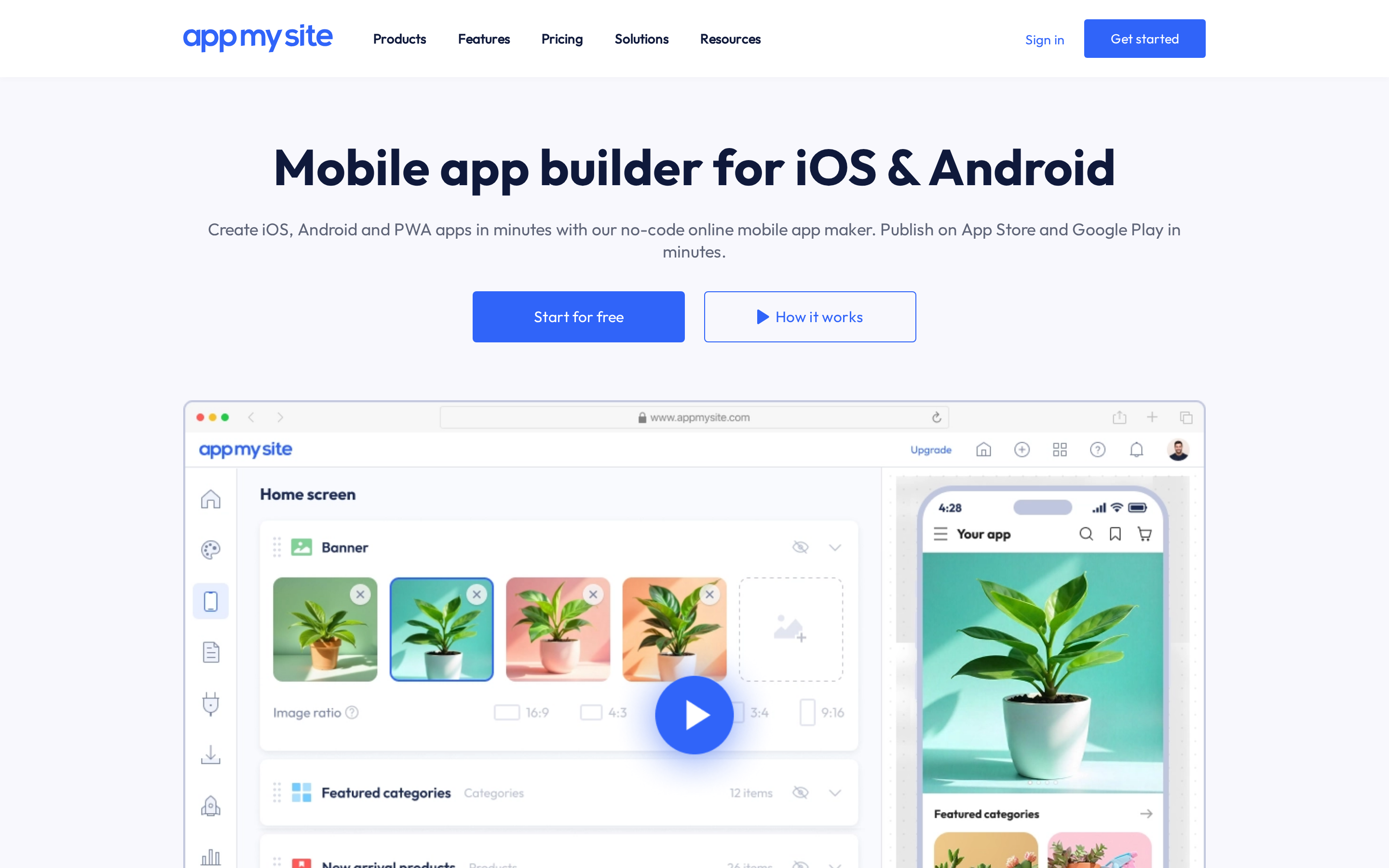
Appmysite converts an existing WordPress, WooCommerce, or Shopify site into a mobile app. It is built for site owners who want app-store distribution without rebuilding their catalog or content.
That's the key distinction from every other tool in this category. GoodBarber and Andromo build from templates with no existing site required.
What Appmysite does well
Real-time CMS sync is the standout feature. Update your WooCommerce or Shopify store and the cart, checkout, and product catalog update in the app automatically. No re-publishing required.
Appmysite publishes to 10+ app stores, including China-region stores that GoodBarber and Andromo don't explicitly support. Automated Apple submission is included on the Premium tier.
The technical ceiling
Appmysite uses a webview layer, so the app inherits the site's mobile performance. Scrolling and transitions are less fluid, while data-heavy screens and native hardware features require extra configuration.
Other limits:
- AI is basic image generation only; no text-to-app like Rork or Bilt
- No code export, so you're locked into the platform
- Apple submission is automated on Premium only; lower tiers require manual submission
- Offline functionality and complex logic are not supported
Pricing
- Free Preview: $0 (build and test, no publishing)
- Starter: $69/mo (or $49/mo billed annually)
- Pro: $129/mo (or $99/mo billed annually)
- Premium: $249/mo (or $179/mo annually); automated Apple submission included
- Agency: $999/mo (or $799/mo annually); white-label option
Annual billing saves roughly 29%.
Typical users: WordPress, WooCommerce, and Shopify site owners, plus agencies building white-labeled apps for CMS-based clients.
Limits: Appmysite does not cover complex custom logic, offline functionality, or advanced native features. Its workflow starts from an existing site rather than a conversational app brief.
9. Appypie
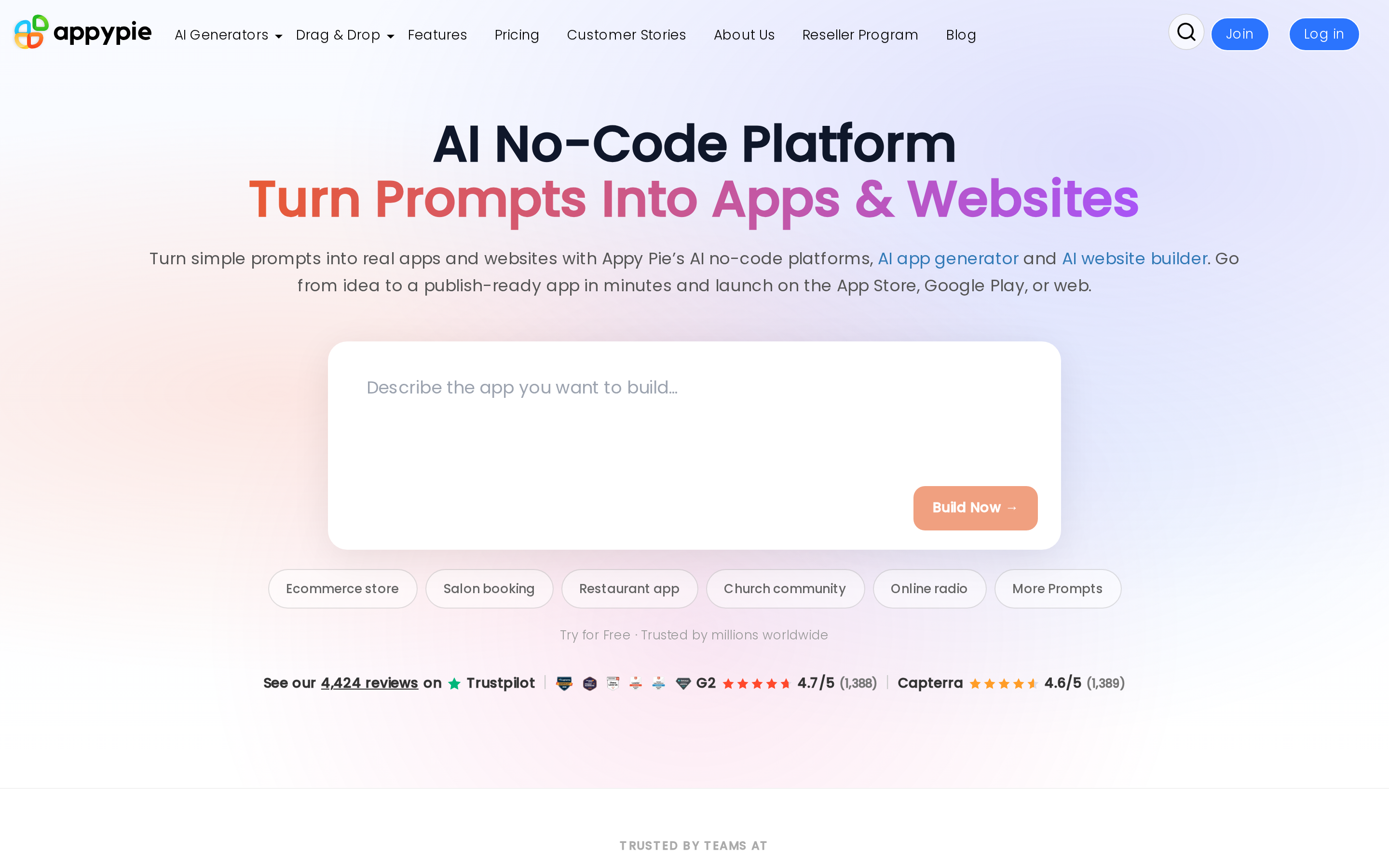
Per-app pricing is what most people miss about Appypie. You pay per app, not per account. One app on the Gold plan costs $36-72/mo. Two apps? $72-144/mo. That math surprises people.
Template depth is Appypie's clearest advantage: 500+ industry templates versus GoodBarber's 100+ and Andromo's 20+. The trade-off is raw performance. Andromo's Flutter-powered native builds run faster.
AI app generator
Appypie launched an AI App Generator in January 2026, currently in beta. It builds a full app from a text prompt in under 60 seconds, covering designs, layouts, and copy. The platform also includes an AI Agents Builder for chatbots and uses AI for design generation throughout the editor.
Integrations and compliance
Appypie connects to 1,000+ apps through its Connect feature, with direct integrations for Shopify, WooCommerce, and Google Analytics.
Its certifications include EU-GDPR, PCI DSS, ISO 22301/27001, and SOC-1/2. Security controls include WAF, DDoS protection, and 2FA.
Limitations to know
Scalability caps are a real concern at the Platinum tier. Two limits will catch growing apps off guard:
- 2,000 downloads per month maximum
- 2,000 push notifications per month maximum
- Overage fees apply once either cap is exceeded
- No code export; migration means rebuilding from scratch
- Backend logic is limited; design templates can feel restrictive compared to Adalo or FlutterFlow
Pricing (per app)
- Basic: $16-32/mo
- Gold: $36-72/mo
- Platinum: $60-120/mo
- Enterprise: custom pricing
For a single app, Appypie starts at $16/mo, well below Buildfire's $165/mo entry point.
Scale is where per-app pricing bites. Two Gold-plan apps run $72-144/month. GoodBarber also prices standard subscriptions per project, so two native apps require two Premium subscriptions.
Appypie is used for single-app projects in restaurants, education, and eCommerce. Rapid growth, complex backend logic, and code ownership sit outside its strongest use cases.
For a fuller replacement shortlist, compare these Appy Pie replacements before you commit long term.
10. Buildfire
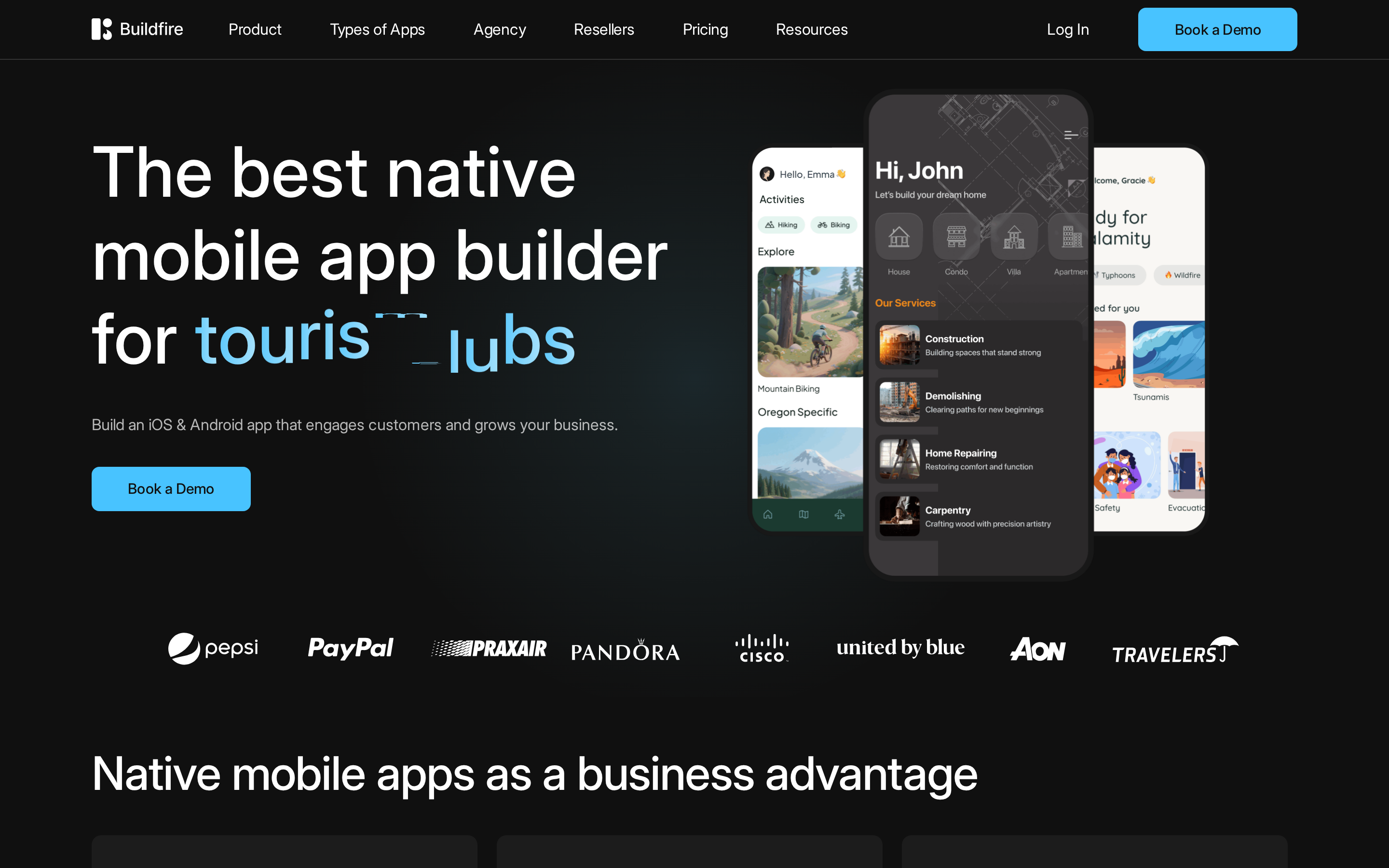
Buildfire does not include AI generation tools. Its workflow centers on templates, plugins, and professional services.
What you get instead is plugin depth. The 150+ plugin ecosystem is the most extensive in this category, covering business, loyalty, community, and content apps. At $165/month to start, that depth costs more than GoodBarber's native plan at $55/month billed annually, AppInstitute, and Appypie at $16/month.
The plugin library covers:
- Push notifications and in-app messaging
- Loyalty programs and reward tracking
- eCommerce and directory listings
- Podcast feeds and community forums
Buildfire has powered 5,000+ apps, including employee apps, non-profit communities, and agency white-label builds.
There is no code export. Teams that outgrow the plugin set usually commission Buildfire's professional services rather than migrate.
Pricing: Growth plan at $165/mo, Scale plan at $440/mo. No free tier. The Growth plan caps at one in-app purchase option; Scale unlocks unlimited IAPs.
Buildfire is used for business, non-profit, and agency-built engagement or loyalty apps with managed store submission. The $165 monthly starting price is higher than GoodBarber and AppInstitute.
11. AppInstitute
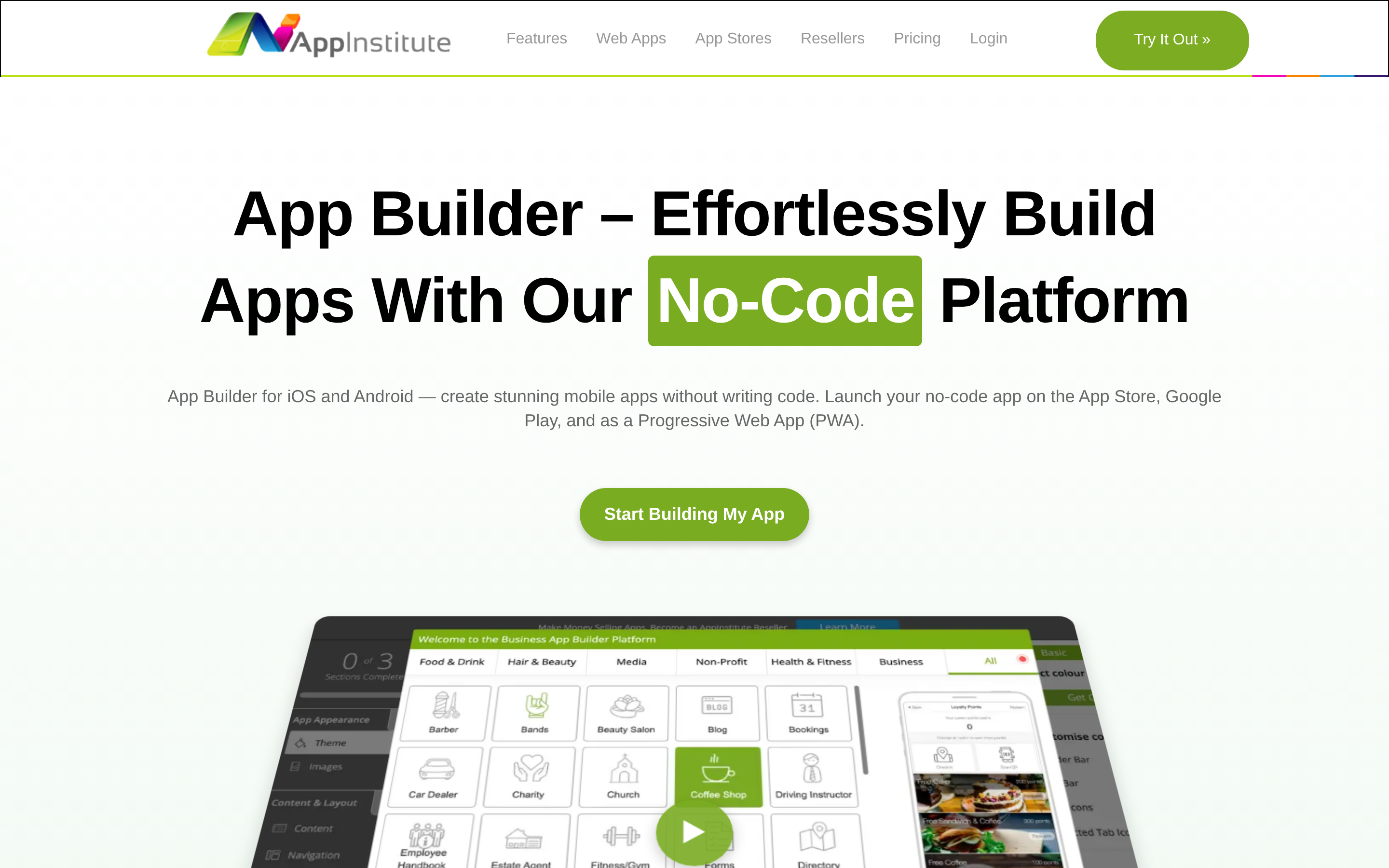
AppInstitute centers on loyalty and customer engagement for cafes, gyms, and independent retailers.
Its drag-and-drop editor includes loyalty tools and managed App Store and Google Play submissions for local businesses without in-house developers.
Narrower in scope than GoodBarber or Buildfire. That focus works for a local business, not if you need custom logic. AppInstitute's in-house team handles App Store and Google Play submissions with a 1-5 day turnaround. No Mac required for iOS builds.
Built-in features include:
- Loyalty programs and reward systems
- Push notifications
- Appointment and table booking
- AI 2.0 (2026): natural language app structure generation and business insights
Limitations to know:
- No offline functionality
- Tech stack is unspecified, and the template library is considered dated with limited design flexibility
- Scalability is weak for rapid user growth or complex logic
Pricing: Native iOS and Android publishing requires a higher-tier plan. Entry plans output PWAs only. Exact pricing for the native publishing tier is not publicly confirmed at this level; AppInstitute lists plans starting around $57/mo but check the site directly, as store-publishing tiers are priced higher and may have changed.
AppInstitute is designed for local business owners who need loyalty programs, push notifications, and managed store submissions. It has less room for rapid user growth, complex logic, or conversational app generation.
Advanced visual builders with code export
When you own the source code, you're not stuck. These builders pair visual app construction with full code export, so you can hand off to a developer, migrate to a custom stack, or scale beyond what any managed platform allows.
12. Draftbit
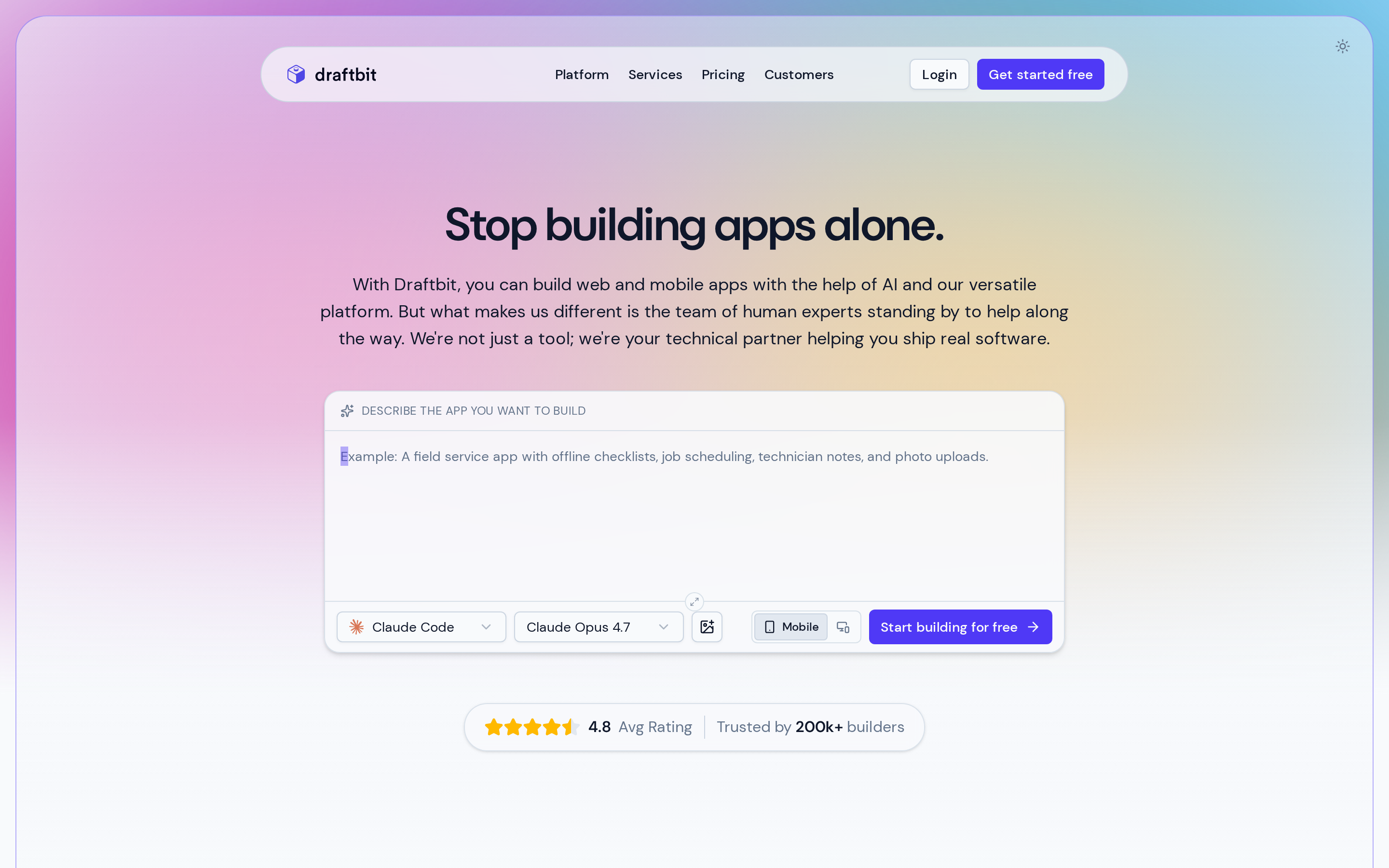
The closest comparison to Draftbit is FlutterFlow. Both let founders and developers build visually and export clean code. FlutterFlow outputs Flutter/Dart; Draftbit outputs React Native/Expo with a TypeScript editor and GitHub sync.
Draftbit is not true no-code. You need comfort with JSON and React Native architecture to get past what the visual builder handles on its own.
Draftbit's AI agents pull from Claude, GPT, and Gemini inside isolated sandboxes. You prompt in natural language, review the React Native output, and commit changes directly. FlutterFlow caps AI requests at 50 to 500 per month by tier; Draftbit's credit model gives more headroom on heavier builds.
Draftbit includes a Launch Guarantee Program: 1-on-1 expert support and structured video courses to get your app to production. That level of guided support isn't available on Rork or Adalo.
Limitations worth knowing:
- Requires JSON and React Native knowledge to extend beyond what the visual builder handles.
- No built-in CMS. Content management needs an external backend via REST API or third-party service.
- Code ownership means more developer involvement to scale, unlike AppInstitute or Buildfire's managed approaches.
Pricing: Paid users can connect a supported AI subscription or API key, so Draftbit credits are optional rather than a fixed monthly allowance.
- Free: 5,000 one-time starter credits and web publishing
- Standard: $12/month with full code export and one-click iOS, Android, and web publishing
- Pro: $24/month with GitHub export, simulators, and App Store submission assistance
- Team: $120/month with collaboration features and 10 editor seats
Typical users: Founders moving prototypes to production, distributed teams, and developers who want to own a React Native codebase. Draftbit expects more technical comfort than a true no-code builder.
How to choose the right no-code app builder
Not sure where you fit? Match your situation to the right tool.
| Your situation | Best pick |
|---|---|
| No coding background, want full lifecycle from idea to App Store | Bilt |
| Fast MVP, solo project, minimal budget | Rork |
| Need code export for developer handoff | FlutterFlow or Draftbit |
| Simple content app or eCommerce storefront | GoodBarber or AppInstitute |
| Building for a community, school, or non-profit | Thunkable or Adalo |
| Monetization app (podcasts, news, radio) | Andromo |
| Already have a WooCommerce or WordPress site | Appmysite |
| Need engagement features like loyalty or push for a local business | Buildfire or AppInstitute |
Treat this table as a fit guide, not a scale guarantee. Test your API, database, and concurrency load before committing, because visual-builder strain commonly appears around 1,000 active users.
Why teams building real native apps choose Bilt
Bilt takes an app from idea to store submission, including code signing. These are the details that matter when you want to launch without assembling separate tools.
Output type. Your app runs as a native iOS and Android app, rather than a web page in a shell. Bilt generates React Native binaries for both platforms.
Submission handling. Bilt automates code signing, asset generation, and App Store and Google Play submissions from end to end.
Three areas make the difference when you are building toward launch:
- AI depth: Keep one build context from the first prompt through later changes.
- Pricing: Monthly token allowances make usage visible, with optional top-ups before the next reset.
- Scalability: Export and own the React Native source code for developer handoff or future work outside Bilt.
Ready to build your app? Start building free.
FAQ
Can I build a no-code app for free?
Yes, on most platforms. Publishing to the App Store or Google Play requires a paid plan on every platform in this article.
Here's what the free tiers actually cover:
- Bilt — free plan lets you build native iOS and Android apps via AI conversation and explore the full feature set before committing to a paid plan
- Adalo: Unlimited test apps and device preview with 500 records per app, but no published apps. Publishing starts at $36/month or $30/month billed annually.
- Thunkable — up to 5 screens per project, 3 projects total, 2,000 AI tokens; all projects are public, no private development
- Draftbit: 5,000 one-time starter credits and web publishing. Store publishing requires a paid plan.
Free tiers are for building and testing. Store publishing is a paid feature everywhere.
Do no-code apps work on both iOS and Android?
Yes. Every builder in this article produces apps for both platforms from a single codebase.
Bilt generates native apps for iOS and Android from one React Native codebase, then automates submission to both stores.
Can I publish directly to the App Store and Google Play?
Yes, but you need your own developer accounts. An Apple Developer account costs $99/year. A Google Play Developer account is a one-time $25 fee.
Bilt automates code signing, asset generation, and store builds for iOS and Android. Other builders may leave more signing and submission work to you or a developer.
What kinds of apps can you realistically build without code?
Quite a lot. No-code builders handle a wide range of app types:
- MVPs and market-validation prototypes
- Directories and listing apps
- Marketplaces with buyer and seller flows
- Health and fitness trackers
- eCommerce storefronts
- Fintech tools (budgeting, expense tracking)
- Social communities and membership apps
- Educational tools and course companions
Apps with real-time features, heavy custom logic, or enterprise integrations will need a developer at some point. For most early-stage ideas, no-code gets you to a working, published app faster than any other path.
Will a no-code app pass App Store review?
App Store review depends on the quality and functionality of the finished app. Apple evaluates safety, performance, business, design, and legal requirements.
A thin site replica can raise review risk when it offers little app-specific value. Native output can support device APIs, offline behavior, and responsive interaction, but it does not guarantee approval.
Review risk rises with placeholder content, broken flows, or minimal functionality. Build a complete app experience and test every flow before submission.