
How to attach
1
Open the attach menu
Click the + button in the chat box, then choose Attach.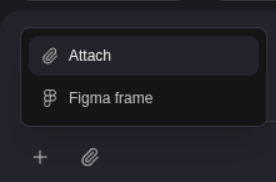
2
Pick your image
Choose a file from your device.
3
Describe what to do with it
Send your message — for example, “Match this design for the home screen.”
What you can attach
- Images — PNG, JPG, GIF, WebP, or SVG, up to 3.75 MB each
- Links — paste any web address
- Figma frames
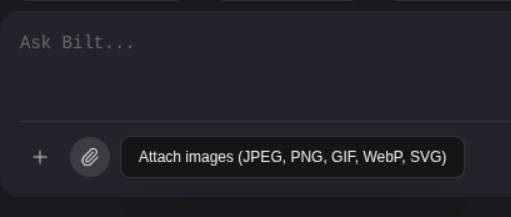
Only images are supported. PDFs, documents, and videos can’t be attached. If an image is over the size limit, take a screenshot of it or export it at a smaller size.