

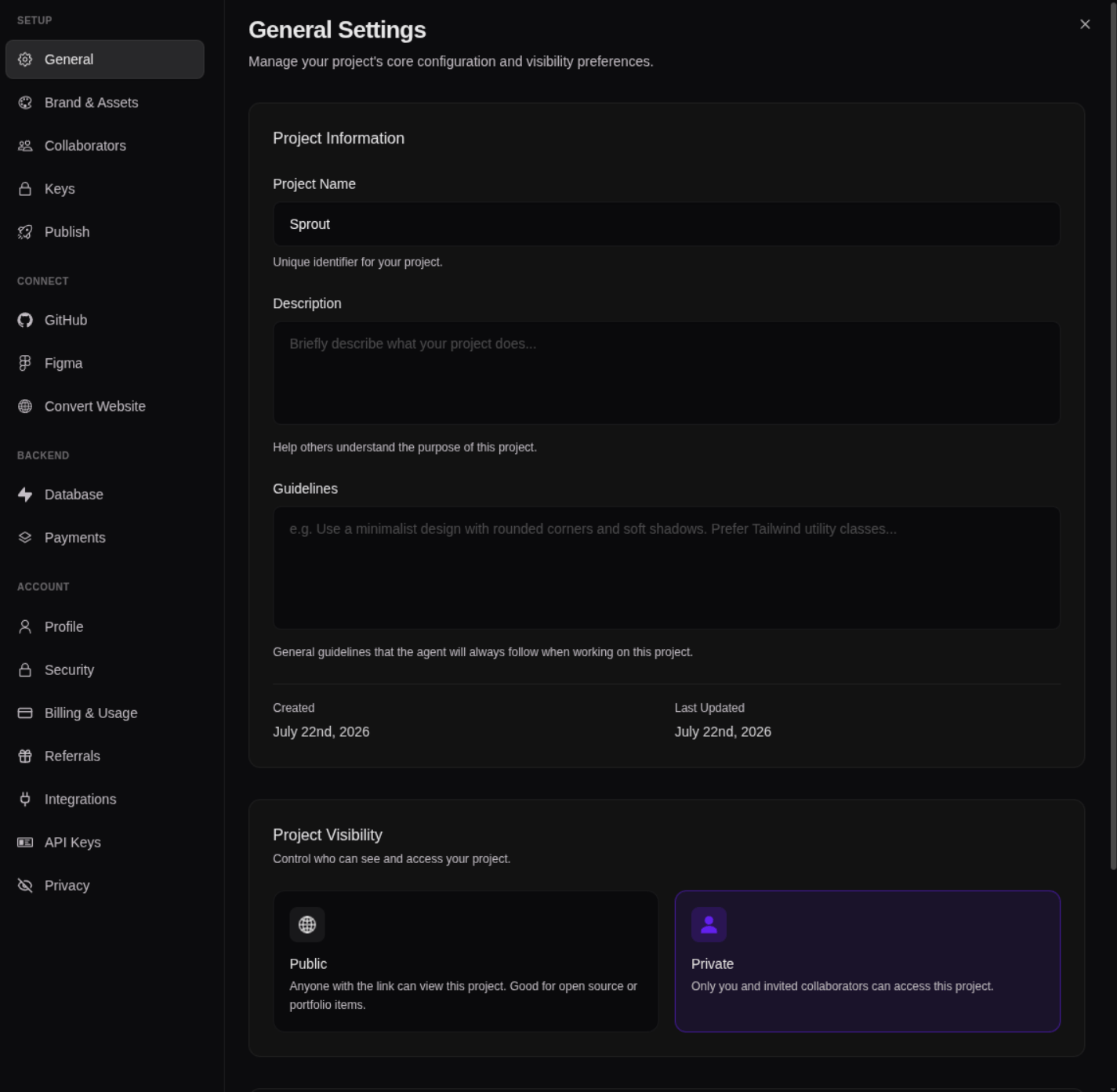
To save a change
1
Make your changes
Adjust whatever you need across the settings tabs.
2
Click Save Changes
Your changes are stored once you confirm.
3
Wait for it to finish before closing
Give the save a moment to complete.
If you try to close Settings with changes you haven’t saved, Bilt shows an “Unsaved changes” prompt — so you can save them first or discard them on purpose. You won’t lose a change by accident.