
What it is
GitHub integration mirrors your Bilt project to a repository in your GitHub account or organization. Your app’s source code lives in a real repo with version history — not just inside Bilt — so you can clone it, share it with others, and use the same Git workflows you would on any other project. Bilt keeps the repository updated as you build.What you can do
- Mirror to GitHub — Bilt copies your project to a GitHub repository in the account you choose
- Two-way sync — Changes you make in Bilt or on GitHub are kept in sync automatically
- Own your code — Clone the repo, work locally, and continue in any editor
- Collaborate — Add team members and wire up GitHub Actions or other tooling
How it’s organized
The GitHub settings have two tabs: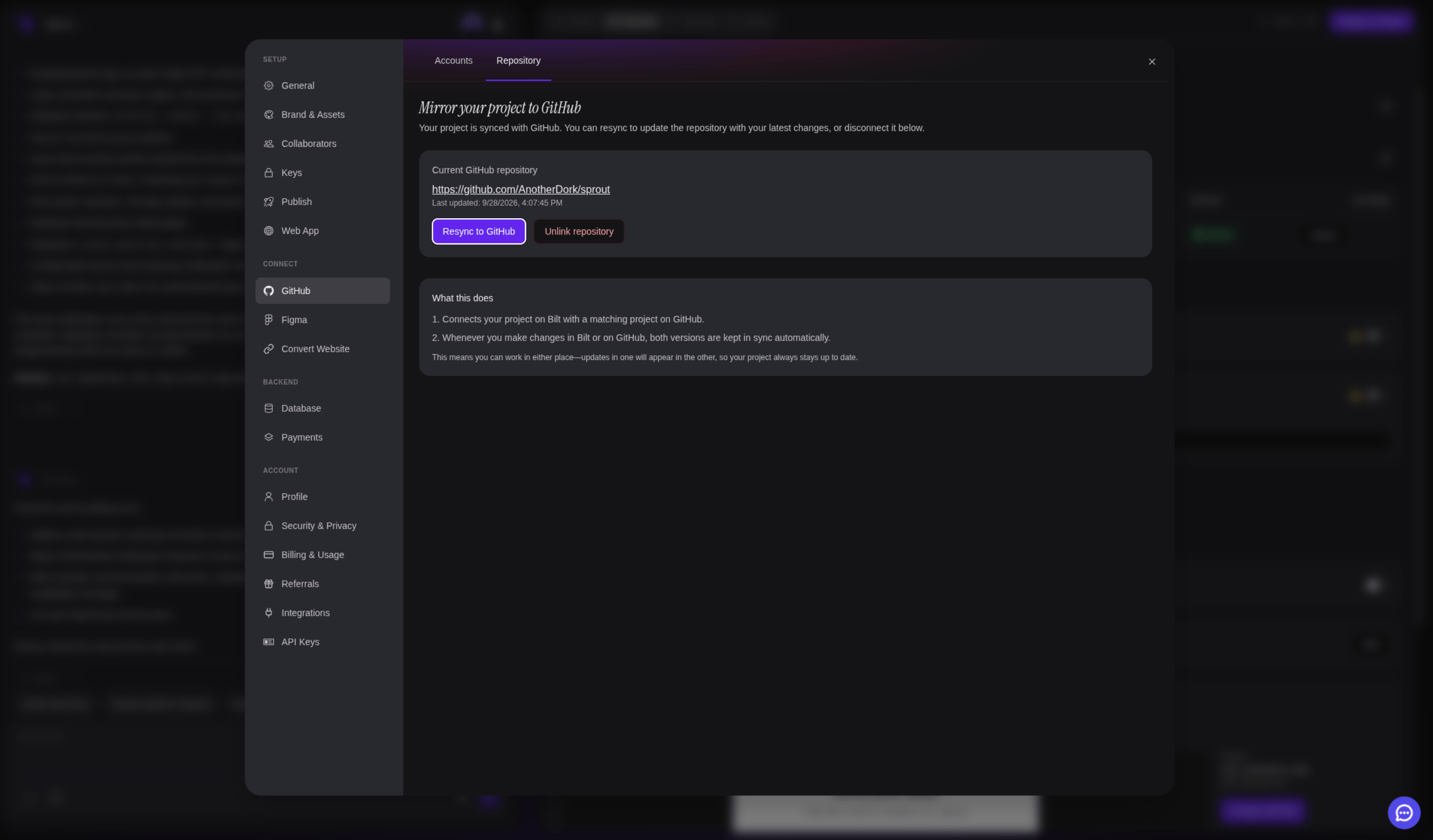
Working with your code on GitHub
Once your code is on GitHub, you can:- Clone and continue development locally
- Set up CI/CD pipelines with GitHub Actions
- Add team members as collaborators
- Open the project in any editor or IDE
Two kinds of GitHub connection
A project can link GitHub repositories in two different ways. They use the same connected accounts but behave very differently:
In short: repository sync is where your app lives; web app source is something the agent reads to build your app. A project can have both at once — mirror your mobile app to your own repo while the agent references the web app it’s based on.