

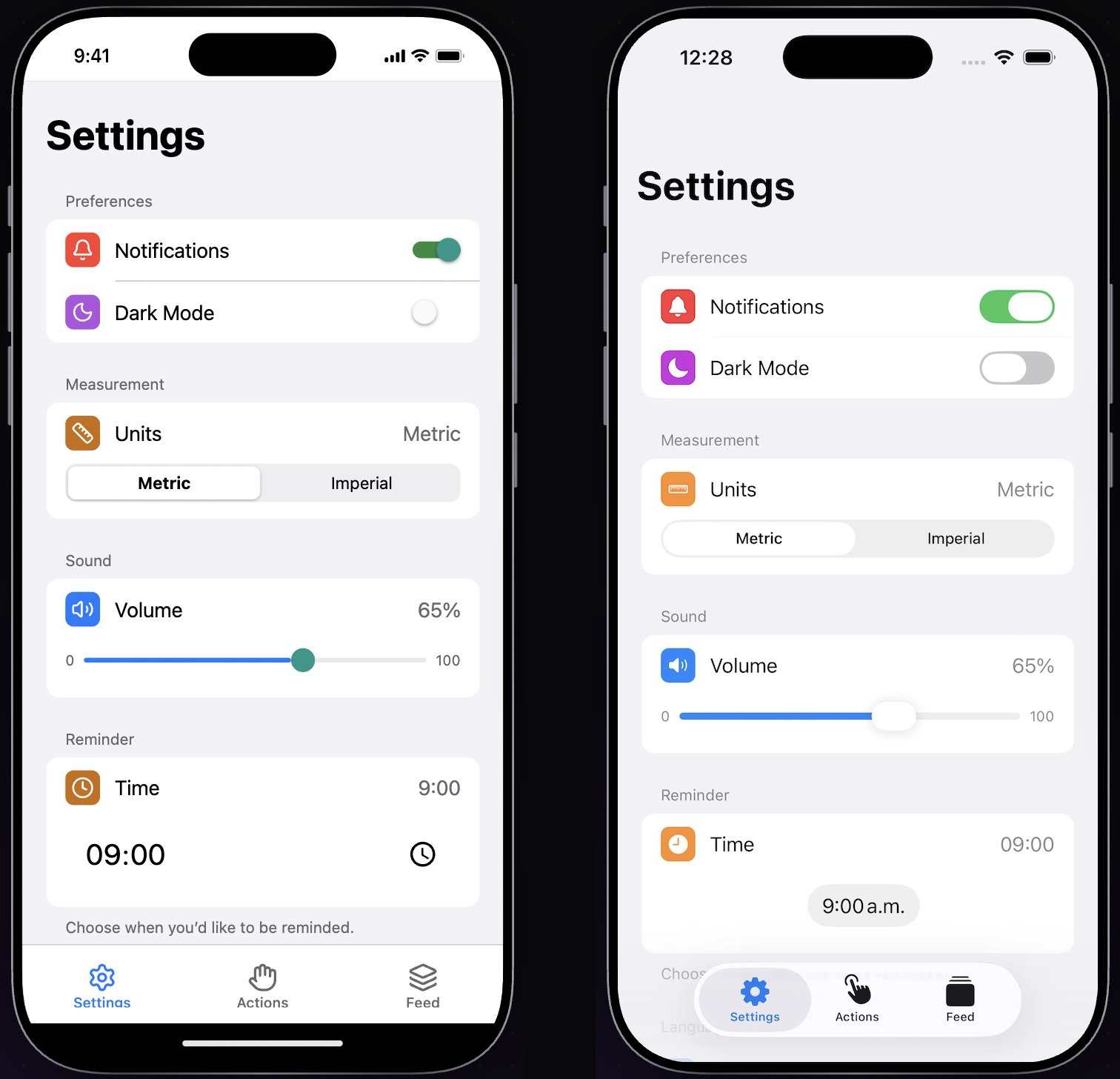
The same screen in web preview (left) and iOS preview (right)
Starting iOS preview
Click iOS preview on the rail, then Start iOS preview below it and wait for your app to open.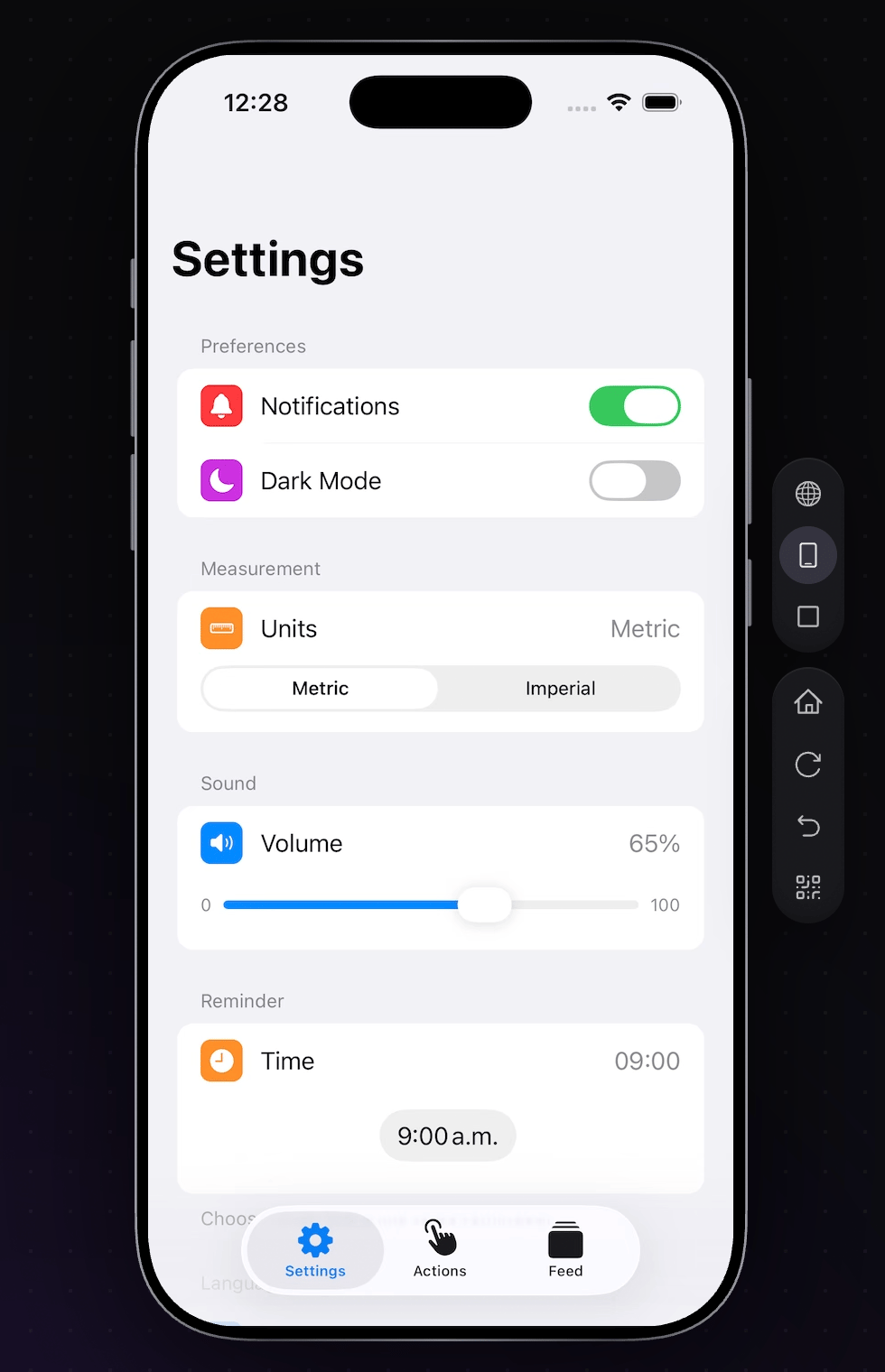
When to use it
Stay on the web preview while you are building. It is always running, and you can point at an element to tell Bilt what to change. Switch to iOS preview to check what only a phone shows you. Does your text fit? Does scrolling behave? Does the screen look the way you pictured it?Camera and uploads
Your app’s camera in iOS preview has no lens behind it. Until you give it something to show, it shows No camera signal.- Use my camera sends your computer’s webcam to the app’s camera. Your browser asks for camera access the first time. Click Stop camera to stop, and the app’s camera goes back to No camera signal.
- Upload to iPhone adds a file from your computer. Add to Photos puts a photo or video in the photo library, Use as camera makes a photo or video the camera’s picture, and Add to Files puts a file in the Files app.