Blink can get a mobile app idea moving fast.
The problem starts when a quick prototype needs to become a published app.
Getting screens is easy.
Finishing the backend, signing the app, and getting through store submission is where non-technical builders get stuck.
This guide compares 10 Blink alternatives for people who want to ship a real app, not just a demo.
TL;DR: best Blink alternatives at a glance
The 10 best Blink alternatives are:
-
Bilt.me - best for native iOS and Android app creation via AI conversation
-
Rork - AI chat platform for rapid native iOS prototypes with one-click App Store submission
-
Vibecode - prompt-based full-stack web and React Native app builder with conversational iteration
-
Base44 - no-code full-stack web app builder for indie developers and MVPs
-
a0 - YC-backed AI agent for production-ready React Native apps with built-in payments and analytics
-
RapidNative - mobile-first React Native builder from prompts, sketches, or Figma
-
Dreamflow - Flutter-based visual and AI hybrid app builder from the FlutterFlow team
-
Rocket - single-prompt full-stack generator with market research and competitor monitoring
-
Onspace - agentic no-code platform for native mobile apps with automated store publishing
-
Apsy - conversational AI app builder for beginners with automated store publishing
Read on to see how each tool compares on publishing support, pricing, and who it fits best.
- Free tiers: Rork, Base44, a0, Onspace, Apsy, Dreamflow, and Vibecode all offer a way to test the product before paying.
- Entry paid plans: Seven tools start at $20-$25/month: Bilt Professional, Rork Pro, Vibecode Plus, a0 Pro, RapidNative Starter, Onspace Pro, and Dreamflow Hobby.
- Mid-range plans: Apsy starts at $50/month for publishing, and Vibecode Pro is listed at $50/month.
- High-end pricing: Rocket Booster reaches $250/month.
- Native-focused options: Rork, a0, RapidNative, Onspace, Dreamflow, Rocket, and Apsy all position native iOS and Android output as part of the promise.
- Web-first options: Base44 and Vibecode lean more web-first, which changes how far they go toward store-ready mobile apps.
- Automation matters: Eight of the ten tools offer some form of app store publishing help. The range goes from export-only (Base44) to one-click submission (a0, Onspace, Apsy).
How to choose the right Blink alternative
Start with 4 filters:
- Output: Do you need a real native app or a web MVP?
- Publishing: Do you want export-only, or help with signing and store submission?
- Budget: Is the plan flat, or do credits burn down during fixes?
- Ownership: Can you export the code when the app grows?
What to look for in a Blink alternative
| Path | Better fit |
|---|---|
| Need a real native app | Bilt.me, a0, Rork, RapidNative |
| Need strong backend tooling | Base44, Rocket, Dreamflow |
| Need code export early | Bilt.me, a0, Dreamflow, Rocket |
| Need team collaboration | RapidNative, Rocket |
Native output matters first.
Native apps handle device features and store reviews better than web wrappers. Rork, a0, RapidNative, Onspace, and Dreamflow all lean into native mobile output, while Base44 stays more web-first.
Several tools, including Rork and a0, use Expo under the hood for on-device previews, which means you test through the Expo Go app rather than a native build.
Publishing support is the next filter.
Generating screens is the easy part. Signing, store metadata, review issues, and release steps are what turn an app into something people can actually download.
Rork, a0, RapidNative, and Onspace all promise app store submission support. Base44 can generate store files, but it still takes a more web-first path than a fully managed mobile workflow.
Note: Publishing to the App Store requires an Apple Developer account ($99/year) and a Google Play account ($25 one-time). Every tool in this list assumes you have or will create these.
What you pay for that path matters next.
Pricing matters after the first build.
Credit-based tools can look cheap until bug fixes and repeated prompts start piling up.
- Vibecode: users report spending $120+ to get one functional app
- Rocket: token-heavy iteration can get expensive fast
- Onspace: the free tier caps usage at 2,000 credits per month
- Apsy: free to build and test, then $50/month to publish
Flat pricing is easier to budget for than a workflow that stalls when credits run out.
Backend depth decides whether the app is just a demo.
Most real apps need auth, a database, and payments. Base44, Vibecode, and Dreamflow look stronger on backend coverage, while Rocket adds Supabase, Stripe, and 25+ connectors.
Code ownership matters once the roadmap gets more specific.
Exportable code gives teams a way to bring in a developer, move to GitHub, or keep building outside the original platform.
Rork, Vibecode, a0, RapidNative, Dreamflow, Rocket, and Apsy all offer some form of code access or export. Base44 also supports ZIP export, with GitHub export and sync on higher plans.
Those filters also structure our native-output AI builder comparison, which ranks options by publishing, ownership, and pricing.
Blink alternatives by type
1. Bilt.me: best for native iOS and Android app creation
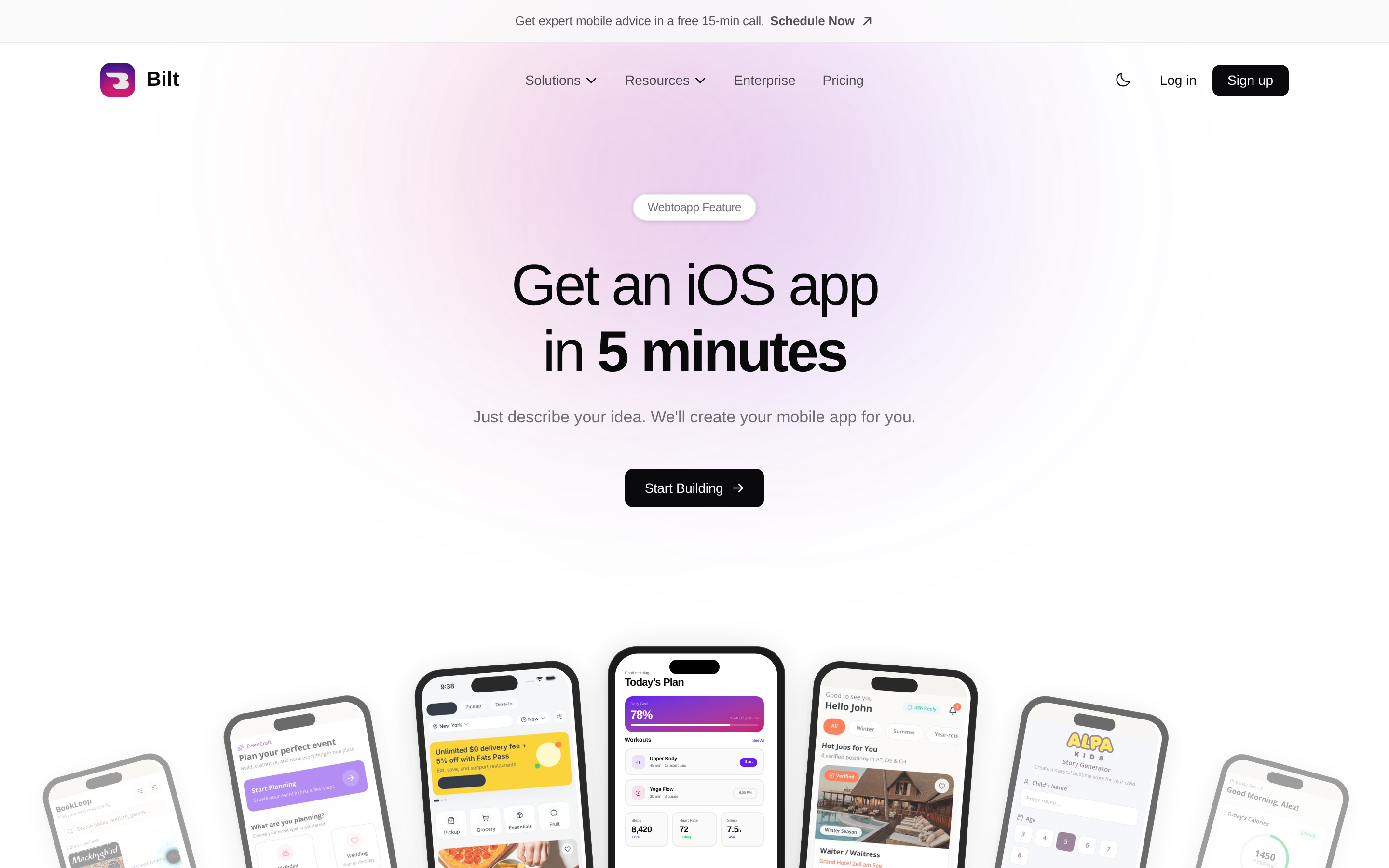
Describe your app idea in plain English. Bilt turns that idea into a real native app for both iOS and Android, then helps with the store steps that usually stop non-technical builders.
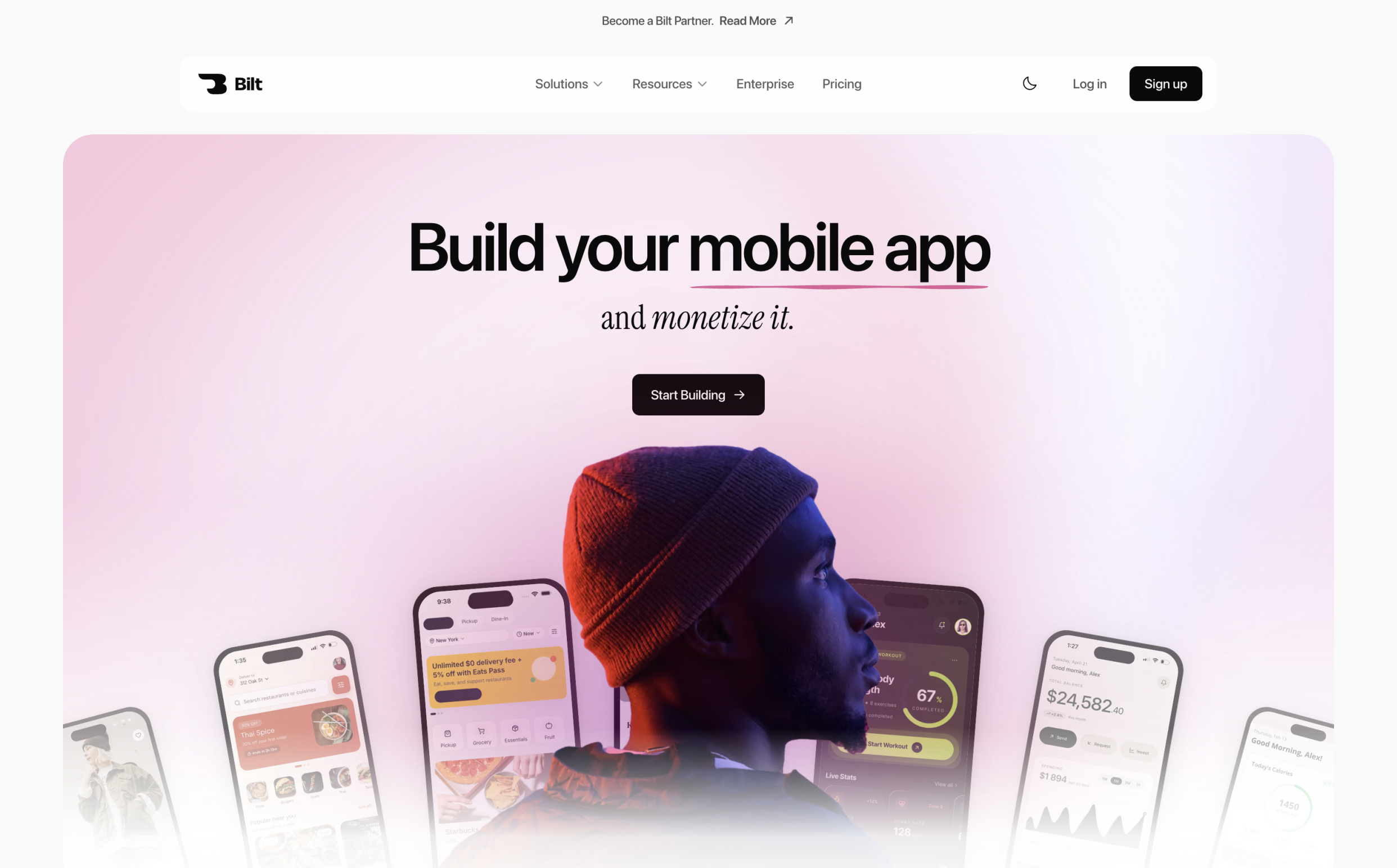
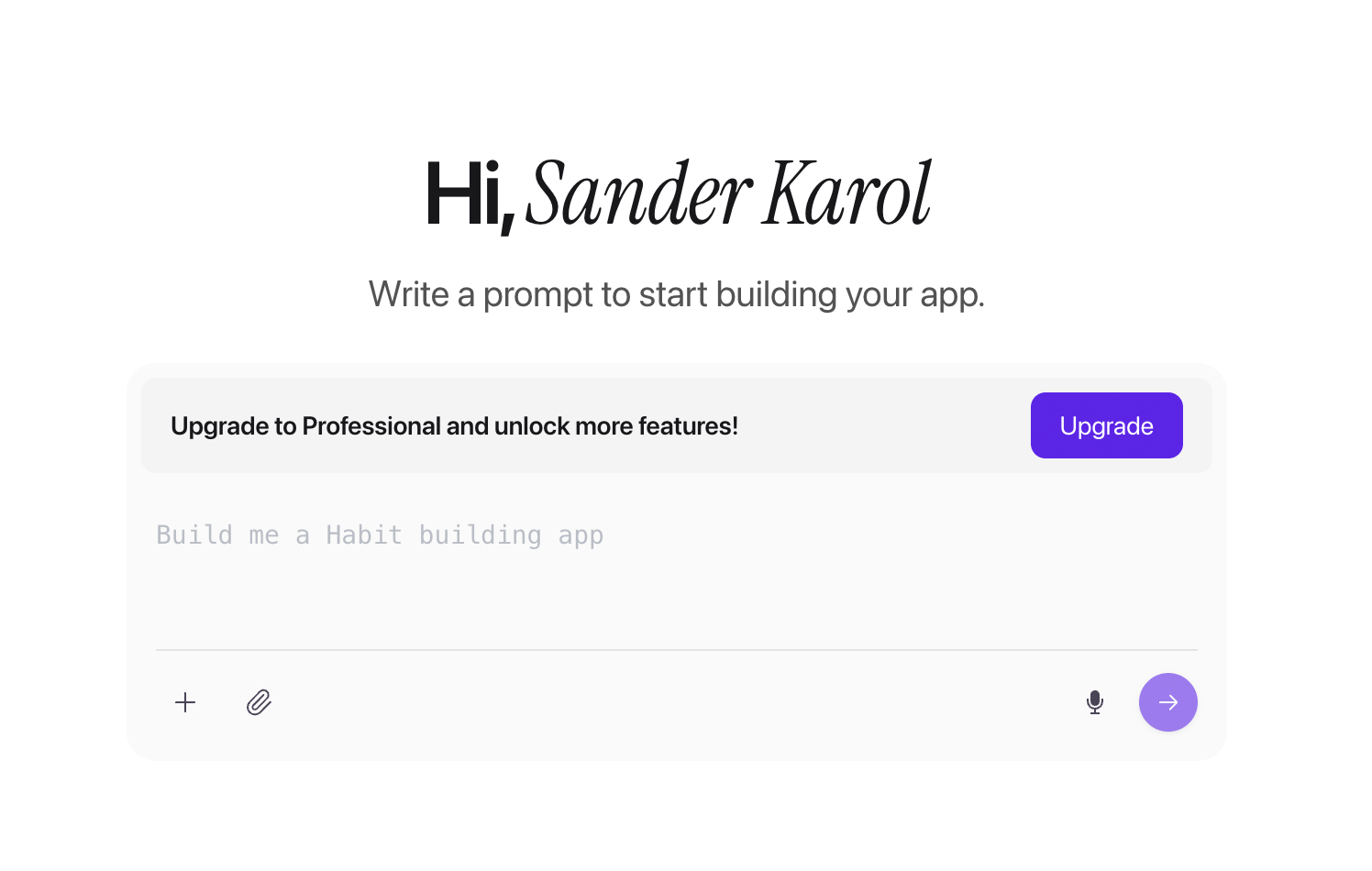
No code needed. No local developer setup. You tell Bilt what you want to build, and Bilt handles the build, backend setup, code signing, and App Store and Google Play path.
Bilt is the better pick than Blink when you want to launch something people can actually download, use, and pay for.
Why choose it over Blink
Blink is useful for moving fast on a prototype. Bilt is built for the full mobile app path.
With Bilt, you can:
- Describe your idea in normal language instead of writing code
- Build a real native app that works on both iOS and Android
- Get backend setup handled so the app can do more than show screens
- Move through code signing and store submission without figuring out Xcode, certificates, or provisioning profiles on your own
- Export the React Native code when you want a developer to extend the app later
Bilt works best for builders who want to ship, not just demo:
| Good fit for Bilt | Why Bilt fits |
|---|---|
| First-time builders with a clear app idea | You can describe the app in plain English and get a native build without coding |
| Vibecoders who want to publish | Bilt helps turn an idea into an iOS and Android app that can reach the stores |
| Web app owners who want to go mobile | Bilt helps turn an existing web product into a native mobile version |
| Founders testing an MVP | The workflow supports fast building, iteration, and store publishing |
| Builders stuck at the last mile | Bilt is strongest when deployment, signing, and store submission are the blockers |
Pricing
You can start free. The Free tier includes 3M AI tokens per month, which covers roughly 12-30 prompts depending on prompt complexity.
Paid plans are simple:
- Professional: $25/month with 10M tokens, about 40-100 prompts per month, plus priority agent access and integrations
- Professional Plus: $50/month with 20M tokens, about 80-200 prompts per month, plus priority support and early feature access
- Enterprise: custom token volume, flexible billing, dedicated onboarding, and group-based access control
Annual billing saves 2 months compared with monthly billing.
Bilt is the clearest choice in this list when your goal is simple: start free, build a real native app, publish on iOS and Android, and earn from the app when your business model is ready.
Ready to build your app? Start free with Bilt, describe your idea in plain English, and move toward a real native iOS and Android app without figuring out code signing or store submission alone.
2. Rork: AI app prototype assistant
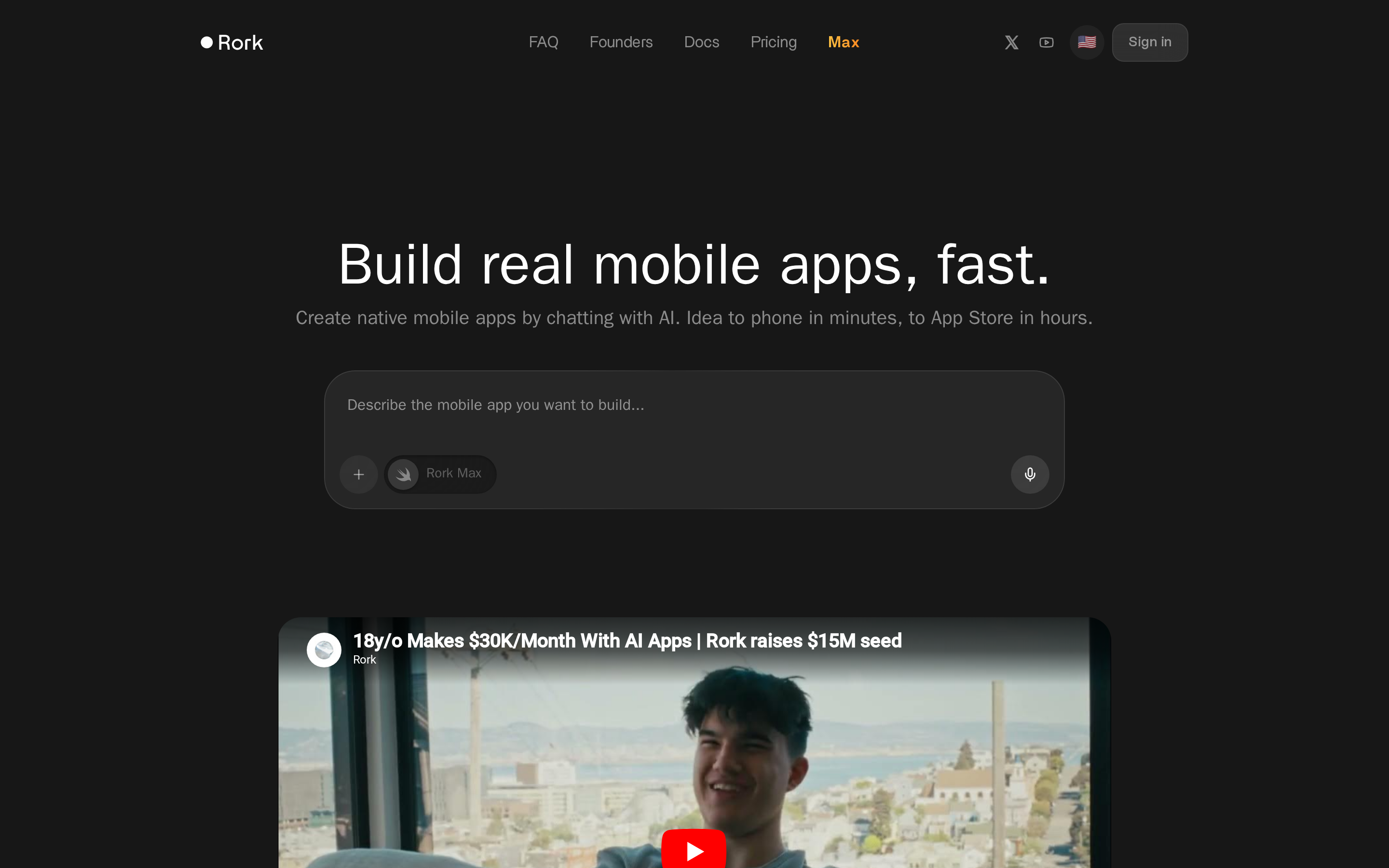
Chat prompts turn into native iOS and Android apps with Rork, and Rork Max adds deep Apple ecosystem support through SwiftUI.
Best for
| Rork is best for | Why |
|---|---|
| iOS-first builders | Rork Max adds SwiftUI and deeper Apple ecosystem support |
| Solo founders testing native app ideas | The chat-based workflow is fast for early mobile MVPs |
| Makers who want App Store help | Rork supports TestFlight and App Store submission without local Xcode setup |
Where Apple-native depth matters
Rork stands out for Apple-native depth.
It is described as the first web-based Swift app builder, with SwiftUI in Rork Max and React Native/Expo for cross-platform builds.
The SwiftUI and React Native setup matters for apps that need:
- HealthKit for health data
- Siri shortcuts for voice-triggered actions
- Widgets for home screen utility
- NFC for tap-based flows
- AR/LiDAR for camera-led experiences
Few tools in this comparison claim that level of Apple-specific support.
| Dimension | Rork vs Blink.new |
|---|---|
| Output type | Rork: SwiftUI + React Native; Blink.new: React Native + web |
| Publishing workflow | Rork: TestFlight and App Store support, with manual Android AAB upload; Blink.new: store workflow on higher plans |
| Credit model | Rork: Pro at $20/month with 100 credits; Blink.new: separate plan and credit limits |
| Mobile specialization | Rork: Apple features including HealthKit, Siri, NFC, and AR/LiDAR; Blink.new: broader web-and-mobile workflow |
Rork makes publishing easier on Apple devices.
The platform builds and submits for TestFlight and the App Store without local Xcode setup, though you still need your own Apple Developer account and Expo token. Rork uses Expo under the hood for on-device previews, so you test through the Expo Go app rather than a native build.
Google Play is less automated. Rork's docs describe a manual Expo build and manual AAB upload in Google Play Console.
That makes Rork easier to evaluate than tools with open iOS publishing questions.
Vibecode reportedly faced an Apple enforcement action in March 2026, which adds uncertainty around iOS deployment.
Rork has some traction with indie builders.
Public examples cited for Rork include a 4.6/5 Product Hunt rating, revenue stories up to $131K in 6 months, and support for features like chat, voice, and image generation.
It also has integration guidance for Supabase and Stripe, which helps solo builders move beyond a static demo.
Where the credit math breaks down
Rork's main drawbacks are credit burn, weak collaboration, and a chat-only editing loop that gets harder to manage as apps grow.
Rork can get expensive when an app needs repeated fixes.
The Pro plan costs $20/month for 100 credits, and repeated debugging can burn through that quickly on more complex builds.
- Watch for this: Chat-only editing slows down UI polish once the app has more than a few screens.
Reported criticisms cluster around three issues:
- credits disappear fast during revision
- bugs show up more often on complex projects
- the value feels worse when iteration drags on
For web-first projects, Base44's lower entry price and free tier create less pricing risk.
Rork is built for solo use.
Rork documents project sharing and team invites, but the docs reviewed do not confirm real-time multiplayer editing.
That matters if multiple people need to review prompts, tweak flows, or work in parallel.
Teams usually get more structure from tools like RapidNative or Rocket.
Editing in Rork happens through chat.
That is fine for simple changes, but it is harder to control when a product needs precise UI adjustments or repeated feature rewrites.
There is no visual canvas or parallel code-first surface comparable to Dreamflow or RapidNative.
The pattern in community reviews is consistent: Rork outputs are often described as MVP-ready, not fully production-ready.
Why choose it over Blink
Rork is more specialized than Blink.new when Apple-native features matter.
Both products can generate mobile apps and support a path to publishing. Rork's clearest difference is the option to use SwiftUI alongside React Native.
That matters for apps built around:
- HealthKit
- Siri shortcuts
- Home screen widgets
- NFC
- AR or LiDAR
Blink.new takes a broader web-and-mobile approach, so compare the current plan limits and release steps before choosing.
Some founders have shared revenue results publicly, though outcomes vary. For builders who need both iOS and Android with a fuller deployment path, Bilt covers more of that journey. Apple-only features like HealthKit, Siri shortcuts, NFC, widgets, and AR/LiDAR go well beyond what a web-first prototype tool is built to handle.
3. Vibecode: fast prototyping with prompt-based iteration
Vibecode is a prompt-based full-stack builder that turns natural language into web and React Native mobile apps with conversational iteration and real-time previews.
Best for
| Vibecode is best for | Why |
|---|---|
| Founders who want full-stack generation from prompts | It can generate UI plus database, auth, analytics, and CMS pieces |
| Builders who want prompt-first iteration | You can keep refining the product through chat and live previews |
| Teams with a technical fallback path | SSH access and Cursor editing make handoff easier once prompts hit limits |
Key strengths
Vibecode's strengths are speed, full-stack generation, real-time previews, and an upgrade path from prompt-only building into direct code editing.
Vibecode can generate more than UI from one prompt.
The platform is described as building the app layer alongside database, auth, analytics, and CMS pieces, which shortens setup for founders who want a working MVP instead of a screen mockup.
The blueprint also credits Claude Opus for better stability on more complex prompt chains.
That does not remove complexity, but it does help explain why some builders prefer it for fast iteration.
Vibecode gives builders two ways to iterate.
They can keep refining by prompt, or connect through SSH and edit the generated code in Cursor.
The SSH-to-Cursor handoff is useful.
Non-technical builders can start in chat, while more technical collaborators can step in when prompts stop being enough.
The tradeoff is interface simplicity.
Unlike Dreamflow, Vibecode does not add a visual drag-and-drop layer.
Real-time previews are another reason Vibecode is easy to test early.
The platform generates live previews and QR codes for on-device testing, so builders can check flows on a phone without setting up local iOS or Android tooling first.
Limitations
Vibecode's biggest drawbacks are iOS publishing uncertainty, credit-based pricing, and weak support for collaborative workflows.
The biggest thing to check is the iOS deployment path.
Vibecode's deployment overview requires an Apple Developer Program membership and an Expo account before you can publish to the App Store.
That's standard setup for this category, but confirm it before you commit credits to a build.
That does not make Vibecode unusable.
It does mean iPhone-first teams should walk through the deployment guide first, since testing and publishing both depend on that setup being in place.
Vibecode's pricing is harder to predict than a flat monthly tool, and the company says its tiers may change.
Vibecode's pricing page lists a Free plan at $0/month with $2.50 in credits. Paid plans include:
- Plus: $20/month with $20 in AI credits per month
- Pro: $50/month with $55 in AI credits per month
- Max: $200/month with $220 in AI credits per month
Credits represent AI usage and roll over without expiring, according to Vibecode's documentation.
Deployment allowances are tracked separately from AI credits.
Plus includes one deployment per month, Pro includes three, and extra deployments cost $20/month each, per Vibecode's deployment guide.
Because credits roll over, occasional use doesn't waste your balance the way an expiring-credit model would.
That structure favors builders who already know they'll stick with Vibecode, not casual testers comparing options side by side.
Vibecode is not built for shared editing.
There are no team workspaces or real-time multiplayer features documented for any plan, so collaboration usually means one person works in chat and another picks up the code later.
That handoff model is workable for a solo founder.
The same handoff model is limiting for agencies, product teams, or stakeholder-heavy projects.
Why choose it over Blink
Vibecode's clearest difference is its prompt-to-code handoff.
You can begin in chat, preview on a device, then connect through SSH and continue in Cursor. That gives technical teammates a direct editing path when prompts stop being precise enough.
Blink.new also covers full-stack app generation, so compare the current pricing, collaboration, and deployment setup. Vibecode does not document shared team workspaces or real-time co-editing.
4. Base44: full-stack app builder for indie developers
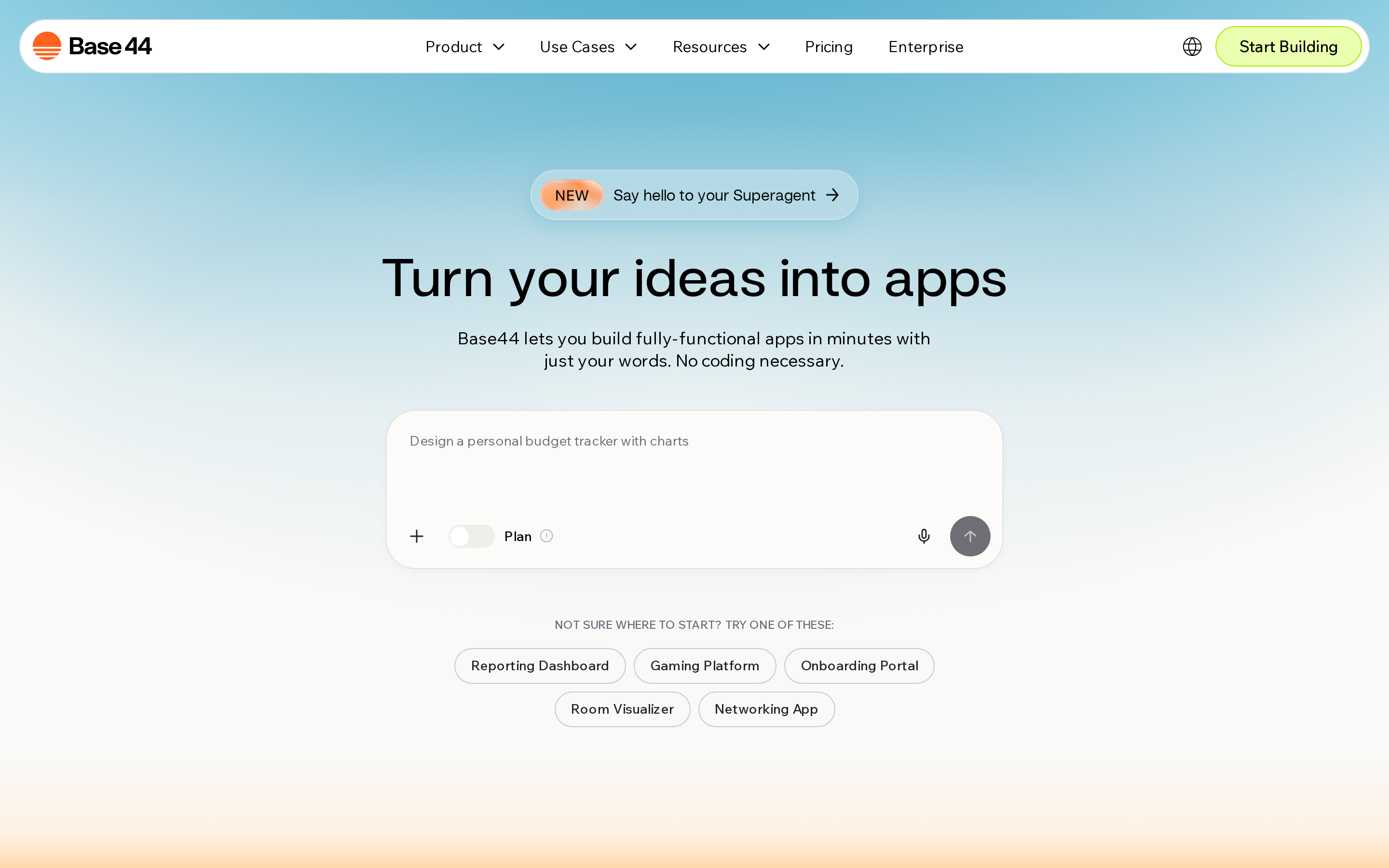
Founders who want a backend baked in from the first prompt often land on Base44, a no-code full-stack web app builder that generates responsive UIs, databases, APIs, and automations with instant hosting.
Best for
Base44 is a web-first pick.
Here is what to know at a glance:
- best for web apps, dashboards, and internal tools
- strong on database, APIs, and automations
- weaker for teams that want a true native mobile app
Key strengths
Base44's best feature is the built-in backend.
You get the app UI plus the pieces that usually slow down MVP work:
- database
- authentication
- APIs
- workflows
- file storage
- integrations with Stripe, Zapier, Salesforce, and GitHub
Base44 pairs prompt-based building with visual cleanup after generation.
Discussion mode helps shape the app before build-out. Visual editing handles colors, fonts, and spacing without code.
Pricing, including a budget-friendly free tier, is another reason Base44 gets attention.
- Free tier: 25 message credits/month
- Starter plan: $16/month when billed annually
- Lower entry cost than Rocket Pro at $25/month
For indie developers testing a web app idea, that pricing makes Base44 one of the cheaper full-stack options here.
Limitations
Base44's main limitations are weak public support, credit burn on fixes, a web-first mobile path, and production scalability concerns.
Base44's weaknesses show up once a project needs reliability, scale, or native mobile delivery.
User sentiment is the biggest warning sign.
- Trustpilot rating: 2.3/5 across 511 reviews
- Reported issues include slow support, glitches, billing frustration, and credits burning on bug fixes
- Teams that want steadier support may feel safer with tools that have stronger public feedback, such as Rork or Dreamflow
Native publishing is the second gap.
Base44 can prepare apps for store submission and generate IPA or AAB files, but the mobile output is still a lightweight native wrapper around the web app, not full native app generation.
Scalability is the third concern.
Base44 looks strongest at MVP stage. Trustpilot reviews back this up — at 2.3/5 from 511 users, scalability and support are the most common complaints past the MVP stage.
Why choose it over Blink
Base44 is a better fit than Blink.new when the job is building a web app or internal tool from scratch.
- Blink.new: rapid web and SaaS prototyping
- Base44: custom web apps with backend included
- a0 or RapidNative: stronger fit if app store publishing is part of the brief
Base44's free tier makes early validation easier.
With 25 monthly message credits, instant hosting, and a backend that covers auth, APIs, and storage during beta, Base44 lets a solo founder test a web product idea before paying for extra infrastructure.
5. a0: AI-native app generator
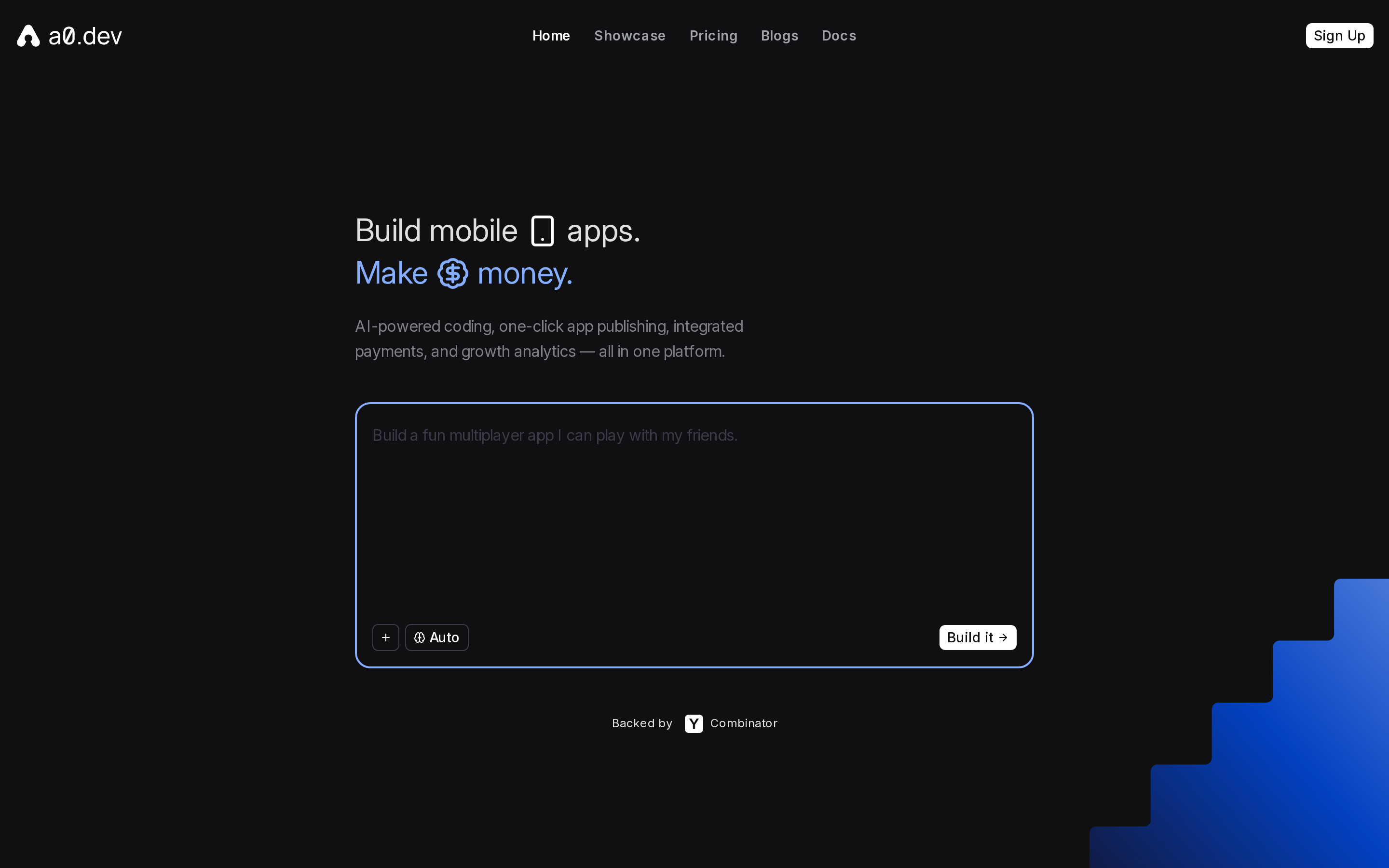
Type a prompt into a0 and get a published React Native app for iOS and Android without touching Xcode. The YC-backed generator bundles built-in payments, analytics, and one-click store publishing into the same chat workflow.
Best for
a0 is best for indie developers, entrepreneurs, and non-technical vibecoders who want to go from idea to a published React Native app without setting up a local IDE.
a0 fits builders who want a native app in the store fast.
Some apps built on a0, including games and productivity tools, have charted in the App Store. With 200K+ users and 300K+ apps generated, the platform has a stronger launch record than a typical prototype-only builder.
- Some apps, including games and productivity products, have charted in the App Store
- YC backing adds credibility for founders comparing early-stage tools
a0 is less compelling for team-heavy workflows or deep Apple-specific builds.
RapidNative is a better fit for real-time collaboration because it offers workspaces and team invites. Rork Max is the stronger choice for Apple-native features like HealthKit, widgets, Siri, or AR.
Key strengths
a0's core strengths are its one-click App Store and Google Play deployment pipeline, built-in payments and analytics, OTA updates, and 2-way GitHub sync, all without requiring Xcode or Android Studio.
a0's best feature is the publishing pipeline.
The platform handles the deployment work that usually blocks non-technical founders.
That includes:
- One-click App Store builds
- One-click Google Play builds
- Code signing
- Store listings
- Submissions
- OTA updates after launch
- APK export and web deploy
a0 includes more than deployment.
Built-in payments, subscriptions, analytics, asset upload, AI APIs, and image generation reduce setup work outside the app builder. The backend runs on Convex or Supabase without manual infrastructure setup.
GitHub sync adds a real handoff path.
a0 offers 2-way GitHub sync, so a developer can pull generated React Native code into a normal workflow, make edits, and sync changes back.
Limitations
a0's main tradeoffs are reliability on complex logic, credit use during repeated iteration, and limited support for multi-person workflows.
a0 can shorten the path to publishing, but complex logic and team workflows need a closer look.
Complex logic is one pain point.
- Test advanced logic, edge cases, and integrations before committing to a production build
- Run the full app on real devices instead of judging it only from generated previews
Credits are the second tradeoff.
- Pro plan: $20/month for 100 credits
- Max plan: $200/month for 1,250 credits
- Repeated debugging and prompt revisions use more credits, so estimate iteration work before choosing a plan
Team workflows are the third gap.
If several people need to edit at once, confirm the current workspace and permission options before choosing a plan. GitHub sync supports developer handoff, but it is not the same as working together inside the builder.
Why choose it over Blink
a0's clearest difference is its mobile-specific bundle.
The workflow combines React Native generation with:
- payments and subscriptions
- analytics
- over-the-air updates
- two-way GitHub sync
- iOS and Android submission automation
Blink.new covers web and mobile app generation. Compare each platform's current credit rules, code handoff, and release steps rather than treating Blink as a communication tool or prototype-only product.
6. RapidNative: mobile-first rapid builder
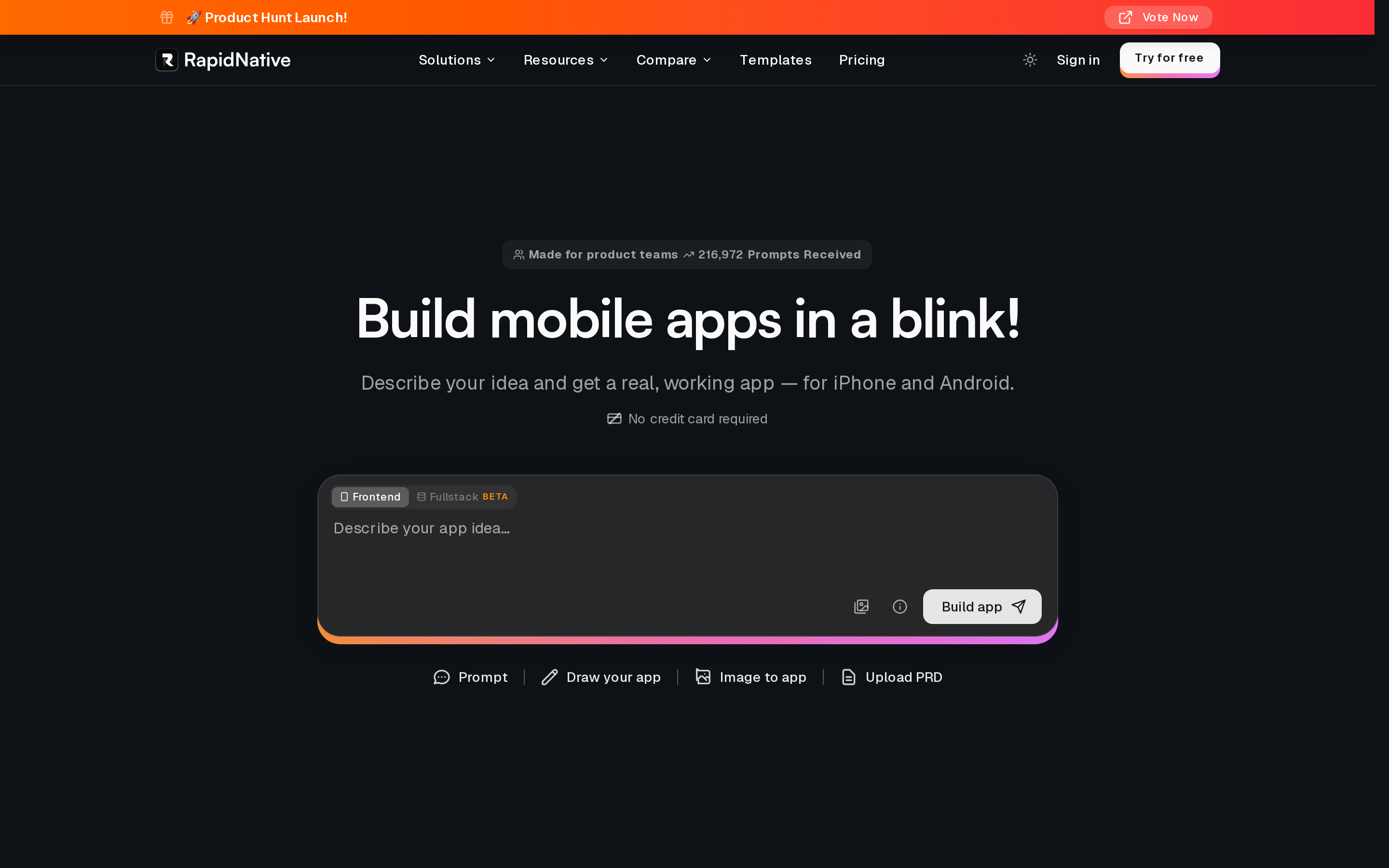
RapidNative is a mobile-first AI app builder that generates production-ready React Native full-stack apps from plain English prompts, sketches, or Figma files.
Best for
RapidNative is best for freelancers, agencies, and non-technical founders who need rapid app prototyping software to test native mobile app ideas before committing to full development.
RapidNative fits teams that need to prototype mobile apps together.
The platform is strongest for freelancers, agencies, and non-technical founders who want a native mobile MVP quickly, then a React Native codebase a developer can extend.
- Early adopters on Product Hunt reported usable apps built in a day
- By April 2026, RapidNative had processed 200K+ prompts
- The workflow supports both fast prototyping and developer handoff
RapidNative is less proven than Rork for solo success stories.
Rork has clearer public wins and stronger Product Hunt traction. RapidNative stands out instead on collaboration, which matters more for agencies and stakeholder-heavy projects than solo experimentation.
Key strengths
| RapidNative strength | Why it stands out |
|---|---|
| Collaboration | It supports shared prototyping and team workflows better than most chat-only tools here |
| Flexible inputs | Builders can start from prompts, sketches, or Figma files |
| Developer handoff | The React Native output is meant to be extended after the MVP stage |
Limitations
RapidNative's main limitations are early-stage maturity with limited verified store successes, a credit-based system that can constrain heavy iteration, and no Git integration yet.
RapidNative is promising, but the platform still looks early.
Public proof is thinner than the stronger names in this list.
- Early Product Hunt traction was minimal
- Review depth is still limited beyond social posts and early user comments
- Verified store success stories are harder to find than with Rork or a0
Credits are another constraint.
- Free: 20 credits, no export
- Starter: $20/month for 50 credits
- Pro: $49/month for 150 credits
That structure can slow teams that revise prompts heavily during client work.
Git workflow is the last gap.
Git integration is still listed as coming soon. Teams that need immediate GitHub sync should look at a0 or Rocket instead.
Why choose it over Blink
RapidNative's clearest difference is the way a project can start and how teams can work on it.
It accepts prompts, sketches, and Figma files. Shared workspaces and QR previews make stakeholder feedback easier before a developer takes over the React Native code.
Blink.new also builds mobile apps, so the useful comparison is input methods, collaboration, code export, and release support.
7. Dreamflow: visual AI app builder
Dreamflow is a Flutter-based visual AI app builder combining prompt generation, drag-and-drop canvas editing, and a synchronized code editor in one surface.
Dreamflow comes from the FlutterFlow team, which already has 2M+ users on its visual Flutter builder. If you have heard of FlutterFlow, Dreamflow is its AI-first evolution.
| Dreamflow is best for | Why |
|---|---|
| Teams that want visual control | It combines prompt generation with a drag-and-drop canvas |
| Flutter-focused builders | Dreamflow is the clearest Flutter-first option in this list |
| Mixed design and dev workflows | Designers and developers can work across visual and code surfaces |
Key strengths
Dreamflow's main strengths are its unique tri-surface editing workflow, Flutter-native code export, strong Firebase and Supabase backend integrations, and a 4.9/5 Product Hunt rating from 45 reviews.
Dreamflow's biggest differentiator is the tri-surface workflow.
You can prompt the AI, adjust the visual canvas, or edit the code. Each surface updates the others.
- AI prompt for fast generation
- Visual canvas for drag-and-drop layout control
- Live code editor for Flutter-level customization
- Screen Planner to shape screens before spending credits
Backend support is another plus.
Dreamflow integrates with Firebase and Supabase for authentication, database setup, and Edge Functions, and the agent applies Flutter-specific best practices while generating code.
Dreamflow has a 4.9/5 Product Hunt rating from 45 reviews, which reflects strong early community reception.
That product lineage means more mature tooling conventions and a larger support community than most newer builders here.
Code ownership is better than many no-code tools.
Dreamflow exports full Flutter projects starting on the $20/month Hobby plan, so leaving the platform does not mean rebuilding from scratch.
Limitations
Dreamflow's main limitations are credit burn during debugging, unreliable real-device previews, and a visual canvas some users find clunky.
For comparison, tools like Rork or a0 use AI-only workflows that skip the canvas entirely.
Credits can disappear quickly once debugging starts.
The free plan includes 10 credits, and Hobby includes 100 credits for $20/month. Iteration loops can burn through that faster than expected.
Preview reliability looks less settled.
Real-device preview issues have been reported, and local run support was teased but not clearly confirmed. If dependable phone testing is a priority, Rork or a0 look safer from the comparison data.
The visual editor adds control, but not everyone will like it.
In our review of community feedback, the tri-surface editor is genuinely useful but has a steeper learning curve than the demo videos suggest.
Dreamflow gives you more control than Rork or a0, but it asks more patience too.
If Flutter code ownership matters, those trade-offs are worth it.
If you want a visual Flutter builder but Dreamflow is not the fit, compare the broader range of FlutterFlow alternatives.
Why choose it over Blink
Dreamflow is the only Flutter-first option in this list. For teams that already know Flutter or want to own cross-platform Flutter code, that is the whole argument.
8. Rocket: full-stack generator from a single prompt
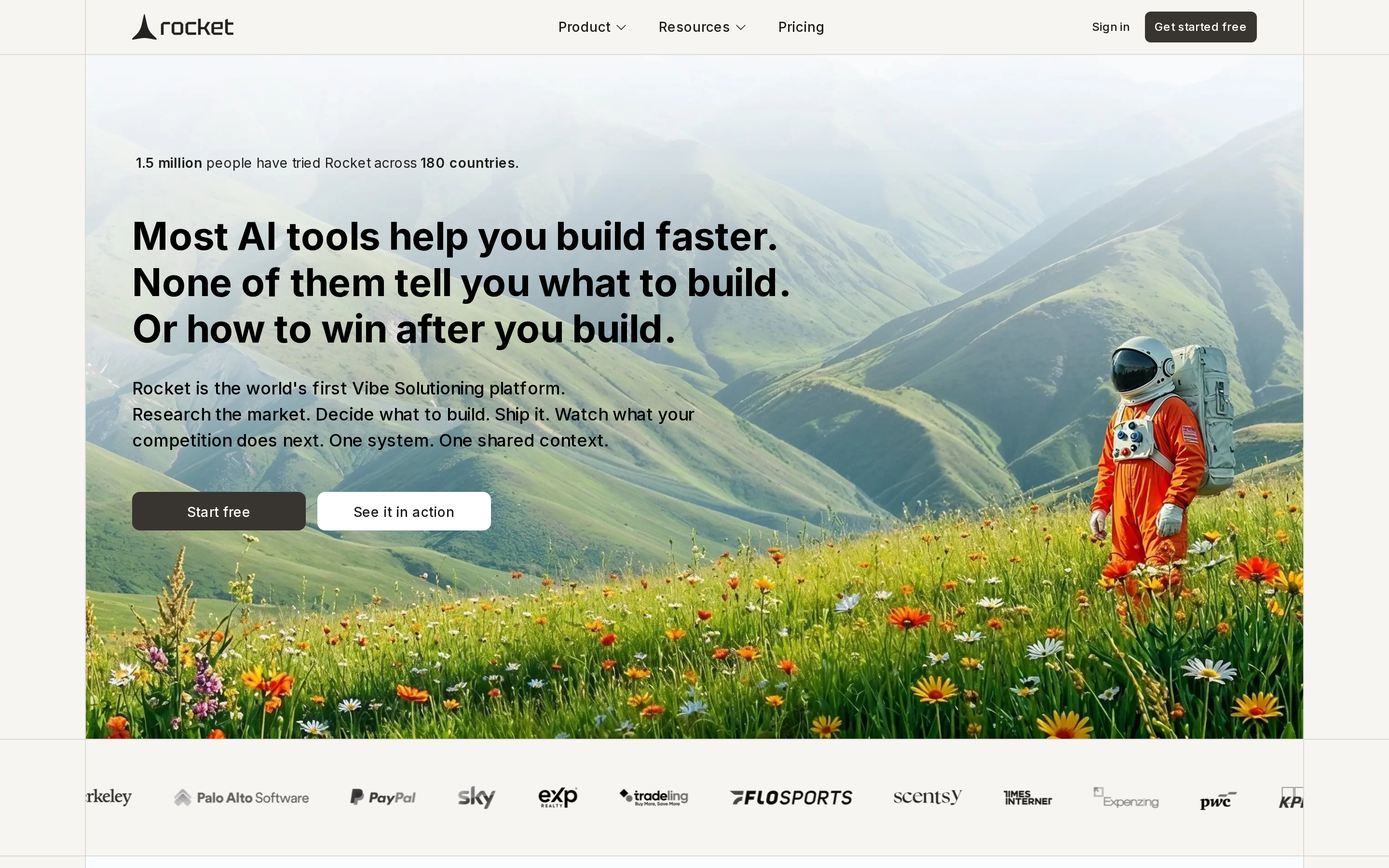
Rocket is a full-stack AI app builder for founders and teams that want to validate an idea before generating a web or Flutter app.
From one prompt, it combines market research, competitor tracking, product planning, and app generation in one workflow.
Best for
Rocket fits solo founders, product teams, and consultants who want idea validation, market research, and full-stack app generation in one workflow. It is strongest for teams that want validation before development, not just generation after a prompt.
- Founders testing an idea who want competitor research and a PRD before building
- Consultants and product teams who need shared context across research, generation, and iteration
- Enterprise-oriented teams that care about SOC2, SSO, and RBAC
- Groups with multiple contributors, since Rocket's paid plans include unlimited team members
| Plan | Price | Credits | Best for |
|---|---|---|---|
| Free | $0 | 20 one-time | Testing the platform |
| Pro | $25/month | 100/month | Solo builders and light use |
| Rocket | $50/month | 250/month | Research and competitor intelligence |
| Booster | $250/month | 1,500/month | High-volume teams and enterprises |
Key strengths
Rocket's standout feature is Solve. Before any code is generated, Solve runs market research, competitor analysis, and PRD creation. No other tool in this roundup makes pre-build validation a central part of the workflow.
Input flexibility is broad. Rocket can start from a natural-language prompt, a Figma file, an uploaded image, or one of 25,000+ templates.
Deployment covers one-click staging and production deploys, custom domains, app store publishing support, full code download, and GitHub export.
Publishing here means build generation and submission automation, not guaranteed review approval, and it doesn't include the separate Apple Developer Program fee ($99/year) or Google's $25 one-time registration.
- Unlimited team members and workspaces on all paid plans
- Shared context across Solve, Build, and Intelligence
- Enterprise controls: SOC2, SSO, and RBAC
Rocket cites 400,000 users and $15M in seed funding. Public sentiment is more mixed, with a 3.8/5 on Trustpilot from 84 reviews. The pattern we see in early reviews is that the Solve research layer saves time that would otherwise be spent on post-build pivots.
The Intelligence module monitors competitors after release and shares that context with the rest of the platform. No other tool in this article positions post-launch competitor tracking this directly.
Limitations
Rocket is expensive by this list's standards. The free tier gives 20 one-time credits. Trustpilot complaints point to token burn during iteration, so bug fixing can get expensive fast on the paid tiers.
Rocket uses Flutter for mobile output. That works for cross-platform coverage, but teams chasing polished native behavior may need manual tweaks after generation.
Scalability is less proven than the pitch suggests. Reddit discussions raise questions about complex production apps, and public examples lean toward simpler SaaS builds. For higher-confidence mobile shipping, a0 or RapidNative have a clearer track record in this comparison.
Why choose it over Blink
Blink.new does not run market research before it builds anything. Rocket does. That single difference matters for founders who want validation baked into the build process, not bolted on afterward.
Rocket documents shared workspaces, SOC2, SSO, and RBAC on its team plans. Those controls matter for larger teams, but they come with a much higher monthly price.
9. Onspace: collaborative app building workspace
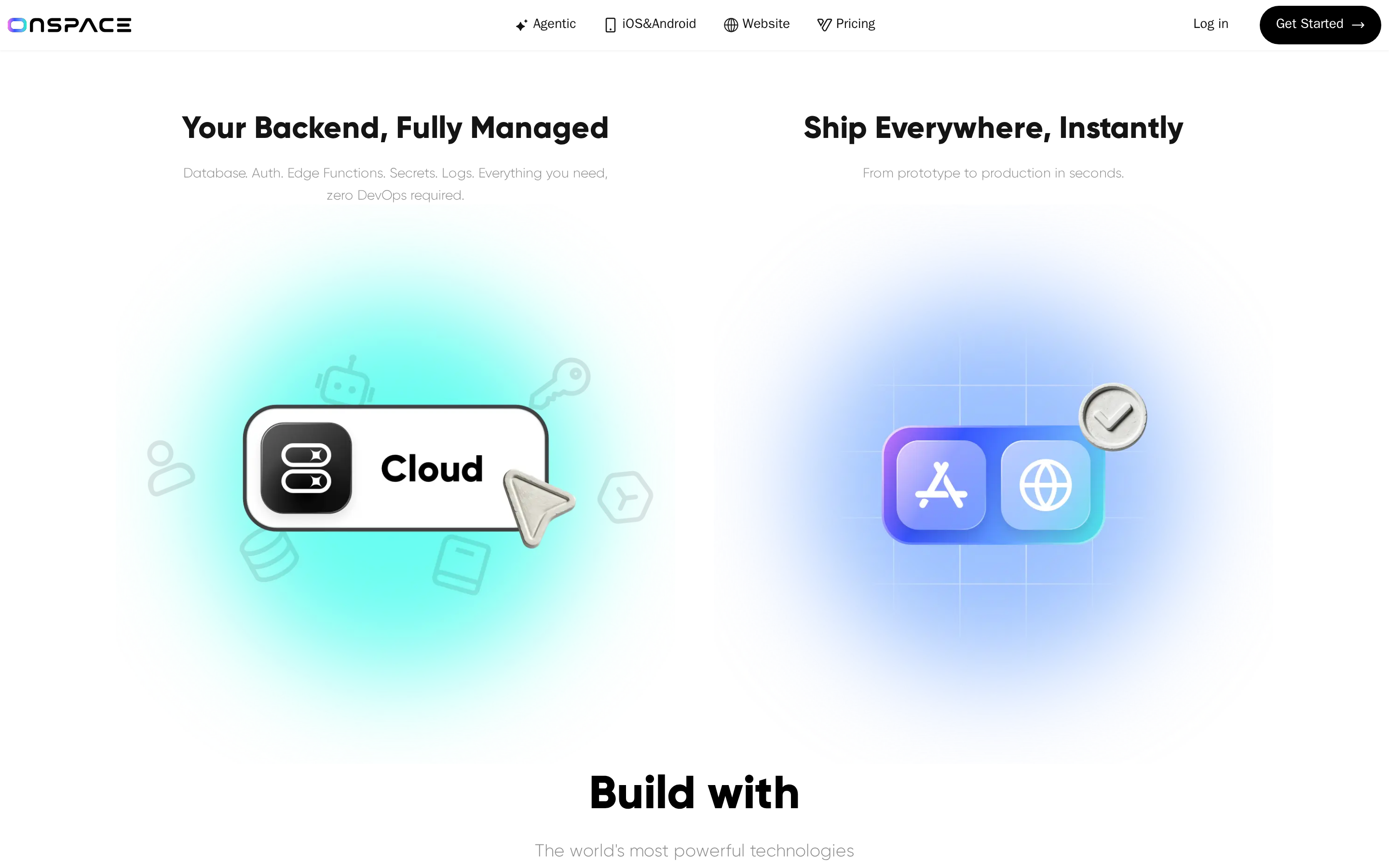
Non-technical builders describe an app in chat, and Onspace generates it, then pushes toward store publishing without manual backend setup.
Best for
Onspace is best for non-technical creators and entrepreneurs building and publishing simple native apps or AI-powered features quickly on a budget.
Onspace is aimed at simple native apps that need to get live quickly.
It fits best for:
- Solo builders launching utility apps or lightweight customer apps
- Founders testing AI features like chat or image generation
- Projects that need phone hardware such as camera or GPS
- Budget-conscious users, since Pro costs $25/month and the free tier offers 2K credits per month
Key strengths
Onspace's core strengths are native device integrations, premium AI model access without API keys, automated store publishing, and a cloud-managed full-stack backend.
Onspace covers practical device features that many no-code tools miss.
It supports camera, GPS, sensors, and native payments through Apple Pay and Google Pay. That makes it more useful for simple real-world mobile apps than web-only builders.
The AI model access is notable for the price.
Onspace Pro includes Claude and GPT-5 access without asking users to bring separate API keys. That lowers setup friction for non-technical builders.
Publishing is part of the pitch, not an afterthought.
Onspace handles code signing and automates App Store submission for iOS, though that's separate from the Apple Developer Program fee ($99/year) and doesn't guarantee review approval.
For Android, download an AAB file and upload it manually to Google Play Console, which charges a separate $25 registration fee. Direct Google Play publishing is marked as coming soon.
Reports on X and Reddit mention apps being built and published in under 45 minutes.
Onspace even offers a mobile companion app.
That means builders can review projects and keep working from a phone, which is unusual in this category.
Limitations
Onspace's main limitations are its underdeveloped collaboration features, poor support reputation, restrictive free tier, and mixed app store reviews as a newer tool.
Onspace is still weak on team collaboration.
Public projects and sharing exist, but mature multiplayer editing and full team account workflows are still developing. RapidNative and Rocket are better picks for multi-person work.
Support is a bigger risk here than with better-established tools.
Onspace has 2.5/5 on Trustpilot, with complaints about support responsiveness, credit handling, and mixed publishing outcomes. As a newer product, that uncertainty matters.
The free plan is useful for a quick look, but not for a serious test.
It limits users to 2K credits per month, public projects, and restricted downloads, so most private or production-style evaluations will push you to Pro.
Why choose it over Blink
Onspace makes more sense than Blink.new when budget and speed matter most for a mobile app launch.
Onspace is for app creation and publishing. Blink.new is a rapid prototyping tool.
Onspace makes more sense when budget and speed matter most.
For $25/month, Pro bundles premium AI models, device features, and automated store publishing. That is appealing for solo founders who want to validate an idea quickly.
10. Apsy: no-code mobile app builder
Beginners describe an app in plain English, and Apsy turns that into a mobile build with guided prompts toward store publishing.
Best for
Apsy is best for beginners, solopreneurs, and small business owners who want to prototype and publish e-commerce, social, or AR mobile apps without any technical setup or coding.
Apsy is built for first-time app creators who want the platform to guide the process.
It works best for:
- Beginners who do not know how to structure a prompt yet
- Solopreneurs prototyping e-commerce or social apps
- Small businesses that want a mobile app without hiring a developer
- Early experiments with AR or other mobile-first ideas
Key strengths
Apsy's standout feature is a guided, question-first workflow. Here is how the process works:
- Describe your app. Apsy asks follow-up questions before building, which reduces prompt guesswork for first-time builders.
- Review the generated build. Edit individual screens one at a time, without using a canvas or drag-and-drop editor.
- Pay $50/month to publish. Apsy handles code signing and automates submission, but doesn't guarantee approval. That's separate from Apple's $99/year developer account and Google's $25 one-time fee. Ready to install in under 1 hour.
Source code export is included on paid plans, giving users a path to self-host or hand the project to a developer later.
Limitations
Still early: limited public validation. Apsy shows 5.0/5 on G2, but that rating comes from 1 review. There is no meaningful Reddit, X, or Trustpilot trail to confirm how the workflow holds up at scale.
The output stack is not publicly documented. Compared with tools that openly disclose React Native, Expo, or Flutter, Apsy leaves ambiguity around what the generated app is built on.
Apsy is a solo-builder product. There is no sign of team workspaces or multiplayer editing. Rocket and RapidNative are stronger picks when more than one person needs to work inside the builder.
Why choose it over Blink
| Apsy is best for | Why |
|---|---|
| Beginners who need guidance | Apsy asks clarifying questions before building the app |
| Solopreneurs testing simple mobile ideas | The workflow is aimed at early app creation without technical setup |
| Builders who want free testing before paying to publish | You can build and test before moving to the paid publishing plan |
| Users who want a guided publishing path | Apsy automates much of the store submission process |
Blink alternatives compared: features, pricing, and fit
Use this quick scan to compare the 10 Blink alternatives on stack, entry price, publishing help, and who each tool fits best.
| Tool | Stack focus | Entry price | Publishing help | Best fit |
|---|---|---|---|---|
| Blink.new | React Native + web | Free public tier; capped credits | Expo builds; Max-tier store workflow | Builders who want full-stack generation |
| Bilt.me | Native React Native | Free tier + $25/month | Signing and submission support | Non-technical mobile app builders |
| Rork | SwiftUI + React Native | $20/month | iOS support; manual Android AAB upload | iOS-first founders and solo builders |
| Vibecode | Web + React Native | $20/month | Store workflow remains less clear | Prompt-first full-stack builders |
| Base44 | Web-first | $16/month billed annually | Wrapper-style store files | Web apps and internal tools |
| a0 | React Native | $20/month | iOS and Android submission automation | Founders seeking fast native deployment |
| RapidNative | React Native | $20/month | Native build and release support | Teams and agencies needing collaboration |
| Dreamflow | Flutter | $20/month | Project export and mobile workflow | Flutter teams wanting visual control |
| Rocket | Web + Flutter | Free tier + $25/month | Build and store submission support | Teams combining research and generation |
| Onspace | Native mobile | $25/month | iOS automation; manual Android AAB upload | Budget-conscious solo builders |
| Apsy | Undisclosed mobile stack | Free build; $50/month publishing | Guided submission automation | Beginners wanting a guided setup |
Why builders switch from Blink
The biggest split is simple: some tools help you get a native app into the stores, while others are better for web-first MVPs.
| Reason teams leave Blink | What they need instead | Tools that fit better | Why it matters |
|---|---|---|---|
| Credit burn during iteration | More predictable pricing | Base44, Bilt.me, Dreamflow | Frequent fixes get expensive fast |
| Weak native mobile path | True native iOS and Android | Bilt.me, Rork, a0, RapidNative | Native apps handle device features and store reviews more cleanly |
| Backend gaps | Built-in auth, database, payments | Base44, Rocket, Vibecode | A prototype is not enough if the app needs real product logic |
| Limited team workflow | Collaboration and shared editing | Rocket, RapidNative | Teams need more than a solo prompt-to-screen workflow |
Price matters, but publishing support and code access usually decide whether a tool still works after the first prototype.
If you want the broader category view, our AI app builder comparison ranks these tools beyond the Blink lens.
Why builders look for Blink alternatives
Builders look for Blink alternatives when they need more control over publishing, code ownership, and whether the app can actually ship.
A fast prompt-to-screen workflow helps at the start. A mobile app still needs a backend, stable builds, and a path into the App Store or Google Play.
Common reasons for switching include:
- Credit burn during iteration: Shared credit pools and monthly resets can slow builders down when each rebuild, fix, or prompt consumes usage. You fix one bug, the next prompt triggers a rebuild, and by Friday you've burned half the month's credits without shipping anything new.
- Publishing workflow depth: Blink.new supports mobile builds, but plan limits and release steps still matter. Check whether a tool automates signing and submission or only generates build files.
- Backend fit: Blink.new includes backend services, but complex apps need clear support for auth, payments, database changes, monitoring, and recovery. Compare what is built in with what still needs manual setup.
- Team workflow limits: Real-time collaboration, governance controls, and clear roles matter once a project moves past solo prototyping.
Which Blink alternative should you choose?
Choose by output, publishing workflow, budget, and team size.
| Use case | Best fit | Entry cost | Main tradeoff |
|---|---|---|---|
| Native store publishing | Bilt.me, a0, Rork | $20-$25/month | Release help varies |
| Flutter apps | Dreamflow | $20/month | Flutter-specific workflow |
| Budget web MVP | Base44, Vibecode | $16-$20/month | Web-first deployment |
| Complete beginner | Apsy, Onspace | Free build or $25/month | Less code-level control |
| Solo founder | Bilt.me, Rork, a0 | $20-$25/month | Check publishing depth |
| Visual builder | Onspace, Apsy | Free build or $25/month | Guided workflows |
| Outgrowing Adalo | Bilt.me, RapidNative | Free or $20/month | Migration needs planning |
| Agency collaboration | RapidNative | $49/month Pro | Higher team tier |
| Enterprise controls | Rocket | $250/month | Highest entry cost |
| Figma or sketch input | RapidNative, Rocket | $20 or $25+/month | Team-focused pricing |
Bilt.me fits non-technical builders who want native output and submission support. Dreamflow serves Flutter work, while Base44 suits low-cost web MVPs.
For complete beginners, the easiest paths look different from the most flexible ones.
- Apsy is the most guided, because Apsy asks clarifying questions before building.
- Onspace is beginner-friendly too, with chat-based generation and automated publishing.
- Rork, a0, and Vibecode are better once some code familiarity exists, because direct code access is part of the value.
- Rocket is the strongest fit for enterprise or product teams that need unlimited seats, shared context, SOC2, SSO, and RBAC.
- RapidNative is a better mid-market option for small teams that want multiplayer editing without Rocket's price.
- Onspace is still maturing here, and Apsy is effectively a solo-builder tool.
Why teams switch to Bilt.me after trying the rest
Apps often look 80-90% done before backend bugs, code signing, and store rejections slow the release.
Bilt gives non-technical builders one workflow to finish the job:
- Native builds for iOS and Android
- Real-device previews
- Code signing
- Submission support
You still control your Apple and Google developer accounts, credentials, and review responses.
Bilt also lets you export and own the generated source code. You can self-host it or hand the React Native project to a developer.
Plans are priced by monthly AI tokens:
- Free: 3M tokens
- Professional: $25/month with 10M tokens
- Professional Plus: $50/month with 20M tokens
- Enterprise: Custom pricing and usage
- Annual billing: Saves two months
Get expert mobile advice in a free 15-min call: https://www.cal.eu/team-bilt/15min. Or start free at https://app.bilt.me/sign-up.
If the shortlist is still close, the questions below clear up the common edge cases.
FAQ
What is the best alternative to Blink?
Bilt is the best Blink alternative for non-technical builders who want help with native builds and store submission. Dreamflow fits Flutter, while Base44 fits web MVPs.
Blink supports React Native, backend services, GitHub export, and store publishing. Its free plan is public-only with capped refresh credits, while publishing requires Max.
Which Blink alternative is best for security?
Bilt helps teams ship native apps while protecting project data. Isolated AI processing limits data exposure, and encryption protects stored and transmitted data.
Do Blink alternatives require a subscription?
Yes. Blink alternatives usually use subscriptions or recurring credits once you move past a small free tier.
Pricing usually falls into 3 buckets:
- Monthly or annual plans: standard SaaS subscriptions
- Credit-based billing: prompts, builds, or generations reset each month
- Free tiers with caps: enough to test the product, not enough to run serious production work
Blink follows the same pattern. Its free tier has a monthly credit cap, and development stops once those credits run out.
Can Blink alternatives handle complex apps?
Some alternatives may fit complex apps better, but the deciding factors are backend control, testing, release safeguards, and access to the generated code.
Complex apps usually need 3 things:
- Native mobile support
- Room to keep iterating
- Access to the underlying code
Blink's free tier is better for evaluation than sustained production work.
For a complex app, confirm the paid plan's usage limits, code access, staging support, and release workflow before committing.
Bilt is often a better fit for more ambitious apps because it generates native React Native code, supports code export, and is built around publishing real iOS and Android apps.
Ready to turn your idea into a native iOS and Android app? Start building free. Free to start, no credit card.